Reader Rabbit 1st Grade: Capers on Cloud Nine!
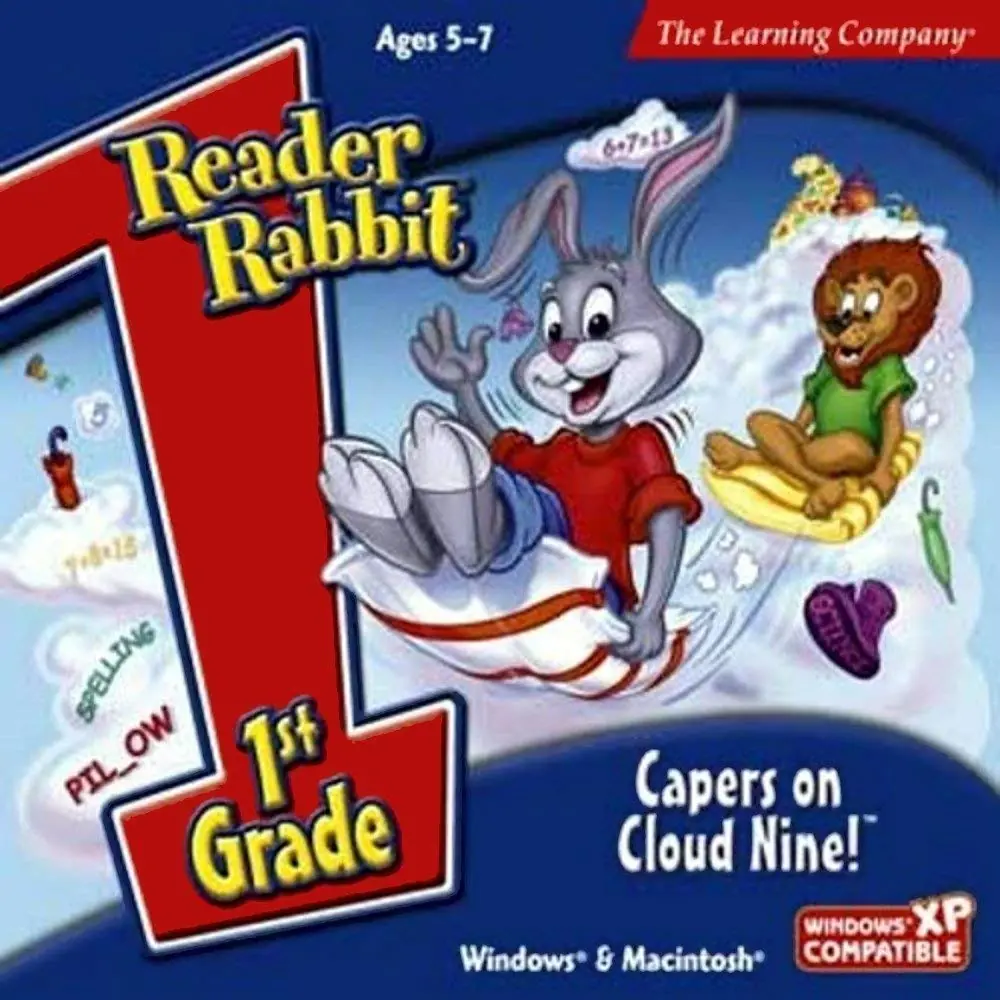
Reader Rabbit 1st Grade: Capers on Cloud Nine! is a 2001 educational game developed and published by The Learning Company.
Genres
Publishers
Developers
Released
Platforms
Reader Rabbit 1st Grade: Capers on Cloud Nine! is a 2001 educational game developed and published by The Learning Company.
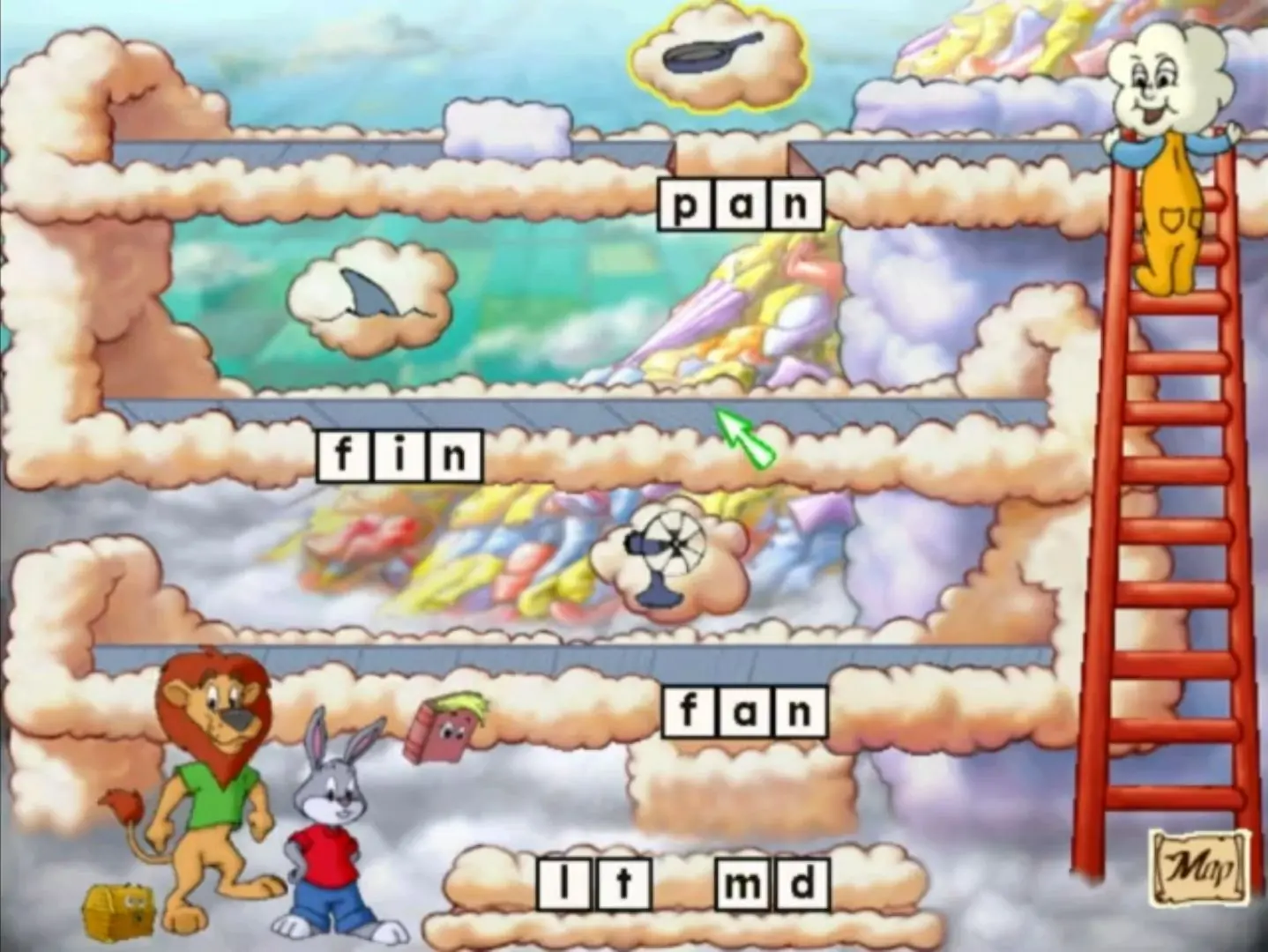
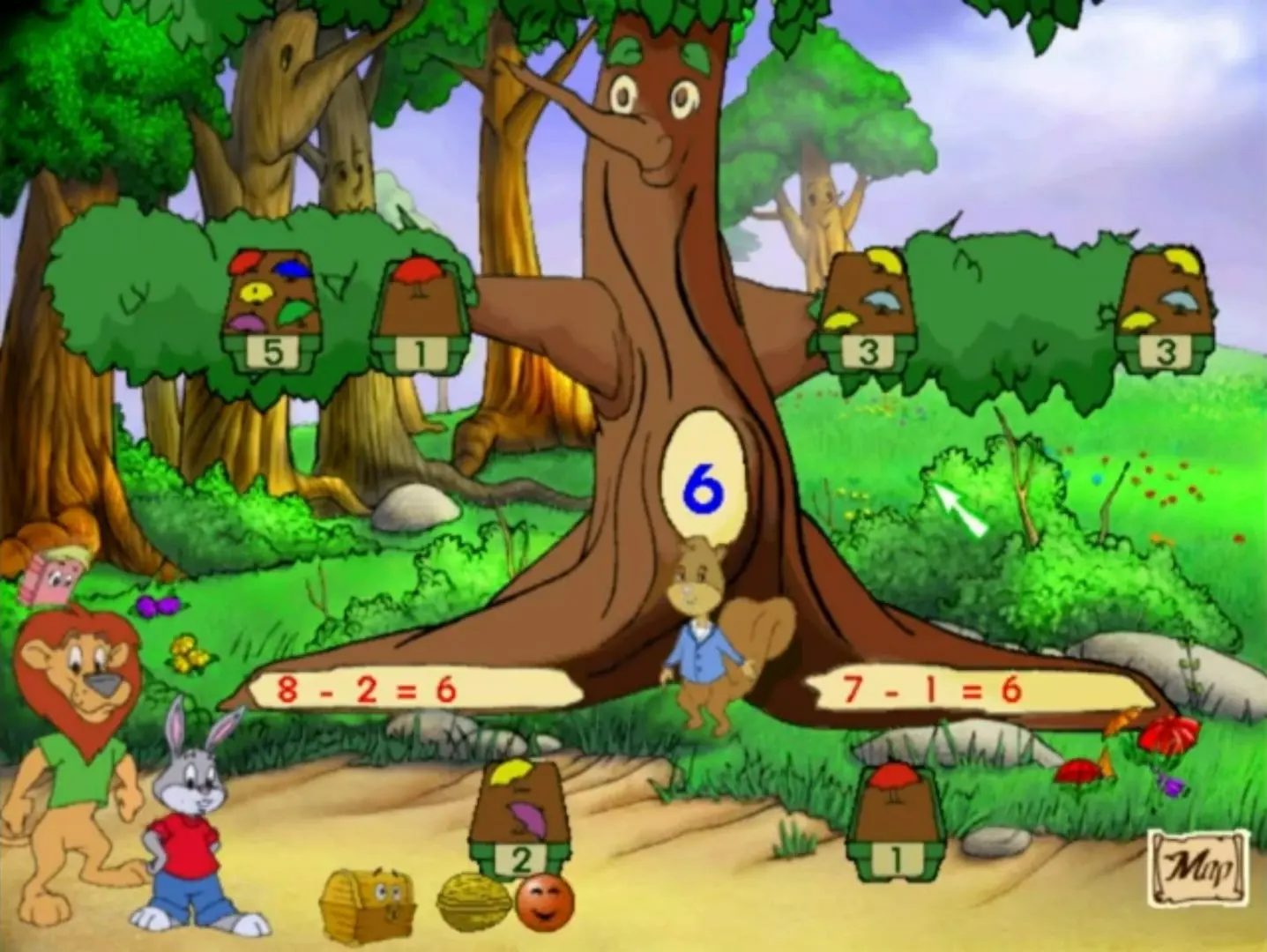
Take a Wild Ride Through Cloud Nine with Reader Rabbit! (Ages 5 - 7) Visit Cloud Nine with Reader Rabbit and Sam the Lion! It's suddenly started raining wacky raingear, so let's high-tail it to find out what's up with the weather. With fun activities in spelling, math, vocabulary, and science, your forecast calls for a 100% chance of learning fun! Musical Marble Patterns Use colorful singing marbles to complete the pattern and unlock the mystery door! Amazing Art Gallery Create moving pictures and then display your masterpieces in the Amazing Art Gallery! Raingear Forest Math Can you help save the Raingear Forest? Plant a tree with every correct equation you create!
Reader Rabbit 1st Grade: Capers on Cloud Nine! is abandonware and no longer sold or supported by its publishers. Files are archived here for these platforms:






To fix your issue, right-click on the setup (while in task manager of course) -> go to details. From there right-click the highlighted option and then click Analyze wait chain. From there it will tell you what is holding up the process.
although the project from that Archive is now Deprecated, I have been working on it for 3 years I am retiring. link below
https://archive.org/details/httpsarchive.orgdetailslearning-creative-64-bit-installation-version-3.7
(although soon i am releasing a compressed files version soon as i got feedback by email that people are having slow download speeds or on dial-up connection. as it is about 130 gags.)