Reader Rabbit Dreamship Tales
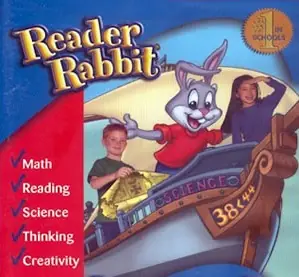
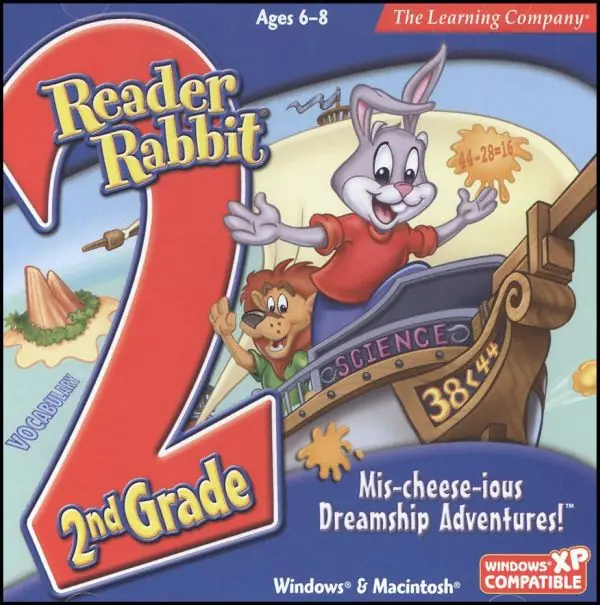
Reader Rabbit Dreamship Tales is a 2002 educational game developed and published by The Learning Company.
Genres
Publishers
Developers
Released
Reader Rabbit Dreamship Tales is a 2002 educational game developed and published by The Learning Company.

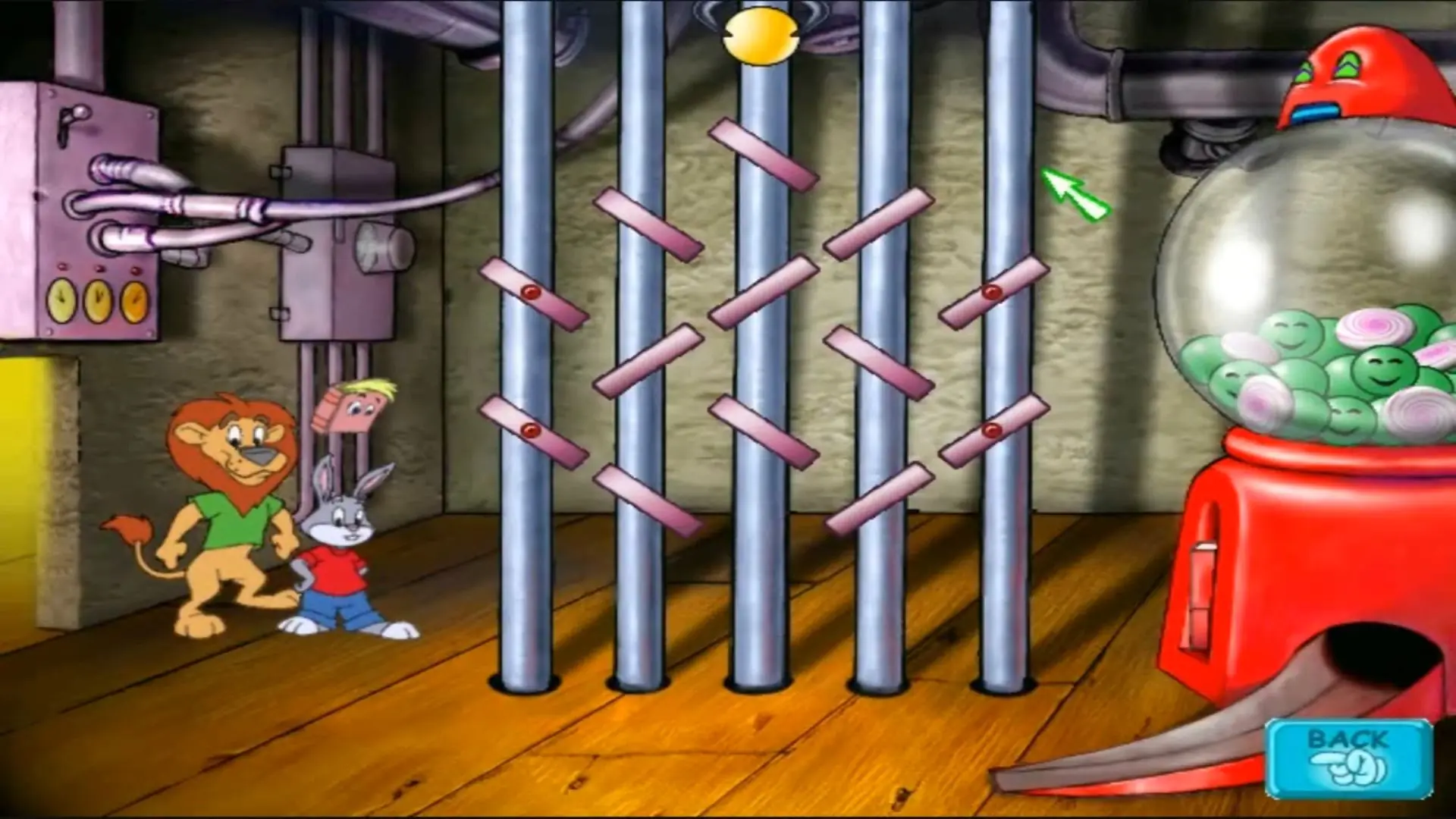
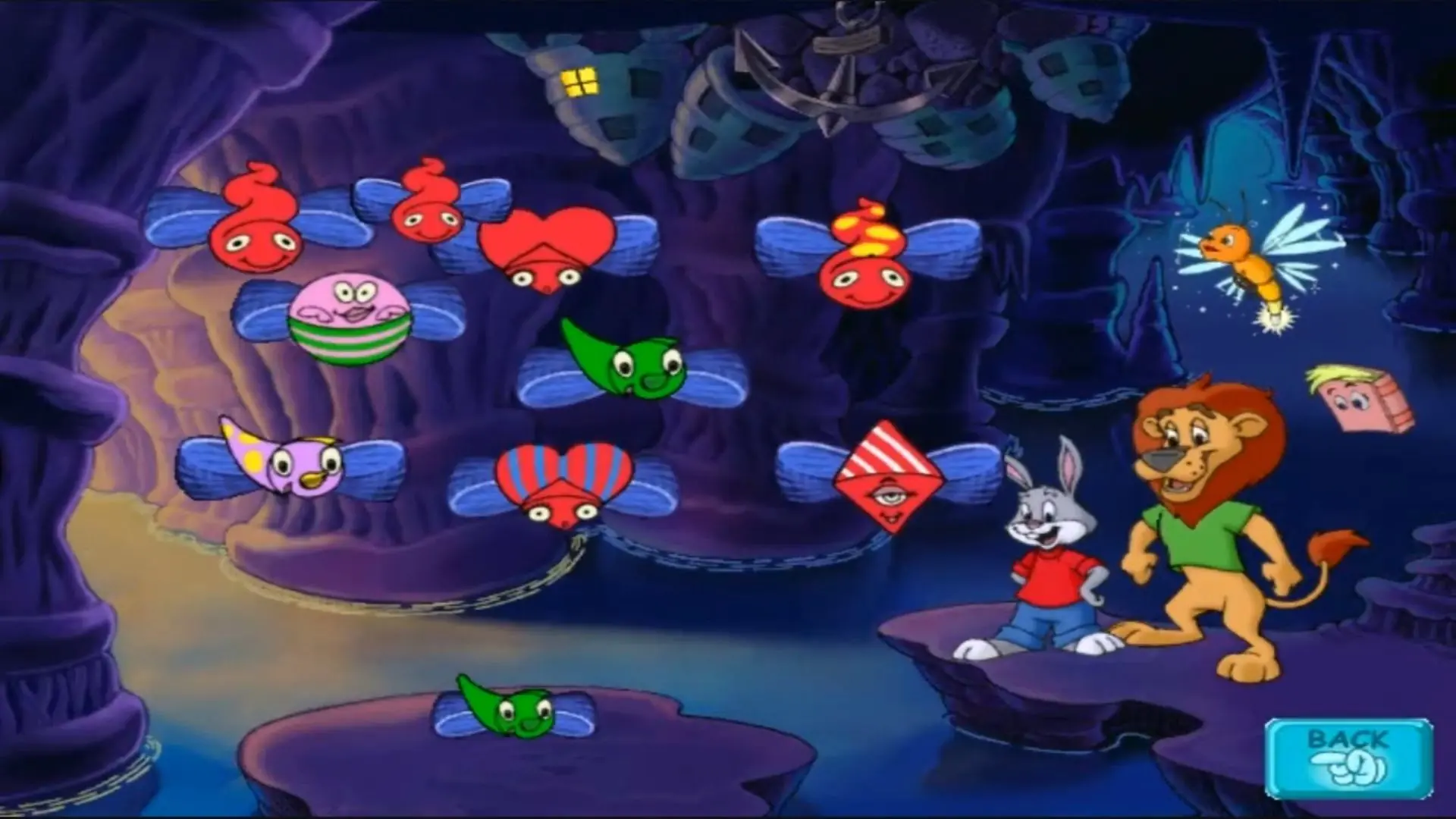
Reader Rabbit Dreamship Tales is abandonware and no longer sold or supported by its publishers. Files are archived here for these platforms:
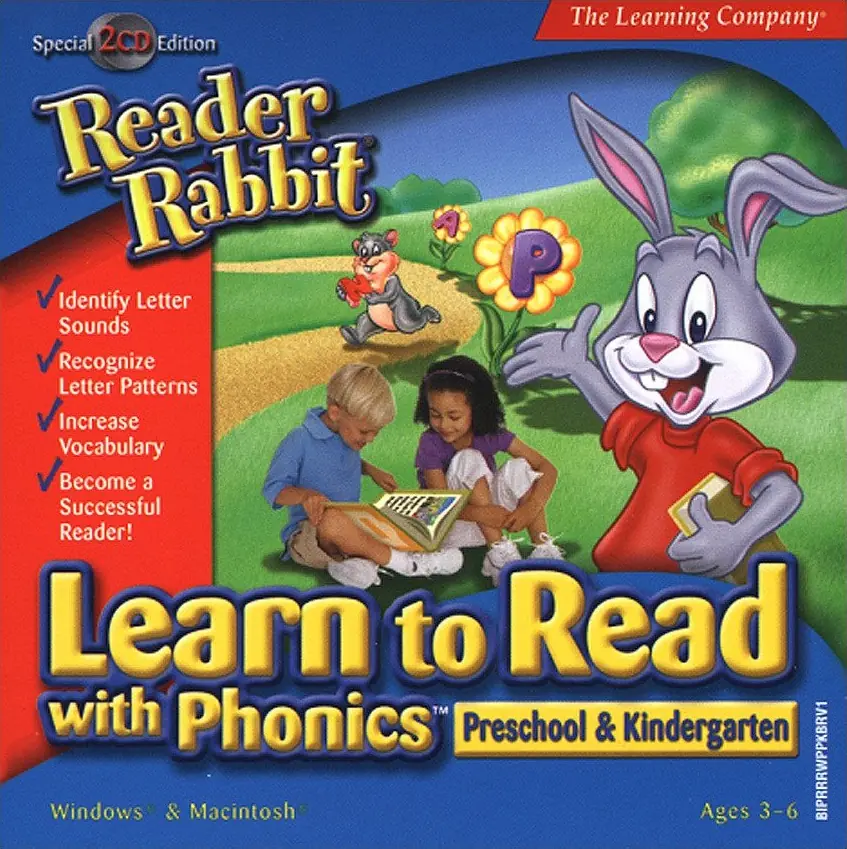
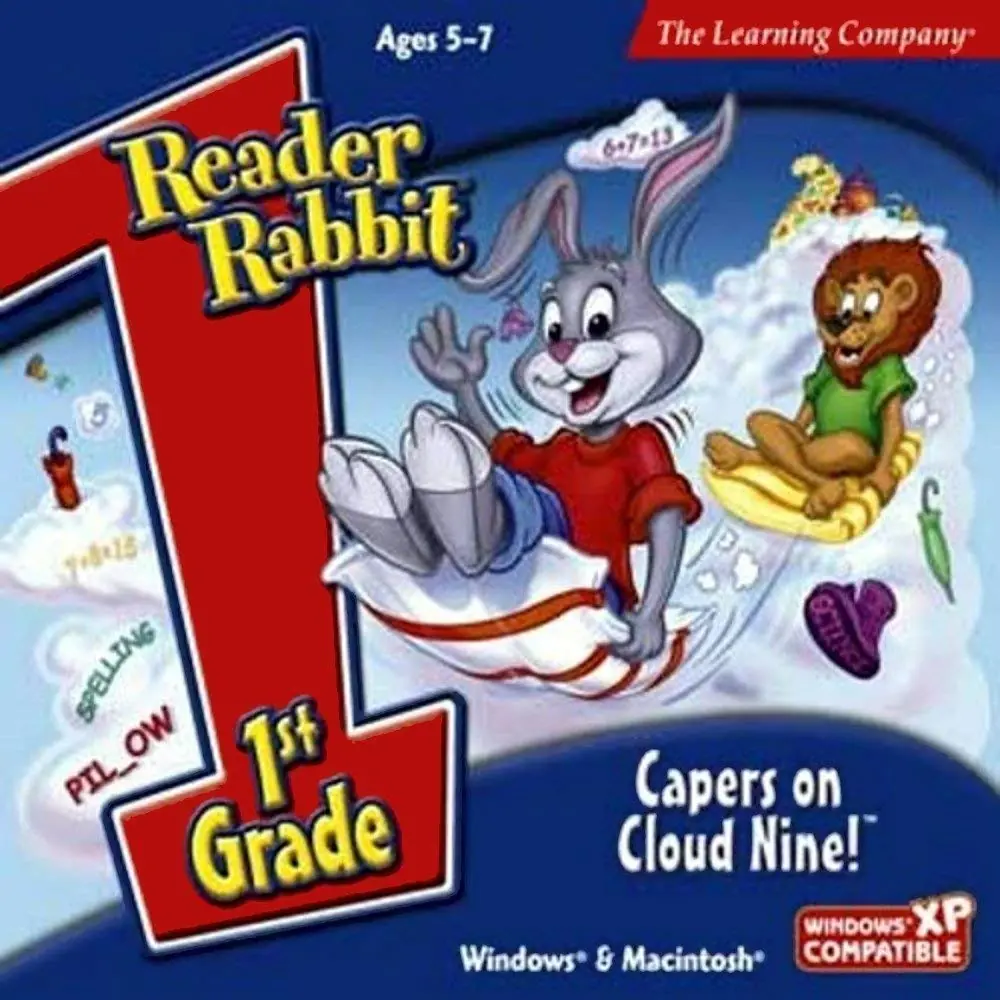
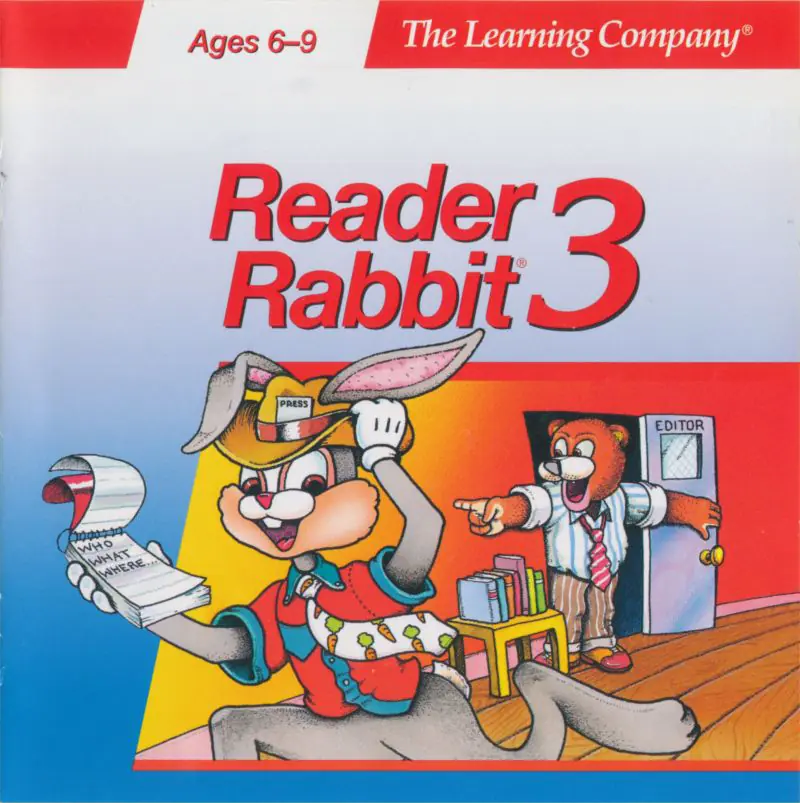
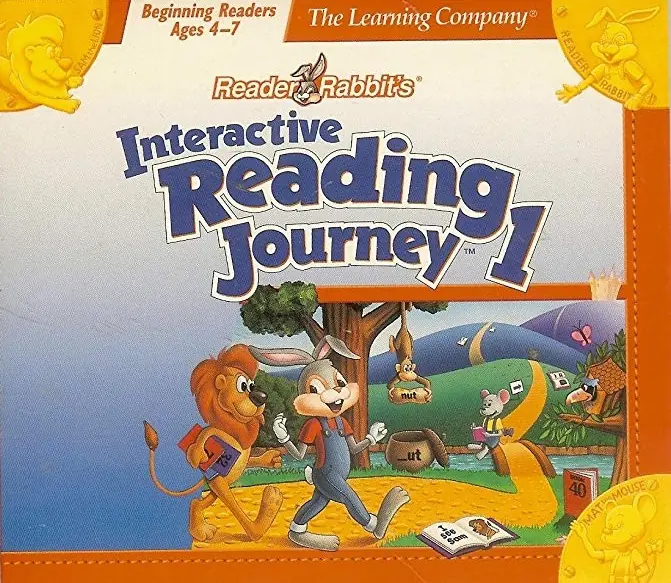






“Cannot create directory. Current file ^.^”.is a known bug from all the learning company’s installers games and software.
More info here
https://oldgamesdownload.com/reader-rabbit-reading-adventures-ages-4-6/
This was fixed since for my learning upgrades project Learning-Creative 64-bit Installation (Version 2.5) now it is on (Final V.3.6)
Link below
https://archive.org/download/learning-creative-64-bit-installation-version-3.5/Learning-Creative%20Installation%20%28Version%203.5%29%2064-bit/Reader%20Rabbit%20Classic%20%26%20Relounch/Reader%20Rabbit%20Dreamship%20Tales.ISO
however FEY if this bug is not fixed please email me at [email protected].
Even thou it is This Archive are now Deprecated. I will make another one as this is a very serious bug.
For the rest of the Learning-Creative 64-bit Installation (Final V.3.6), there are more than 200 learning company games.
Link below https://archive.org/details/learning-creative-64-bit-installation-version-3.5
However if on Windows 11. Microsoft edge included in Windows 11 has serious interference issues with the learning company installers.
Please use the link above under Learning-Creative 64-bit Installation (Final V.3.6) to fix this known bug