Home » Games » Rock Manager

Rock Manager

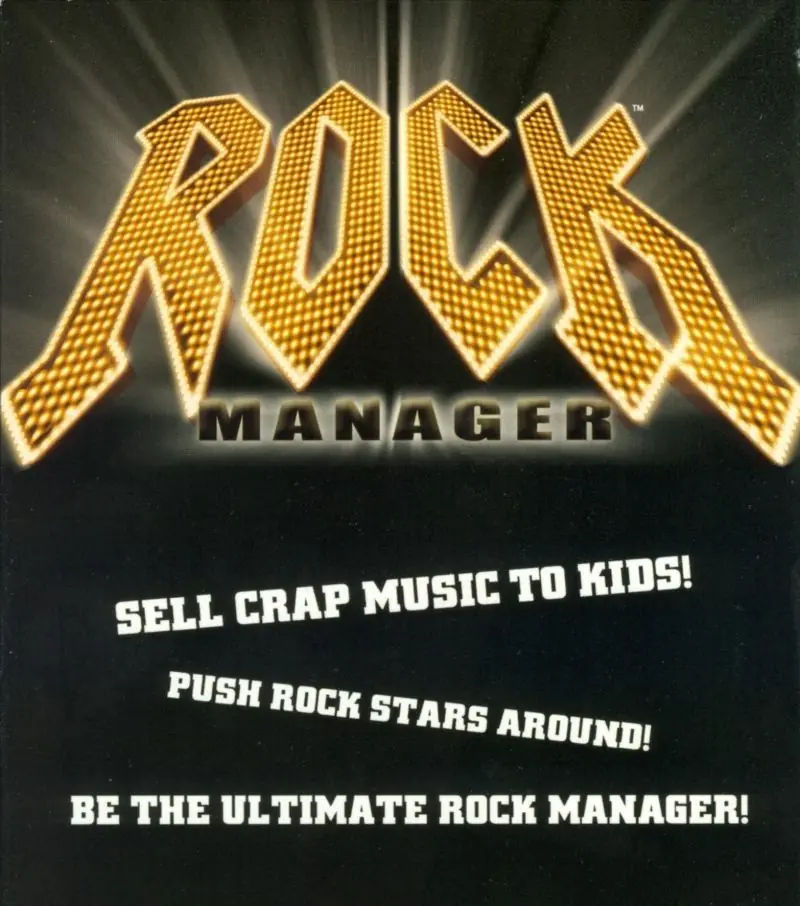
Rock Manager Game Cover
4.7/5 - 15 votes

Rock Manager is a 2002 simulation game developed by PAN Vision and published by DreamCatcher Interactive.

Other Titles

Rock Manager: Il n'y a pas pire business que le show business !Rockband TycoonRockmanagerSuperstar Manager

Genres
Developers
Released
Platforms
Download

About Rock Manager

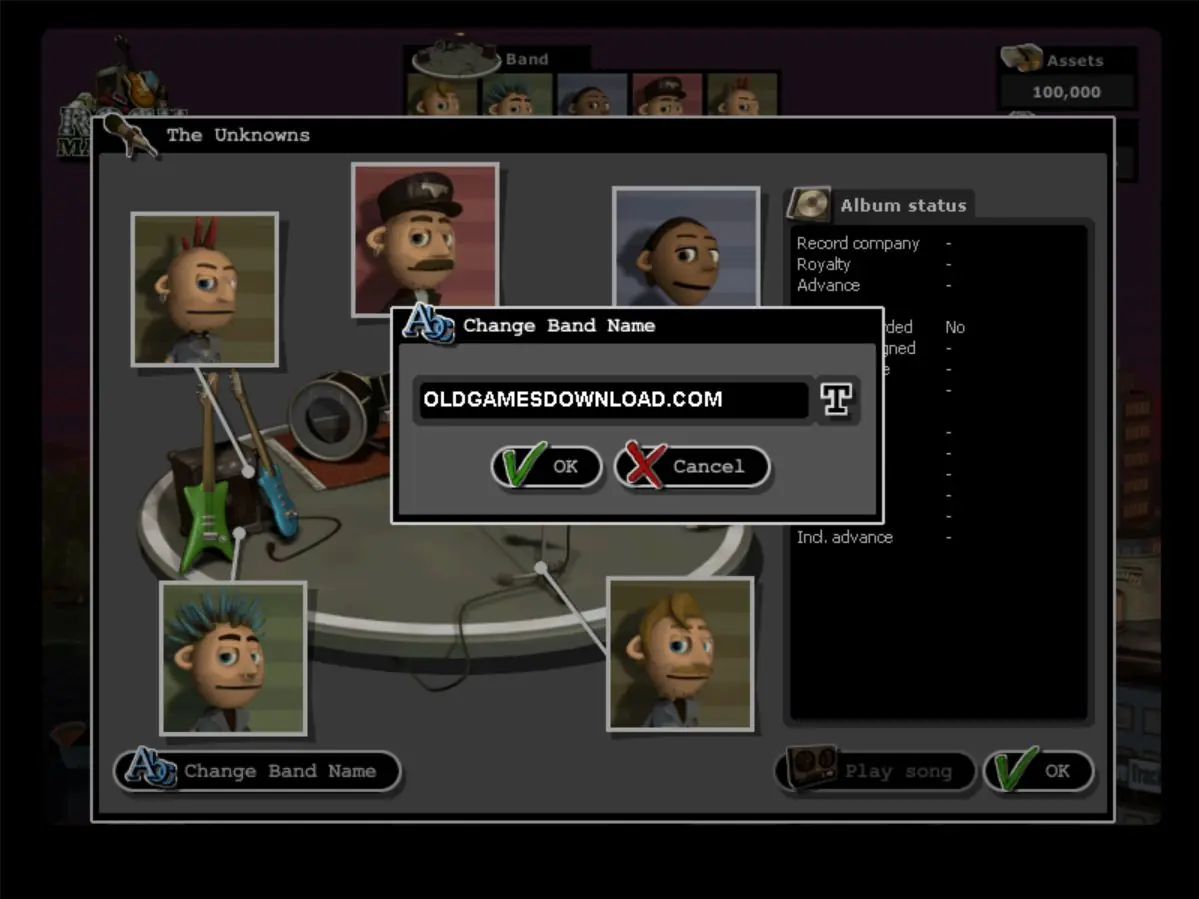
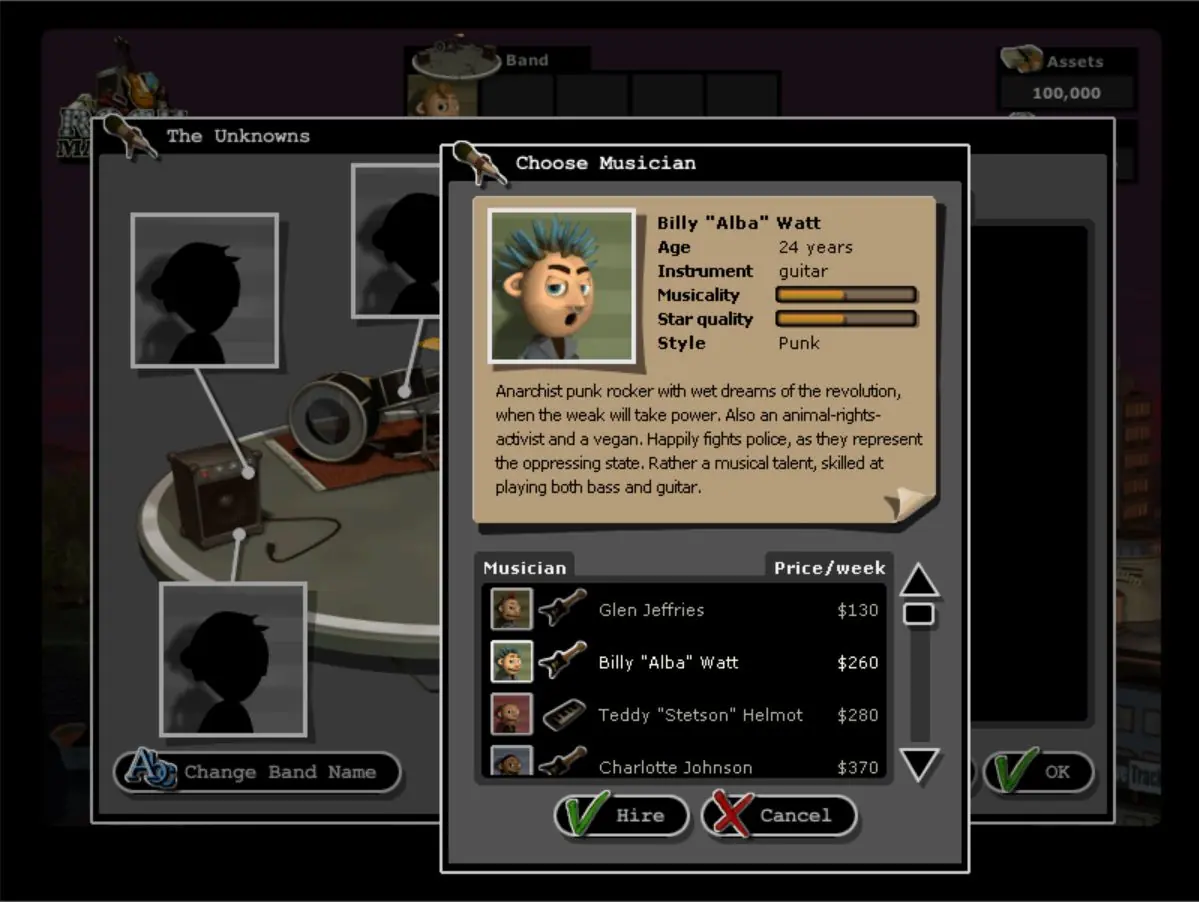
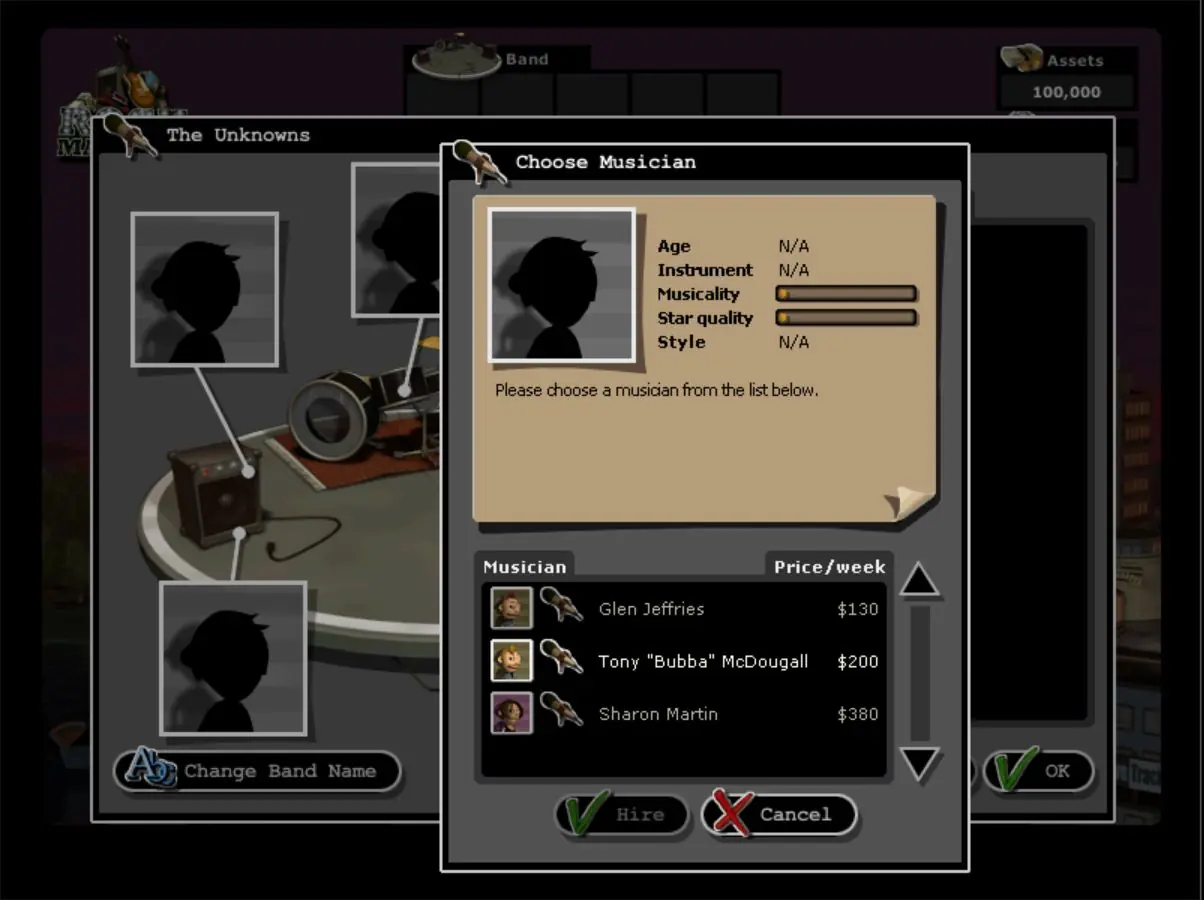
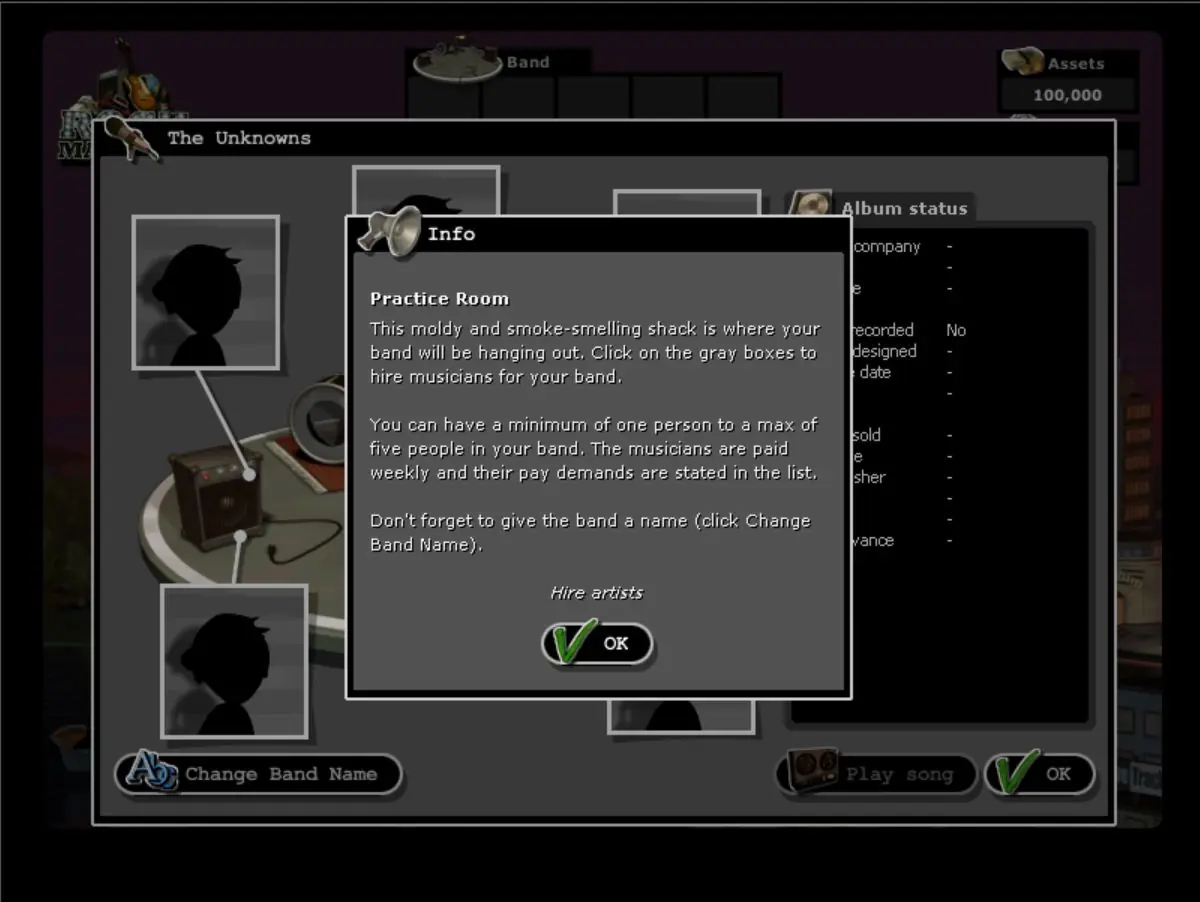
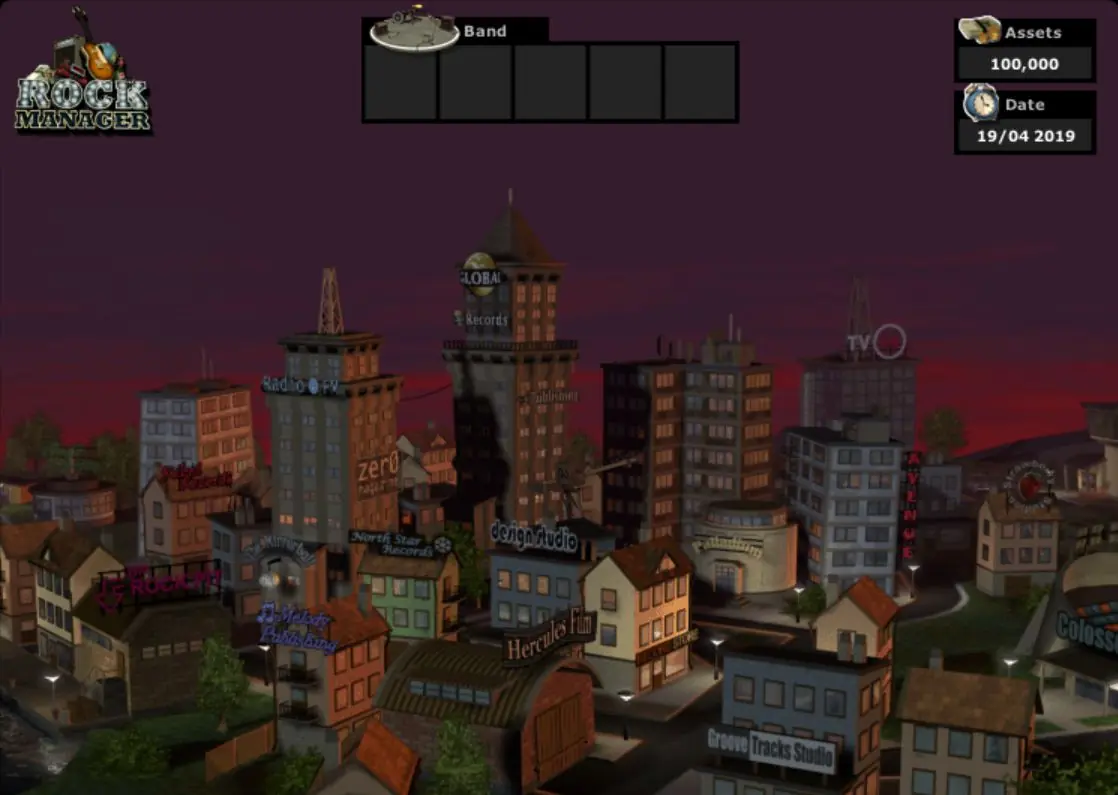
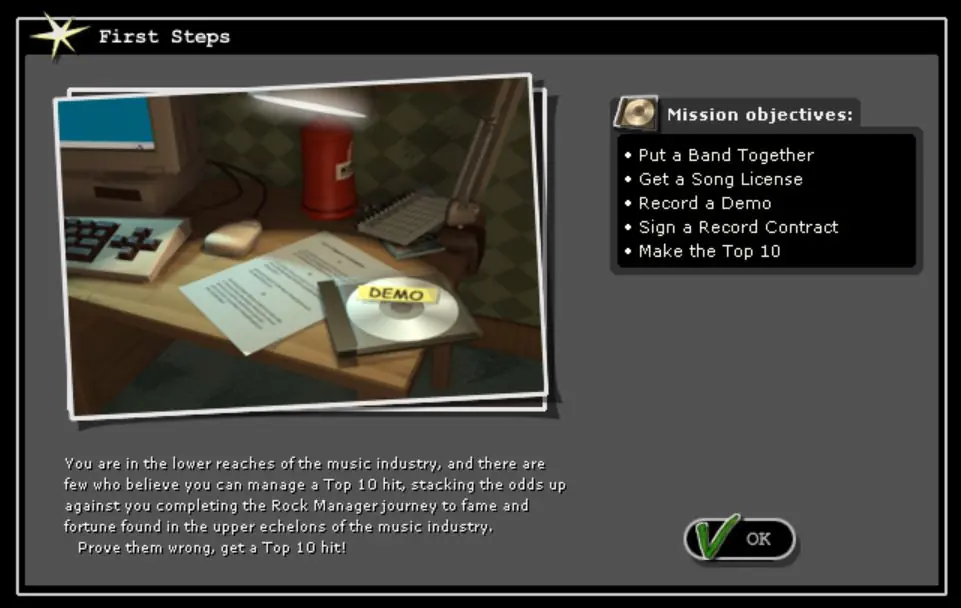
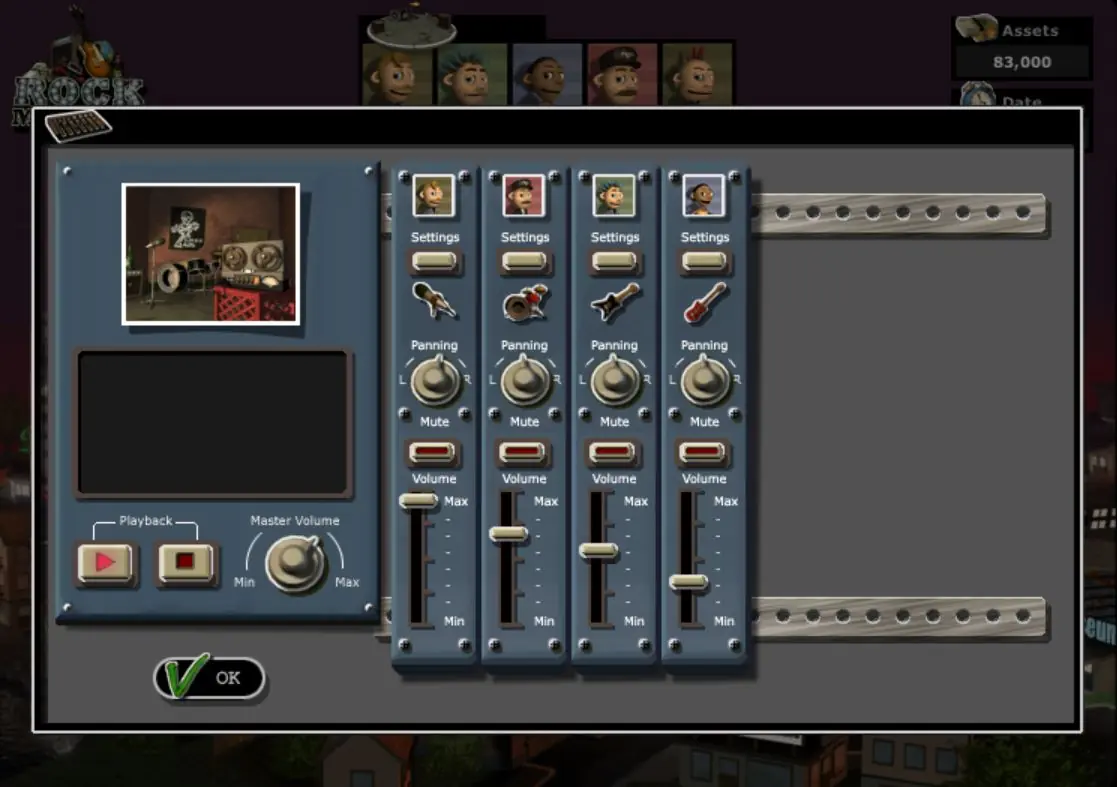
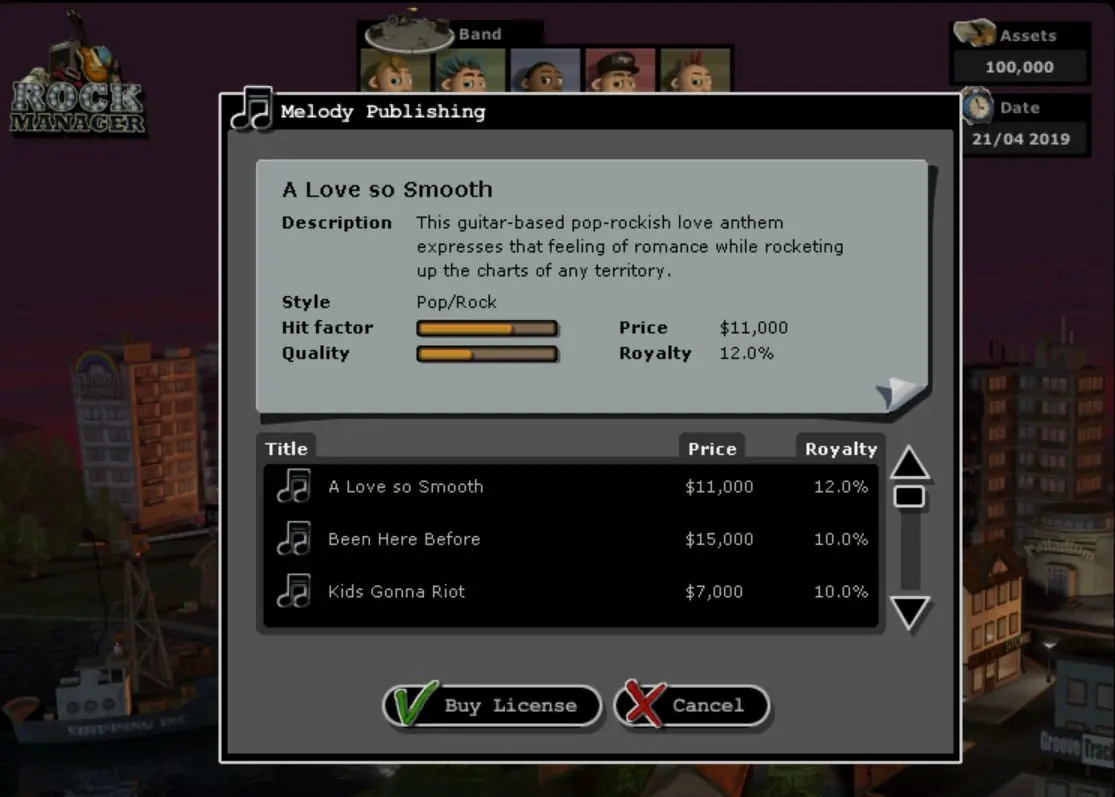
Rock Manager is a business simulation game for Microsoft Windows. Rock Manager puts the player in control of a rock band with the task of making them into rockstars. Play starts with putting a band together. The player chooses from a list of musicians with all tastes and styles. Record a demo in a studio, adding effects to the song to make is fit the band's image. With a demo in hand, it's up to the player to bag a record deal, arrange gigs, promote the record and go on the road. But it is important to keep an eye on the musicians and keep them happy or the band might self-destruct.
Screenshots

Windows

Rock Manager — Windows screenshot 1Rock Manager — Windows screenshot 2Rock Manager — Windows screenshot 3Rock Manager — Windows screenshot 4Rock Manager — Windows screenshot 5Rock Manager — Windows screenshot 6Rock Manager — Windows screenshot 7Rock Manager — Windows screenshot 8

Download Rock Manager

Rock Manager is abandonware and no longer sold or supported by its publishers. Files are archived here for these platforms:

Windows (2002)

  • Rock_Manager_Win_ISO_EN.7zEN436.69 MB
  • Instructions Rock_Manager_Win_ISO_EN.7z

    How to play on Windows

    1. Download and Extract Rock_Manager_Win_ISO_EN.7z
    2. Open the "Game Files" folder and mount OGD.Rock.Manager.iso
    3. Run Setup.exe and follow on-screen instructions to install the game
    4. Once installation is complete, open the "crack" folder and copy-paste "RockManager.exe" into the game installation directory
    5. Launch "RockManager.exe" to play the game

Comments

9 thoughts on “Rock Manager”

  1. 0
    i already copy the crack files in the C:\Program Files (x86)\Pan Interactive\Rock Manager, then run the exe files, when the games is open , asking the CD
    Reply