Sid Meier’s SimGolf
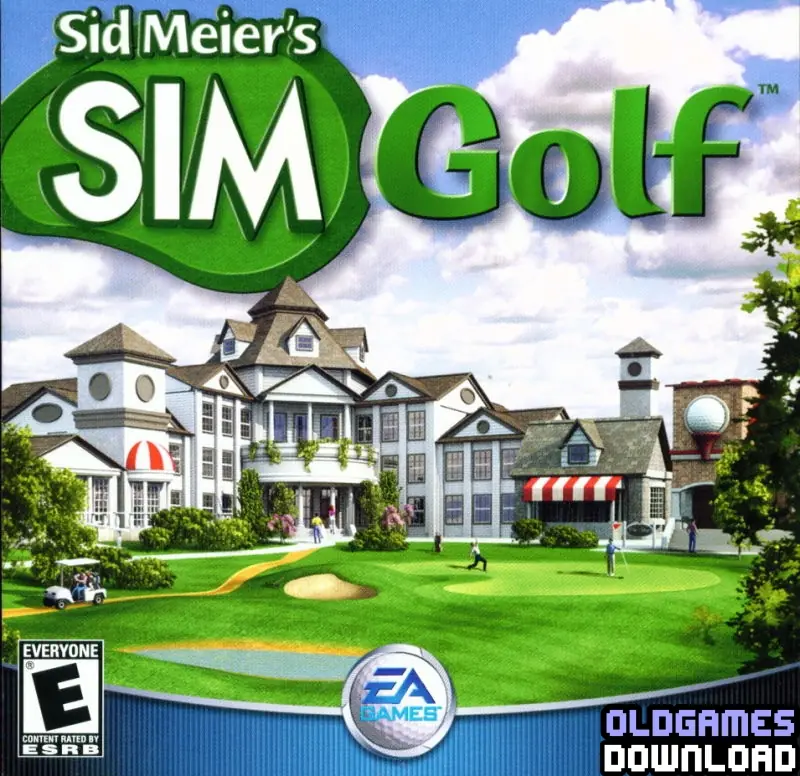
Sid Meier’s SimGolf is a 2002 simulation game developed by Firaxis Games and published by EA Games.
Sid Meier’s SimGolf is a 2002 simulation game developed by Firaxis Games and published by EA Games.
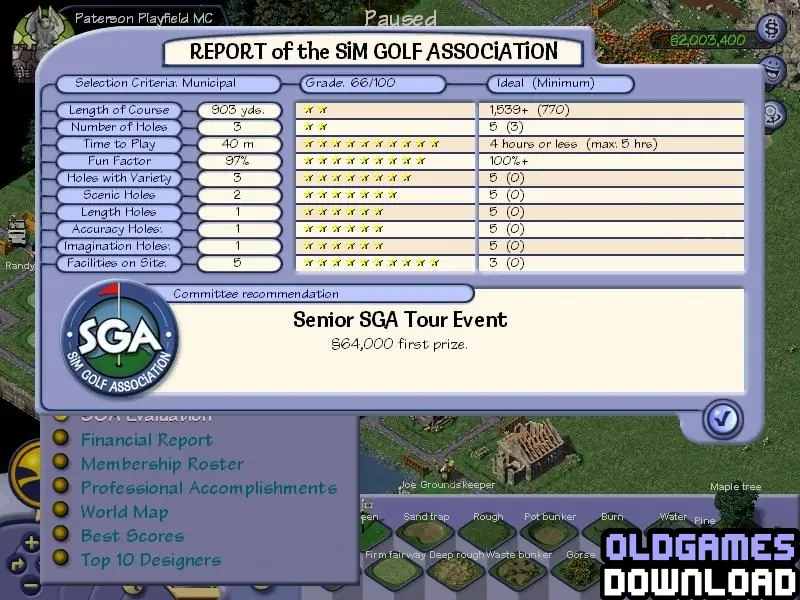
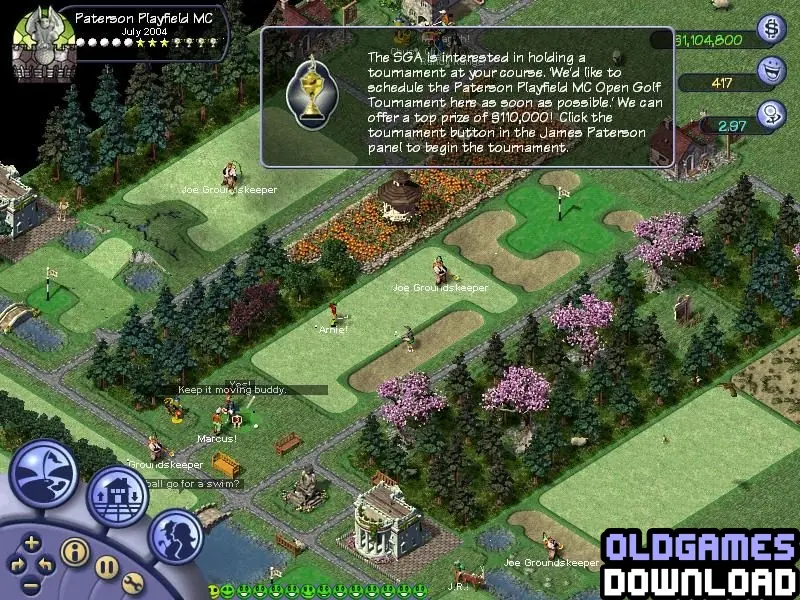
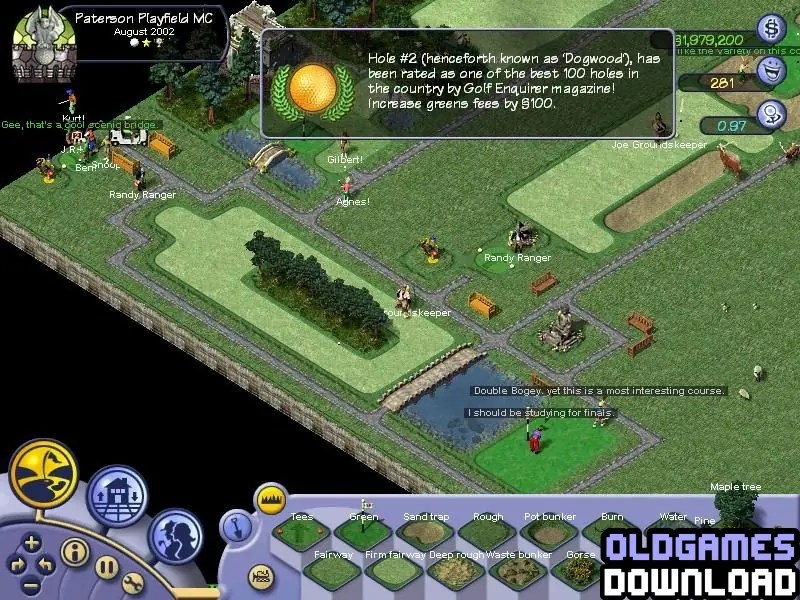
Sid Meier's SimGolf, more commonly called SimGolf, is a golfing simulation game designed by Maxis, Firaxis, and Sid Meier. In it, the player builds golf courses for golfers to play on. You can build your course in two unique modes: Regular and Sandbox. As well as designing your golf course, you also get to play it. Each course you make comes with a professional golfer, which you control when playing. As well as allowing you to both play and design the ultimate golf course, what each character says when something happens can be fully customized. SimGolf comes with a character creator, which can be accessed in-game. The character creator can also be used for your professional golfer too.
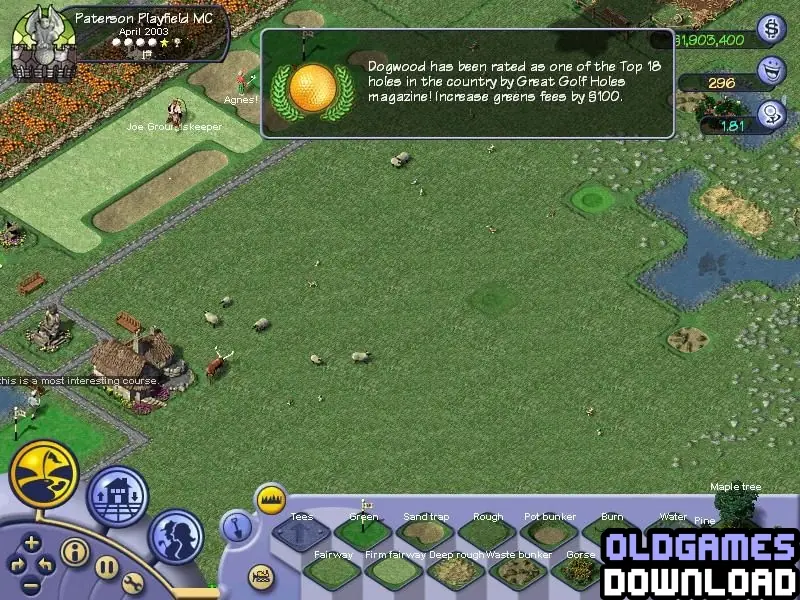
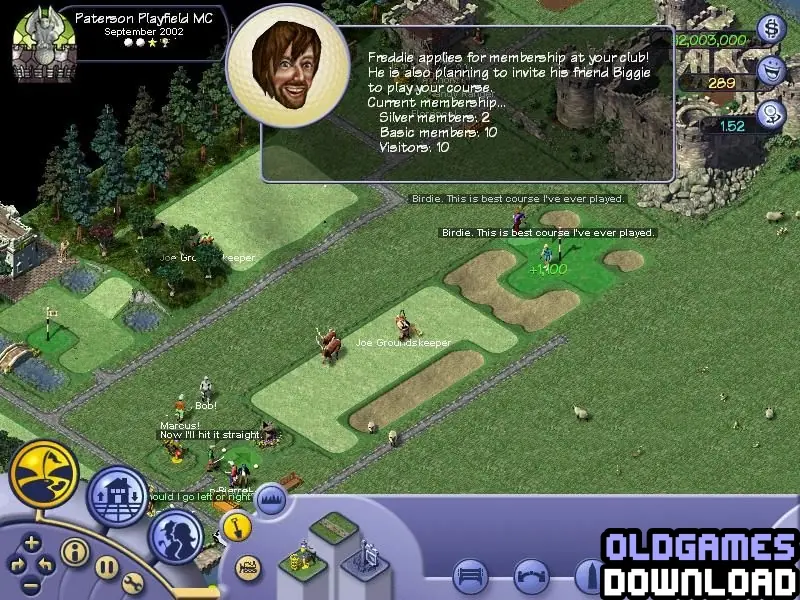
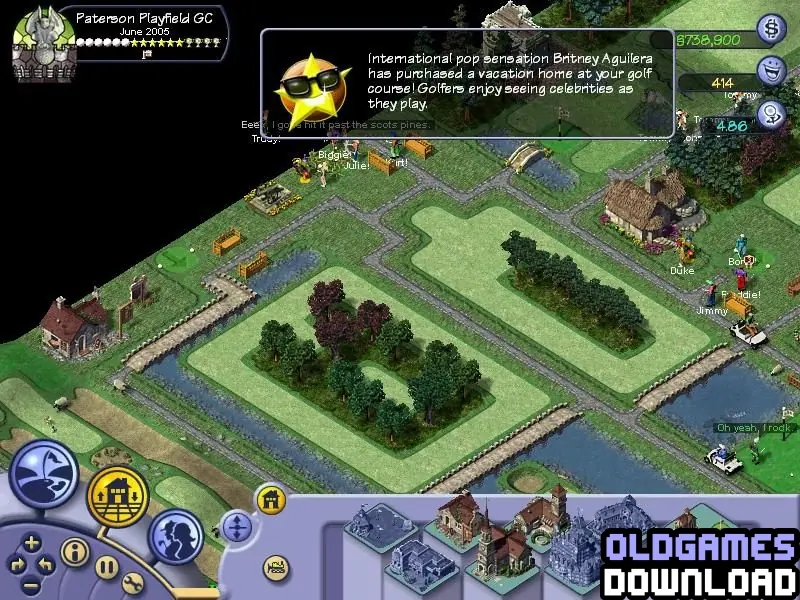

Sid Meier’s SimGolf is abandonware and no longer sold or supported by its publishers. Files are archived here for these platforms:
For problems launching the game:
Right click on the icon for the game launcher and click on properties. Go to the "Compatibility" tab and then:
For problems launching the game:
Right click on the icon for the game launcher and click on properties. Go to the "Compatibility" tab and then:







“This build of CDCode is for Sid Meier;s SimGolfThis is an invalid build of CDCode.
Please fill out the EReg Config Form to obtain a valid CDCode build.”
And after pressing OK nothing happens.
Can anyone help with this?
I have spent a little while trying to fix this as it is one of my favorite games from childhood. I was able to find a way of making it work with little effort. Here is a step by step of what I did and I hope it helps.
1. Search Simgolf download Abandonware DOS on google
2. Download the simgolf folder.
(You do not have to redownload the game)
3. Open the folder and extract the folder SIMGOLF.102.ENG.MYTH.NOCD
4. Copy the golf.exe file and paste it into the default Simgolf location
(it should be in
C:Program Files (x86)EA GamesFiraxis GamesSid Meiers SimGolf
5. Paste the golf.exe file and select yes to replace the existing one
6. Right click the golf.exe file and go to compatability and make sure you turn off 640×320 resolution. I got an error that said the game only works in 800×600 or higher resolutions at first.
I also downloaded the 1.03 patch from above and put it into my simgolf folder and ran it which updates the game. I am not sure if this is necessary but I did it before I found the new .exe file.
I hope this helps! Let me know if not.
I have spent a little while trying to fix this as it is one of my favorite games from childhood. I was able to find a way of making it work with little effort. Here is a step by step of what I did and I hope it helps.
1. Search Simgolf download Abandonware DOS on google
2. Download the simgolf folder.
(You do not have to redownload the game)
3. Open the folder and extract the folder SIMGOLF.102.ENG.MYTH.NOCD
4. Copy the golf.exe file and paste it into the default Simgolf location
(it should be in
C:Program Files (x86)EA GamesFiraxis GamesSid Meiers SimGolf
5. Paste the golf.exe file and select yes to replace the existing one
6. Right click the golf.exe file and go to compatability and make sure you turn off 640×320 resolution. I got an error that said the game only works in 800×600 or higher resolutions at first.
I also downloaded the 1.03 patch from above and put it into my simgolf folder and ran it which updates the game. I am not sure if this is necessary but I did it before I found the new .exe file.
I hope this helps! Let me know if not.