Home » Games » Singles: Flirt Up Your Life

Singles: Flirt Up Your Life

Singles: Flirt Up Your Life Game Cover
4.4/5 - 48 votes

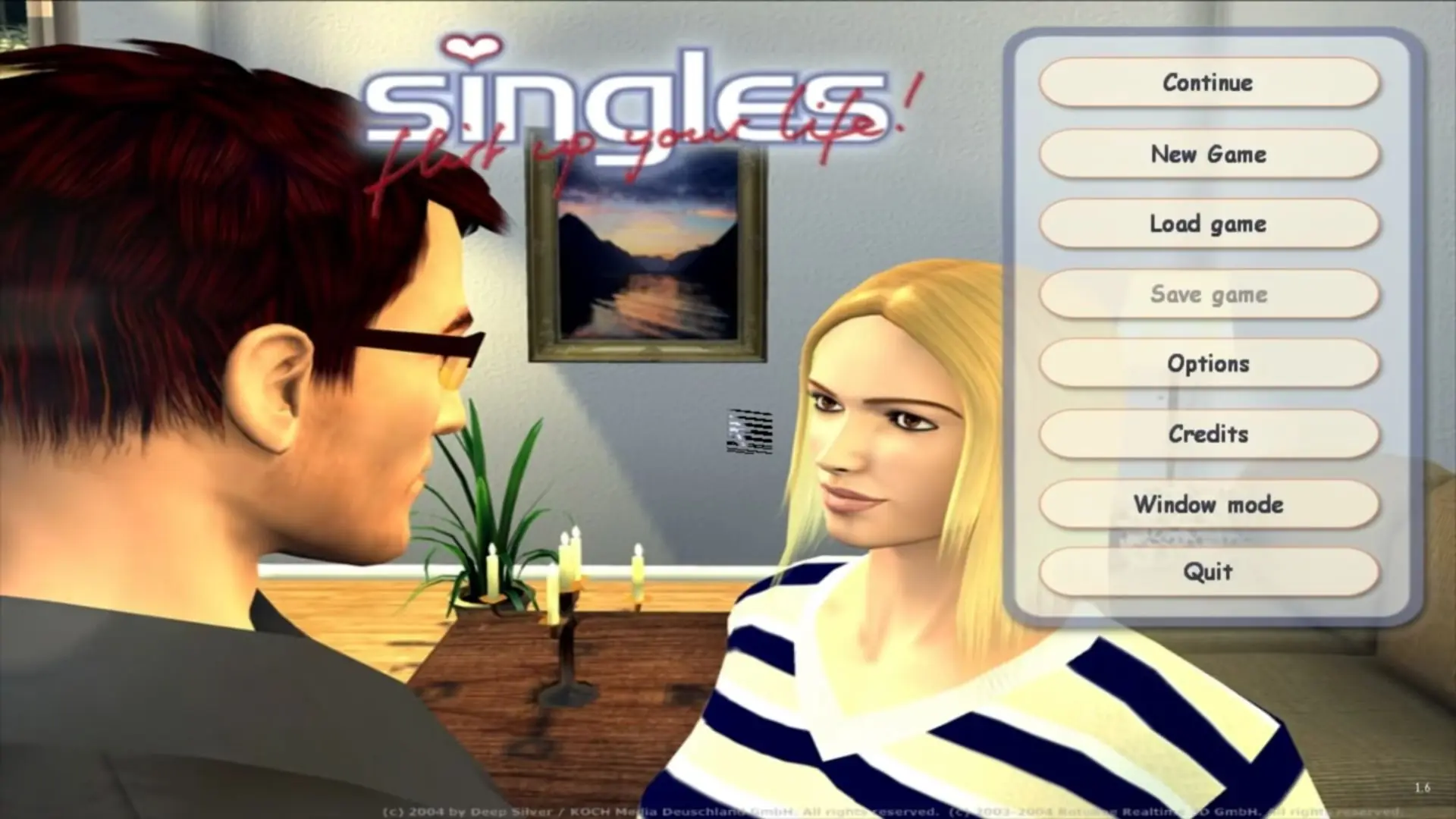
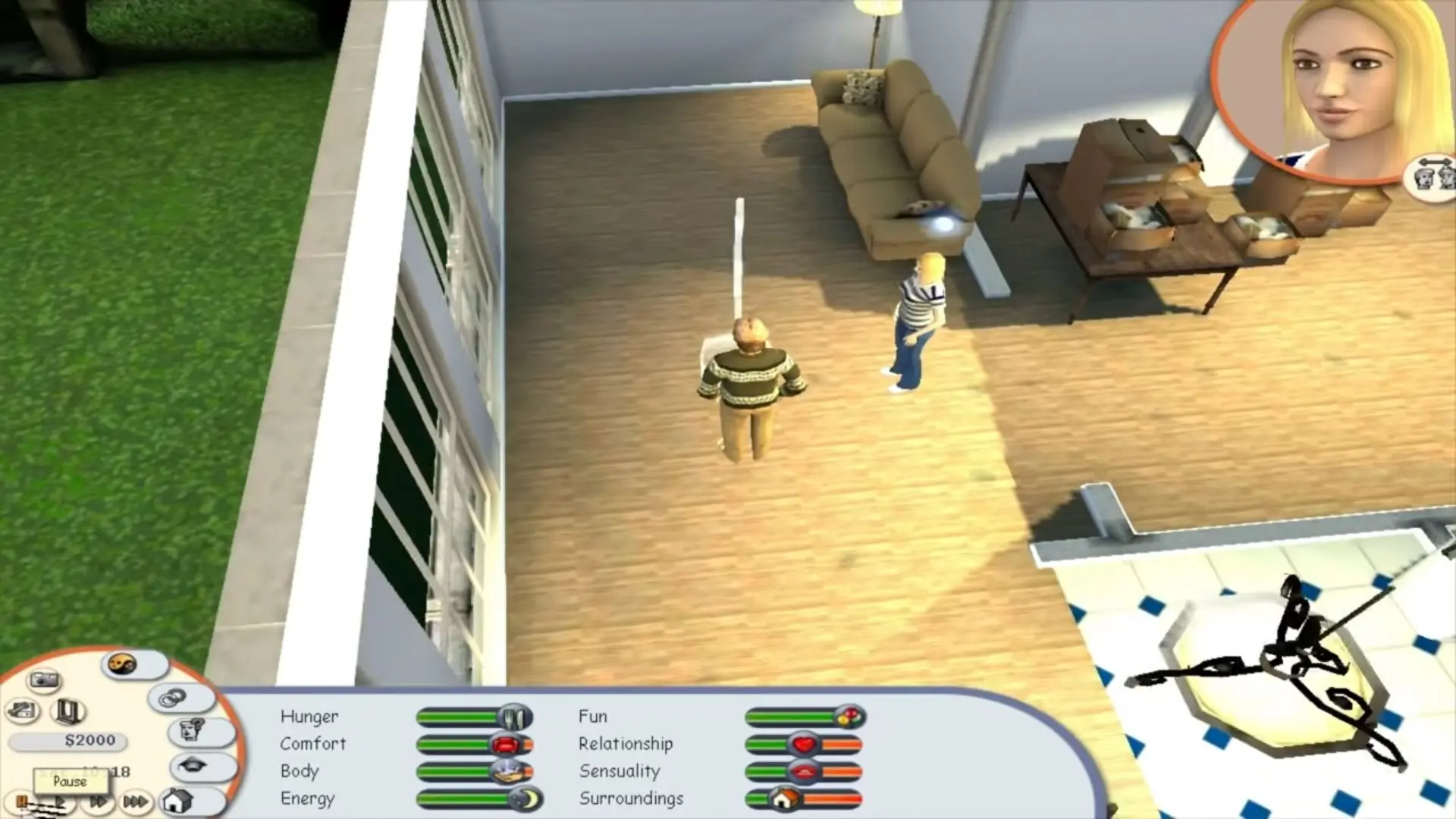
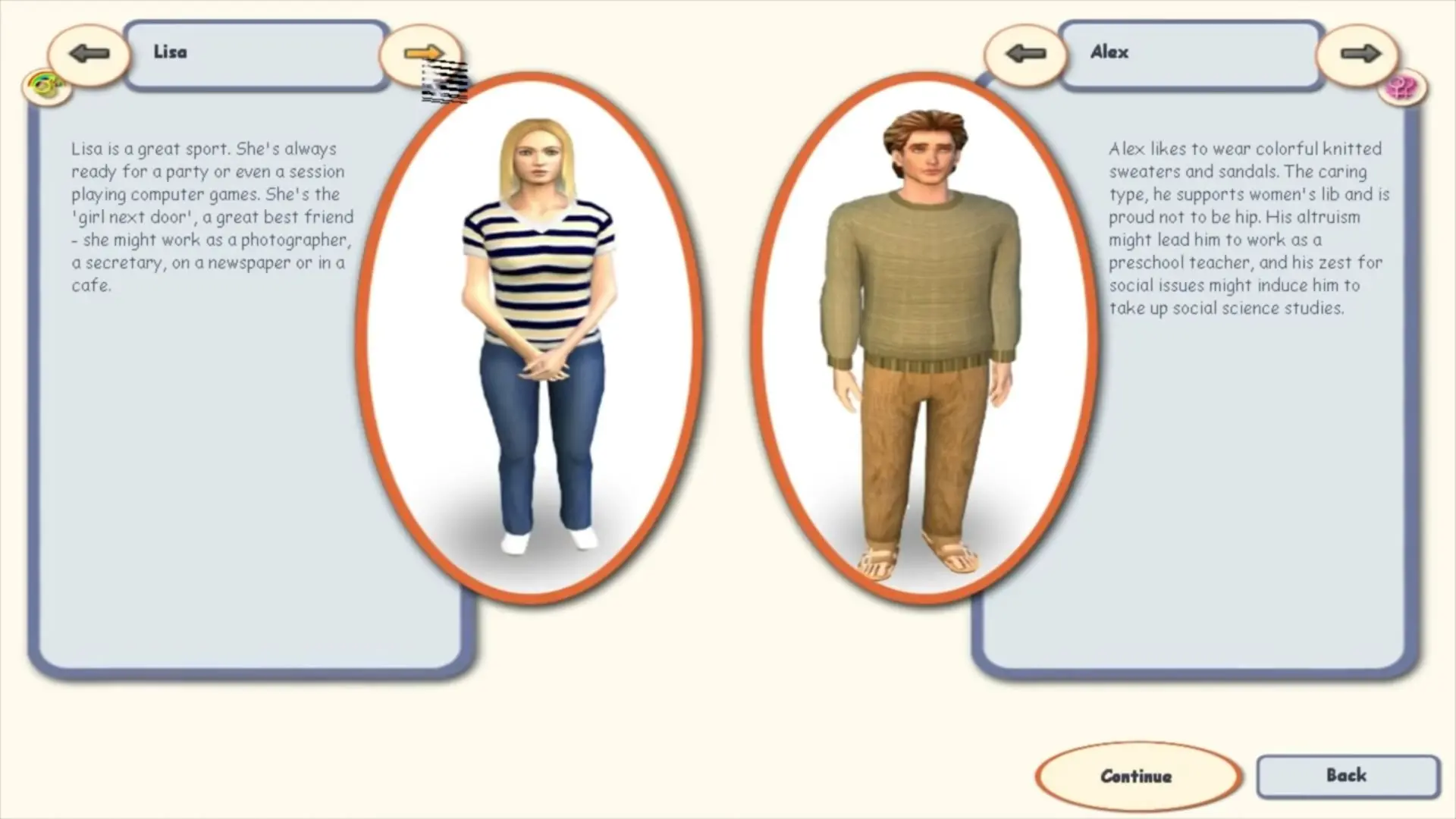
Singles: Flirt Up Your Life is a video game developed by German studio Rotobee and published by Deep Silver in 2003. It is very similar to The Sims: the player is responsible for caring for characters by ordering them to eat, sleep, and go to work.
Other Titles

Singles: Flirt Up Your Life!单身贵族:激情人生Singles ¿En tu casa o en la mía?Singles+: Flirt Up Your Life!Singles: Jouez sans tabous !Singles - Flirt up your life!

Genres
Publishers
Developers
Released
Platforms
Download

About Singles: Flirt Up Your Life

It is similar to The Sims in that the player is responsible for characters who have to be taken care of, such as by ordering them to eat, sleep, go to work, etc.

Screenshots

Windows

Singles: Flirt Up Your Life — Windows screenshot 1Singles: Flirt Up Your Life — Windows screenshot 2Singles: Flirt Up Your Life — Windows screenshot 3

Download Singles: Flirt Up Your Life

Singles: Flirt Up Your Life is abandonware and no longer sold or supported by its publishers. Files are archived here for these platforms:

Windows (2003)

  • Singles_Flirt_Up_Your_Life_Win_ISO_EN.7zEN512.35 MB
  • Instructions Singles_Flirt_Up_Your_Life_Win_ISO_EN.7z

    How to play on Windows

    1. Download and Extract Singles_Flirt_Up_Your_Life_Win_ISO_EN.7z
    2. Mount the file OGD.Singles.Fuyl.izo and run Setup.exe
    3. Follow on-screen instructions to finish installation
    4. Launch game using desktop shortcut

Comments

12 thoughts on “Singles: Flirt Up Your Life”

  1. 0
    To change game language you have to go in the game main folder and modify the “gameLang” file in “Config” folder . You have a line like:

    # german version
    Translator

    To deactivate a language insert “–” before Translator. You can see other languages have it already. Remove the same “–” from the language you need to activate. This works also for Singles 2.

    Reply
    • 0
      Singles is actually okay, just boring. I suggest the second one, it at least has a bar where your Singles can go to.
      Reply
    • 0
      I don’t have Win10 but it worked fine on Win7 for me, I just prefer the second game (Singles 2: Triple Trouble).
      Install as admin and running compatibility mode for WinXP for best results. Good luck.
      Reply
  2. 2
    Hi, could you please upload a video tutorial on how to install this game? as i don’t have many experience. Thank you for the upload!!
    Reply