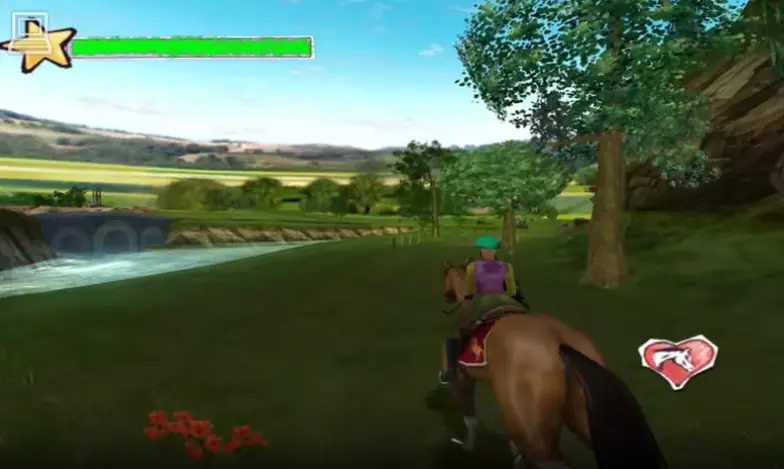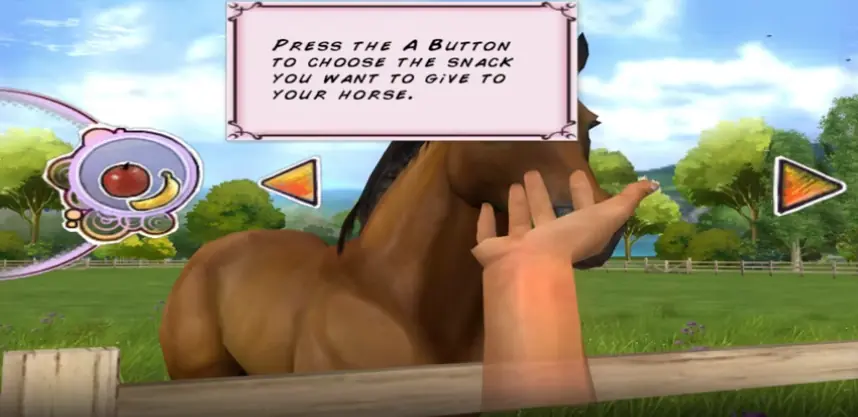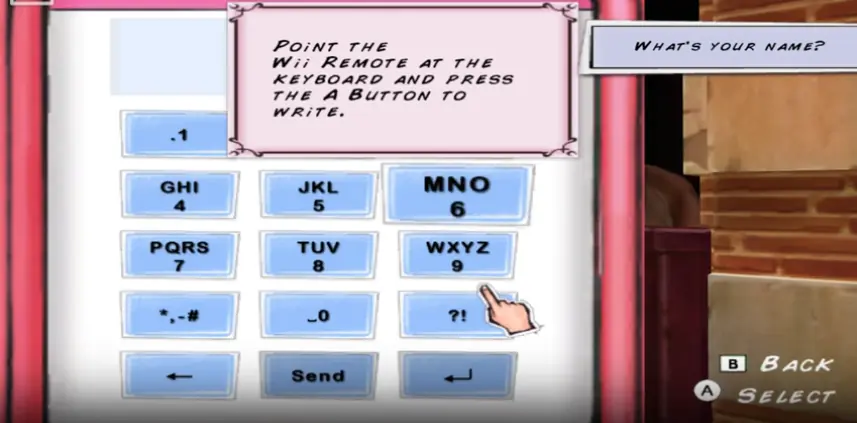
Hey, for some reason the game is not in English, and there is no way to change the language (not that I found, at least); has anyone got the same problem?
Step 2: You need to install Openal32.dll, without it won’t run.
Heres the link to download ‘OpenAL 1.1 Windows Installer’: https://openal.org/downloads/
Then extract it and download.
Step 3: Power down your PC and then take it on again.
Hello! I want to notify that this game doesn’t work. I installed “OpenAI32.dll” but it say “The alcGeTIntegerv procedure entry point cannot be found in the dynamic link library C: Users Zanassi Pc Downloads Horse_Life_2_Win_Preinstalled_EN Game Files setup.exe” I try everything but nothing works. I have windows 10. Ty.
Hello, i wanted to ask a question about the game. I have downloaded and played the game fine until (i think ) the game got stuck at chapter VI. I’m pretty sure i’ve done everything for the chapter and the bar is full and it doesn’t make sense for the game to end here so i was wondering if it is a bug and how can i fix it. Or should i just make another profile?
when opening the ‘autorun’ application, then clicking ‘Install Horse Life’ a window pops up saying “Windows cannot find ‘setup.exe’. Make sure you’ve typed the name correctly, then try again.” And when trying to open from HorseLife2 application, a window stating, ‘The code execution cannot proceed because OpenAl32.dll was not found. Reinstalling the program may fix this problem.’ Any help?
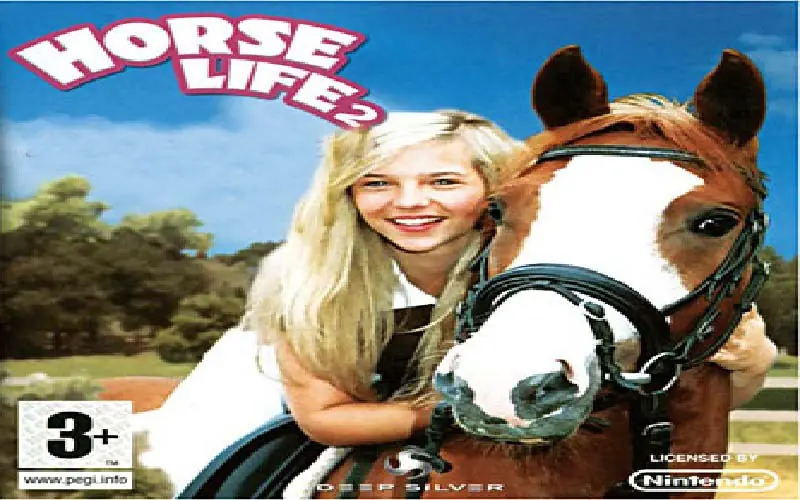
Btw it’s not Horse Life 2, it’s Horse Life 1!
Step 1: Install the game file above.
Step 2: You need to install Openal32.dll, without it won’t run.
Heres the link to download ‘OpenAL 1.1 Windows Installer’: https://openal.org/downloads/
Then extract it and download.
Step 3: Power down your PC and then take it on again.
Step 4: Open ‘Horse Life 2’ in your Game Files.
Step 5: Enjoy the game! 😉
https://mega.nz/file/eVQjlQ5A#5AX5-M5c5xuHSkBVa4lZ3J9gfaxeO9XKk_8jagVUkFc
How do I fix that?