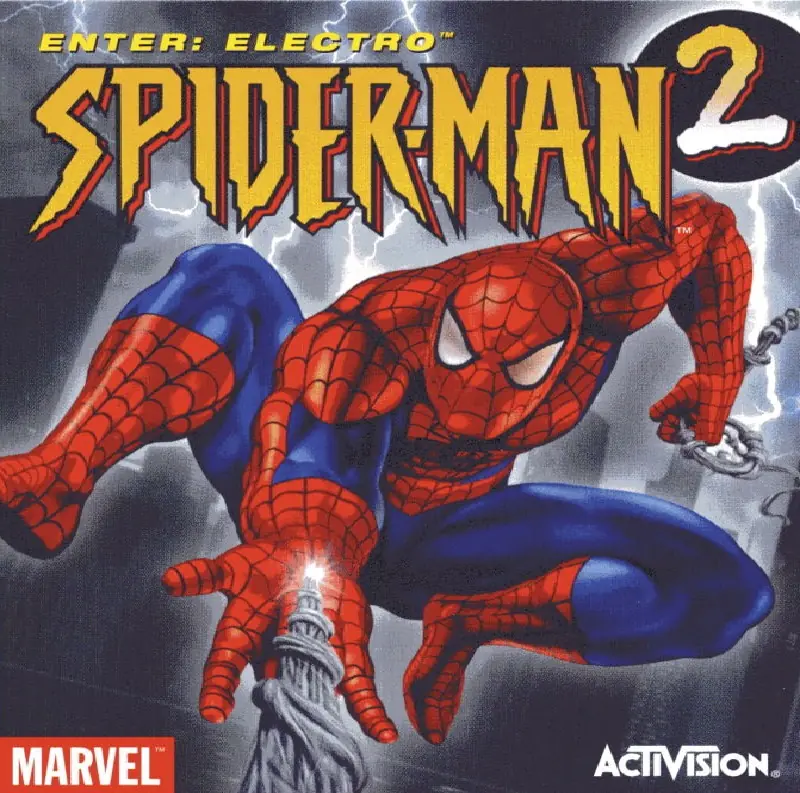
Spider-Man 2
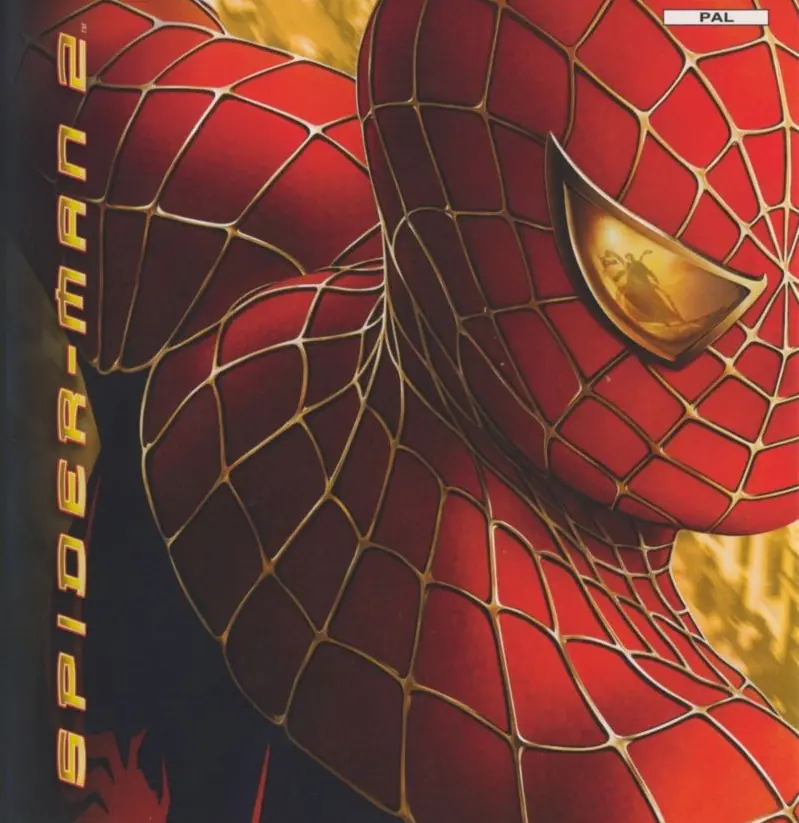
All-new combat system with more amazing combos -- spectacular, over-the-top moves for the ultimate fighting experience.
Publishers
Developers
Released
Platforms
All-new combat system with more amazing combos -- spectacular, over-the-top moves for the ultimate fighting experience.
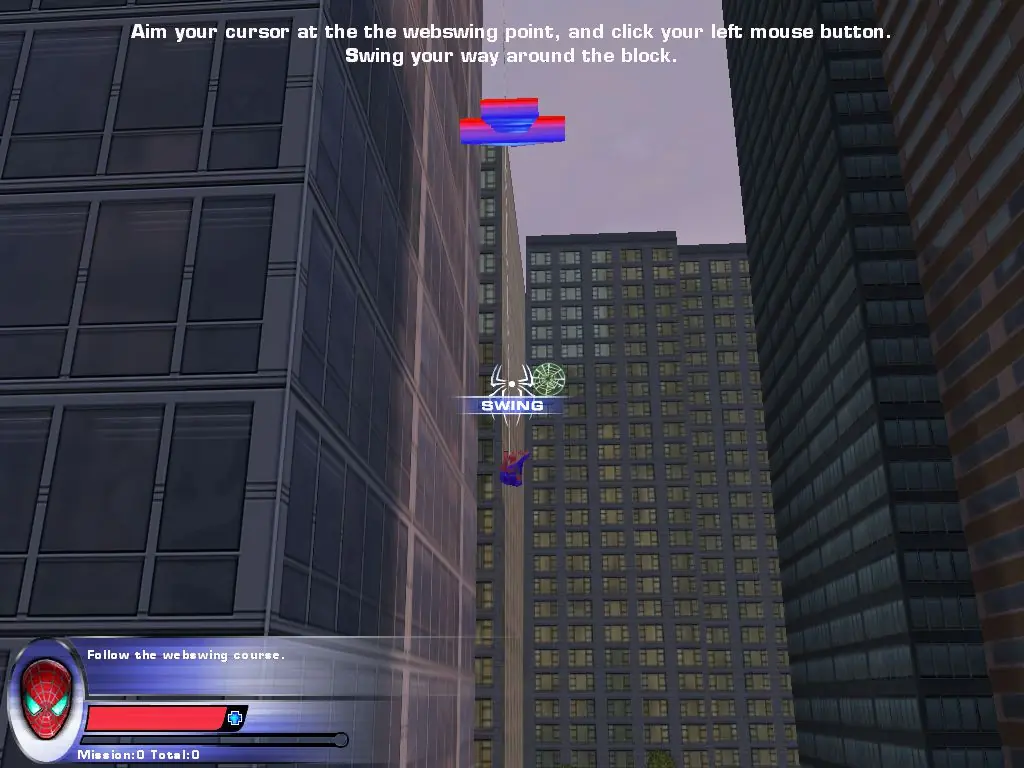
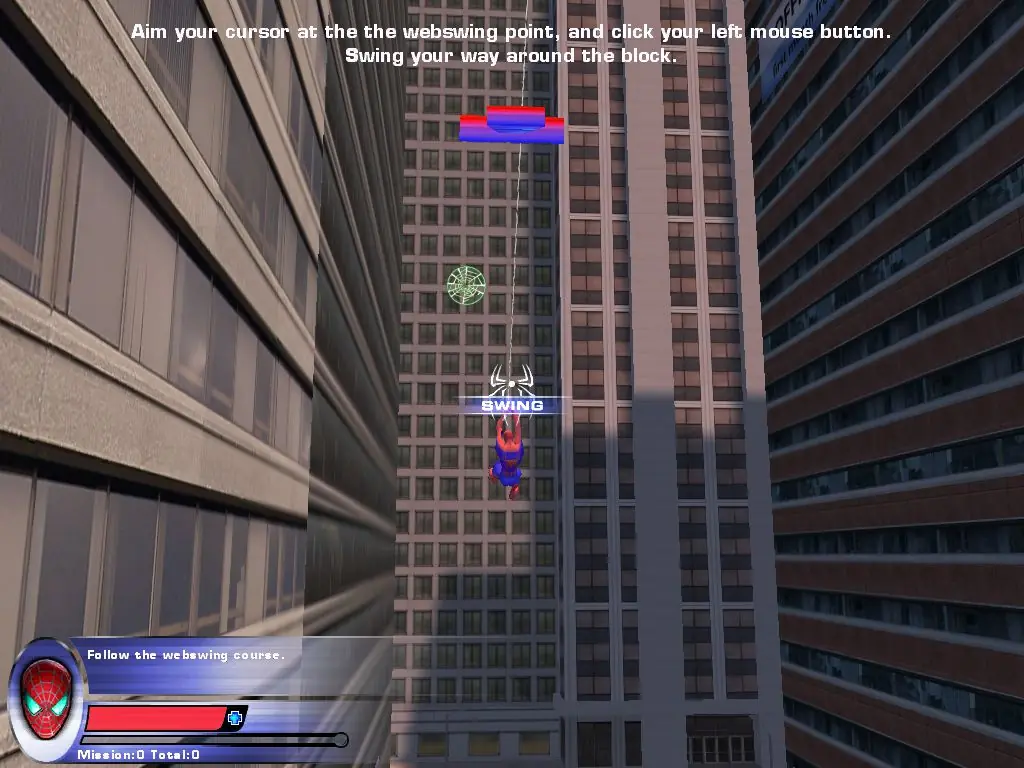
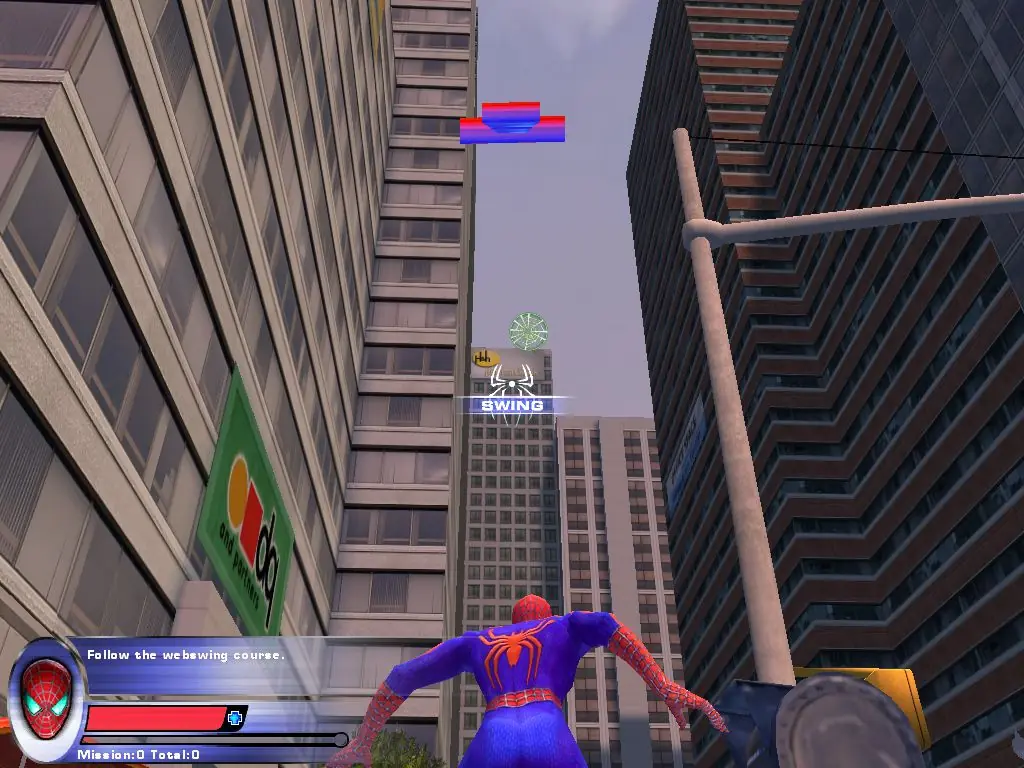
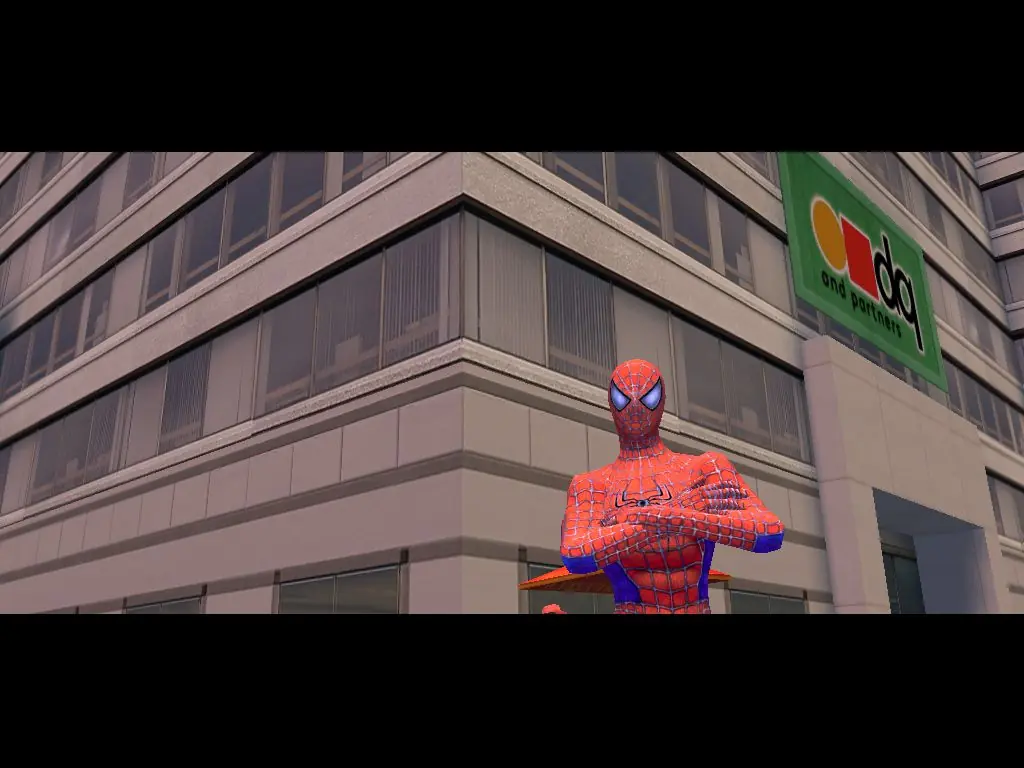
Spider-Man is back for another web-slinging, crime fighting smash hit! Based on the plot of the movie Spider-Man 2, Doctor Octopus and his henchmen strike the city Manhattan with fear and it's up to you to stop them! Use Spidey's web-crawling abilities, spider-sense, super strength and soaring jumping power to bring justice where it's due. Features a realistically modeled Manhattan complete with massive skyscrapers and pedestrians on the streets below. Travel anywhere in search of petty crime-fighting opportunities as well as the nefarious Doc Ock!
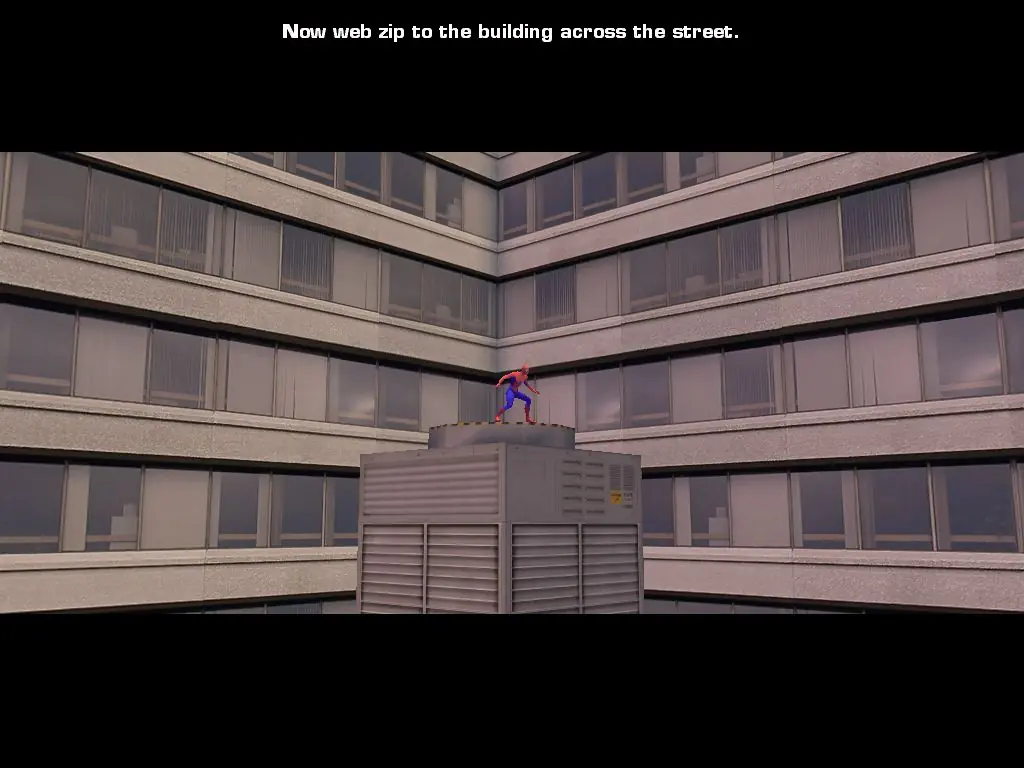
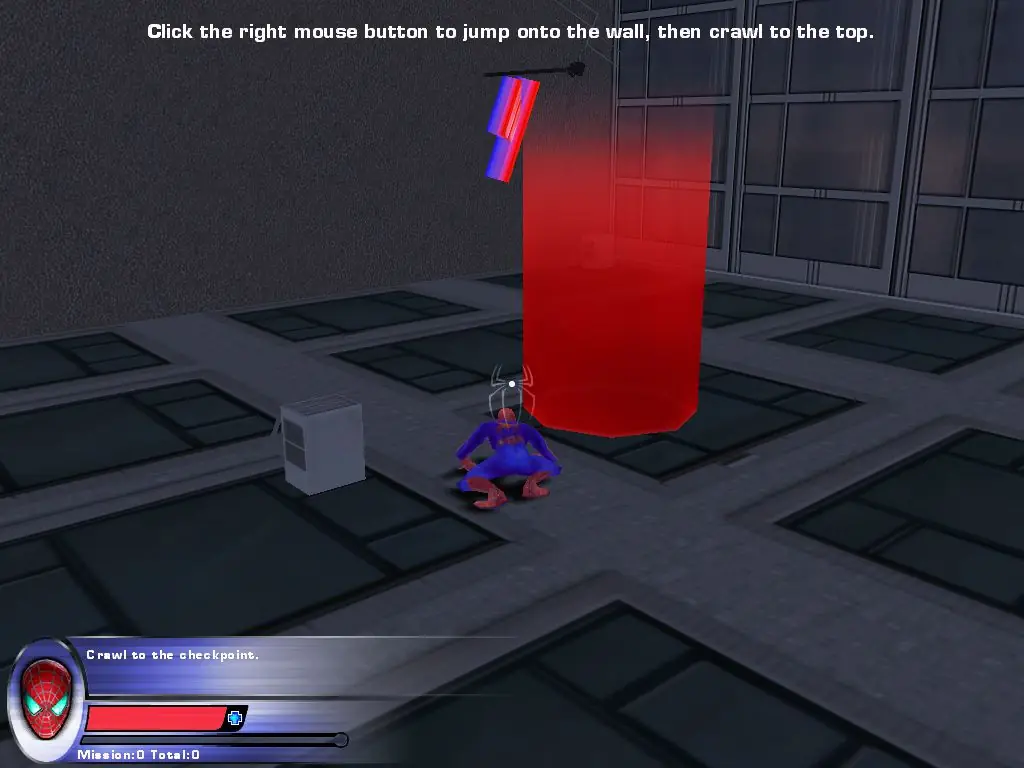
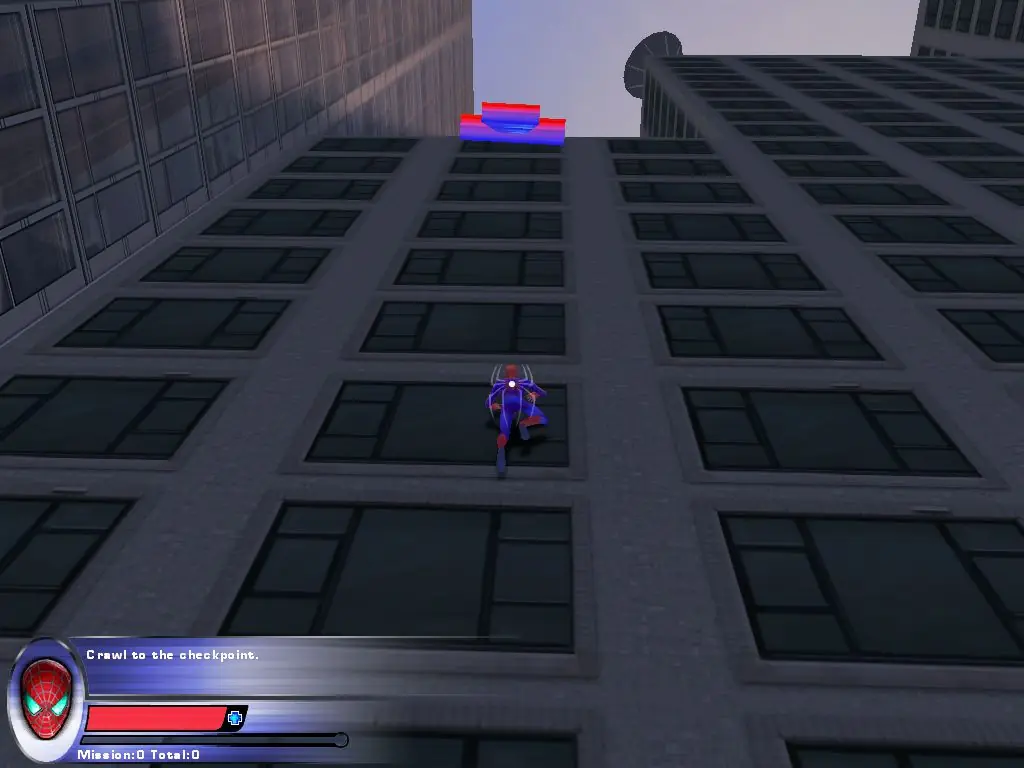
Spider-Man 2 is abandonware and no longer sold or supported by its publishers. Files are archived here for these platforms:
How to play on Windows






But when I want to run the “Game launcher it says that “The file game launcher.exe is no longer available
But clicking on the ” game launcer.exe ” it shows that “”””” The file game launcher is no longer available “””””””””””
Forget this, theres no launcher for ps2 version. Go on this yt vid and its 100% legit, he explains how to download Spider-Man 2 in 5 minutes! This guy just does tutorials on downloading all types of games especially Spider-Man.
Here is the path
Goto the downloaded path and click
*GameFiles–System–Webhead.exe
Thank me later if it works….
🙂