Home » Games » Spider-Man 2

Spider-Man 2

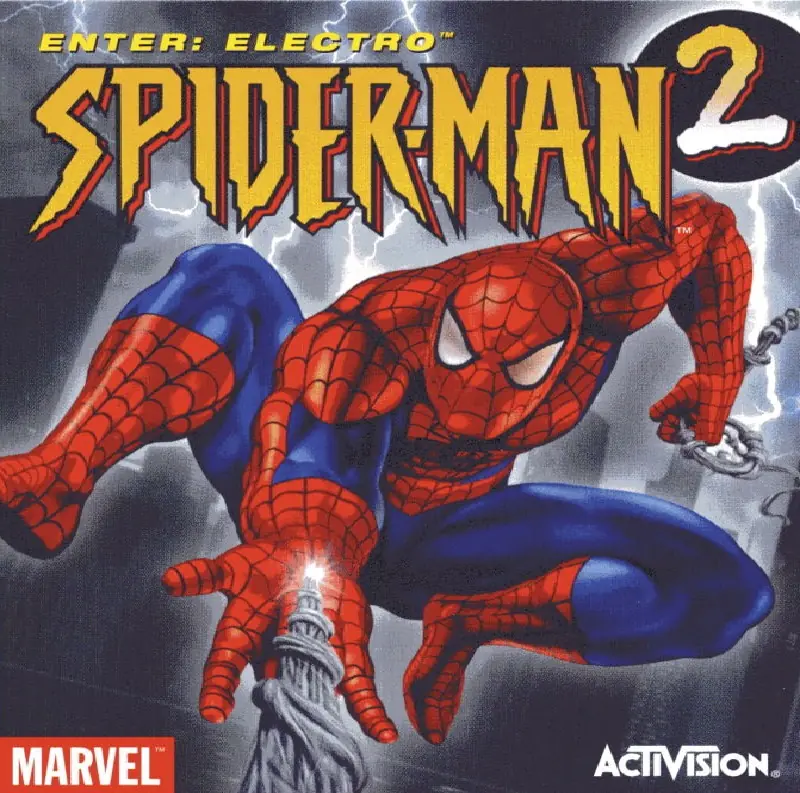
Spider-Man 2 Game Cover
4.6/5 - 1,117 votes

All-new combat system with more amazing combos -- spectacular, over-the-top moves for the ultimate fighting experience.

Other Titles

Spider-Man 2: The Game

Genres
,
Publishers
Released
Download

About Spider-Man 2

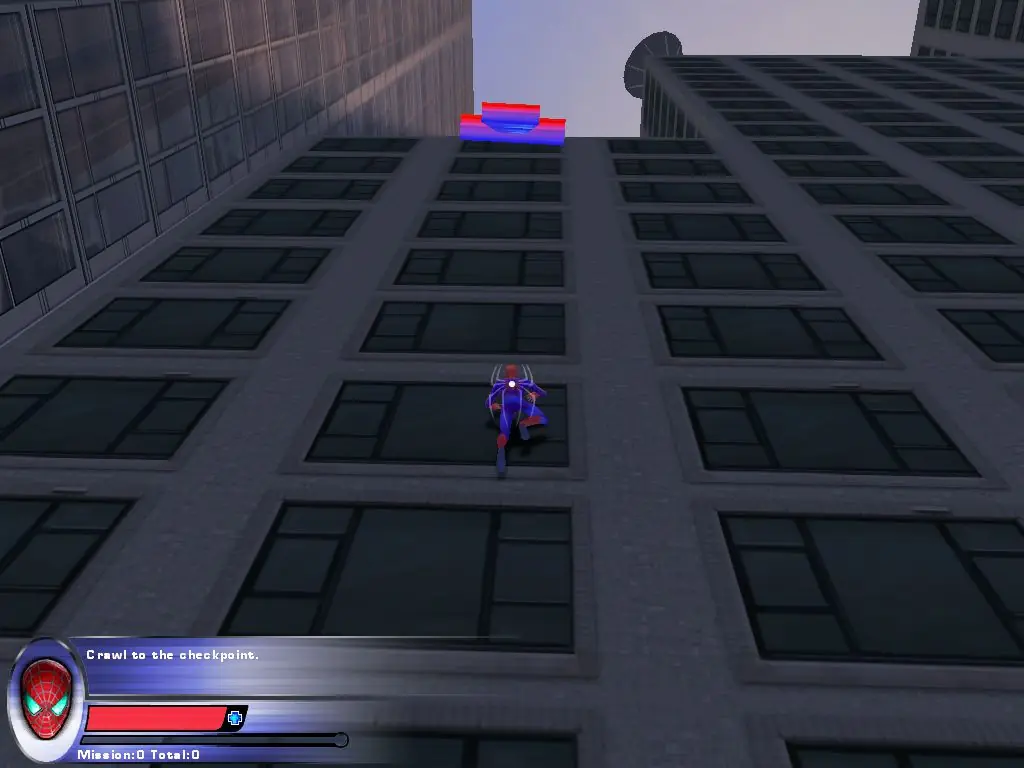
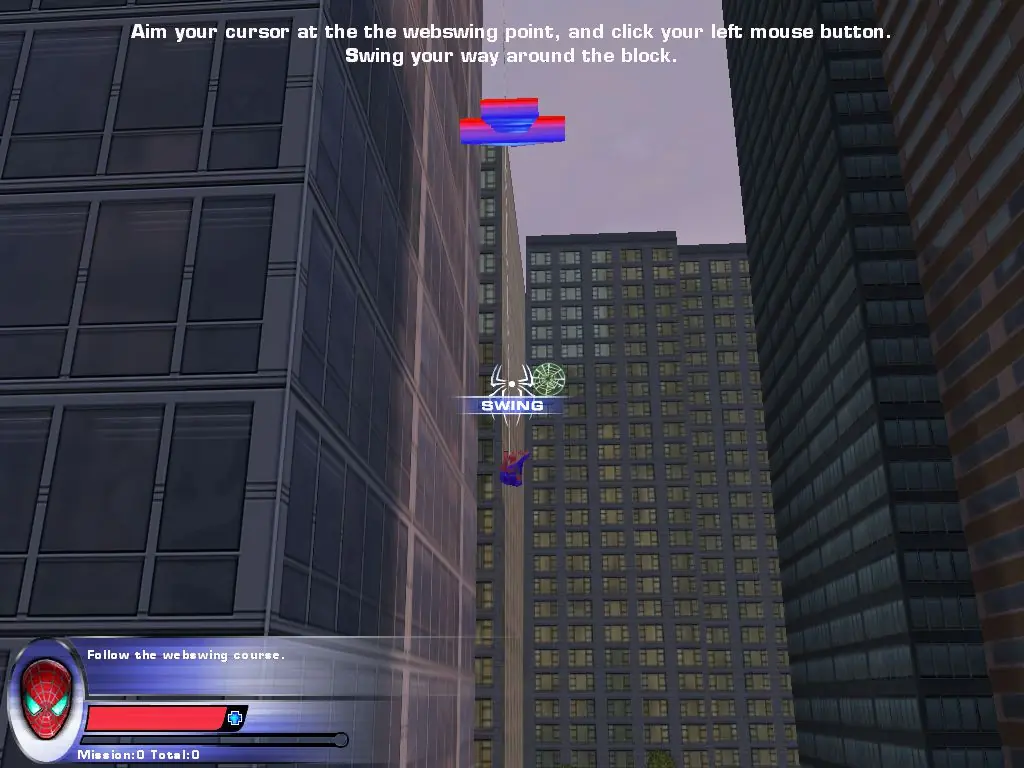
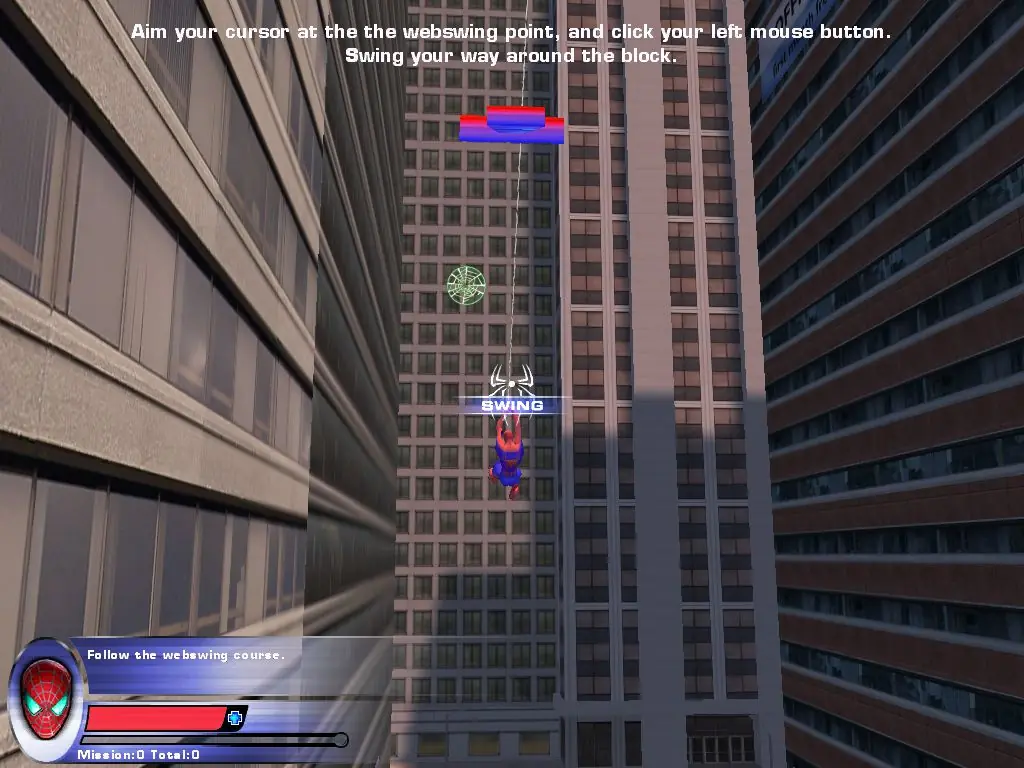
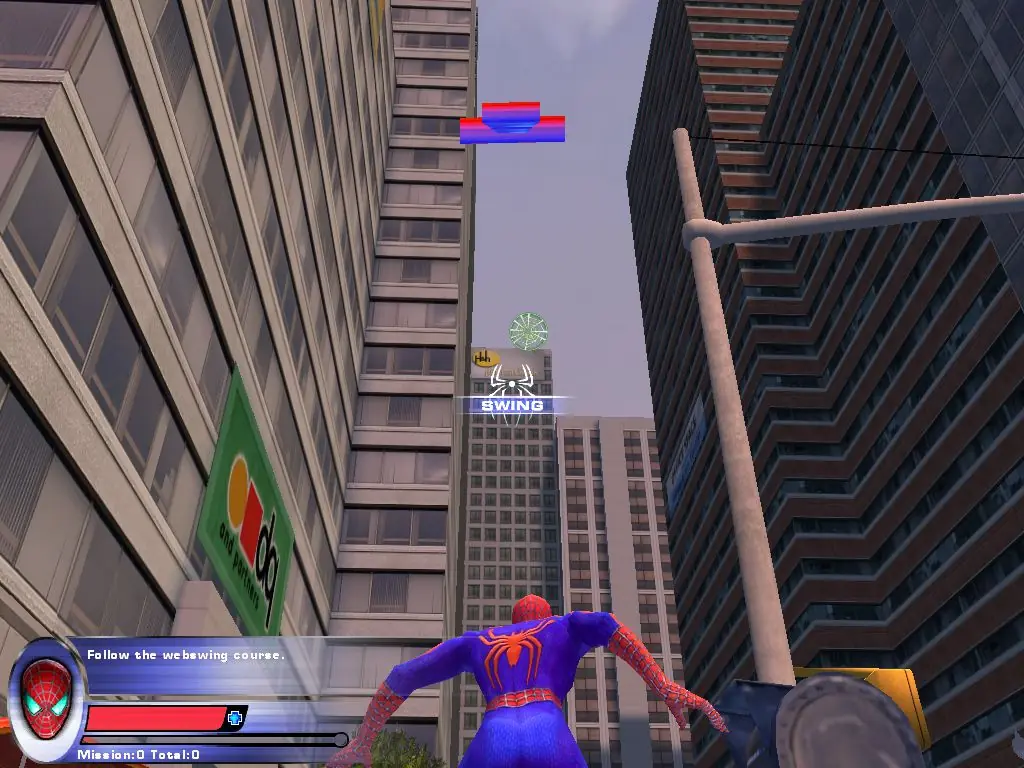
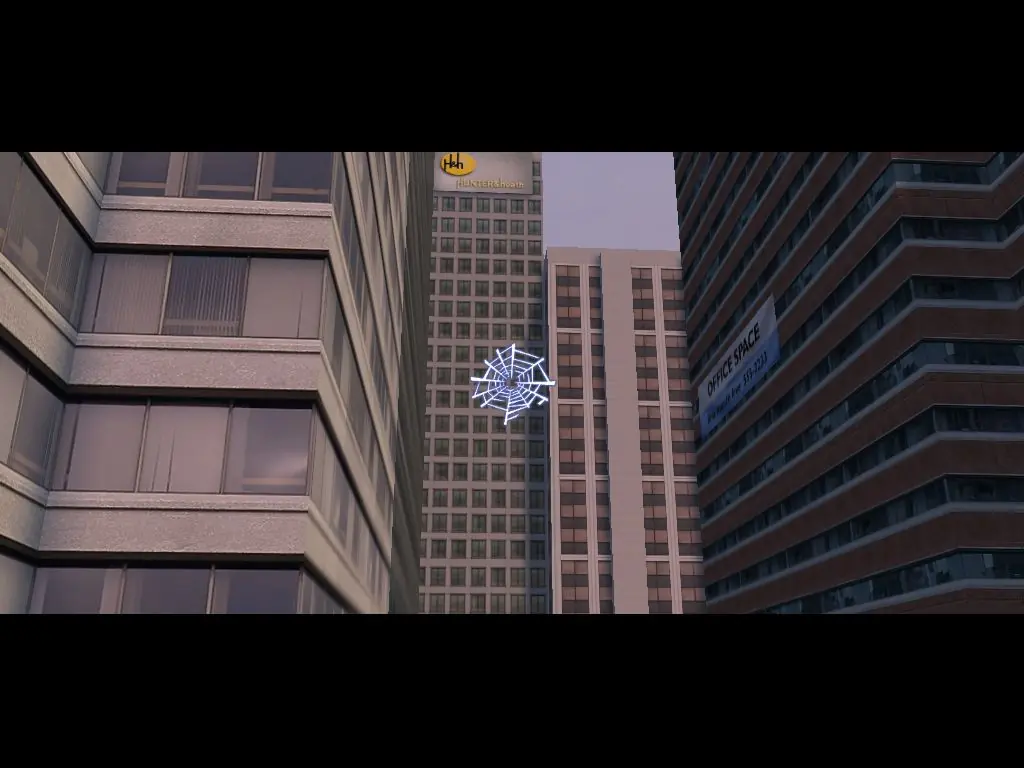
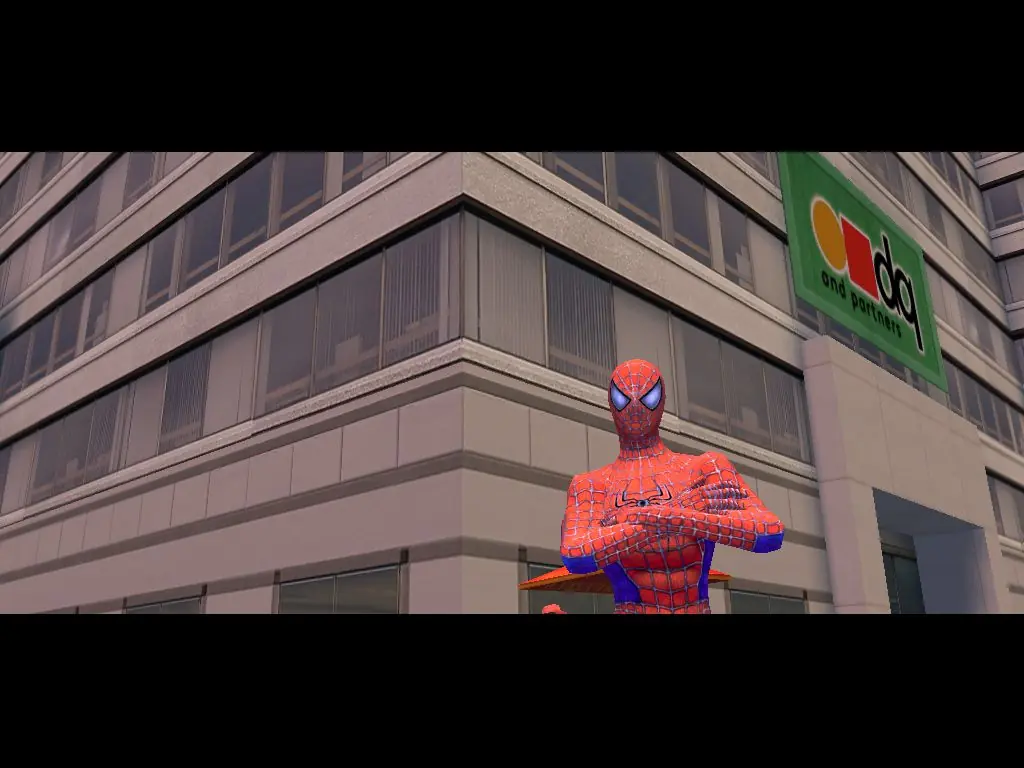
Spider-Man is back for another web-slinging, crime fighting smash hit! Based on the plot of the movie Spider-Man 2, Doctor Octopus and his henchmen strike the city Manhattan with fear and it's up to you to stop them! Use Spidey's web-crawling abilities, spider-sense, super strength and soaring jumping power to bring justice where it's due. Features a realistically modeled Manhattan complete with massive skyscrapers and pedestrians on the streets below. Travel anywhere in search of petty crime-fighting opportunities as well as the nefarious Doc Ock!
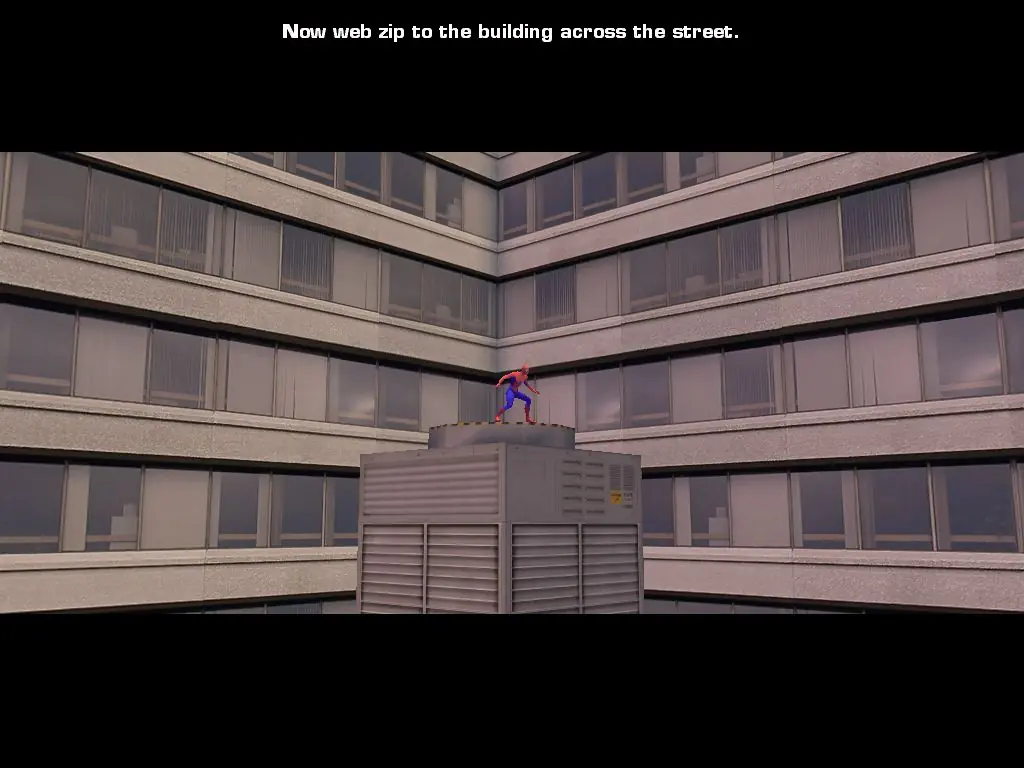
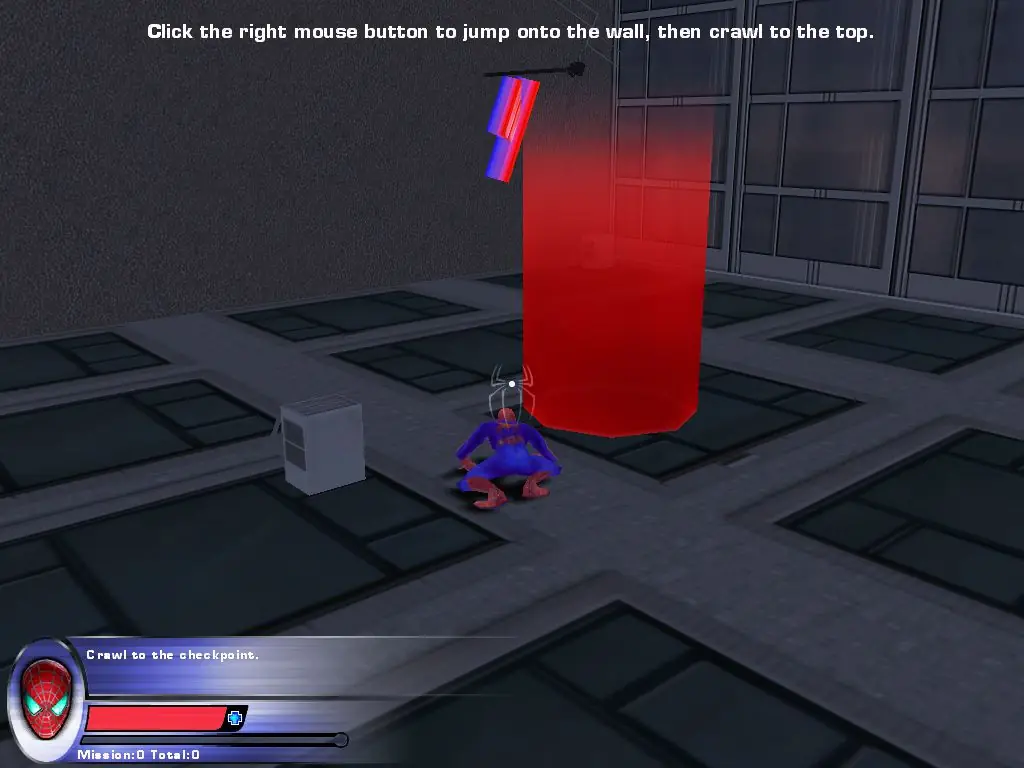
Screenshots

Windows

Spider-Man 2 — Windows screenshot 1Spider-Man 2 — Windows screenshot 2Spider-Man 2 — Windows screenshot 3Spider-Man 2 — Windows screenshot 4Spider-Man 2 — Windows screenshot 5Spider-Man 2 — Windows screenshot 6Spider-Man 2 — Windows screenshot 7Spider-Man 2 — Windows screenshot 8Spider-Man 2 — Windows screenshot 9Spider-Man 2 — Windows screenshot 10

Download Spider-Man 2

Spider-Man 2 is abandonware and no longer sold or supported by its publishers. Files are archived here for these platforms:

PlayStation 2 (2004)

Tutorial: How to play PlayStation 2 games on Windows

Windows (2004)

  • Spider_Man_2_Win_Files_EN.7zEN418.85 MB
  • Instructions Spider_Man_2_Win_Files_EN.7z

    How to play on Windows

    1. Download and Extract Spider_Man_2_Win_Files_EN.7z
    2. Open the "Game Files" folder and run "GameLaunch.exe"
    3. Enjoy!

Manuals and readmes

Other resources

Comments

94 thoughts on “Spider-Man 2”

  1. 0
    some of you google spiderman 2 free download and just click files once their downloaded. dont do that. please look up some guides.
    Reply
  2. 0
    Guys the game works but you have to run the “Webhead.exe” in the game’s “system” folder instead of the “GameLaunch” because that just gives an error message
    Reply
  3. 0
    I’ve heard a lot of bad comments about this game. I think the PS2 version will be better. Those were the days… console games were polished and PC gamers got a mediocre product. Good thing it’s different now. Although some of these games based on movies are missing.
    Reply
  4. 0
    click the GameLaunch > click browse in the pop up > browse it to the webhead application in the system folder of game files. Done!
    Reply
  5. 0
    I have a problem on the PC version. In the bank robbery mission where you go to the guard and after that the security room is supposed to be unlocked. But it doesn’t open. I can’t progress any further then that. Pls help:(
    Reply