Home » Games » Spider-Man: The Movie
Spider-Man: The Movie

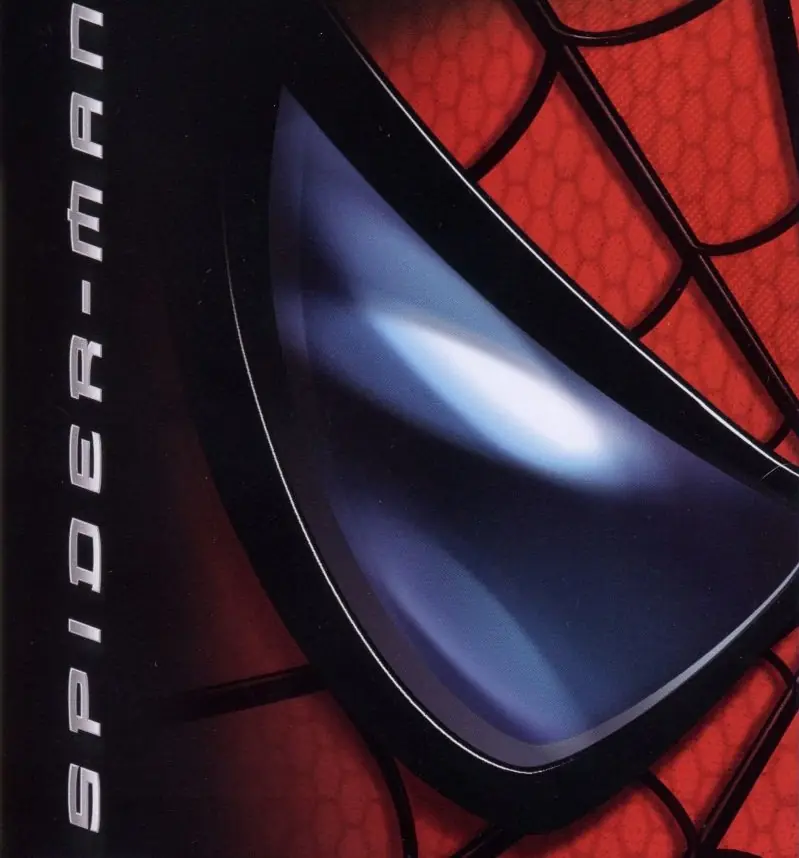
Spider-Man: The Movie Game Cover
4.6/5 - 331 votes

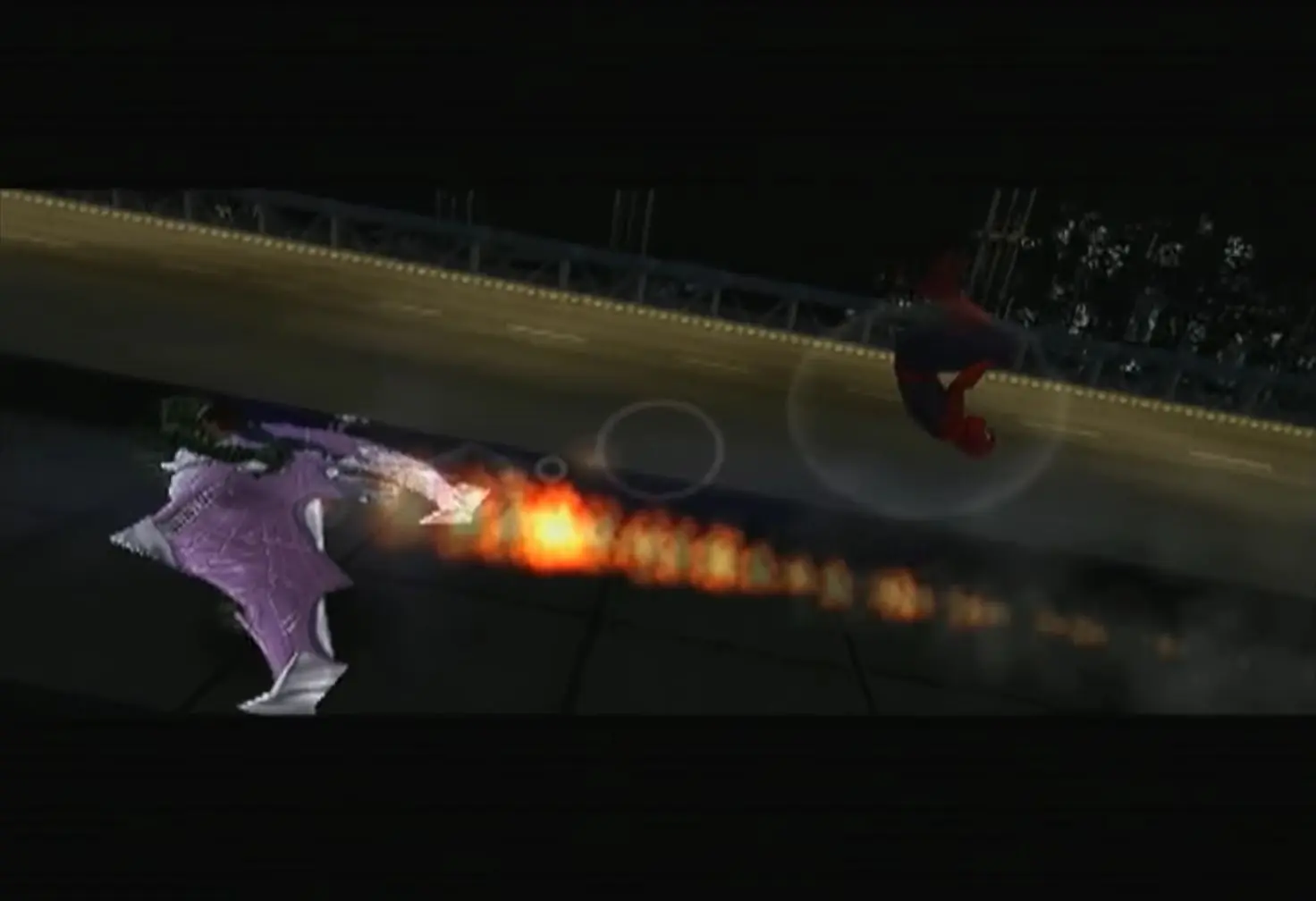
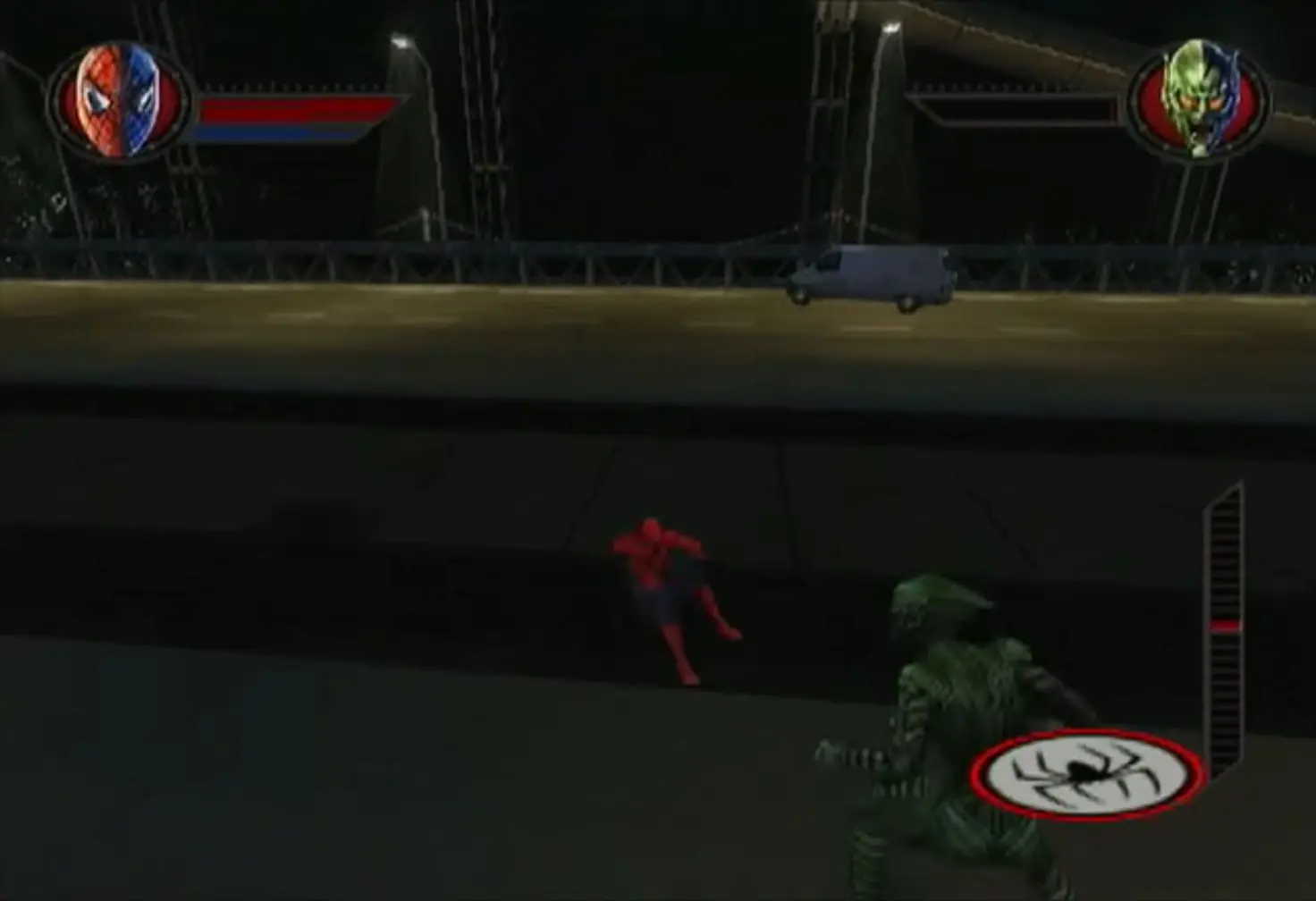
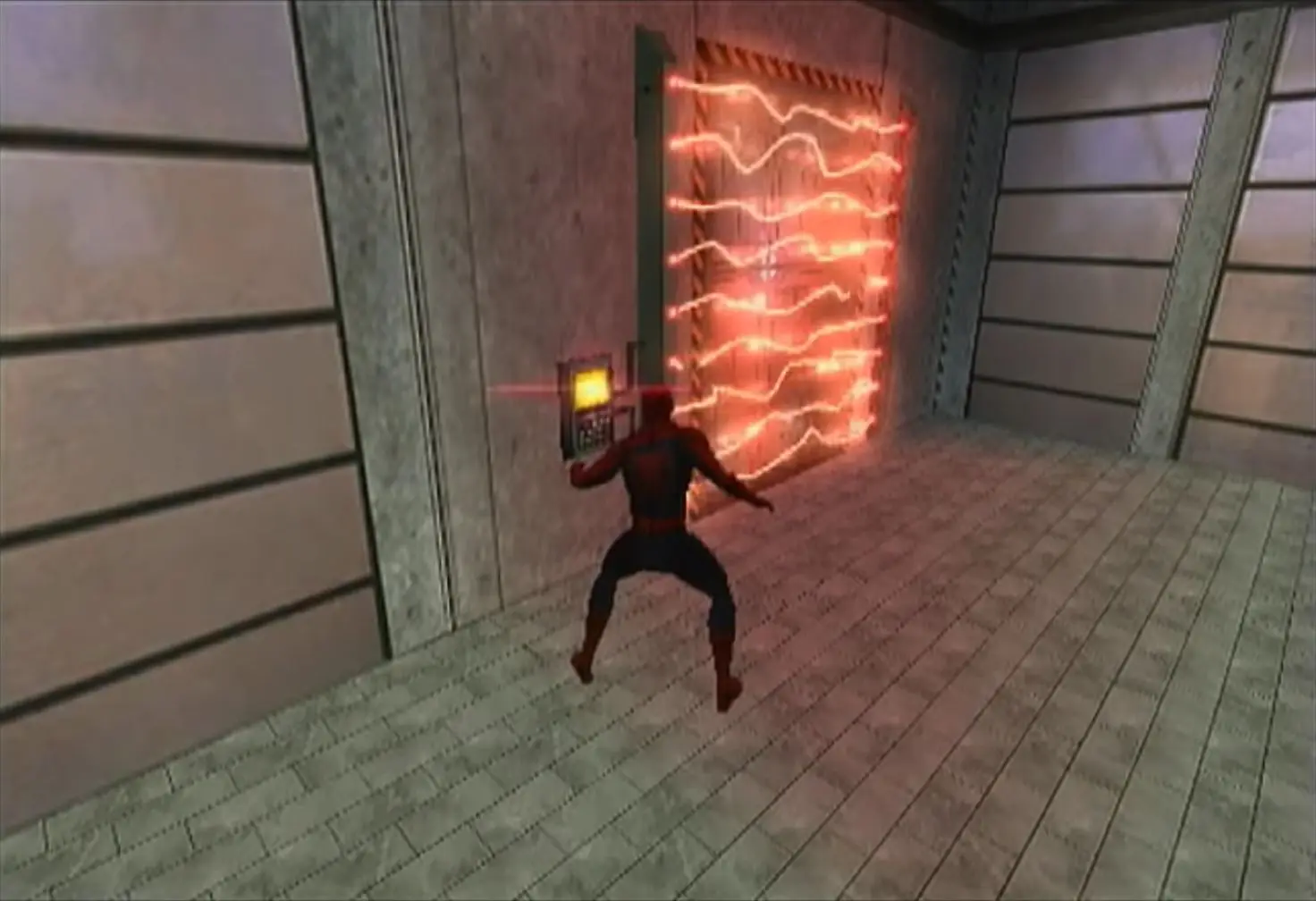
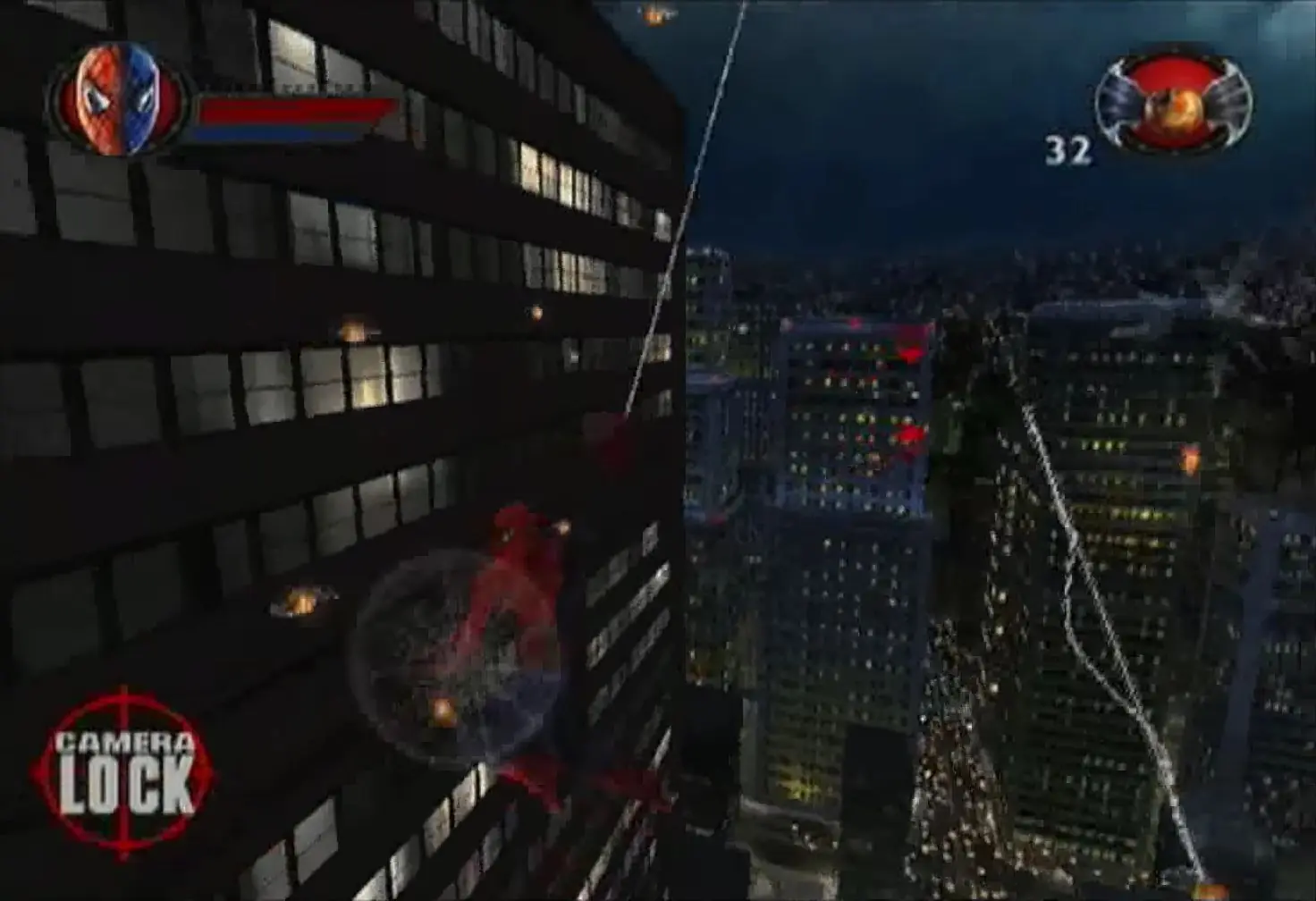
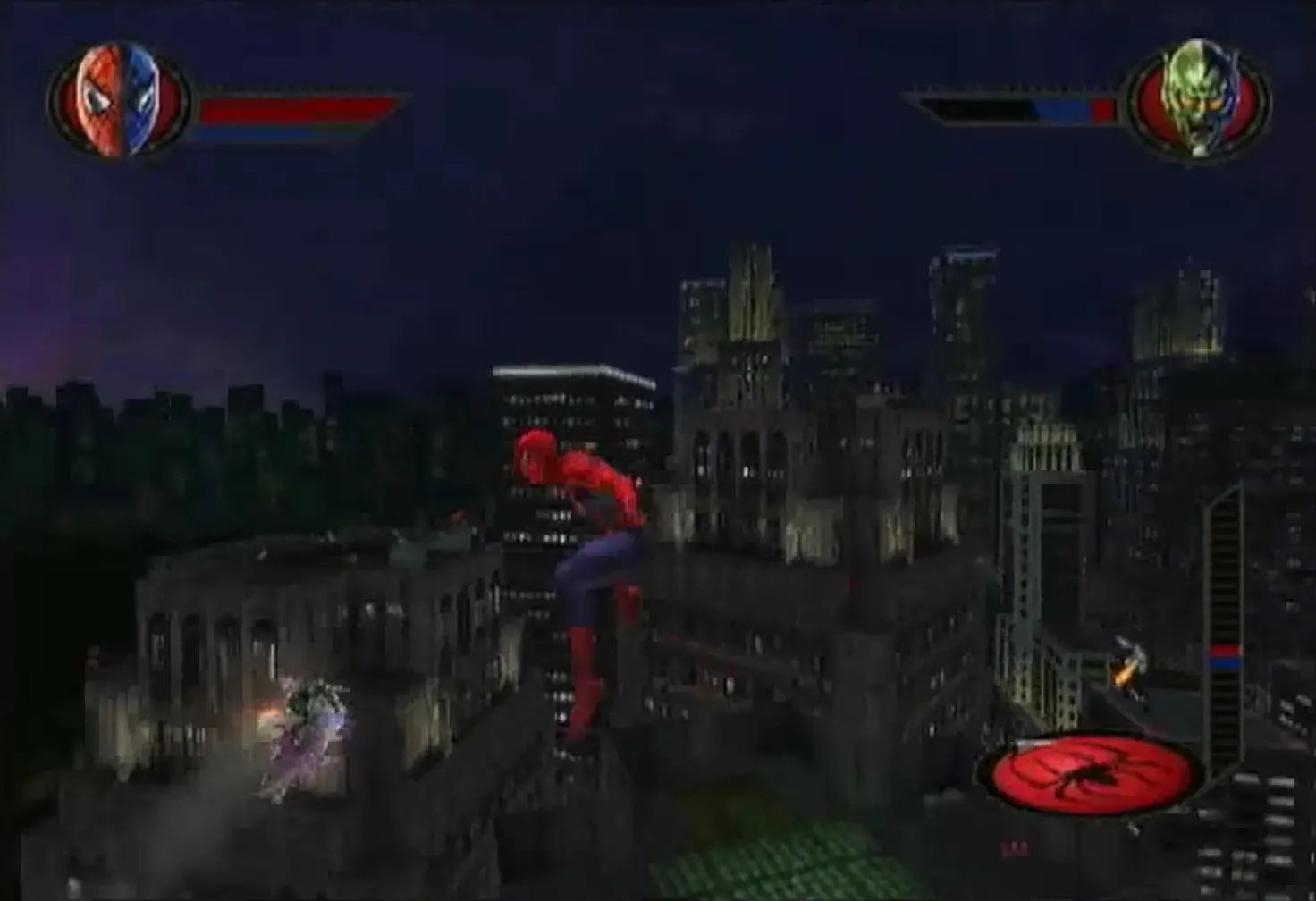
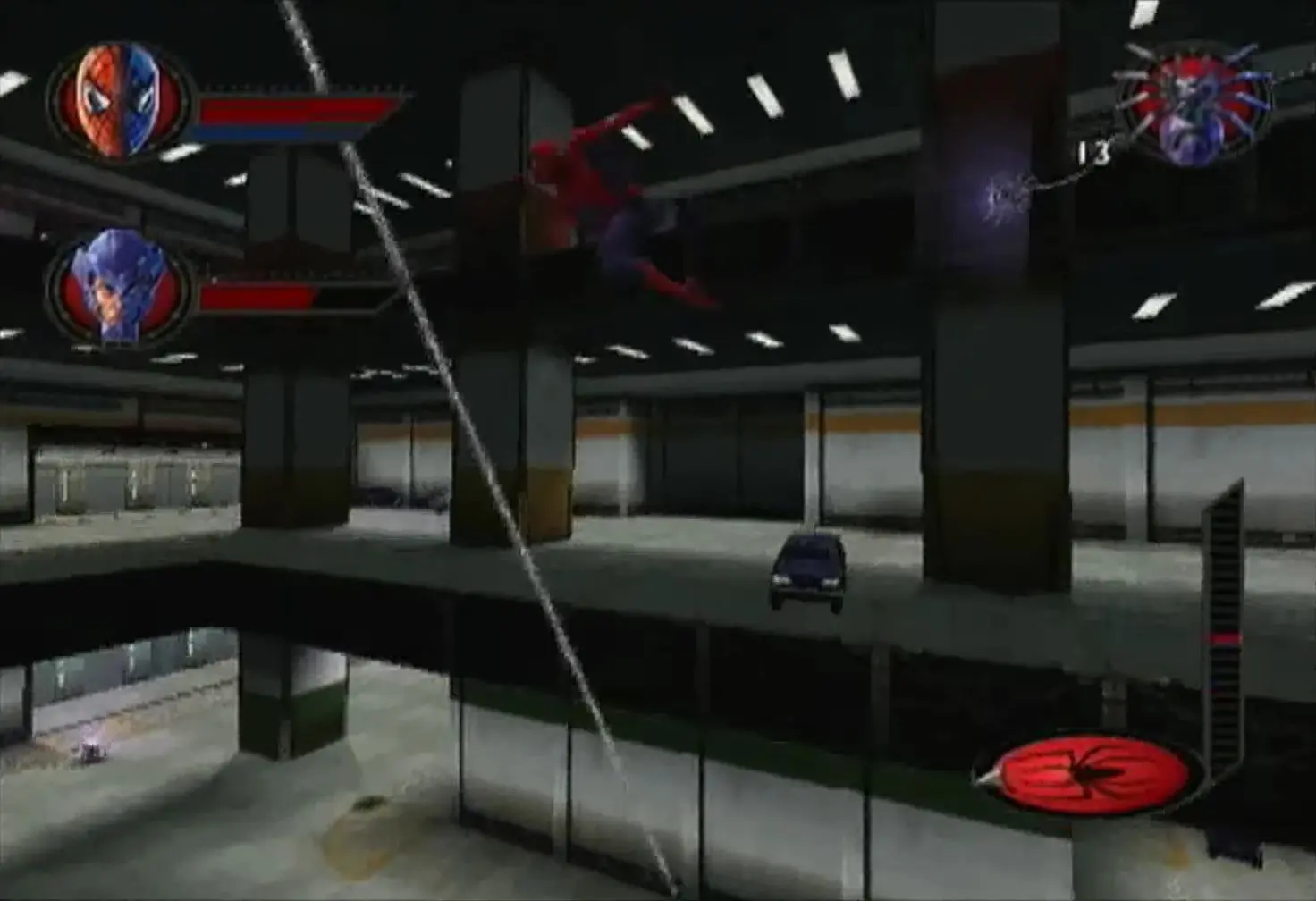
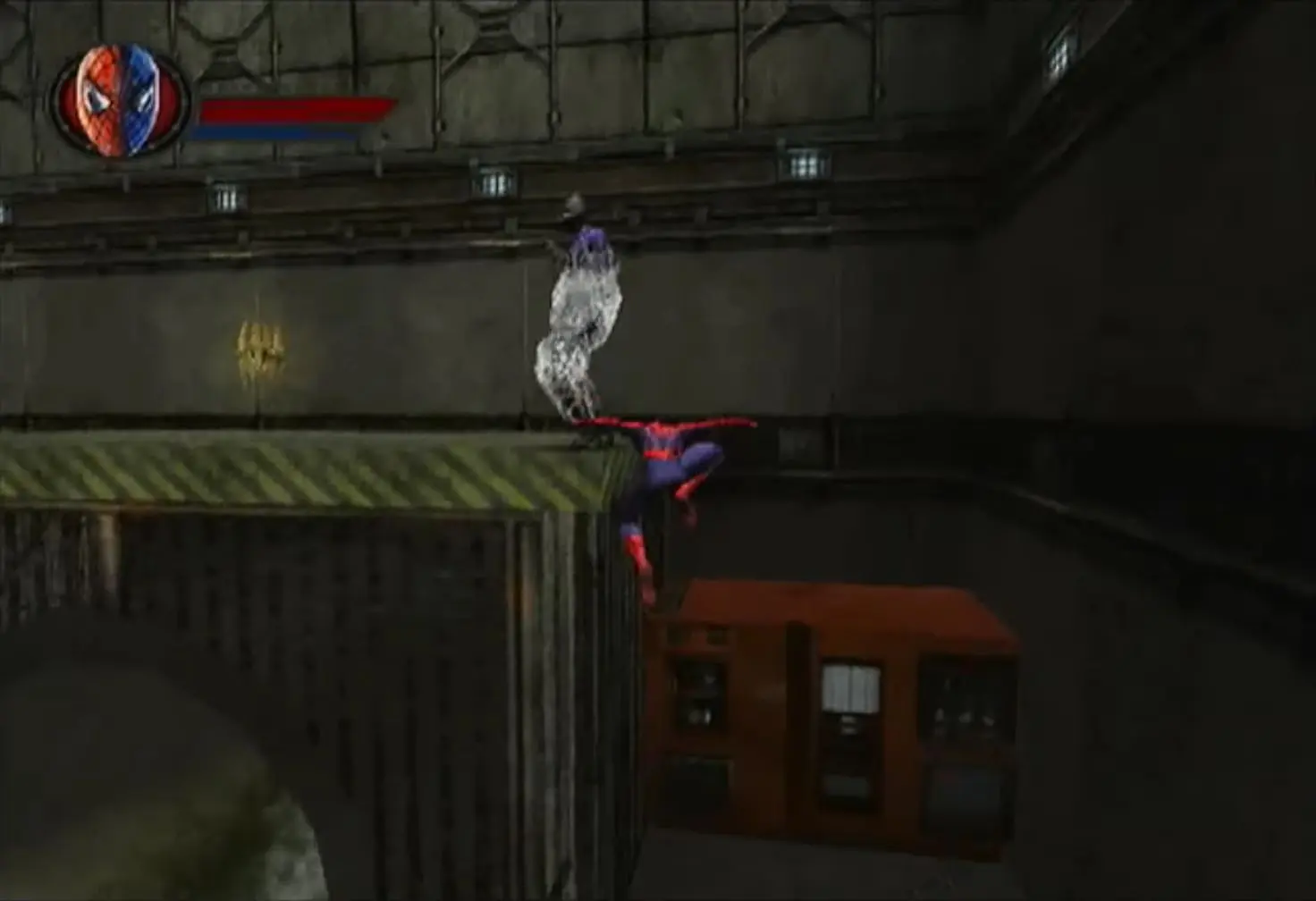
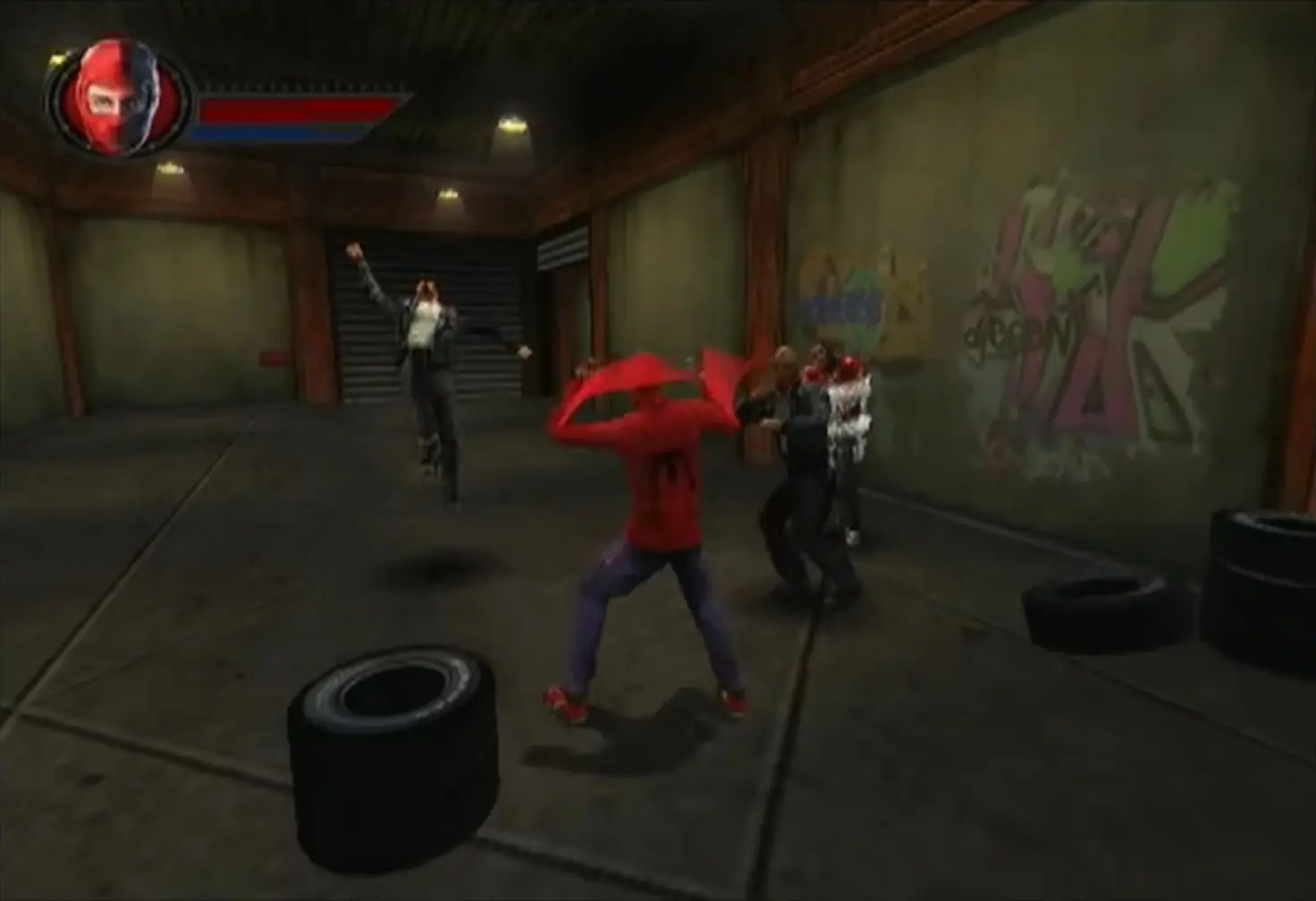
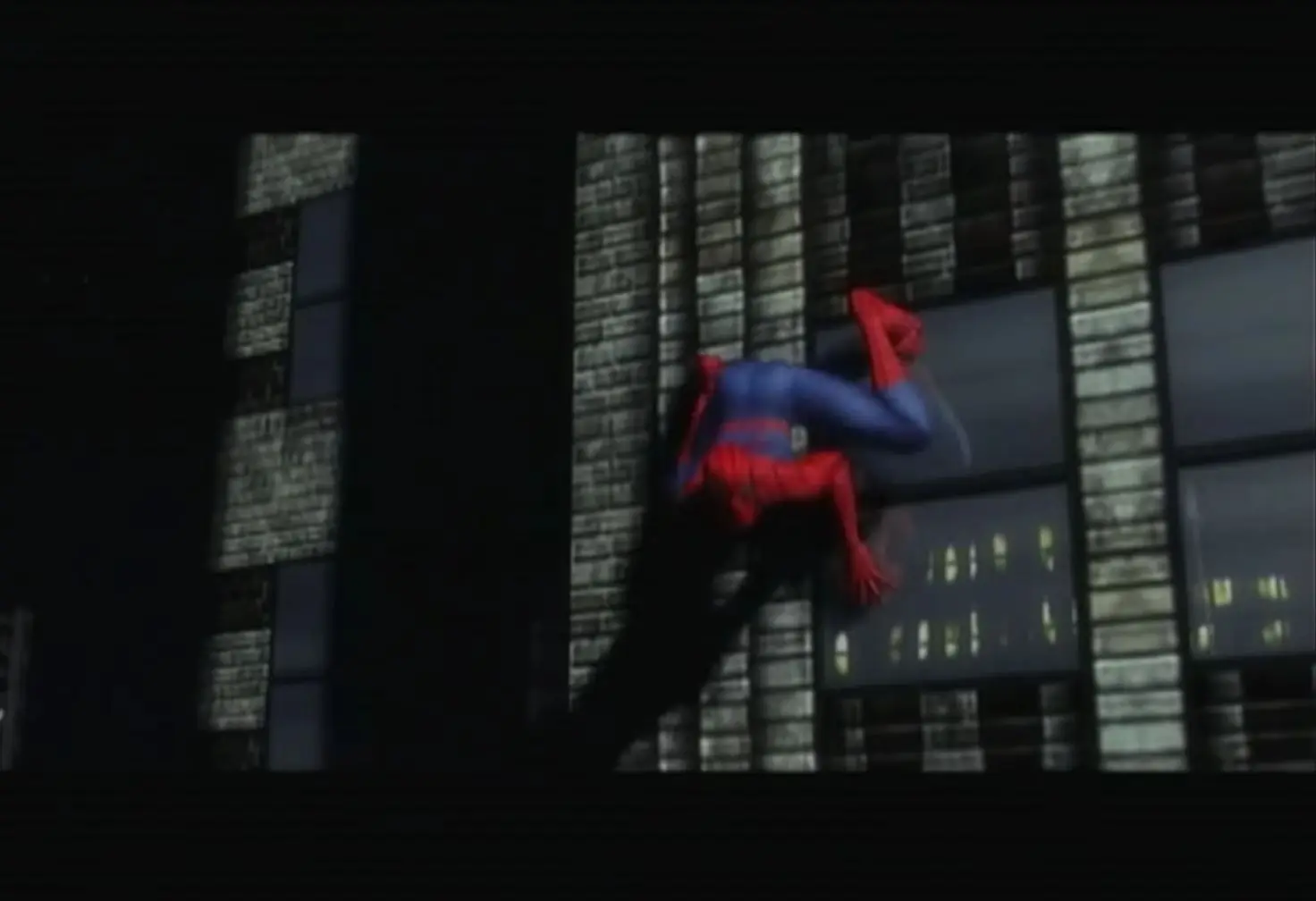
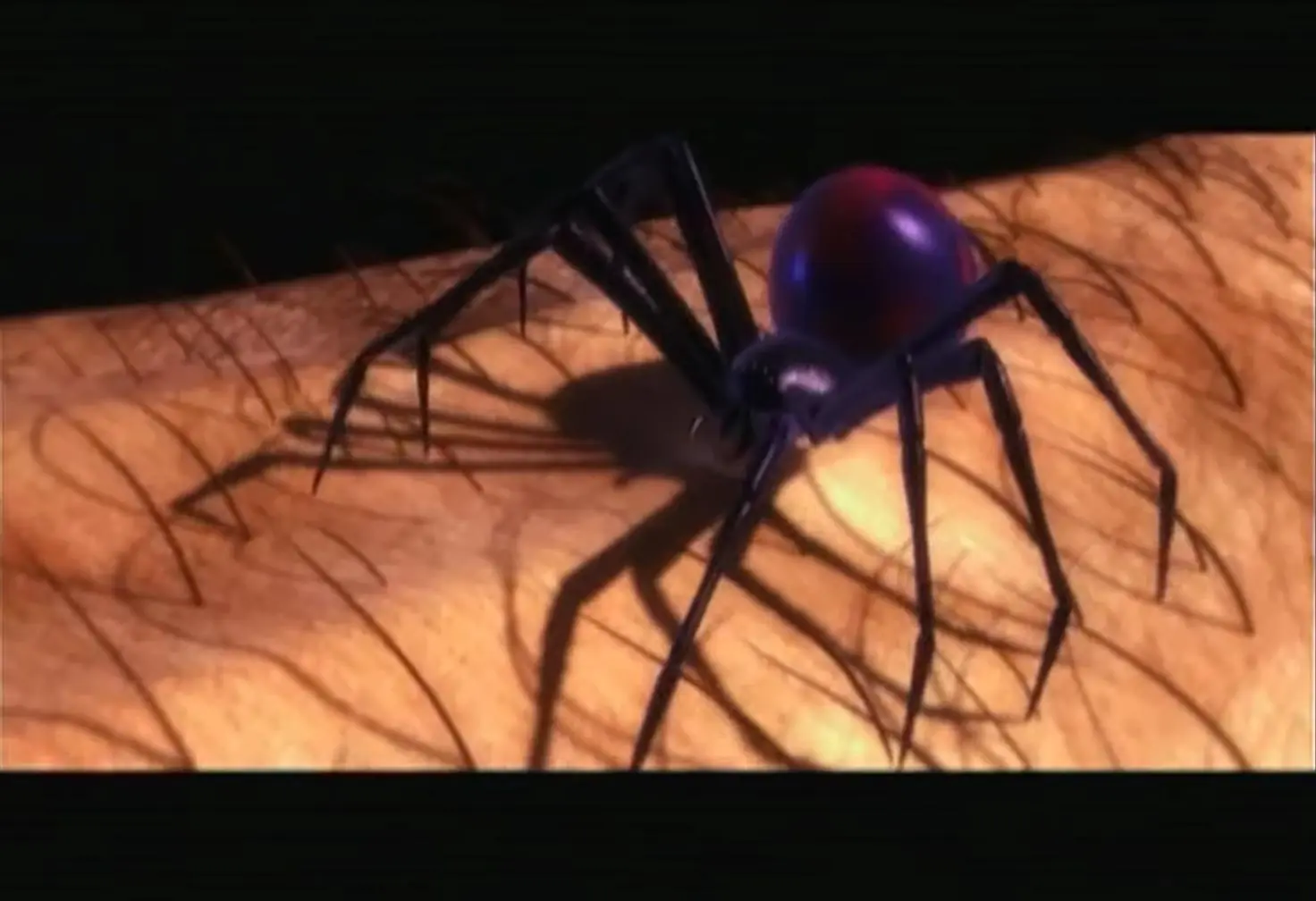
Spider-Man (also known as Spider-Man: The Movie) is a 2002 action-adventure video game based upon the Marvel Comics character Spider-Man, and is also loosely based on the film Spider-Man.

Other Titles

Spider-ManSpider-Man - 2002 releaseسپایدەرمانسپيدير مانمرد عنکبوتی스파이더맨

Genres
,
Publishers
Released
Platforms
Download

Screenshots

PlayStation 2

Spider-Man: The Movie — PlayStation 2 screenshot 1Spider-Man: The Movie — PlayStation 2 screenshot 2Spider-Man: The Movie — PlayStation 2 screenshot 3Spider-Man: The Movie — PlayStation 2 screenshot 4Spider-Man: The Movie — PlayStation 2 screenshot 5Spider-Man: The Movie — PlayStation 2 screenshot 6Spider-Man: The Movie — PlayStation 2 screenshot 7Spider-Man: The Movie — PlayStation 2 screenshot 8Spider-Man: The Movie — PlayStation 2 screenshot 9Spider-Man: The Movie — PlayStation 2 screenshot 10Spider-Man: The Movie — PlayStation 2 screenshot 11Spider-Man: The Movie — PlayStation 2 screenshot 12Spider-Man: The Movie — PlayStation 2 screenshot 13Spider-Man: The Movie — PlayStation 2 screenshot 14

Download Spider-Man: The Movie

Spider-Man: The Movie is abandonware and no longer sold or supported by its publishers. Files are archived here for these platforms:

Windows (2002)

  • Spider_Man_The_Movie_Win_Magipack_Repack_EN.zipEN1.14 GB
  • Spider_Man_The_Movie_Win_ROM_EN.7zEN1.14 GB
  • Instructions Spider_Man_The_Movie_Win_ROM_EN.7z

    How to play on Windows

    1. Download and Extract Spider_Man_The_Movie_Win_ROM_EN.7z
    2. Open the "Game Files" folder and mount STM_Disk1. Run the game setup and install the game.
    3. When prompted, mount STM_Disk2 to a different drive and continue installation.
    4. When your installation is finished, you can launch the game using your desktop shortcut.
    5. Enjoy!

Comments

68 thoughts on “Spider-Man: The Movie”

  1. 3
    I didnt get the Download failed like everyone else just got the insert disk 2 to play when i have disk 2 mounted… what the hell!? why doesnt this work?
    Reply
  2. 0
    Unfortunately this does not work. As a comment mentioned, you have to mount disk 1 for the first part of the installation, then unmount it and make sure to mount disk 2 to the same letter that you mounted disk 1. After that, you have to unmount disk 2 and mount disk 1 back to the same letter for the end of the installation. It asks you if you want to register or install adobe acrobat and you just hit no. But then it says “I/O Error” and says the installation is corrupt. It doesn’t allow you to rollback the install or try again and it just closes with corruption. Hopefully there can be a fix since this nor the repack of this game worked for me.
    Reply
  3. -1
    I followed the directions but every time I try to play the game it keeps telling me to insert disc 2. Even if I have disc 2 mounted. It still doesn’t launch.

    How am I supposed to play the game?

    Reply
    • 0
      Unmount disk 1 and mount disk 2 to the same letter drive that disk 1 was mounted to. Vice versa when you have to mount back to disk 1. The game won’t recognize the other disk if it’s mounted to a different letter drive.
      Reply
      • 0
        Bro I have the same issue, have you solved this problem yet?
        Please inform me if there’s a good solution I mean the Issue that says “Please insert the Spider-Man Disk 2 CD-ROM, select OK, and restart the game.”
        Reply