Home » Games » Spider-Man

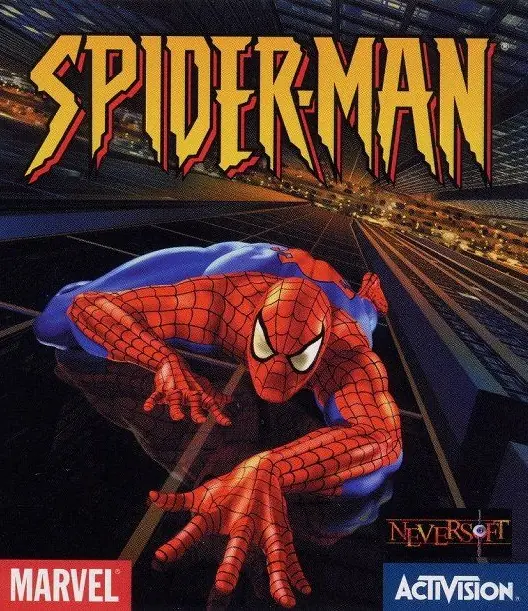
Spider-Man

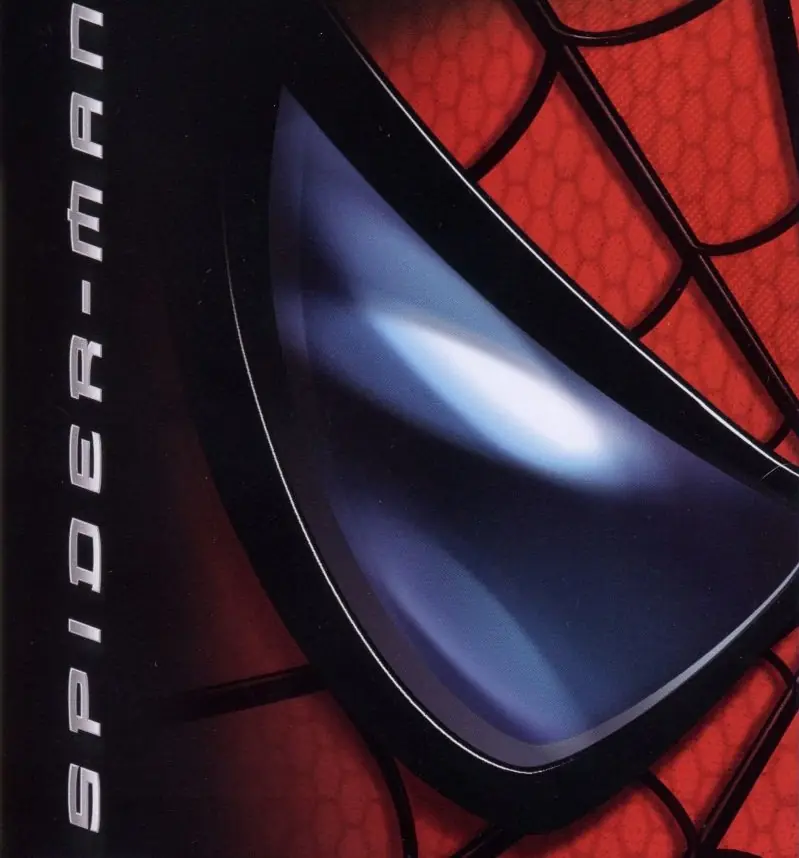
Spider-Man Game Cover
4.6/5 - 1,046 votes

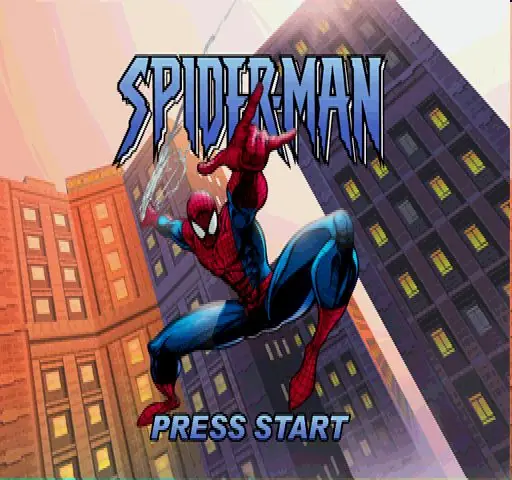
Spider-Man is a 2000 action game developed by Edge of Reality and published by Activision.

Other Titles

ספיידרמן蜘蛛侠Spider-Man 64Spider-Man 2000SuperLite 1500 Series: Spider-ManSuperLite 1500 シリーズ スパイダーマンスパイダーマンسبايدرمانسپایدەرمانسپيدير مانمرد عنکبوتی스파이더맨

Publishers
Released
, ,
Platforms
, ,
Download

About Spider-Man

Spider-Man is a 2000 action-adventure game based on the Marvel Comics character of the same name. It was developed by Neversoft and published by Activision for the PlayStation. The game was later ported by different developers to various systems, including the Game Boy Color and Nintendo 64 that same year, the Dreamcast and Microsoft Windows in 2001, and Mac OS in 2002.

The game's story follows Spider-Man as he attempts to clear his name after being framed by a doppelgänger and becoming a wanted criminal, while also having to foil a symbiote invasion orchestrated by Doctor Octopus and Carnage. Numerous villains from the comics appear as bosses, including Scorpion, Rhino, Venom, Mysterio, Carnage, and Doctor Octopus, as well as a Carnage symbiote-possessed Doctor Octopus named Monster-Ock, who was created exclusively for the game. The game features narration from co-creator Stan Lee, and is the first Spider-Man game published by Activision following their acquisition of the license, which would expire in 2014.
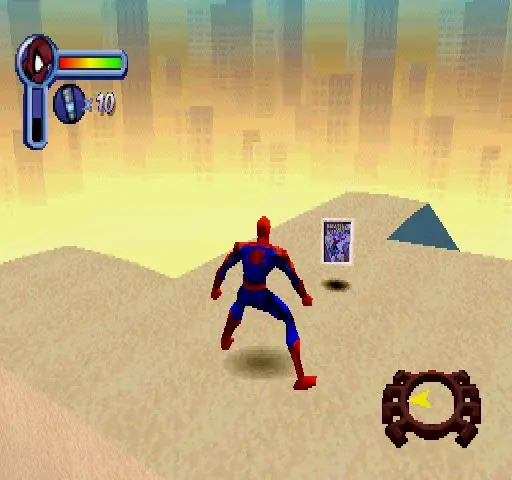
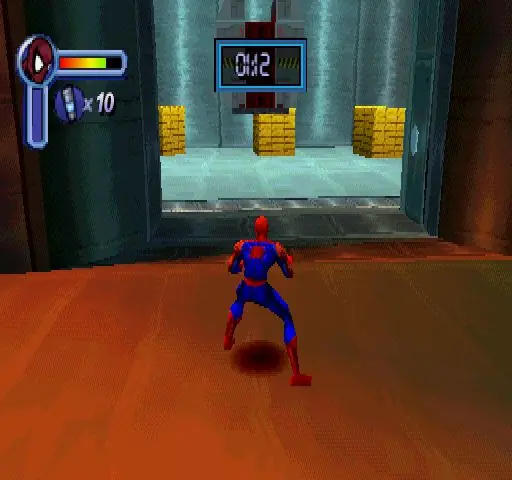
Screenshots

PlayStation

Spider-Man — PlayStation screenshot 1Spider-Man — PlayStation screenshot 2Spider-Man — PlayStation screenshot 3

Download Spider-Man

Spider-Man is abandonware and no longer sold or supported by its publishers. Files are archived here for these platforms:

PlayStation (2000)

Tutorial: How to play PlayStation games on Windows

Windows (2001)

  • Spider_Man_2000_Win_Files_EN.7zEN106.37 MB
  • Instructions Spider_Man_2000_Win_Files_EN.7z

    How to play on Windows (Method 1)

    1. Download and Extract Spider_Man_2000_Win_Files_EN.7z
    2. Open the "Game Files" folder and launch "SpideyPC.exe"
    3. Enjoy!
  • Spider_Man_2000_Win_ROM_EN.7zEN520.81 MB
  • Instructions Spider_Man_2000_Win_ROM_EN.7z

    How to play on Windows (Method 2)

    1. Download and Extract Spider_Man_2000_Win_ROM_EN.7z
    2. Open the "Game Files" folder and mount the .mdf file (see our wiki section if unsure how)
    3. Run the game setup and finish installing the game
    4. Crack the game using the file inside the "Crack" folder
    5. Launch the game using the desktop shortcut or by double clicking on "SpideyPC.exe"
    6. Enjoy!
  • Spider_Man_dgVoodoo_Win_RIP_EN.zipEN425.84 MB
  • Spider_Man_MagiPack_Repack_Win_Setup_EN.zipEN411.2 MB
  • Spider_Man_Win_ISO_EN.zipEN476.82 MB
  • Spider_Man_Win_Setup_EN.zipEN467.85 MB
  • Instructions Spider_Man_Win_Setup_EN.zip

    How to play on Windows (Method 3 - credits to lightsritual)

    GUIDE TO MAKE GAME RUN ON WINDOWS:

    Install:
    Under (Windows)
    – Spider_Man_Win_Setup_EN.zip (467.5MB) (MAIN GAME)

    Under “Additional files, patches and fixes”
    – Spider-Man Windows NoCD (English) (CRACKED FIX)
    1. Extract *MAIN GAME* to a preferred folder of your choice. I have it under C:\OldGames… OR you can simply drag the folder “Spider-Man 2000” into C:\OldGames…
    2. In Spider-Man 2000 open Setup folder…
    3. Open Spider-Man Windows NoCD (English) Separately then navigate C:\OldGames\Spider-Man 2000\Spider_Man_NoCD_Win_EN.zip\Game Files\Crack…
    4. Copy SpideyPC
    5. Paste it into the ‘SETUP’ MAIN GAME FOLDER (my example: C:\OldGames\Spider-Man 2000\Setup)
    6. Replace file in destination..
    7. To launch the game click SpideyPC (Application)
    8. CONGRATS NOW YOU CAN PLAY! Send a shortcut to desktop for easier access
    9. *Highly recommend you look up a resolution fix to play at your monitors native resolution!*

Additional files, patches and fixes

Mac (2002)

Additional files, patches and fixes

Other resources

Comments

119 thoughts on “Spider-Man”

  1. 0
    Yeah, just got one question: Why is that, when I open the application “SpideyPC.exe” it opens, the intro plays and then I get to the screen where the song starts playing and is asking me to press enter, the application closes itself without any explanation as to why? If anyone can help me with this problem, I would be most grateful for it.
    Reply
  2. 0
    everything is fine but the there are no cutscenes . please send a download link for cutscene files .
    Reply
  3. 0
    Bro this is great , been waiting really long to play this game again.
    But There are no cutscene movies in this game whatsoever . How to fix that??
    Reply
  4. 0
    Oh, now the sound works. Apparently I can’t play it on my monitor. LOL. I need to just use my laptop’s sound. Sweet! Thanks for the great game!
    Reply
  5. 0
    I did download Spider_Man_2000_Win_Files_EN.7z and i did extract it but when i run the game after some secounds it crashes. Help plz.
    Reply

Similar games