Home » Games » Spider-Man

Spider-Man

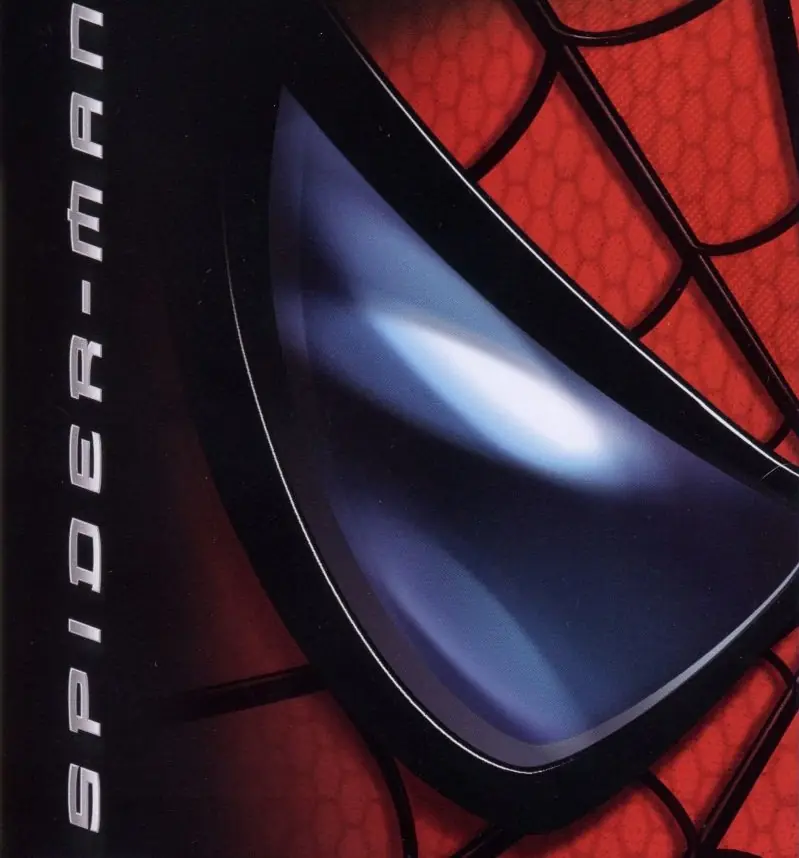
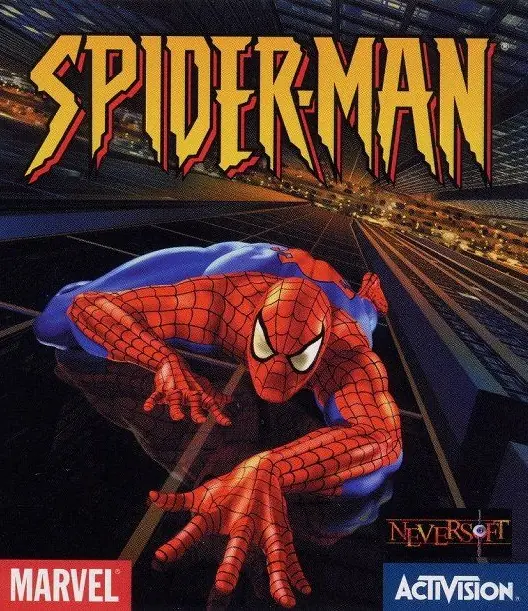
Spider-Man Game Cover
4.6/5 - 1,046 votes

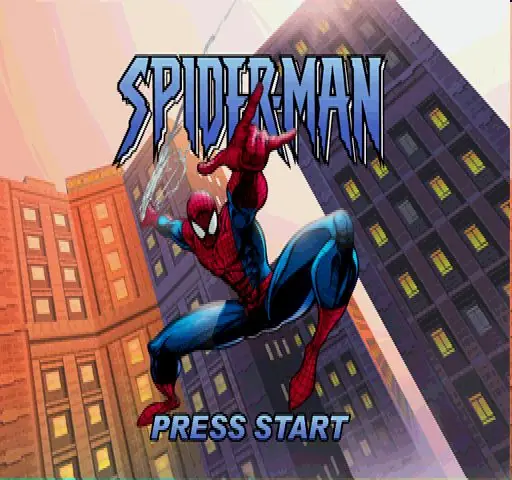
Spider-Man is a 2000 action game developed by Edge of Reality and published by Activision.

Other Titles

ספיידרמן蜘蛛侠Spider-Man 64Spider-Man 2000SuperLite 1500 Series: Spider-ManSuperLite 1500 シリーズ スパイダーマンスパイダーマンسبايدرمانسپایدەرمانسپيدير مانمرد عنکبوتی스파이더맨

Publishers
Released
, ,
Platforms
, ,
Download

About Spider-Man

Spider-Man is a 2000 action-adventure game based on the Marvel Comics character of the same name. It was developed by Neversoft and published by Activision for the PlayStation. The game was later ported by different developers to various systems, including the Game Boy Color and Nintendo 64 that same year, the Dreamcast and Microsoft Windows in 2001, and Mac OS in 2002.

The game's story follows Spider-Man as he attempts to clear his name after being framed by a doppelgänger and becoming a wanted criminal, while also having to foil a symbiote invasion orchestrated by Doctor Octopus and Carnage. Numerous villains from the comics appear as bosses, including Scorpion, Rhino, Venom, Mysterio, Carnage, and Doctor Octopus, as well as a Carnage symbiote-possessed Doctor Octopus named Monster-Ock, who was created exclusively for the game. The game features narration from co-creator Stan Lee, and is the first Spider-Man game published by Activision following their acquisition of the license, which would expire in 2014.
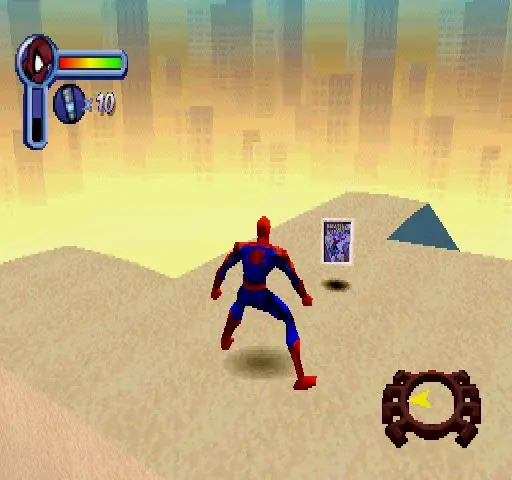
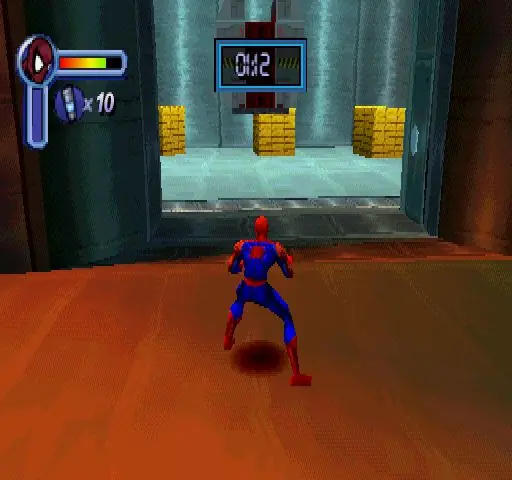
Screenshots

PlayStation

Spider-Man — PlayStation screenshot 1Spider-Man — PlayStation screenshot 2Spider-Man — PlayStation screenshot 3

Download Spider-Man

Spider-Man is abandonware and no longer sold or supported by its publishers. Files are archived here for these platforms:

PlayStation (2000)

Tutorial: How to play PlayStation games on Windows

Windows (2001)

  • Spider_Man_2000_Win_Files_EN.7zEN106.37 MB
  • Instructions Spider_Man_2000_Win_Files_EN.7z

    How to play on Windows (Method 1)

    1. Download and Extract Spider_Man_2000_Win_Files_EN.7z
    2. Open the "Game Files" folder and launch "SpideyPC.exe"
    3. Enjoy!
  • Spider_Man_2000_Win_ROM_EN.7zEN520.81 MB
  • Instructions Spider_Man_2000_Win_ROM_EN.7z

    How to play on Windows (Method 2)

    1. Download and Extract Spider_Man_2000_Win_ROM_EN.7z
    2. Open the "Game Files" folder and mount the .mdf file (see our wiki section if unsure how)
    3. Run the game setup and finish installing the game
    4. Crack the game using the file inside the "Crack" folder
    5. Launch the game using the desktop shortcut or by double clicking on "SpideyPC.exe"
    6. Enjoy!
  • Spider_Man_dgVoodoo_Win_RIP_EN.zipEN425.84 MB
  • Spider_Man_MagiPack_Repack_Win_Setup_EN.zipEN411.2 MB
  • Spider_Man_Win_ISO_EN.zipEN476.82 MB
  • Spider_Man_Win_Setup_EN.zipEN467.85 MB
  • Instructions Spider_Man_Win_Setup_EN.zip

    How to play on Windows (Method 3 - credits to lightsritual)

    GUIDE TO MAKE GAME RUN ON WINDOWS:

    Install:
    Under (Windows)
    – Spider_Man_Win_Setup_EN.zip (467.5MB) (MAIN GAME)

    Under “Additional files, patches and fixes”
    – Spider-Man Windows NoCD (English) (CRACKED FIX)
    1. Extract *MAIN GAME* to a preferred folder of your choice. I have it under C:\OldGames… OR you can simply drag the folder “Spider-Man 2000” into C:\OldGames…
    2. In Spider-Man 2000 open Setup folder…
    3. Open Spider-Man Windows NoCD (English) Separately then navigate C:\OldGames\Spider-Man 2000\Spider_Man_NoCD_Win_EN.zip\Game Files\Crack…
    4. Copy SpideyPC
    5. Paste it into the ‘SETUP’ MAIN GAME FOLDER (my example: C:\OldGames\Spider-Man 2000\Setup)
    6. Replace file in destination..
    7. To launch the game click SpideyPC (Application)
    8. CONGRATS NOW YOU CAN PLAY! Send a shortcut to desktop for easier access
    9. *Highly recommend you look up a resolution fix to play at your monitors native resolution!*

Additional files, patches and fixes

Mac (2002)

Additional files, patches and fixes

Other resources

Comments

119 thoughts on “Spider-Man”

  1. 0
    i cant save the game, if i close the game i have to start over again it also resets all my settings. the cutscenes in the first scorpion mission didn’t play either.
    Reply
  2. 0
    on the level spiderman vs scorpion it keeps it plays the cutscene but the character glitches out and doesnt show up and it resets it as if the character keeps dying over and over, i thought it was because of the iron spider suit i picked up in one of the levels and carried it over, but when i went to reset as base and do the whole scene again it still kept doing it. what should i do or check to fix this??
    Reply
  3. 0
    When I get to the point in the scale the girder level where I have to web swing from a falling crate to a building the web swing button doesn’t respond even though it usually responds just fine.
    Reply
  4. 0
    can someone send me the working folder of this game its not working for me idk y
    it just gives a blank screen
    Reply
  5. 0
    I can’t seem to be able to save my game! Everytime I save in the game, and I quit, I come back later and there’s no save files at all.
    Reply
  6. 0
    Version 1 stops at the scorpion boss
    The game jus crashs and enters a loop
    Version 2 needs daemon tool to open… aaaaaaaaaaaaaaaaaaaaaaaaaaaa
    Reply
      • 0
        the deamon tool part there is no way around, you need to download it and use it. Once you learn how to use it, you wont fear downloading it.
        The bug part its impossible. Get a new link for the game
        Reply