Spider-Man: Web of Shadows

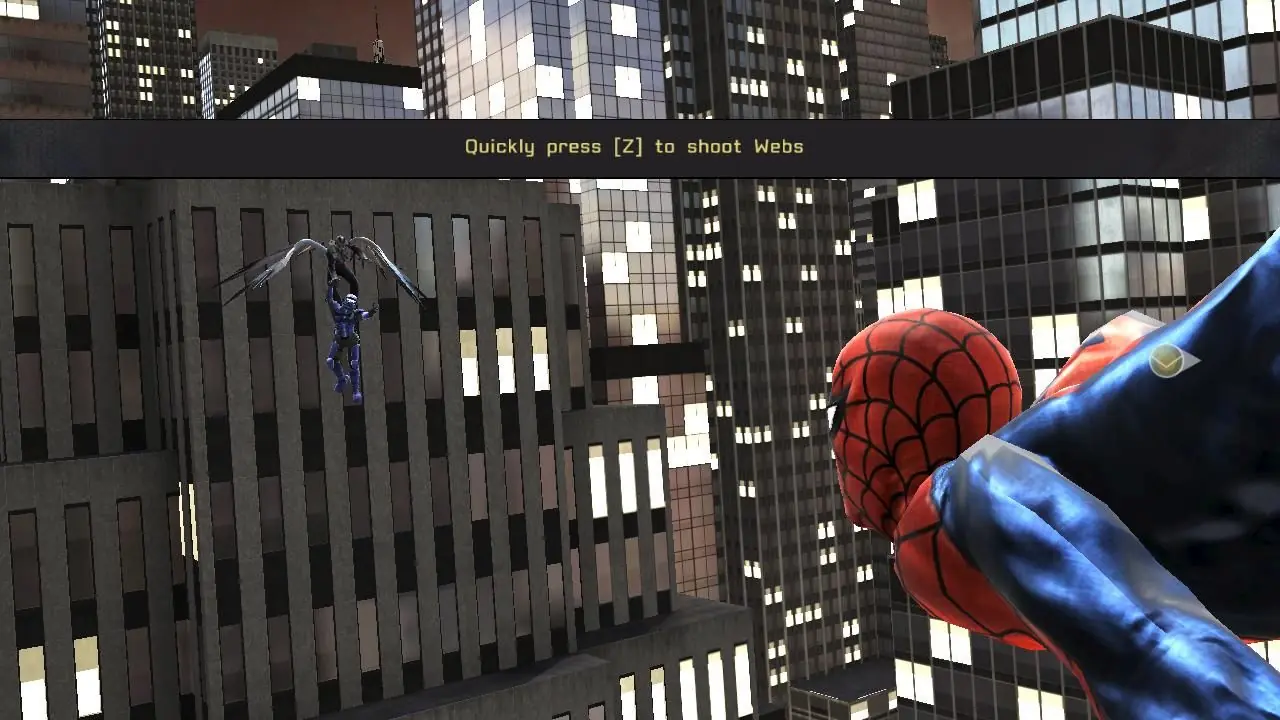
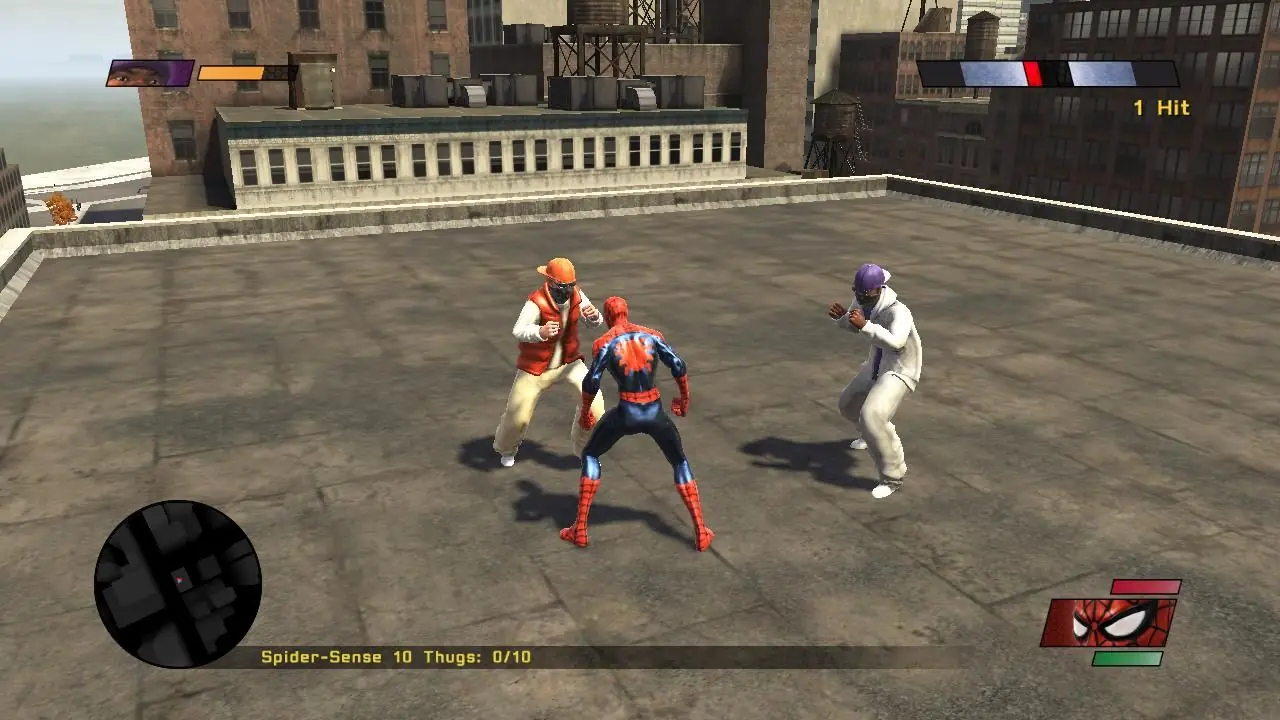
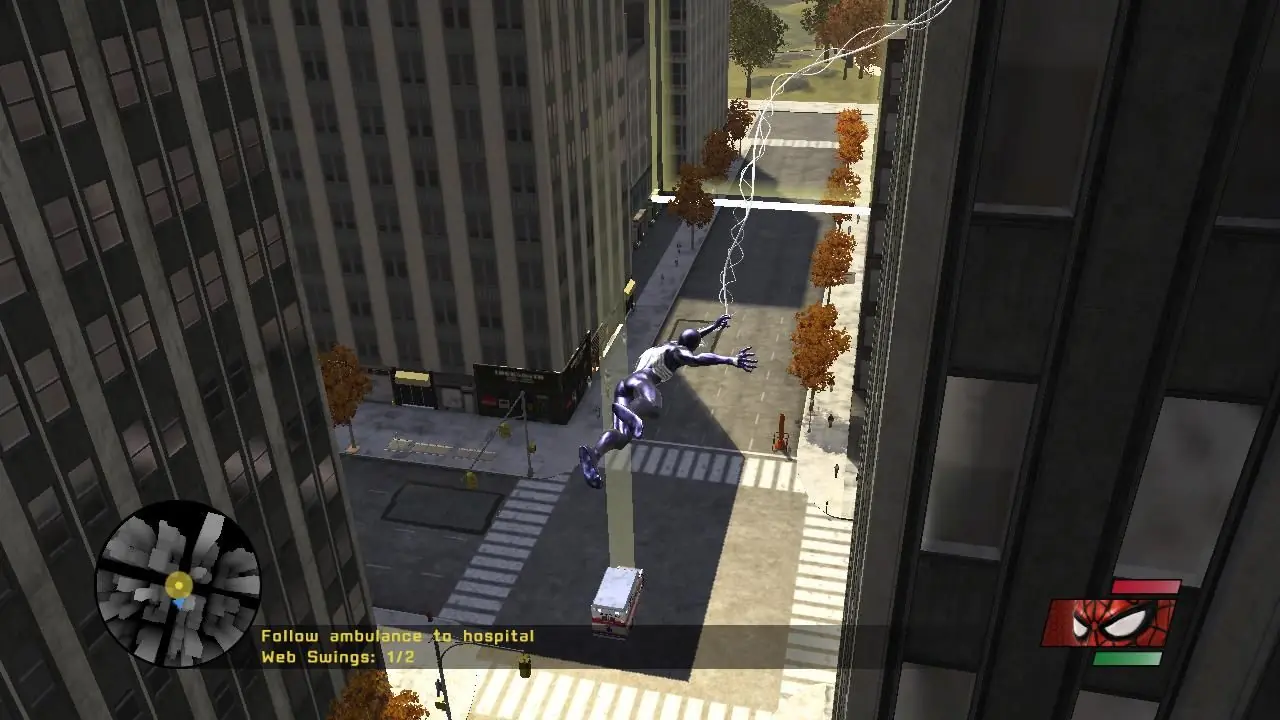
Spider-Man: Web of Shadows is a 2008 action game developed by Aspyr Media and published by Activision.
Publishers
Developers
Released
Platforms
Spider-Man: Web of Shadows is a 2008 action game developed by Aspyr Media and published by Activision.
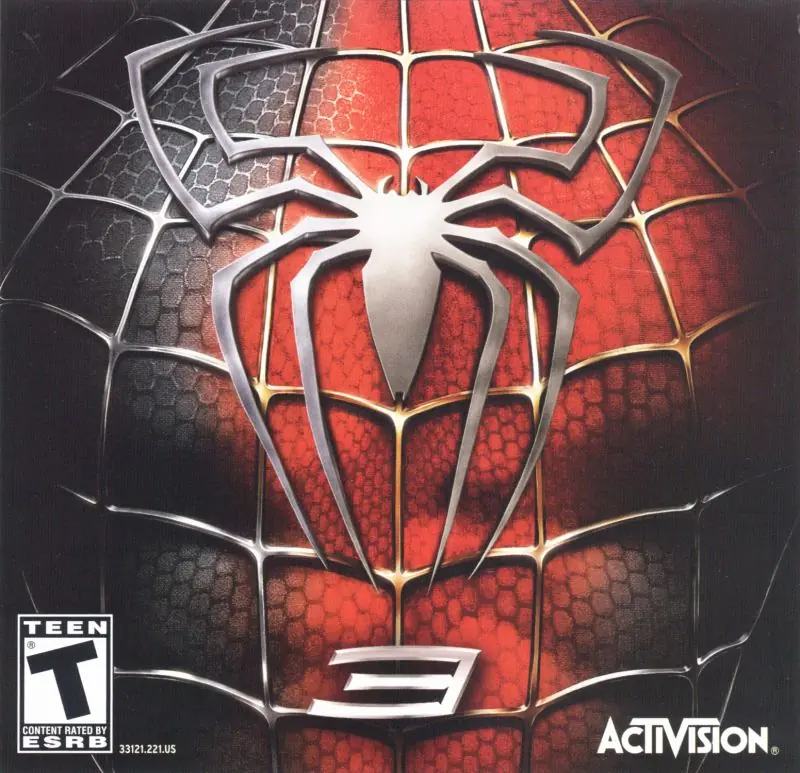
Spider-Man: Web of Shadows is a 2008 action-adventure video game based on the Marvel Comics character Spider-Man. The game was released in October 2008 across multiple platforms, and encompasses three drastically different versions: one released for Microsoft Windows, the PlayStation 3, Wii, and Xbox 360, which features an open world and non-linear gameplay; one for the PlayStation 2 and PlayStation Portable (titled Spider-Man: Web of Shadows – Amazing Allies Edition), which is a 2.5D side-scrolling beat 'em up; and one for the Nintendo DS, a Metroidvania-style beat 'em up. All three versions have several common elements, such as moral choices that alter the narrative, the ability to summon allies during fights, and a similar plot, despite different characters being featured. Web of Shadows' storyline is significantly darker than most previous Spider-Man games, as it revolves around a symbiote invasion threatening Manhattan, which Spider-Man must stop with the help of several unlikely allies.
Spider-Man: Web of Shadows is abandonware and no longer sold or supported by its publishers. Files are archived here for these platforms:


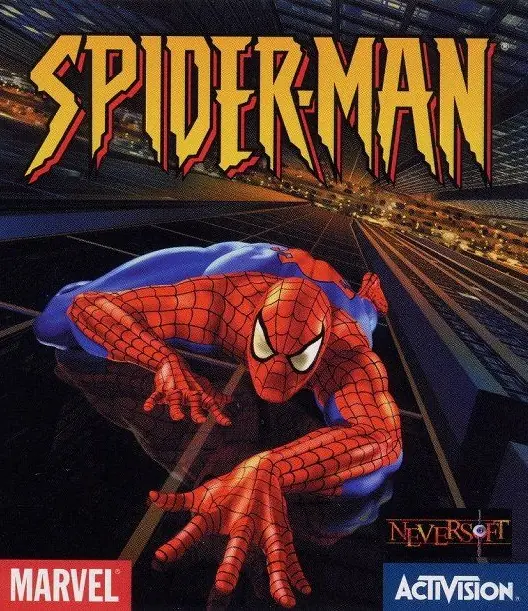
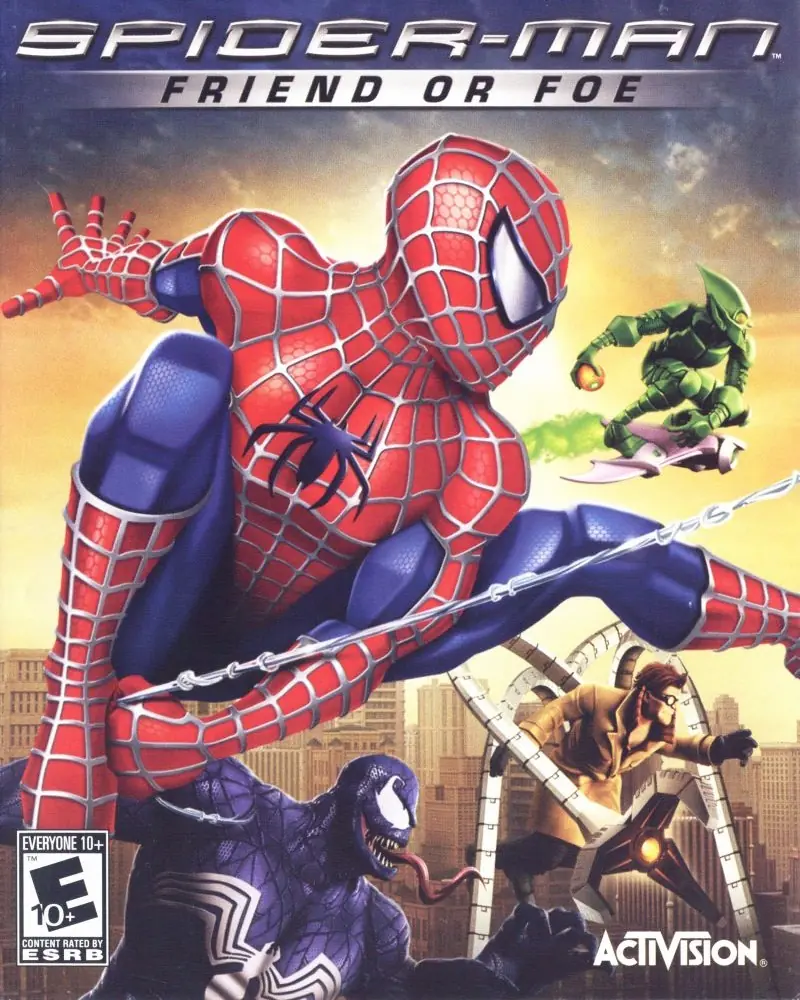
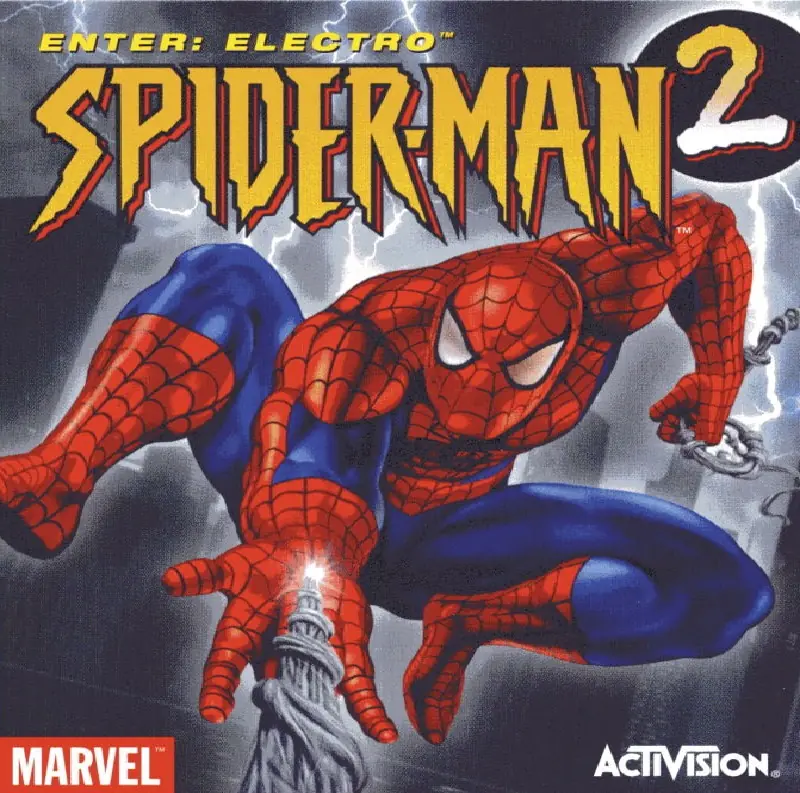





so that the legacy directx runtime is on your system
I was able to get around it by uninstalling this sites version(don’t delete your saves when asked) and installing this one…
https://www.pcg4mesrealm.com/2018/09/spider-man-web-of-shadows-includes.html
…and reloading my save and then letting the credits play. It will still crash at the end, but when you relaunch the game, your continue file should have auto-saved into a new game plus file.
I love Spider-Man Games, and this was actually my first one. It is absolutely awesome, and it does work too.
If you do not know how to download, follow these steps.
1- Download the File through Mega. (You need to sign up and wait. It will download automatically when done)
2- Left Click on the file, and Extract in Program Filesx86(In your first drive)
3- Download PowerISO. (Just search it and download. You do not have to register, and you have to restart your PC
4- Open the PowerISO Software
5- Click Mount, set number of drives, 1 drive.
6- Go to Extracted files. You will find an ISO file
7- Left click, PowerISO and mount
8- Check your disc file. You will find the setup.
9- Click and download the game through the Setup(I would recommend that you do not change the default file given, which should be RG Mechanics in Program Filesx86
10- Download, and choose the language English
11- Wait for it to download, then press finish
12- Check RG Mechanics Folder, click on image, then pc, then Launcher.
13- Set your designated keys per your comfort, and click play
Also, this will only work on the Windows Download.
Mine is working perfectly.
I am gonna CRUSH Kingpin i.e. Wilson Fisk
How do I fix this issue?