Home » Games » Star Stable

Star Stable

Star Stable Game Cover
4.6/5 - 787 votes

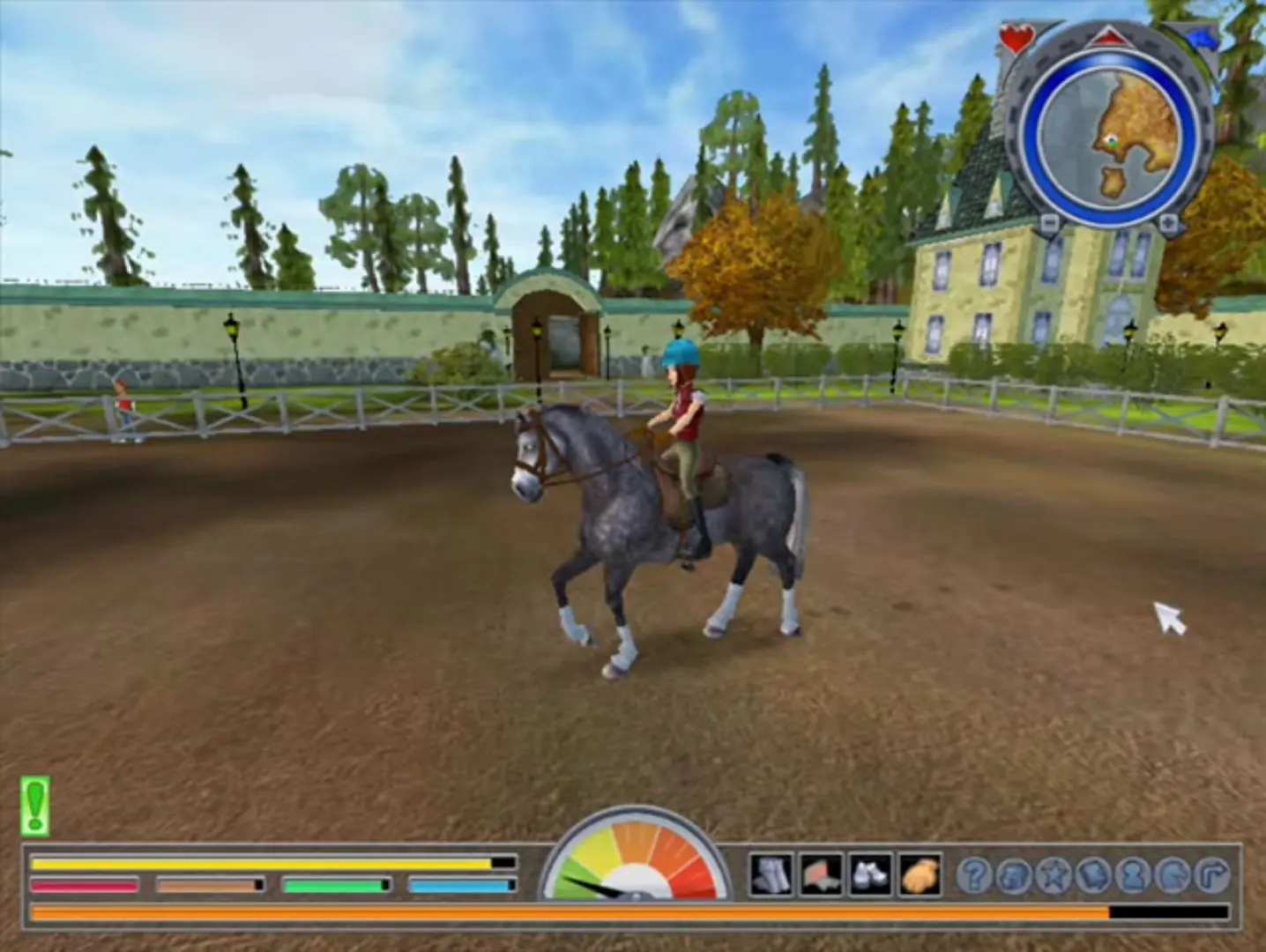
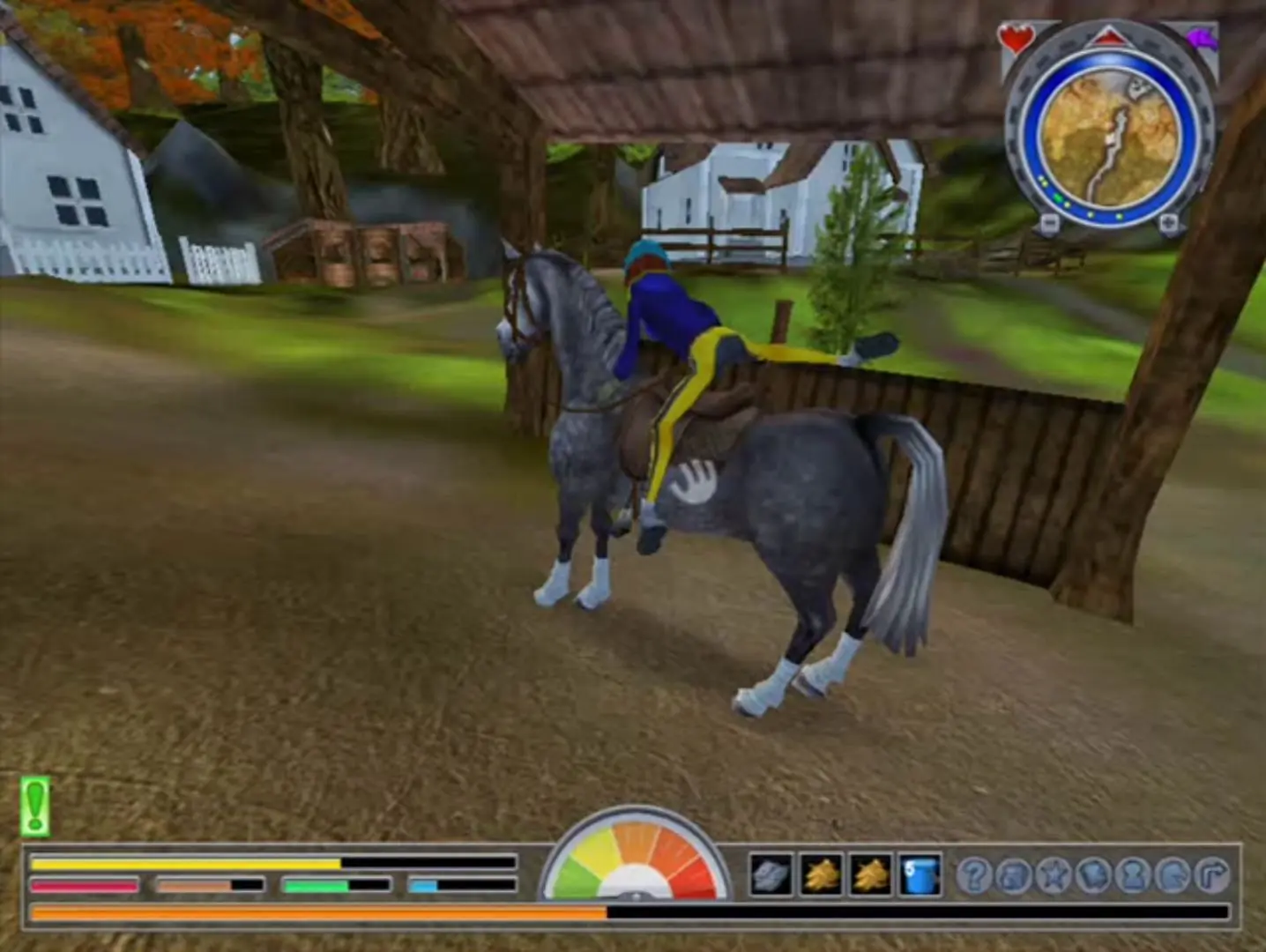
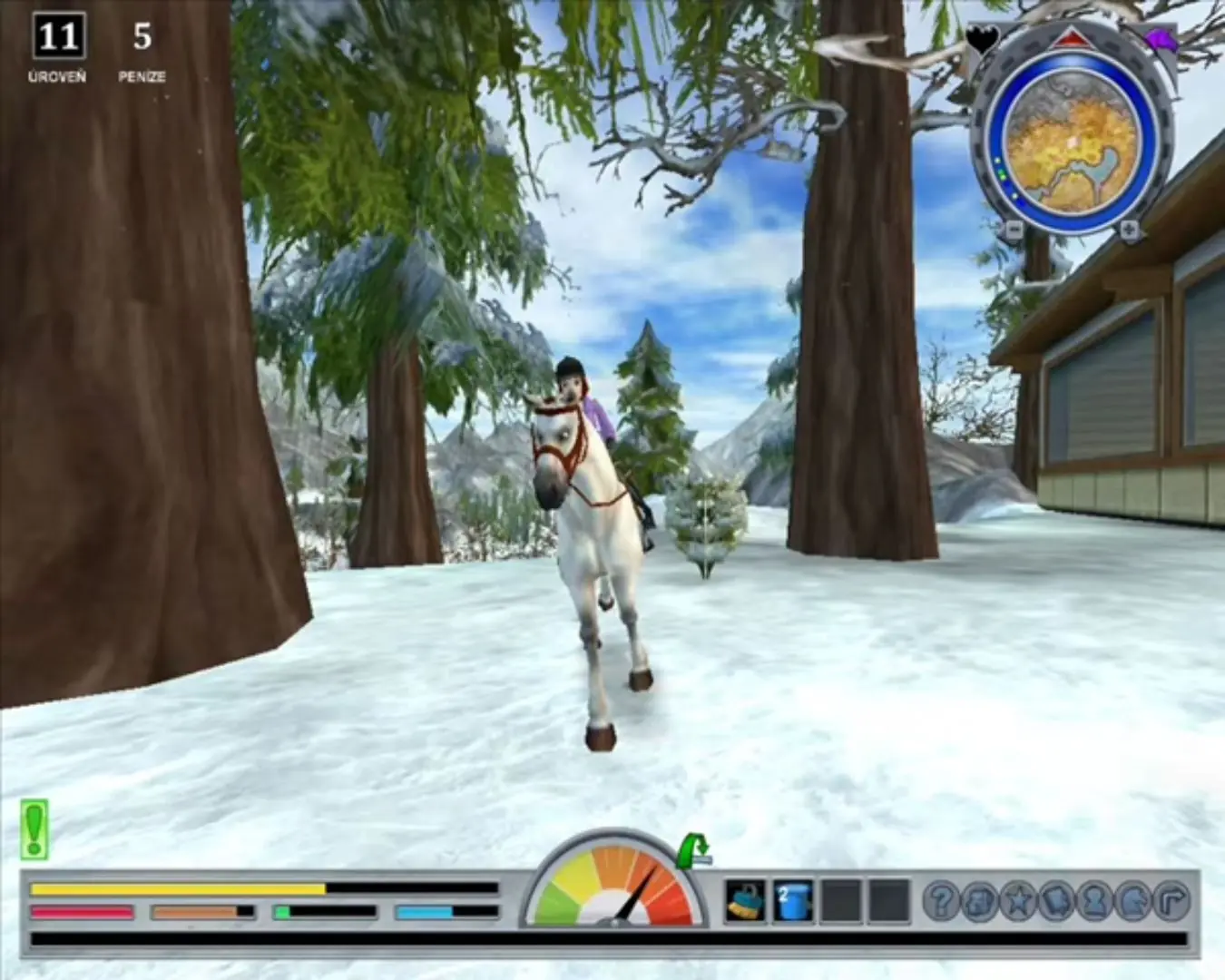
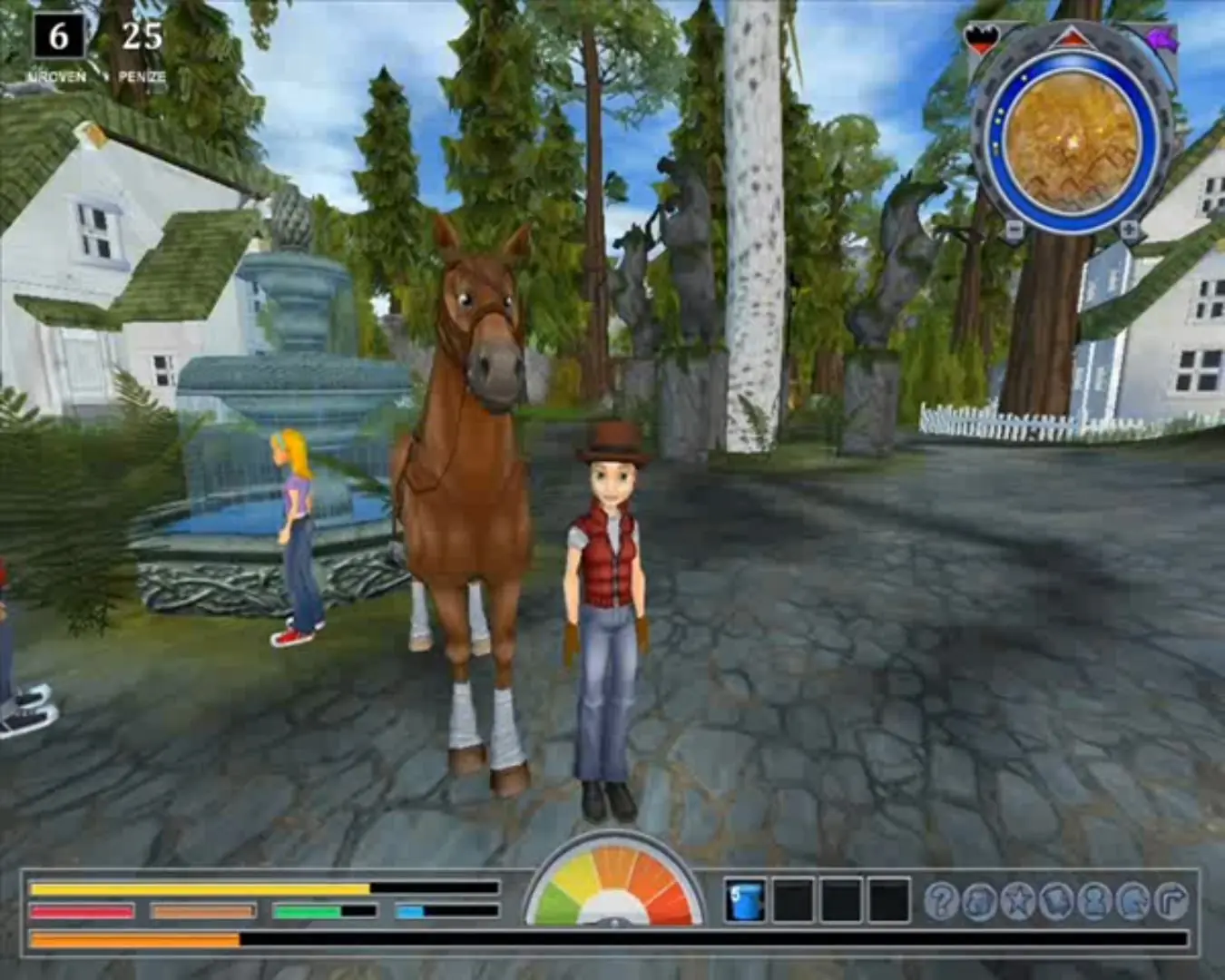
Star Stable is a single-player horse riding game. It is the first game in the "Star Stable" series.
Genres
,
Released
Platforms
Download

Screenshots

Windows

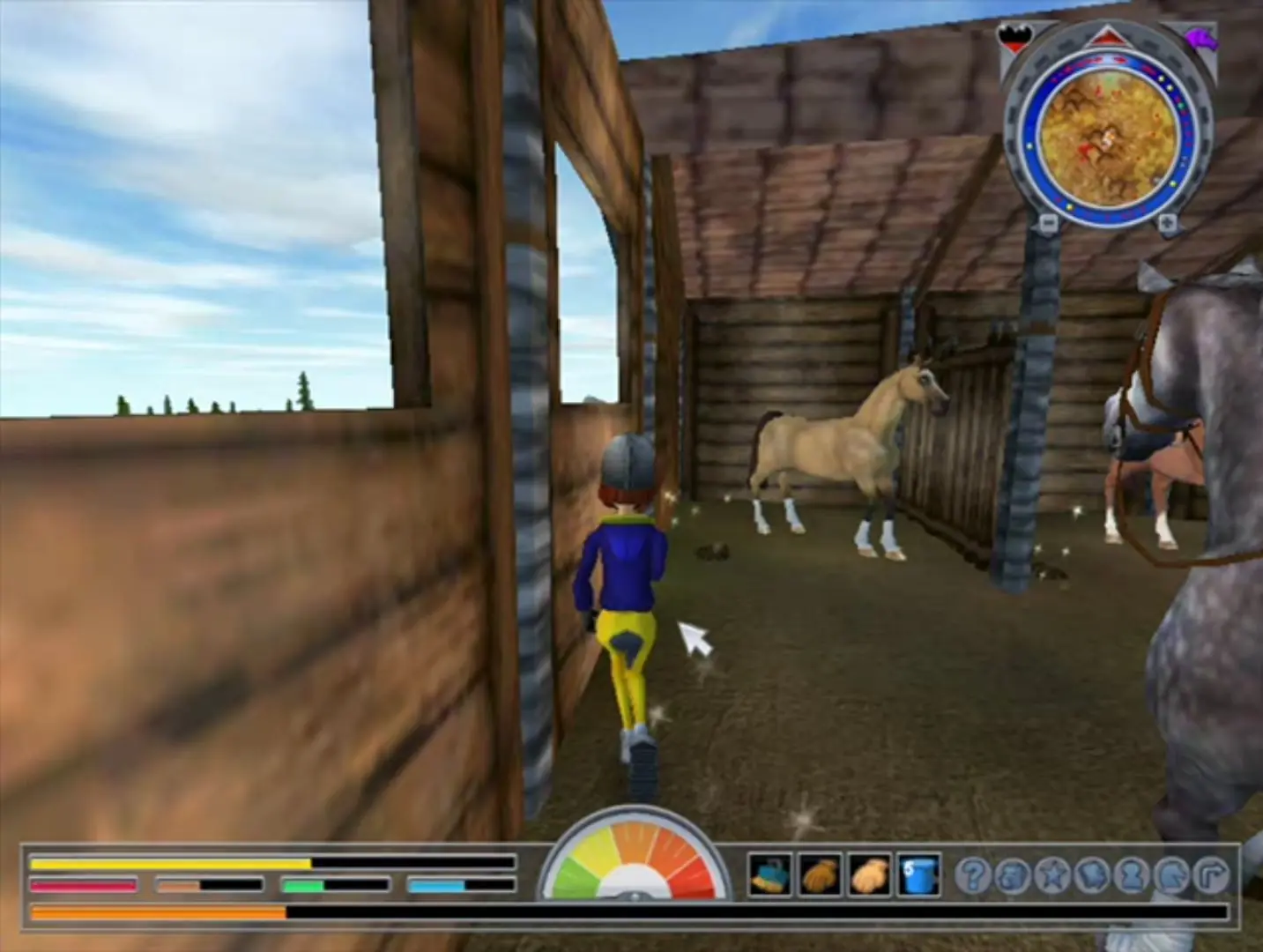
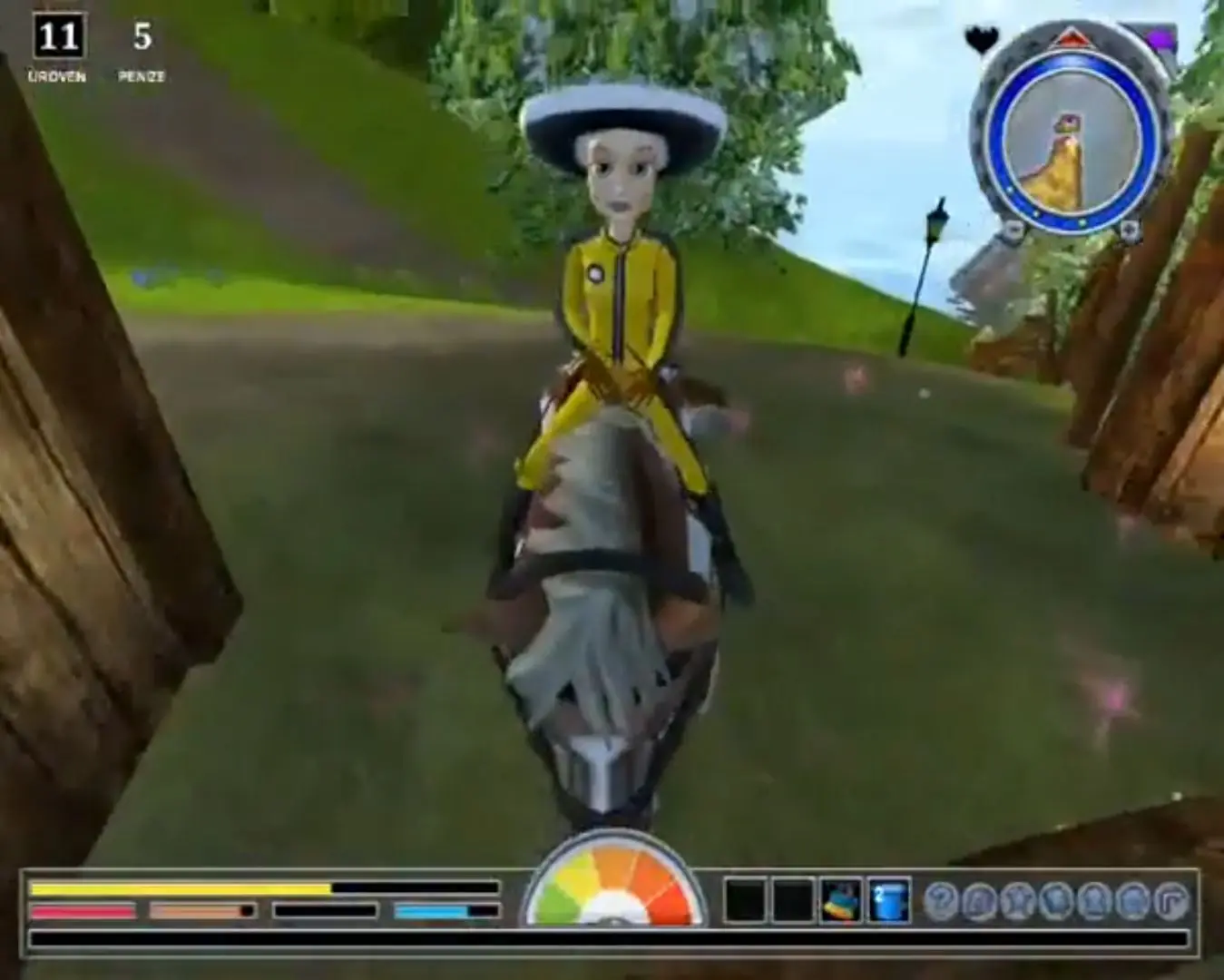
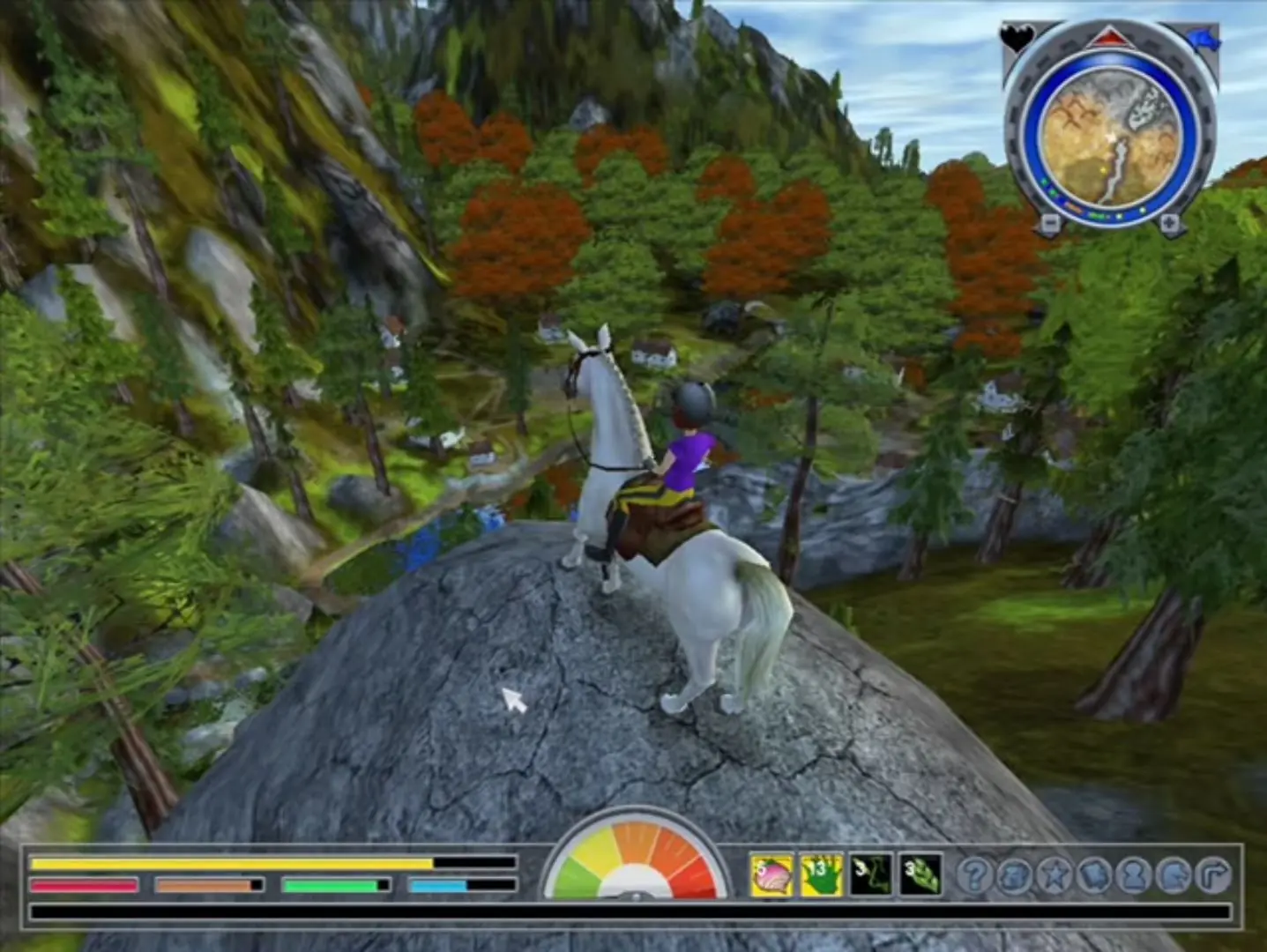
Star Stable — Windows screenshot 1Star Stable — Windows screenshot 2Star Stable — Windows screenshot 3

Download Star Stable

Star Stable is abandonware and no longer sold or supported by its publishers. This game was preserved thanks to a community donation - see our missing games page for credits and titles we're still looking for.
Windows (2010)

Comments

96 thoughts on “Star Stable”

  1. 0
    update !! у меня получилось! я сделала все то же самое, но я не использовала winrar, просто скачала файл, распаковала его с помощью windows проводника, установила, смонтировала образ диска, зашла в папку star stable 1 и нажала на приложение с желтой иконкой, все потрясающе работает😭😭😭
    Reply
  2. 0
    Ничего не вышло, я скачала, разархивировала с помощью winrar, открыла по инструкции из комментариев, просто черный экран с курсором и музыкой, также попыталась сделать с помощью wincdemu на диск, то же самое
    Reply
  3. 0
    every time i start it i just get a black screen, the soundtrack plays but i cant see anything exept the arrow from my mouse (in the starstable style) please help :,)
    Reply
    • 0
      I HAVE THE SAME PROBLEM 🙁 I’ve tried everything I have found online, compability modes and everything but nothing works and it’s the same on all the games!! 🙁
      Reply
  4. 0
    I’ve tried to play all of them but everytime I try to lauch the game it says “Unable to load the startup file.” Idk what to do ):
    Reply
    • 0
      I managed to get it to work! After downloading the above file, open the file, then go to Game Files > Star Stable 1 > PXRoute. It will give you a series of prompts for installation, and after following the prompts, it should automatically launch the game and create an icon on your desktop. This was the only route I’ve found that works. Hope this helps!!
      Reply
    • 0
      What worked for me was:
      extract files from the zip folder with winrar > open the unzipped folder and in the game files, right click the iso file and open with winrar > double click setup.exe and install > go back to the game files through file explorer and right click the .iso file > open it with windows explorer > double click the PXRoute file and it should start. there may be an easier way, but that’s what worked for me lol
      Reply
  5. 0
    Am i the only one who doesnt have the Image Disc File that im suppose to mount as a cd of the game? It just isnt there after downloading and extracting. My antivirus did not delete it either
    Reply
  6. 0
    I only can download it on the website MEGA. But they want Money.. or I wait one hour?? A few months ago I download it and its there! Can u help me maybe?
    Reply
    • 0
      I have the same problem, im trying to figure it out and ive made some progress, if you’re on windows 11 thats the issue, you need to make the game “compatible” im trying to figure out what actually works, ill tell you if i do!
      Reply