Home » Games » Star Stable 4

Star Stable 4

Star Stable 4 Game Cover
4.7/5 - 233 votes

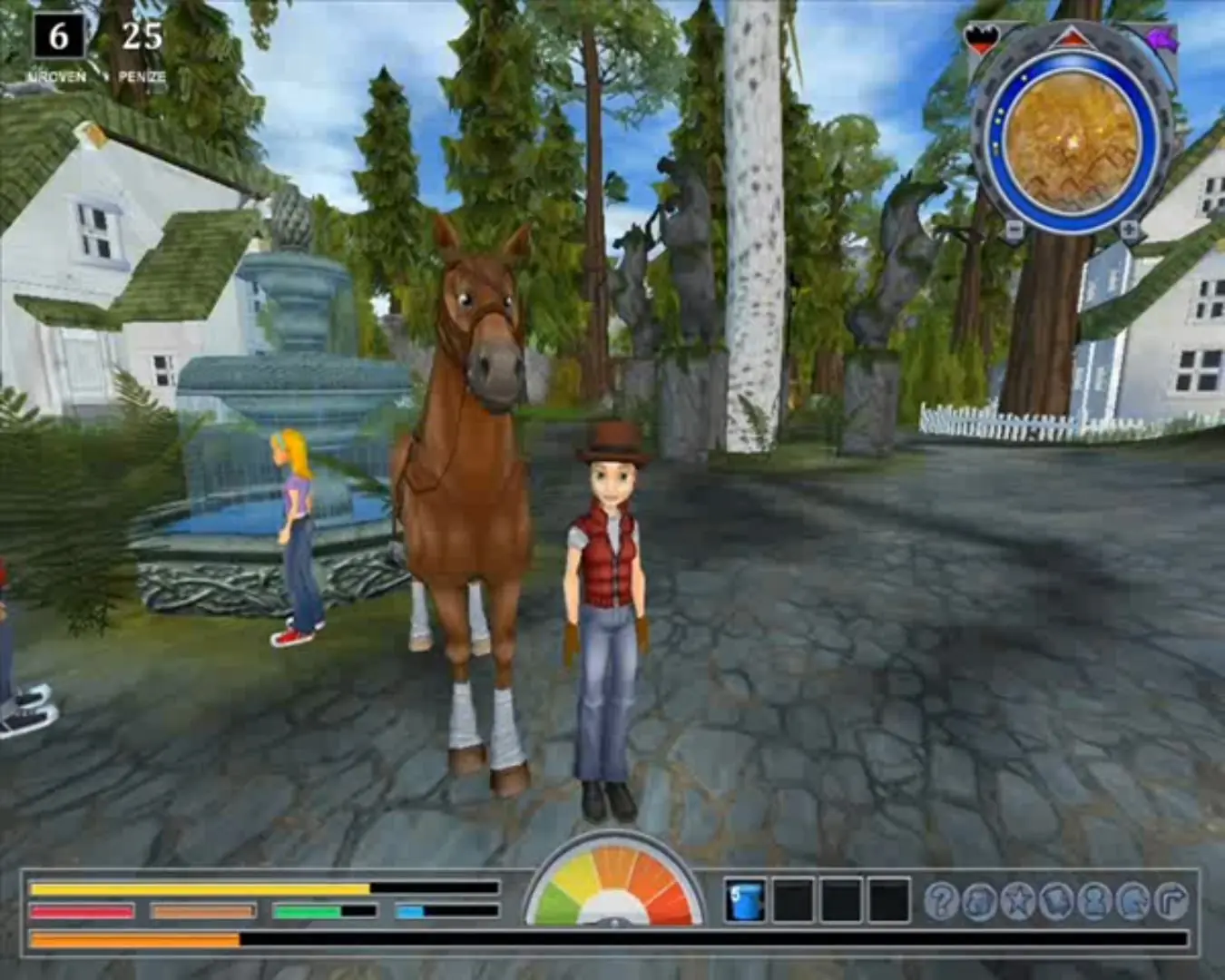
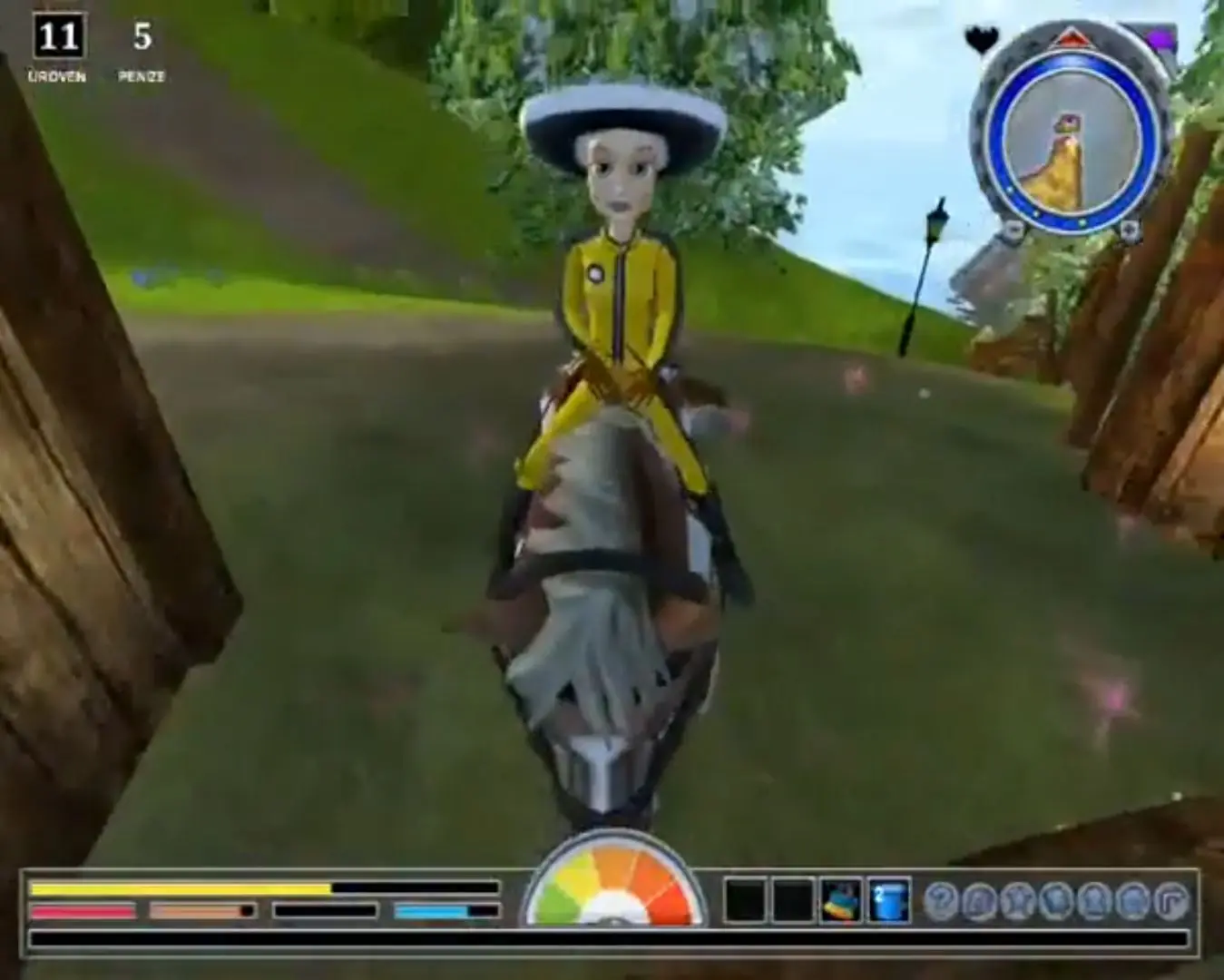
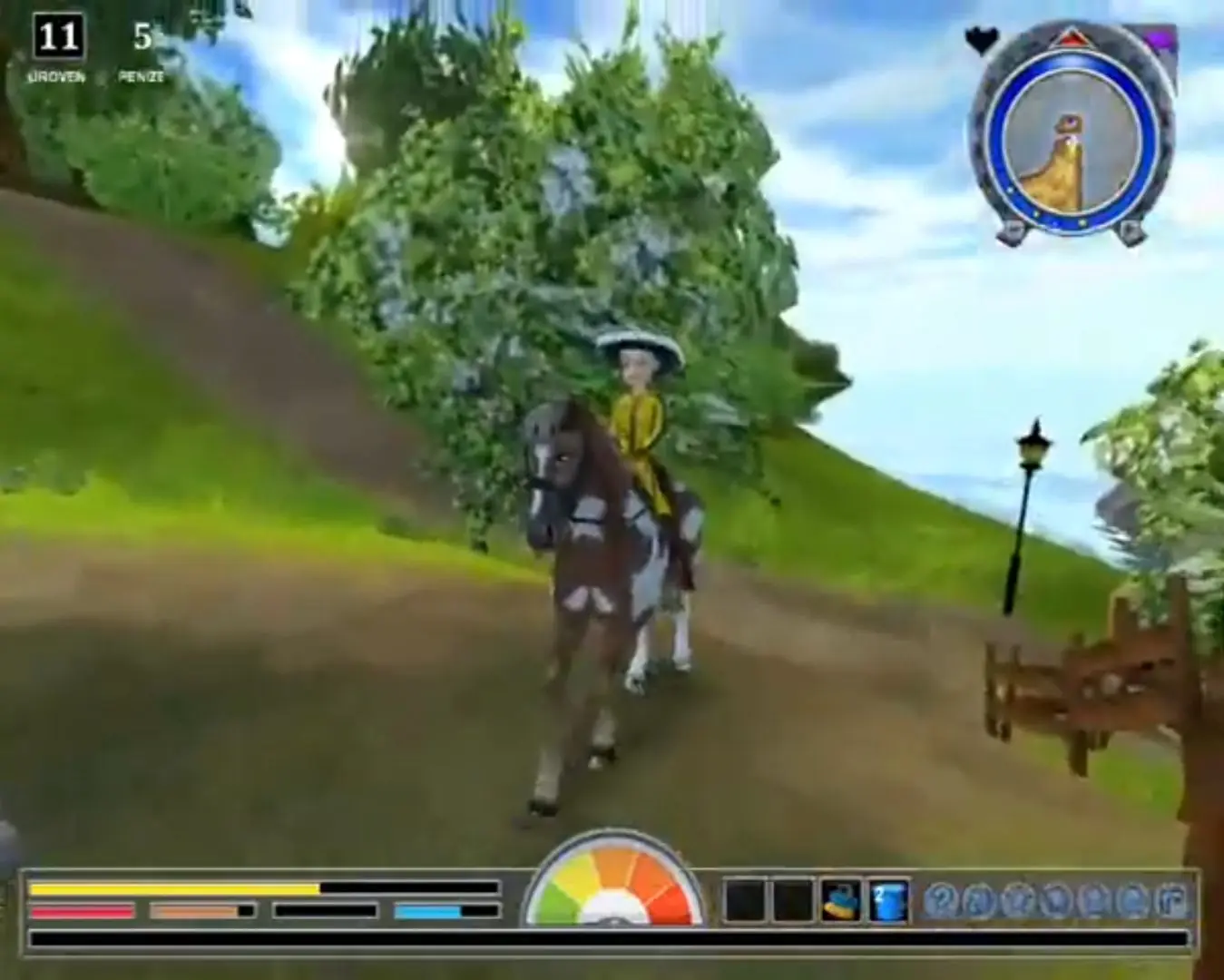
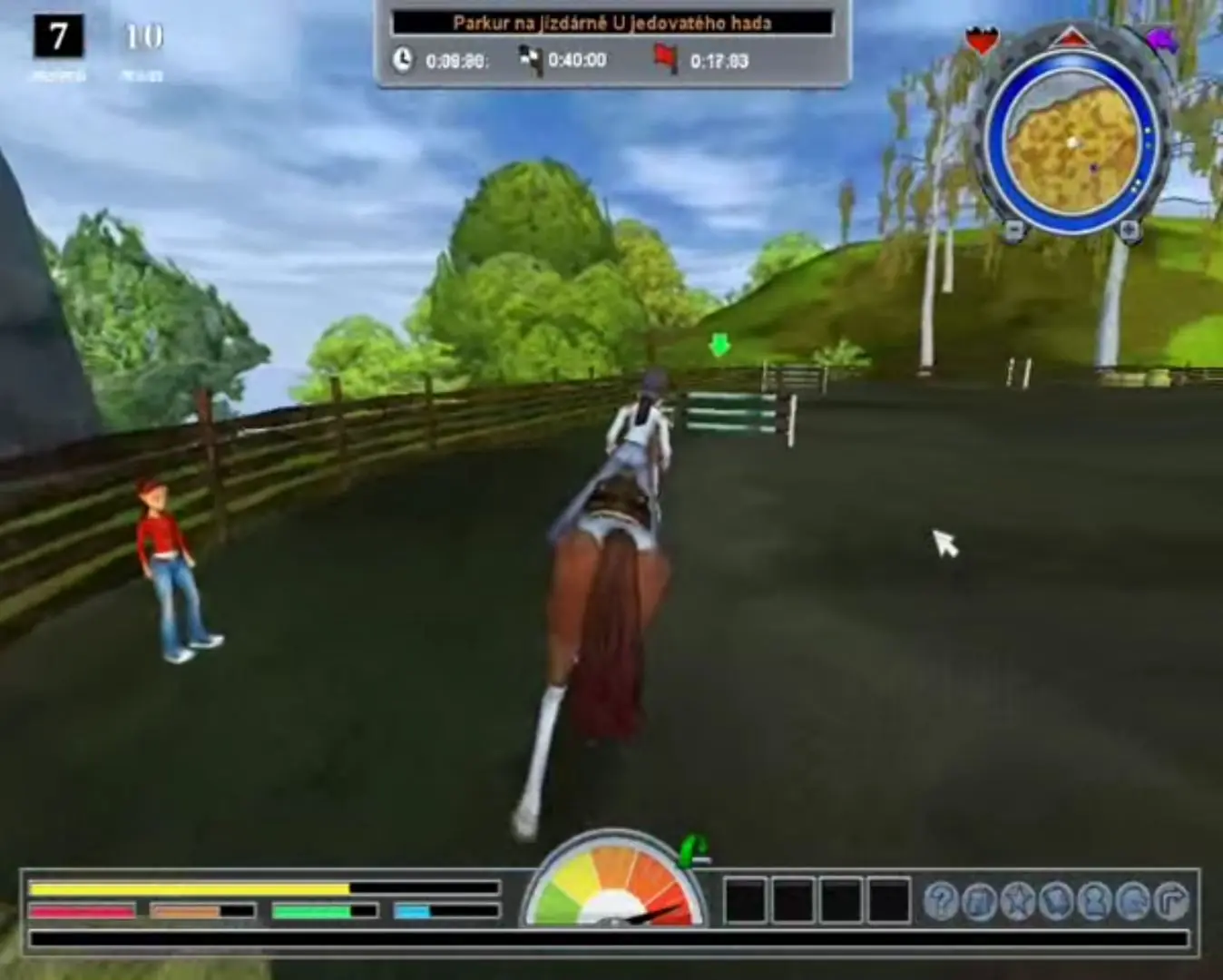
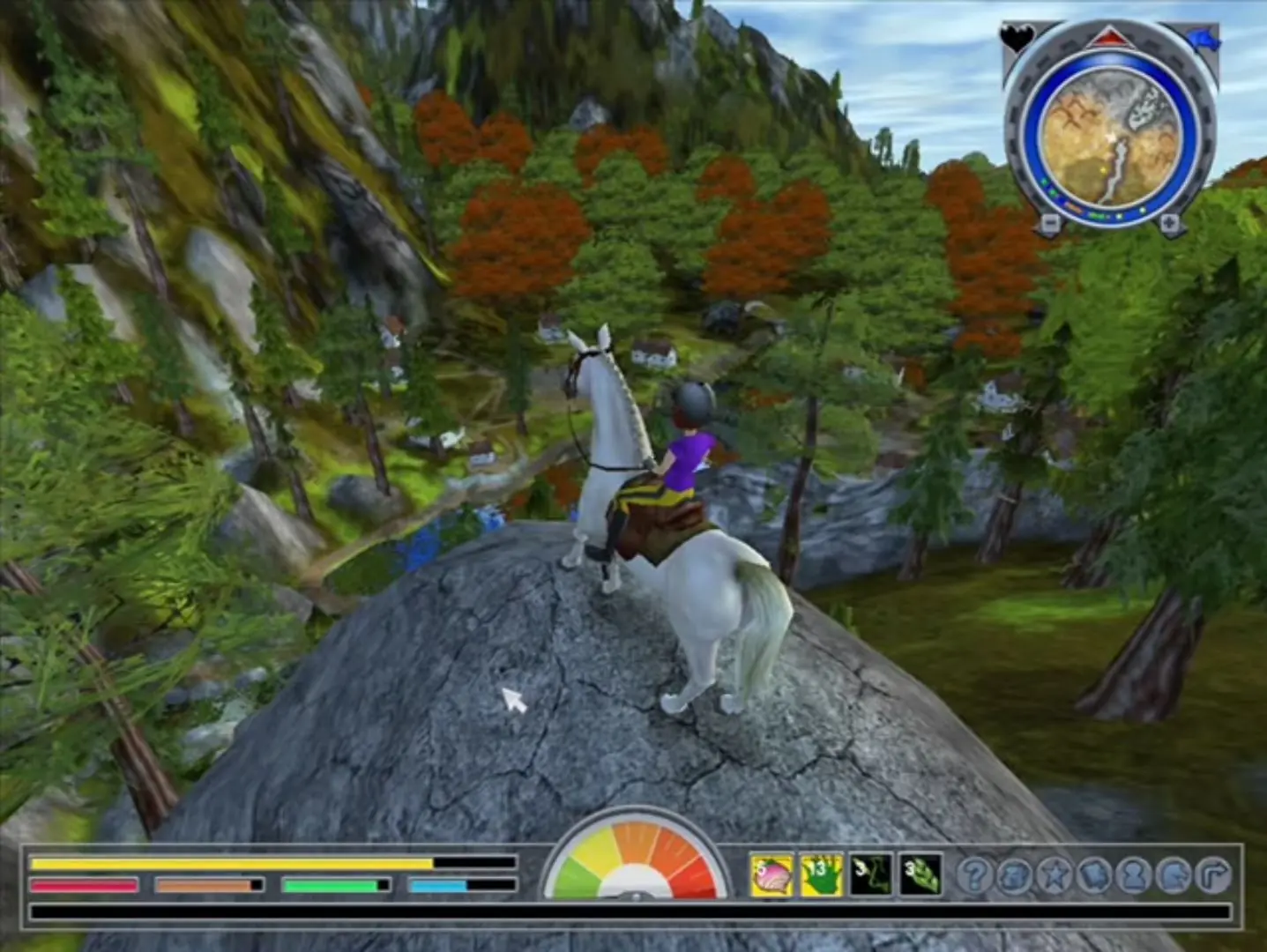
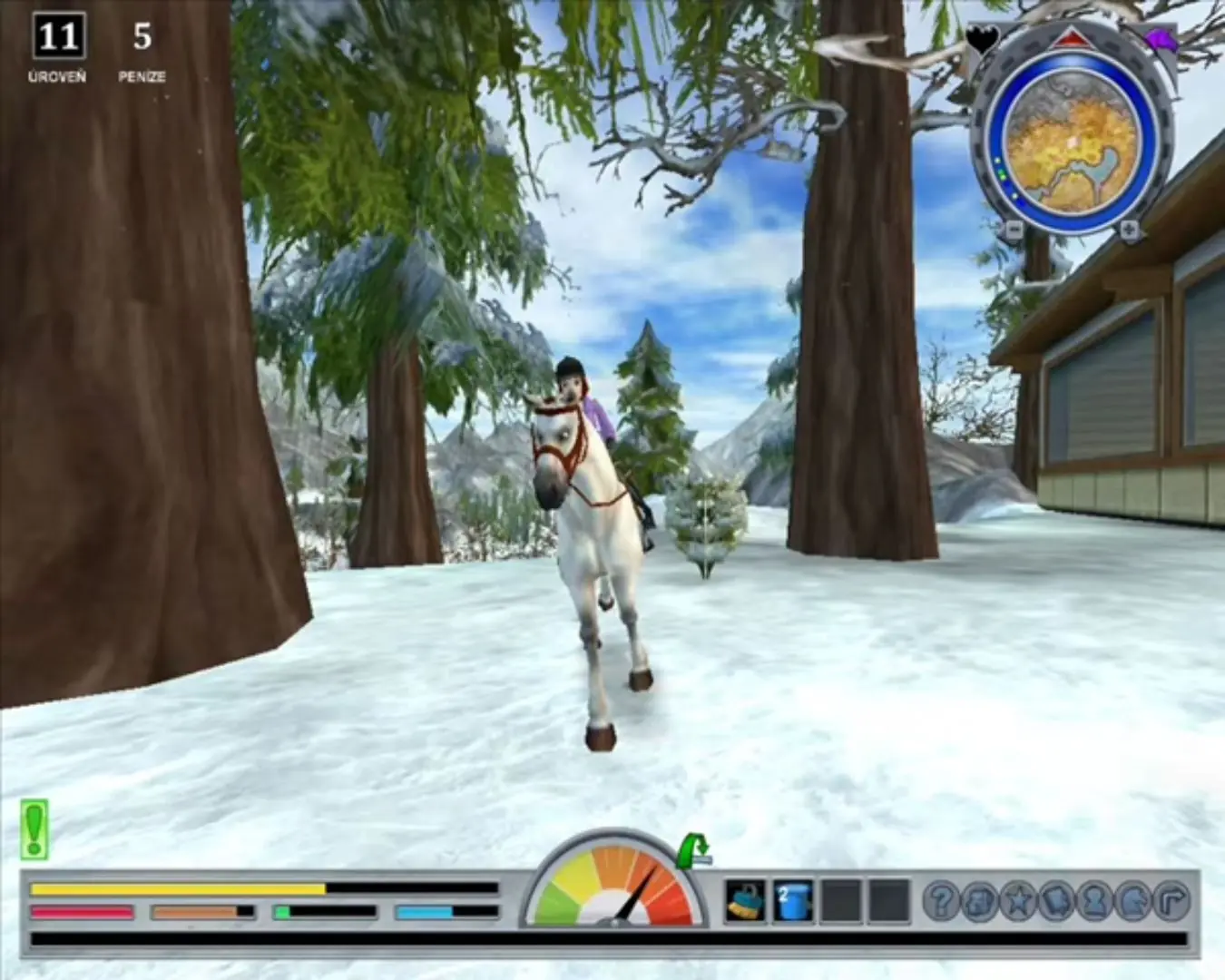
Star Stable 4 is a single-player horse riding game. It is the fourth game in the "Star Stable" series.
Genres
,
Released
Platforms
Download

Screenshots

Windows

Star Stable 4 — Windows screenshot 1Star Stable 4 — Windows screenshot 2

Download Star Stable 4

Star Stable 4 is abandonware and no longer sold or supported by its publishers. This game was preserved thanks to a community donation - see our missing games page for credits and titles we're still looking for.
Windows (2010)

Comments

37 thoughts on “Star Stable 4”

  1. 1
    sadly the autumn, spring and summer riders are totally bugged for me. I always just fly through the air and hit risk falls. Even when doing nothing or just tsarting a race. the horse starts bouncing and i keep getting dangerous falls. its unplayable and kinda frustrating. if anyone has a solution for this, i’d appreciate.
    Reply
  2. -2
    stable 4 can you not make download it heist have a virus problem Star stable go all other 1 2 and 3 only the 4th can not be downloaded
    Reply
    • 0
      I’d recommend to download a program that “mimicks” having another drive and a CD inserted. I use “DAEMON Tools” but I’m sure there are other programs working just as good.
      Have fun playing! 🙂
      Reply
  3. 0
    Why isnt this and the other sso games available? Anyone have the files they could send me? it’s really irritating trying to play and they arent there 🙁
    Reply
    • 0
      Archive.org decided to delete all our games without warning. Luckily, we have the Star Stable games backed up and they are being reuploaded.
      Reply
  4. 0
    Please fix this, cause whatever I do, with whatever method, it still says that content of the disc image file is damaged, and I think it’s because the a layout.bin file is already damaged. (I could start the autumn riders, so I don’t think that I am the one that doing something wrong.)
    Reply
    • 0
      If you get the error of needing the cd, here’s what worked for me.
      Extract files from the zip folder > open the folder, game files > setup.exe and install > go back to the Game files, right click Star Stable.iso file > click open with Windows Explorer > double click the PXRoute file and boom. Now everytime you want to play, just click the shortcut on your desktop and it should work!
      Reply