Home » Games » Star Trek: Armada II
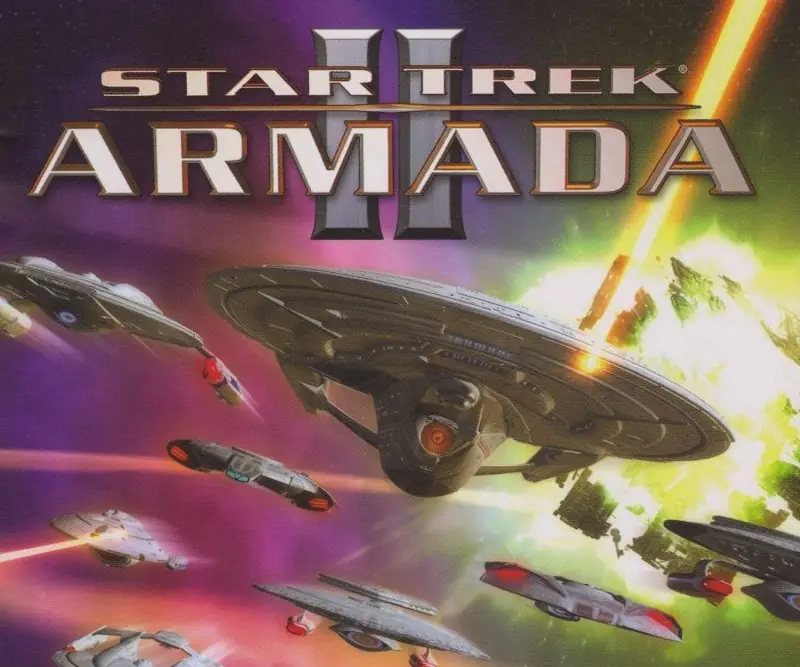
Star Trek: Armada II

Star Trek: Armada II Game Cover
4.7/5 - 78 votes

Star Trek: Armada II is a 2001 strategy game developed by Mad Doc Software and published by Activision.

Other Titles

Star Trek: Armada 2Star Trek Armada II

Genres
Publishers
Developers
Released
Platforms
Download

About Star Trek: Armada II

In this sequel to Star Trek: Armada, trekkers and strategy gamers lead the Federation, the Klingons, or the Borg in single-player missions featuring interstellar exploration and fleet combat. Each race has a specific agenda: the Federation needs to eliminate the Borg from the Delta Quadrant, Klingons act as peacekeepers in the Alpha Quadrant, and the Borg try to maintain their collective. Multiplayer games add races such as Romulans and Cardassians to the mix. Battles are planned tactically from a top-down perspective, then played out in real-time 3D.

In Instant Action mode, you select one of six races (including Species 8472), choose the area and resource level, then prepare battle plans to exterminate all other players. Multiplayer action on the Internet (GameSpy) or a LAN offers players the option of playing a regular game or engaging in Capture the Flag, Alliances, Collect Latinum, Colonize Planets, Defend Planets, or Assault modes.

Star Trek: Armada II objectives require you to manage unit attacks, repair and re-crew, patrol, scout, search and destroy, guard, build, or trade. Building requirements include freighters for moving resources, construction, repair, and colony ships, and combat vessels ranging from a Galaxy-class Federation ship to a Species 8472 battleship. To collect material resources, mining stations, orbital processing facilities, trading stations, shipyards, research facilities, science stations, and turrets (for protection) have to be created. Map objects include six types of planets, nebulae, and wormholes, all of which can help or hinder your missions.
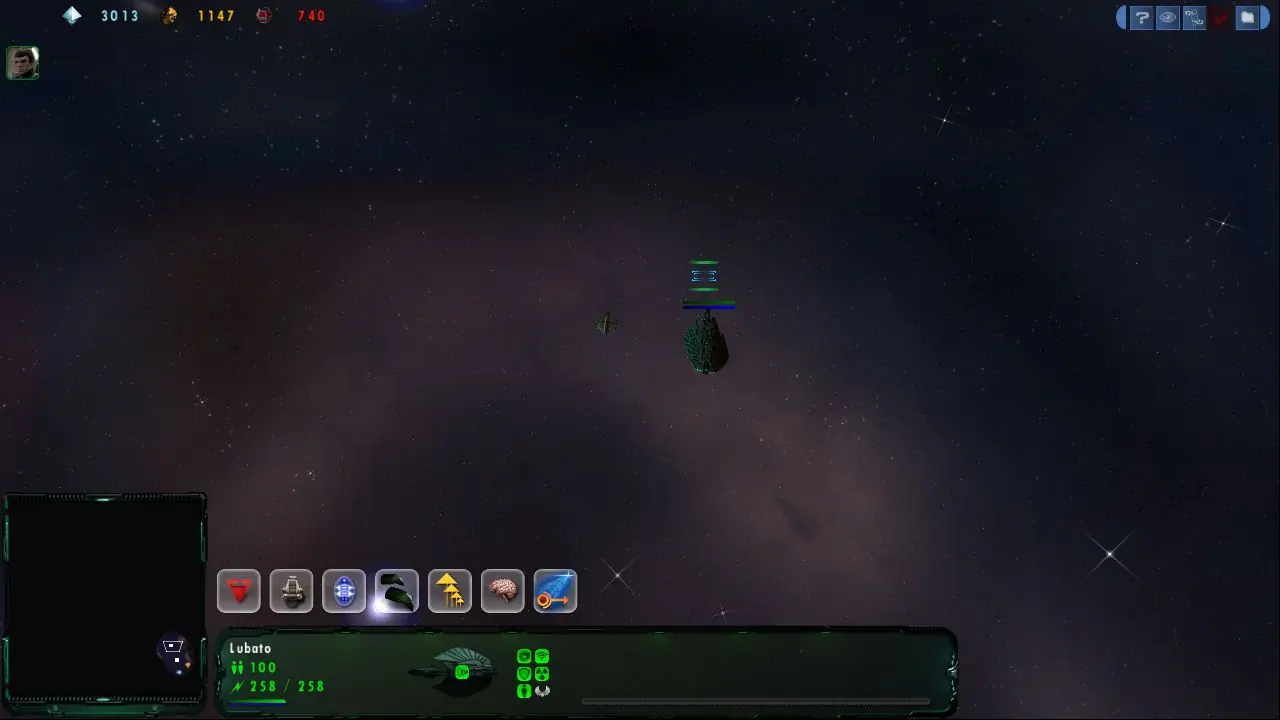
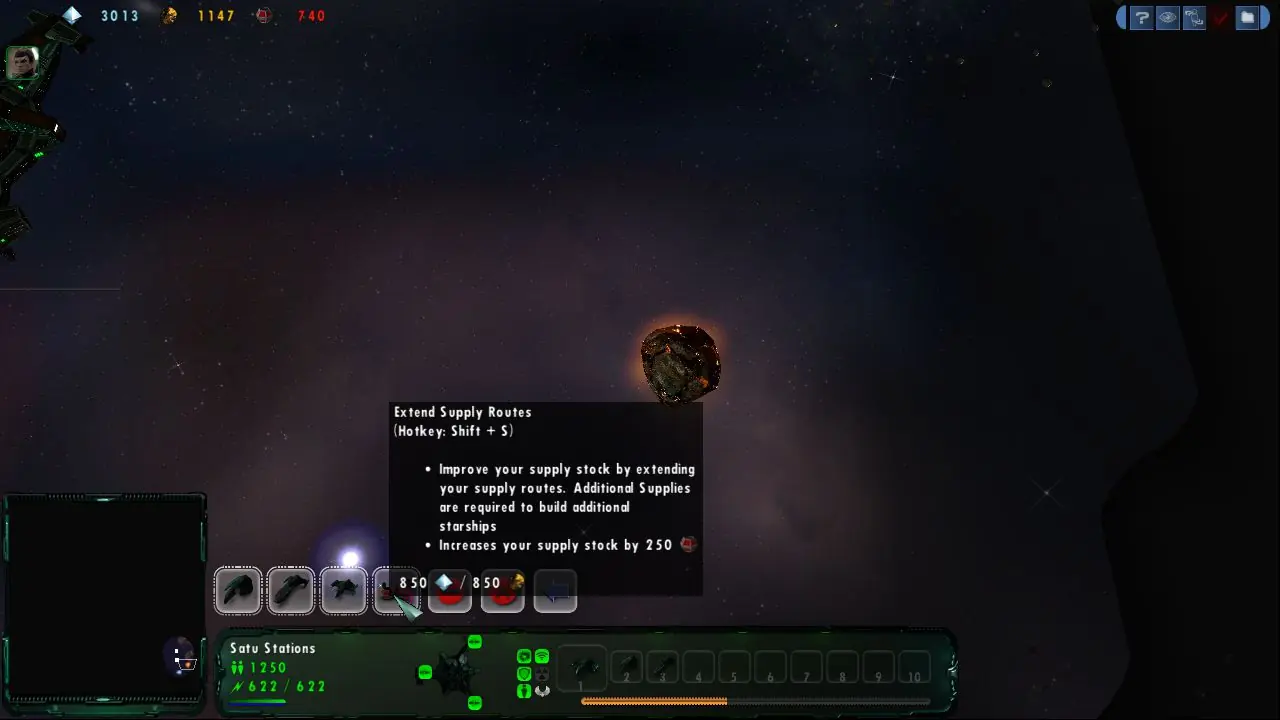
Screenshots

Windows

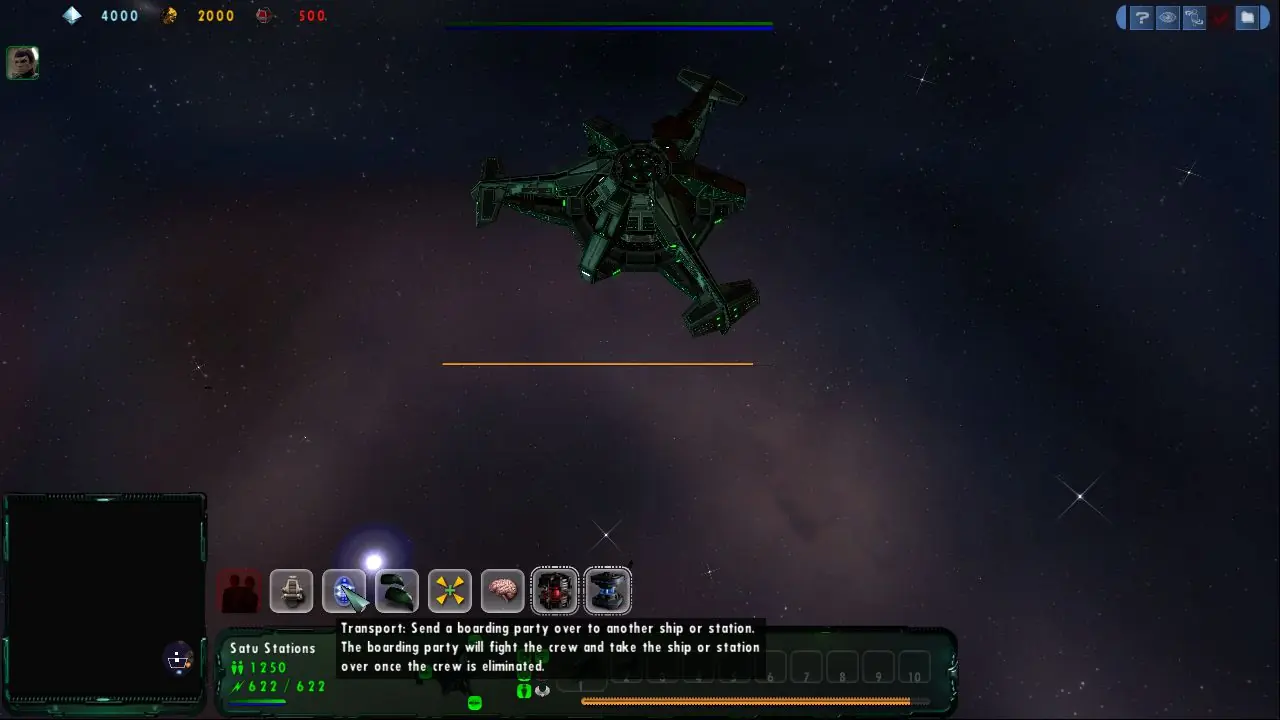
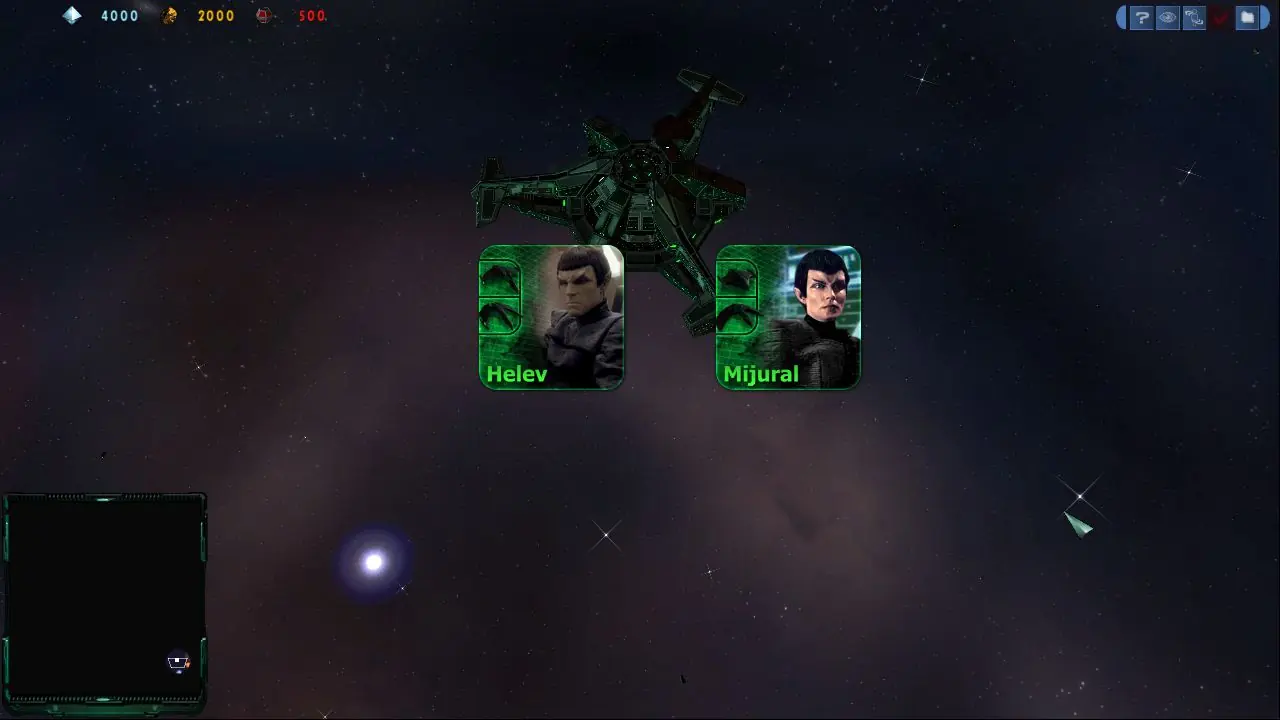
Star Trek: Armada II — Windows screenshot 1Star Trek: Armada II — Windows screenshot 2Star Trek: Armada II — Windows screenshot 3Star Trek: Armada II — Windows screenshot 4

Download Star Trek: Armada II

Star Trek: Armada II was re-released and is no longer abandonware. You can purchase the game from:

Windows

* We may earn a commission if you buy through these links.
Comments

42 thoughts on “Star Trek: Armada II”

  1. 0
    i just downloaded this great game but wont let me install it keeps saying i have uninstall shield running and need to close it and try installing it again but i dont have a uninstall shield
    Reply
  2. 0
    you bastards!!!!! im lucky i had virus protection on my pc because it just got block by my software stupid people be extremely careful when downloading any of these files
    Reply
  3. 0
    hello good night I installed the game and everything works very well for me but it has a detail which is when I want to play in multiplayer, that is, playing against the same machine does not allow me to choose maps, much less go back for my good I do it without warning I go back to the PC desktop that is the fault there is a way to solve this great detail that in itself bothers, because from there everything works very well in win xp
    Reply
  4. 0
    hello good night I installed the game and everything works very well for me but it has a detail which is when I want to play in multiplayer, that is, playing against the same machine does not allow me to choose maps, much less go back for my good I do it without warning I go back to the PC desktop that is the fault there is a way to solve this great detail that in itself bothers, because from there everything works very well in win xp

    thanks

    Reply
  5. 0
    Just open archive with 7 zip, then drag folder to chosen folder and run setup.exe. To apply the No CD patch, open archive with 7 zip, open folder and drag the armada.exe to where your armada.exe file is and click replace. Have a great time playing this classic!
    Reply
  6. 0
    I installed with ease. But upon launch it tells me I “need my own CD”. I have downloaded the “no CD” patch, and added it to program files folder. Still no luck. Any advice? I am running Windows 10.
    Reply
  7. 0
    These directions are very unclear as to the order of download/installations a user needs to do. Is there any way to fix the directions so that users can more easily install the game? If the installation isn’t done exactly correct then the game will not work.
    Reply
  8. 0
    I’ve tried it all kinds of ways. It either wont let me install by giving an error of installshield running or tells me i need a CD to install or run once i actually get in. It’s just not working.
    Reply
  9. 0
    I’ve found it impossible to set up patch 1.1 for Windows 10 even with the NO CD patch, and it wont let me launch the game unless I have a “CD of my own”. Unfortunate, I was really looking forward to this game.
    Reply
  10. 0
    when I had a guy at best buy get this to work years ago, he figured out that, when the screen goes blank, press ctrl+alt+delete, and then cancel when task manager opens. Game would then run flawlessly.
    Reply
  11. 0
    This does work (at least with Windows 7) – but only if if you install JUST the 1.1. Patch.
    Install the 1.1. Patch with the NO CD Patch and ignore the 1.25 Patch.

    The NO CD only works with the 1.1. version. If you install the 1.25 Patch the NO CD patch won’t work.

    Reply
  12. 0
    Anyway to do it on windows 10 without fleet ops? That’s a multiplayer only thing. More intersted in the OG game
    Reply
  13. 0
    I can’t get the install to work on windows 10. The setup menu opens but every time I click “install” it crashes
    Reply

Similar games