Star Trek: Armada II
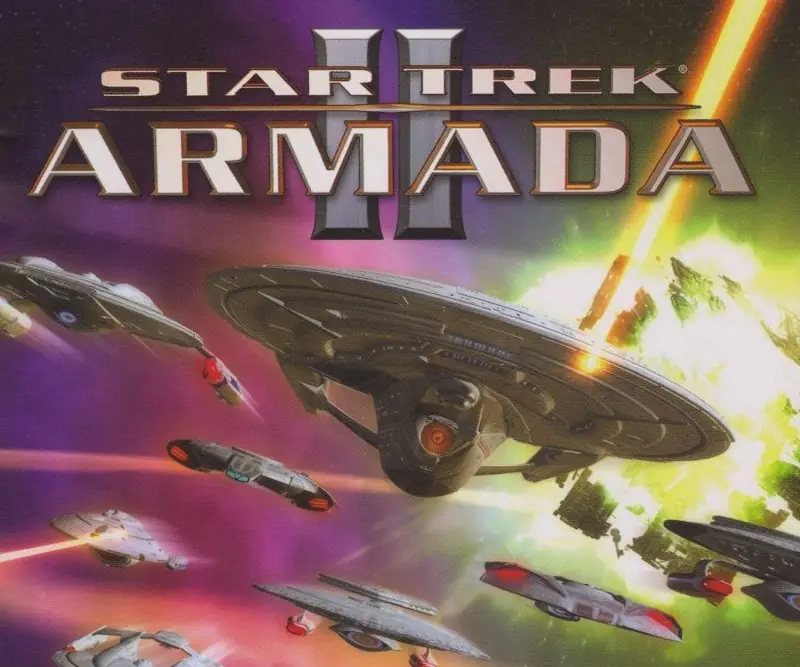
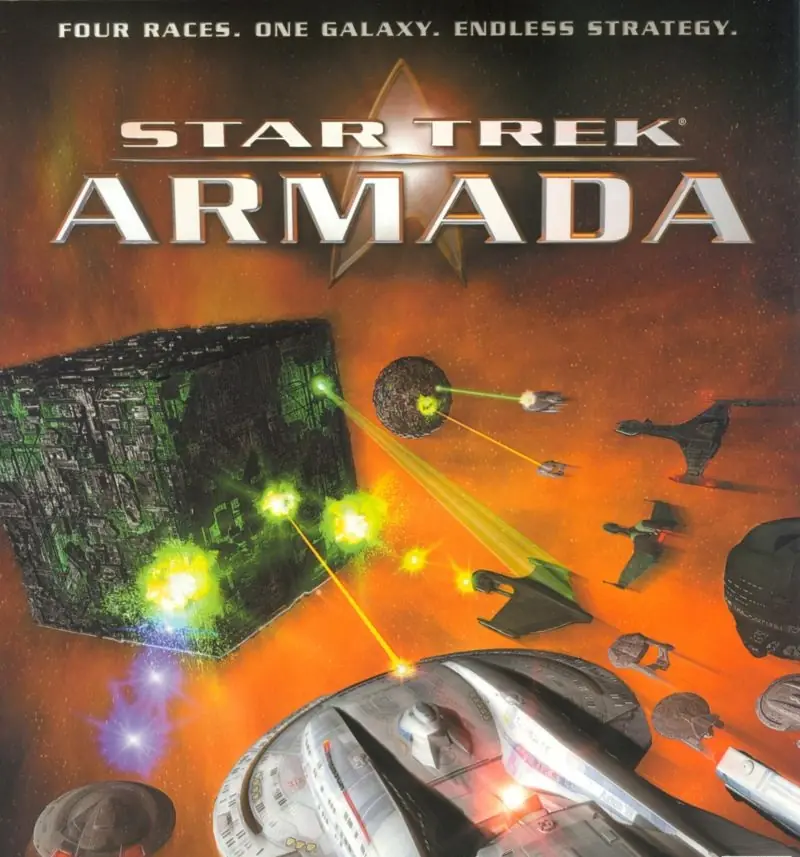
Star Trek: Armada II is a 2001 strategy game developed by Mad Doc Software and published by Activision.
Star Trek: Armada II is a 2001 strategy game developed by Mad Doc Software and published by Activision.
In this sequel to Star Trek: Armada, trekkers and strategy gamers lead the Federation, the Klingons, or the Borg in single-player missions featuring interstellar exploration and fleet combat. Each race has a specific agenda: the Federation needs to eliminate the Borg from the Delta Quadrant, Klingons act as peacekeepers in the Alpha Quadrant, and the Borg try to maintain their collective. Multiplayer games add races such as Romulans and Cardassians to the mix. Battles are planned tactically from a top-down perspective, then played out in real-time 3D.
In Instant Action mode, you select one of six races (including Species 8472), choose the area and resource level, then prepare battle plans to exterminate all other players. Multiplayer action on the Internet (GameSpy) or a LAN offers players the option of playing a regular game or engaging in Capture the Flag, Alliances, Collect Latinum, Colonize Planets, Defend Planets, or Assault modes.
Star Trek: Armada II objectives require you to manage unit attacks, repair and re-crew, patrol, scout, search and destroy, guard, build, or trade. Building requirements include freighters for moving resources, construction, repair, and colony ships, and combat vessels ranging from a Galaxy-class Federation ship to a Species 8472 battleship. To collect material resources, mining stations, orbital processing facilities, trading stations, shipyards, research facilities, science stations, and turrets (for protection) have to be created. Map objects include six types of planets, nebulae, and wormholes, all of which can help or hinder your missions.
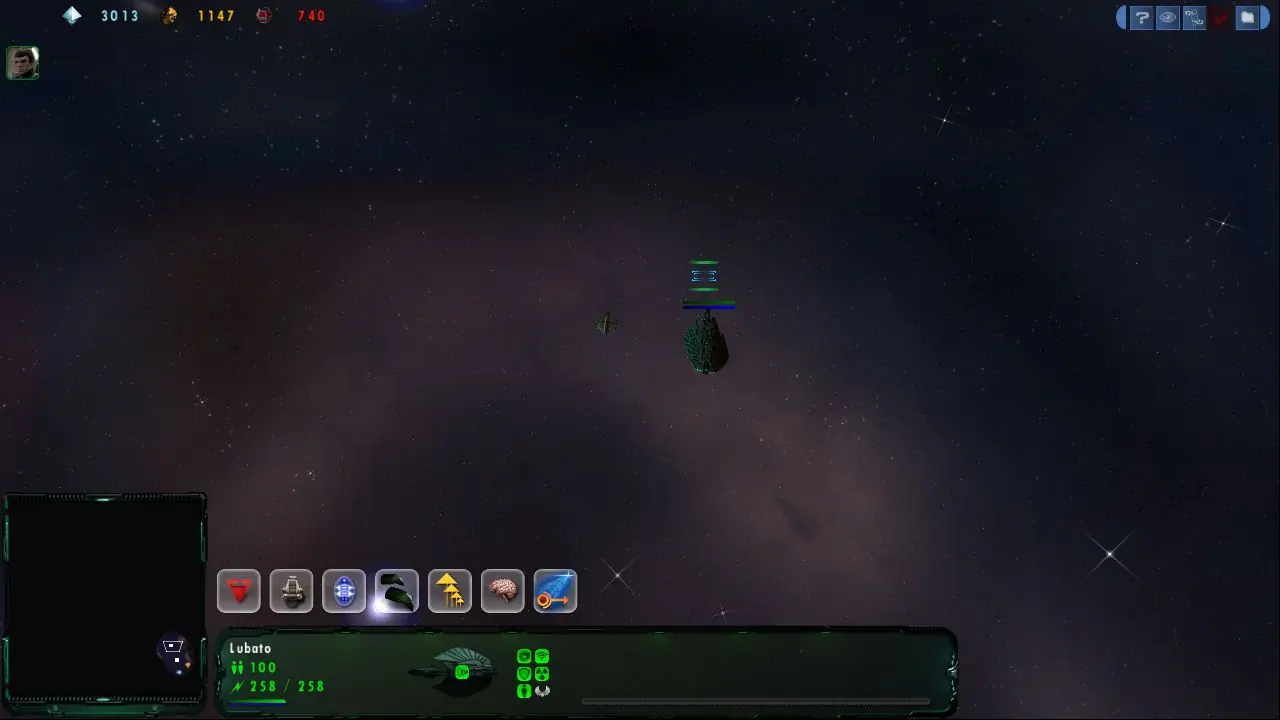
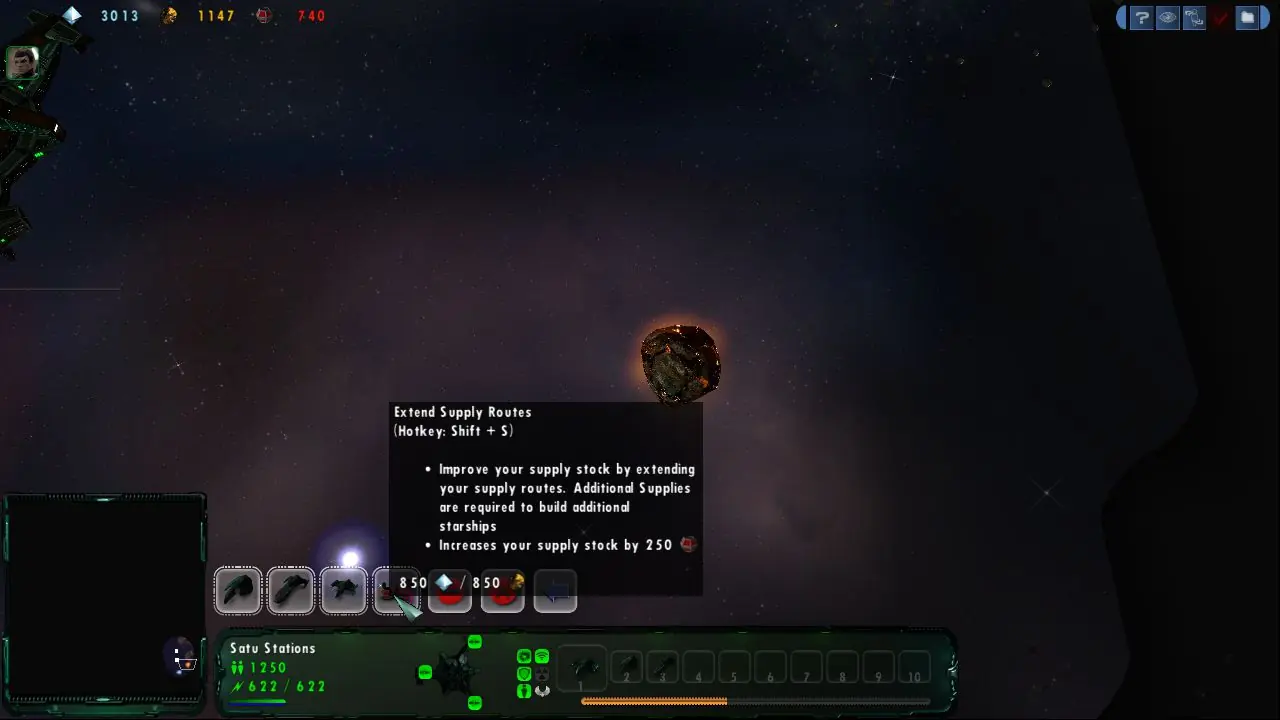
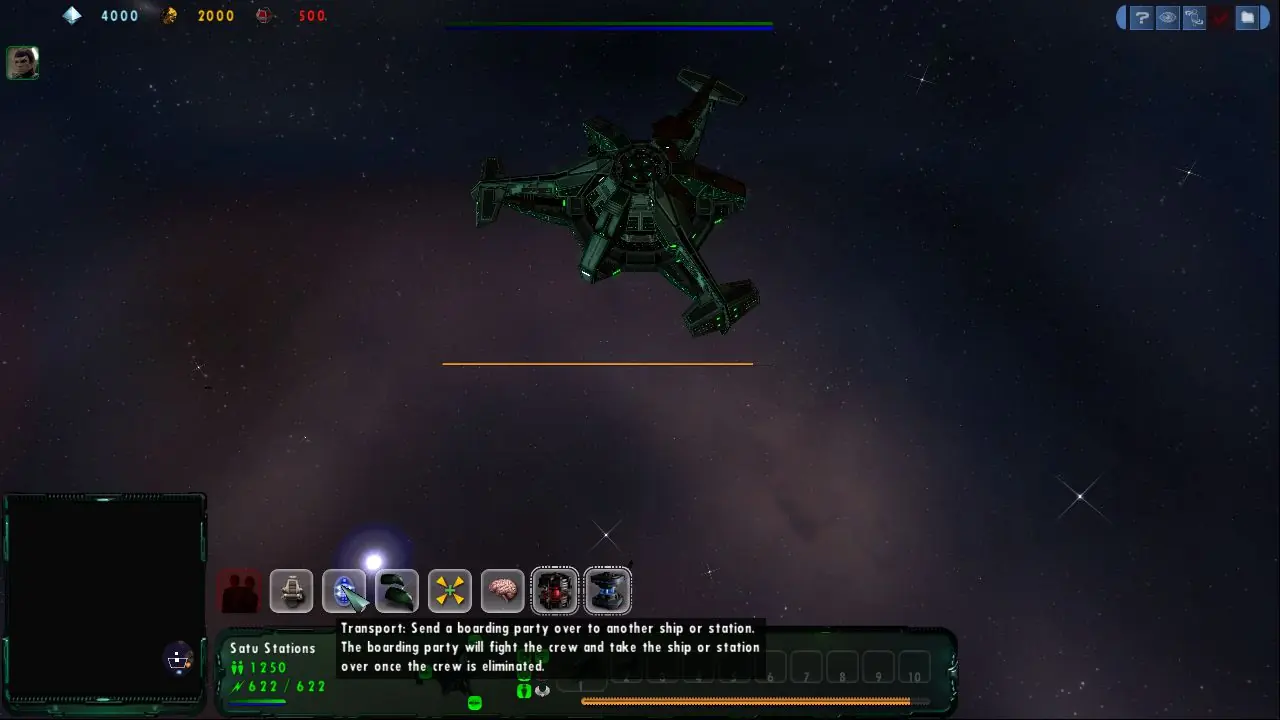
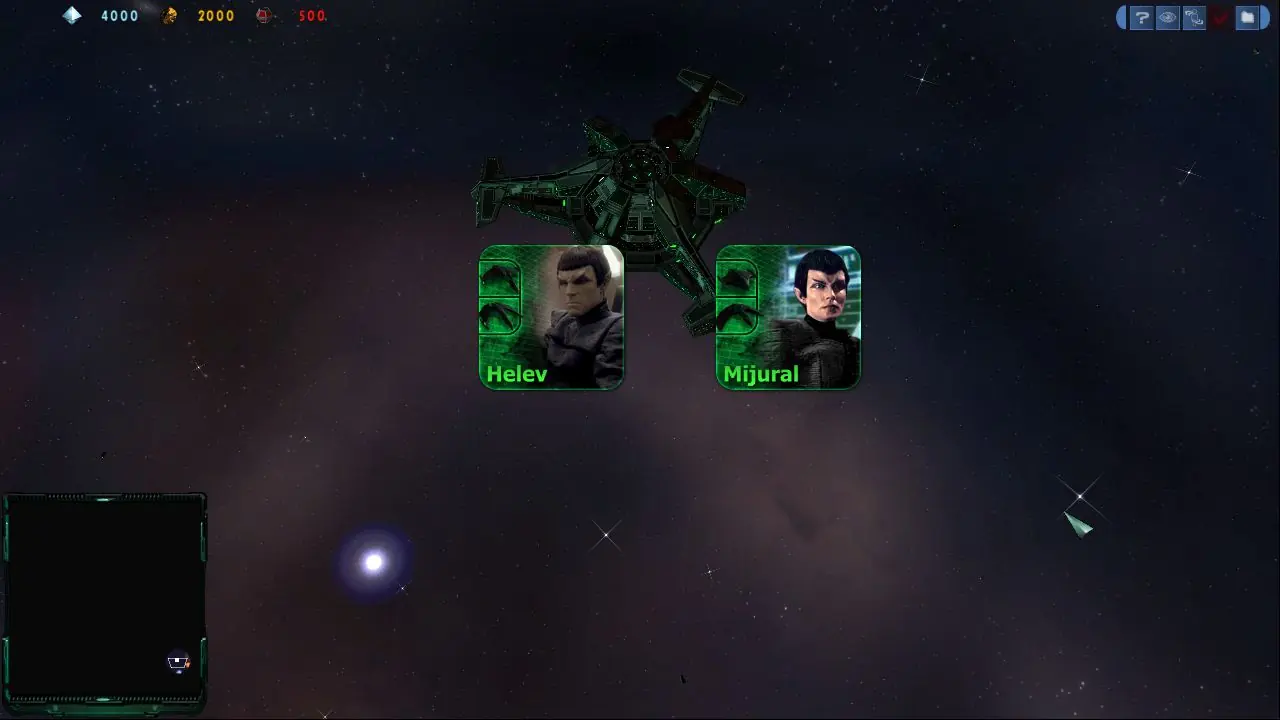
Star Trek: Armada II was re-released and is no longer abandonware. You can purchase the game from:
* We may earn a commission if you buy through these links.






I downloaded the game and fleet ops, made the mod and I can get it to work up to the point I start the first mission and it says to insert CD 🙁
then you need crack.
you can contact me on [email protected]
please send me mail with your explanation what you need .
i don”t like spam .. best regarts
“The program can’t start because binkw32.dll is missing from your computer. Try reinstalling the program to fix this problem”
On Win8 trying the Win7 patches
1. You have installed “Star Trek Armada II Fleet Operations” as already explained in other posts.
2. Download the Mod “STA2_Classic.zip” from this site: https://www.moddb.com/games/star-trek-armada-ii/downloads/a2-classic
3. Go into the folder c:Program Files (x86)ActivisionStar Trek Armada II Fleet OperationsData
and create an new folder with the name “Mods”.
4. Unpack “STA2_Classic.zip” in this Mods folder.
5. Start “Fleetops.exe” Go to “Options”/”Mod Settings”.
6. Select “Star Trek Armada II: Classic” and click “Launch Mod”
7. Enjoy.
Credits go to this YouTuber for the info: https://www.youtube.com/watch?v=KiXDXtKjiTY
Step 1: downloads you need
Star Trek Armada II: Fleet Operations 3.2.7
Star_Trek_Armada_II_Win_Rom_EN_EN.7z (the one up there in the blue button for win 2001)
Once Downloaded Extract these folders
Step 2: As noted below go into the Star_Trek_Armada_II_Win_Rom_EN_EN.7z Folder and change the first line in ARMADA.cue to FILE “ARMADA 2.BIN” BINARY by deleting [THERENEGADE] as said in the post of @YouDontKnowMax. To do this open with note pad and make the changes.
Now Using Daemon tools Lite I mounted the Armada 2.cue file found inside of the Star_Trek_Armada_II_Win_Rom_EN_EN.7z Folder.
Step 3: Now go into the Star Trek Armada II Fleet Operations 3.2.7 Folder. Run the FO Setup 327 application. Proceed through the steps. It will ask you to locate the exe on your CD or other method. Click the CD and it checkmarks it. The install proceeds.
Step 4: Now go to the Directory where you installed fleet operations and attempt to start FleetOps. Mine loaded fine into the main menu. If you experience crashes when trying to do anything in the menu (Launch games/change settings) exit the program. Go back to the directory and right click on Fleet Ops and select troubleshoot compatibility. My PC launched the game, it worked perfectly then. (Used windows 8 for compatibility)
1. Download and install “Star Trek Armada II: Fleet Operations 3.2.7” as described above. For this you have to download the mod file and the .iso files ARMADA.bin and ARMADA.cue. This only allows you to play the multiplayer. If you don’t want to play the campaign
Remark: If you can not mount “ARMADA.bin” you probably have to change the first line in ARMADA.cue to FILE “ARMADA 2.BIN” BINARY by deleting [THERENEGADE] as said in the post of @YouDontKnowMax.
2. Download the A2 Classic Mod from “https://www.moddb.com/games/star-trek-armada-ii/downloads/a2-classic”, which allows you to play the campaign.
3. In the folder where you installed the fleet operation you need to “create a new folder” and rename it to “Mods”. Extract the files from the downloaded “A2 classic” Mod into this folder.
4. Start the fleet operation game. Enter the options. There should now appear a button with Mods. Inside this menu you should find the A2 classic mod. Launch the mod.
Remarks: The campaign menu should open in a small window. However the game will start in full screen mode. If you enter the game menu you will see a small window again. I could not save the game while in a mission. So if you don’t finish a campaign mission, the game status may is lost.
I hope I didn’t forget anything. This procedure is not mine. I found it on the youtube channel:
https://youtu.be/KiXDXtKjiTY
However, this video is in german, so I tried to enter the important steps, since it works for me. If it does for you as well, please support this guy on youtube by a like or something :-).
Hope, this is helpful
Thanks!!!
Found it. Just Mount the BIN and Start EXE from FLEET OPERATION
32GB RAM
1TB SSD
1070 Ti
Intel i5 6400k
But i try the other way, postet above and let you know.
FILE “ARMADA 2.BIN” BINARY
Then you can mount it.
What went wrong?