Home » Games » Star Wars: Battle for Naboo

Star Wars: Battle for Naboo

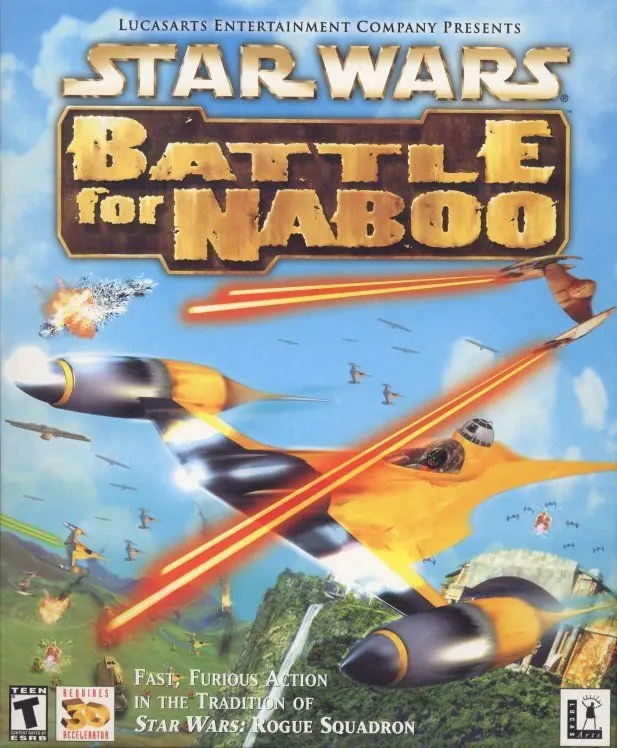
Star Wars: Battle for Naboo Game Cover
4.8/5 - 25 votes

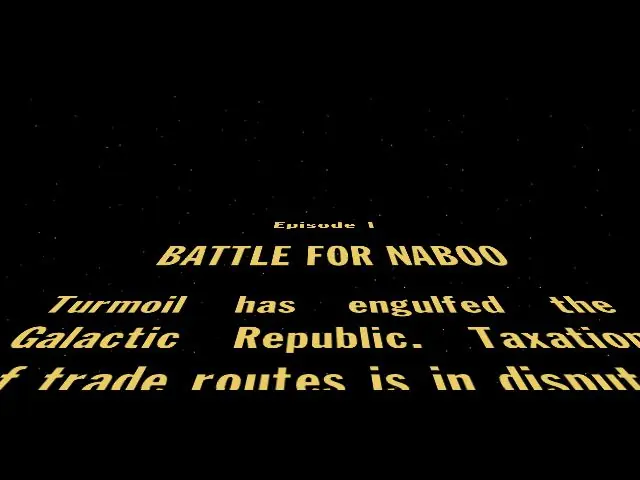
Star Wars: Battle for Naboo is a 2000 action game developed by Factor 5 and published by LucasArts.

Other Titles

Star Wars: Episode I - Battle for NabooStar Wars: Episódio I - Battle for NabooStar Wars: Episode 1 - Battle for NabooStar Wars Episode I: Battle for NabooStar Wars: Episode I: Battle for Naboo

Genres
,
Publishers
,
Developers
,
Released
,
Platforms
Download

About Star Wars: Battle for Naboo

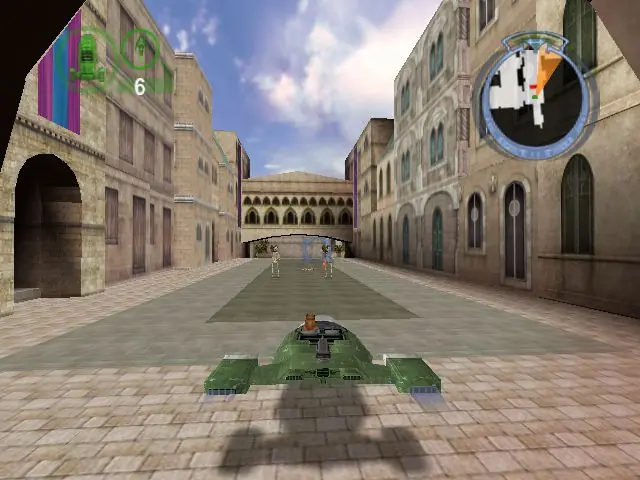
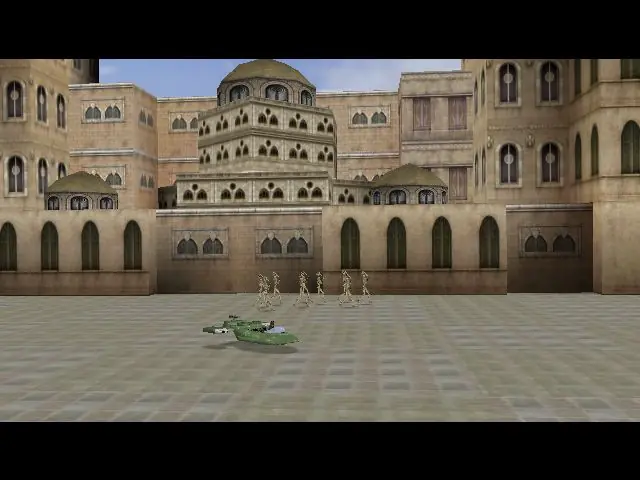
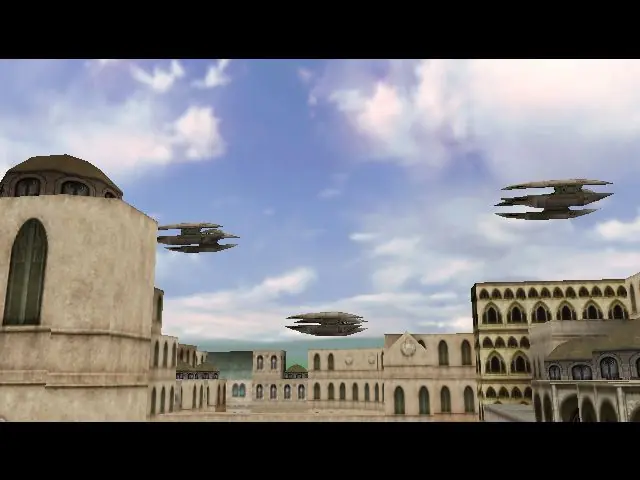
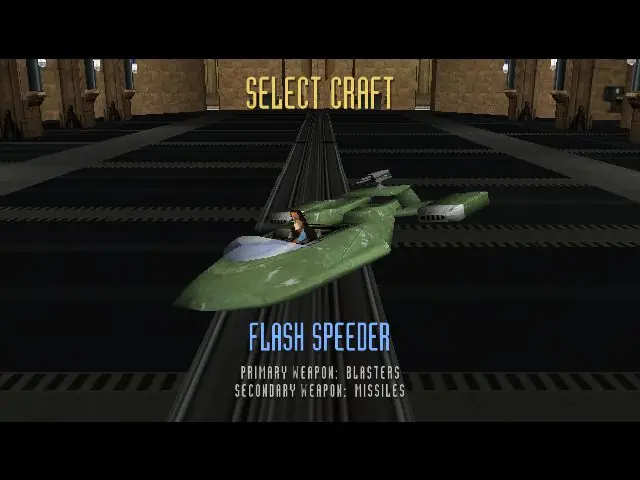
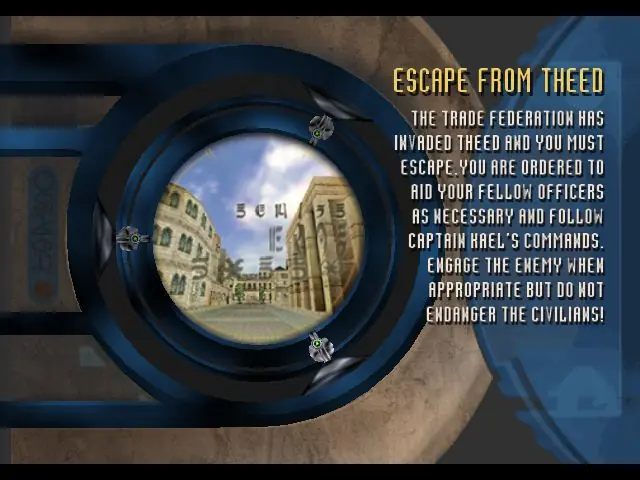
Star Wars: Episode 1, Battle for Naboo gives gamers the chance to jump into a starfighter cockpit and take part in the battle for Naboo's freedom. You must lead the resistance against the vile Trade Federation while Queen Amidala pleads Naboo's case before the Senate on Coruscant. A variety of new and familiar Star Wars vehicles are ready to be used in 16 land, sea, and air levels. The original story line features several combat scenarios, including air-to-air, ground-to-ground, and air-to-ground battles. The difficulty settings are adjustable, so even a Gungan can have a blast.
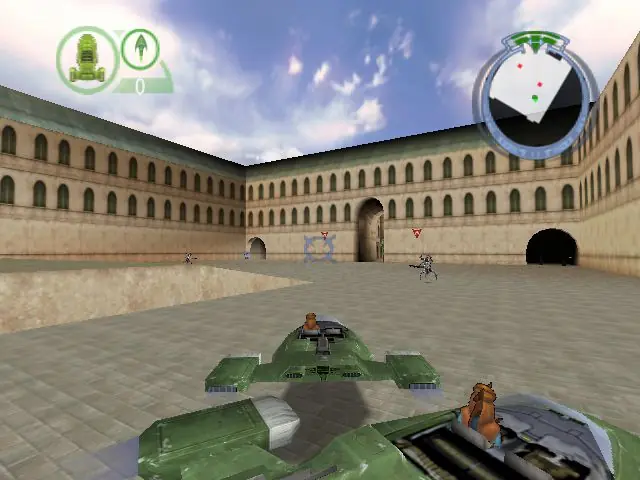
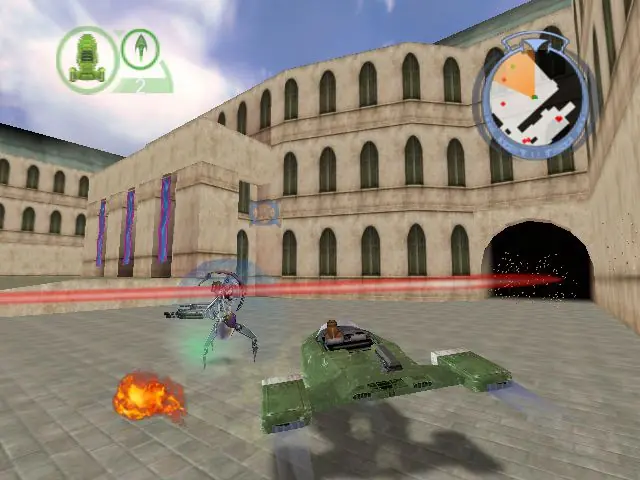
Screenshots

Windows

Star Wars: Battle for Naboo — Windows screenshot 1Star Wars: Battle for Naboo — Windows screenshot 2Star Wars: Battle for Naboo — Windows screenshot 3Star Wars: Battle for Naboo — Windows screenshot 4Star Wars: Battle for Naboo — Windows screenshot 5Star Wars: Battle for Naboo — Windows screenshot 6Star Wars: Battle for Naboo — Windows screenshot 7Star Wars: Battle for Naboo — Windows screenshot 8Star Wars: Battle for Naboo — Windows screenshot 9Star Wars: Battle for Naboo — Windows screenshot 10Star Wars: Battle for Naboo — Windows screenshot 11Star Wars: Battle for Naboo — Windows screenshot 12Star Wars: Battle for Naboo — Windows screenshot 13Star Wars: Battle for Naboo — Windows screenshot 14

Download Star Wars: Battle for Naboo

Star Wars: Battle for Naboo is abandonware and no longer sold or supported by its publishers. Files are archived here for these platforms:

Windows (2001)

  • Star_Wars_Battle_for_Naboo_Win64_ROM_EN.7zEN162.67 MB
  • Instructions Star_Wars_Battle_for_Naboo_Win64_ROM_EN.7z

    How to play on Windows (64-bit)

    1. Download and Extract Star_Wars_Battle_for_Naboo_Win64_ROM_EN to your desktop (make sure you extract it to your desktop)
    2. Mount BFN_PC.bin to an empty virtual drive
    3. In the "Game Files" folder, you will see a folder called "games". Copy-paste the "games" folder into your disc drive C:\ so that you have the file path "C:\games\Battle for Naboo"
    4. Go inside the "C:\games\Battle for Naboo" folder. Double click on "bfn.reg" to enter registry values
    5. Go back into the "Game Files" folder, then into "games", then into "data_pc" and double click "bfn.exe"
    6. Play the game
  • Star_Wars_Battle_for_Naboo_Win_ROM_EN.7zEN107.66 MB
  • Instructions Star_Wars_Battle_for_Naboo_Win_ROM_EN.7z

    How to play on Windows (32-bit) and earlier versions of Windows
    1. Download and Extract Star_Wars_Battle_for_Naboo_Win_ROM_EN.7z
    2. Mount BFN_PC.bin to an empty virtual drive and double click on "BattleForNaboo.exe"
    3. Select "Install" and follow on-screen instructions
    4. Launch game using desktop shortcut

Comments

12 thoughts on “Star Wars: Battle for Naboo”

  1. 0
    Nothing happens when I double click bfn.exe. I completed all other steps and I have the correct version (64bit). Anyone else had this happen?
    Reply
  2. 0
    You could apply a crack “nocd for battle for naboo” (english). it is easy to find it. So you wouldn’t have to use a virtual drive!
    A good idea, Here, I hope to see a new version using Turbo studio + nocd
    Reply
  3. 0
    did both downloads & instructions multiple times doesn’t work. tried the game ‘road rash’ didn’t work either. also looked at FAQ and wiki and troubleshooting & game manual trouble shooting..I have a good pc.
    Also when it says copy paste games folder to c drive does it mean c drive or the new virtual drive w/ a new letter hence (D) or (E) etc

    i get please insert the battle for naboo CD into your cd-rom drive to proceed

    Reply