Star Wars: Droid Works
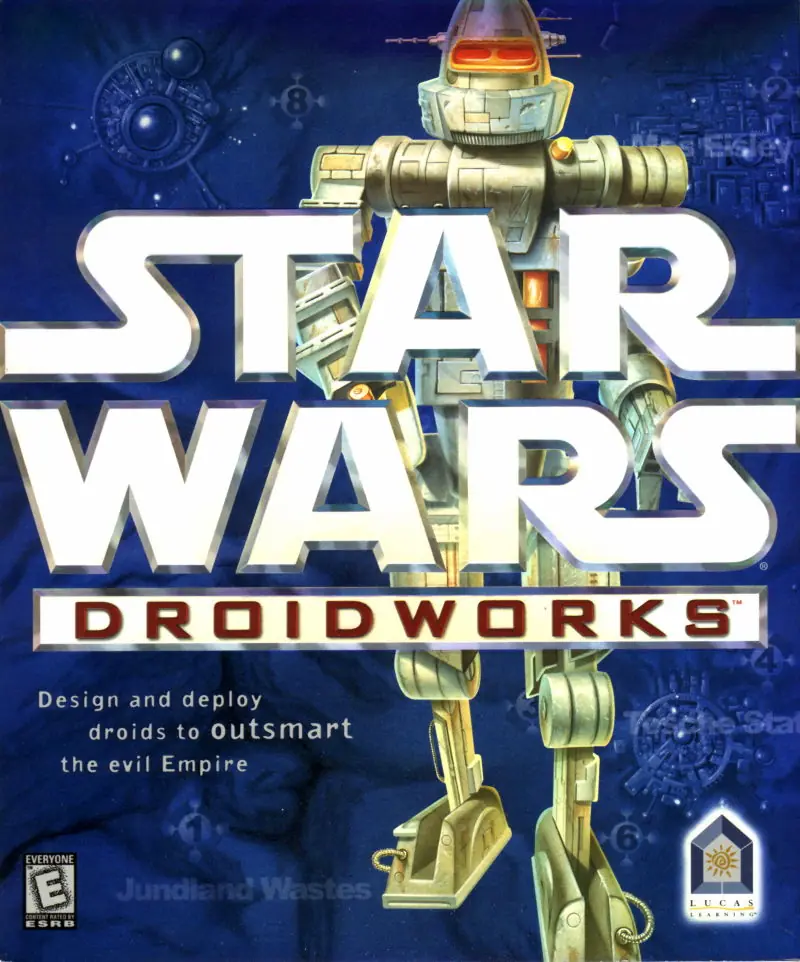
Star Wars: Droid Works is a 1998 adventure game developed and published by Lucas Learning.
Genres
Publishers
Developers
Released
Star Wars: Droid Works is a 1998 adventure game developed and published by Lucas Learning.
Star Wars: DroidWorks is a 1998 edutainment computer game and the premiere title from LucasArts subsidiary Lucas Learning. It uses the same engine as LucasArts' previous title Star Wars Jedi Knight: Dark Forces II. The creators aimed to create a game that would be both appealing and nonviolent. The game's original release date was moved up by months, which resulted in the development team cutting some planned game features.
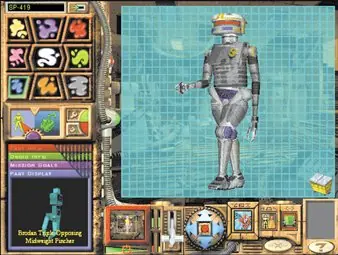
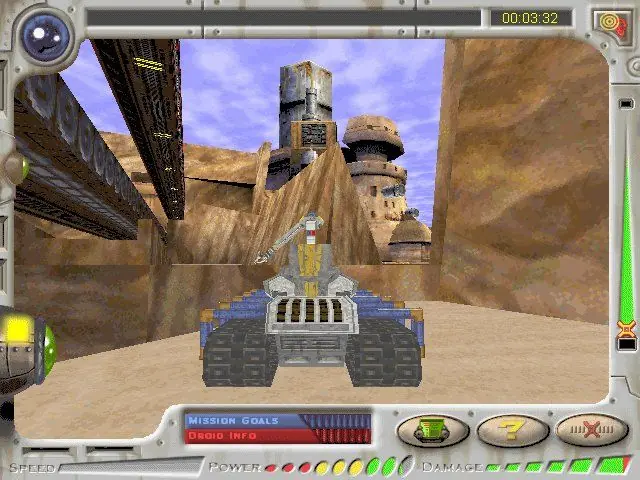
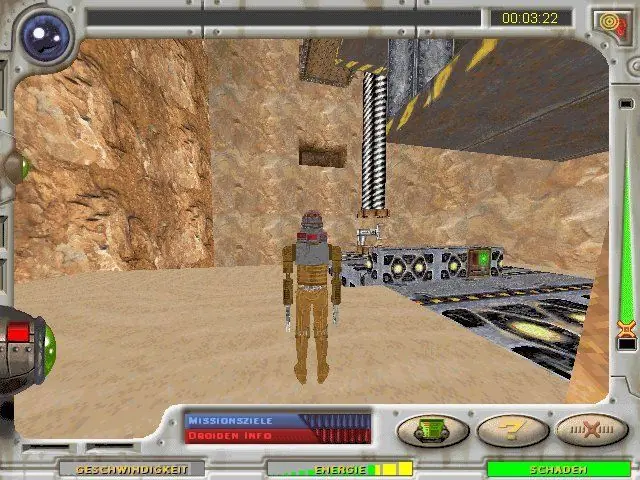
The game's plot involves the player saving the galaxy by manufacturing droids with specific abilities, such as the ability to see in the dark or jump, to complete missions. The educational portions of these missions teach players about concepts such as energy, force, motion, simple machines, light, and magnetism.
Star Wars: Droid Works is abandonware and no longer sold or supported by its publishers. Files are archived here for these platforms:
How to play on Windows






Download xdelta patch and follow ALL instructions below
Patch hosted here: https://1fichier.com/?ooza0d6ymw4fgpl4xaua
– Mount the cd-rom of the game (by inserting your legally aquired physical copy of the games cd into the cd-rom drive)
– Run Launch.exe and install the game
– Copy the Movie folder from cd-rom drive to the star wars droid works installation folder
– Copy the dwCD.gob file from cd-rom drive to the star wars droid works installation folder
Note: I tested this on a custom -> FULL install -> and then copied the entire contents of the cd-rom over the files inside of the full install. But I believe the above steps are the bare minimum needed to fully play the game aside from applying the “no-cd fix” patch below. The difference is only around 20mb either way around 460mb one way and around 480mb the other.
– Download a xdelta patcher to apply the “no-cd fix” I created to the DroidWorks.exe file
https://github.com/marco-calautti/DeltaPatcher/releases
Specifically I used deltapatcher v3.0.1
https://github.com/marco-calautti/DeltaPatcher/releases/download/v3.0.1/deltapatcher_v3.0.1_win_x86.zip
– Right click xdelta patcher and run as administrator
– Select DroidWorks.exe as file to patch and load the included xdelta file as the patch
– Apply patch
You should now be able to play the game without the cd-rom
Note: There is a bug when the game is run on modern hardware where you can not go up hills unless you wiggle the mouse. I created a steam controller input overlay that solves this by continually(turbo function) wiggling the mouse(move mouse by pos 1,1) when you move(arrow up or arrow down) and the bug is not very noticable when playing with a steam input layer using this controller profile.
To run the game on a steam deck:
– Rename the installation folder from “Star Wars DroidWorks” to “StarWars-DroidWorks” or else the game will not launch(folder names can not contain spaces)
– Go to desktop mode and launch steam and select add non steam game
– Select DroidWorks.exe
– Go to properties and under compatibility force it to use proton, I am using proton experimental
– Name the game “Star Wars: DroidWorks”
– Search under community controller profiles all layouts for the latest version v1.3+ of the steam input overlay community profile that I have shared(Game must be named the same)