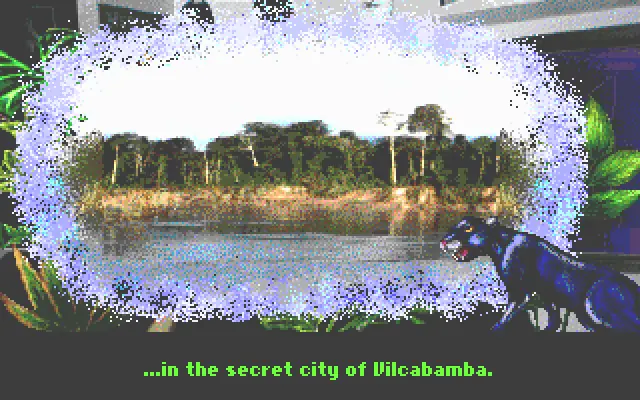
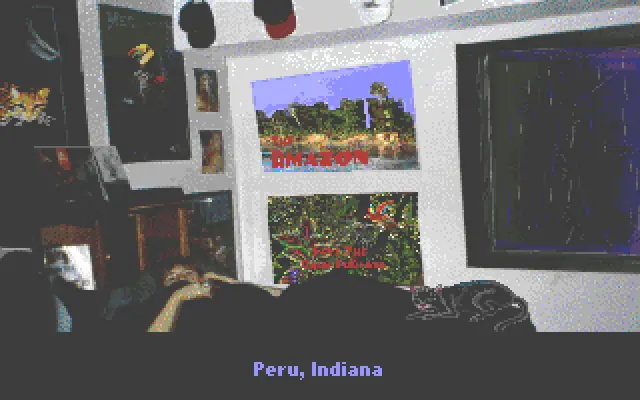
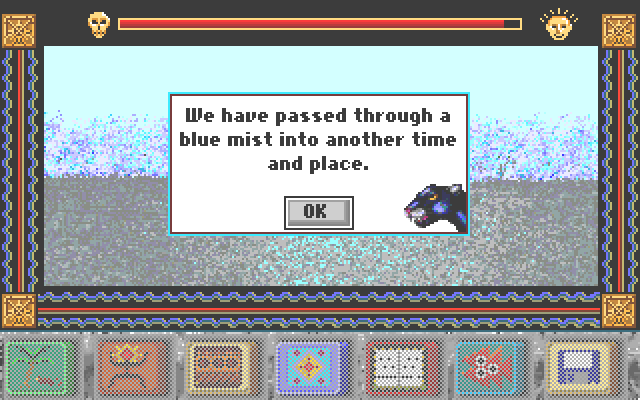
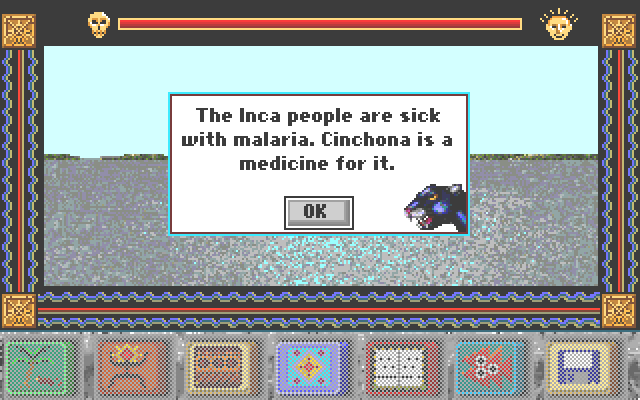
During the opening sequence, a short animation displays a person asleep in bed, coincidentally, in Peru, Indiana. They are visited during a dream by a jaguar who calls himself the jaguar of the Inca King. The jaguar explains that the Inca people are endangered by malaria and European explorers, and the player will be taken back in time in order to search for cinchona and deliver it to the king. The jaguar from the dream appears throughout the game as a hazy vision, running off a checklist of items desired by the Inca King, and offering various gloomy sentiments about the rainforest in general.
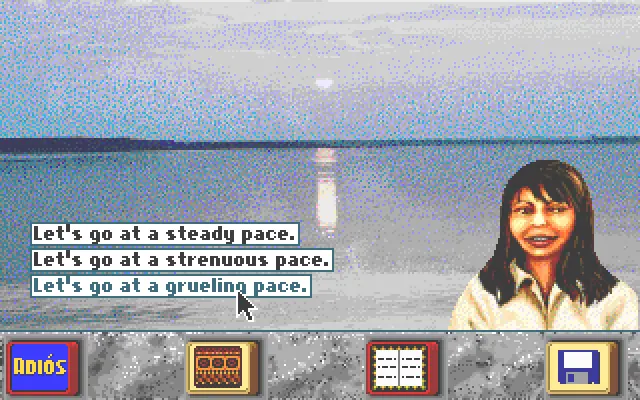
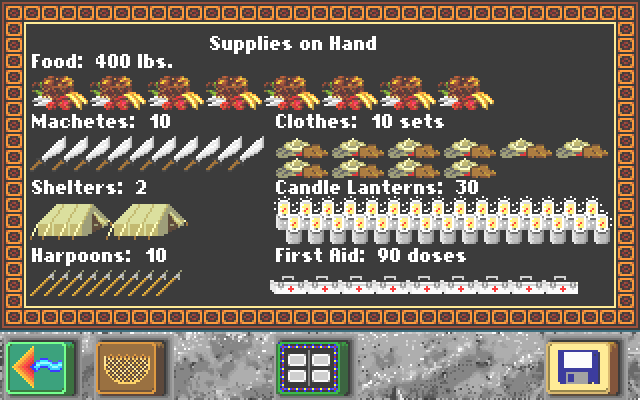
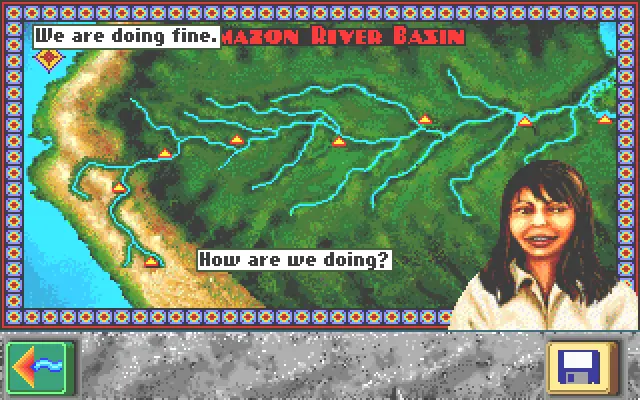
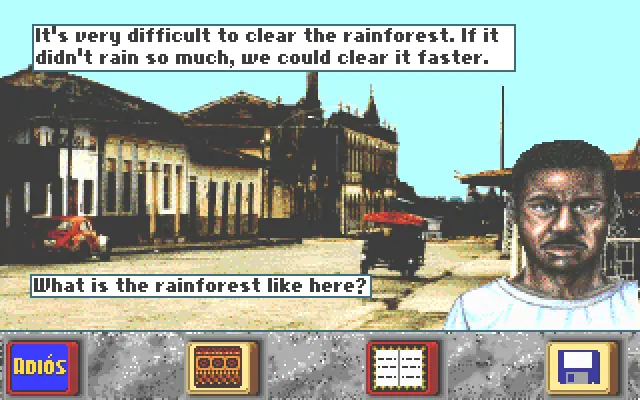
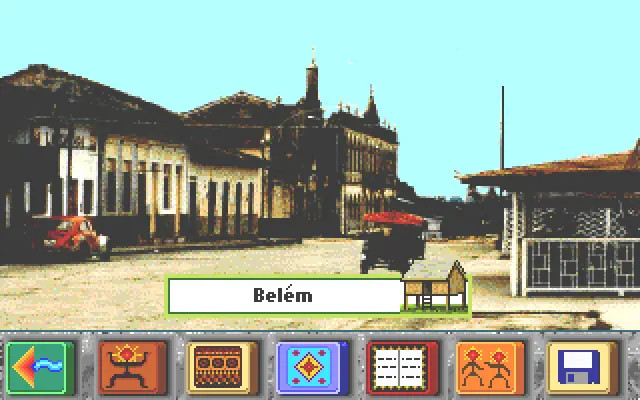
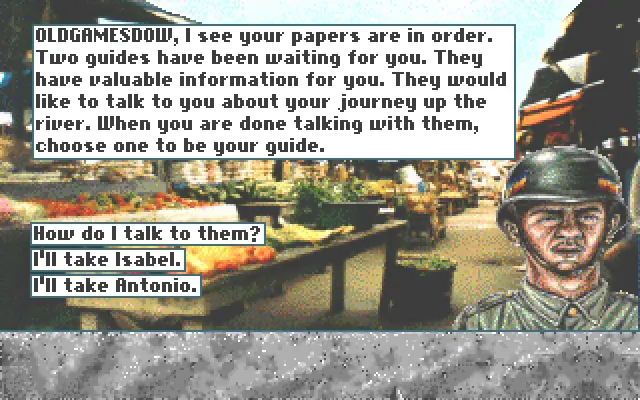
At the start of the game, the player has been transported to Belém, Brazil, and is given the option of choosing one of two native guides (Isabel or Antonio), who offer advice over the course of the game pertinent to navigating the river and maintaining ample supplies and good health. Each guide comes equipped with a slightly different spread of supplies (Antonio has more tents, while Isabel has more food). Players may come across various people along the river, taking photographs of the flora and fauna of the area, fishing, and canoeing.
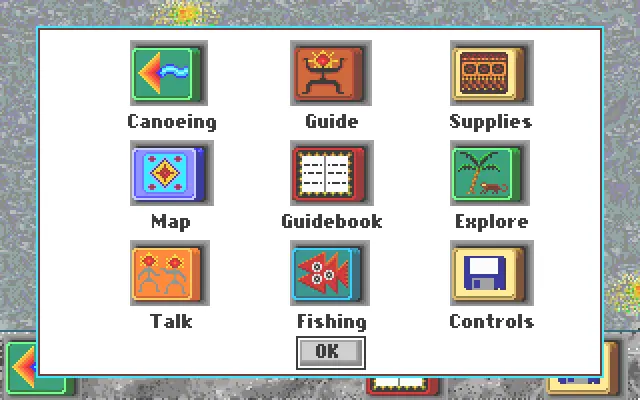
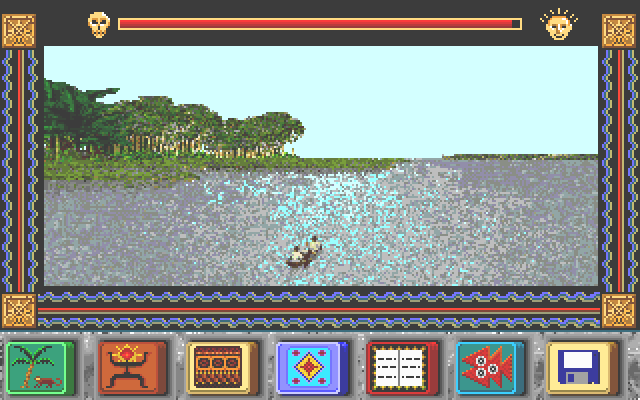
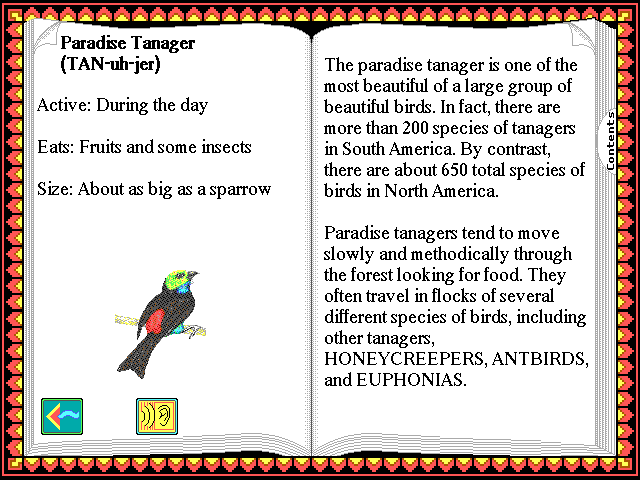
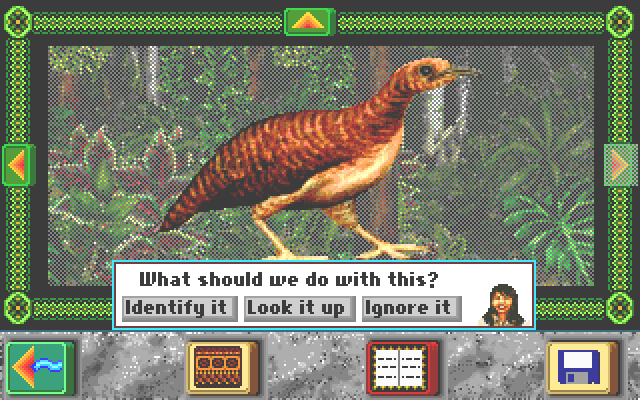
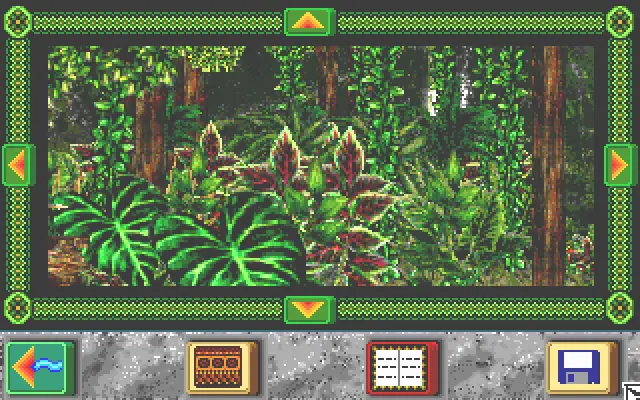
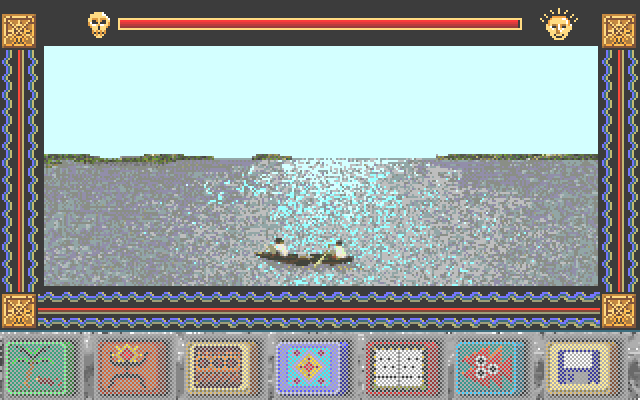
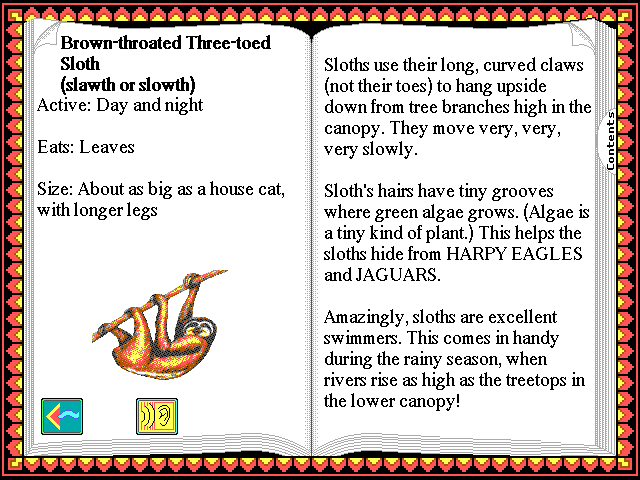
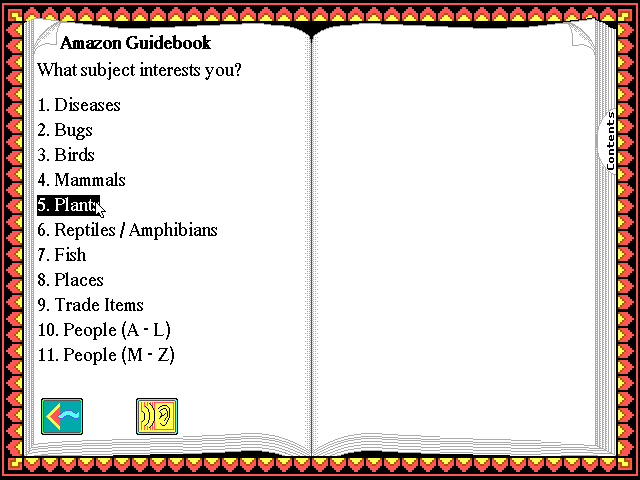
Players must navigate the treacherous waters of the Amazon to avoid hitting other boats, logs, and whirlpools or paddling up the wrong tributary, travel through the forest in search of exotic plants and animals to photograph and identify, use harpoons to fish in the river and then identify whether the catch is edible, and trade with the individuals encountered at the various stops along the river. In order to aid in identification, each time a picture is taken or fish caught, the player has the option of checking the guide, which lists all of the species in the game except for the "new species".
There are multiple dangers. Capsizing could lead to loss of supplies and injury, or even cause the player to drown, resulting in an instant game over. When fishing, one has to be wary of spearing an electric eel or stingray, as this may lead to a loss of health (though the latter is regarded as edible). The player can contract a variety of diseases (including malaria and yellow fever), requiring multiple days of rest to recover. Paddling up the wrong tributary for too long will result in being captured by headhunters or western explorers.
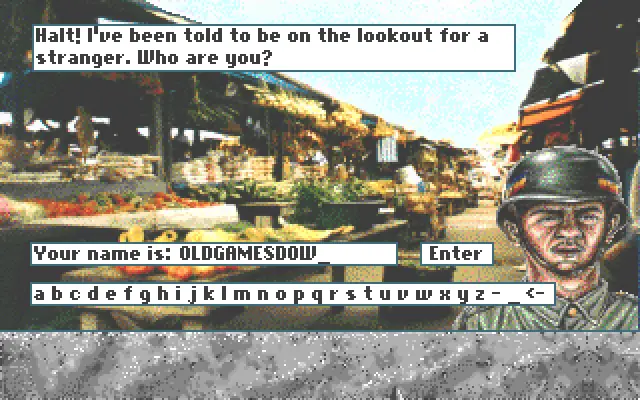
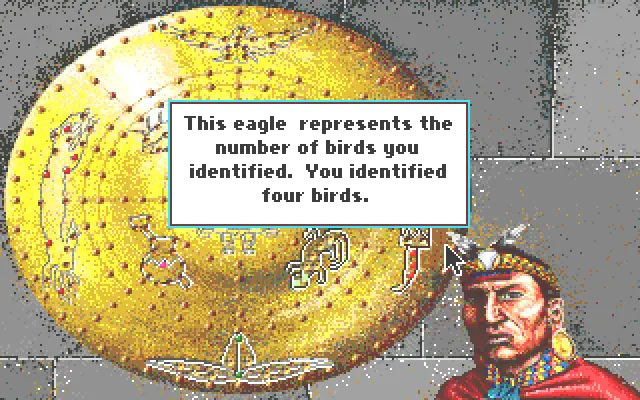
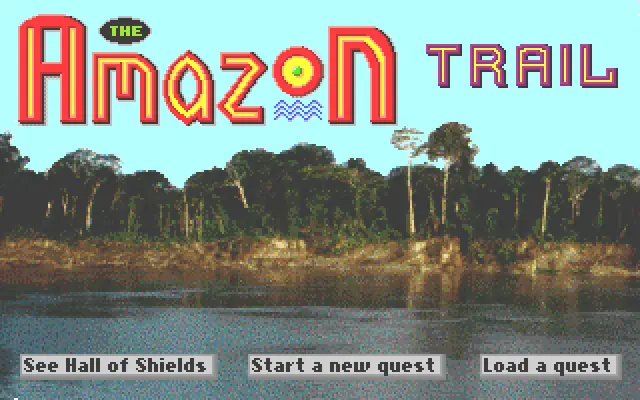
The Amazon Trail is abandonware and no longer sold or supported by its publishers. Files are archived here for these platforms:
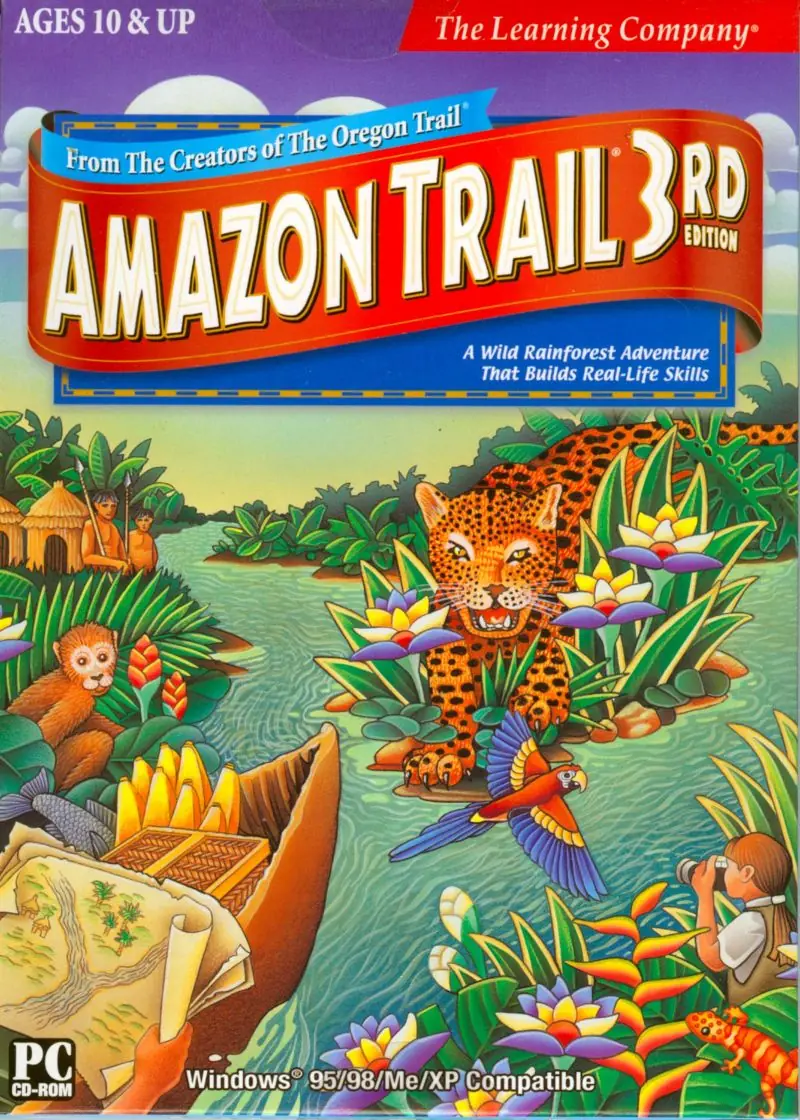
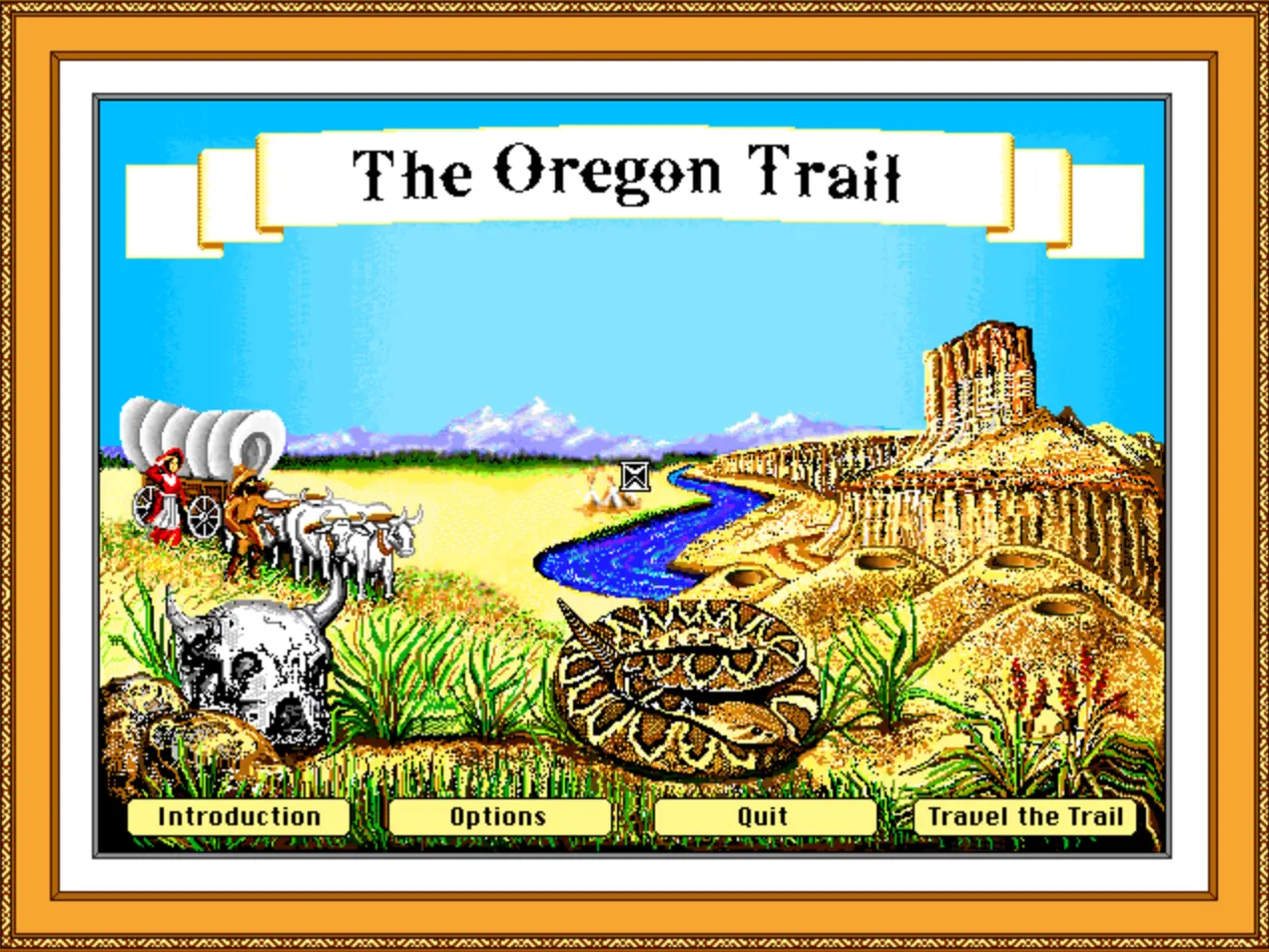






-Download Windows 1996 version (240.8 MB) of the game.
-Unzip folder with 7-zip or something similar.
-Open The_Amazon_Trail_Win_ISO_EN, open Game Files, then mount AMAZONtrail (the ISO file) using Daemon tools light (which is free to download and use). You can double click and choose to open with Daemon tools or drag the ISO file onto the Daemon tools shortcut on your desktop.
-Once the image is mounted in a drive, instead of clicking on the auto play pop-up window to choose what happens with the disc, ignore the pop-up, go to File Explorer, scroll down in the sidebar until you see the AMAZONTRAIL disc in one of your drives, single click it then scroll down to AMAZON32 (an Application file).
-This next step is optional, but it makes the game more fullscreen: Right click on AMAZON32, click Properties, click the Compatibility tab, and under Settings check the boxes for Reduced color mode (8-bit 256 color) and Run in 640 x 480 screen resolution.
-Select Apply and Ok, then double click AMAZON32.
It ran for me immediately, I didn’t even have to install it.
https://archive.org/download/tested-64-bit-learning-creative-for-vista_202008/Tested%2064-bit%20Learning-Creative%20Installation%20Originals/Premiere%20Multimedia%20%2B%20Trial/Amazon3.iso
So linking for newer windows
Windows 10 made quite a departure from windows 8.1 by removing win32’s so it might be possible that it is having compatibility
issues locating it’s configuration. by Microsoft removing ancient win32’s.
But try this if it is still works at all with windows 10 64-bit.
E:INSTALLSETUP.EXE (To force installation of the game).
also once it is installed under
E:INSTALLSETUP.EXE
open auto play again with the little amazon music pops up
you will see start amazon trial 3rd edition.
that is the other way to install this. the install option should work.