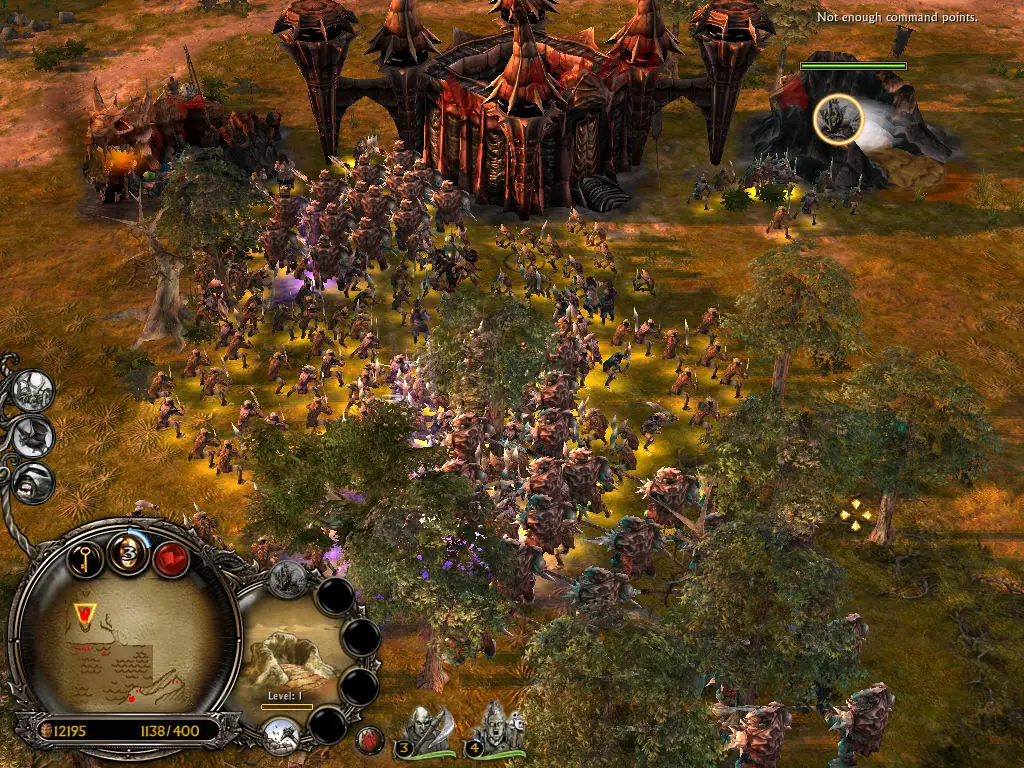
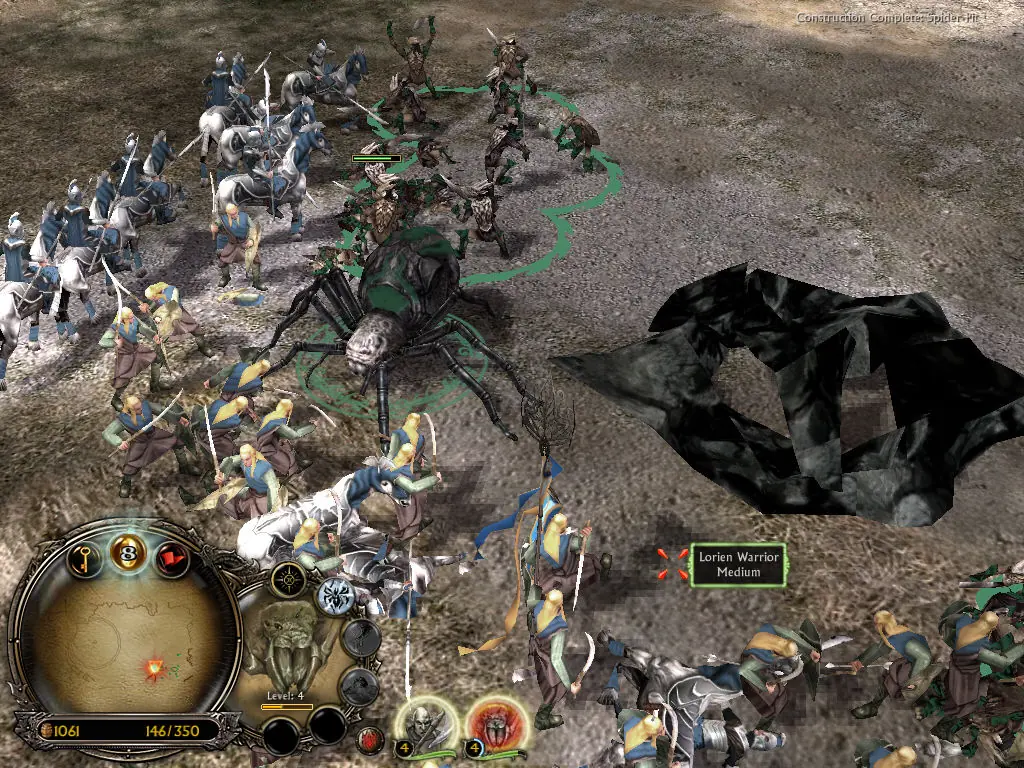
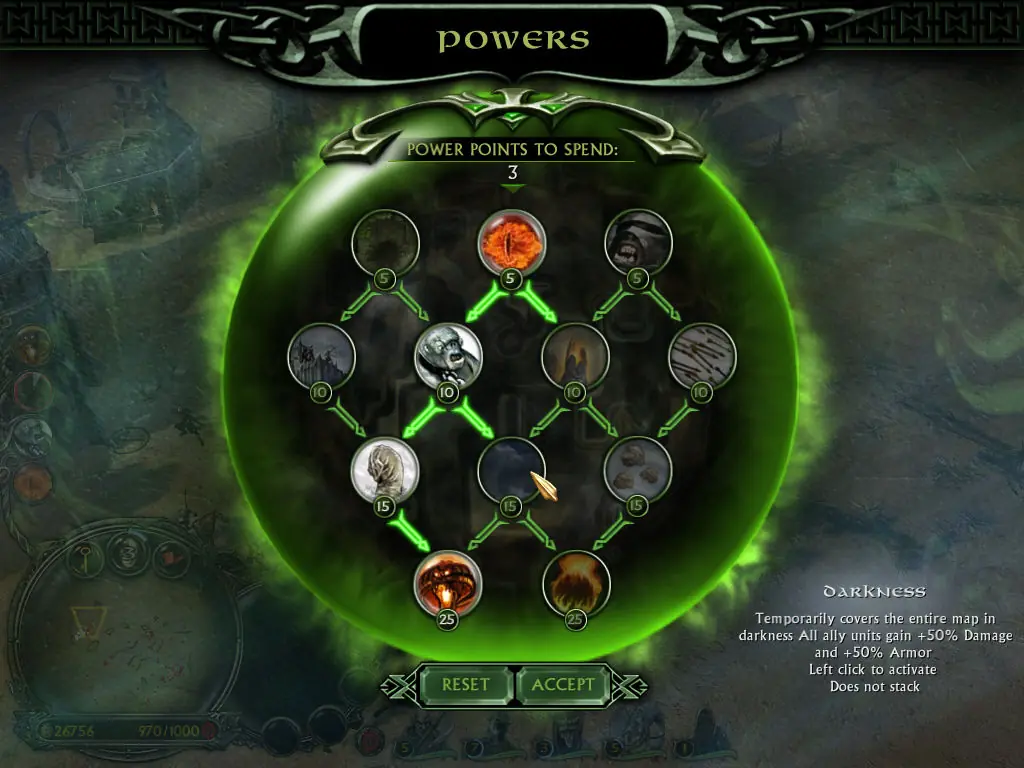
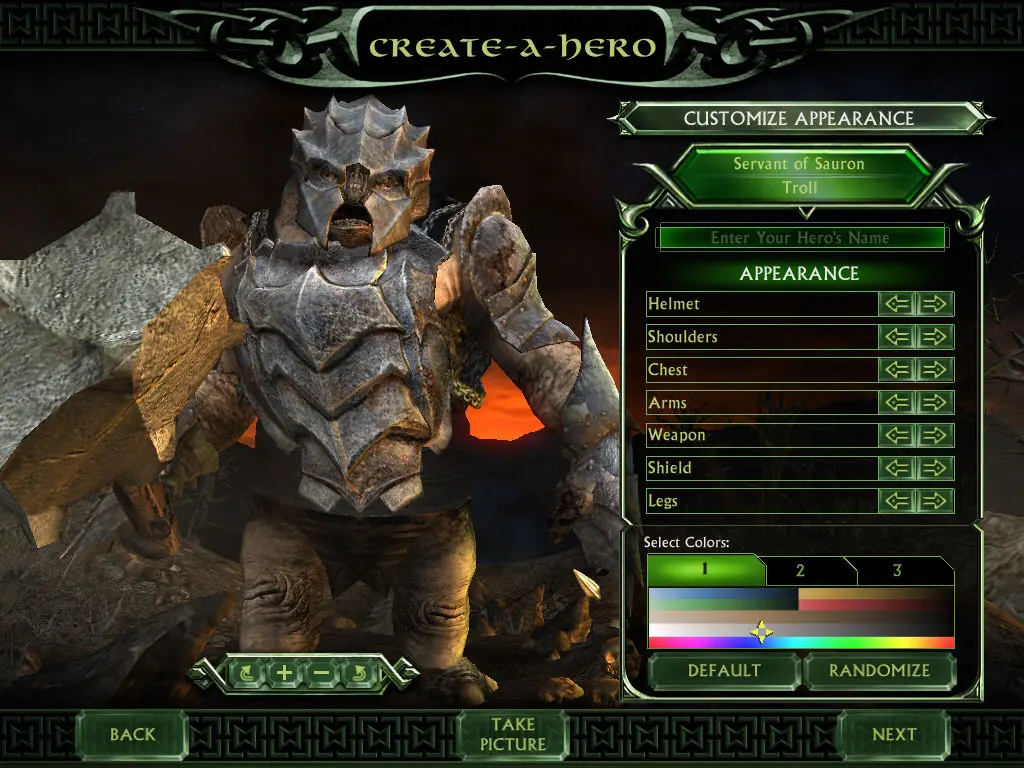
The story for The Battle for Middle-earth II is divided into Good and Evil Campaigns. The Good Campaign focuses on Glorfindel, an Elf who is alerted to a planned attack on the Elven sanctuary of Rivendell. With help from the Dwarves and other Good forces, the Elves attempt to eliminate Sauron and his army to restore peace in Middle-earth. In the Evil Campaign, Sauron sends the Mouth of Sauron and the Nazgûl to muster wild Goblins. With his army, Sauron moves forward with his plan to destroy the remaining Good forces in the North. The Windows version of the game was released in March 2006 and the Xbox 360 version was released in July 2006.
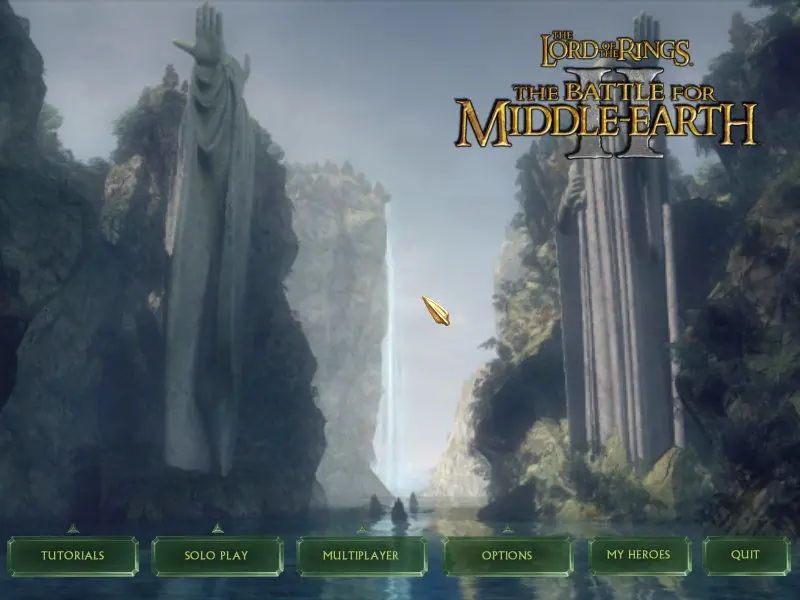
The Battle for Middle-earth II is abandonware and no longer sold or supported by its publishers. Files are archived here for these platforms:
How to play on Windows
Instructions for The Battle for Middle Earth 2
Instructions for The Battle for Middle-earth 2: The Rise of the Witch-king (you need to download the base game first)
Instructions for The Battle for Middle-earth 2: The Rise of the Witch-king (YOU NEED BFME 2 FIRST)









1. I’m aware that Windows 10 released updates which can give you errors when mounting the file as SCSI. You have 2 options here. First, you can mount the files as an “IDE” drive. Or you can use the software WinCDEmu as an alternative to mount the drives.
2. If you get a D3DX9_27.DLL was not found error, follow the steps in this video https://www.youtube.com/watch?v=aWs_FlvoUpI
https://www.reddit.com/r/software/comments/3zveee/stay_away_from_daemon_tools/
https://www.youtube.com/watch?v=SWQlQuHb69w
I have the same problem as the guy above here. I looked very close at the part with the Options folder and the game still closes when i try to open it.
This is just the beginning of why Win 10 updates fail.
“game.dat- System Error: The code execution cannot proceed because D3Dx9_27.DLL was not found. Reinstalling the program may fix this problem”
Anybody else encounter this?
I have zero clue why it did not work
i get a error msg say you have insufficient sources to create target connection