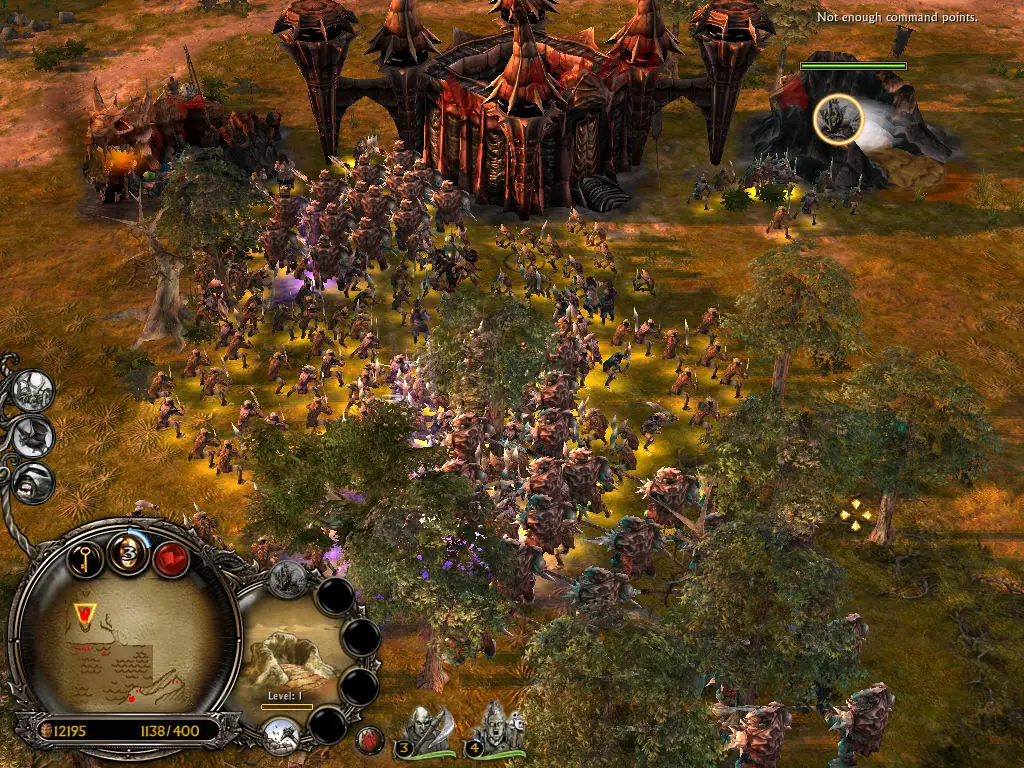
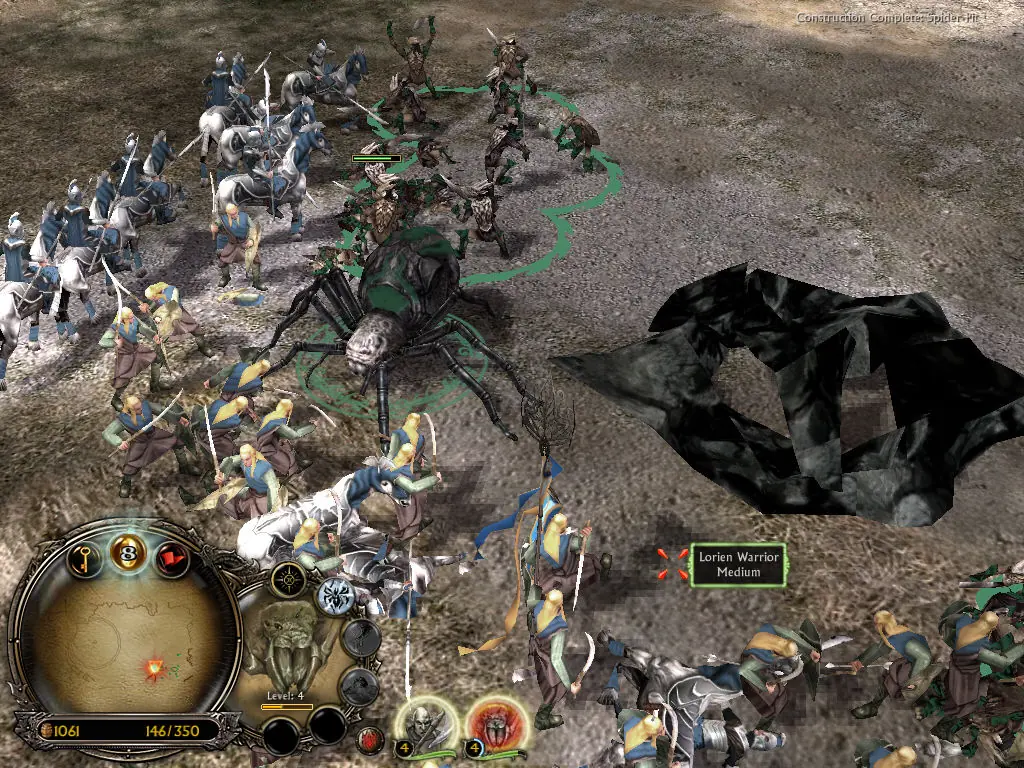
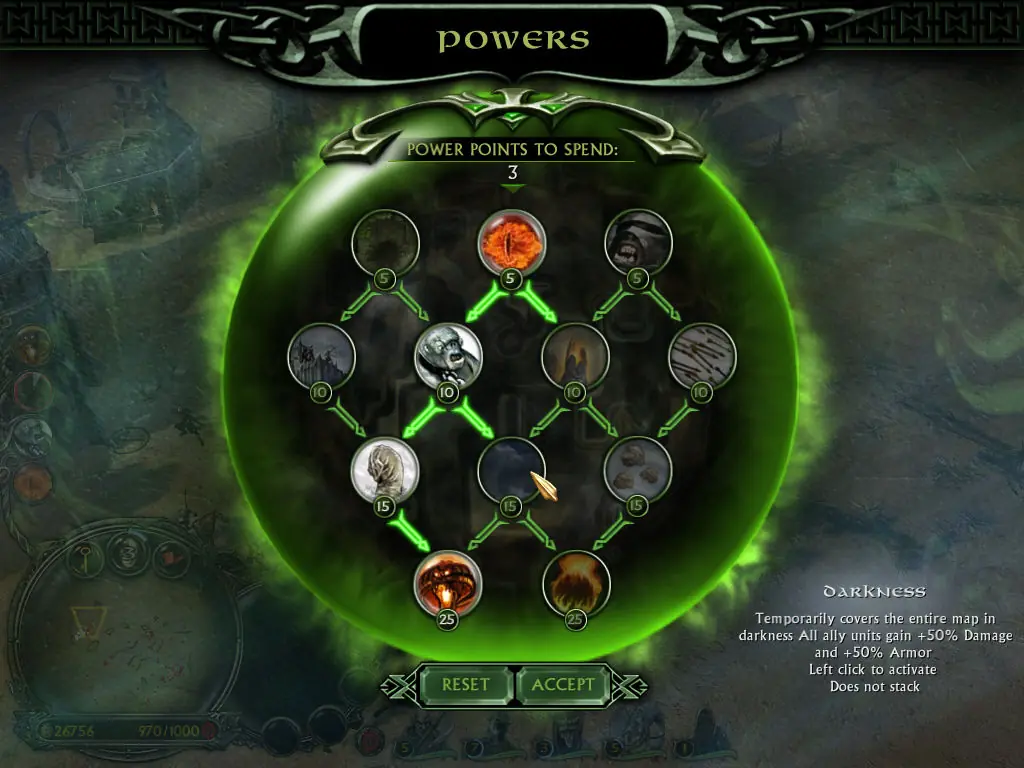
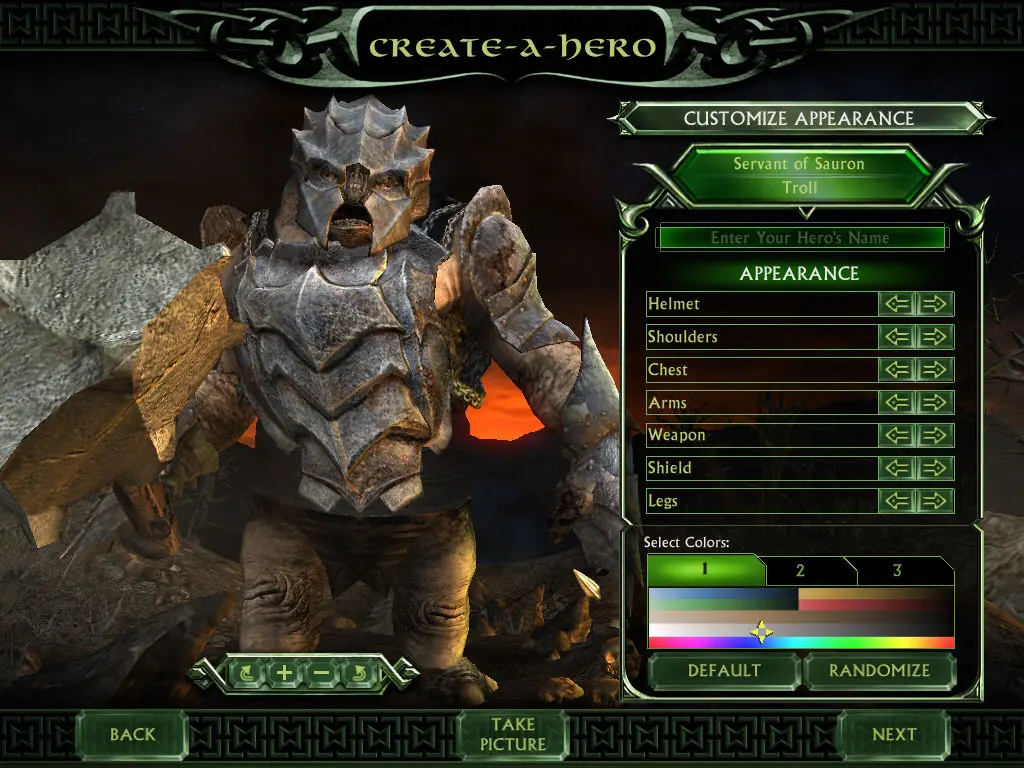
The story for The Battle for Middle-earth II is divided into Good and Evil Campaigns. The Good Campaign focuses on Glorfindel, an Elf who is alerted to a planned attack on the Elven sanctuary of Rivendell. With help from the Dwarves and other Good forces, the Elves attempt to eliminate Sauron and his army to restore peace in Middle-earth. In the Evil Campaign, Sauron sends the Mouth of Sauron and the Nazgûl to muster wild Goblins. With his army, Sauron moves forward with his plan to destroy the remaining Good forces in the North. The Windows version of the game was released in March 2006 and the Xbox 360 version was released in July 2006.
The Battle for Middle-earth II is abandonware and no longer sold or supported by its publishers. Files are archived here for these platforms:
How to play on Windows
Instructions for The Battle for Middle Earth 2
Instructions for The Battle for Middle-earth 2: The Rise of the Witch-king (you need to download the base game first)
Instructions for The Battle for Middle-earth 2: The Rise of the Witch-king (YOU NEED BFME 2 FIRST)






can anyone explain me why in step 4 of normal version, I can’t find the folder “My Battle for Middle-earth ™ II Files” in Roaming??
I don’t have any error during install process :/
PLEASE HELP ME
The game is extracted from the .rar file to C: drive here: C:Program FilesBFME 2 + Rise of the Witch KingGame FilesBFME2BFME2 Installer
What am I missing? Executing AutoRun.exe also leaves me with the message to insert CD/DVD 1 in drive C:
Thanks!
any idea’s why ?
Not great with computers, help?
https://forums.revora.net/topic/105190-bfme1bfme2rotwk-games-download-installation-guide/
and copy to installation folder
For issue of loading screen showing up but not opening game, check if options.ini file is in correct folder in roaming
!!Watch out not to install the Bing Searchbar during installation!!
After installation, the game should start normally.