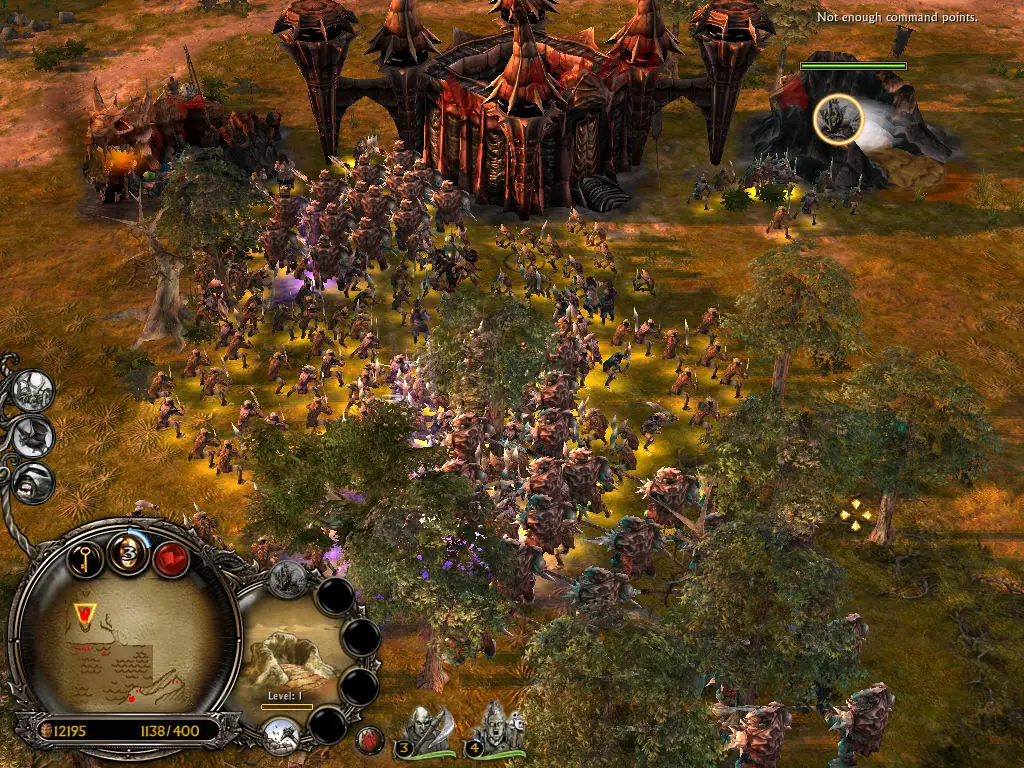
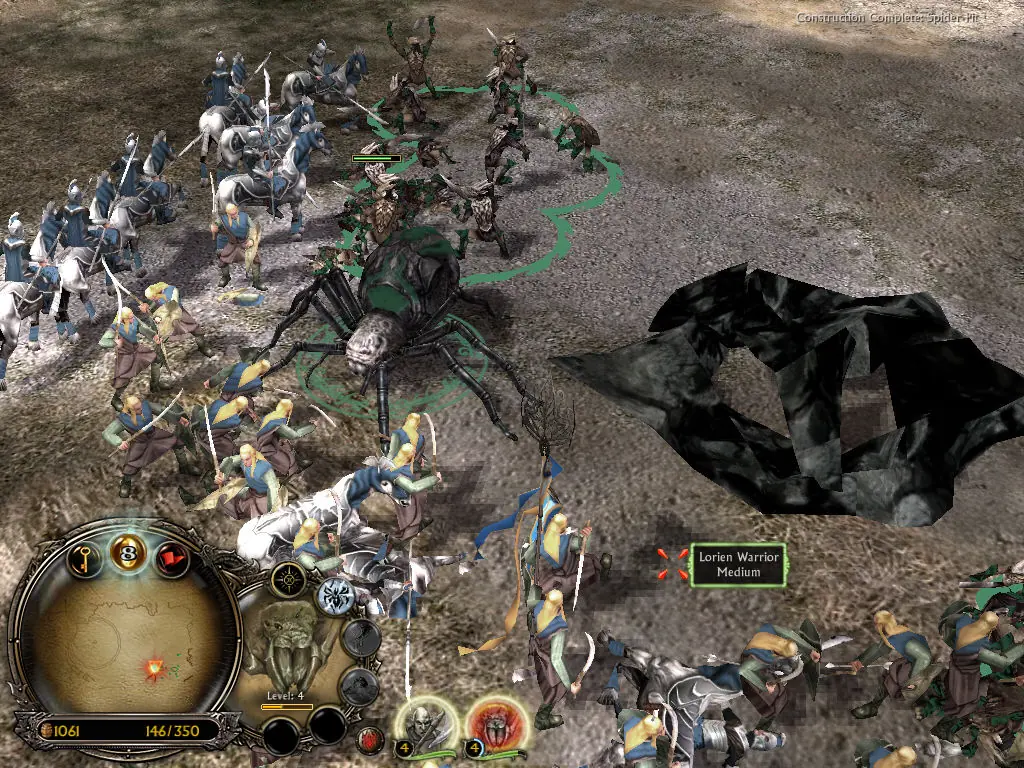
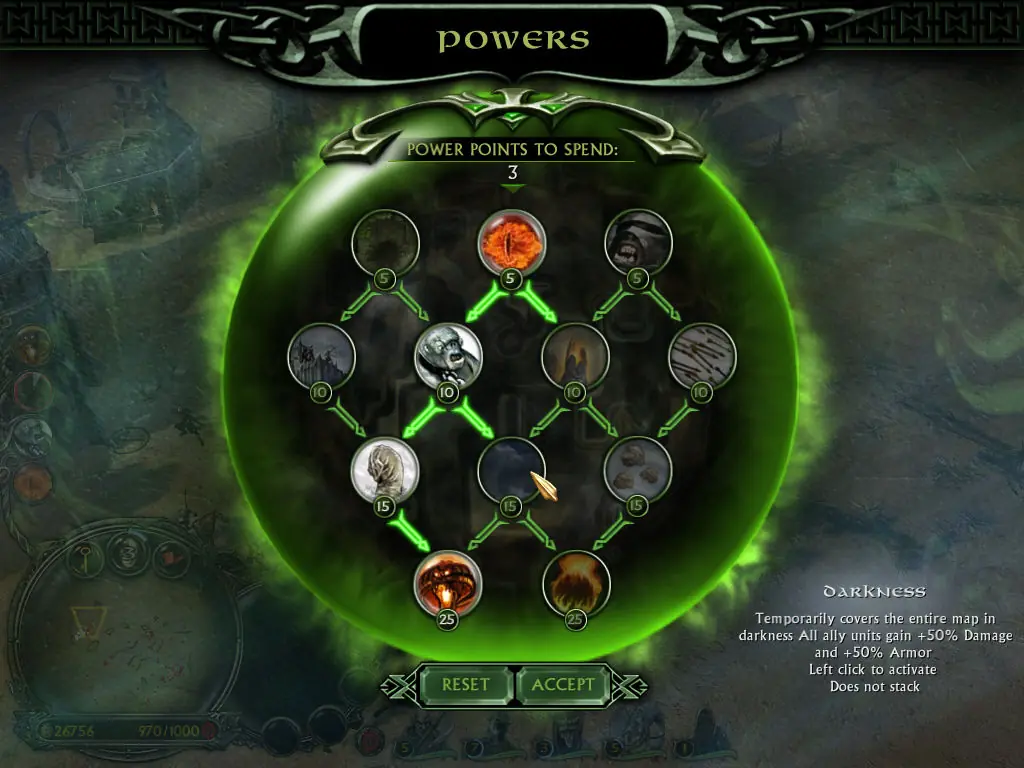
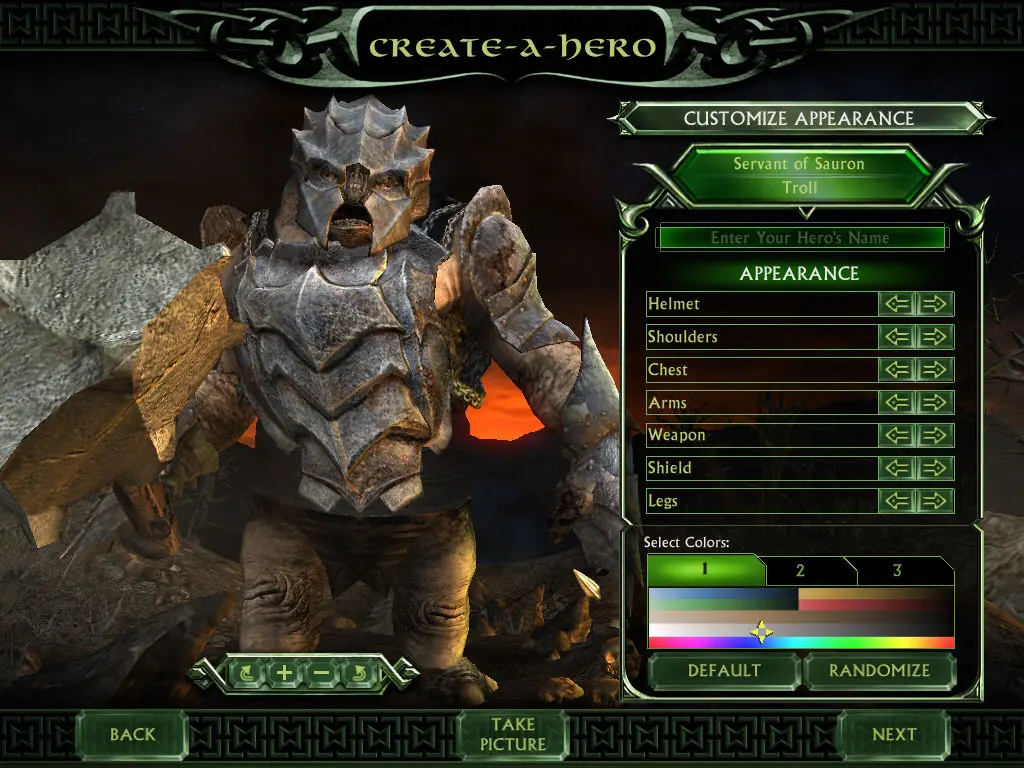
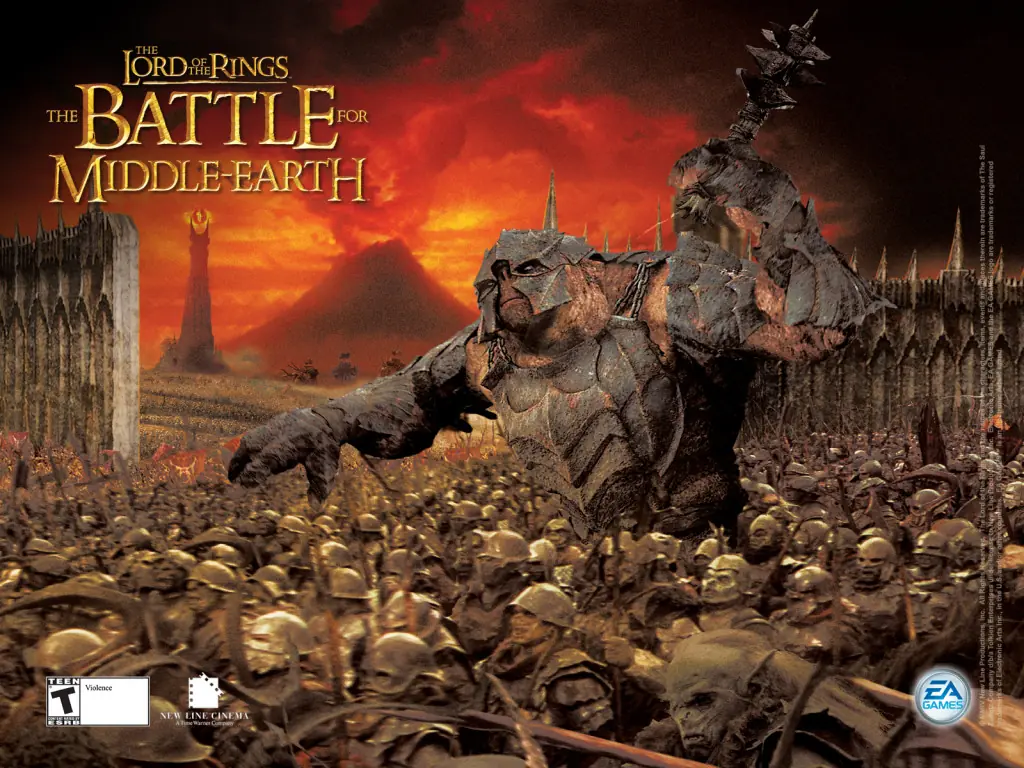
The story for The Battle for Middle-earth II is divided into Good and Evil Campaigns. The Good Campaign focuses on Glorfindel, an Elf who is alerted to a planned attack on the Elven sanctuary of Rivendell. With help from the Dwarves and other Good forces, the Elves attempt to eliminate Sauron and his army to restore peace in Middle-earth. In the Evil Campaign, Sauron sends the Mouth of Sauron and the Nazgûl to muster wild Goblins. With his army, Sauron moves forward with his plan to destroy the remaining Good forces in the North. The Windows version of the game was released in March 2006 and the Xbox 360 version was released in July 2006.
The Battle for Middle-earth II is abandonware and no longer sold or supported by its publishers. Files are archived here for these platforms:
How to play on Windows
Instructions for The Battle for Middle Earth 2
Instructions for The Battle for Middle-earth 2: The Rise of the Witch-king (you need to download the base game first)
Instructions for The Battle for Middle-earth 2: The Rise of the Witch-king (YOU NEED BFME 2 FIRST)







1.) If you can’t install the game because it’s asking you to insert the key; and you have already mounted the image on Daemon — You must make sure you extract the file paths as such: C:BFME 2 + Rise of the Witch King. It must be this exact file path to work.
2.) After the install you run the game and it still prompts you for a CD. Not sure why but Daemon tools was giving me issues. Save yourself time and go download WinCDEmu as mentioned below. Mount the image files and you’ll be able to play the game.
Just a few helpful tips:
– Really important to follow the steps mentioned in the video by dragging the ‘options’ file into %appdata% folder otherwise you will not be able to launch the game.
~ When creating your virtual HD on Daemon tools you must use SCSI.
~ When mounting on WinCDEmu you must select CDROM.
~ Comments below showed people didn’t know where to select SCSI when using the updated version of Daemon tools. I couldn’t find the option either, so I downloaded the Daemon tools version listed in the video and it was there just as he shows it.
Good luck everybody — follow the steps, and it will work.
I don’t know, I’ll look to some other way to play this. There must be some way…
I downloaded the file but it doesnt come up as a folder when i go into downloads so i cant open it… Do you know whats wrong?