Home » Games » The Godfather

The Godfather

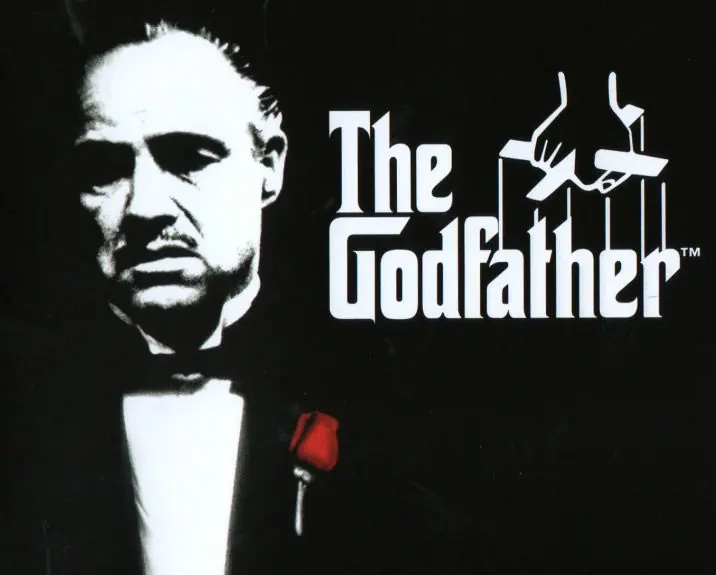
The Godfather Game Cover
4.5/5 - 338 votes

The Godfather puts you into the action of the legendary films. After a life of small-time jobs and petty thefts, you are accepted into the Corleone family.

Other Titles

The Godfather: The GameゴッドファーザーDer PateEl PadrinoGudfadernIl PadrinoJiaofuLe ParrainO Poderoso ChefãoOjciec Chrzestny教父Крёстный отец: ИграThe Godfather The Gameالعرابث جودفاثيرپدرخوانده대부

Genres
,
Publishers
Developers
Released
Platforms
Download

About The Godfather

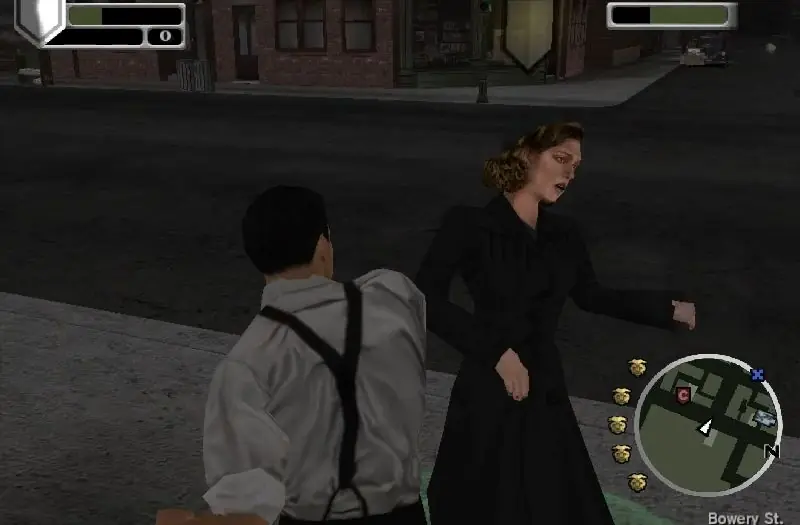
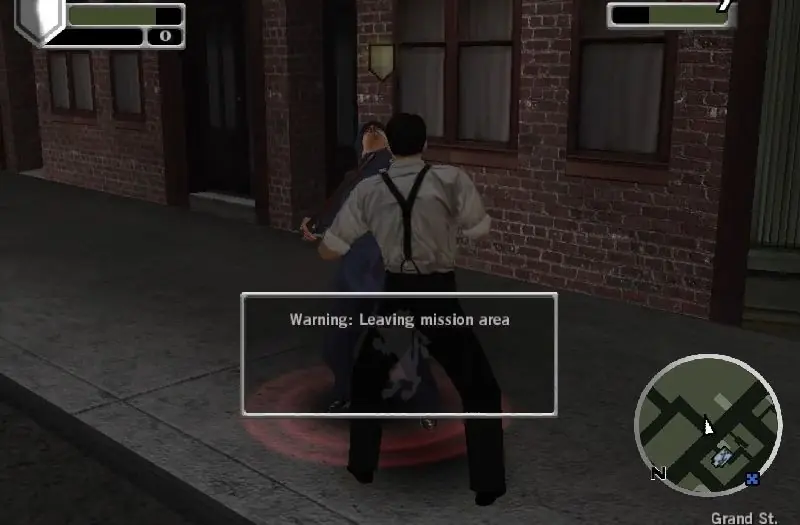
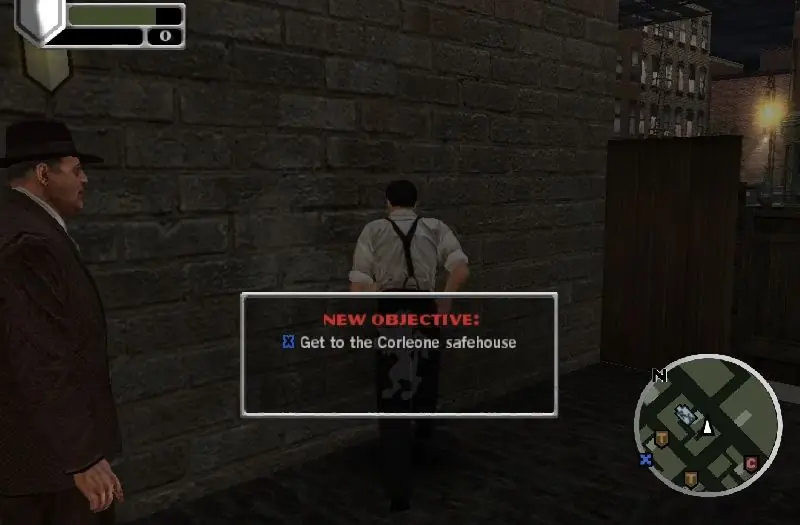
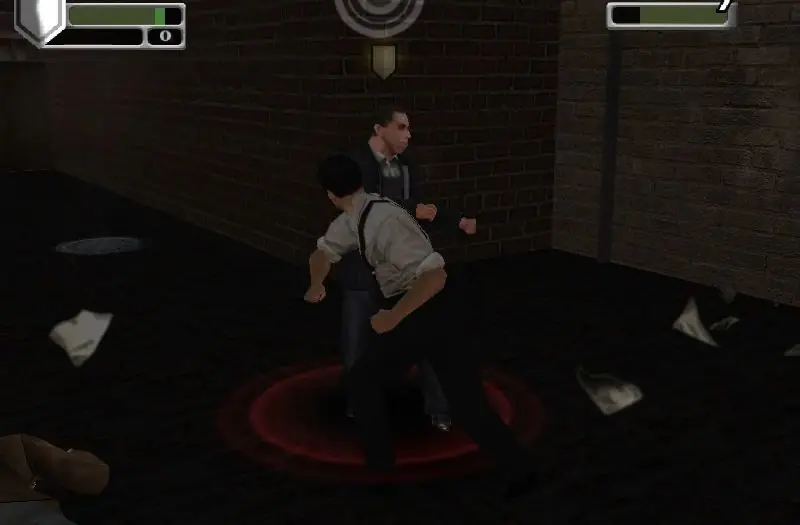
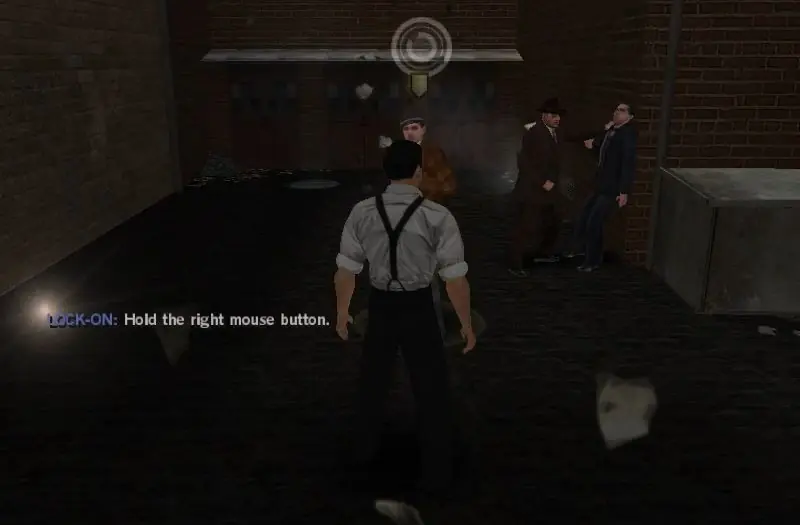
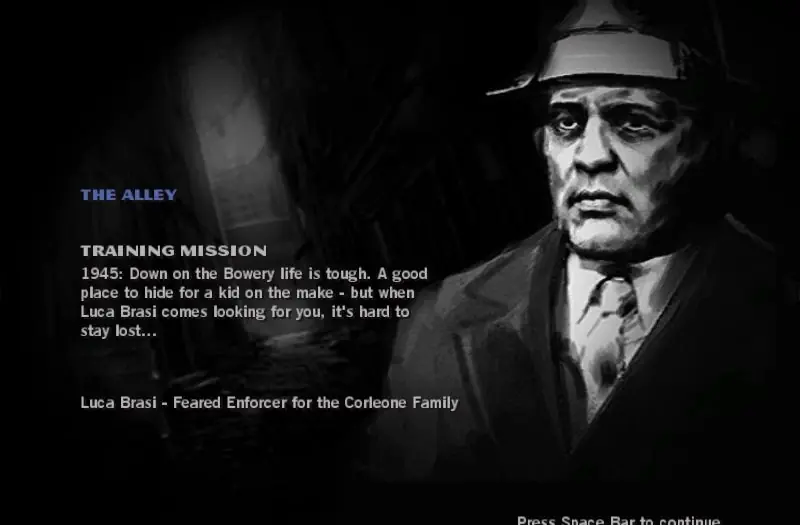
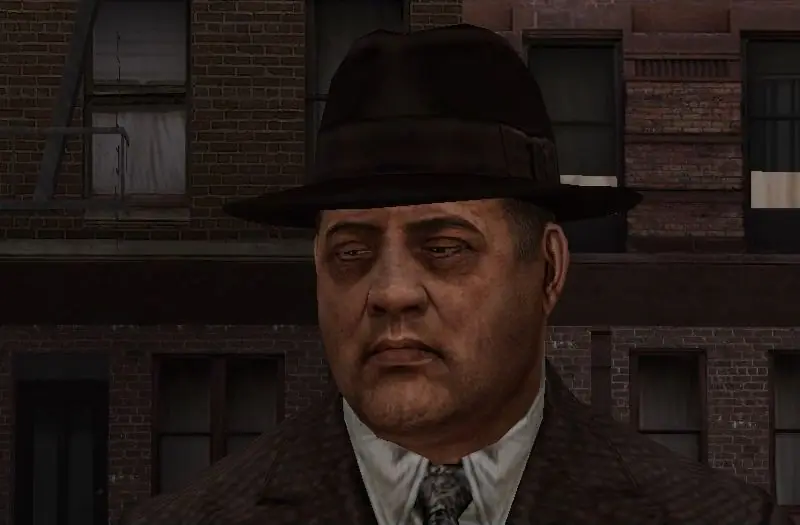
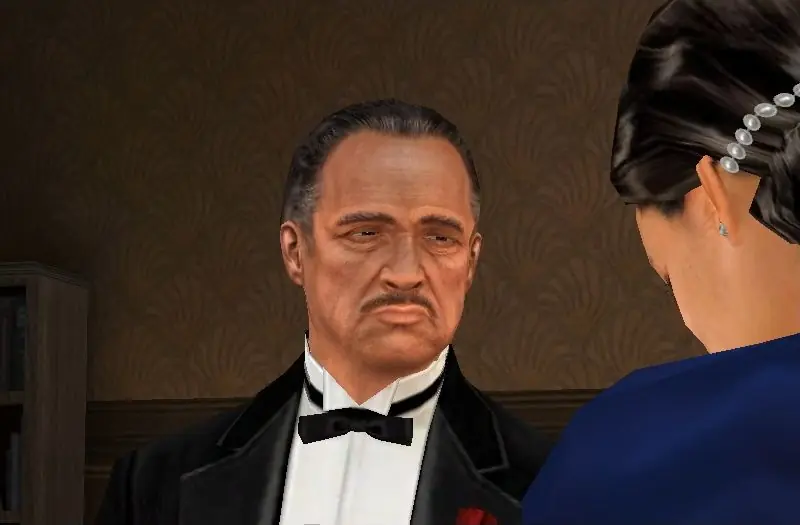
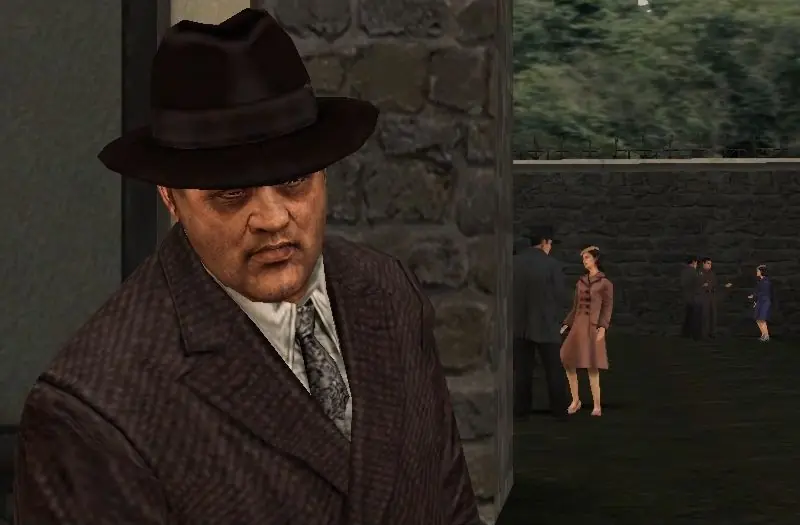
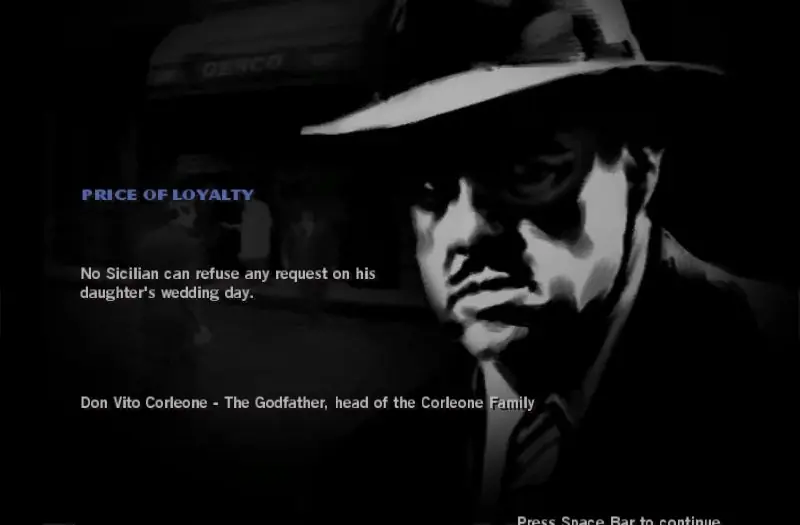
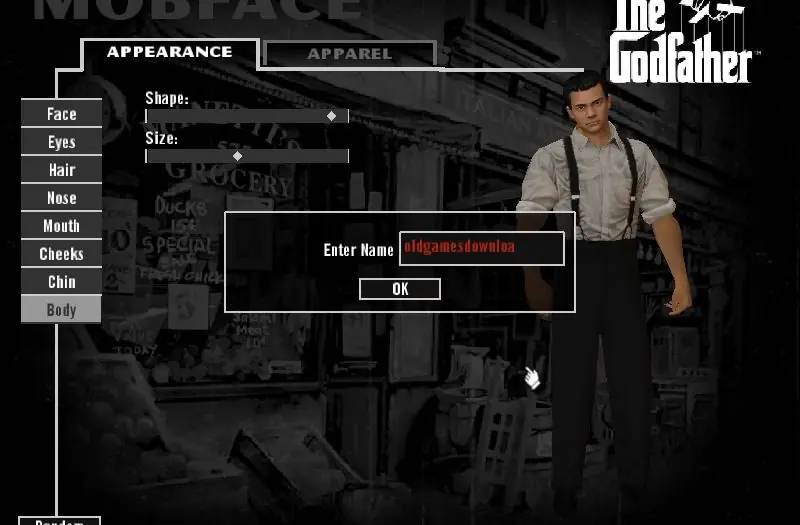
Based upon the 1972 film The Godfather, the game follows a non-canon character, Aldo Trapani (who can be renamed by the player), who is recruited into the Corleone family and works his way up its ranks while seeking revenge against his father's killers. The story of the game intersects with the film on numerous occasions, depicting major events from Aldo's perspective, or showing him perform actions that happened off-screen; for example, he avenges Bonasera's daughter, kills Luca Brasi's assassin, drives Vito Corleone to the hospital after he is shot, plants the gun for Michael Corleone to kill Sollozzo and Captain McCluskey, and places the horse's head in Jack Woltz's bed. Although the game was condemned by Francis Ford Coppola, who claimed Paramount never told him about its development or asked for his input, it does feature voice acting from several stars of the film, including James Caan as Sonny Corleone, Robert Duvall as Tom Hagen and Abe Vigoda as Salvatore Tessio. Marlon Brando also recorded dialogue for Vito Corleone, in what would be his final acting job, but his ill health made most of his recordings unusable.
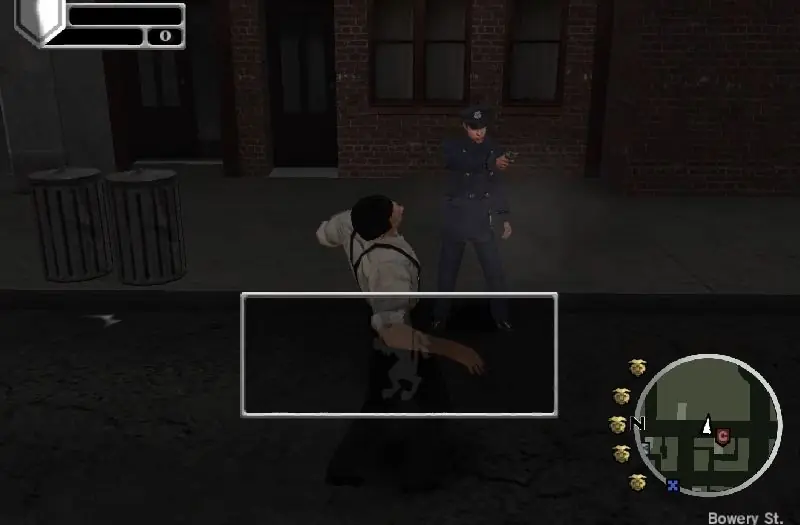
Screenshots

Windows

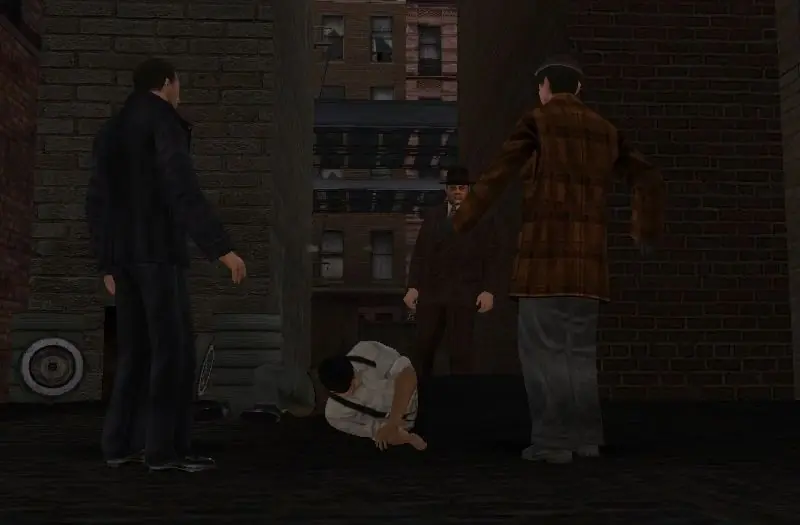
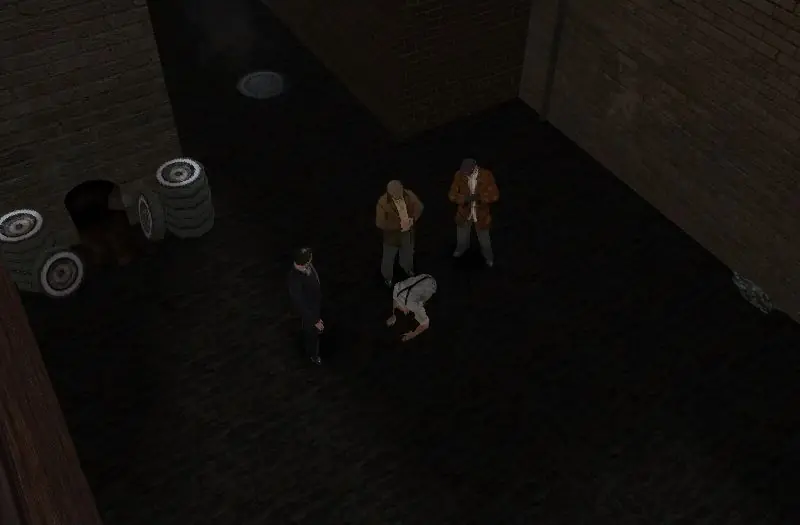
The Godfather — Windows screenshot 1The Godfather — Windows screenshot 2The Godfather — Windows screenshot 3The Godfather — Windows screenshot 4The Godfather — Windows screenshot 5The Godfather — Windows screenshot 6The Godfather — Windows screenshot 7The Godfather — Windows screenshot 8The Godfather — Windows screenshot 9The Godfather — Windows screenshot 10The Godfather — Windows screenshot 11The Godfather — Windows screenshot 12The Godfather — Windows screenshot 13The Godfather — Windows screenshot 14The Godfather — Windows screenshot 15The Godfather — Windows screenshot 16The Godfather — Windows screenshot 17The Godfather — Windows screenshot 18

Download The Godfather

The Godfather is abandonware and no longer sold or supported by its publishers. Files are archived here for these platforms:

Windows (2006)

  • The_Godfather_Win_Setup_EN.7zEN487.82 MB
  • Instructions The_Godfather_Win_Setup_EN.7z

    How to play on Windows

    1. Download and Extract The_Godfather_Win_Setup_EN.7z
    2. Open "Game Files" and run "Setup.exe". Finish installing the game (note this can take quite a while, took me around 1 hour for it to complete)
    3. Replace file from the "Crack" folder into the game installation directory.
    4. Important step: inside the the game's installation directory, you will find a folder called "movies". You want to right click that file, and change the name to "_movies" and confirm your changes. You can now launch the game using the desktop shortcut.
    5. Enjoy!

Manuals and readmes

Comments

97 thoughts on “The Godfather”

  1. 0
    @OldGamesDownload Try reupload the link for download, because this your provide not work; take a long time, 1 or 2 hours for install and change “movies” folder by “_movies”, does this the game crash 🙁

    WARNING
    This needs to change, the download NOT WORK.

    Reply
  2. 0
    The Installation worked and the Game runs but when i start „new game“ it won‘t pass the loading screen with the flashing hand logo … any idea?
    Reply
    • 0
      google “godfather silentpatch”. it didn’t work for me but it might work for you. you may also use thirteenag’s widescreen fix before applying the patch.
      Reply

Similar games