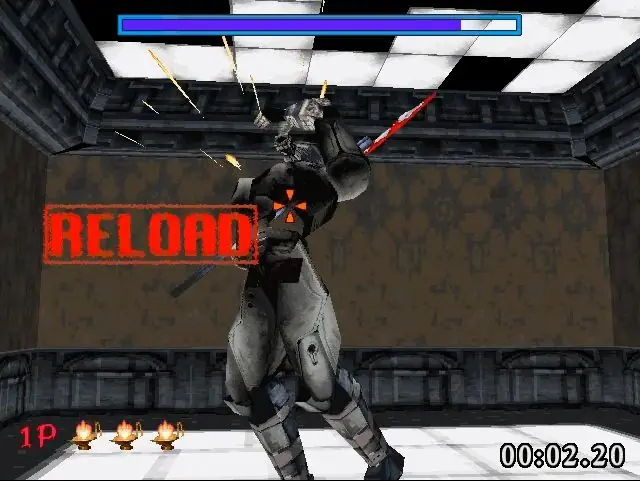
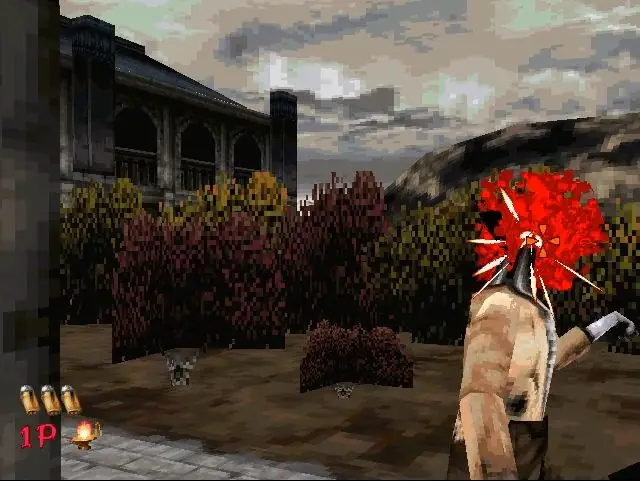
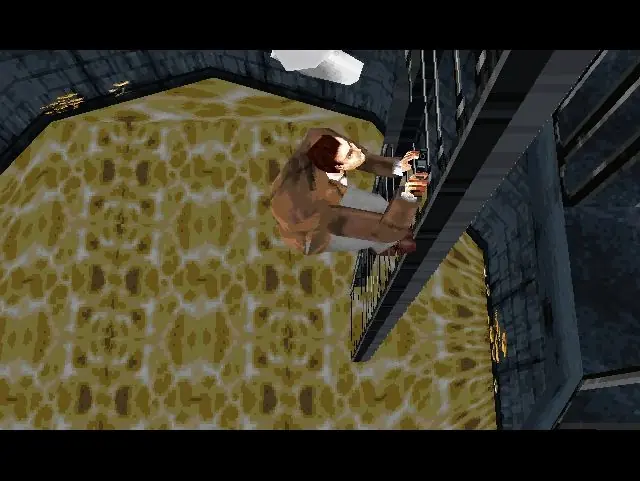
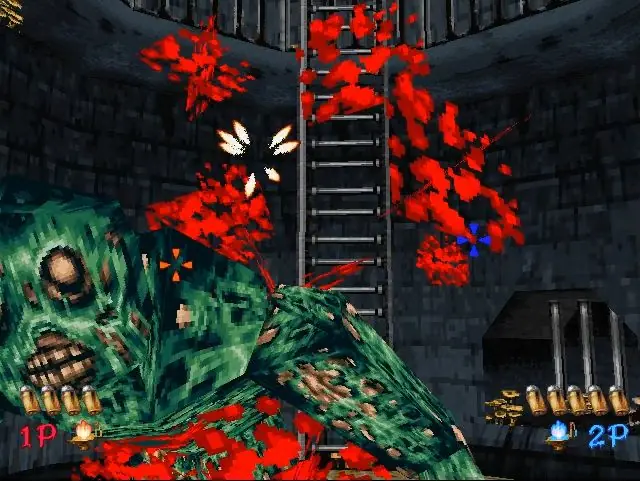
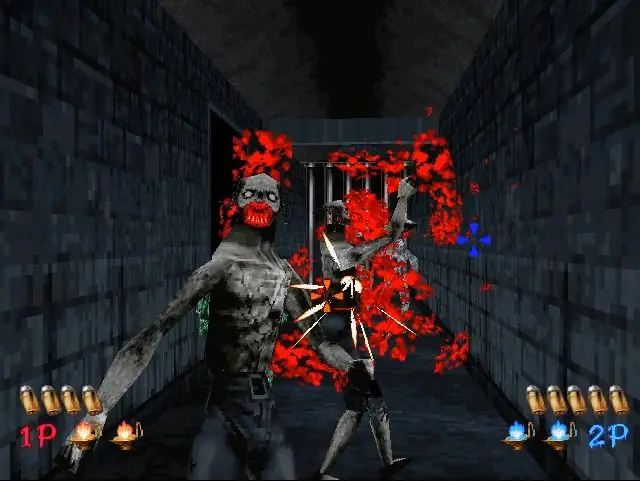
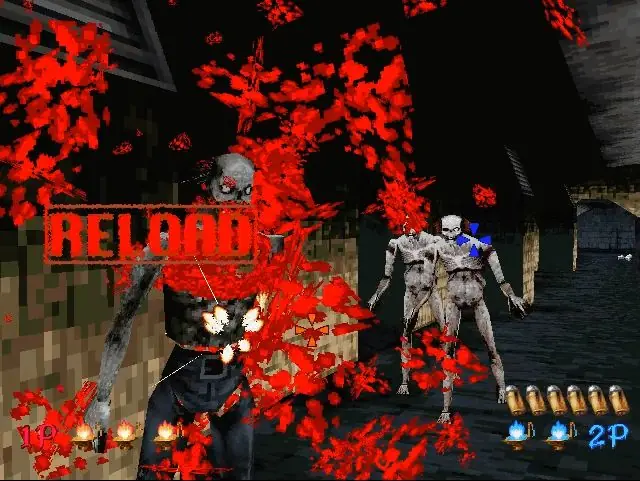
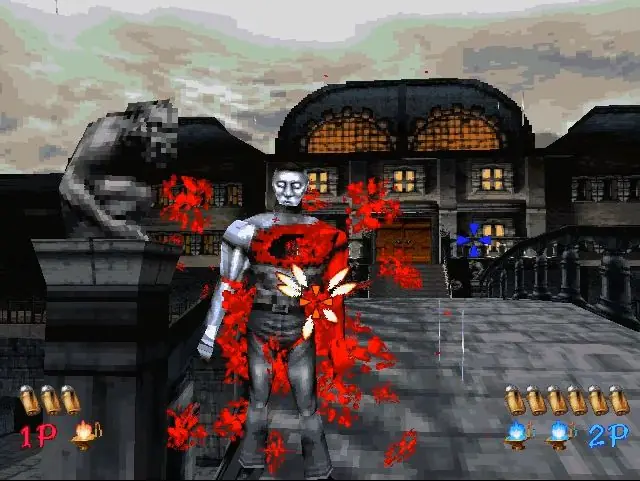
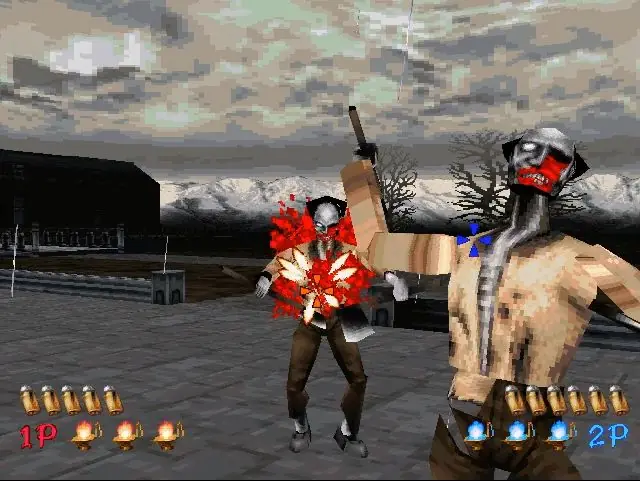
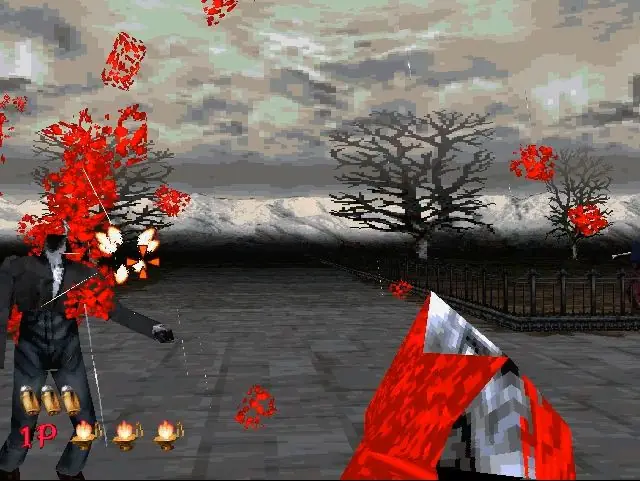
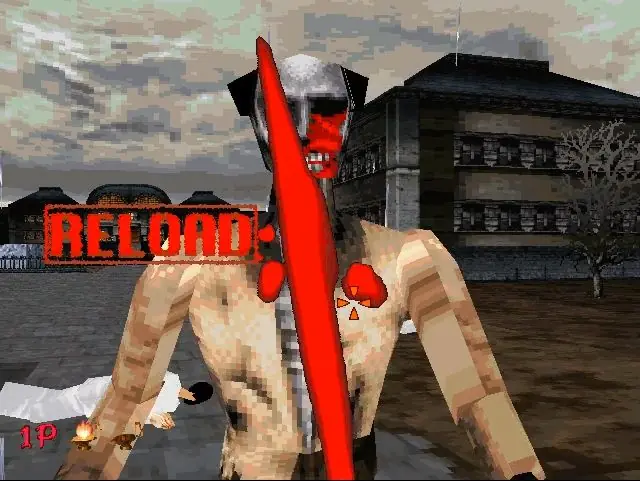
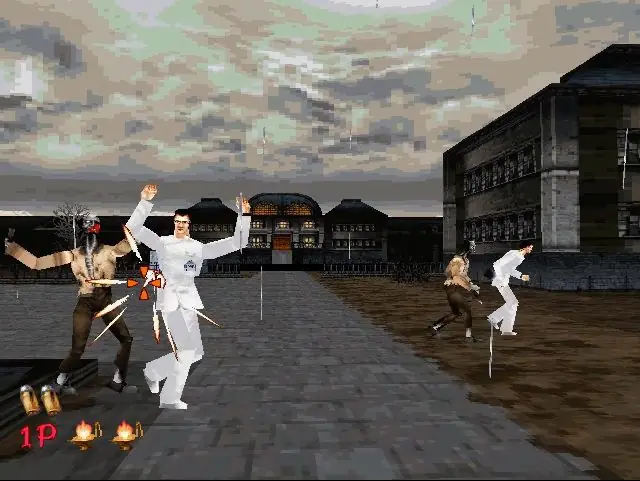
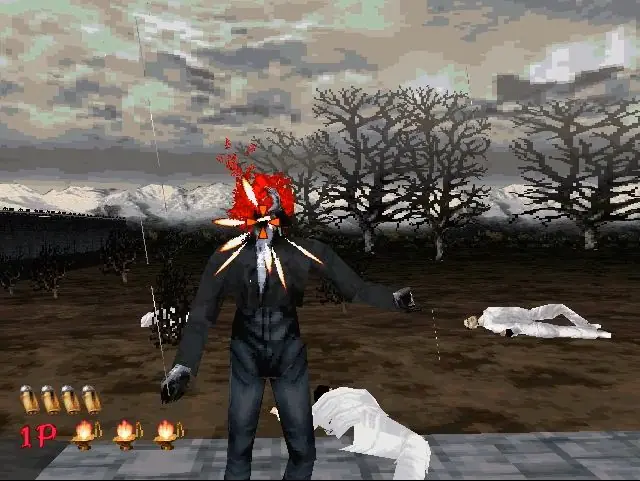
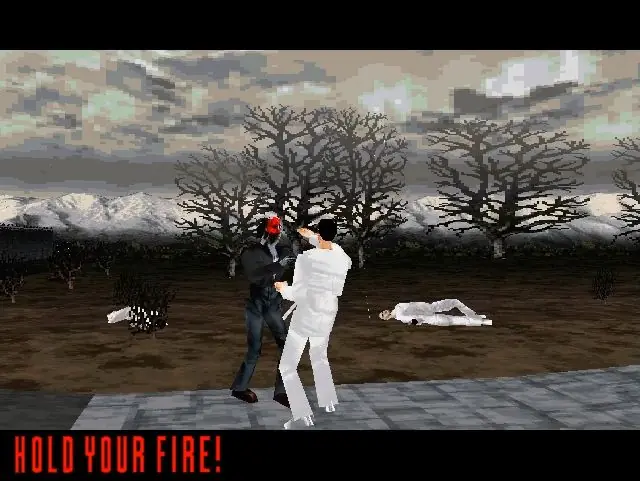
Zombies keep coming after you, and your only job is to fill them with hot lead. Plug in a light gun and challenge four chapters with branching storylines. In total, you'll have to defeat more than 11 types of enemies. All of the undead react realistically to your shots. When the going gets tough, you can have a friend help you with the two-player option. As a bonus, the Saturn version contains exclusive modes not found in the arcade. Try to defeat the evil hidden in THE HOUSE OF THE DEAD.
The House of the Dead is abandonware and no longer sold or supported by its publishers. Files are archived here for these platforms:
How to play on Windows
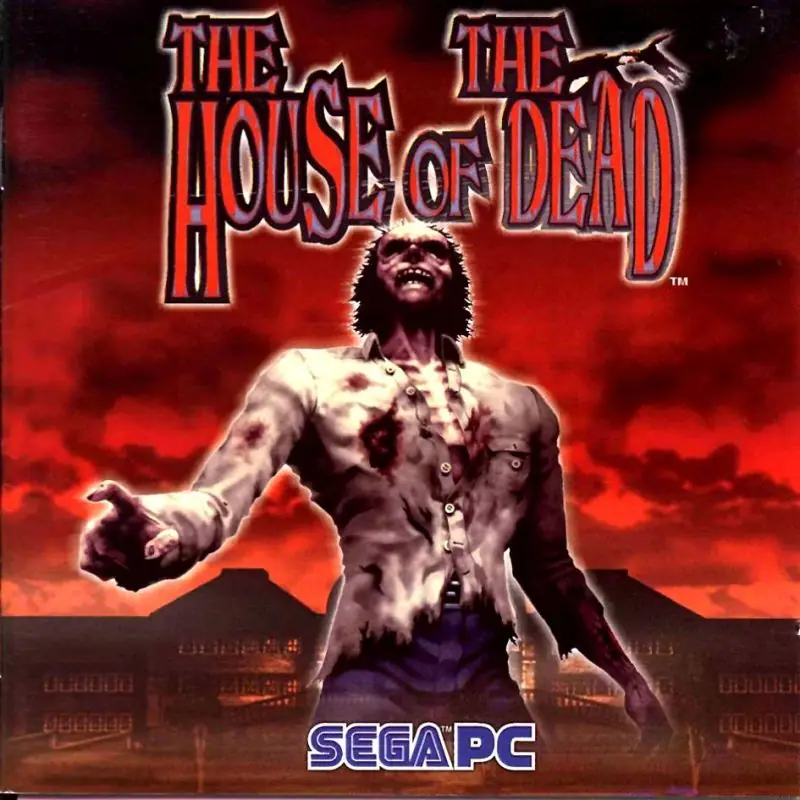







I am able to play the game on windows 10 (pretty sure would also work on Win 11).
Now, there are 2 files to be downloaded under Windows 98 header, one is the RIP (10.4 MB File) file from which you will Install the game, second is the ROM File (320.3 MB File) which basically contain the disc ROM (CD ROM) in the form of “HOTD.bin” file which you’re gonna have to mount to your system using a software like PowerISO or Demon Tools. I did by using PowerISO (it’s a free to use software).
First install the game by extracting files from RIP Zip file. Then go to extracted folder and file the exe (should be thotd.exe) file which is supposed to run the game. Now create a shortcut of “thotd.exe” on the desktop. Now right click on the shortcut and go to properties, there should be a dialoge box named “Target” with installed file location written in front of it.
Just add a single space and copy paste “-d3d -d3d_setup” after .exe
Your modified target address should look like, “.exe” -d3d -d3d_setup (remember use single space only after .exe)
Mine Target Address looks exactly like:
Win_RIP_EN\Game Files\thotd.exe” -d3d -d3d_setup
Now, when you’ll try to run the game, first a dialog box will open with some graphics setting for the game (I just leave the options to default settings) and afterwards, an error would prompt saying cd rom not found. Here’s where the ROM file will be used! Use PowerISO and open “HOTD.bin” file in it. Then after opening file in PowerISO, click the mount button on it’s taskbar /menu-bar and select mount then select “mount image to drive E”, a dialog box will appear in which again select the same “HOTD.bin” file.
This will create a virtual Drive E in your system with HOTD Disc (CD).
Now if you’ll double click this Drive E it will open HOTD Setup but it will not run the setup saying it don’t support 64 bit version etc, don’t worry about it, we just wanted to make sure the cd rom has been mounted.
Finally, now if you’ll try to run the game from our desktop shortcut, for some people (including myself) it will still prompt the same error that cd rom not found after the graphics setting dialog box.
For this final step, just open the PowerISO and select the “Unmount drive E” option. Yes, unmount your disc drive E, then click on the CD Drive E icon in your “This PC (File Explorer/ My Computer)” and en error message will appear saying “Applicatin Not Found” (meaning there is no disc drive found).
Now run the game from our created shortcut again and it will finally run after the graphics setting dialog box! For some reason, game runs when you unmount the CD ROM/Drive after mounting it! (should’ve been the other way around, I know).
This is a magic trick I found that worked on my computer for some reason. I hope this could help all you guys too who are having similar issues running the game. Lastly, apology if you found my English not up to the mark or confusing, it’s not my first language.
Thanks and Enjoy Everyone!