Home » Games » The Lord of the Rings: Conquest
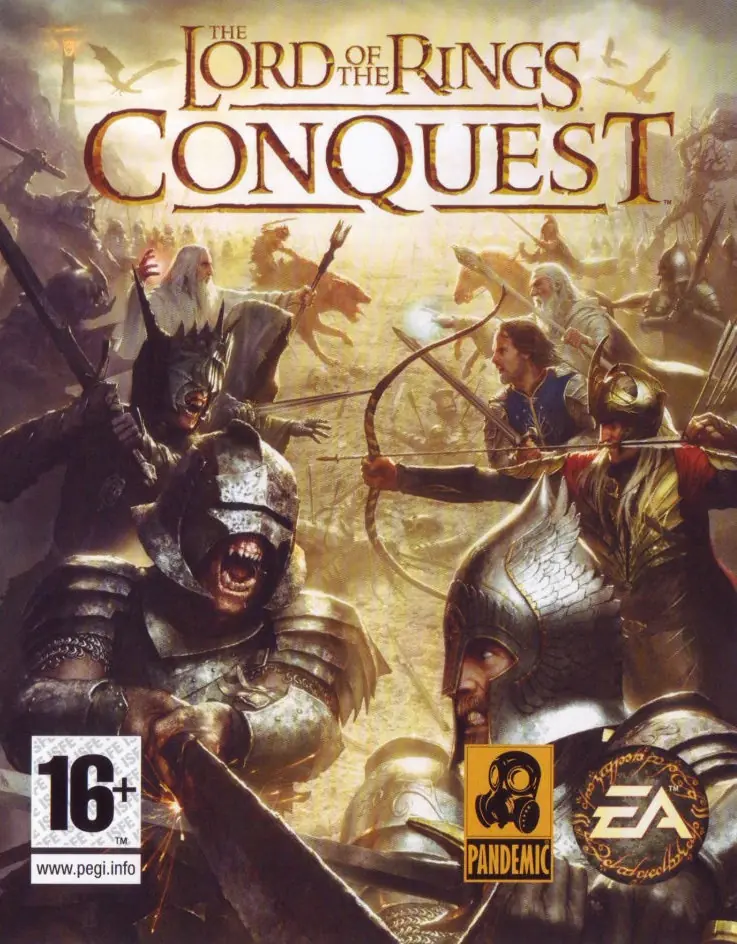
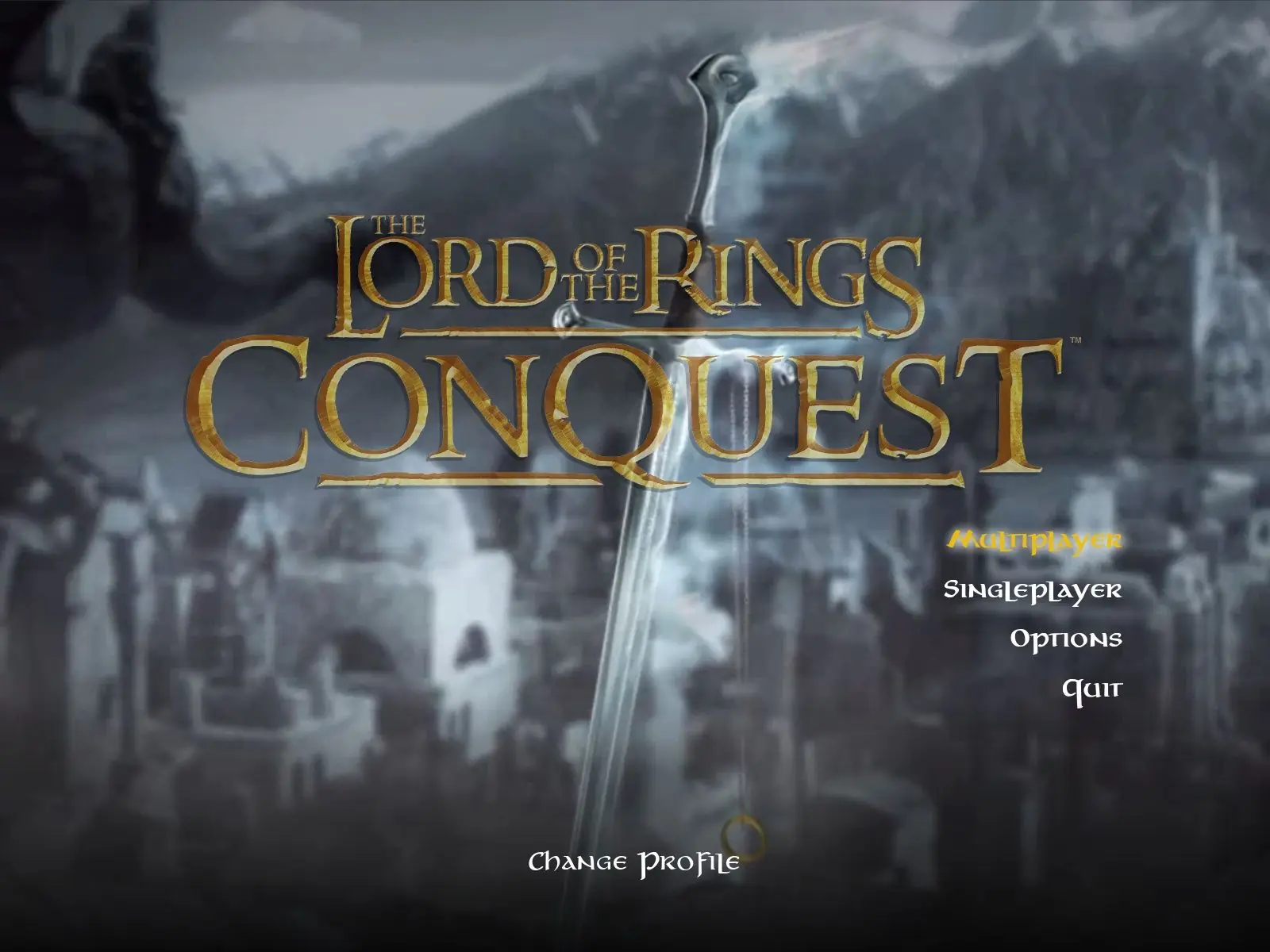
The Lord of the Rings: Conquest

The Lord of the Rings: Conquest Game Cover
4.7/5 - 355 votes

The Lord of the Rings: Conquest is a 2009 action game developed by Pandemic Studios and published by Electronic Arts.

Other Titles

Властелин Колец: Противостояние魔戒:勇者無雙Der Herr der Ringe: Die EroberungEl Señor de los Anillos: La ConquistaIl Signore degli Anelli: La ConquistaLe Seigneur des Anneaux: L'âge des ConquêtesWładca Pierścieni: Podbój반지의 제왕: 컨퀘스트Le Seigneur des anneaux : L'Âge des conquêtesLord of the Rings: Conquestارباب حلقه‌ها: پیروزیث لورد اوف ث رينجس: كونكويست

Genres
,
Publishers
Developers
Released
Platforms
Download

About The Lord of the Rings: Conquest

The Lord of the Rings: Conquest is a 2009 action game developed by Pandemic Studios and published by Electronic Arts. It is derived from The Lord of the Rings film trilogy, and borrows many gameplay mechanics from Pandemic's Star Wars: Battlefront games. The game allows the player to play as both the forces of good and evil.

Pandemic was aided by Weta Digital in developing the game. They provided many of their digital models, including the fell beasts. Pandemic used elements that were cut from the films, and have taken inspiration from J. R. R. Tolkien's original fantasy series, such as a level based loosely around Balin's conquest of Moria, in which Gimli attempts to retake the dwarven city from the orcs. Some inspiration was less direct: the armies of Rohan and Gondor decide not to attack Minas Morgul in the novel, but a level in the game is based on what might possibly have happened if they had. The game uses Howard Shore's score to the films as its soundtrack.
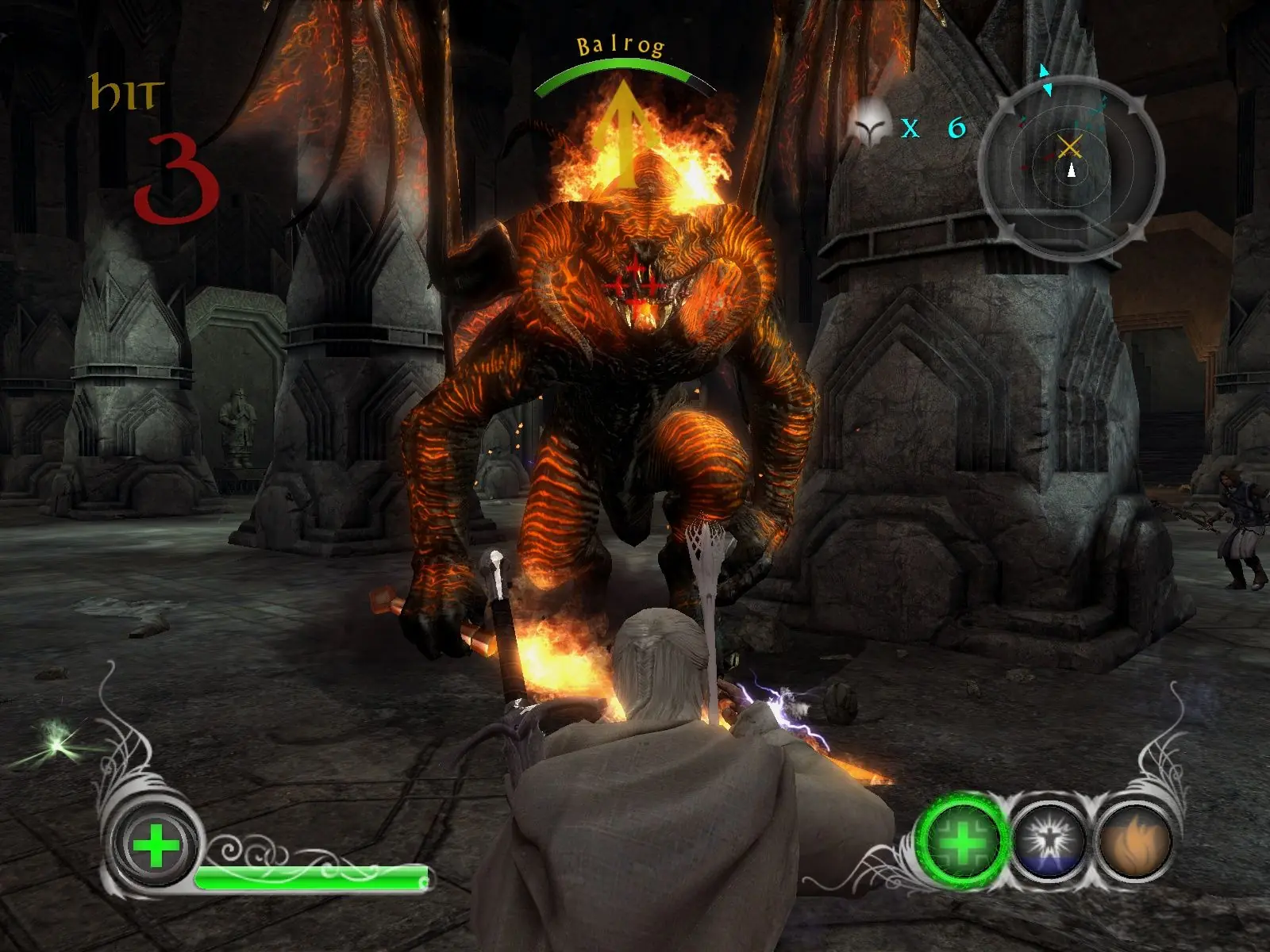
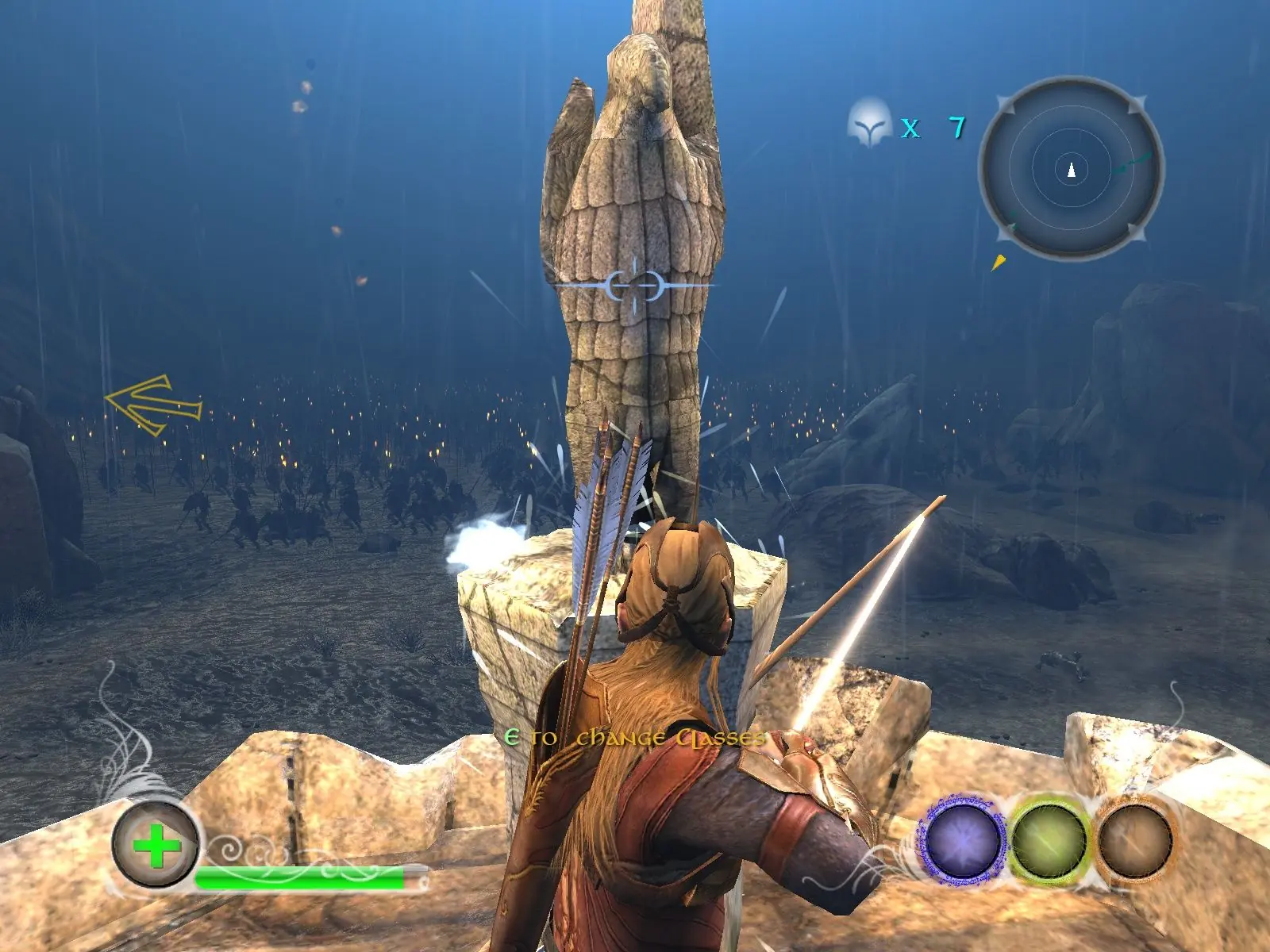
Screenshots

Windows

The Lord of the Rings: Conquest — Windows screenshot 1The Lord of the Rings: Conquest — Windows screenshot 2The Lord of the Rings: Conquest — Windows screenshot 3

Download The Lord of the Rings: Conquest

The Lord of the Rings: Conquest is abandonware and no longer sold or supported by its publishers. Files are archived here for these platforms:

Windows (2009)

  • The_Lord_of_the_Rings_Conquest_Win_ISO_EN.zipEN4.74 GB
  • Instructions The_Lord_of_the_Rings_Conquest_Win_ISO_EN.zip

    How to play on Windows

    1. Download and Extract The_Lord_of_the_Rings_Conquest_Win_ISO_EN.zip
    2. Open the "Game Files" folder and mount "OGD_The_Lord_of_the_Rings_Conquest.iso"
    3. Inside the mounted file, run "setup.exe" and install the game
    4. Play the game

Other resources

Comments

98 thoughts on “The Lord of the Rings: Conquest”

  1. -1
    I get black screen every time there is a new objective. Game comes back when I tab out and back in. Any fix so I don’t have to tab out after every objective?
    Reply
      • 0
        I also had this issue. For the campaign to work you must limit your fps to 60. Instant action and multiplayer work fine without the limit.
        Reply
    • 0
      was able to fix! Just go into nvidia control panel and in Manage 3D settings, then program settings, choose the lotr conquest program and scroll down until you see Max Frame Rate, then set that to 60. Load back up the game and make sure your resolution is also at 60hz. And it should fix.
      Reply
  2. 0
    I’m loving the game!! however there’s no audio in the levels, cutscenes have audio fine but for some reason the games completely mute while in a level? anyone know a fix?
    Reply
  3. 0
    I’m so happy I found it and works really well for 2009 game. I just have a question is there a way of getting controller to work or is it just stick with key-board and mouse if not still a sick game
    Reply
  4. 0
    I’m so happy I found it and works really well for 2009 game. I just have a question is there a way of getting controller to work or is it just stick with key-board and mouse if not still a sick game
    Reply
    • 0
      It worked for me, I’m using a xbox controller. The only thing the game displays m&k controls and you need to figure out what buttons are on the gamepad but you’ll get used quickly
      Reply
  5. 0
    I solved the profile problem!
    It simply won’t let you create the profile because it’s blocked by the antivirus or Windows Defender.
    Reply