The Lord of the Rings: War of the Ring
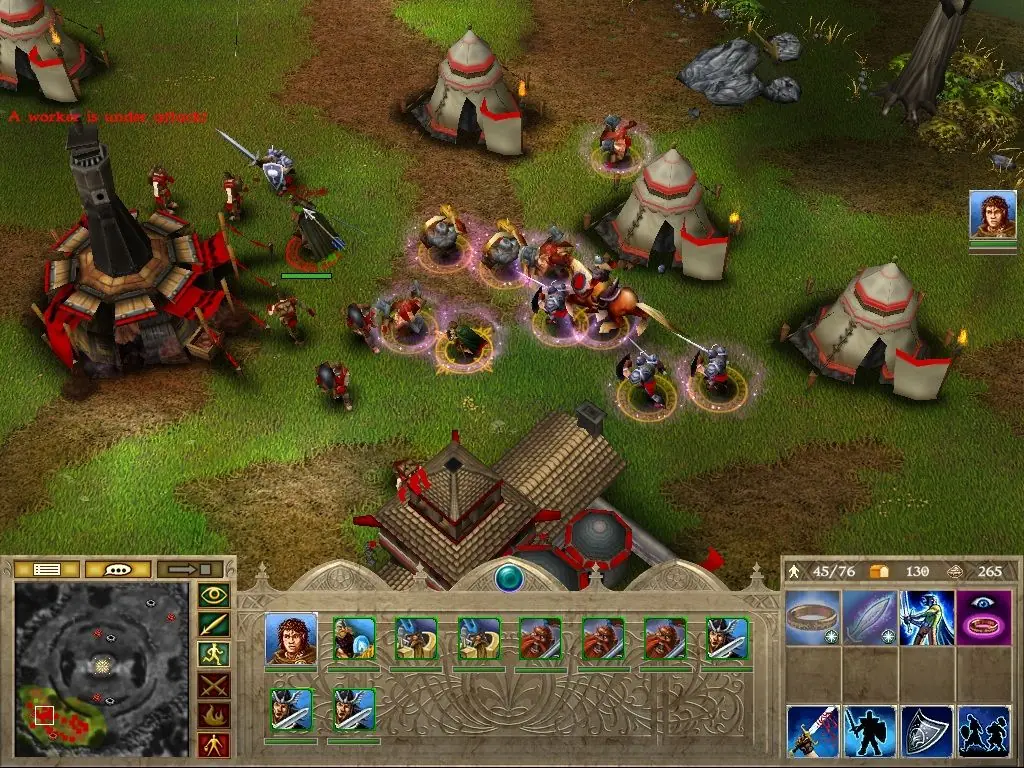
Real world environment and terrain effects alter the outcome of skirmishes and battles.
Genres
Publishers
Developers
Released
Platforms
Real world environment and terrain effects alter the outcome of skirmishes and battles.
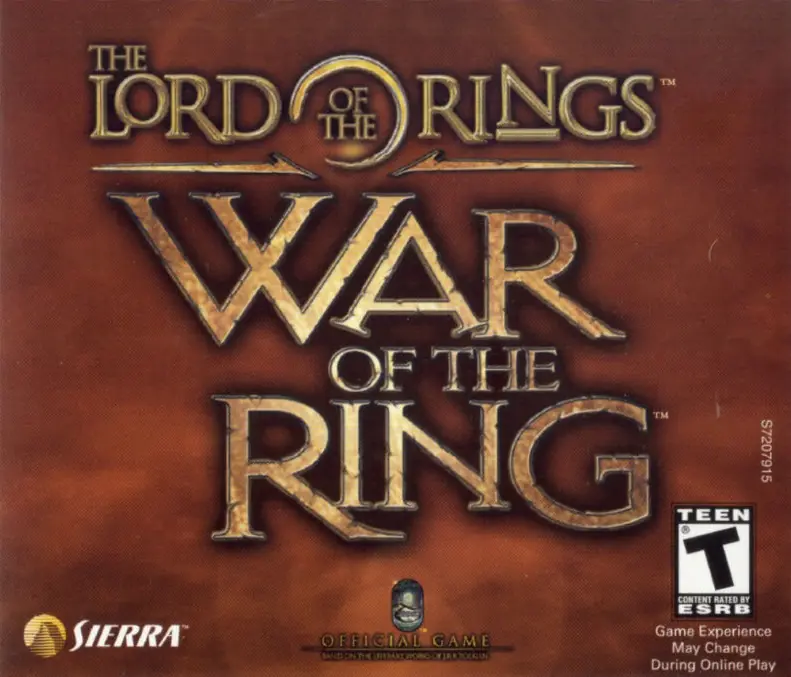
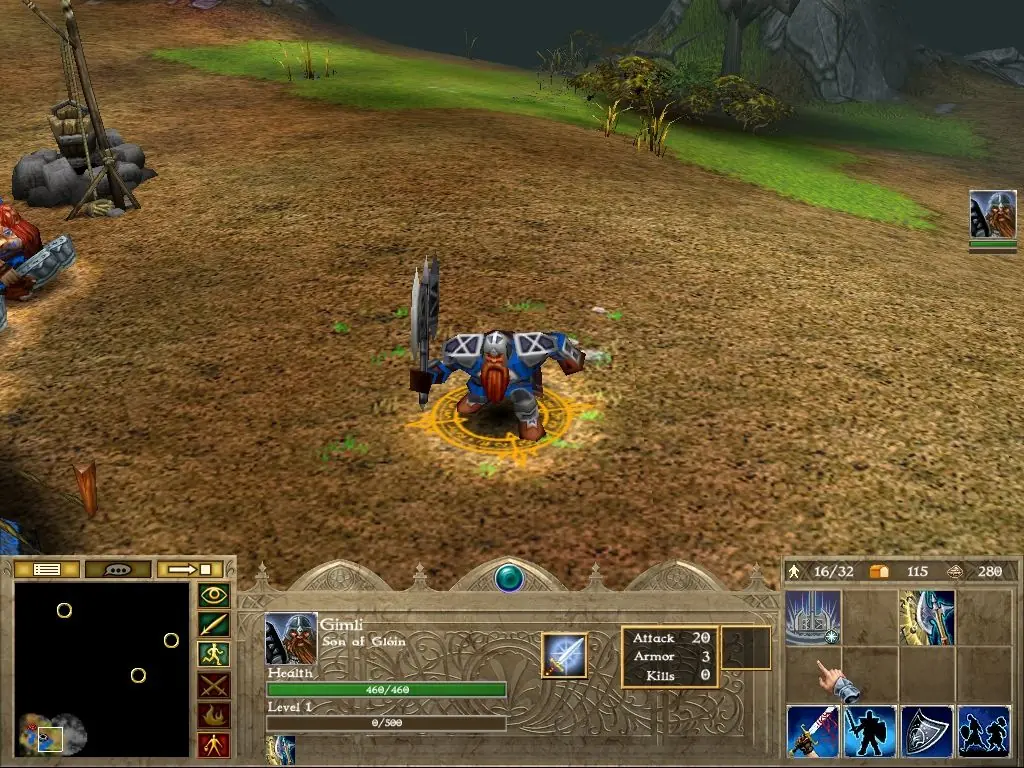
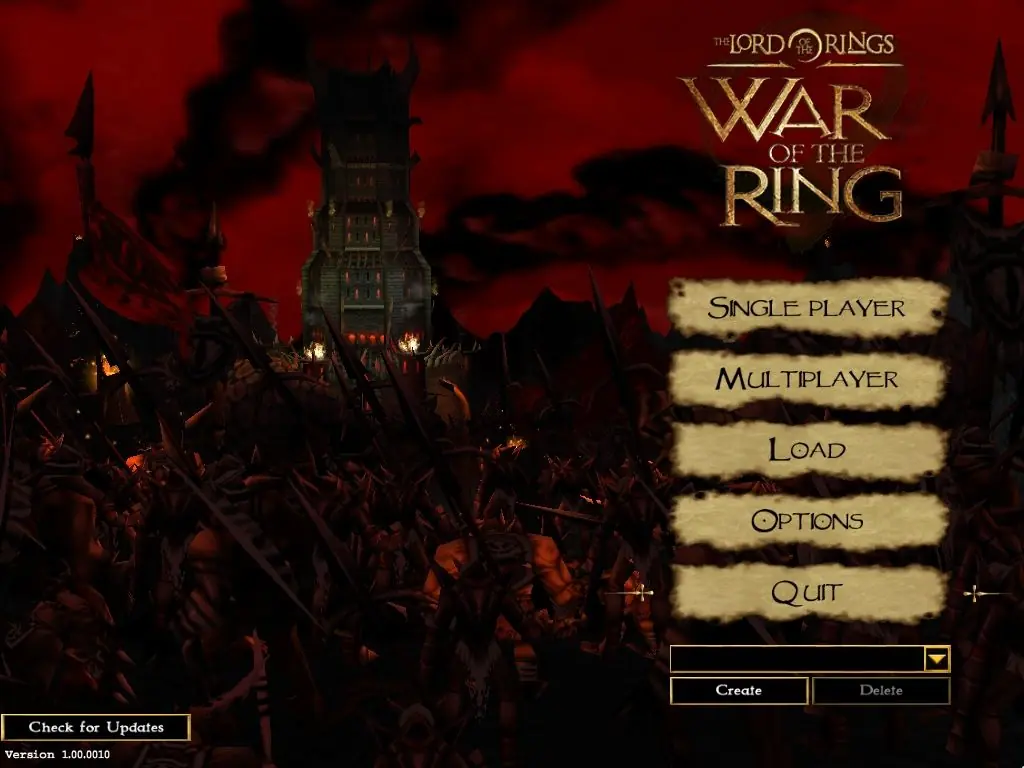
The first real-time strategy game for the PC set in J. R. R. Tolkien's Middle-earth is here! Command the Free Peoples of Middle-earth or the evil Minions of Sauron in two brilliant single-player stories. Battle up to 8 players online in intense multiplayer combat. The quest to destroy the One Ring continues in the first real-time strategy game based on The Lord of the Rings saga. Massive battles erupt as the forces of light and darkness battle for control of middle-earth. Play as the forces of good and valiantly fight for the One Ring’s destruction or play as the forces of evil to claim control over middle-earth forever.
The Lord of the Rings: War of the Ring is abandonware and no longer sold or supported by its publishers. Files are archived here for these platforms:







1. Extract the downloaded file
2. Go to install disc and run autoplay
3. Click install lotr blah blah
4. Choose a directory where your game will go (or not, you choose)
5. After the setup is done, download this: https://www.moddb.com/games/lord-of-the-rings-war-of-the-ring/downloads/patch-1-01-0011
6. Run the exe file
7. Now that the update is finished, extract the crack file from the “No CD” folder into your root folder. this will replace the original rings application, which is what we want
8. Congrats, you’re finished. now you can play
NOTE: don’t do the crack file before updating, it will might not work
What do you mean “root folder”?
Are you talking about the “WOTR_Install” folder where it all started or the “Orig-Exe” (right next to the “Crack” folder), which is inside “NoCD”.
Because I tried to replace the “Ring” from the “Crack” folder into the “WOTR_Install” (extracted ofc) but it gave an error message saying “ There is not enough space on WOTR_Install. You need an additional 3.34 MB to copy these files.”
Please tell me if I’m doing something wrong
Cheers! ❤️
I couldn’t really install gamespy though.
I tried running the Autoplay and Rings in WOTR_Install, didn’t work
Tried Autoplay in WOTR_Play, didn’t work
Tried running the shortcut icon on the desktop made during installation, didn’t work.
And the replaced Rings in Orig_Exe, didn’t work.
Restarted computer too.
Please help me and I’m very new at this ❤️
https://www.moddb.com/games/lord-of-the-rings-war-of-the-ring/downloads/patch-1-01-0011
Make sure you install the patch before replacing the original exe with the crack file. If you already have the crack file in place, you will have to just re install the game and do it then
Tried so long to work it out, but doing the patch after having the OG exe then adding crack file worked perfectly.