Home » Games » The Movies

The Movies

The Movies Game Cover
4.6/5 - 169 votes

Control the destiny of your cast and crew; Fire and hire them, turn unknowns into movie stars, and take full creative control over script selection and the content of the movies you'll create.

Other Titles

电影The Movies: Фабрика грез电影 - Simplifiedث موڤيسذي موفيز電影夢工廠

Genres
Released
Platforms
Download

About The Movies

Imagine you could make any movie you wanted to. Imagine you could pluck someone from obscurity and turn them into a superstar. Imagine you had control of an entire movie studio, competing with other studios to create box office hits and predicting what audiences want—from epic action films to campy B-movies. With The Movies, you can make it big in Hollywood by building the ultimate movie studio and shooting the ultimate picture. Choose a script and turn it into a major release. Pick or create actors and locations. Control budgets, build sets, hire and fire at will, settle into the director’s chair and film a hit. Customize unique movies within the game, then watch and review them, adding your very own voiceover or sound effects and saving them to your hard drive. E-mail your masterpieces to friends, upload them to the web or post them on The Movies’ official site for the world to see and vote on in online awards ceremonies. Just as you can create or modify unique films, you can create or modify actors, customizing their look and renaming them to resemble anyone you wish. You can even replicate every movie star currently in Hollywood and remake all your favorite films with them. Anything you’ve ever read about Hollywood—from starlet scandals to broken box office records—is right here in The Movies. Imagine you could make any movie you wanted to. Imagine you could pluck someone from obscurity and make him or her the hottest star in Tinseltown. Imagine that you had control of an entire movie studio, competing with others to create a string of box office smashes. Imagine being able to use your judgement alone, deciding whether success lies with epic action pictures or lots of low budget, hammy 'B' movies. Will the stars you've so lovingly groomed develop monstrous egos - refusing to accept that they are now too old to play the romantic leads that made them famous? You can help, but there are only so many times you can send them to fat farms and plastic surgeons. Will you watch your movies being shot or do you want to direct the action yourself? Will you decide to innovate and introduce the talkies, color or digital sound before any of your rivals? Or will you let the other studios make the investments, leaving you to jump on the bandwagon if the new technology becomes popular? Many of the things you've ever read or heard about Hollywood are right here in The Movies - from stars having affairs and hitting the bottle to teams of genius filmmakers creating the box office hit of the year. Movie mogul, talent spotter or film director. You can be one or you can be all three.
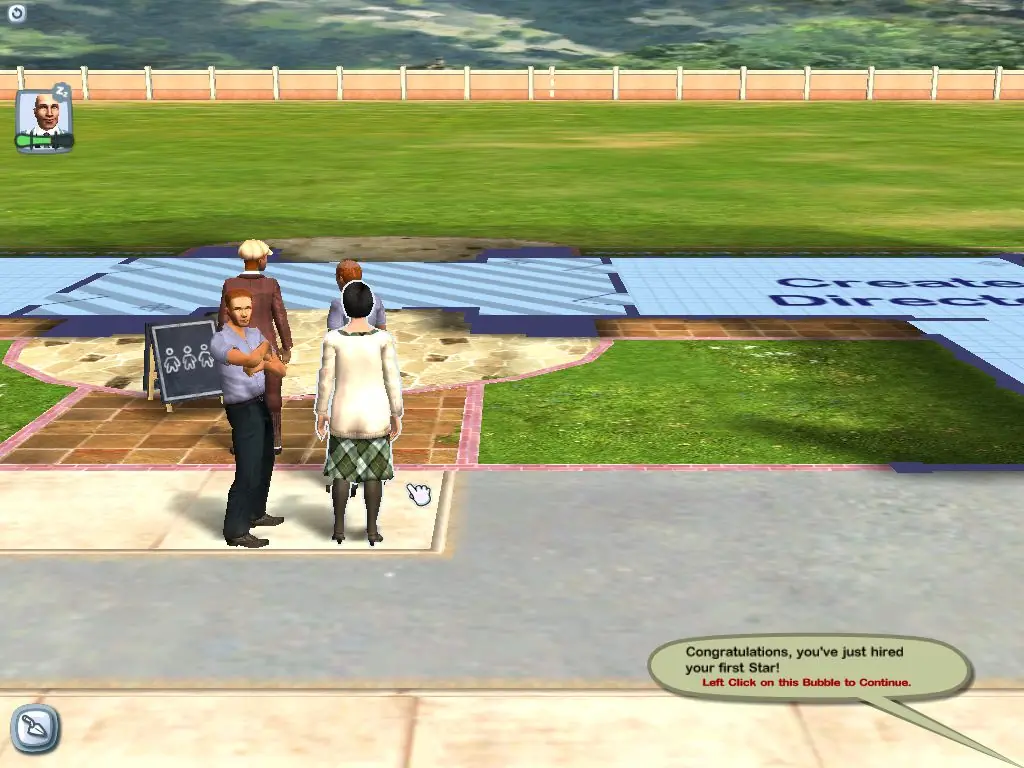
Screenshots

Windows

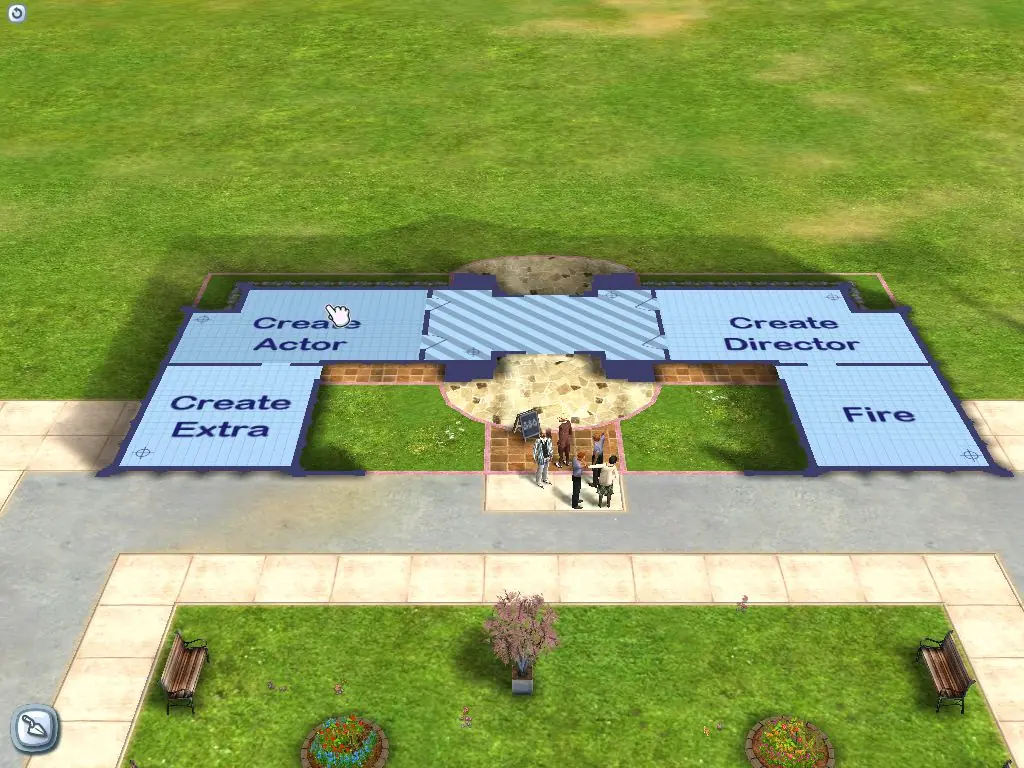
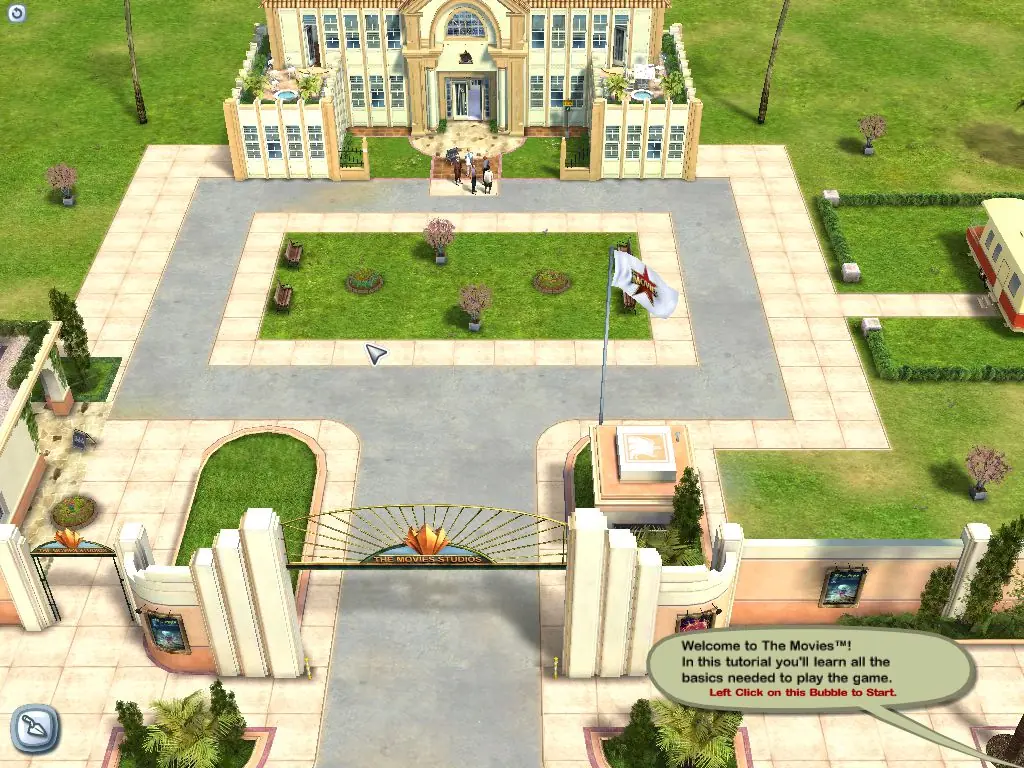
The Movies — Windows screenshot 1The Movies — Windows screenshot 2The Movies — Windows screenshot 3The Movies — Windows screenshot 4The Movies — Windows screenshot 5

Download The Movies

The Movies is abandonware and no longer sold or supported by its publishers. Files are archived here for these platforms:

Windows (2005)

  • The_Movies_Stunts_and_Effects_Win_Preinstalled_EN.zipEN2.26 GB
  • Instructions The_Movies_Stunts_and_Effects_Win_Preinstalled_EN.zip

    How to play The Movies: Stunts & Effects on Windows 10 (preinstalled)

    1. Download and Extract The_Movies_Stunts_and_Effects_Win_Preinstalled_EN.zip
    2. Open the "Game Files" folder
    3. Run MoviesSE.exe
    4. Play the game
  • The_Movies_Win_ROM_EN.zipEN2.15 GB
  • Instructions The_Movies_Win_ROM_EN.zip

    How to play on Windows 10

    1. Download and Extract The_Movies_Win_ROM_EN.zip
    2. Open the "Game Files" folder
    3. Mount CD1, CD2 and CD3 (you can mount either the .bin or .cue file inside each folder)
    4. Inside the mounted CD1 file, run "setup.exe" and follow on-screen instructions to install the game. When asked for a CD Key, use: 9KH4-HDDJ-H97G-NNV4-AF27
    5. When prompted to register at the end, select No.
    6. Once the installation is completed, go into the folder you installed the game (Right click desktop shortcut and choose open file location)
    7. Inside the "Game Files" folder, open the "NOCD" folder and copy-paste "Movies.exe" into the folder you installed the game. Confirm you want to replace the files in the destination.
    8. Play the game
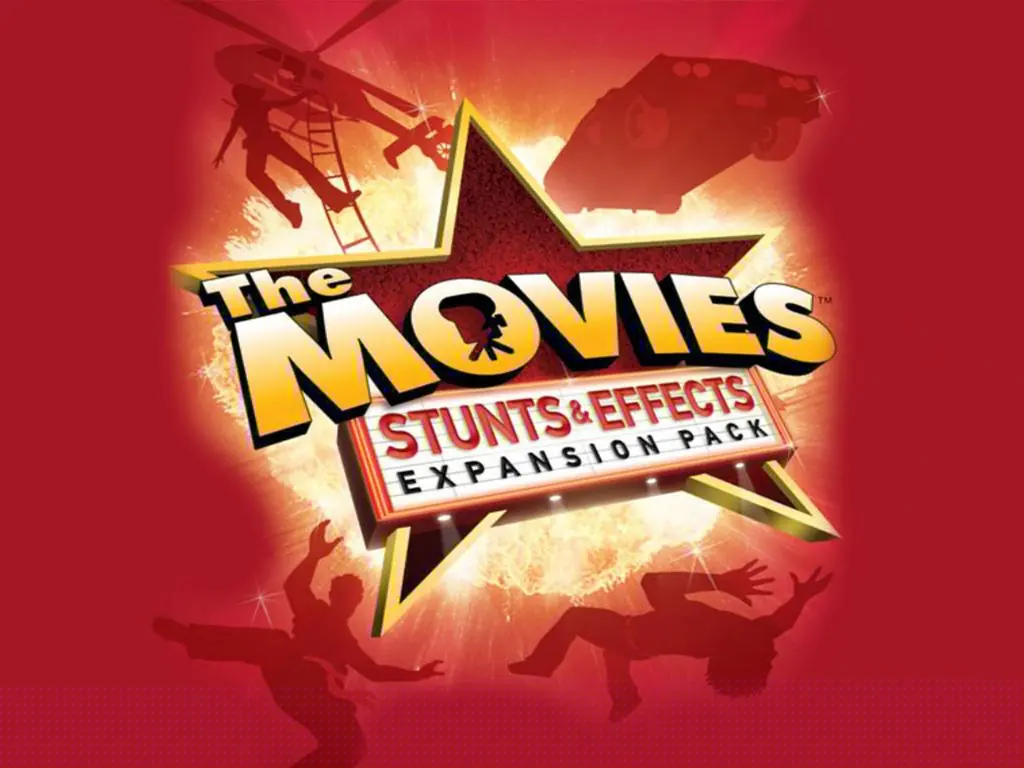
    9. Optional: Also install The Movies: Stunts & Effects expansion pack

Manuals and readmes

Comments

51 thoughts on “The Movies”

  1. 0
    Hey, just thought I’d leave a comment to tell people what I encountered while installing the game, and what helped me. So, I installed the game using the The_Movies_Win_ROM_EN.zip, and the The_Movies_Stunts_and_Effects_Win_ROM_EN.zip DLC, and it has worked perfectly for me, honestly, I’ve had no CTD and I’m currently playing on Windows 11. Firstly, I had to install Macromedia Flash Professional 8.iso which I got from archive .org, the game wouldn’t allow me to install it until I installed this file 1st actually. After that I followed the install instructions posted here. After that every time I tried to launch the game it kept minimizing to the windows bar, however, the game was still running, but it was minimized. So then, I simply restarted my laptop, and relaunched the game and everything worked fine. I used the Star Marker also work great, however, I did encounter another problem, some of my actors and directors were showing up completely black, and without textures, and I was able to find on a Microsoft forum that others were able to fix this issue by apply a 4gb patch to the executable, and so I did that, and it totally fixed the problem. If you are looking for the exact patch I used just google “4GB Patch” by ” NTCore.” and after I applied the patch I restarted my computer, and launched the game, and it has been working perfectly for many hours, I would say I’ve been playing the main Campaign for about 12 hours now, and I have experienced no CTD. I had saw others post about CTD, and I was very worried I’d encounter this, but it was not the case.
    Reply
    • 0
      oh lol, I remember 1999 when RollerCoaster Tycoon demo (12.5 Mb) took about 1,5 hour to download and I had to use download resumer to not have to download it again from the start if my dial-up got disconnected 😀
      Reply
  2. 0
    Hey! I cant mount any of the files as it is not an .iso file.

    Anyone know how to get this mounted/installed without that please let me know

    Reply
  3. 0
    Am I the only one who didn’t get the setup.exe? I mounted the 3 discs, and got the NOCD app, but CD1 doesn’t have the setup file.
    Reply
  4. 0
    If you get an error about “tutori~1.cab” being inaccessible, then make sure that WinRAR or some other program for compressed files is uninstalled and you see the “.cab” file suffix on CD1.
    Also: As written above, the Keycode is 9KH4-HDDJ-H97G-NNV4-AF27
    Good luck!
    Reply
  5. 0
    Using Movies Stunts and Effects Preinstalled zip. Thank you very much for making it possible to play this great game on Windows 10. Everything works perfectly.
    Reply
  6. 0
    All actors and directors are blacked out, while all the other models look fine. Can’t see the result movie, game crashes.
    So sad
    Reply
    • 0
      You should choose The_Movies_Win_ROM_EN.zip and download 4gb patch (on another site, it is safe) Patch exe files (movies.exe and starmaker.exe) after installing the game. I tried and it worked at last! I had the same problem with black textures. Preinstalled Version had same black textures even though i used 4 gb patch. Windows 10
      Reply
  7. 0
    Hello! When using the preinstalled Version, I can’t save / load a new game. Everything else works fine. Any idea how to fix this would be much appreciated! Thanks!
    Reply

Similar games