Home » Games » The Need for Speed

The Need for Speed

The Need for Speed Game Cover
4.8/5 - 34 votes

The Need for Speed is a 1994 racing game developed by Electronic Arts Canada and published by Electronic Arts.

Other Titles

Nissan Presents: Over Drivin' GT-RRoad & Track Presents: Over Drivin'Road & Track Presents: Over Drivin' DXRoad & Track Presents: Over Drivin': オーバードライビンNeed 4 SpeedNfSRoad & Track Presents: The Need for SpeedオーバードライビンGT-Rجنون سرعتذا نيد فور سبيدオーバードライビンDX極速快感더 니드 포 스피드

Genres
Publishers
Released
,
Platforms
Download

About The Need for Speed

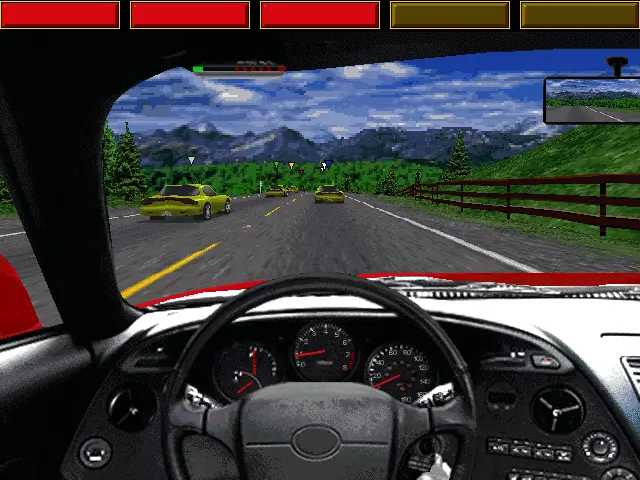
ROAD & TRACK, the premier automotive enthusiast magazine, and Electronic Arts Studios bring you realistic, white knuckled racing in eight of the world's most exciting supercars. The physics model, fine-tuned with input from ROAD & TRACK's editors, accurately simulates each car's handling, acceleration, body roll and lateral-g capability and performs like its real-life counterpart. Twist the key and prepare for the gut-wrenching sensation of raw speed.
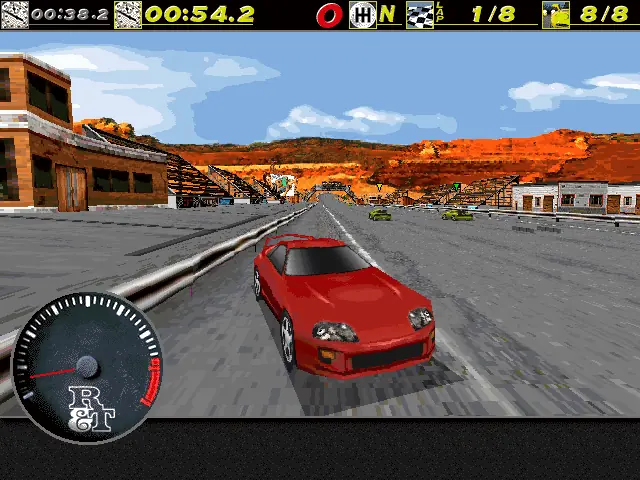
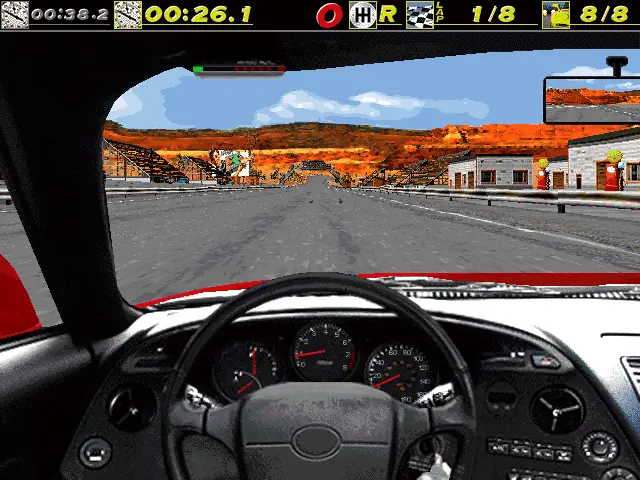
Screenshots

DOS

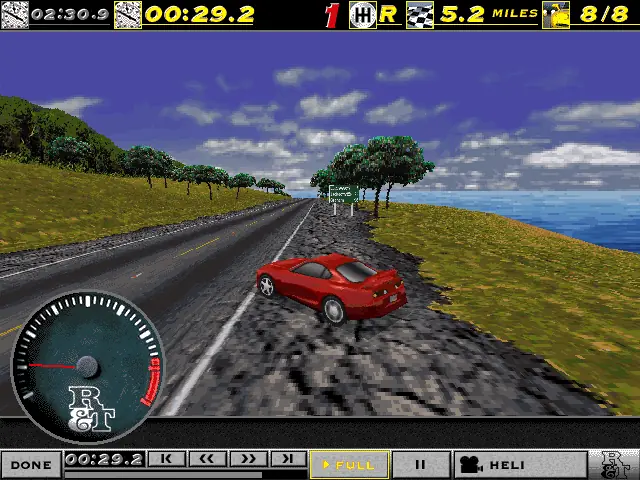
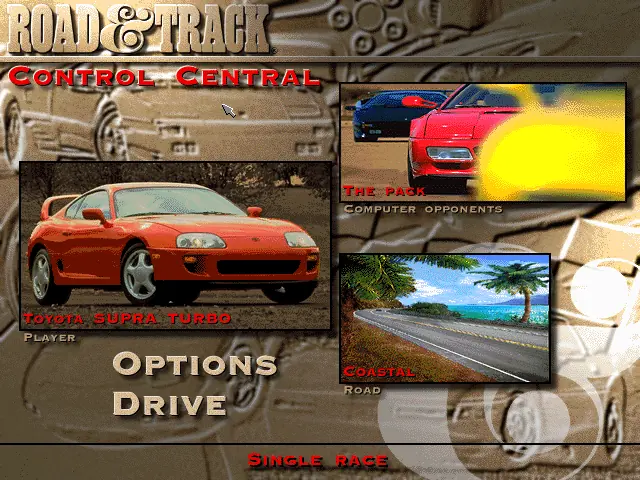
The Need for Speed — DOS screenshot 1The Need for Speed — DOS screenshot 2The Need for Speed — DOS screenshot 3The Need for Speed — DOS screenshot 4The Need for Speed — DOS screenshot 5

Download The Need for Speed

The Need for Speed is abandonware and no longer sold or supported by its publishers. Files are archived here for these platforms:

DOS (1995)

  • The_Need_for_Speed_DOS_RIP_EN.zipEN45.76 MB
  • Instructions The_Need_for_Speed_DOS_RIP_EN.zip

    How to play on Windows

    1. Download the software called DOSBox and put a shortcut for DOSBox onto your desktop.
    2. Download and extract The_Need_for_Speed_DOS_RIP_EN.zip
    3. Open the “The Need for Speed (1994)” folder and then open the “Game Files” folder.
    4. Drag the file called “TNFS” on top of the DOSBox icon. The game should now launch in DOSBox.
    5. Enjoy the game!
Tutorial: How to play DOS games on Windows

Other resources

Comments

6 thoughts on “The Need for Speed”

  1. 1
    to run sounds.. open “nfssound.exe” then type “2” -> enter ..leave it open and drag “nfs.bat” into dosbox shourtcut
    Reply
  2. 1
    Consegui colocar som, mas apenas sem músicas. Basta abrir o arquivo nfssound arrastando pra dos box ou o oposto. Depois escolher placa de som dando enter 2 vezes. Depois abri o jogo com arquivo NFS da extensÃO bat QUE CONSTA na descrição dele. Mas nao tem músicas no jogo
    Reply
  3. 1
    Infelizmente, não sai som..
    Sabe se existe algum drive ou dica para poder habilitar o som?

    Muito bom recordar e ter a possibilidade de jogar diversos jogos.
    Muito Obrigado e site fantástico!!

    Reply

Similar games