Home » Games » The Operative: No One Lives Forever
The Operative: No One Lives Forever

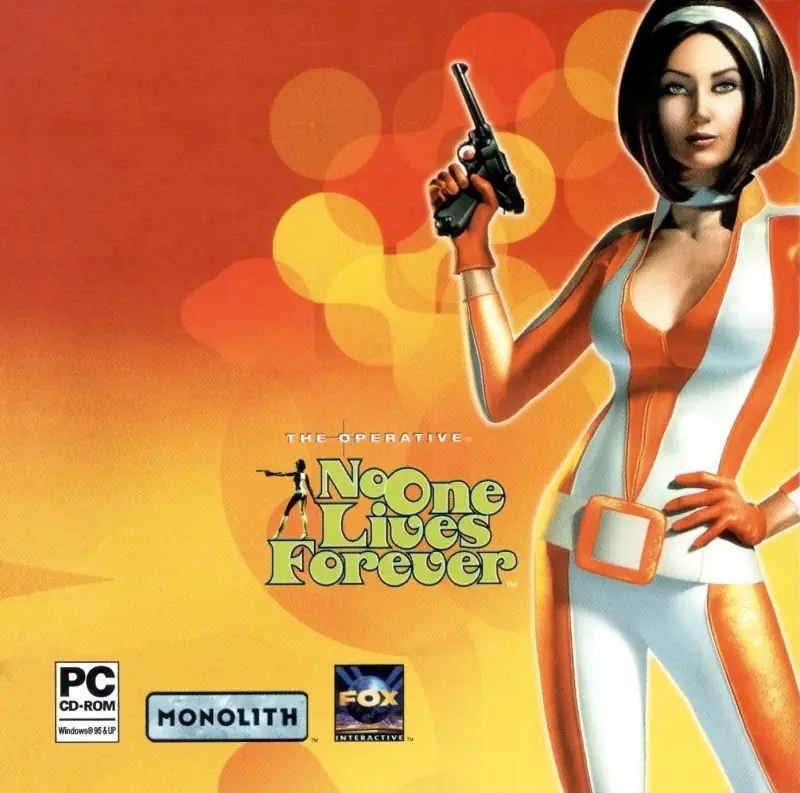
The Operative: No One Lives Forever Game Cover
4.7/5 - 19 votes

The Operative: No One Lives Forever is a 2000 shooter game developed by Monolith Productions and published by Fox Interactive.

Other Titles

Никто Не Живёт Вечно无人永生NOLFNikto Ne Zhivjot VechnoNo One Lives ForeverWu Ren Yong Shengذا أوبريتف: نو وان ليفز فورإيفرذا اوبريتف: نو وان ليفز فورايفر노 원 리브스 포에버

Genres
Released
Platforms
Download

About The Operative: No One Lives Forever

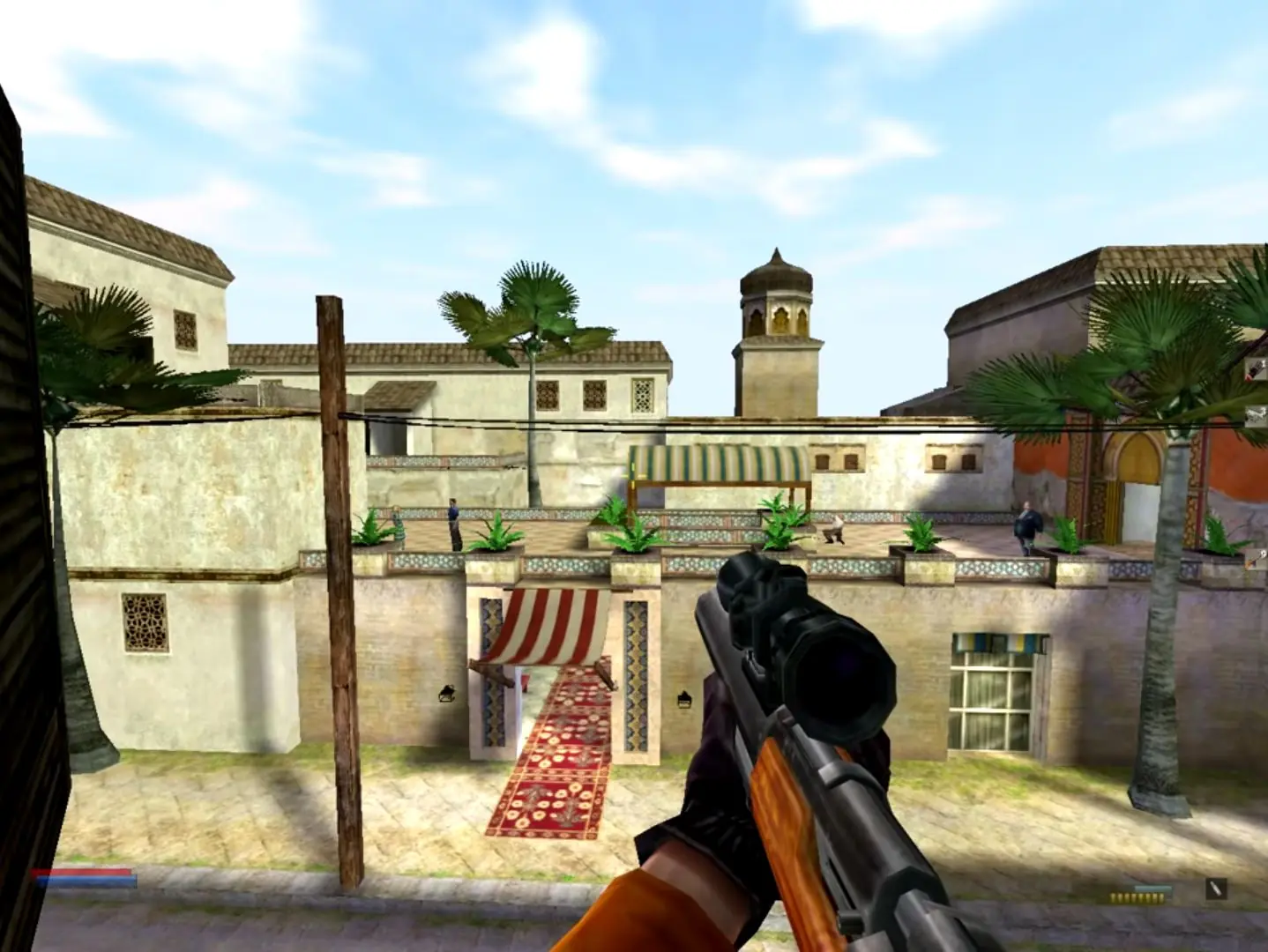
A story-driven game set in the 1960s, No One Lives Forever received critical acclaim for its stylistic representation of the era in the spirit of many spy films and television series of that decade, as well as for its humor. Players control female protagonist Cate Archer, who works for a secret organization that watches over world peace. In addition to a range of firearms, the game contains several gadgets disguised as ordinary female fashion items.

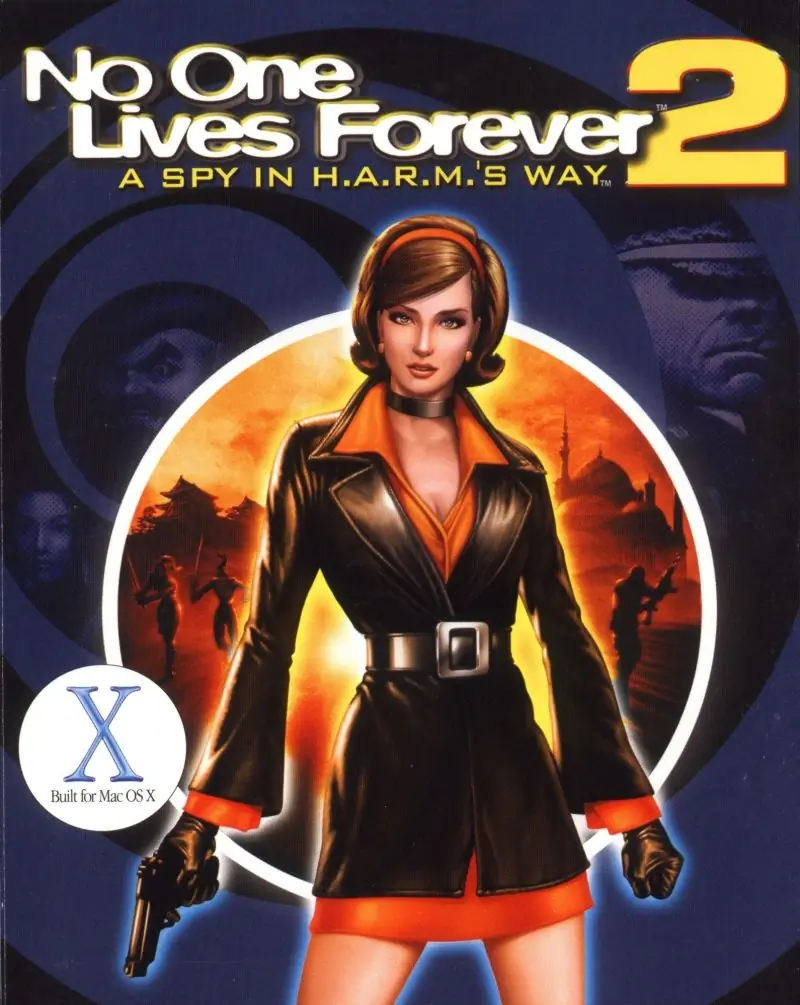
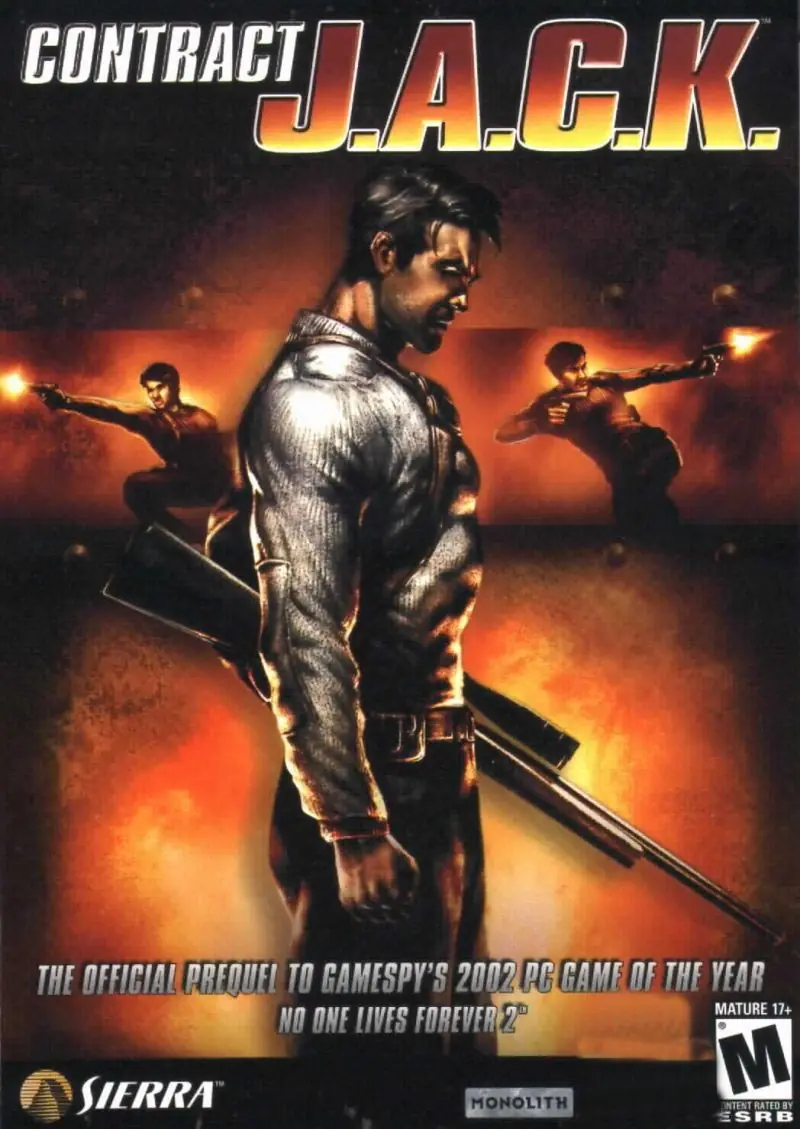
At the time of its release, many reviewers considered No One Lives Forever one of the best first-person shooters since 1998's Half-Life. After receiving several Game of the Year awards in the press, a special Game of the Year Edition was released in 2001, which included an additional mission on a remote island in the South Pacific. The Operative: No One Lives Forever was followed by a sequel, No One Lives Forever 2: A Spy in H.A.R.M.'s Way, in 2002, and a spin-off titled Contract J.A.C.K. released in 2003, both developed by Monolith.
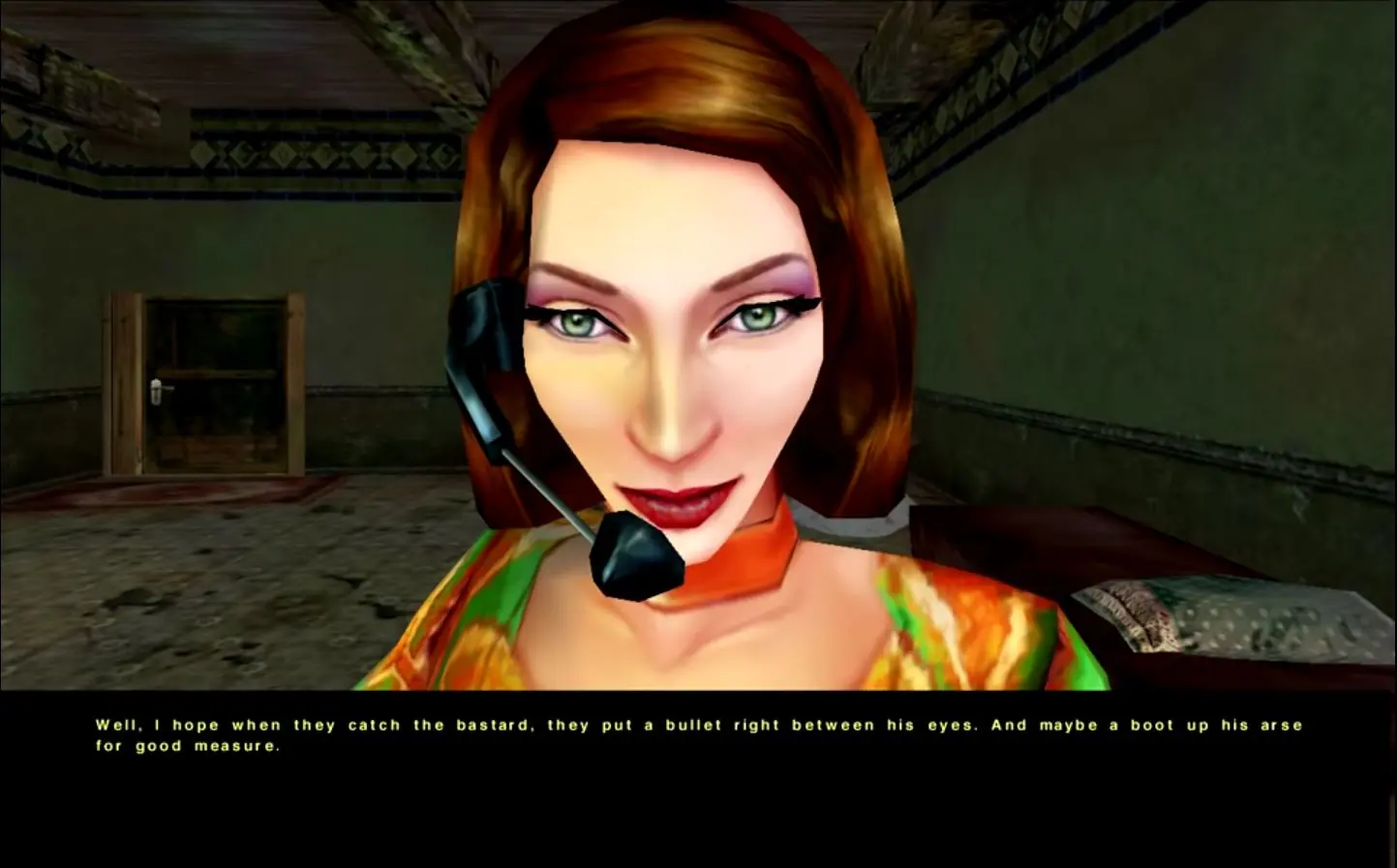
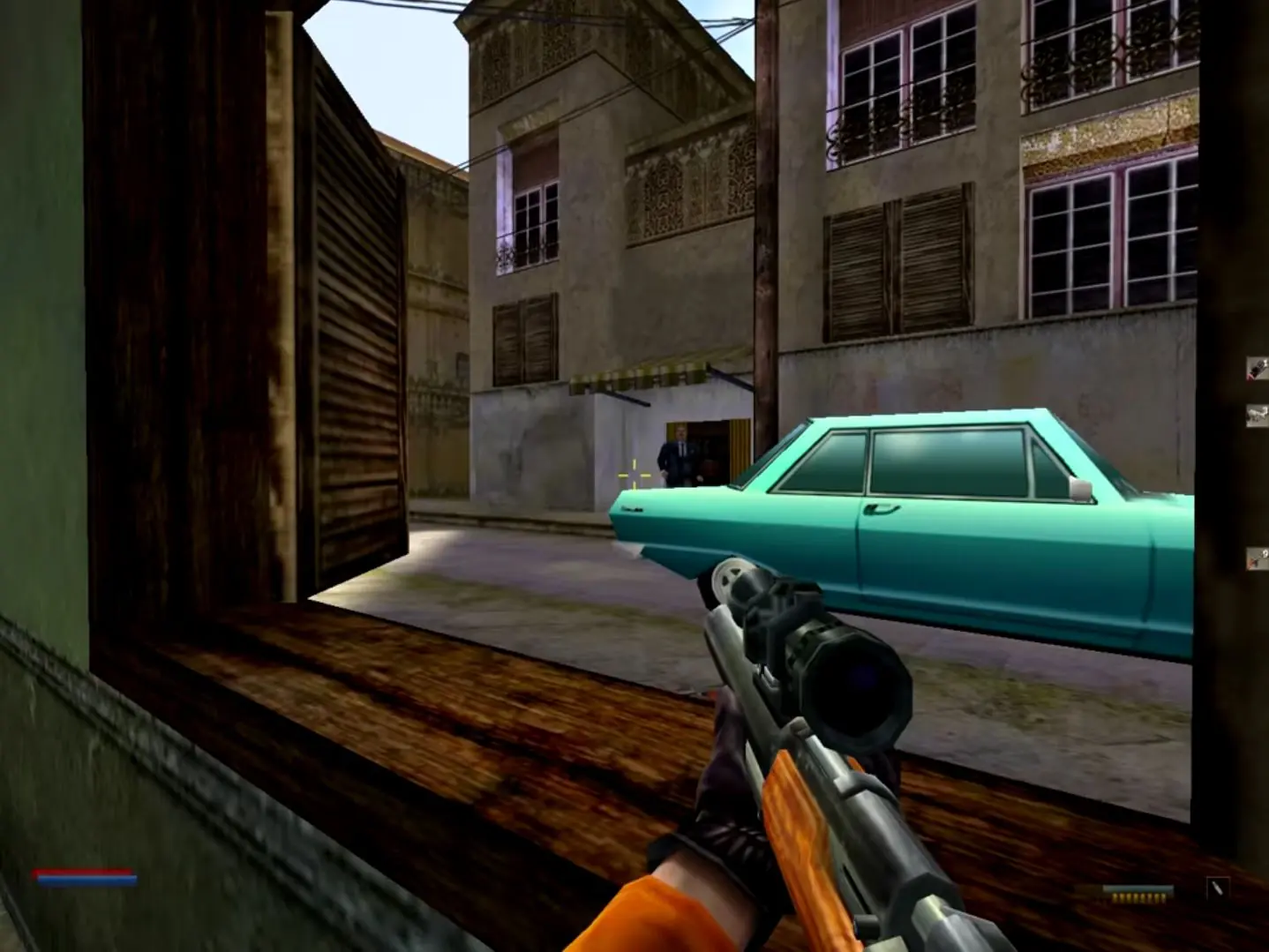
Screenshots

Windows

The Operative: No One Lives Forever — Windows screenshot 1The Operative: No One Lives Forever — Windows screenshot 2The Operative: No One Lives Forever — Windows screenshot 3

Download The Operative: No One Lives Forever

The Operative: No One Lives Forever is abandonware and no longer sold or supported by its publishers. Files are archived here for these platforms:

Windows (2000)

  • The_Operative_No_One_Lives_Forever_Win_ROM_EN.7zEN576.3 MB
  • Instructions The_Operative_No_One_Lives_Forever_Win_ROM_EN.7z

    How to play on Windows 10

    1. Download and Extract The_Operative_No_One_Lives_Forever_Win_ROM_EN.7z
    2. In the Game Files folder, mount the NOLF Disc 1.bin file and run Setup.exe
    3. Follow on-screen instructions to install the game.
    4. When prompted, mount Disc 2 to a different drive and continue installation.
    5. Once installation is finished, launch game from desktop shortcut
    6. Play the game

Comments

11 thoughts on “The Operative: No One Lives Forever”

    • 1
      Download it from unityhq.net — full install which includes all the custom maps and the “modernizer” rez v. 1.0006 which allows the game to run on Win 10+. Come play online with us Sundays, 11AM, PST. See you there — lab rat
      Reply
  1. 0
    I have installed the game but when I launch it, it asks to insert Disc 2 into the CD ROM. Any ideas what to do?
    Reply
    • 0
      unityhq.net has the full game along with the modernizer.rez which allows it to run on Win 10+. It also comes with all the custom maps and the “no-CD” executable. You never need the disc again! There is still a small group of us that play online every Sunday, 11AM, PST.
      Reply