Home » Games » The Oregon Trail: 3rd Edition

The Oregon Trail: 3rd Edition

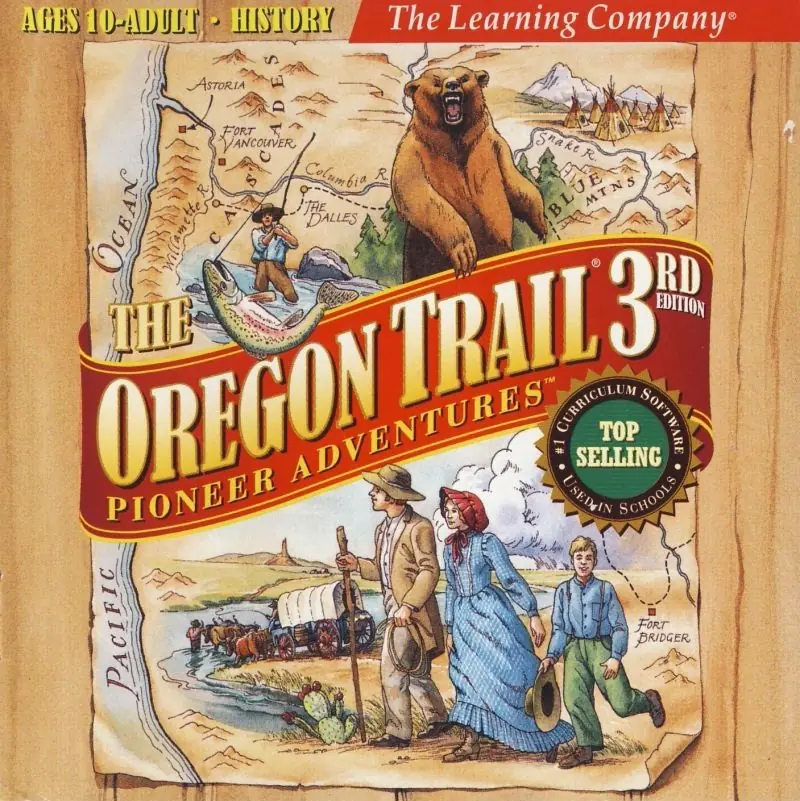
The Oregon Trail: 3rd Edition Game Cover
4.3/5 - 33 votes

The Oregon Trail 3rd Edition (full title: The Oregon Trail 3rd Edition: Pioneer Adventures) is the second sequel to the 1982 educational video game The Oregon Trail after Oregon Trail II. It was developed by MECC and released on Dec 31, 1997.

Genres
Developers
Released
Platforms
Download

About The Oregon Trail: 3rd Edition

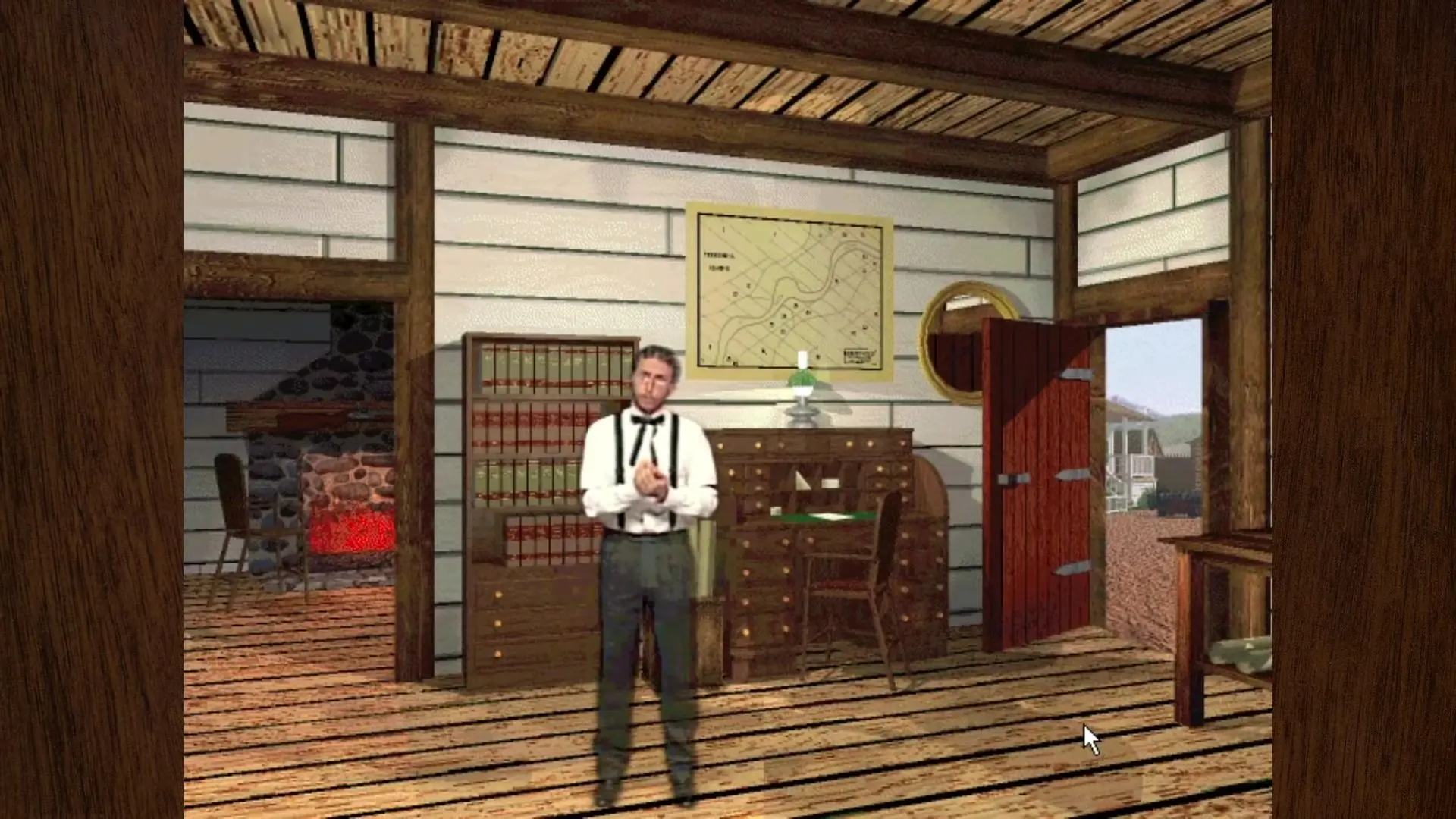
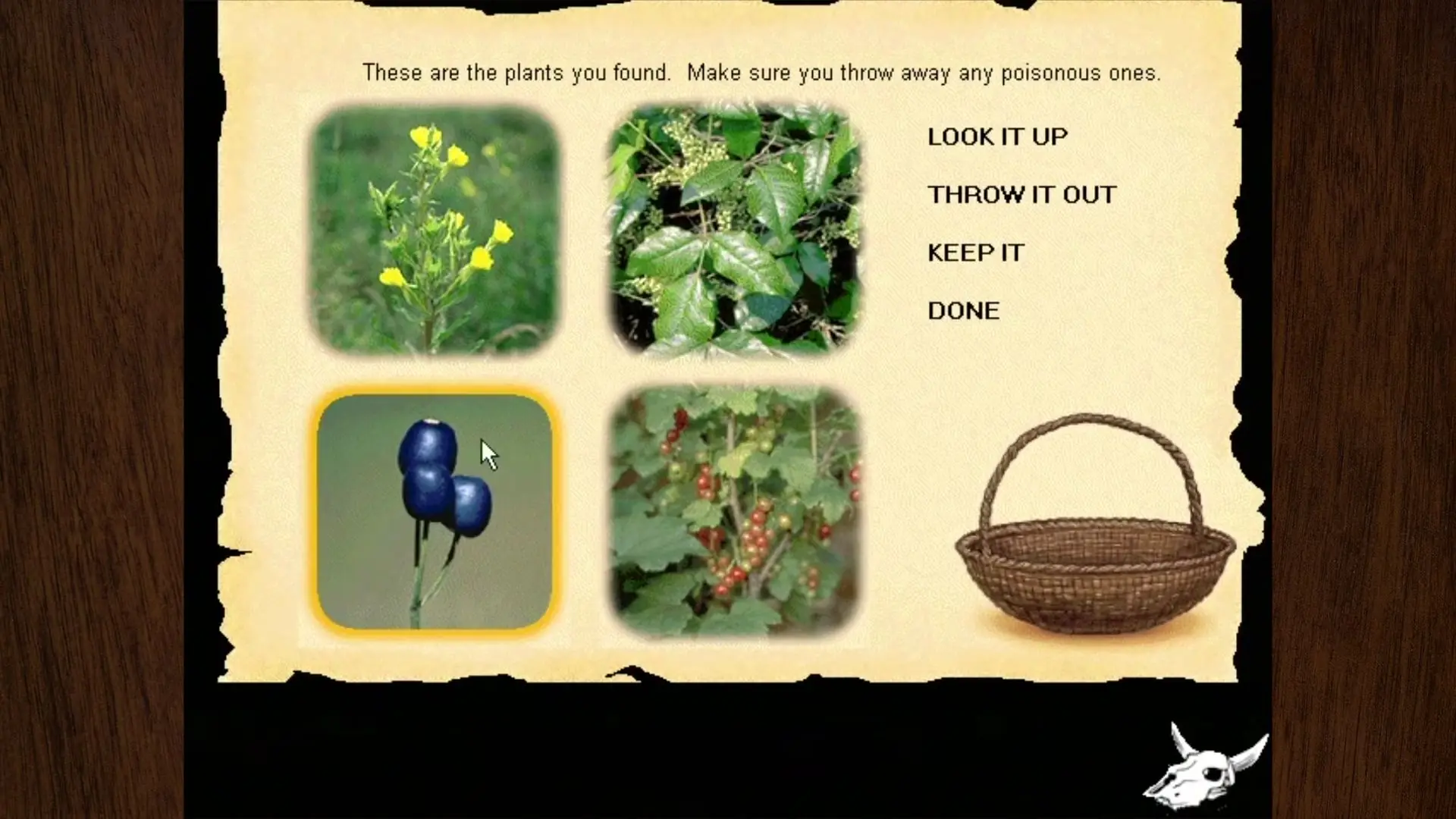
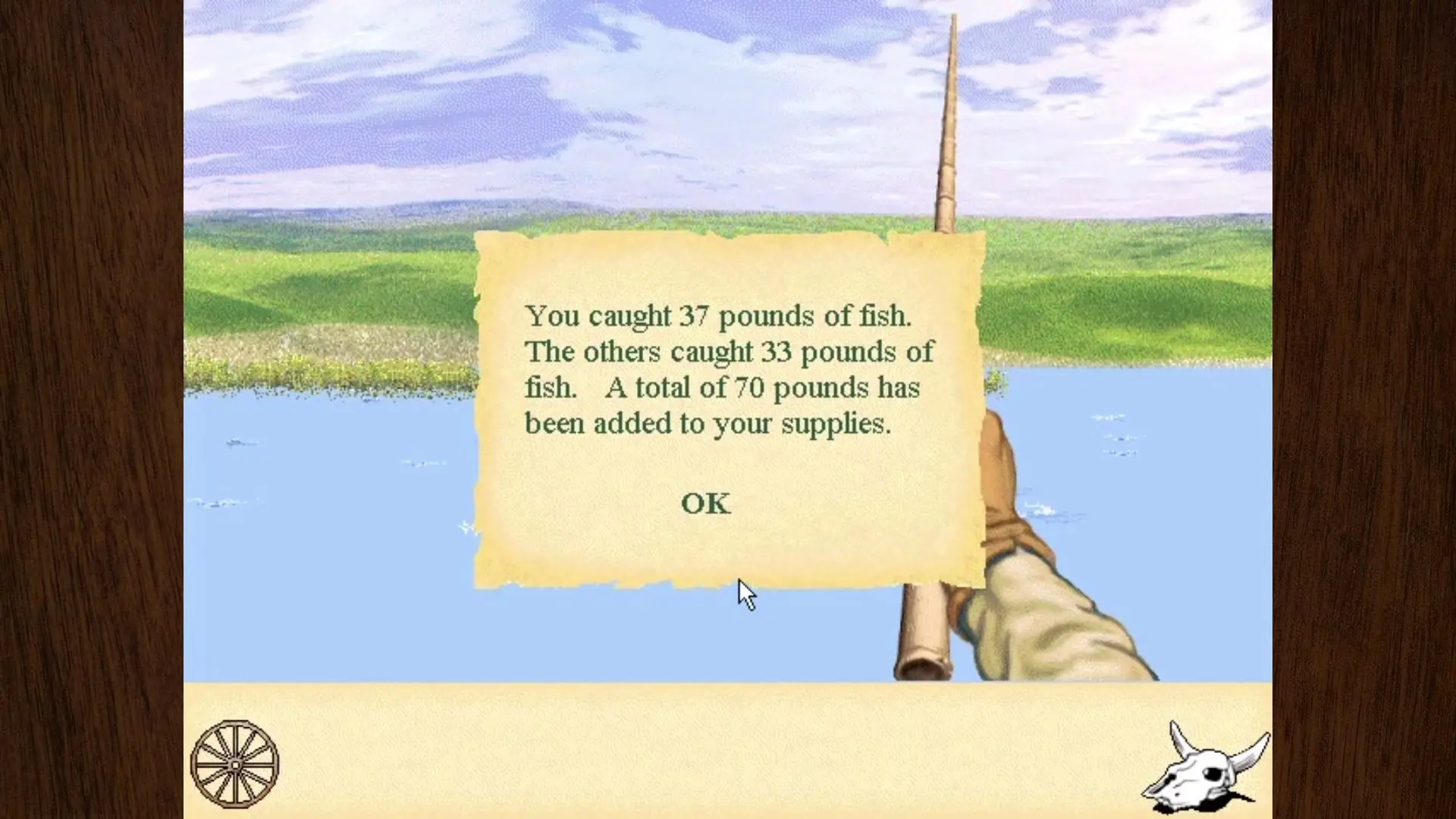
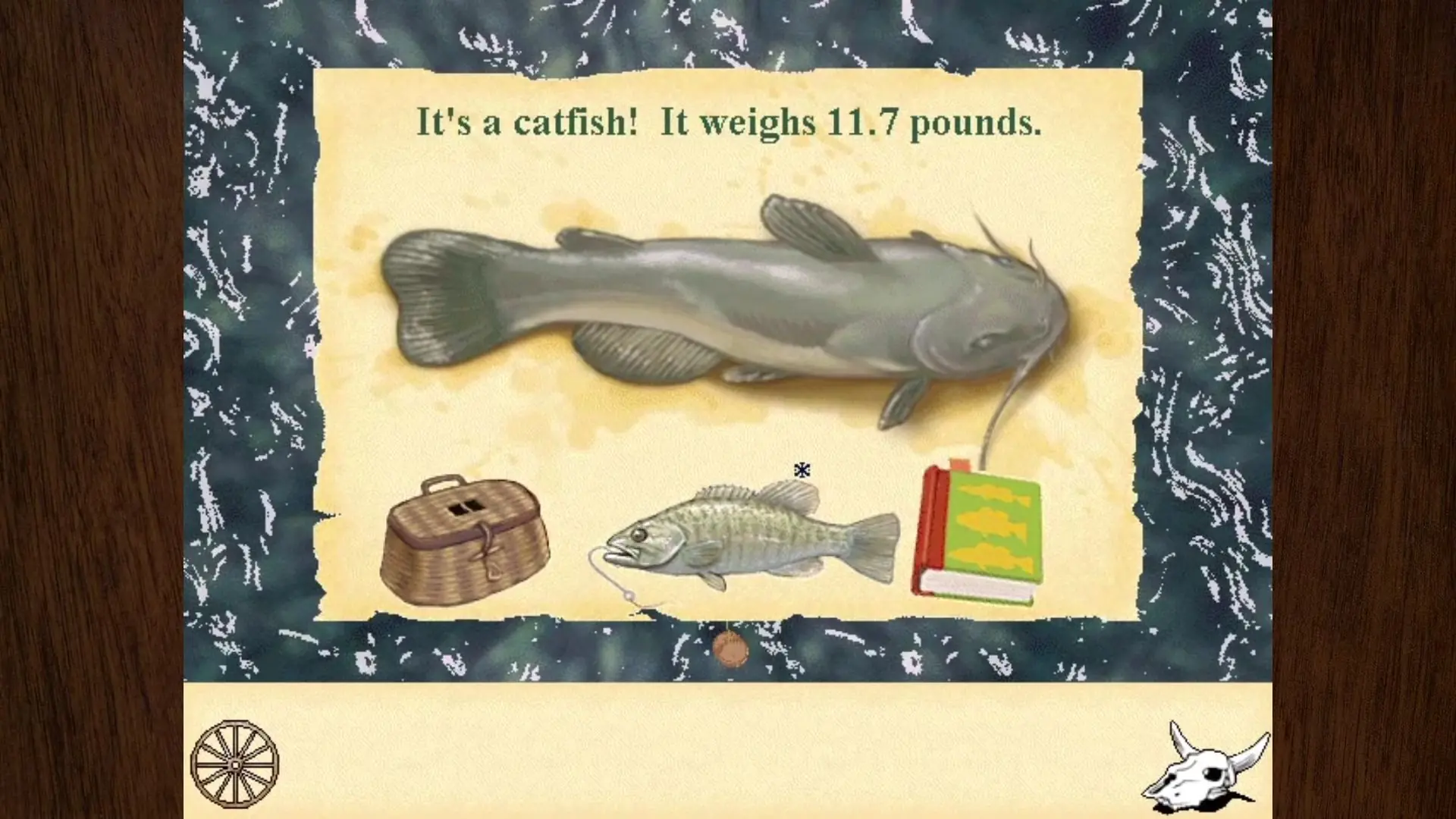
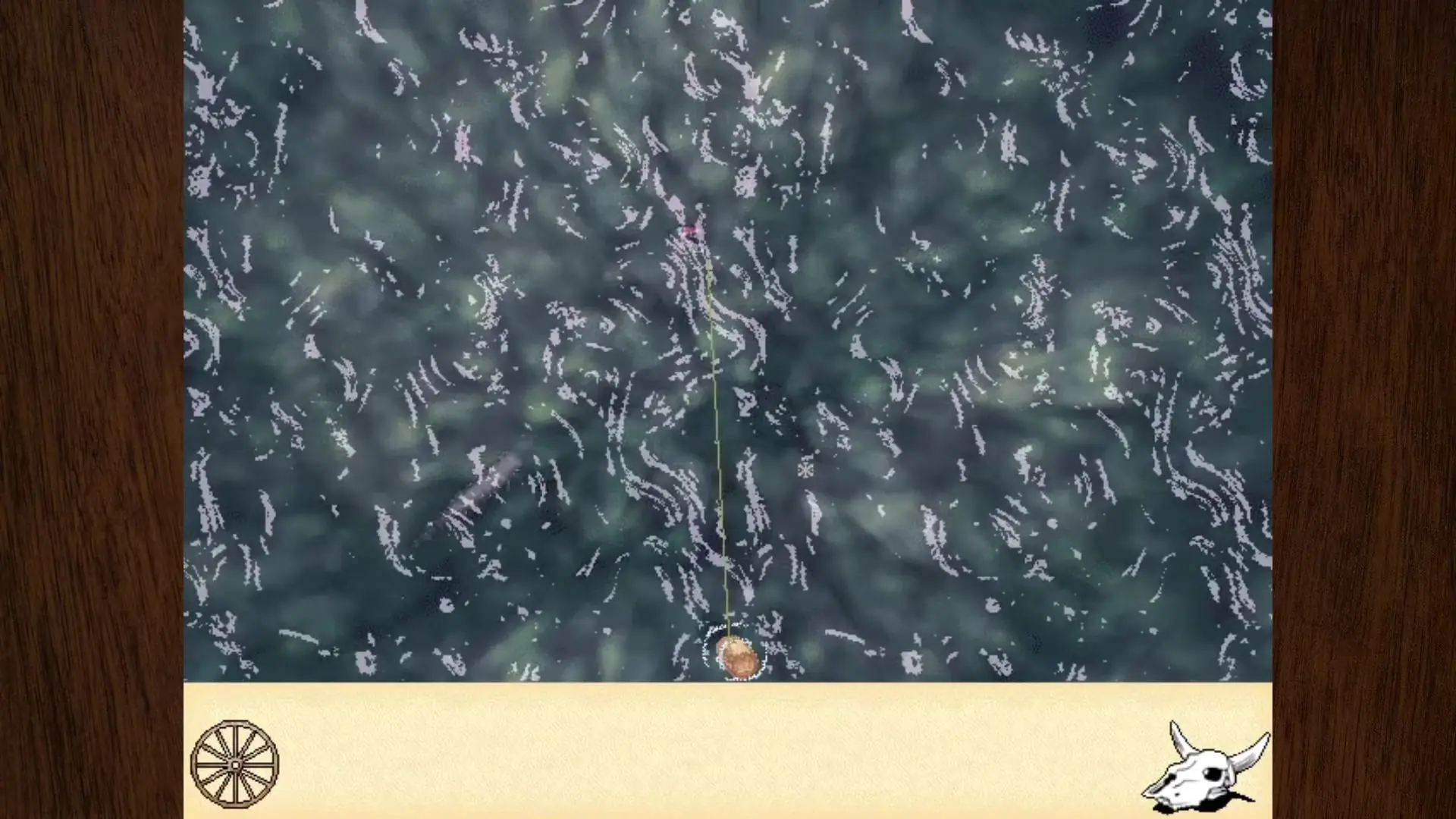
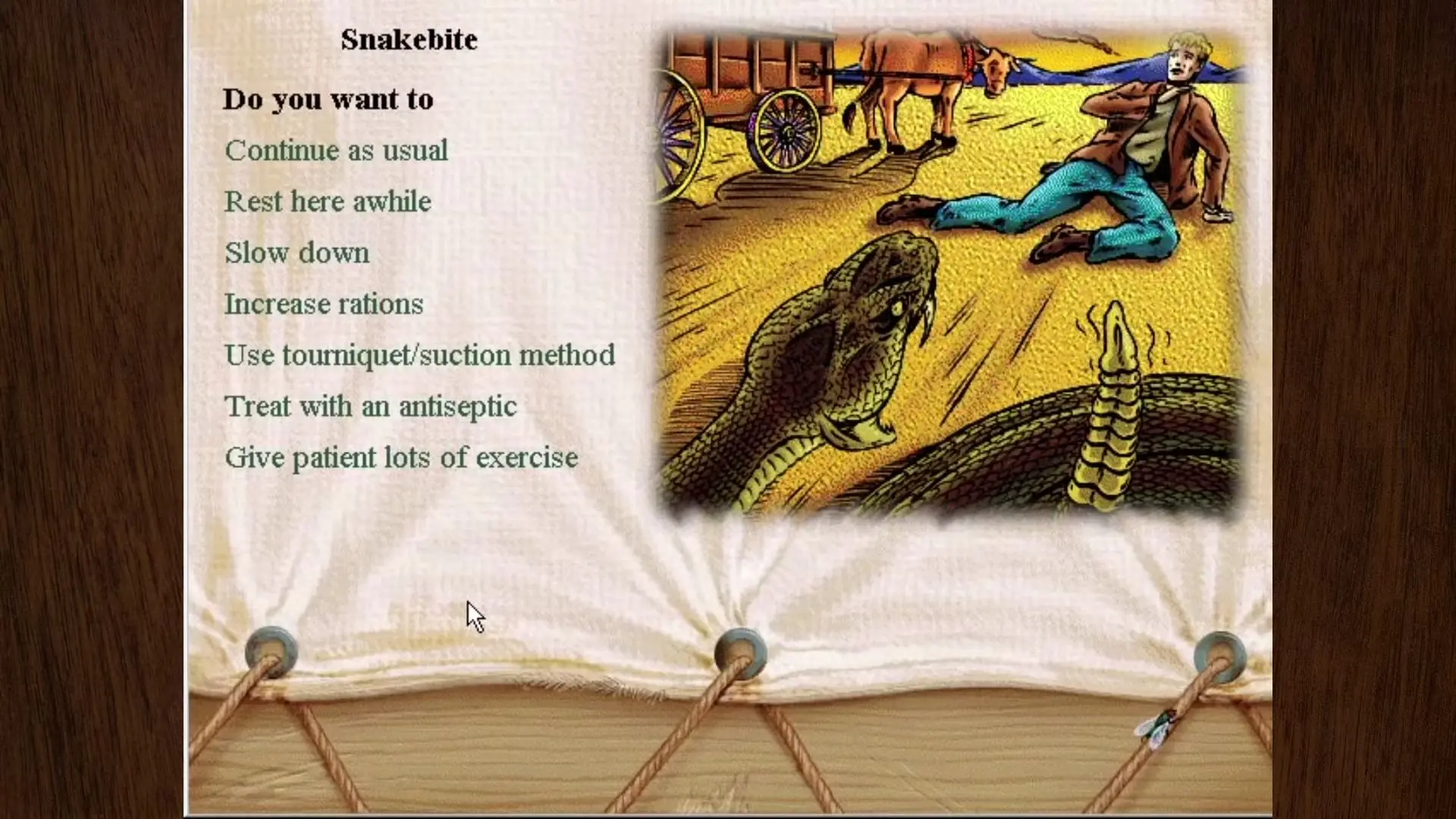
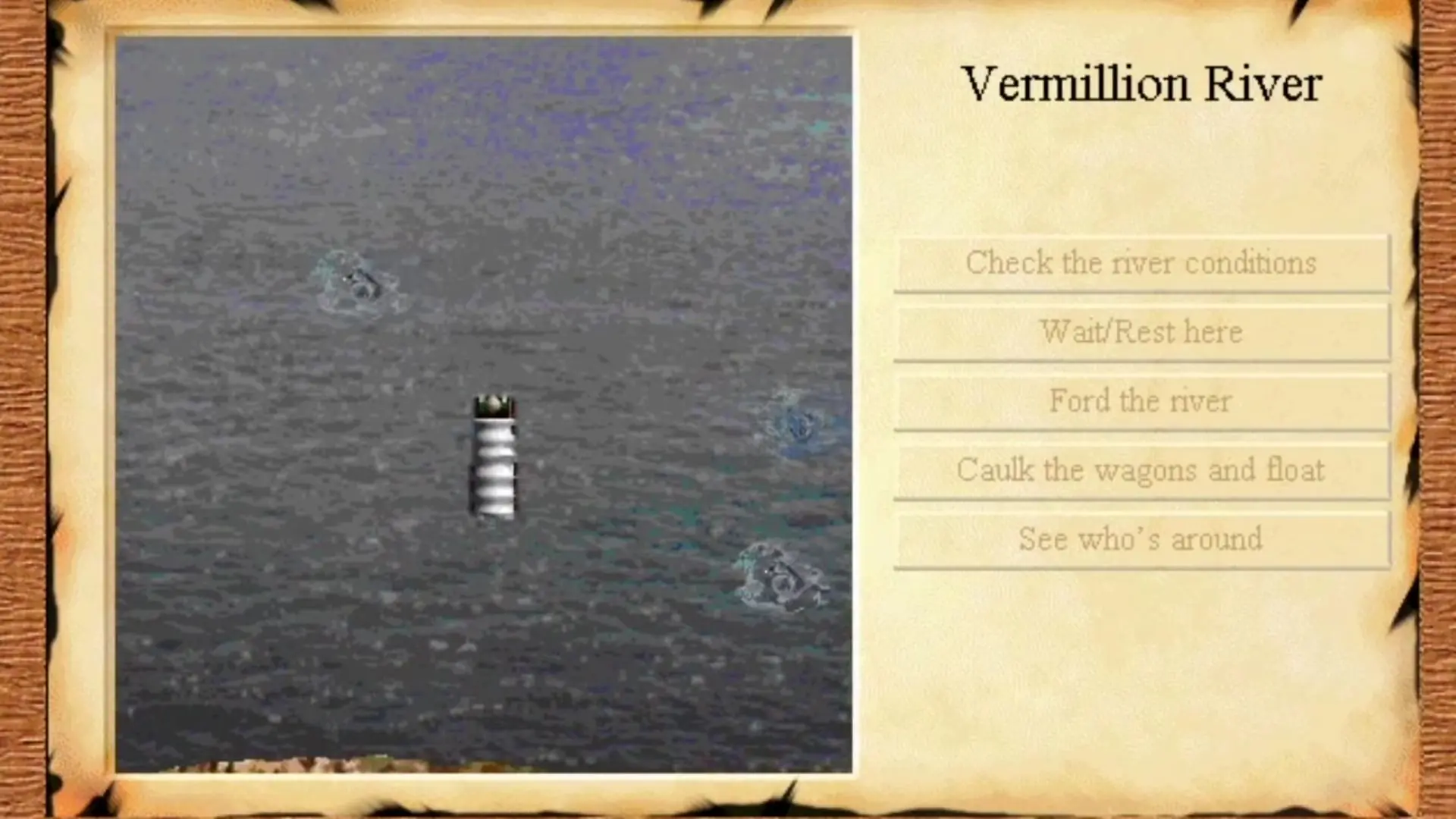
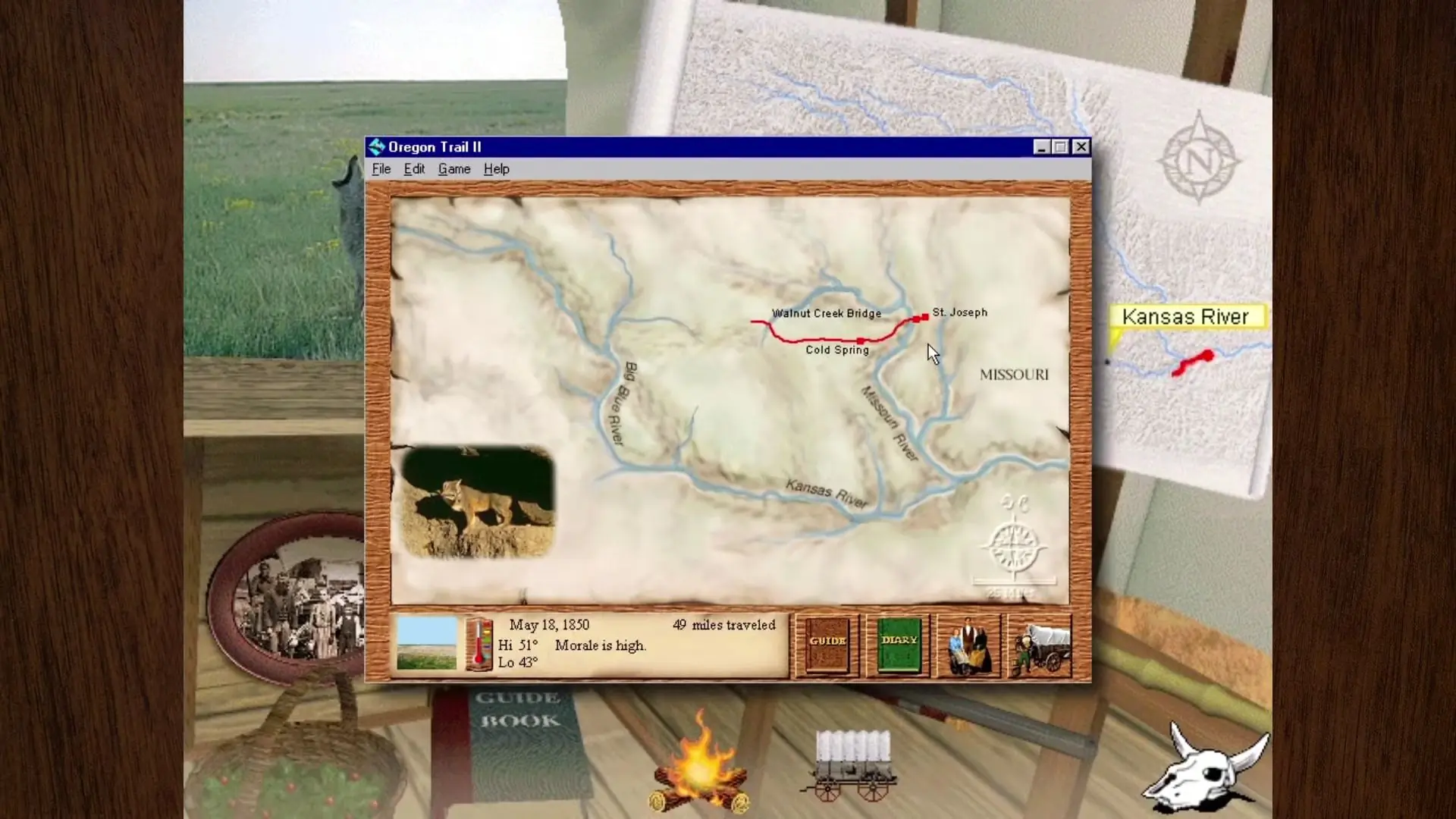
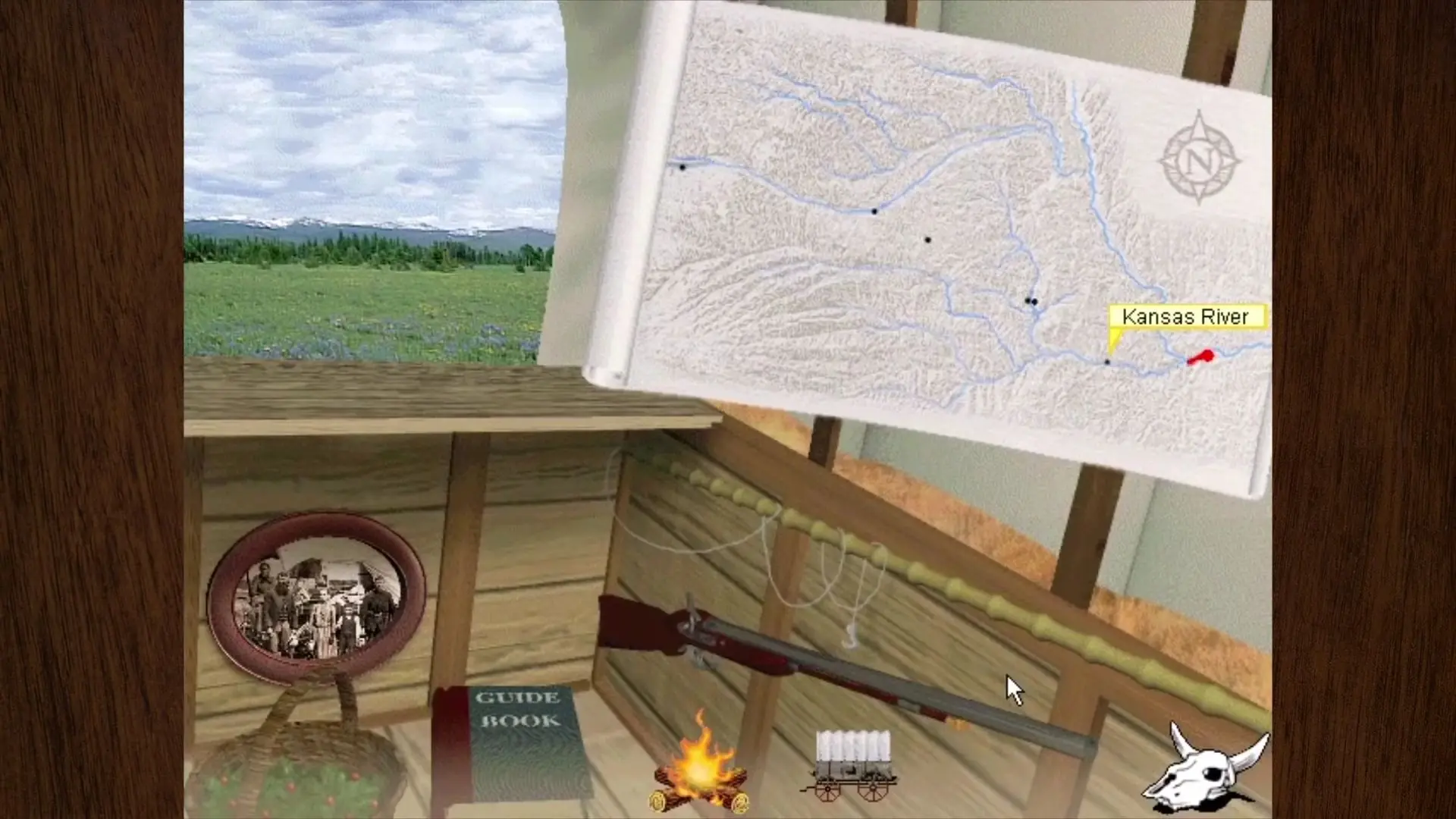
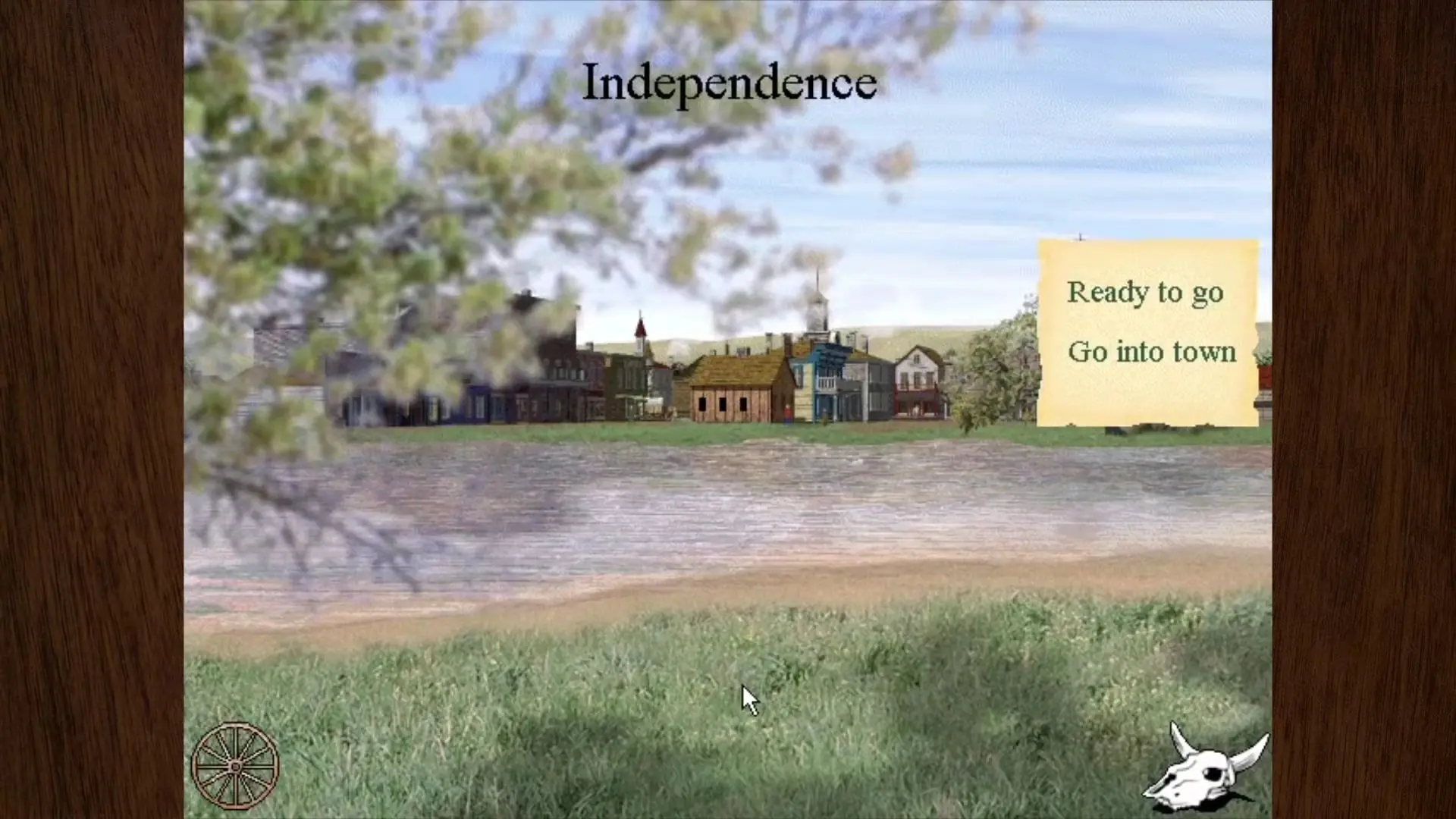
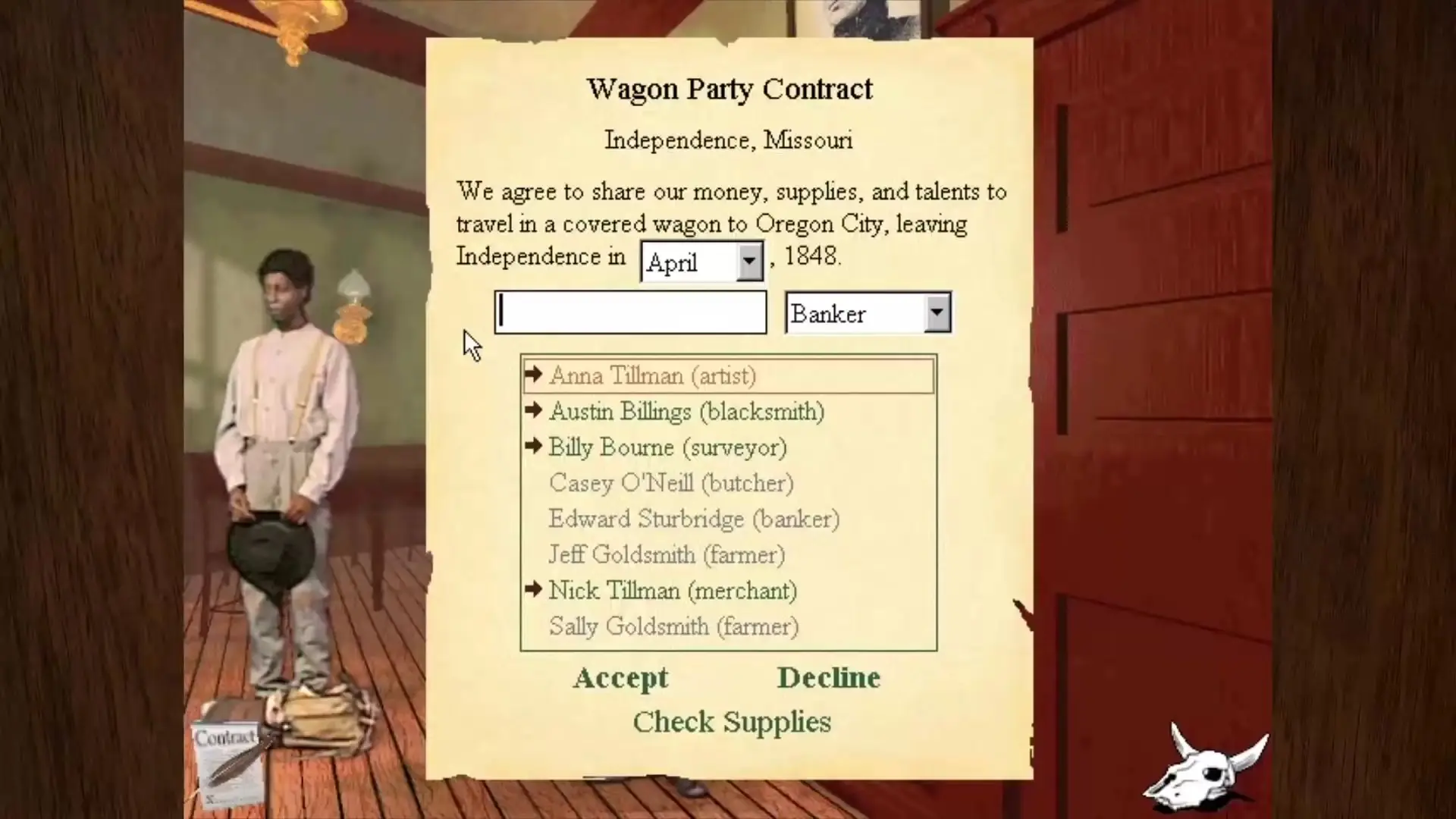
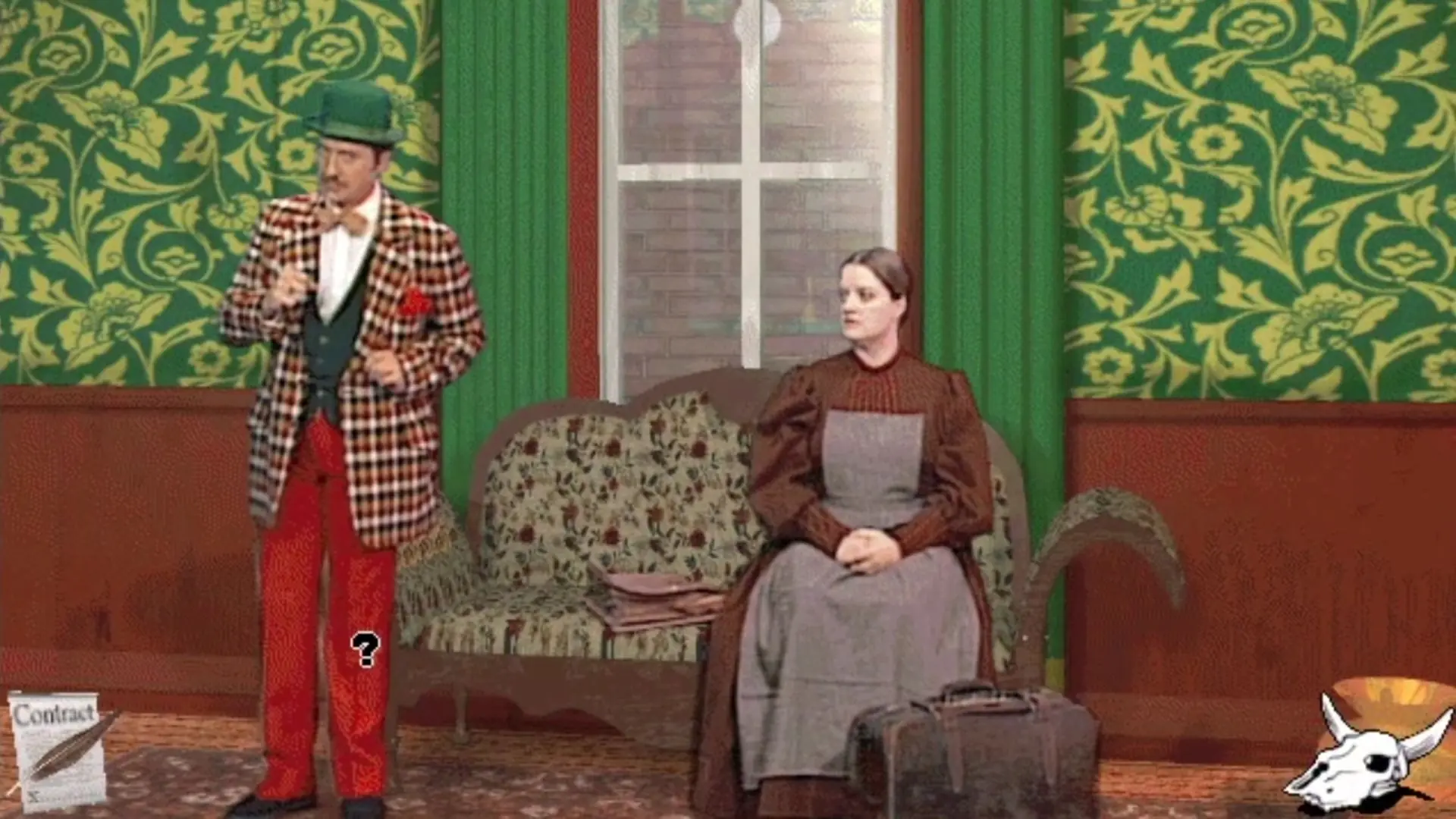
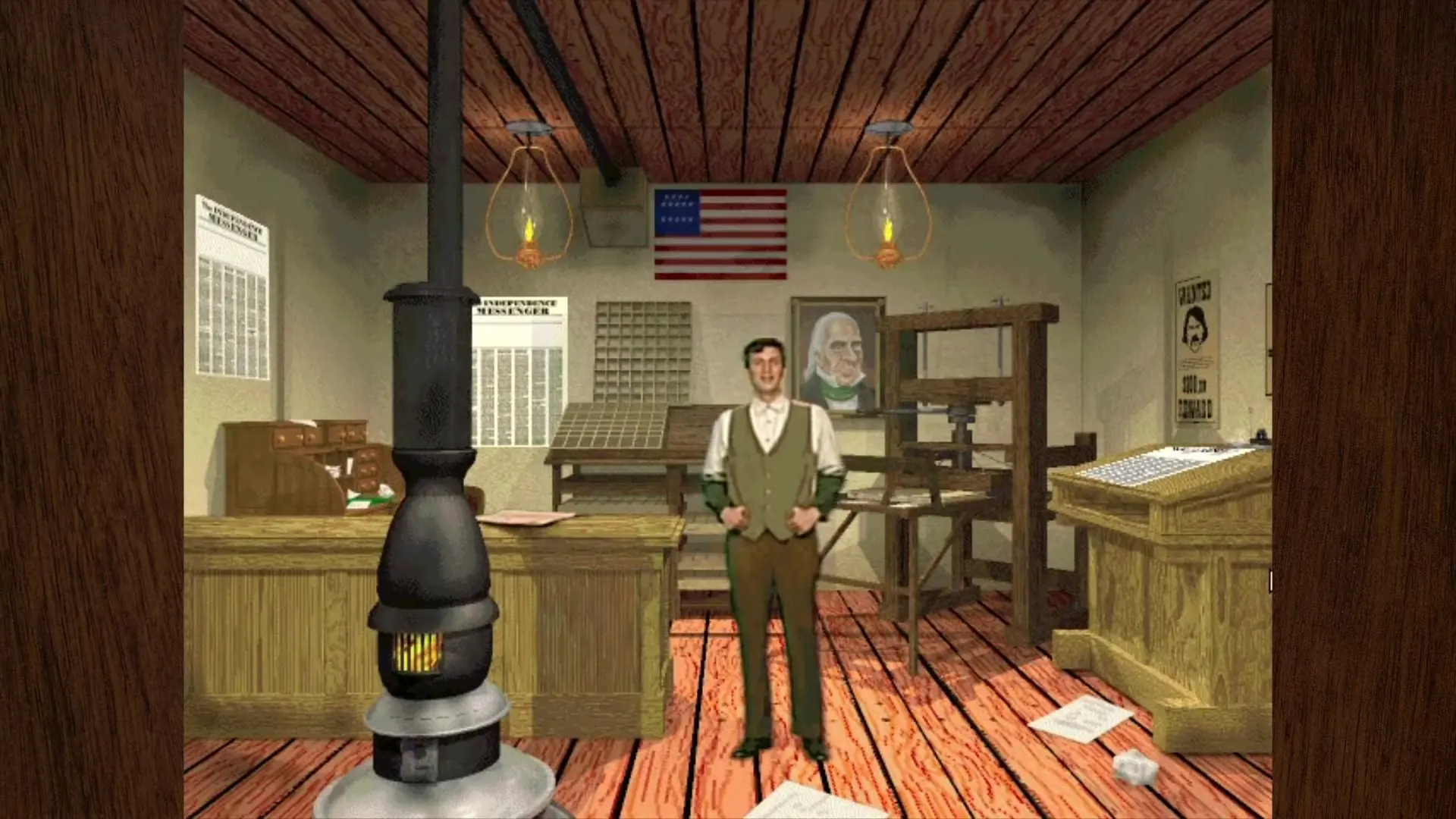
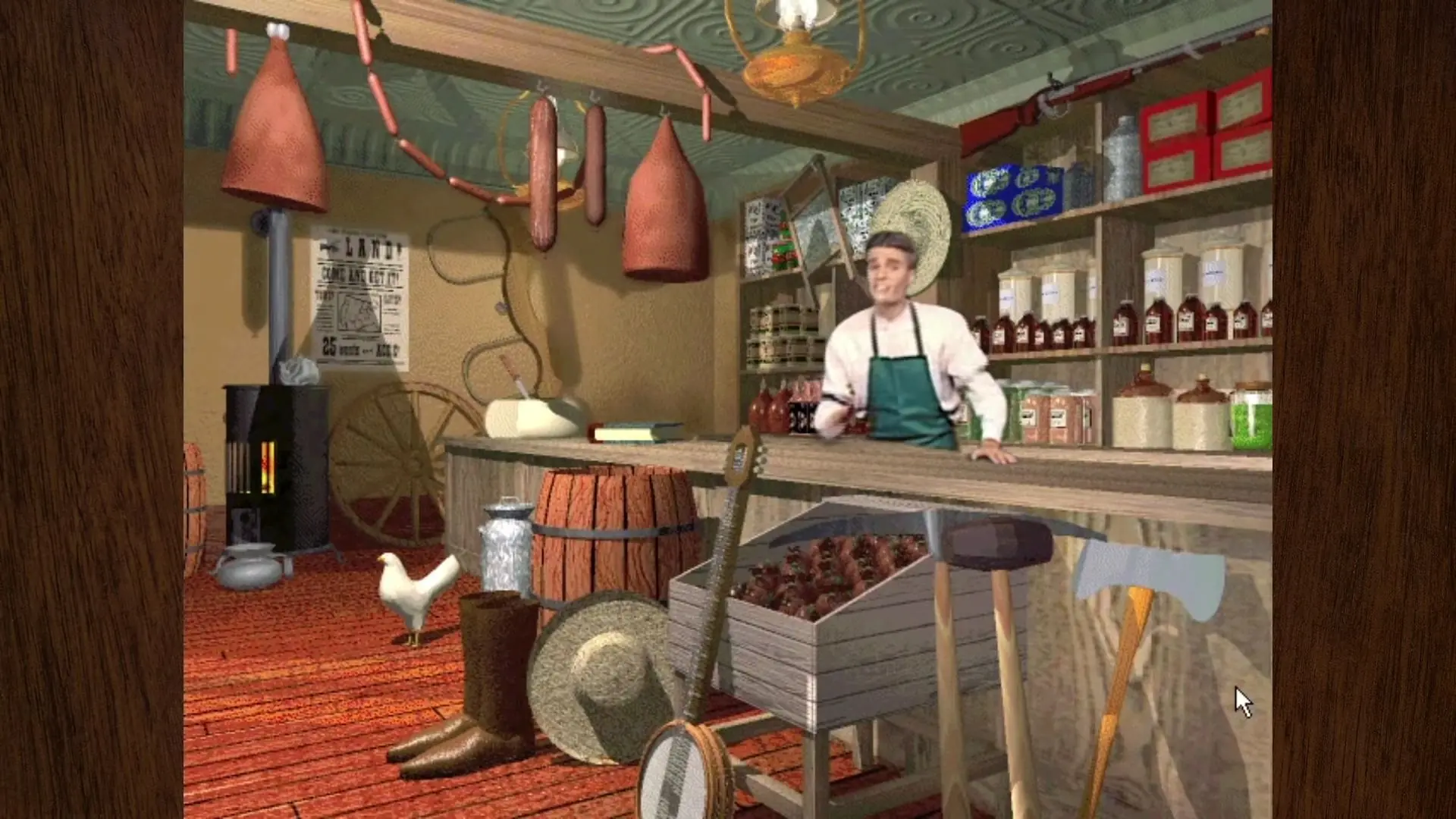
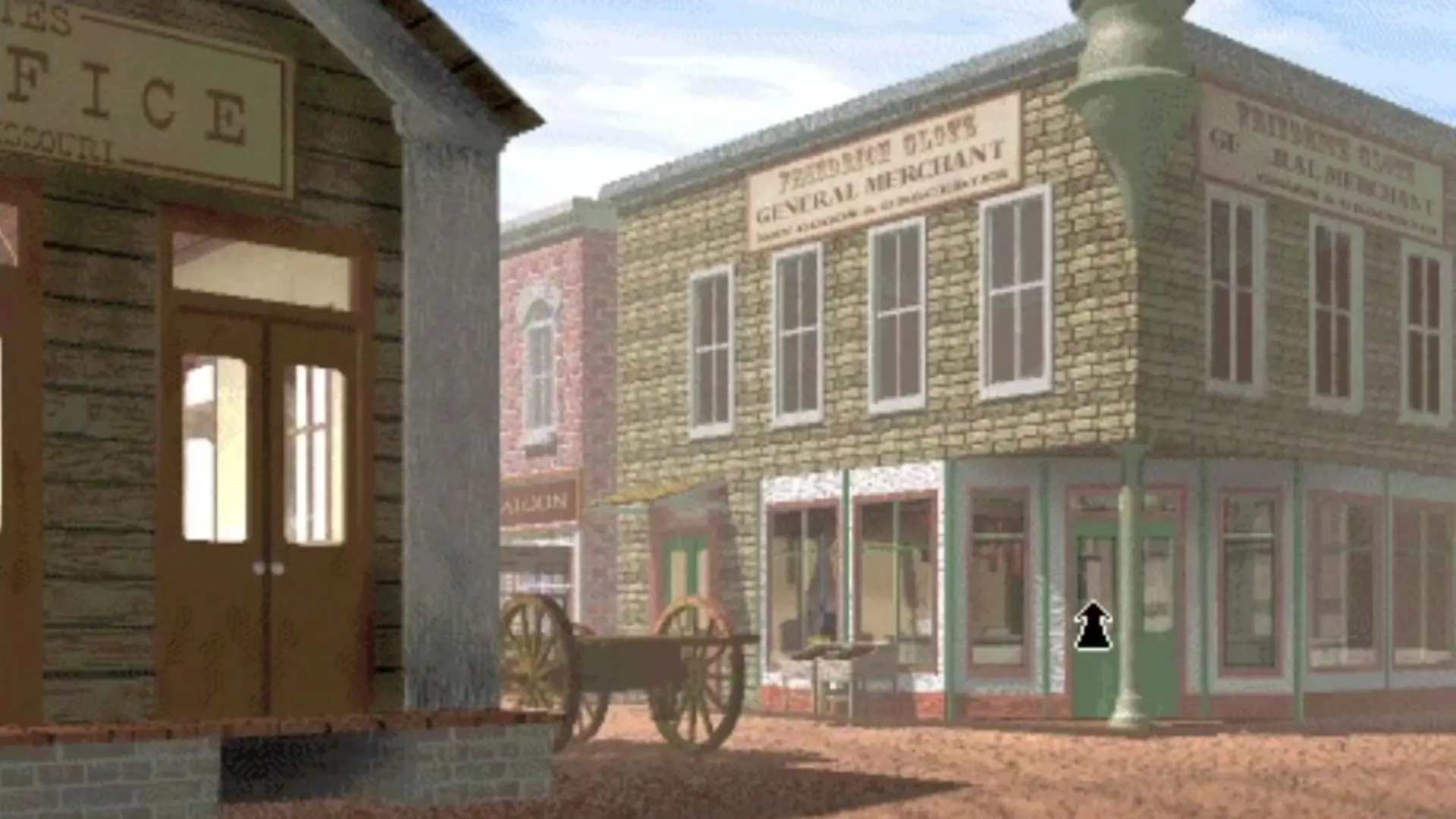
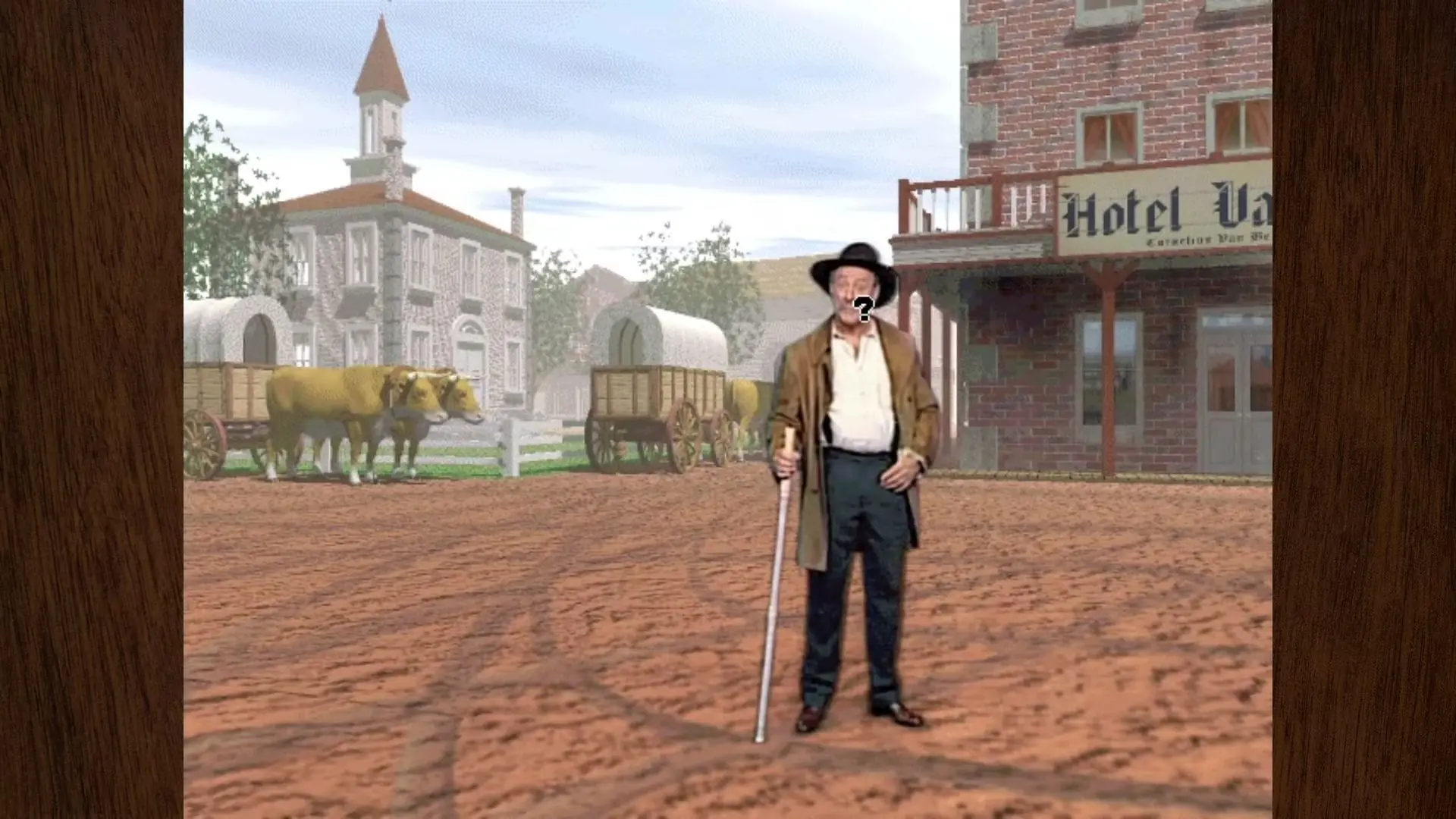
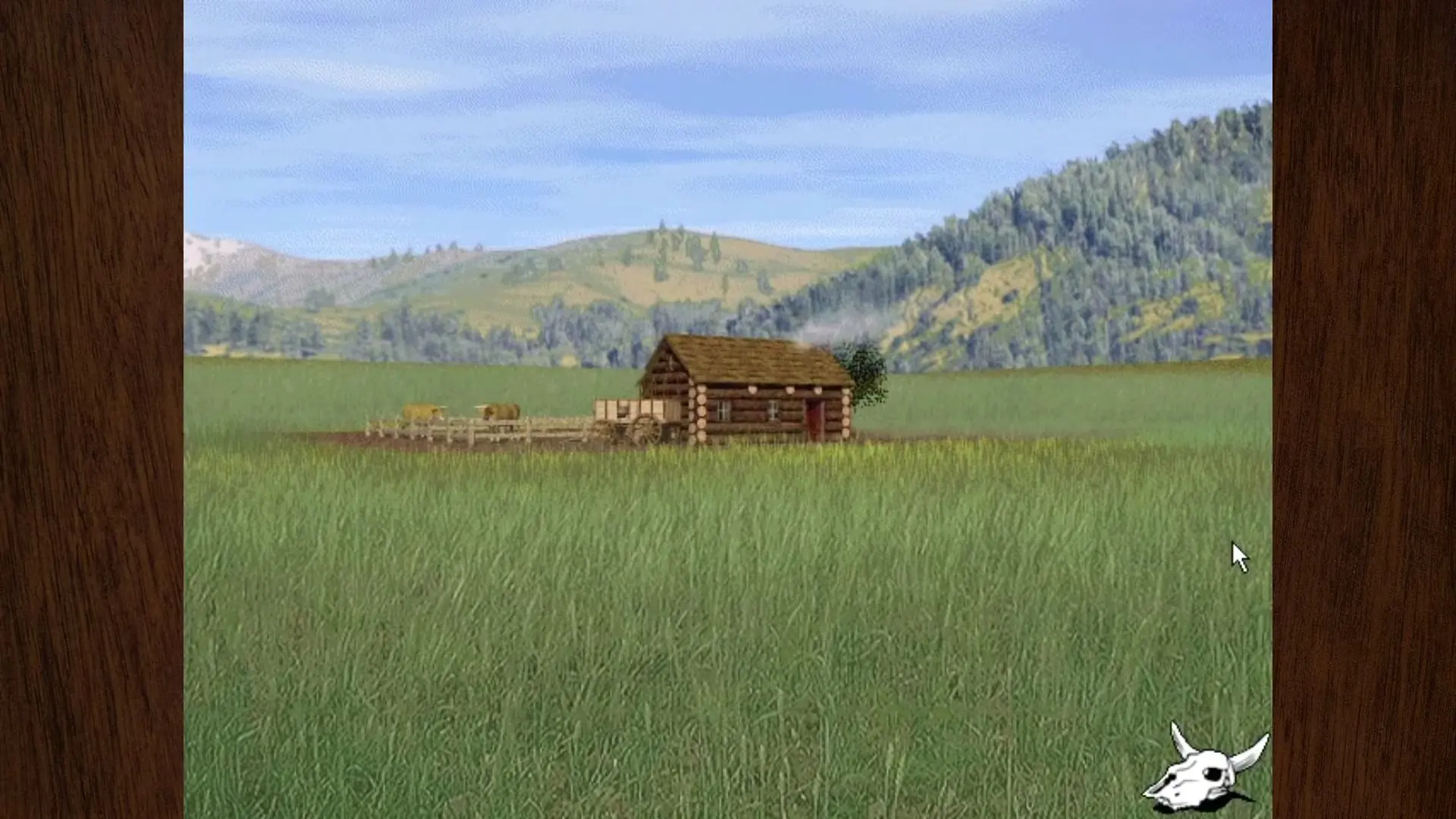
Blaze the Oregon Trail like never before! Optimized for DVD-ROM, this new version of the best-selling classic now features improved full-motion video, super 3d graphics, and superior digital sound. The Oregon Trail 3rd Edition fills the screen with photorealistic, 3-D graphics and full-motion video to re-create the 1848 Oregon Trail experience more vividly and interactively than ever! In this new audio-based version, children come to understand much more about the backgrounds, skills, and motivations of historical wagon train travelers, and what they needed to do to reach their destinations alive. Along the trail, you meet multidimensional characters who react realistically to challenges during the journey, demonstrating how decision-making and team-building skills are critical to their mutual survival.
Screenshots

Windows

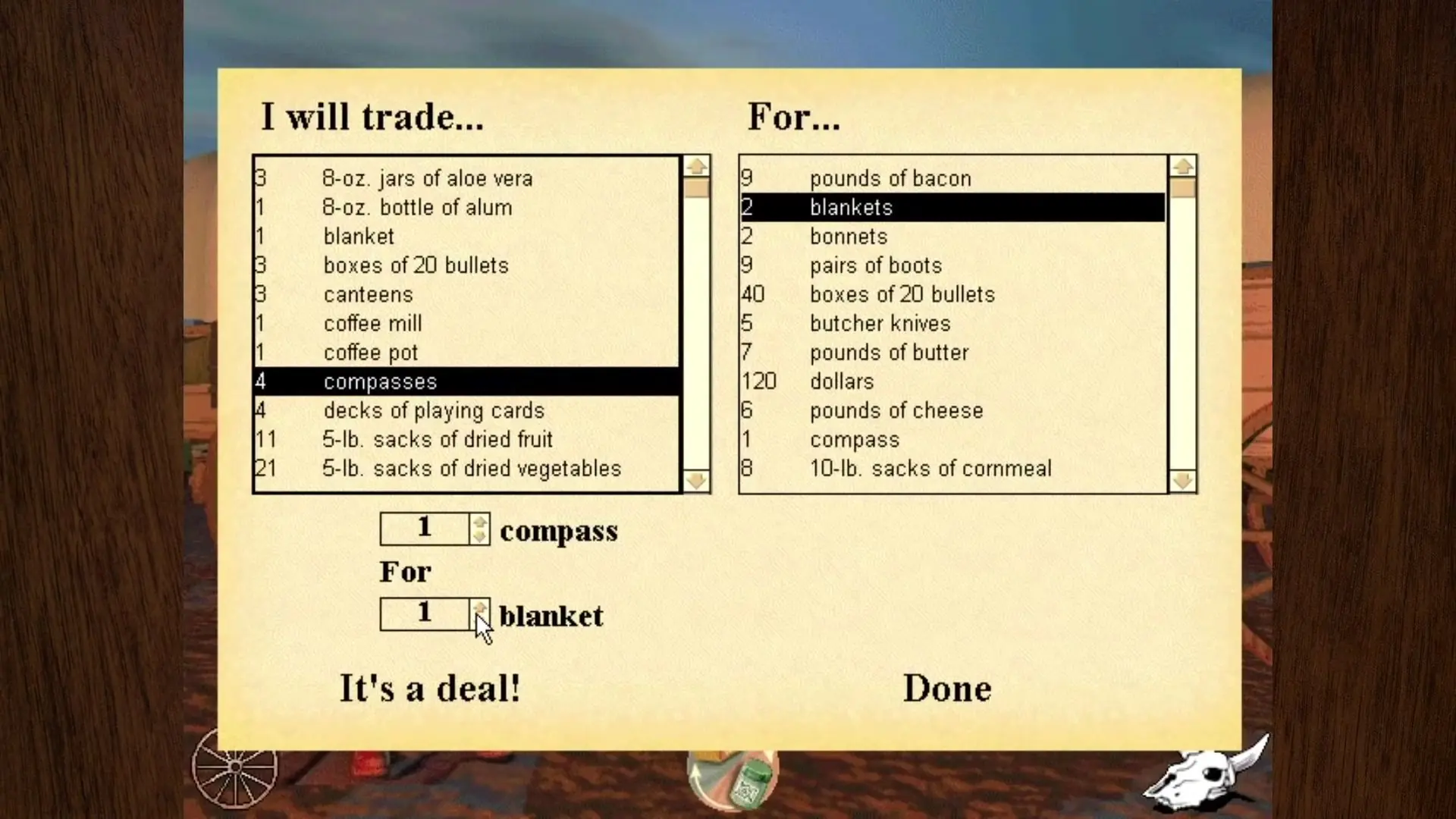
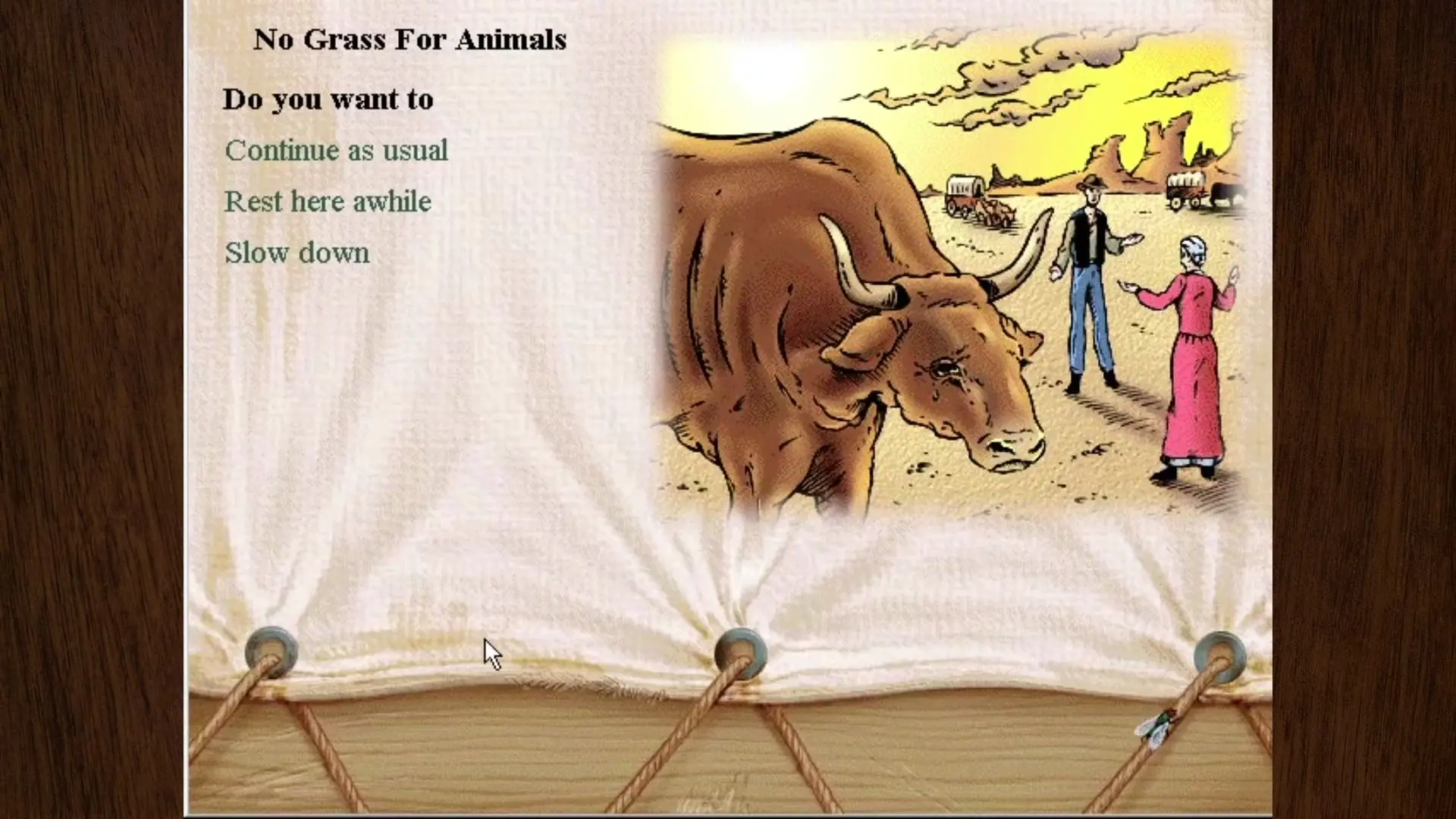
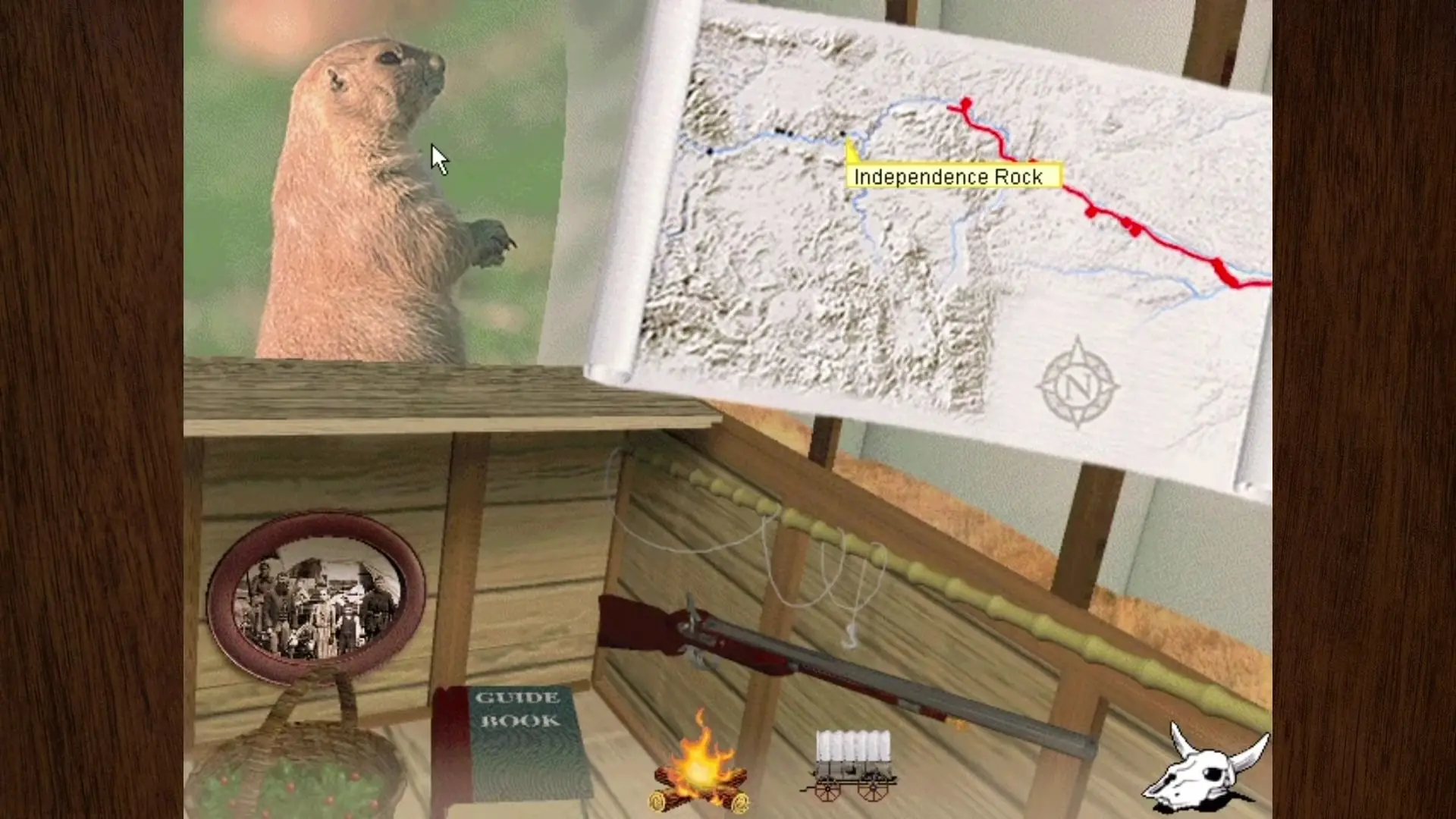
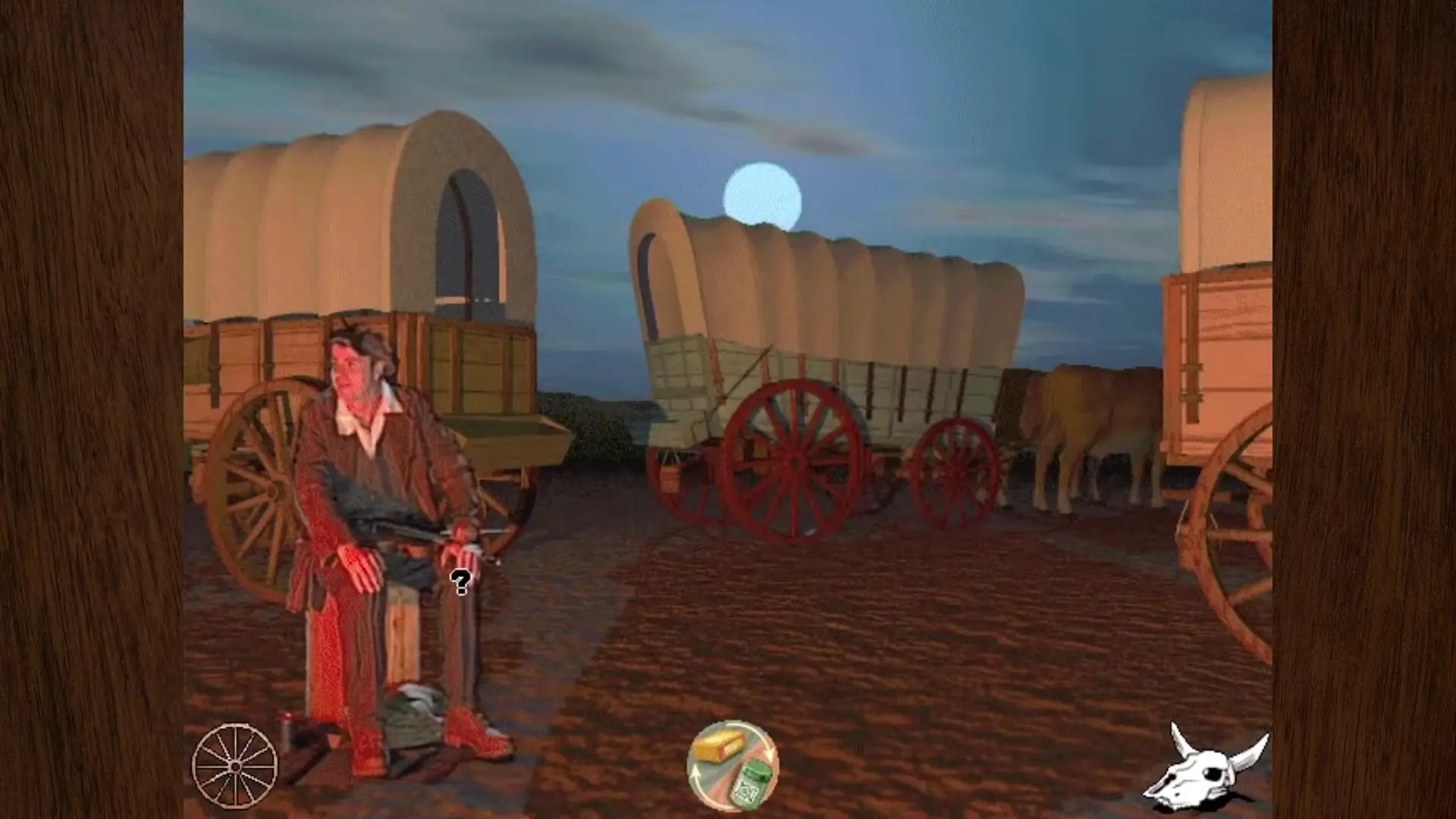
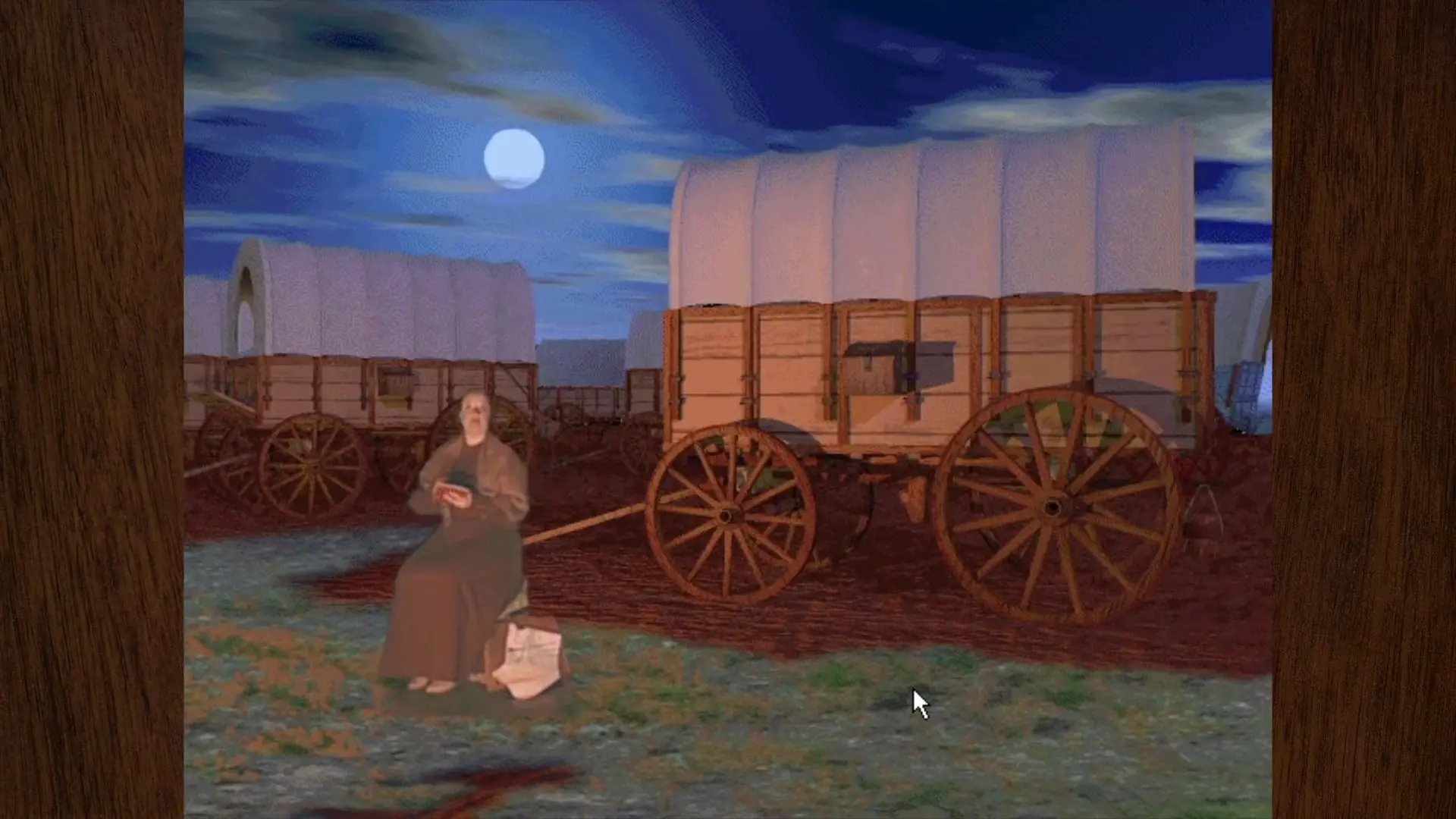
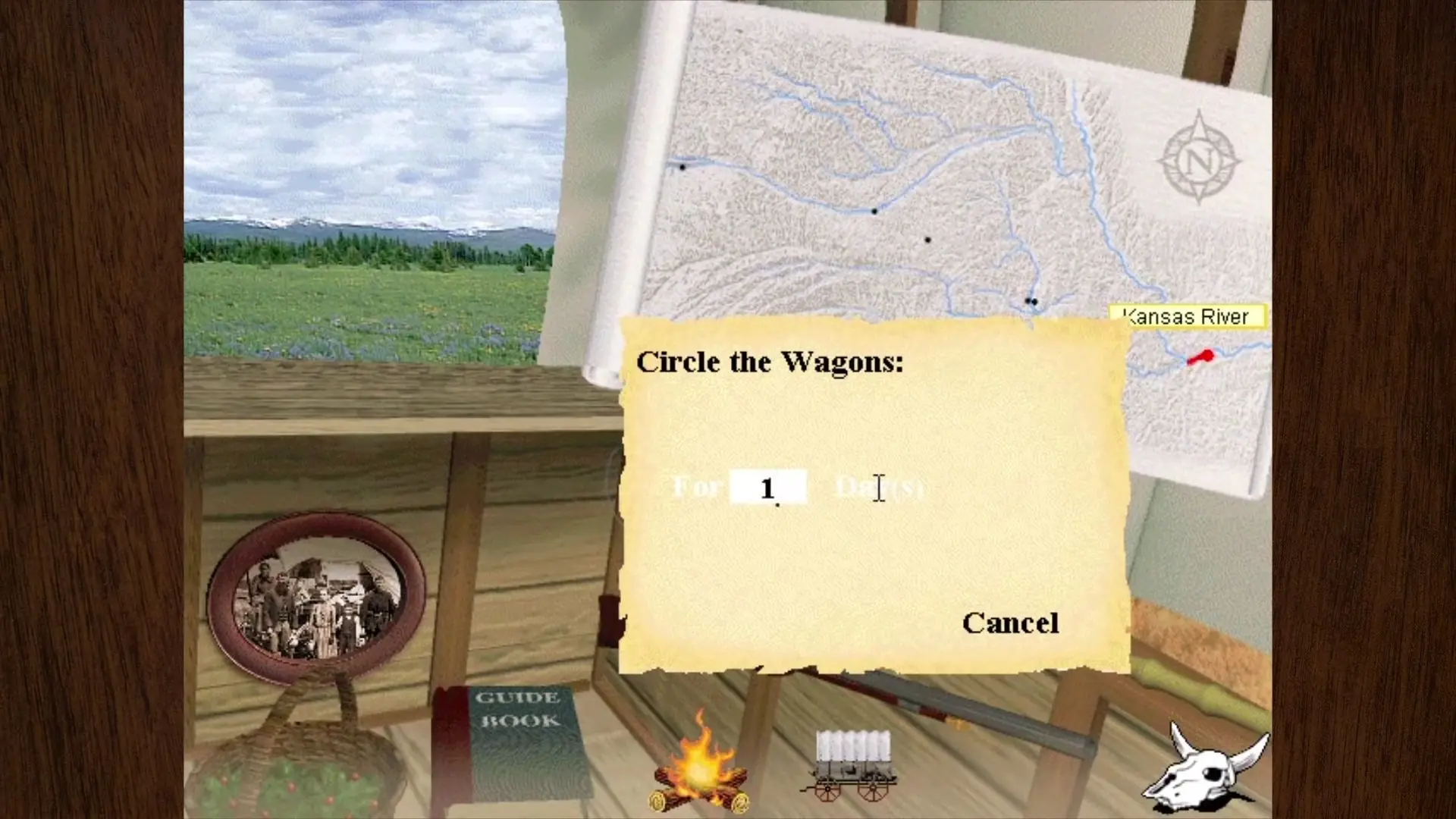
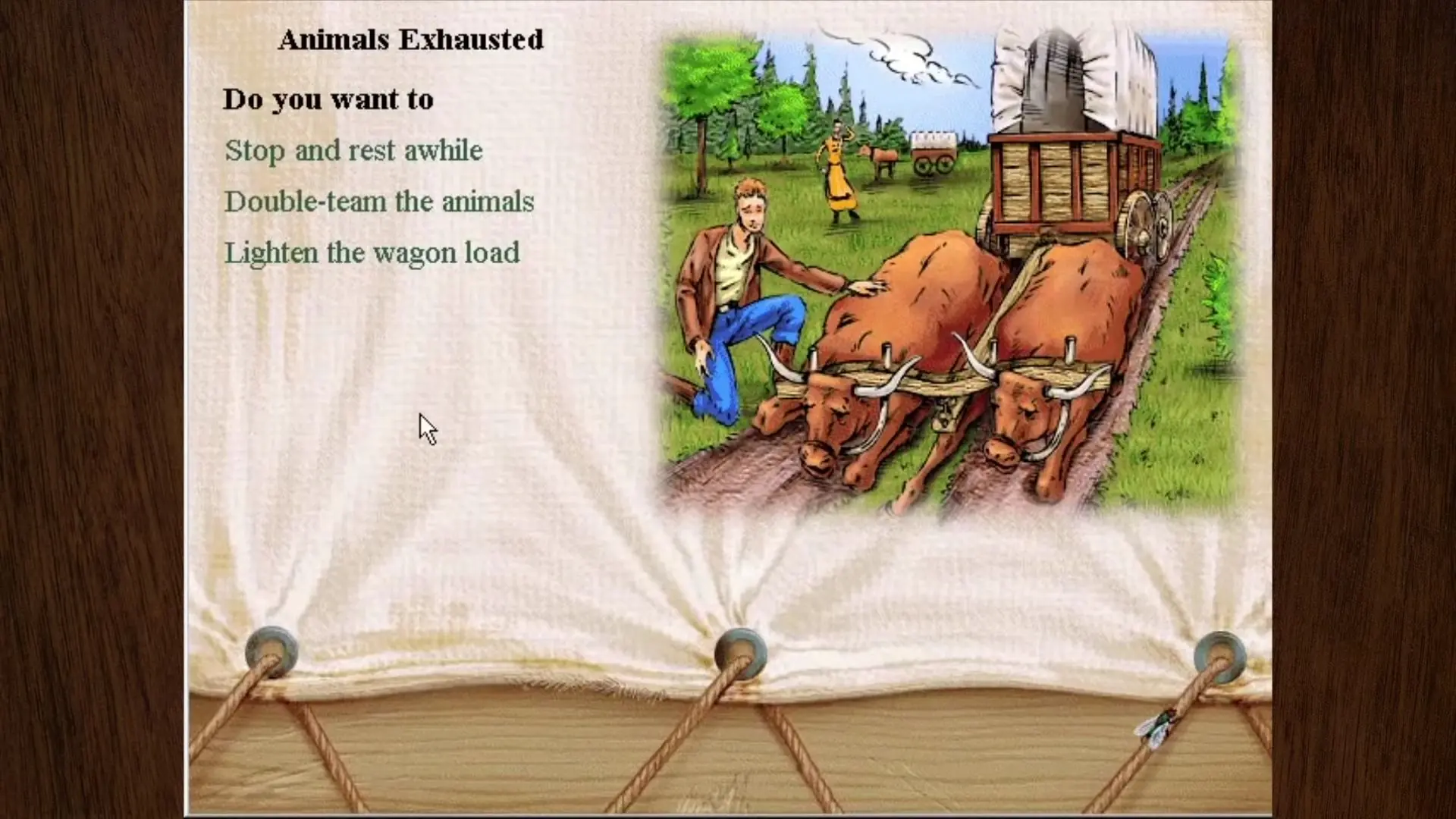
The Oregon Trail: 3rd Edition — Windows screenshot 1The Oregon Trail: 3rd Edition — Windows screenshot 2The Oregon Trail: 3rd Edition — Windows screenshot 3The Oregon Trail: 3rd Edition — Windows screenshot 4The Oregon Trail: 3rd Edition — Windows screenshot 5The Oregon Trail: 3rd Edition — Windows screenshot 6The Oregon Trail: 3rd Edition — Windows screenshot 7The Oregon Trail: 3rd Edition — Windows screenshot 8The Oregon Trail: 3rd Edition — Windows screenshot 9The Oregon Trail: 3rd Edition — Windows screenshot 10The Oregon Trail: 3rd Edition — Windows screenshot 11The Oregon Trail: 3rd Edition — Windows screenshot 12The Oregon Trail: 3rd Edition — Windows screenshot 13The Oregon Trail: 3rd Edition — Windows screenshot 14The Oregon Trail: 3rd Edition — Windows screenshot 15The Oregon Trail: 3rd Edition — Windows screenshot 16The Oregon Trail: 3rd Edition — Windows screenshot 17The Oregon Trail: 3rd Edition — Windows screenshot 18The Oregon Trail: 3rd Edition — Windows screenshot 19The Oregon Trail: 3rd Edition — Windows screenshot 20The Oregon Trail: 3rd Edition — Windows screenshot 21The Oregon Trail: 3rd Edition — Windows screenshot 22The Oregon Trail: 3rd Edition — Windows screenshot 23The Oregon Trail: 3rd Edition — Windows screenshot 24The Oregon Trail: 3rd Edition — Windows screenshot 25

Download The Oregon Trail: 3rd Edition

The Oregon Trail: 3rd Edition is abandonware and no longer sold or supported by its publishers. Files are archived here for these platforms:

Windows (1997)

  • The_Oregon_Trail_3rd_Edition_Win_ISO_EN.7zEN1.38 GB
  • Instructions The_Oregon_Trail_3rd_Edition_Win_ISO_EN.7z

    How to play on Windows 95/XP/7/8/8.1

    1. Download and Extract The_Oregon_Trail_3rd_Edition_Win_ISO_EN.7z
    2. Open the "Game Files" folder and then mount "OGD.OT3CD1.ISO" to a virtual drive
    3. Go to the mounted drive and run Setup.exe. Follow on-screen instructions to install the game
    4. When the game setup is completed, launch the game.
    5. When in-game, you will be prompted to insert the other CDs at certain stages. To do this, simply mount CD2 and CD3 to virtual drives as well and then continue the game.
    6. Play the game

Comments

9 thoughts on “The Oregon Trail: 3rd Edition”

  1. 0
    Mine wont run because it wont run on a 64-bit. Been troubleshooting but kinda stuck. I’m glad I’m not the only one or else I’d feel like a total idiot 😀
    Reply
  2. 0
    I also can not get this program to work after mounting. It keeps saying I cannot run this program on my pc. I have a windows 10. Is there anything I can change or attempt or another version to try?
    Reply
  3. 0
    Cant get this to work. After mounting, I tried to run setup.exe and I got a message “This app cant run on your PC, To find a version for your PC, check with the software publisher”
    I used the inbuilt windows 10 mounting feature not a 3rd party app, could this be the problem?
    Reply
    • 0
      I got this same error after mounting to a virtual drive. This is by far the best version of Oregon Trail and I would love to be able to play it again if anyone can help. I have the 3 CDs, I have tried what was reccomended on this site as well as what was reccomended on a few youtube videos about trying to run old games. I have a laptop that I kept in order to play these games but apparently it is dead (though I may just have the wrong power cord), I am trying to figure out how I can trust to buy a vintage computer / laptop in order to play this again, if anyone has any suggestions on:

      1. How to run this game on Windows 7 (with or without the disks)
      2. Where to find a computer to buy that I can trust will run this (ideally a laptop as I already have a desktop on my desk).
      3. If the cord fits the plug to my laptop (I found 3 and gave each one 24 hours to try to charge the computer) and it flashes the blue battery light does that mean my laptop is toast or I just need to purchase the correct replacement cord (and if this is the case how do I find the exact right cord).

      Thank you!

      Reply
      • 0
        Download a virtual machine. This will allow you to emulate an older computer (OS) without having to buy one. I would recommend using UTM and running their already made Windows XP build. Hope this helps.
        Reply
    • 0
      Yeah im on a windows computer and its not working when i click on Setup.exe aswell, the funny thing is i downloaded oregon trial 2 from this website which released 2 years before 3D one we are trying to download and it working fine, ive done everything i can to make it work but it could just be the program thats used for the setup and keep in mind the game is like 23 years old.
      Reply
  4. 0
    There is no way to get this working on PCEM is there? even with the physical disc I own I’m getting told I’m preforming an illegal Action or some nonsense….

    Please help I’d really like to play this version of the game in some way. It brings back a lot of fond memories and it’s sad that there is no way to actually play this on modern hardware and apparently even on virtual machines or emulators like PCEM…

    Reply