Home » Games » The Punisher

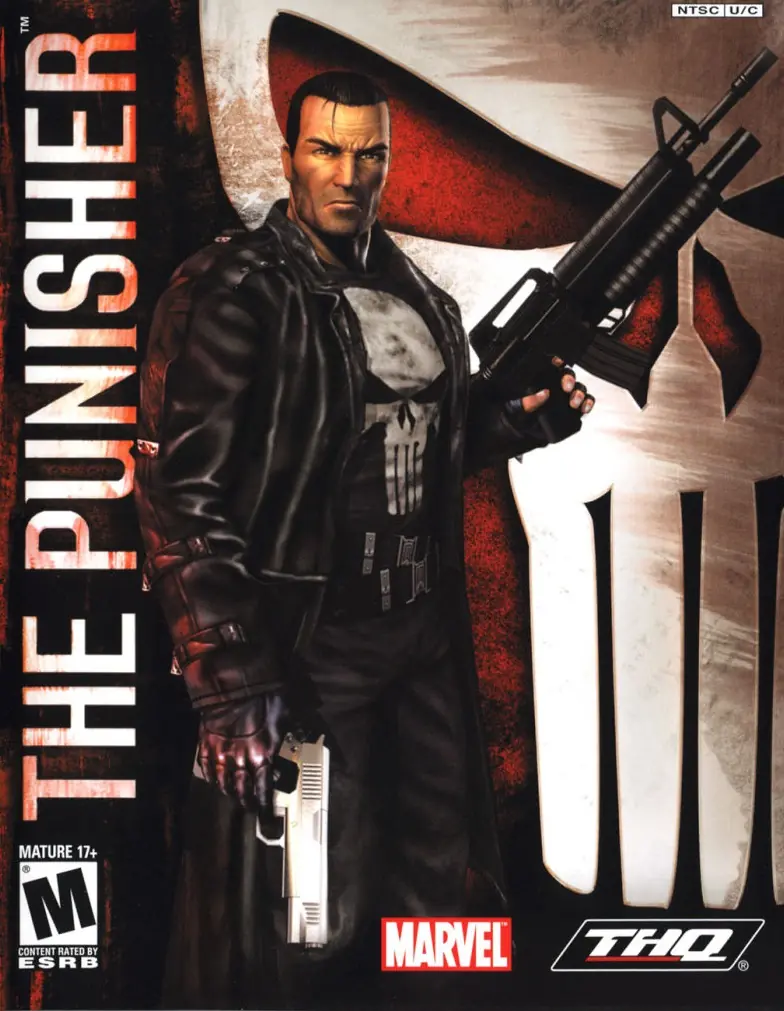
The Punisher

The Punisher Game Cover
4.6/5 - 319 votes

The Punisher is a 2004 action game developed by Amplified Games and published by THQ.

Other Titles

Каратель惩罚者El CastigadorIl PunitoreO Justiceiroث پونيشيرذا بنيشر퍼니셔

Genres
,
Publishers
Released
,
Platforms
Download

About The Punisher

Enter the mind of The Punisher, a vigilante driven by more than just revenge. Terrorize criminals using their own ruthless methods. Serve as judge, jury, and executioner in a world ruled by corruption. Live in the gritty, bullet-driven action ripped from the pages of Marvel’s darkest stories. Where justice ends, Punishment begins!
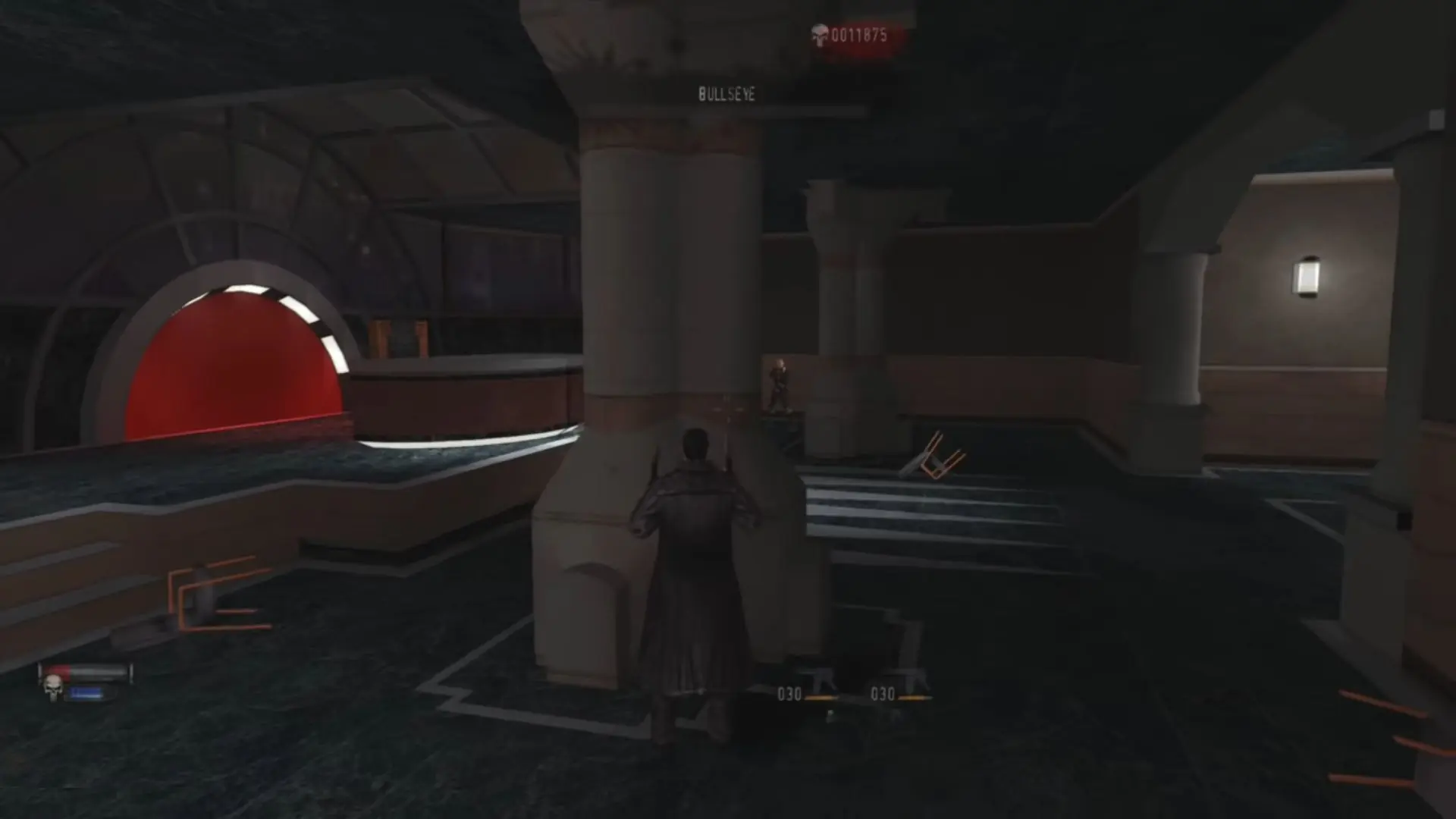
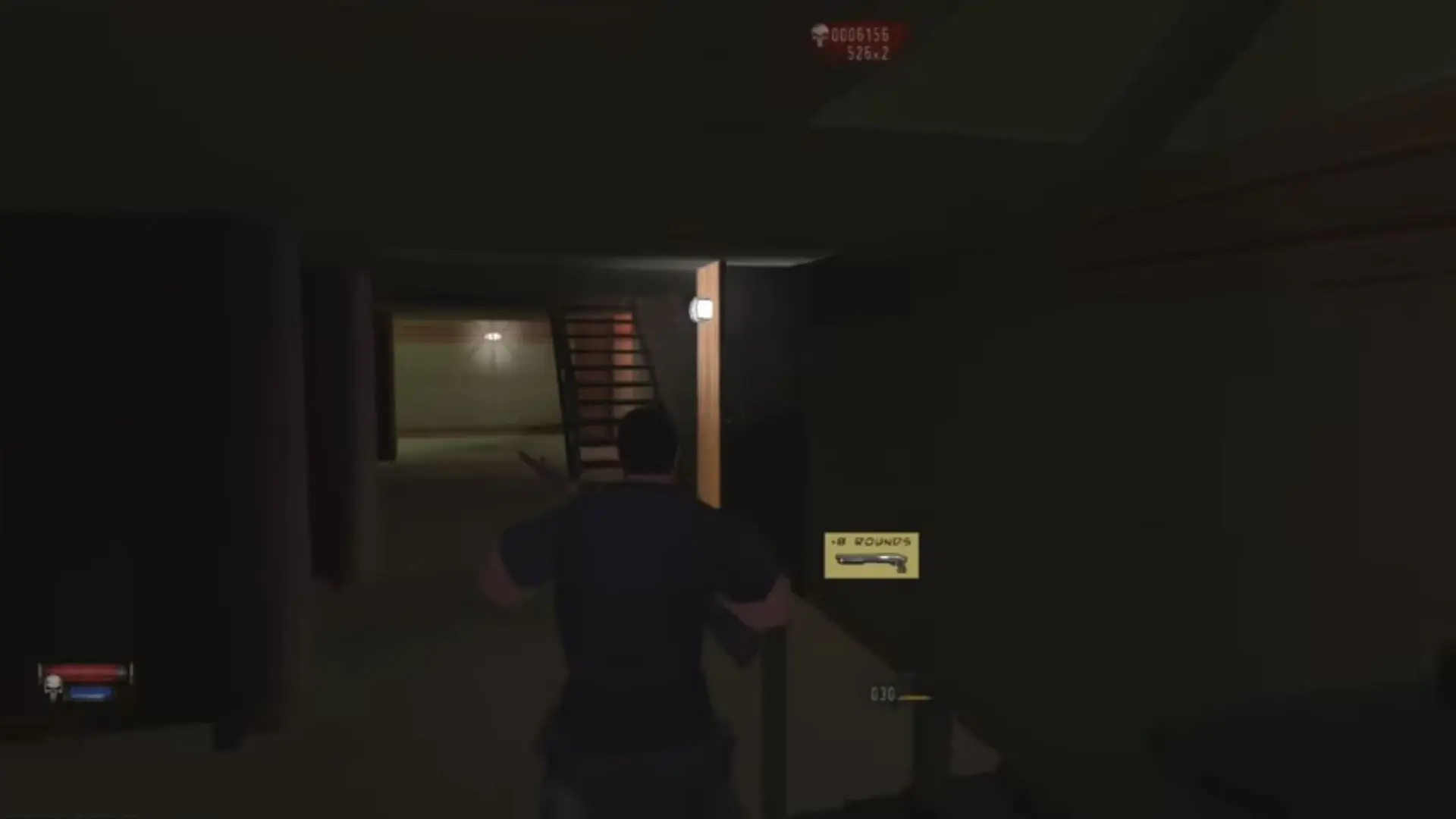
Screenshots

PlayStation 2

The Punisher — PlayStation 2 screenshot 1The Punisher — PlayStation 2 screenshot 2

Download The Punisher

The Punisher is abandonware and no longer sold or supported by its publishers. Files are archived here for these platforms:

Windows (2005)

  • The_Punisher_Win_ROM_EN.zipEN1.8 GB
  • Instructions The_Punisher_Win_ROM_EN.zip

    How to play on Windows

    1. Download and Extract The_Punisher_Win_ROM_EN.zip
    2. Open "Game Files" folder
    3. Open "CD1" folder and mount "The Punisher cd1.bin"
    4. Run "setup.exe" - begin installing game
    5. When prompted, mount CD2 and then CD3
    6. When installation is completed, copy "pun.exe" from the "NoCD" folder into the game installation directory
    7. Play the game

Other resources

Comments

50 thoughts on “The Punisher”

    • 0
      For some reason it won’t let me post the link. just type any2iso in your search engine and you should find it, first option.
      Reply
      • 0
        Not to sure what startup.exe is. After turning the bin files in to iso files, I mounted the iso’s and installed through setup.exe and that was it for me. I guess it’s wherever you installed the game for instance I have a special folder titled abandonware for games like this which is where it’s installed. Normally the games installs under Program files (86)/THQ/The Punisher.
        Reply
  1. 0
    When opening mounted drive, it says settings have been applied for compatibilty, when I open again it says the same thing and will not open. I got the same issue as aaronmcnamee.
    Reply