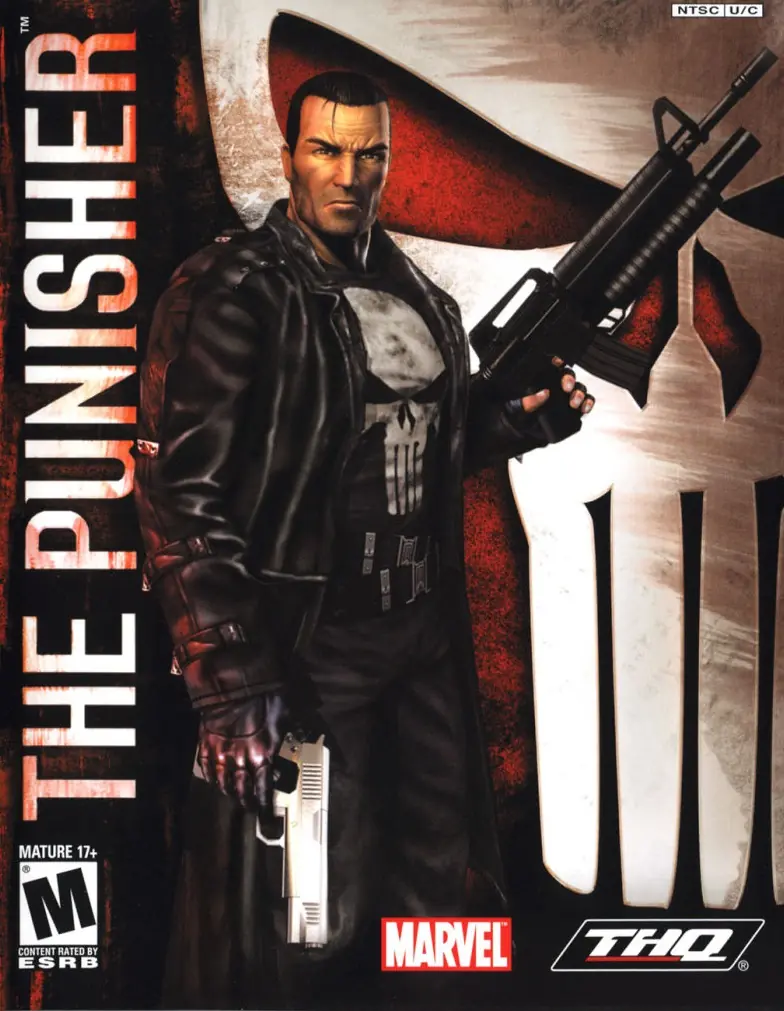
Enter the mind of The Punisher, a vigilante driven by more than just revenge. Terrorize criminals using their own ruthless methods. Serve as judge, jury, and executioner in a world ruled by corruption. Live in the gritty, bullet-driven action ripped from the pages of Marvel’s darkest stories. Where justice ends, Punishment begins!
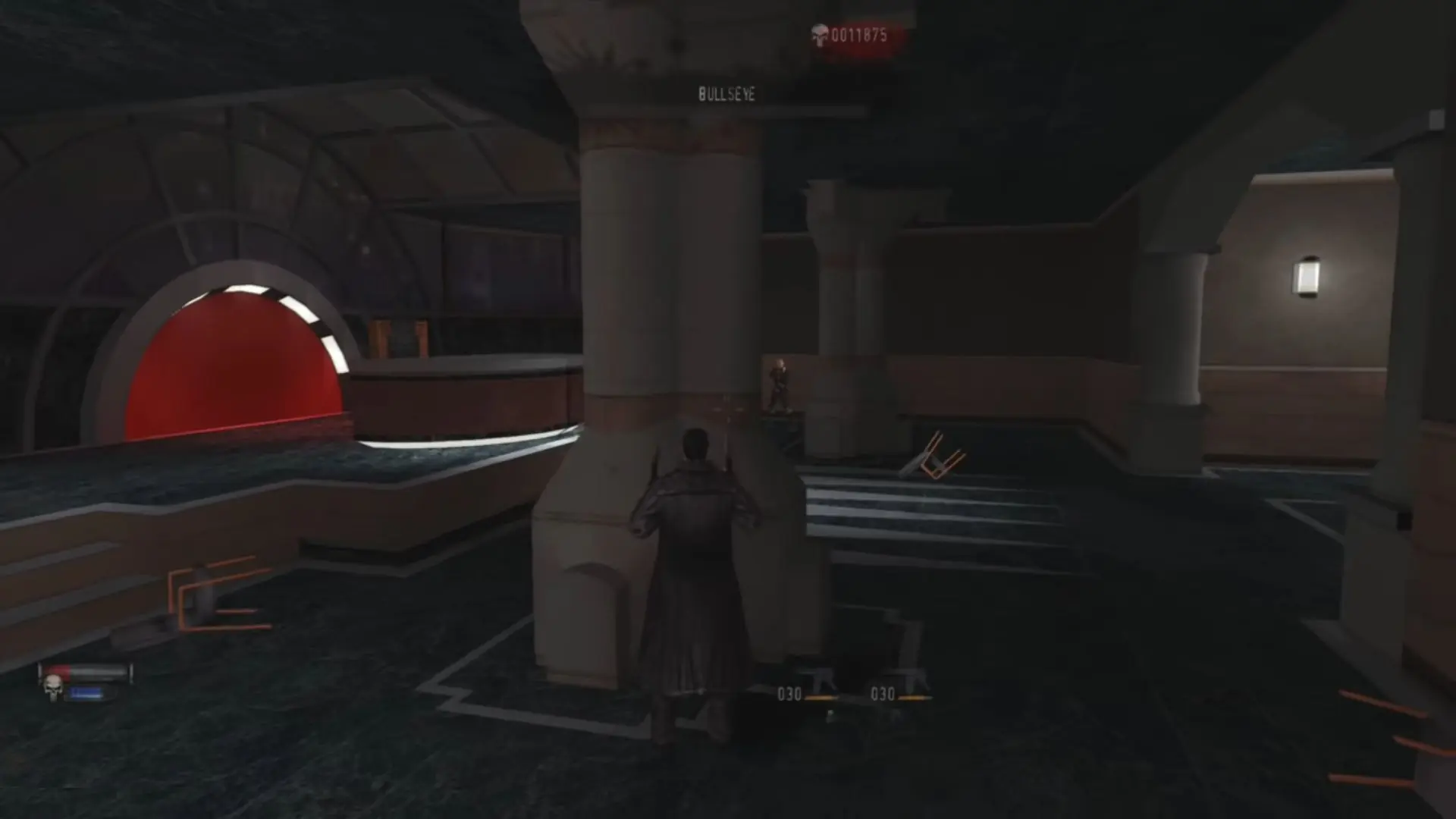
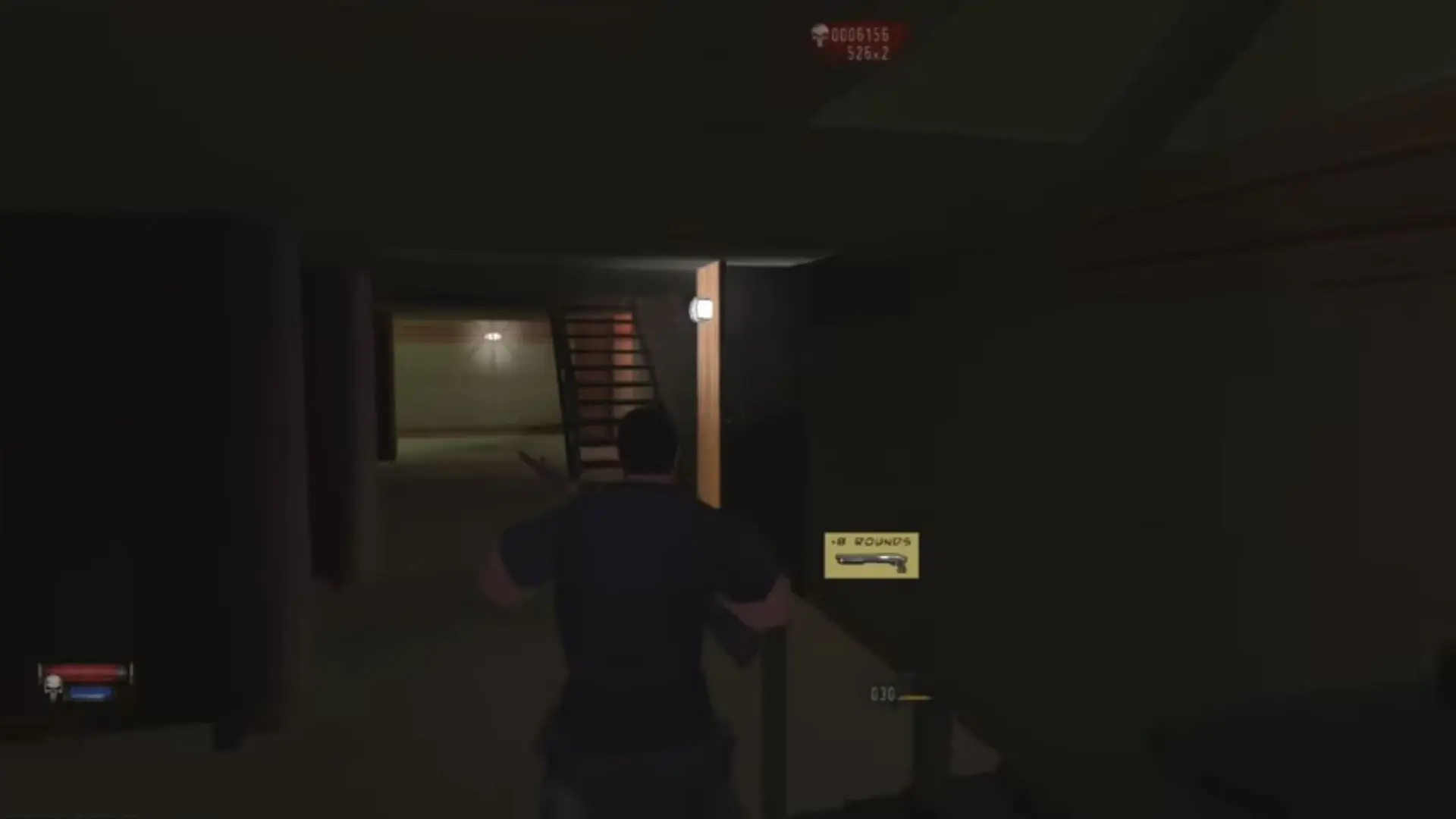
The Punisher is abandonware and no longer sold or supported by its publishers. Files are archived here for these platforms:
How to play on Windows









Failed to initalize Direct3D device
What should i do?
Program Files (x86)/THQ/The Punisher
If a game’s installer asks you at some point to go ahead and insert Disc 2 (or 3, or 4, etc) to continue the installation, go into Daemon Tools and click the eject arrow to unmount the current CD from the virtual drive, then double click the next CD file to mount the next CD onto that same virtual drive. Then you should be able to continue the installation.
You may also need to mount a certain disc to be able to play the installed game, depending on whether it requires that. Many older games do.
Older games sometimes have trouble detecting your computer’s graphics card if the card is significantly newer than the game. This could also be your problem. However, typically a game will only try to detect your graphics card at launch in order to optimize graphics settings for your card, but that shouldn’t be required in order to still run the game.
Download the .dll here and place it in the same folder as the game files/setup exe