Home » Games » The Sims

The Sims

The Sims Game Cover
4.4/5 - 2,320 votes

The Sims is a 2000 simulation game developed by Maxis and published by Electronic Arts.

Other Titles

模拟人生Die SimsDollhouseHome TacticsLes SimsLos SimsProject XSim DollhouseSimPeopleTactical Domestic SimulatorThe Dollhouse SimulatorSimsI Simsذا سيمزسیمزเดอะซิมส์シムピープル模擬市民심즈

Genres
Publishers
Developers
Released
Purchase

About The Sims

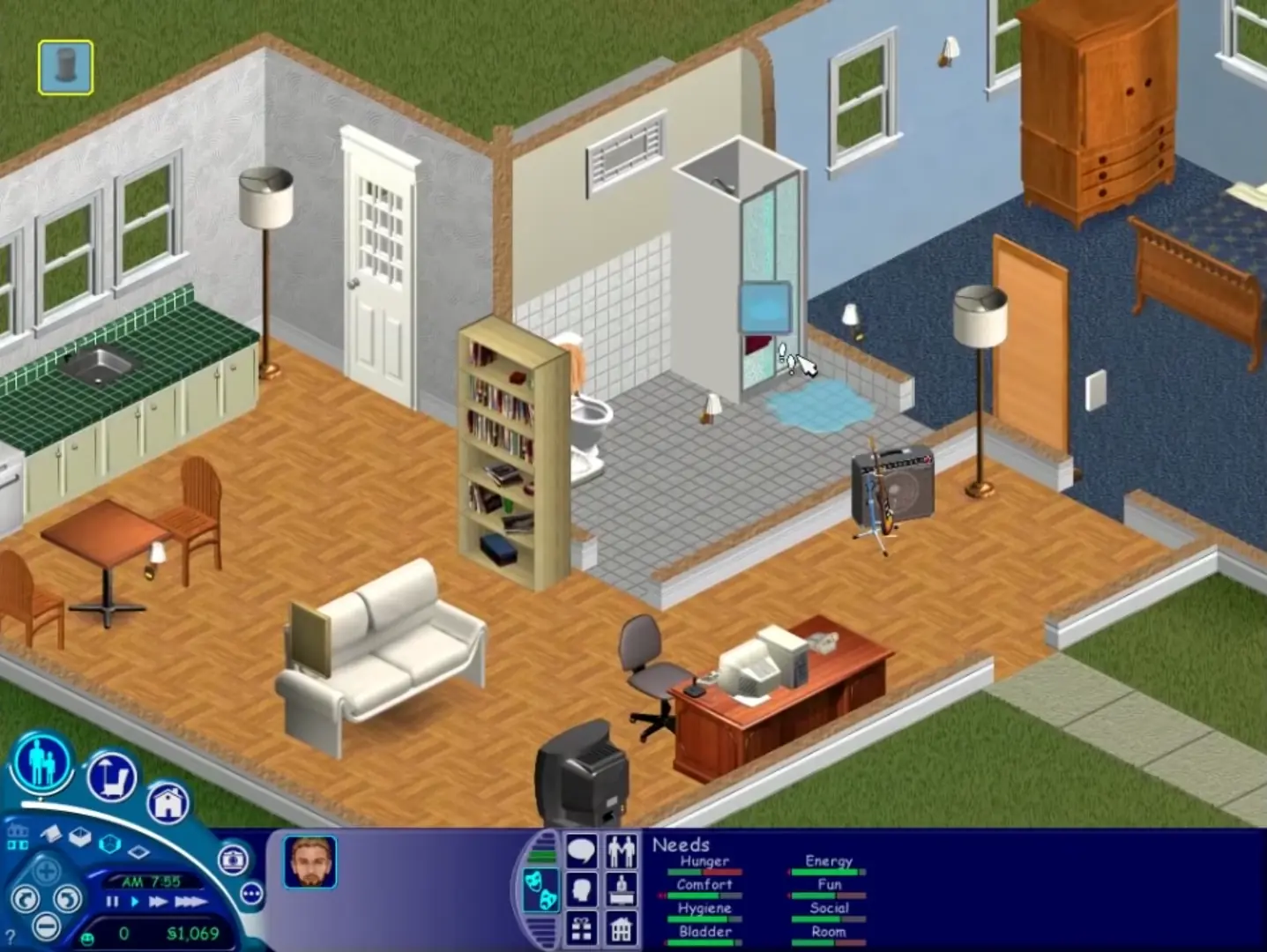
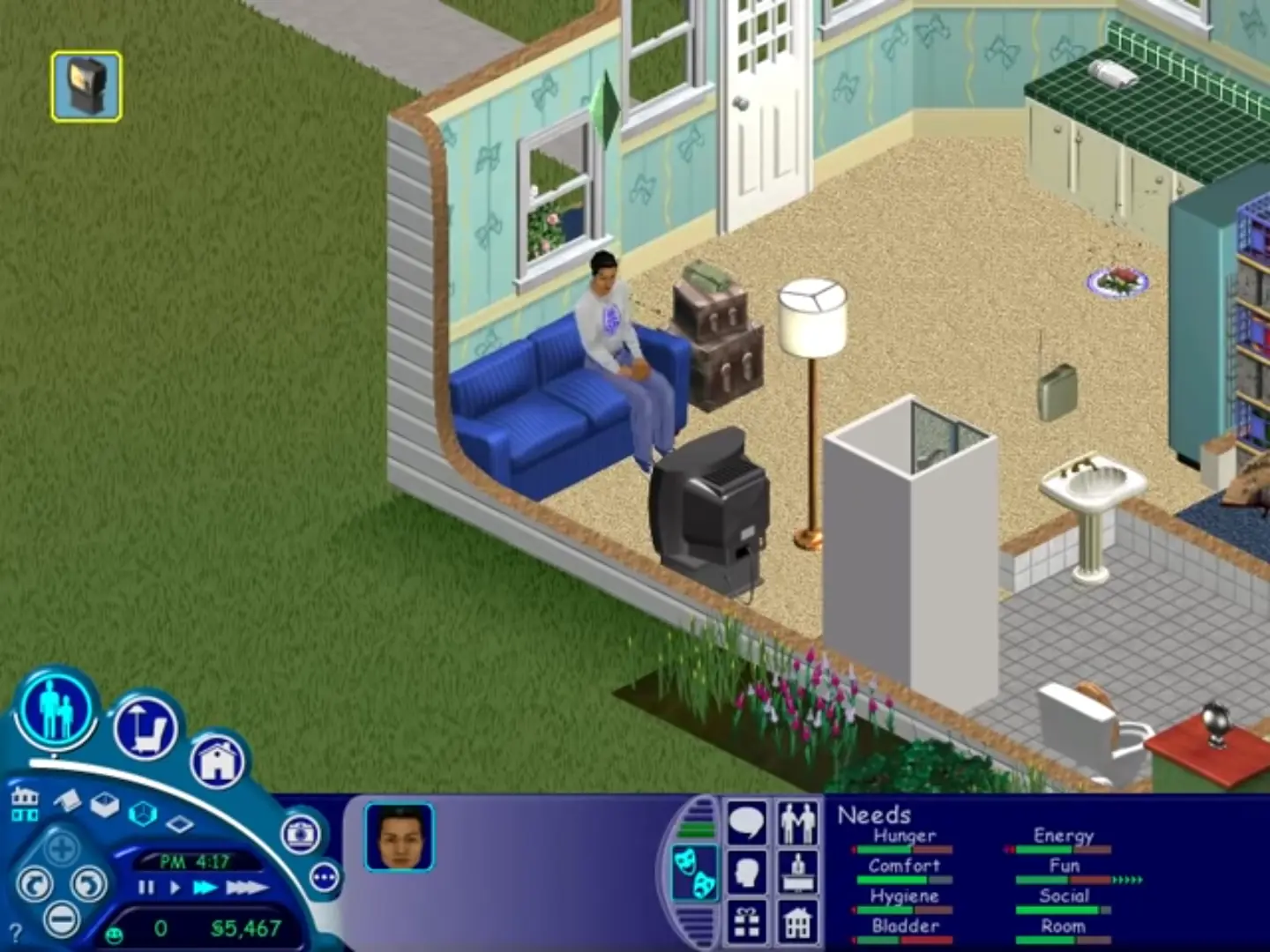
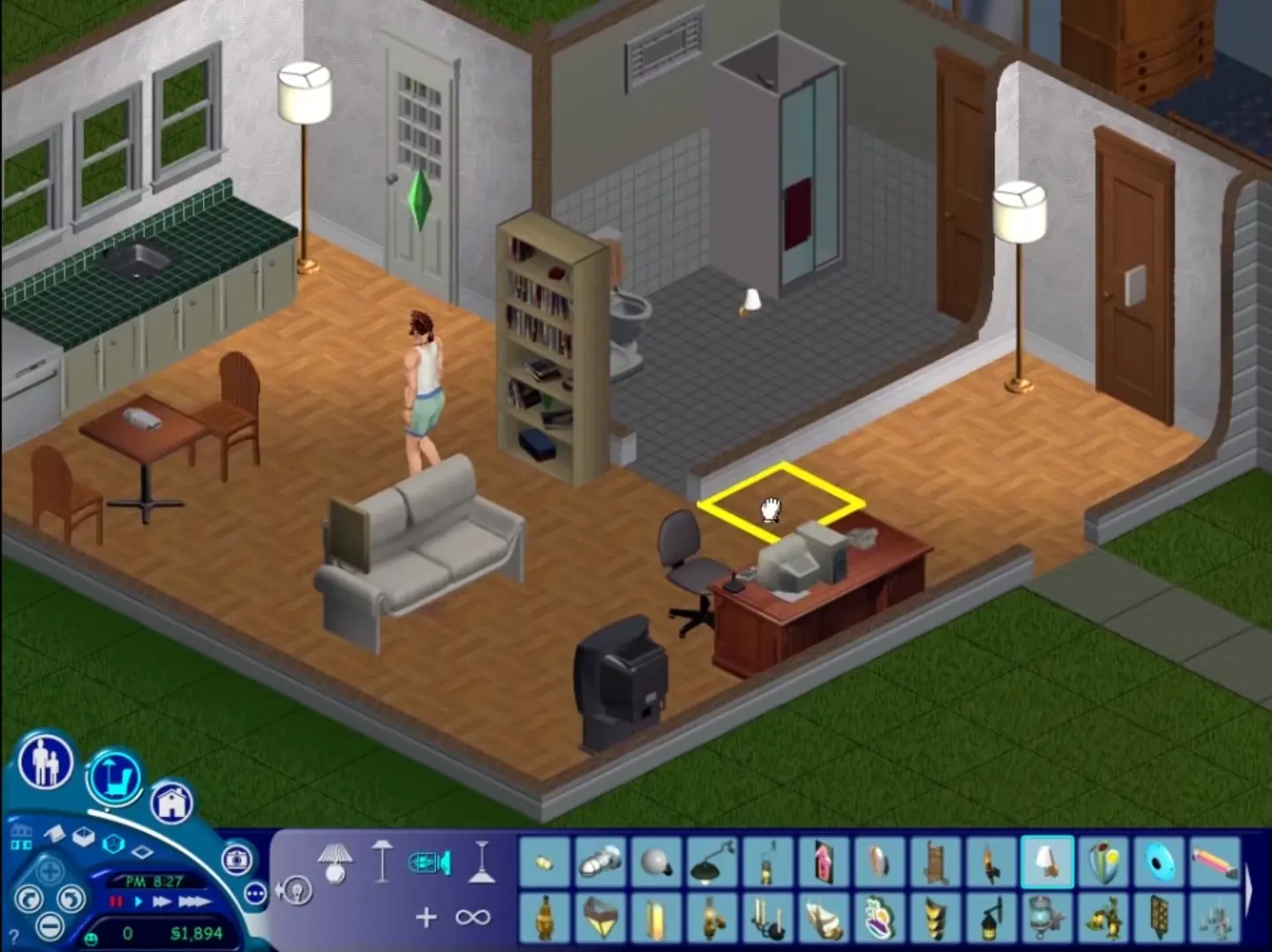
The Sims is a 2000 social simulation video game developed by Maxis and published by Electronic Arts. Designed by Will Wright, the game allows players to create and control virtual people called Sims, build and furnish homes, and manage the Sims' needs, relationships, careers, and household finances. Its open-ended gameplay has no fixed win condition.
Screenshots

Windows

The Sims — Windows screenshot 1The Sims — Windows screenshot 2The Sims — Windows screenshot 3The Sims — Windows screenshot 4

Download The Sims

The Sims was re-released and is no longer abandonware. You can purchase the game from:

* We may earn a commission if you buy through these links.

Other resources

Comments

614 thoughts on “The Sims”

  1. 0
    Everything went well, but at 95% downloading the sims, it just stops. The system says component transfer error in SimsCreator, and it says file name or directory name is wrong. the whole downloading process stops at that point, everytime i do it. plz help…
    Reply
  2. 0
    Downloaded it, but had no question to register. After installation I tried to open Crack, but I can’t move it to the direction where I installed the game.
    Reply
  3. 0
    thank you so much i downloaded it followed the instructions above then copy and pasted the code above as said .it installed then i exited it then reopened the win rar file to find the sims crack folder opened that fond the “Sims.exe” opened my Program Files (x86)MaxisThe Sims). found the one labeled maxis opened that and found my sims folder dragged and dropped it in there it said replace this file i said yes then launched my game created my sim and never been so happy thank you merry christmas 2018
    Reply
  4. 0
    when i click the start.exe it tells me that i need to insert Disk 1 and wont let me past this point if i click ok the same error message comes up and if i click cancel nothing happens.
    Reply
      • 0
        I have the same problem. How long does it take? I has been waiting for more than 30min. It’s like an infinite loop, just keep loading expansion after expansion and repeat
        Reply
        • 0
          I reinstalled the game in another PC and it works like charms. But suddenly the game now starts in neighborhood number 2 idk why because I didn’t change it. The infinite loop is back, I need to change it to NH number 1. How could I do that?
  5. 0
    the start app doesn’t work for me 🙁 even if i go to compatibility and press windows xp it shows op on task manager but not in my screen
    Reply
    • 0
      Things to try is to change the compatibility to different versions (e.g Windows XP Service Pack 2, then try 3, Windows Vista, Windows 7) and hope one of them works. Also check the box next to “Run as administrator”. Sometimes these games are really stubborn :/
      Reply
        • 0
          Another thing to try: Press the windows button on your keyboard and press “R” at the same time. Then type this in (copy paste it without quotation marks) “Sims.exe -r1024x768”. And then press Enter

          If that doesn’t work then your laptop/PC is being really annoying, you can get the game to run on a virtual machine but that’s really complicated to set up

  6. 0
    I tried to install it, but it said ‘An installation support file could not be installed. Catastrophic failure’. What should i do?
    Reply
    • 0
      I know that’s why I hate using MEGA to upload the files. I think if you wait a few hours your download should continue. Sorry about this we’re working on finding better servers to upload the files
      Reply
  7. 0
    Hey! Everything goes smoothly, but when I start the game, the screen blows up the game huge and I can only see a 4th of the game (kind of like the top right corner of what would be the whole screen showing the game)… any help?
    Reply

Similar games