Home » Games » The Sims

The Sims

The Sims Game Cover
4.4/5 - 2,320 votes

The Sims is a 2000 simulation game developed by Maxis and published by Electronic Arts.

Other Titles

模拟人生Die SimsDollhouseHome TacticsLes SimsLos SimsProject XSim DollhouseSimPeopleTactical Domestic SimulatorThe Dollhouse SimulatorSimsI Simsذا سيمزسیمزเดอะซิมส์シムピープル模擬市民심즈

Genres
Publishers
Developers
Released
Purchase

About The Sims

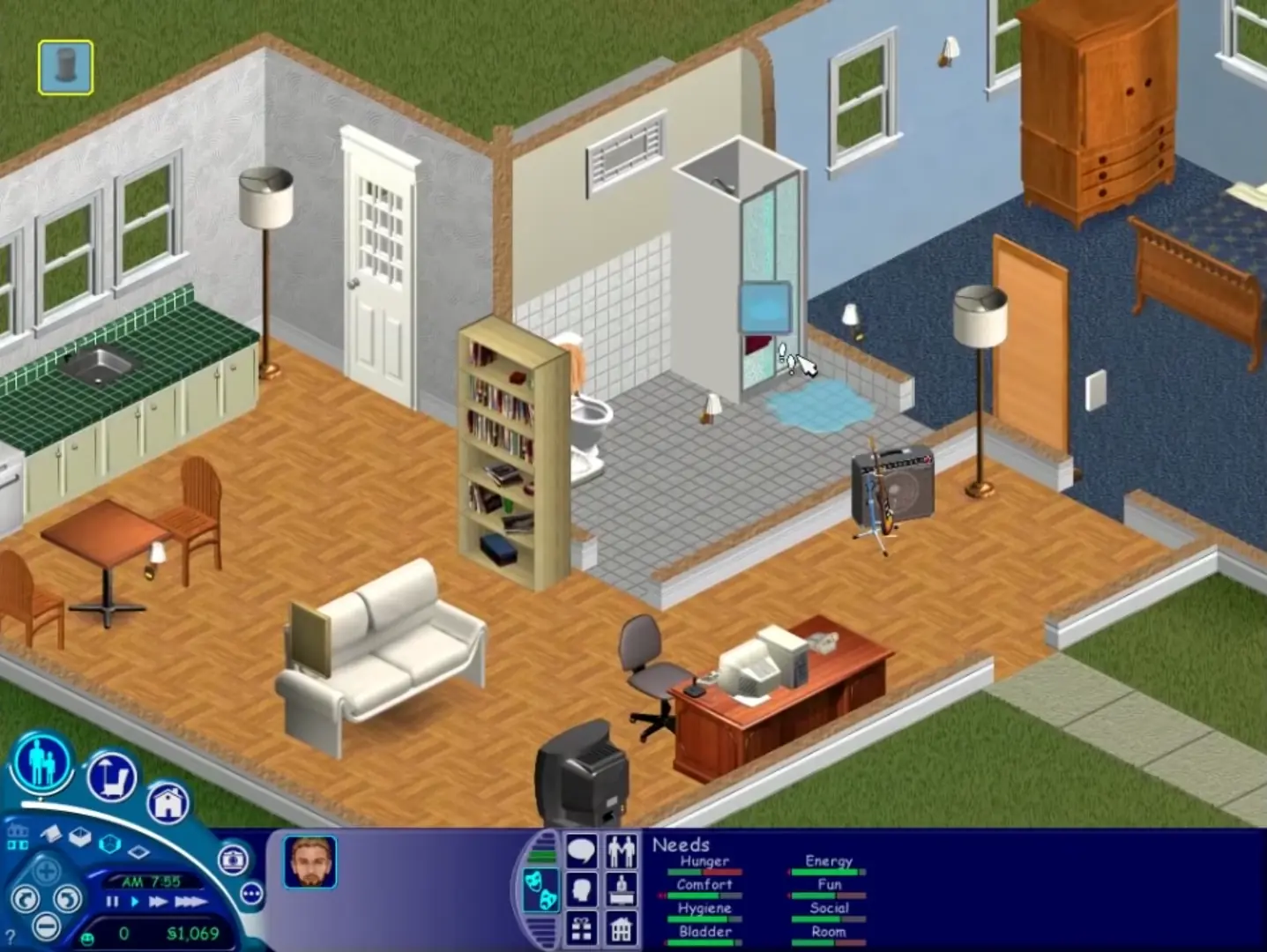
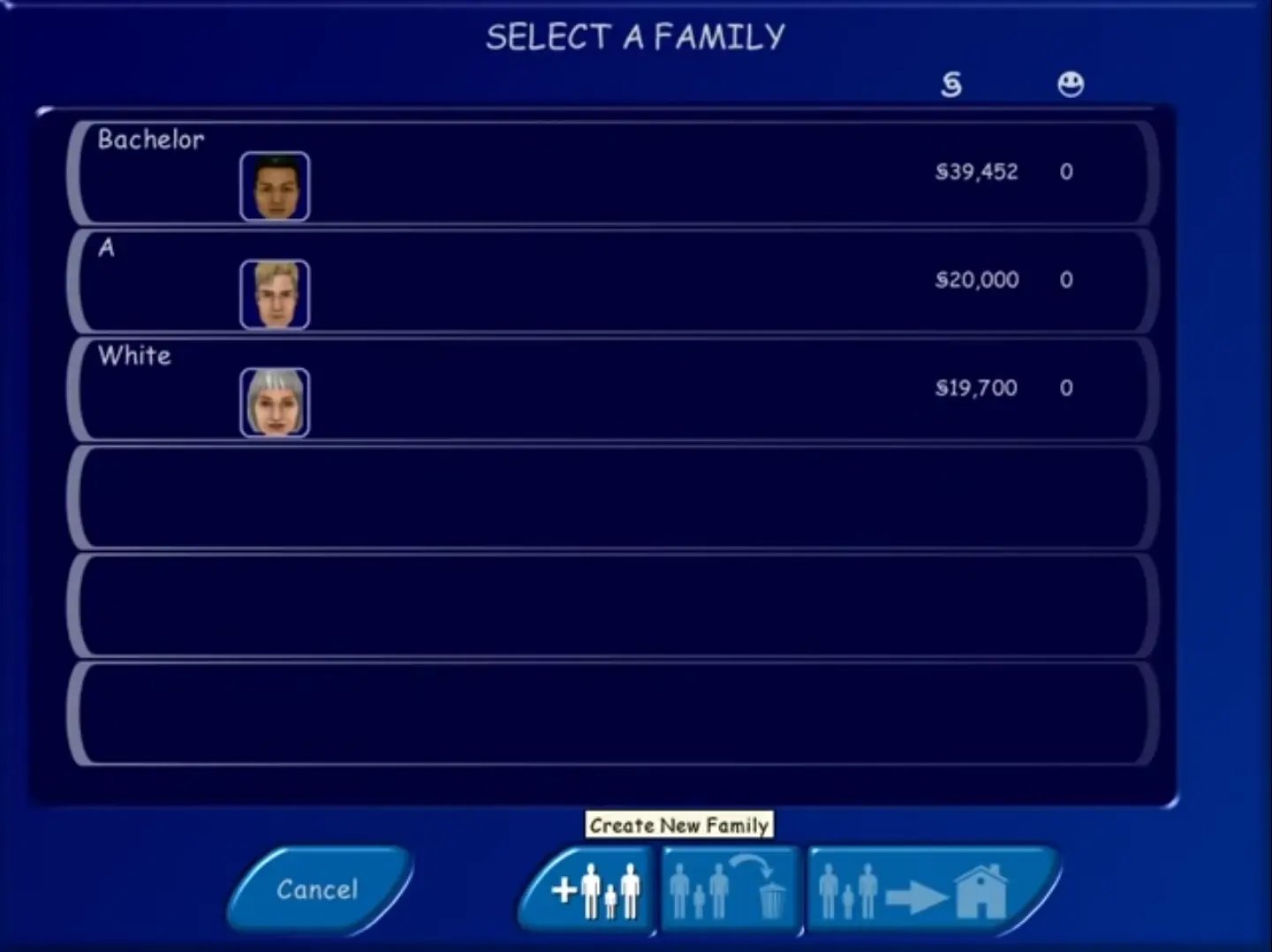
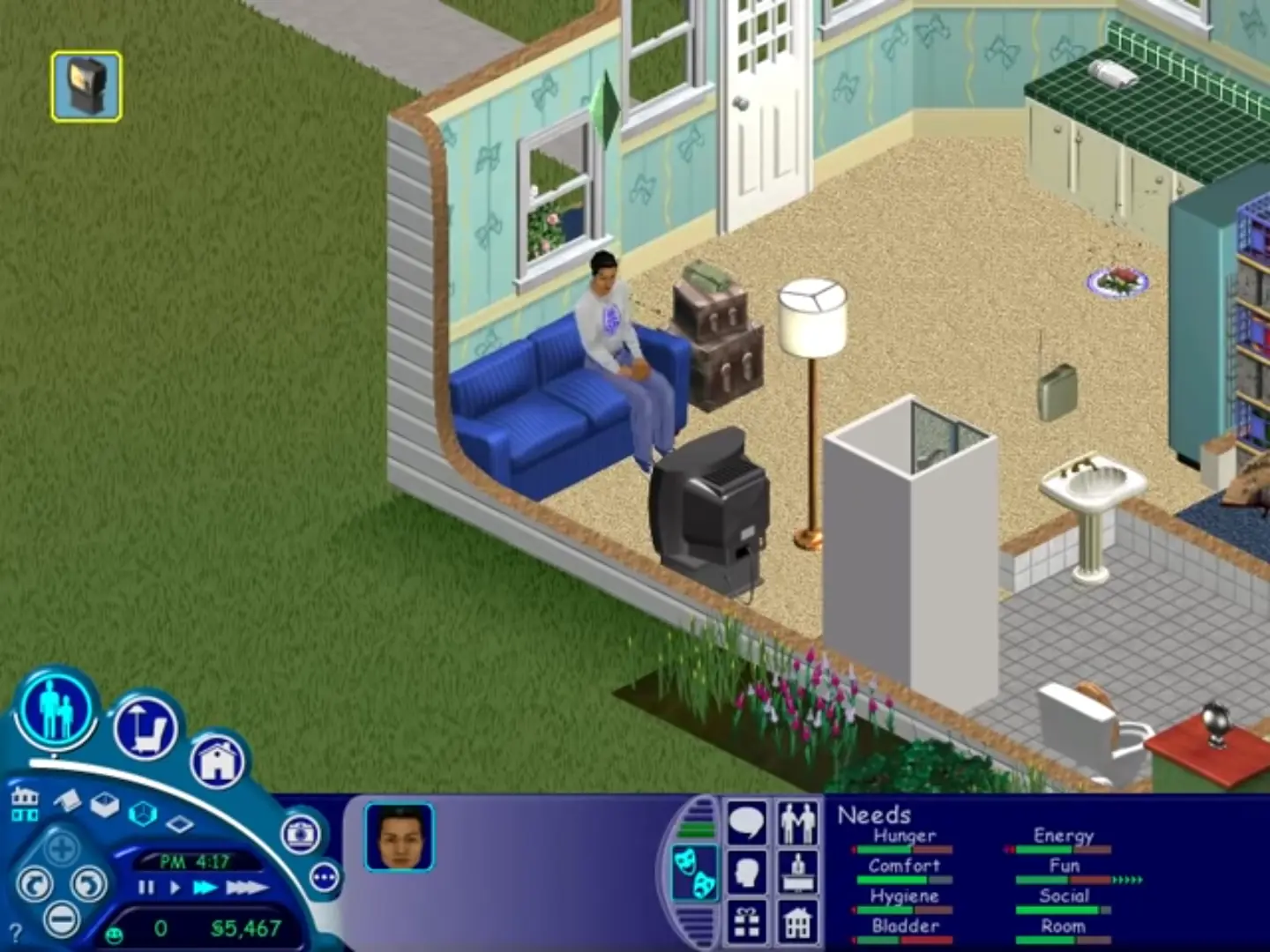
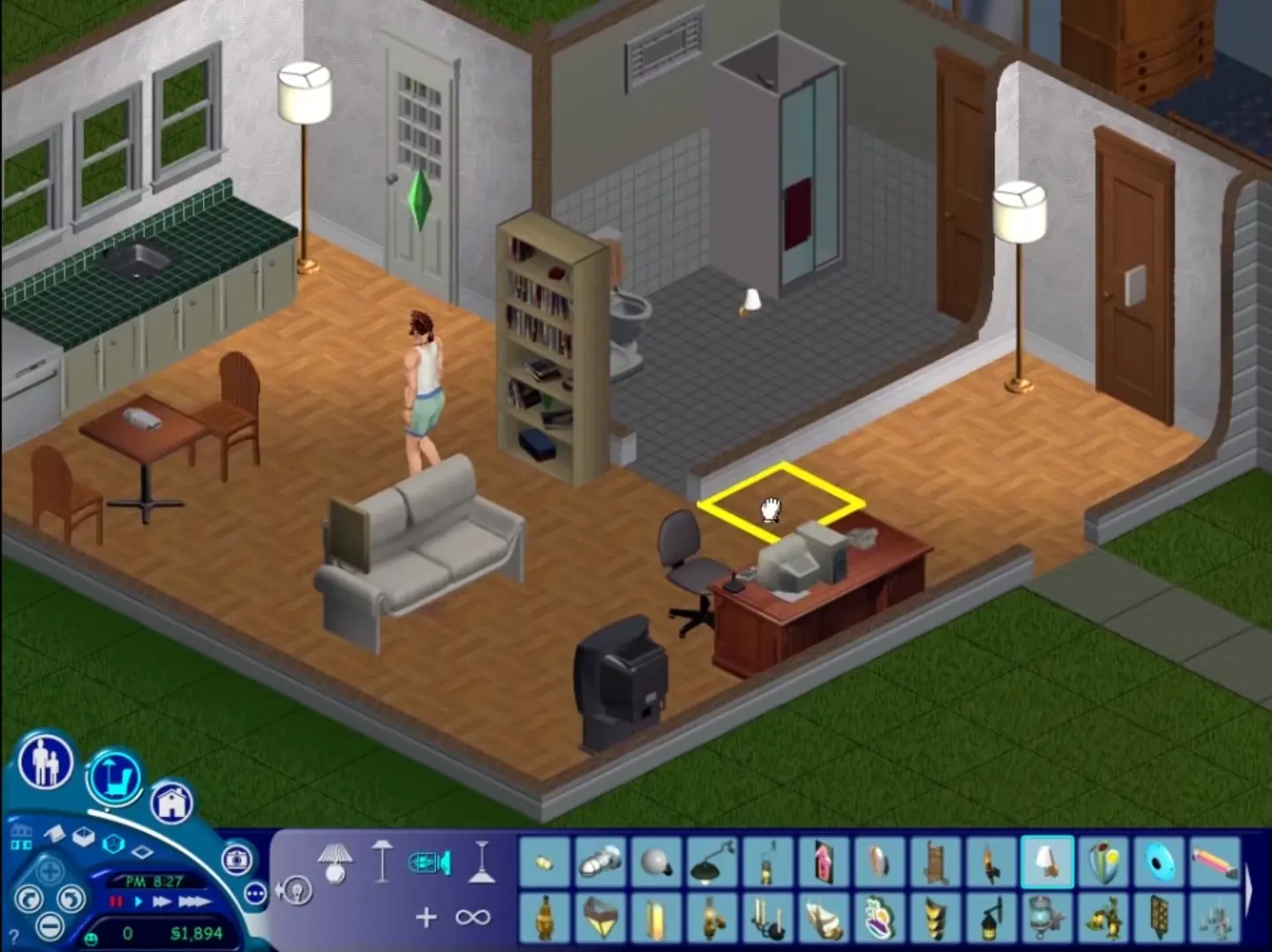
The Sims is a 2000 social simulation video game developed by Maxis and published by Electronic Arts. Designed by Will Wright, the game allows players to create and control virtual people called Sims, build and furnish homes, and manage the Sims' needs, relationships, careers, and household finances. Its open-ended gameplay has no fixed win condition.
Screenshots

Windows

The Sims — Windows screenshot 1The Sims — Windows screenshot 2The Sims — Windows screenshot 3The Sims — Windows screenshot 4

Download The Sims

The Sims was re-released and is no longer abandonware. You can purchase the game from:

* We may earn a commission if you buy through these links.

Other resources

Comments

614 thoughts on “The Sims”

  1. 0
    Whenever I start to play the game it completely freezes and I can’t even exit out of it. The music is going and the water is flowing, but there are no houses and I can’t click anything…
    Reply
  2. 0
    we I did this it was fine until i got it open it said i need to insert a disk. any idea what i can do to fix it.

    ps. my computer does not have any where to insert a disk

    Reply
  3. 0
    Hello, pls help me,

    I’ve already launched the game. But when the game starts, the notification and the introduction board keep running and show up again and again, I cannot play or even do anything

    Reply
  4. 0
    when i double click the start.exe nothing happens at all i tried mode Windows XP (serves pack 3) and 2 and nothing happens as well
    Reply
  5. 0
    Hi. I followed all of the instructions. If I go into the starting game menu without running as an administrator, it asked me to do so. If i go into into it as an administrator and click play sims and click any option of resolution, the start menu closes and never comes back.
    Reply
    • 0
      Make sure to follow the last steps in the install guide! The one you’re clicking on is not the one you’re supposed to click on to play!
      Reply
  6. 0
    The launcher starts and I can select play and my resolution settings, but then when the launcher closes to start the game nothing happens. Help!
    Reply
  7. 0
    I´m having problems. The game is instaled and starts fine. But in the buying things menu where u pick furniture and all items, there is no picture, only a blank pictureframe instead :/ can anyone help me?
    Reply
  8. 0
    I followed your instructions. However every time that I load the game, it continuously loads in the assets (i.e. it never stops installing each expansion pack).
    Reply

Similar games