Home » Games » The Sims 2: Seasons

The Sims 2: Seasons

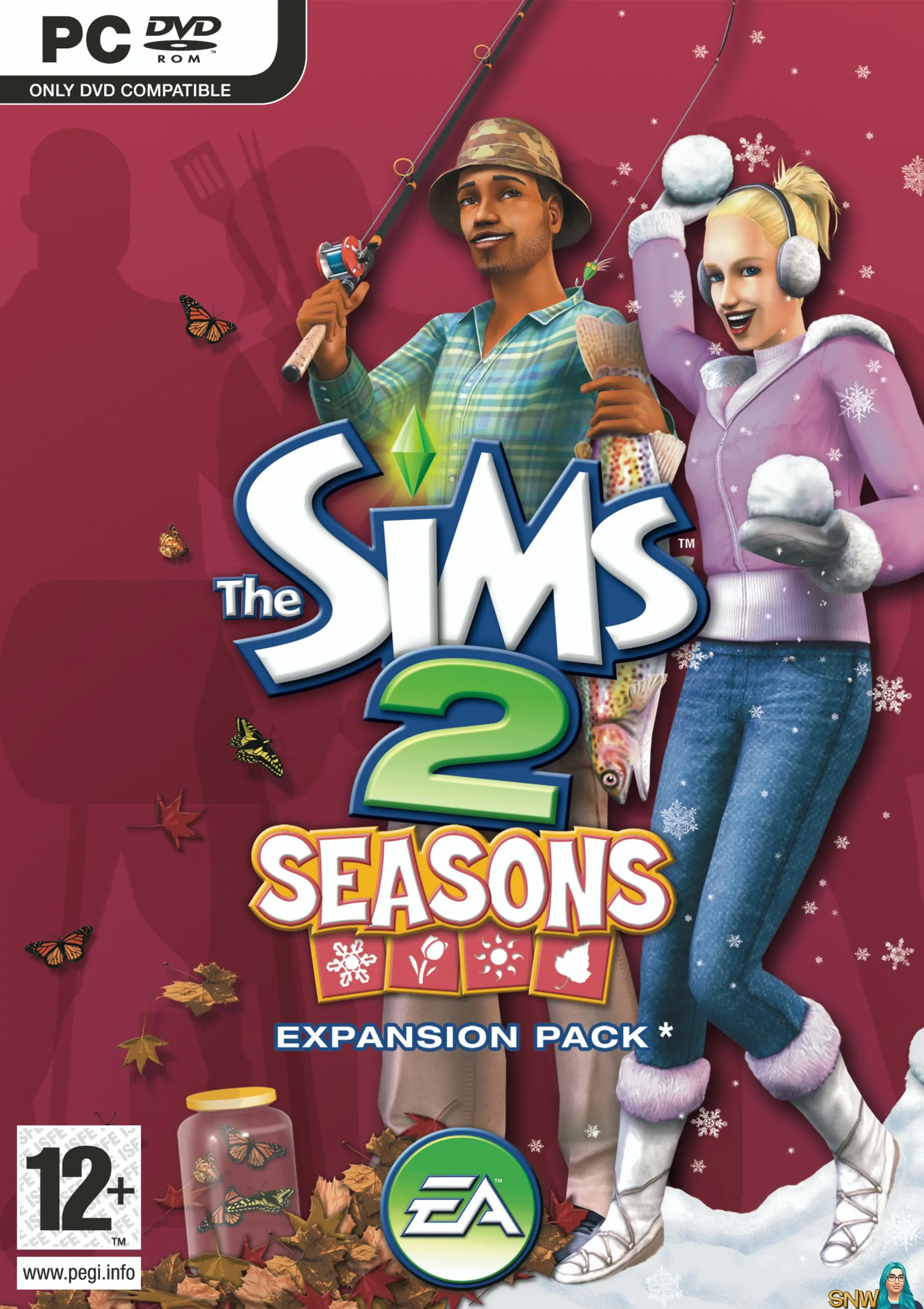
The Sims 2: Seasons Game Cover
4.7/5 - 47 votes

The Sims 2: Seasons is the fifth expansion for The Sims 2. Maxis developed it for Windows, with releases in North America and Europe in March 2007, followed by an Aspyr Mac port in June.

Other Titles

The Sims 2: Времена года模拟人生2 缤纷四季De Sims 2: SeizoenenDie Sims 2: Vier JahreszeitenLes Sims 2: Au Fil Des SaisonsLos Sims 2 Y Las Cuatro EstacionesSims 2: VuodenajatThe Sims 2: Cztery pory rokuThe Sims 2: Quatro EstaçõesThe Sims 2: Roční obdobíThe Sims 2: Året RuntThe Sims 2: ÉvszakokLes Sims 2 : Au fil des saisonsLos Sims 2: las cuatro estacionesThe Sims 2: Vuodenajatذا سيمز 2: سيسنزسیمز ۲: فصل‌هاเดอะซิมส์ 2 สี่ฤดูแสบ模擬市民2:度假四季심즈 2: 사계절이야기

Genres
Released
Platforms
Download

About The Sims 2: Seasons

Designed as a completely new concept for Will Wright's claim to fame, Sims 2: Seasons allows players to guide their characters through life while watching their world change around them. With such weather effects as snow, thunderstorms, and hailstorms, Sims can sing in the rain or get struck by lightning. Each season comes with a variety of activities, skills, and clothing to prepare each Sim for the elements outside their home. In the Spring, gamers may begin planting their garden and then tend to it during the summer until Fall harvest.

Sims can play in the leaves, chase fireflies, and have snowball fights. Sims are affected by the changing of the seasons and can also experience frostbite, a sunburn, and allergies. To combat these unsavory seasonal effects, players can adorn their avatars in earmuffs, gloves, sundresses, winter coats, and raincoats. Sims 2: Seasons ships with six additional careers to follow including journalism, gaming, adventures, law, education, and music. Reward items and skill building objects are included to help Sims gain the necessary skills to advance in their chosen career.
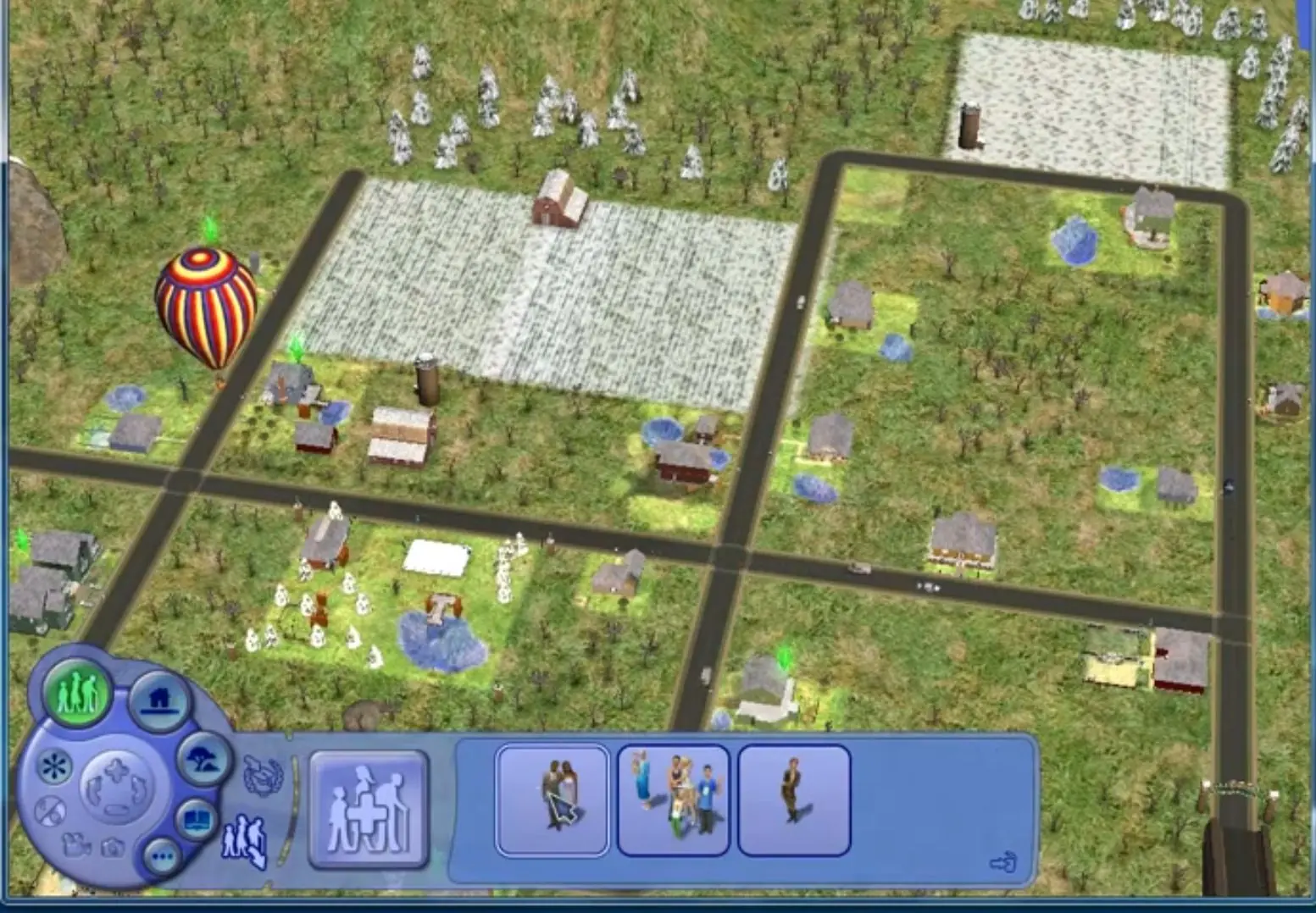
Screenshots

Windows

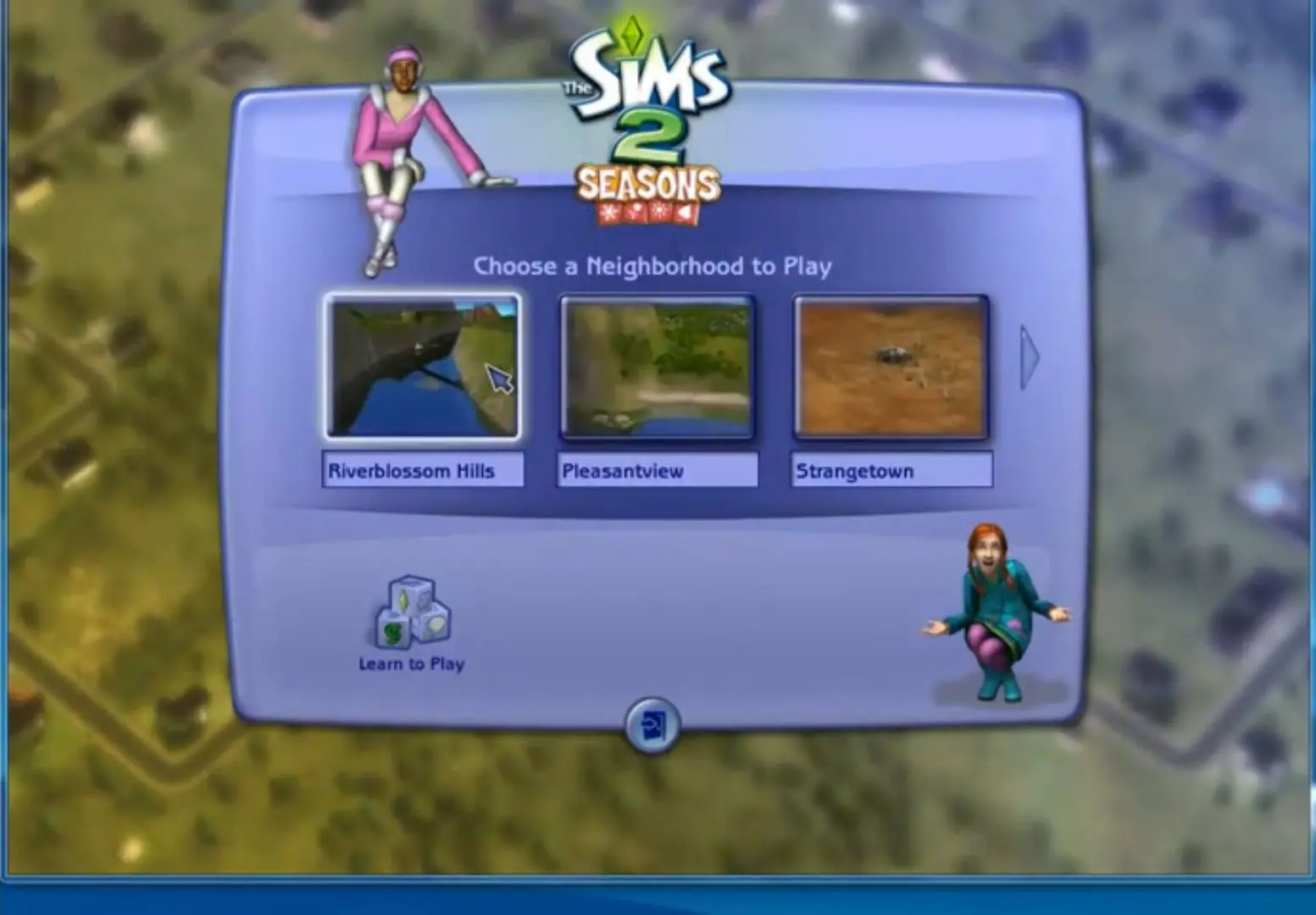
The Sims 2: Seasons — Windows screenshot 1The Sims 2: Seasons — Windows screenshot 2The Sims 2: Seasons — Windows screenshot 3

Download The Sims 2: Seasons

The Sims 2: Seasons was re-released and is no longer abandonware. You can purchase the game from:

Windows

* We may earn a commission if you buy through these links.

Comments

40 thoughts on “The Sims 2: Seasons”

  1. 0
    I have all the other expansion packs/ stuff packs on disc and I downloaded this just fine. Make sure though that is if you install the disc stuff first that you have an expansion/stuff pack that is newer than this (ex Mansion and Gardens). Because I already had mansion and garden installed I could just launch it regularly like I do with the ‘The Sims 2 Store Edition Launcher’ and it didn’t prompt me for the Season’s ‘disc’. I hope this helps anyone, reply if you need help 🙂

    Also I followed Manic-Nostalgic’s comment tutorial and it worked (its down a few)

    Reply
  2. 0
    The download went fine. Install is more difficult. The first time I tried to install with Autorun it gave me an error, so here’s what I did, and it worked for me. Under “NoCD” you will find a text document with the pin, labeled “Serial”
    Under SeasonsISO click Support then The Sims 2 Seasons_code and input the code from the text document. Now you can open the Autorun application. It will ask for the code again. Voila. Enjoy.
    Reply
  3. 0
    I cannot download this file. Firstly it was blocked by antivirus saying that the download page was infected. I disabled the antivirus but it still doesn’t let me download it. It downloads almost entirely, then browser gives me “Failed download” message. I am using Firefox. Can somebody please help?
    Reply
    • 0
      You may just have to use Google Chrome. Some of the browsers focused on privacy seem to have issues with downloads.
      Reply
  4. 0
    Having issue as well wont install says it was to check if my other file is up to date then terminates? Need directions on what goes where in read me
    Reply
    • 0
      .. ugh i just restarted the laptop before it uninstalls everything… then shut it down one more time.. it works for me. when it ask for cd i mounted the sims 2.. if it still does not work type ” – w ” without quotes @ the end of its name from tsbin..
      Reply

Similar games