Home » Games » The Sims 2: Ultimate Collection

The Sims 2: Ultimate Collection

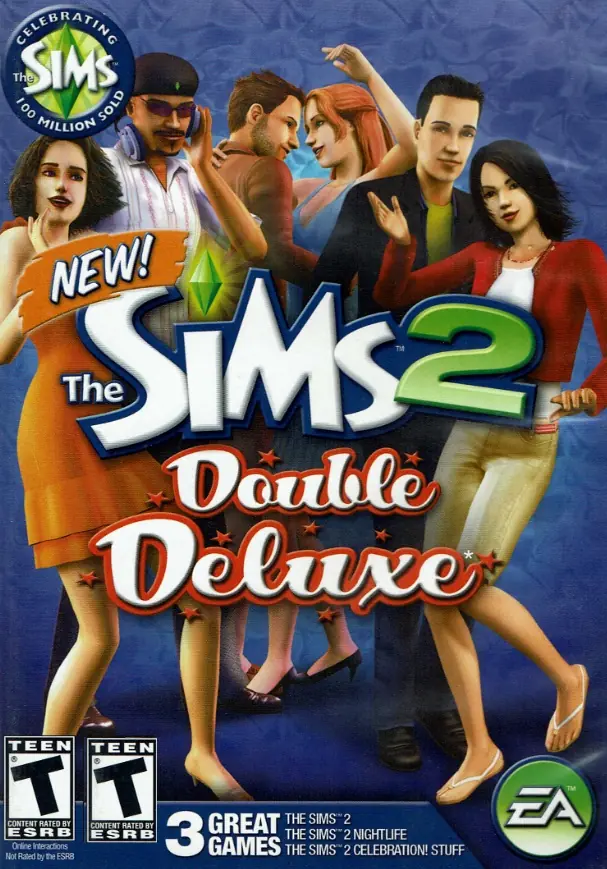
The Sims 2: Ultimate Collection Game Cover
4.6/5 - 4,843 votes

The Sims 2: Ultimate Collection includes the original game along with all expansion and stuff packs.
Genres
Publishers
Developers
Released
Purchase

Screenshots

Windows

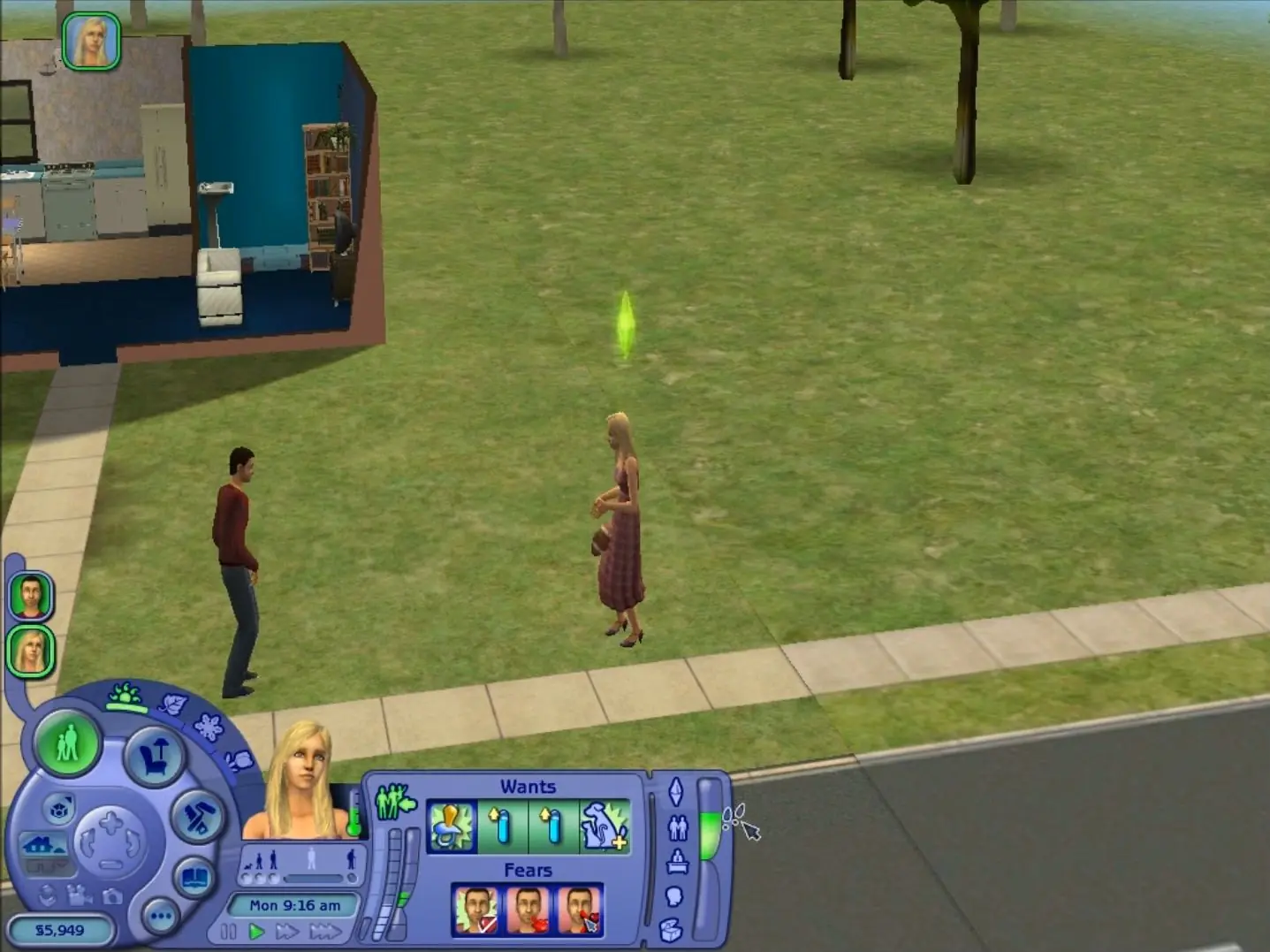
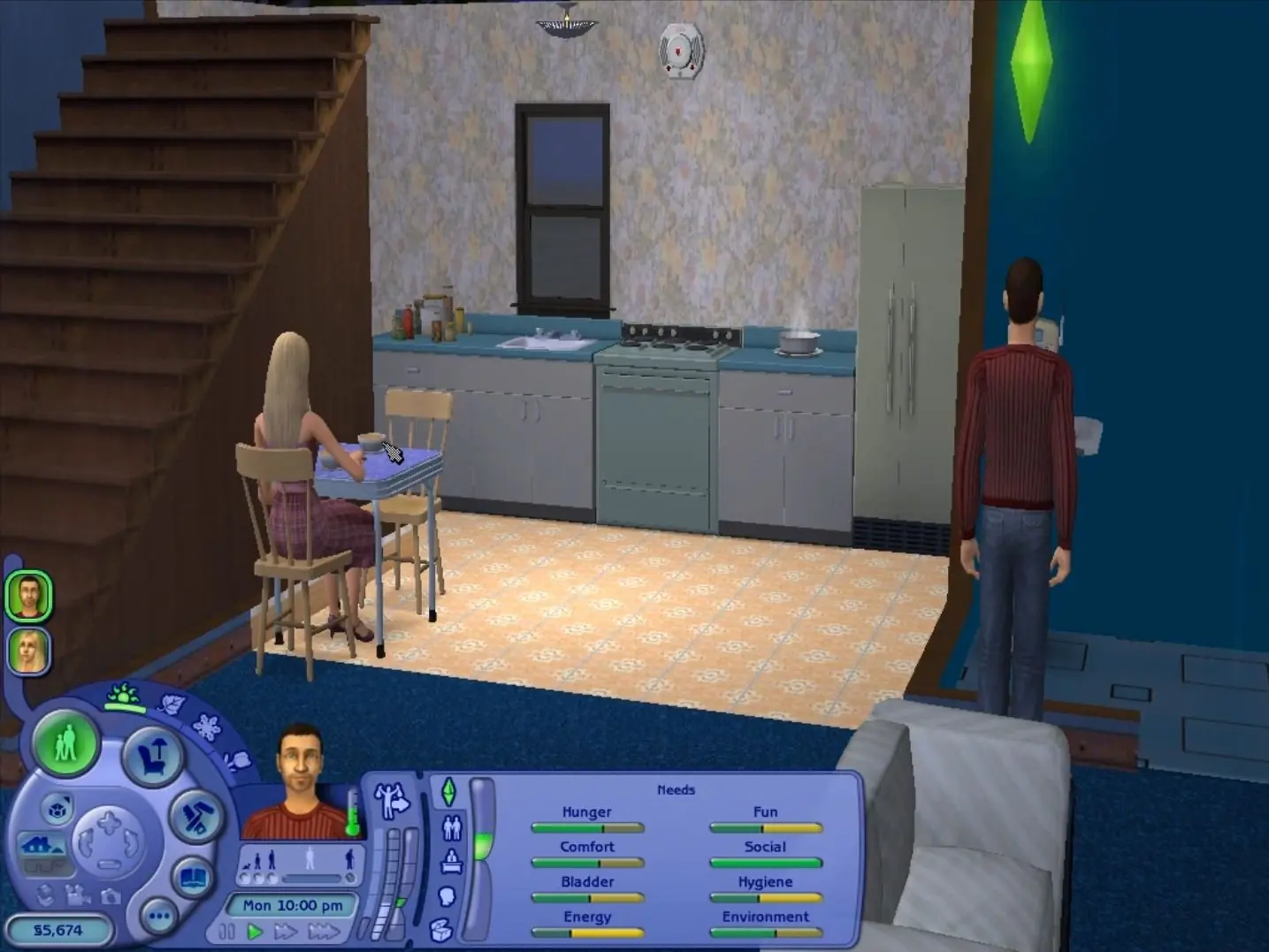
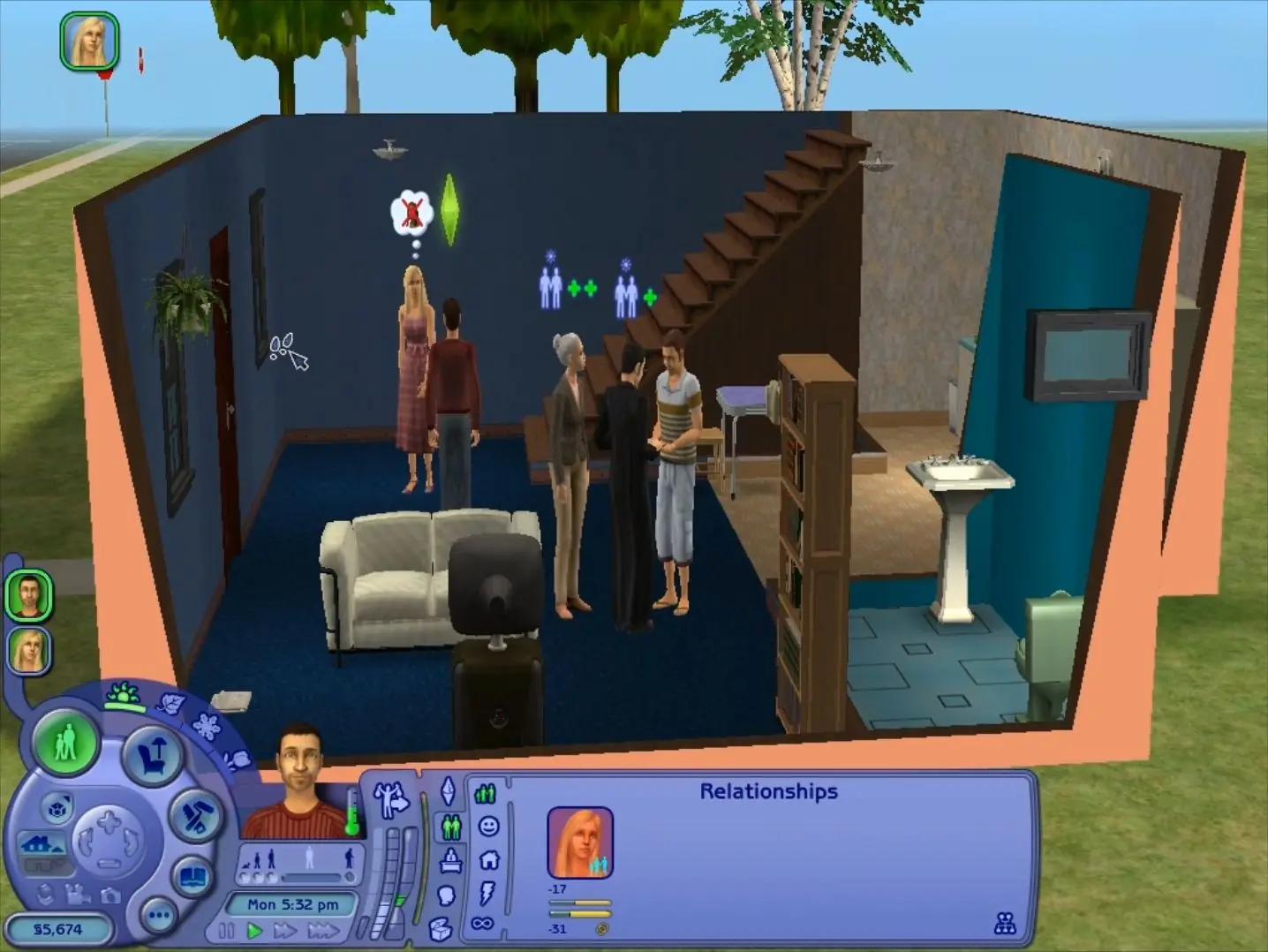
The Sims 2: Ultimate Collection — Windows screenshot 1The Sims 2: Ultimate Collection — Windows screenshot 2The Sims 2: Ultimate Collection — Windows screenshot 3

Download The Sims 2: Ultimate Collection

The Sims 2: Ultimate Collection was re-released and is no longer abandonware. You can purchase the game from:

* We may earn a commission if you buy through these links.

Comments

3,215 thoughts on “The Sims 2: Ultimate Collection”

    • ▲0▼
      If the mega link doesn’t work because of the limit of GB you can do per day. I recommend you using a download manager J Downloader or Free download manager, when you download or before you download you can copy the link and add it there. (it won’t give you network failture) Your anything about 2GB usually fails.
      Reply
  1. ▲0▼
    Everything working and running great! I am curious, when I open the game it says Sims 2 Masion & Garden Stuff. It never says a classic Sims 2 logo or loading screen. Why is this, and does anyone else have this issue?
    Reply
    • ▲0▼
      Same thing happens to me. Me guess is that the Mansion Stuff is the last expansion that was loaded into the collection…total guess tho
      Reply
  2. ▲0▼
    Windows 10. Game loaded well with instructions. Displaying everything correctly throught start up. Loads a town. I can not get a family to load in the house. Select family and then it crashes. Help! I was super excited to play this game from my childhood.
    Reply
  3. ▲0▼
    When I try to open the game it crashes and closes the game. I was able to see the intro video one time but it crashed right after. I had soms trouble with the dxwebsetup were it didn’t download. The setup did say it already found a better version already downloaded.
    Reply
  4. ▲0▼
    I get to the step of following the setup on the dxwebsetup. but if I do this I get “Setup could not download the file. Please try later or check network connection.” but if I choose to not to install Bing Bar, it says “DirectX setup has determined that a newer or equivalent version of DirectX has been installed already. No installation is necessary.” then what do I do?
    Reply

Similar games