Home » Games » The Sims 2: Ultimate Collection

The Sims 2: Ultimate Collection

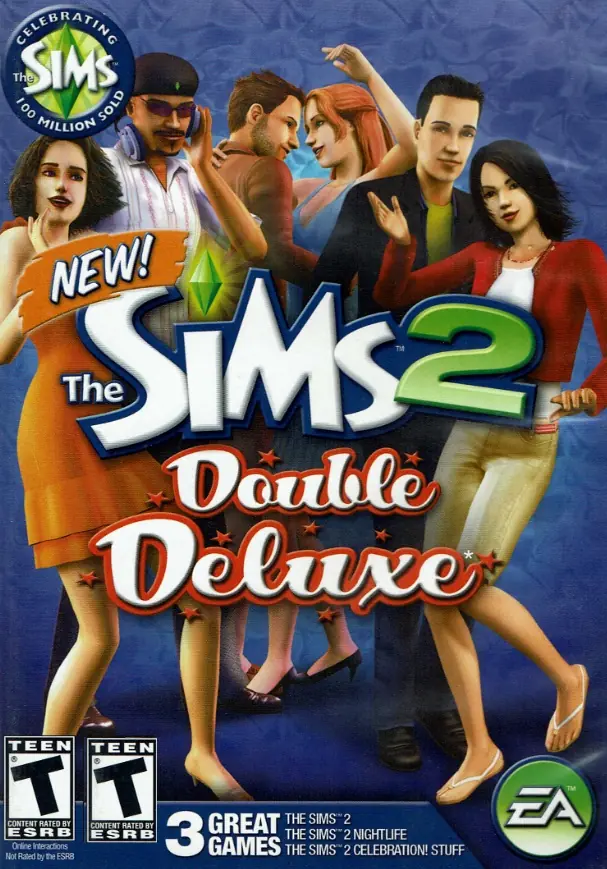
The Sims 2: Ultimate Collection Game Cover
4.6/5 - 4,843 votes

The Sims 2: Ultimate Collection includes the original game along with all expansion and stuff packs.
Genres
Publishers
Developers
Released
Purchase

Screenshots

Windows

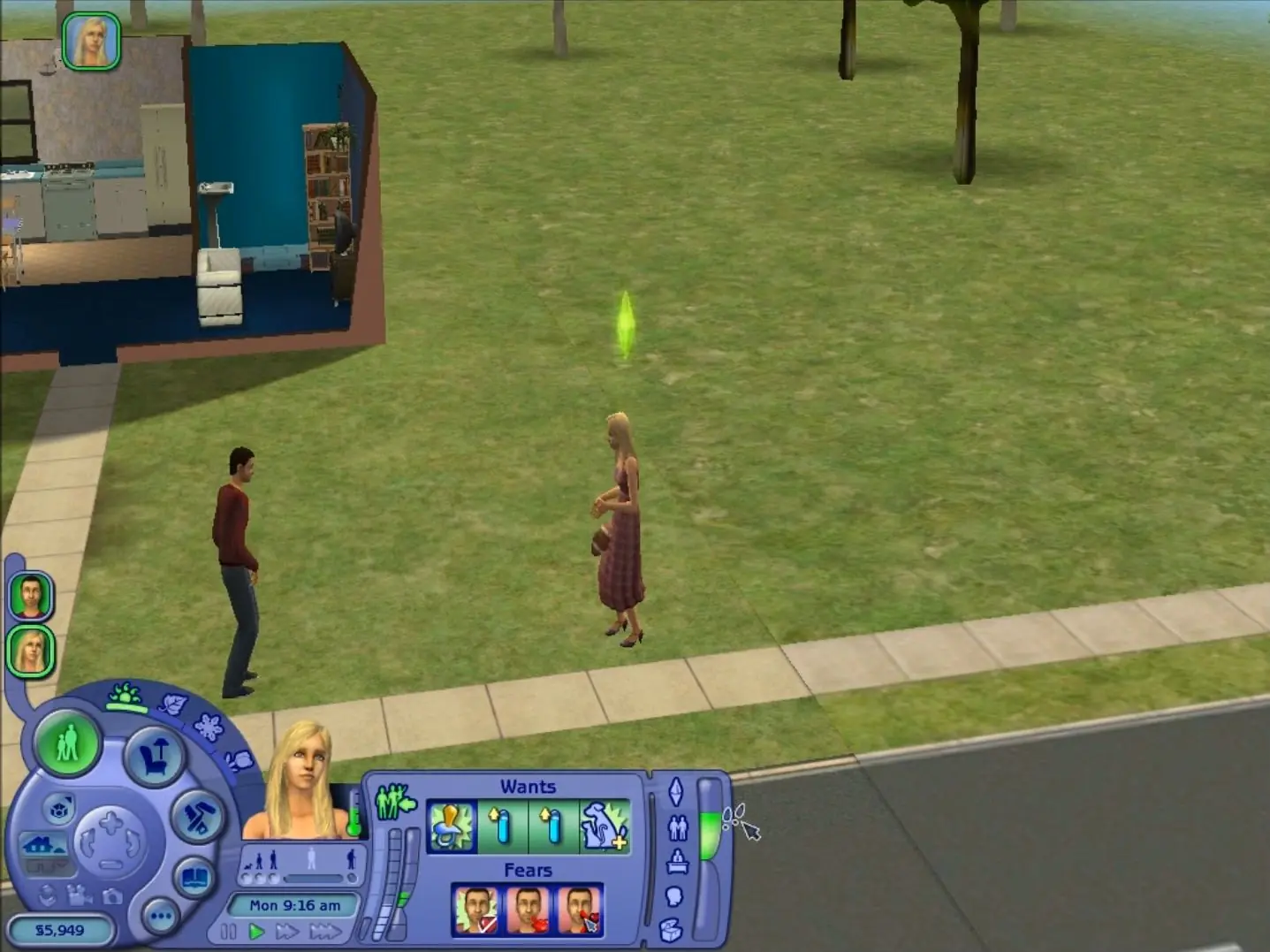
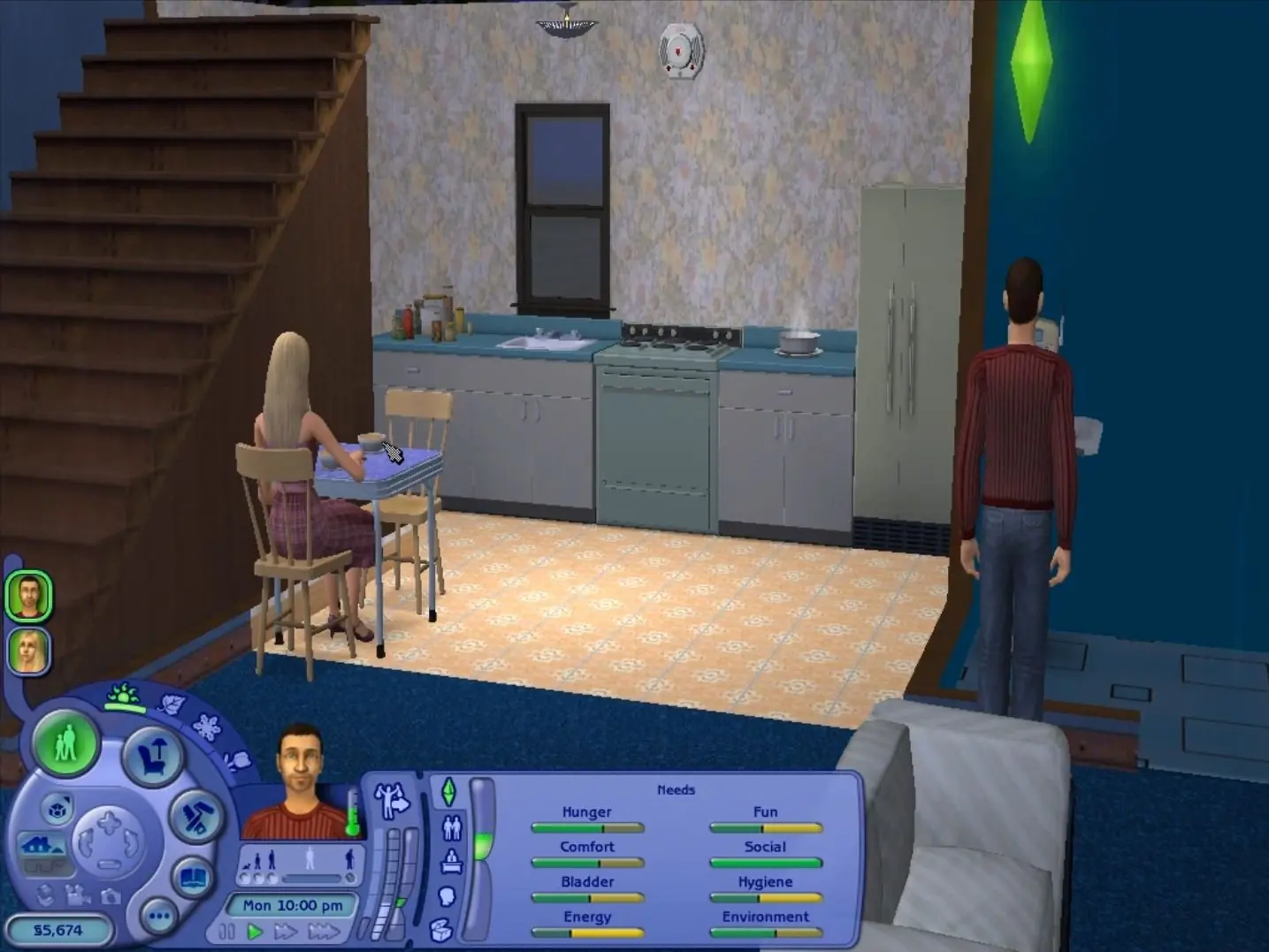
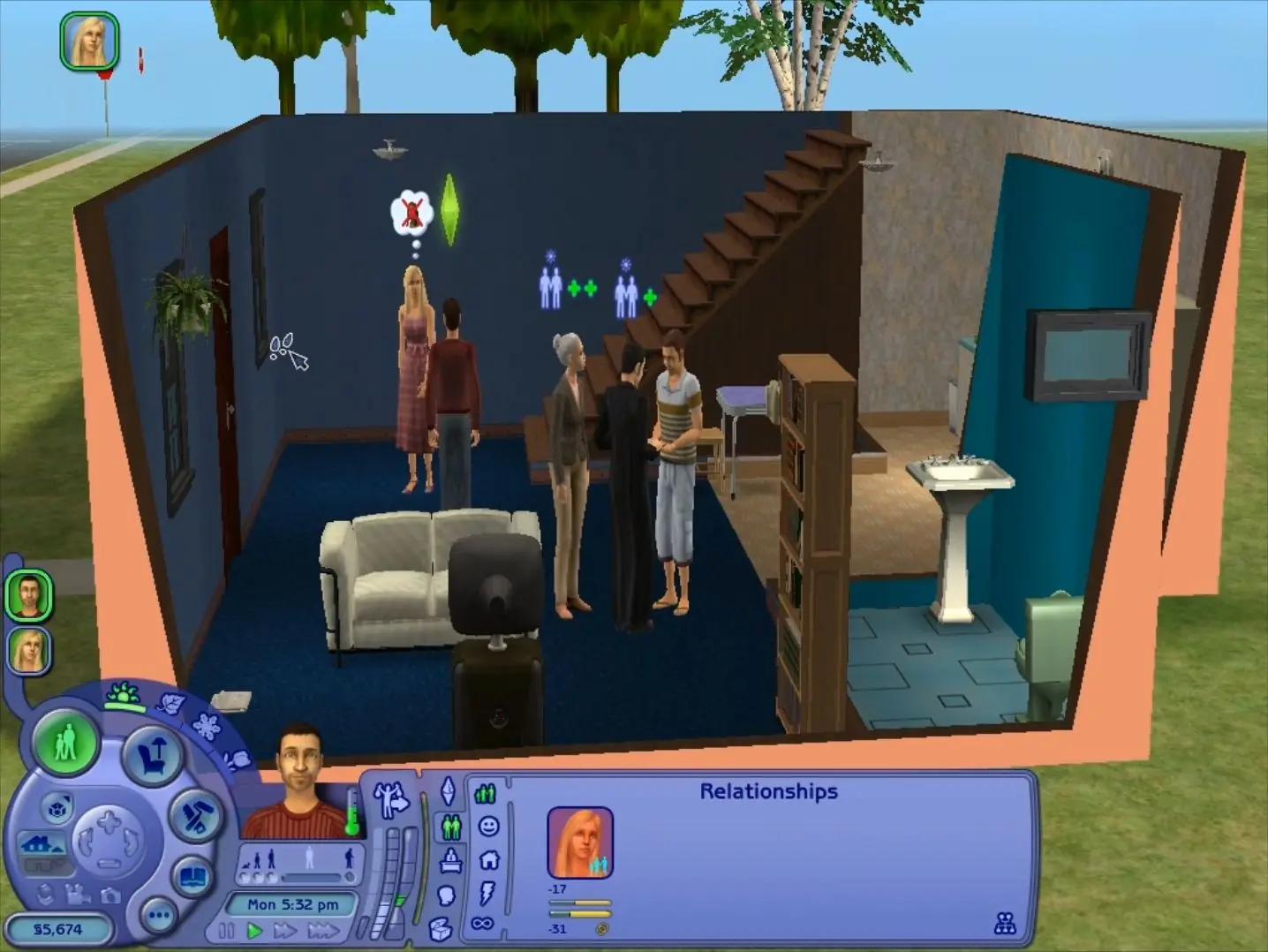
The Sims 2: Ultimate Collection — Windows screenshot 1The Sims 2: Ultimate Collection — Windows screenshot 2The Sims 2: Ultimate Collection — Windows screenshot 3

Download The Sims 2: Ultimate Collection

The Sims 2: Ultimate Collection was re-released and is no longer abandonware. You can purchase the game from:

* We may earn a commission if you buy through these links.

Comments

3,215 thoughts on “The Sims 2: Ultimate Collection”

  1. ▲0▼
    I’ve installed it without any problems but i cannot change the resolution. in the instructions it says “Open the folder where u have installed Sims 2 Ultimate Collection. Open ‘The Sims 2 Mansion and Garden Stuff’ folder present in it.” but there is literally no The Sims 2 Mansion and Garden Stuff folder on my pc. Can anybody help in some way?
    Reply
    • ▲0▼
      I’m not exactly sure where to find it. But I remember a website with a list to make the game “better” and there’s a step by step on how to fix that!
      Reply
  2. ▲0▼
    Downloaded everything like usual all the way through step five, but after installing “dxwebsetup.exe” no Sims 2 icon shows up on my desktop. Is there a way to remedy this? Thanks!
    Reply
  3. ▲0▼
    Bonjour, pour ma part le fichier The Sims 2 Mansion and Garden Stuff n’existe pas dans les fichiers du jeu donc je ne peux absolument pas changer la résolution, j’ai beau chercher et rechercher, c’est introuvable. Cela veut-il dire que le jeu serait incomplet ?
    Reply
  4. ▲0▼
    Hello, could you please advise which expansion packs aren’t included? I’d like to download them separately.

    Thank you for putting this together!!

    Reply
  5. ▲0▼
    2 things

    1. when booting – i get an error regarding Mansions and Stuff DLC and the game crashes.

    2. how do I uninstall the game completely from my machine?

    Reply
    • ▲0▼
      Download “everything” from voidtools. You can install portable version, search for “sims 2” and delete. If you grab the portable version you can just delete it after use and it will leave no trace on your computer 🙂
      Reply
  6. ▲0▼
    Sigh Idk I cant get it to download and I’m sad, someone help me I deleted sims 3 to leave space to download and now I may have to just play sims 3 instead. But if anyone can help me I’d greatly appreciate it.
    Reply
  7. ▲0▼
    how do u add cc?? i created a new folder named downloads and put my cc in there and i enabled cc but it wont show up in game
    Reply
  8. ▲0▼
    Hi,

    I’ve been through all the steps by downloading the files, setting up the Redist folder part but when I’m in the setup file, trying to install the Sims, it asks me for disk 1.

    How do I fix this?

    Many thanks in advance!

    Reply

Similar games