Home » Games » The Sims 2: Ultimate Collection

The Sims 2: Ultimate Collection

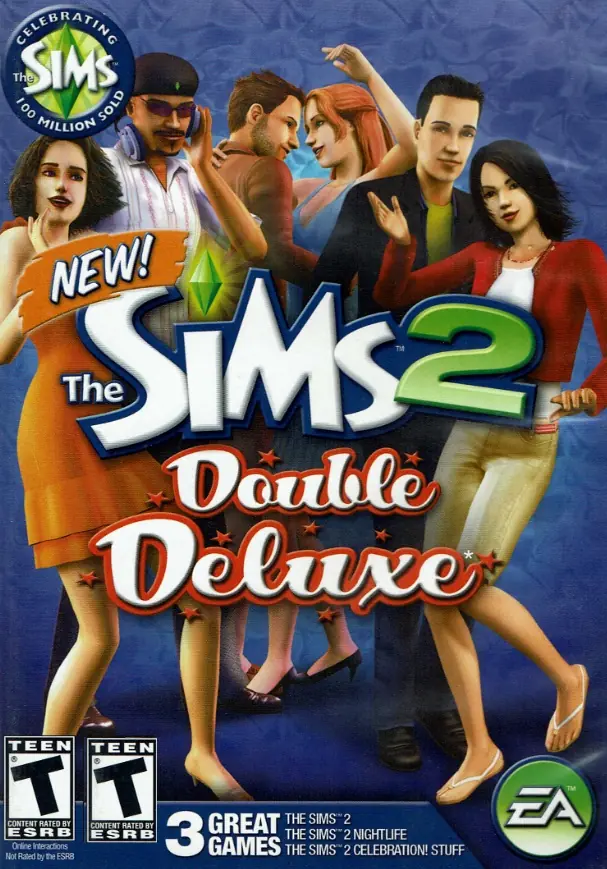
The Sims 2: Ultimate Collection Game Cover
4.6/5 - 4,843 votes

The Sims 2: Ultimate Collection includes the original game along with all expansion and stuff packs.
Genres
Publishers
Developers
Released
Purchase

Screenshots

Windows

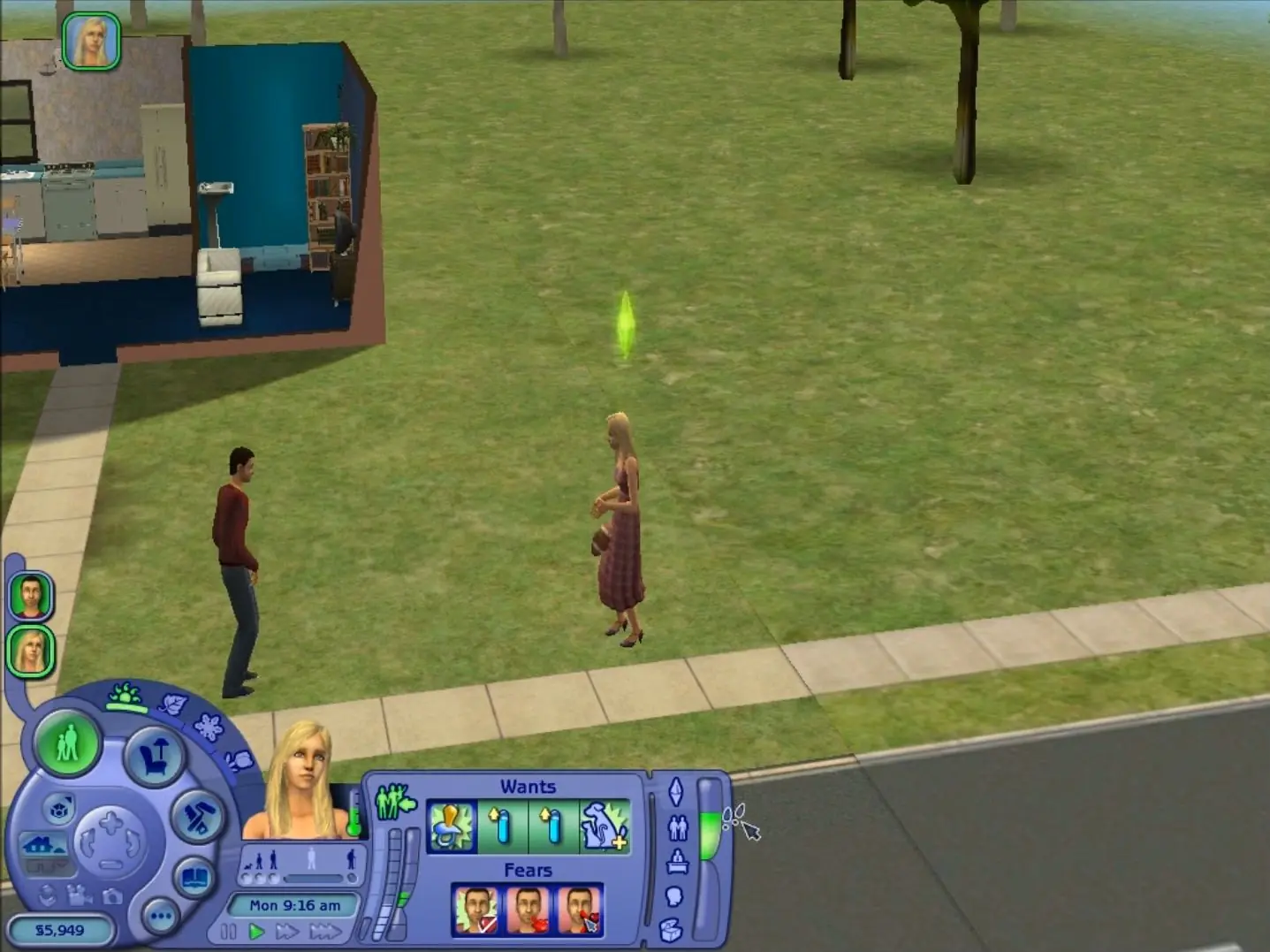
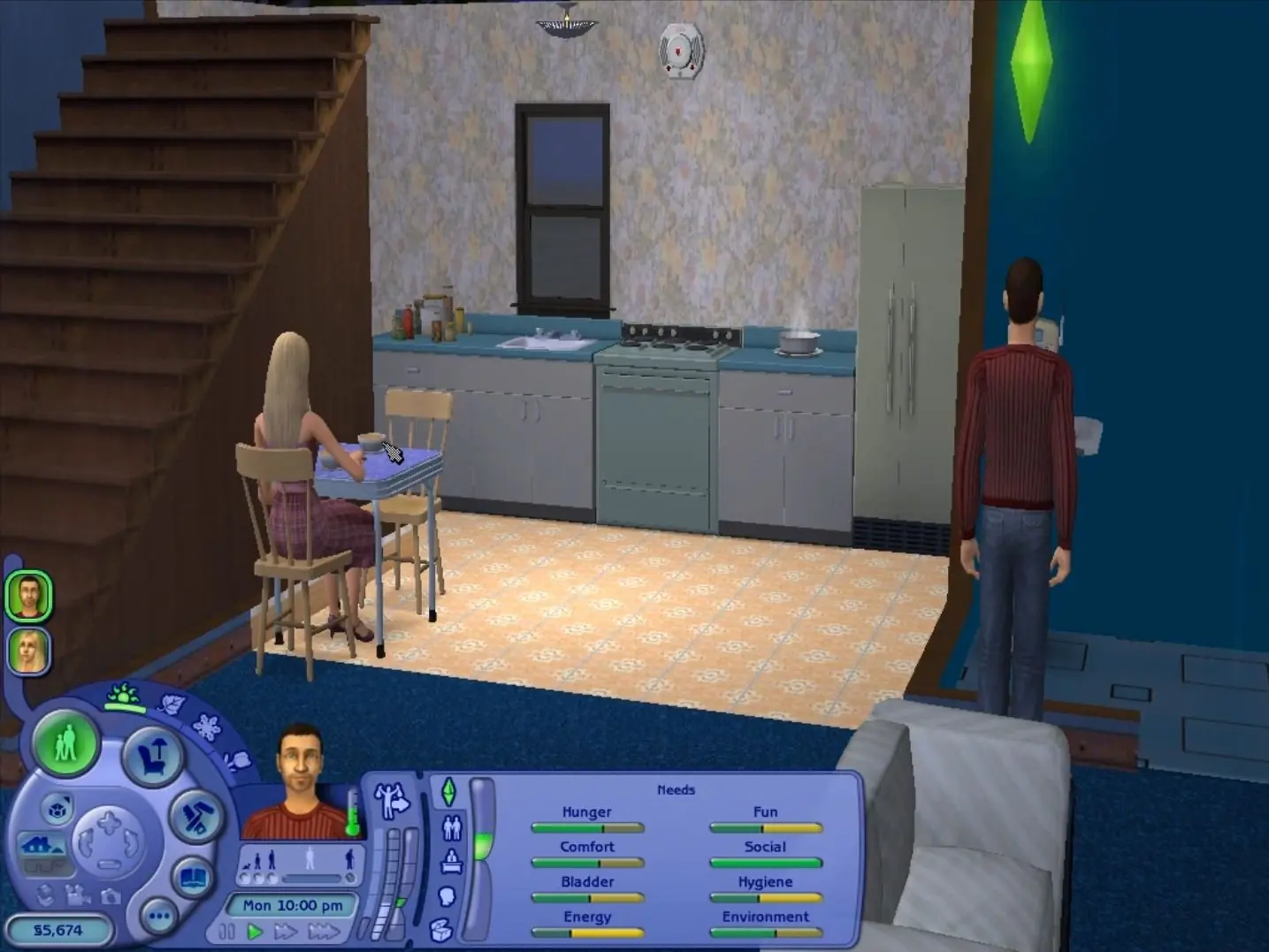
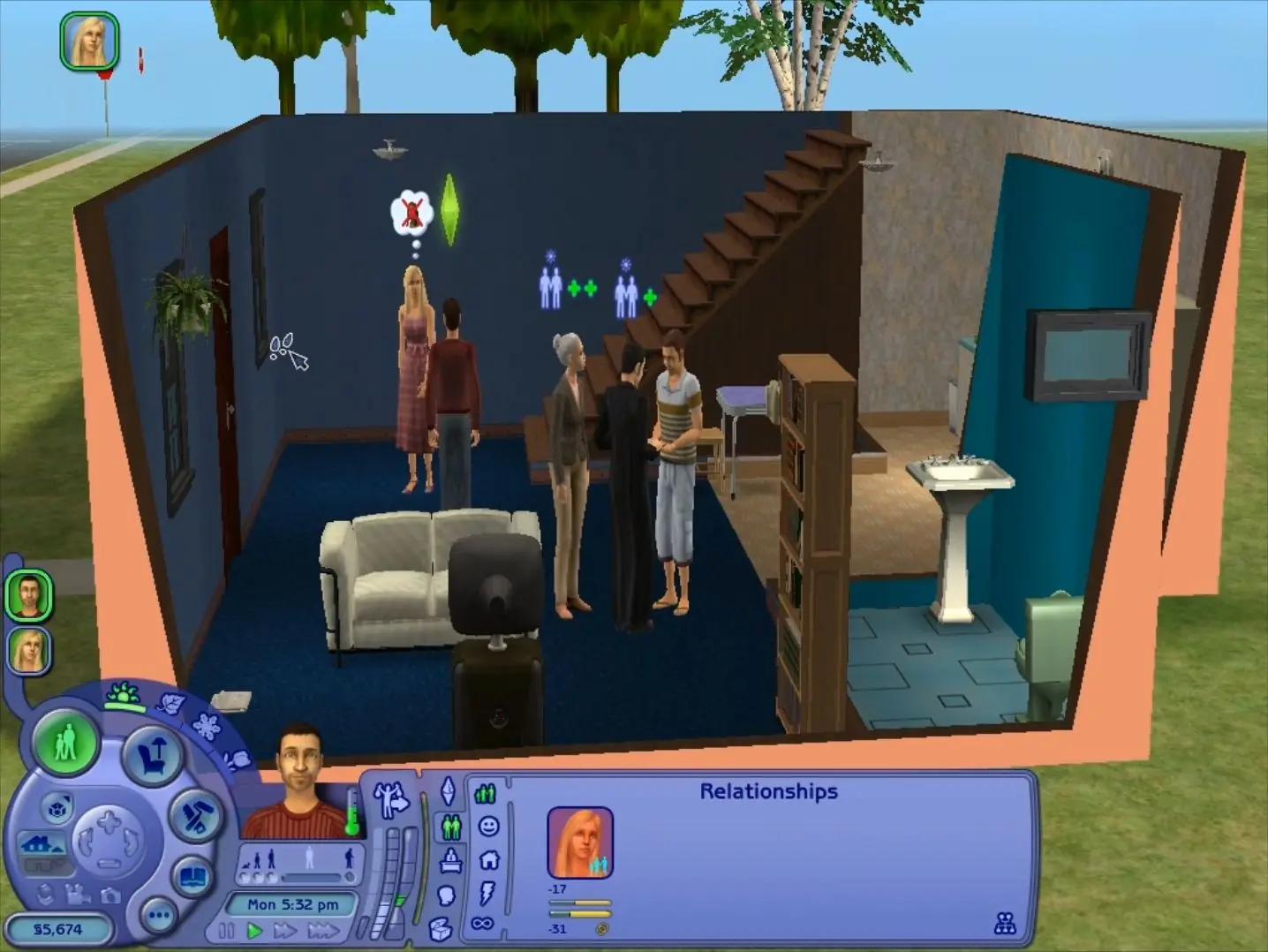
The Sims 2: Ultimate Collection — Windows screenshot 1The Sims 2: Ultimate Collection — Windows screenshot 2The Sims 2: Ultimate Collection — Windows screenshot 3

Download The Sims 2: Ultimate Collection

The Sims 2: Ultimate Collection was re-released and is no longer abandonware. You can purchase the game from:

* We may earn a commission if you buy through these links.

Comments

3,215 thoughts on “The Sims 2: Ultimate Collection”

  1. ▲0▼
    Hello! I downloaded this and it is working perfectly except for the fact that when I enter Create a Sim I cannot see the sims, they are just black figures. Did anyone else have an issue with Create-A-Sim? If so, how did you guys solve it? I already tried changing the shadows to low and medium but that didn’t work.
    Reply
    • ▲0▼
      using ‘boolProp useshaders true’ worked for me. just open the cheat command type that after using ‘testingcheatsenabled true’. do this before you open create a sim. in my experience, you’ll have to do this every time you create a new family in a neighborhood
      Reply
  2. ▲0▼
    Can anyone tell me how to mod this? My game works perfectly but I can’t figure out how to add mods because this file doesn’t have files for the seperate expansion packs
    Reply
  3. ▲0▼
    Trying to change the res as per the resolution fix document. I don’t have a “mansion and garden stuff” folder. Any advice?
    Reply
  4. ▲0▼
    is there a way I can have both the sims 2 and 4 on my pc? The game (the sims 2) starts, but it freeze during after the intro. I thinks that’s because i have another Eletronics Arts folder for the sims 4
    Reply
    • ▲0▼
      you should be able to have both. i know Sims 2 generates a separate folder called “EA Games” instead of being associated with the “Electronic Arts” folders. im not sure what the problem is but i think it’s with this Sims 2 only, nothing to do with the Sims 4
      Reply
  5. ▲0▼
    Does anyone know if I can install cc with this? All of the tutorials I’ve watched files look different then these and I can’t figure out where to put the downloads folder.
    Reply
    • ▲0▼
      Yes u can. I download my cc at TheSimsRessource. U must create the download folder in Documents > EA Games > The Sims 2 😀
      Reply
    • ▲0▼
      hello , I have the game with the mods , you have to create a file named ” downloads” and then you have to enabled the cc in your game 🙂 if you have any questions let me know
      Reply
      • ▲0▼
        I’ve created the downloads folder and have mods in it, but i can’t figure out where to put the downloads folder. When i put it in the the main “The Sims 2 Ultimate Collection” folder none of my cc shows up and i have enabled cc in the game. Thanks for any help. (Nevermind, i figured it out)
        Reply
  6. ▲0▼
    So everything works like a charm, the game runs wonderfully, however the shadows are giant rectangles. I tried the installation note, changing shadows from high to both medium, and then off, and neither changes anything – all indoor shadows are still big black squares. Does anyone have any tips?
    Reply
  7. ▲0▼
    Unfortunately, it always says “Fatal Error” or something similar then crashes after a few minutes, or even won’t charge at all, freezing in the loading screen…I’m very sad, I was looking forwards to play this game again…
    Reply
  8. ▲0▼
    Mine does not install as a zipped folder. Like it installs as just a regular file (icon is a white piece of paper).
    Reply

Similar games