Home » Games » The Sims 2: Ultimate Collection

The Sims 2: Ultimate Collection

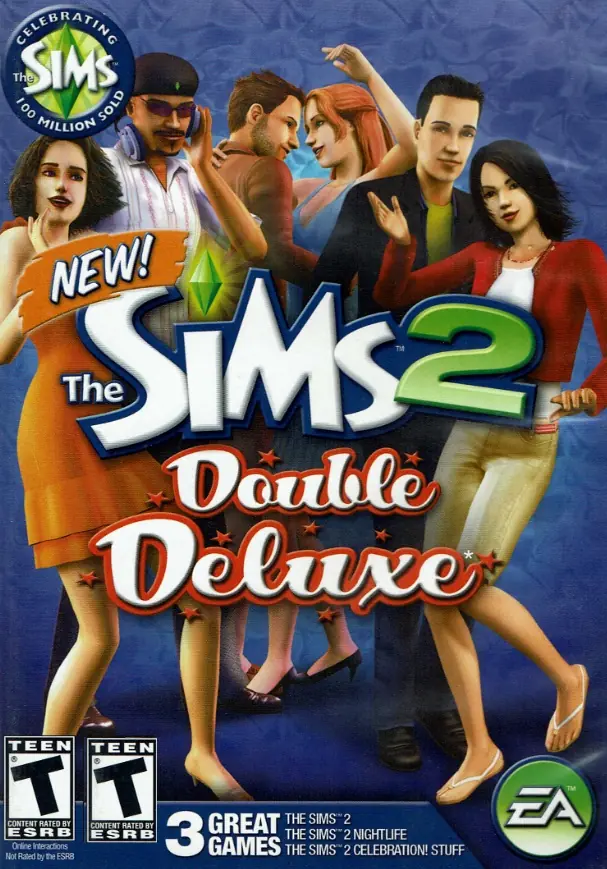
The Sims 2: Ultimate Collection Game Cover
4.6/5 - 4,843 votes

The Sims 2: Ultimate Collection includes the original game along with all expansion and stuff packs.
Genres
Publishers
Developers
Released
Purchase

Screenshots

Windows

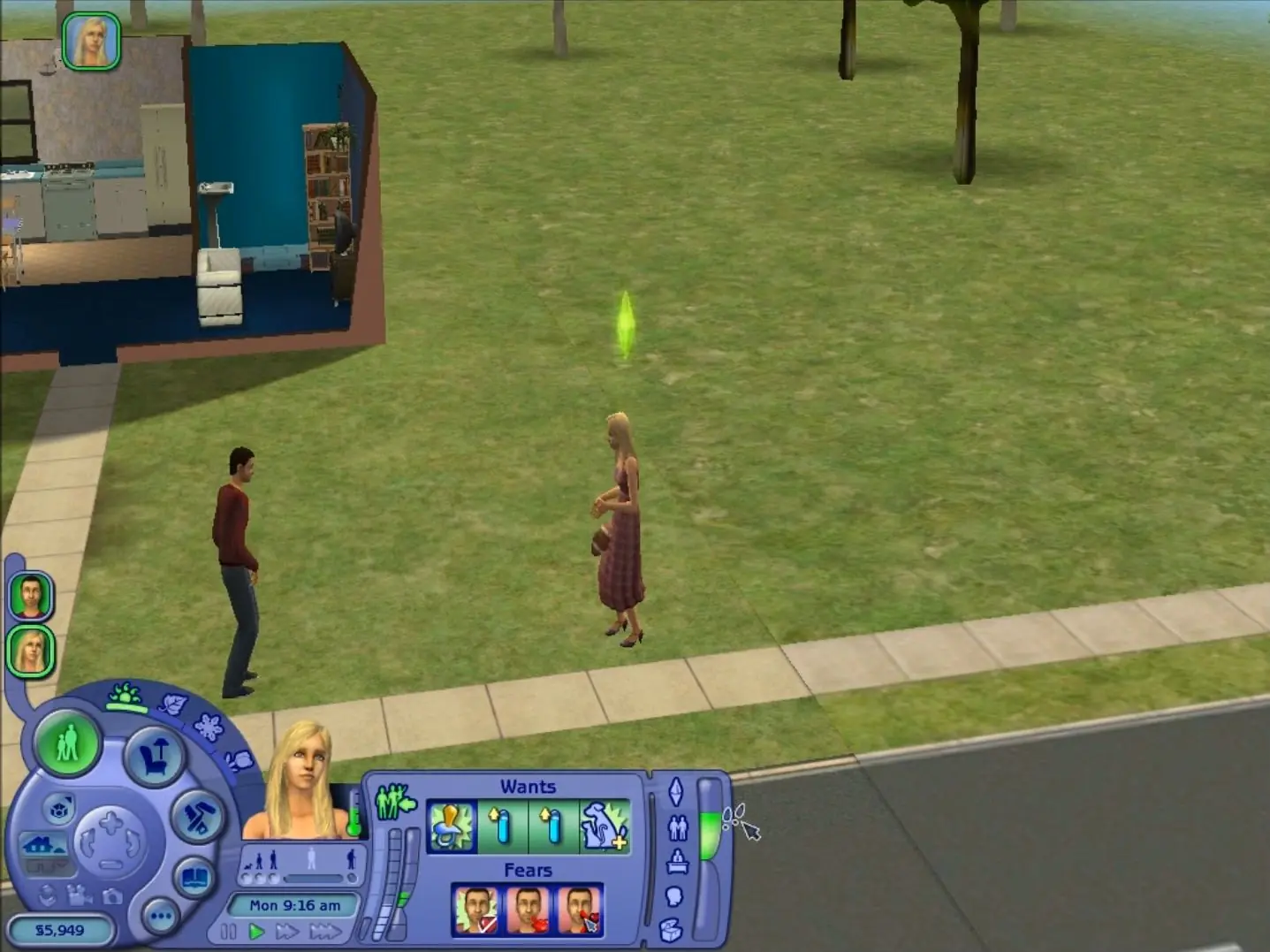
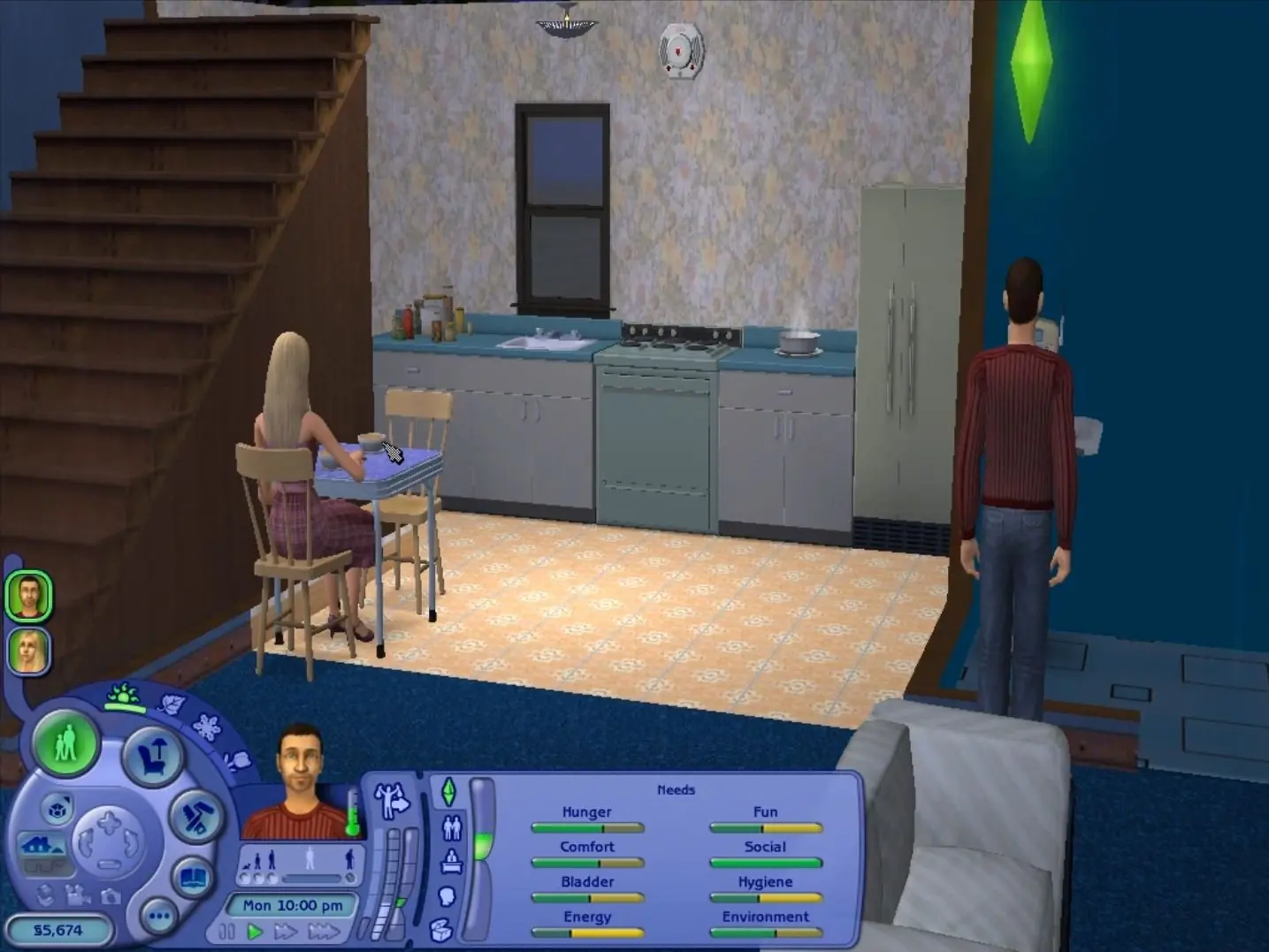
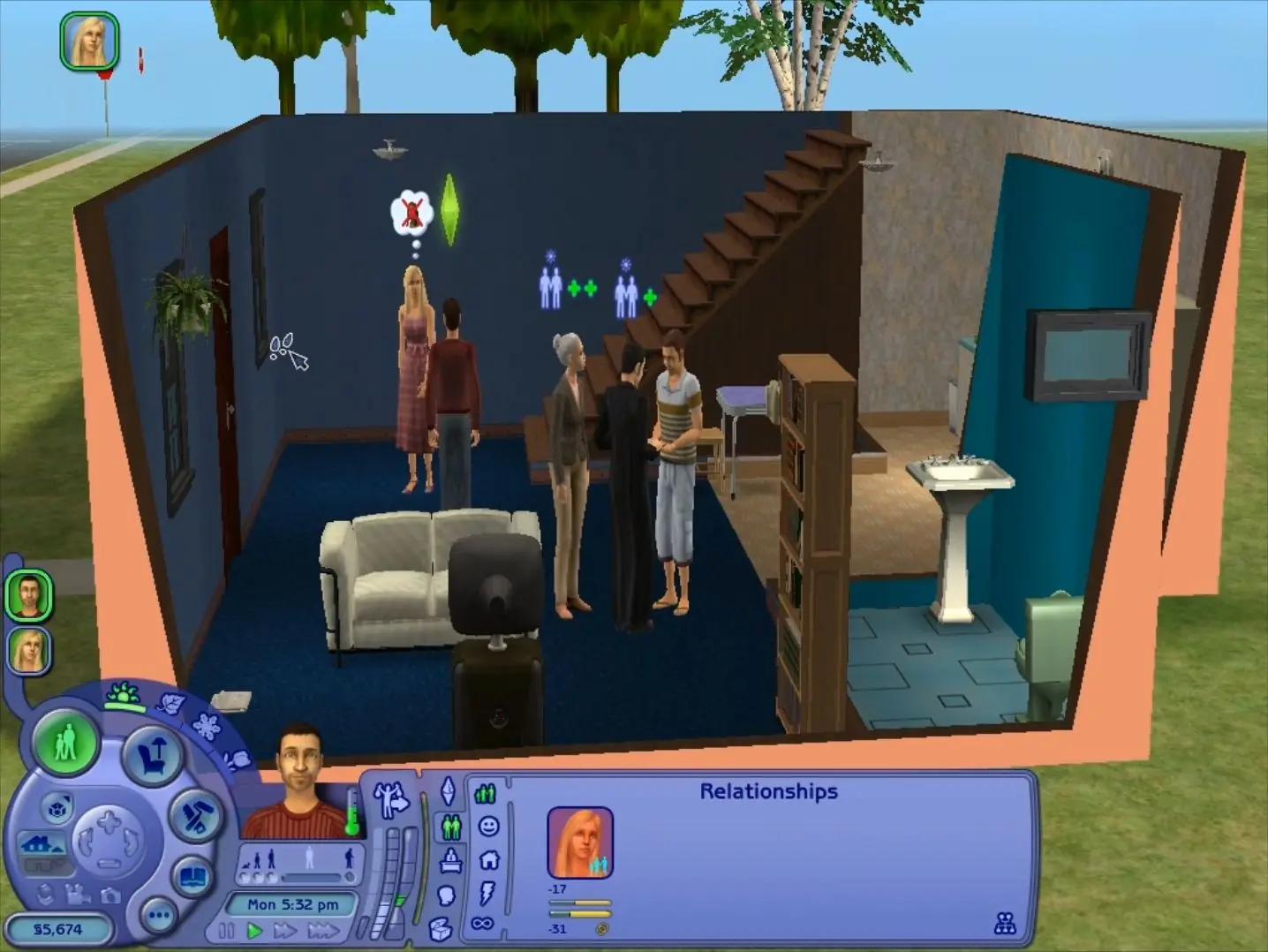
The Sims 2: Ultimate Collection — Windows screenshot 1The Sims 2: Ultimate Collection — Windows screenshot 2The Sims 2: Ultimate Collection — Windows screenshot 3

Download The Sims 2: Ultimate Collection

The Sims 2: Ultimate Collection was re-released and is no longer abandonware. You can purchase the game from:

* We may earn a commission if you buy through these links.

Comments

3,215 thoughts on “The Sims 2: Ultimate Collection”

  1. ▲0▼
    can anyone help me? im trying to download the sims 2 on an sd disk but it keeps moving to my og hardware place
    Reply
  2. ▲0▼
    Game crashes whenever i try to play the tutorial or load up a location, such as pleasantview. Any way i could fix this?
    Reply
  3. ▲0▼
    Hey! Can you download it on a different drive than your main one C? Or do you have to create a new user on the other drive?
    Reply
  4. ▲0▼
    Dear one. Thank you for saving this game!
    I downloaded it but it crashes. The body shop also crashes, so that seems to be the cause. Don’t you know why?
    Please lend me your wisdom.
    Reply
  5. ▲0▼
    I’m trying to change the resolution of the Sims 2 Complete Edition to a higher resolution, I’ve followed the instructions to change it, but keeps telling me that I don’t have permission to change it, and that only an administrator is allowed to change it. Is there a way I can get an administrator to change it?
    Reply
    • ▲0▼
      – Right-click the launcher and choose “Properties”
      – Choose “Security” and find “To change permissions, click edit” click the edit button next to it
      – A window will pop up prompting a security change. The top section allows you to choose what to give permission to. The bottom section allows you to choose what permissions are allowed.
      Reply
  6. ▲0▼
    hey there im attempting to download reshades for TS2 Ultimate Collection, and i cannot change the necessary txt file “graphics rules.sgr” due to not having permissions- can this be changed or made possible?
    Reply
  7. ▲0▼
    Sooo I’m not sure what’s going on. I downloaded this assuming that I’d be getting at least some of the EPs with the base game but after installation the only thing I’m seeing is the stock-standard base game. NO expansion packs at all. Where are they?
    Reply
  8. ▲0▼
    First time loading, took maybe 10-15 mins, then finally the splash screen came up and started the opening animations. However when the game was loading and got about half way she crashed. Its 4:37 am right now for me as i type this, i’ll try again tomorrow lol
    Reply
  9. ▲0▼
    Could anyone help me to copy my saved game files from an Origin version of TS2 to this one? I know normally you would replace the files in the Documents>EA Games folder, but the folders from the Origin version are totally different and when I do this it’s not working for me.
    Thank you in advance to anyone that helps!
    Reply

Similar games