The Sims 2: Ultimate Collection

The Sims 2: Ultimate Collection includes the original game along with all expansion and stuff packs.
The Sims 2: Ultimate Collection includes the original game along with all expansion and stuff packs.
The Sims 2: Ultimate Collection was re-released and is no longer abandonware. You can purchase the game from:
* We may earn a commission if you buy through these links.




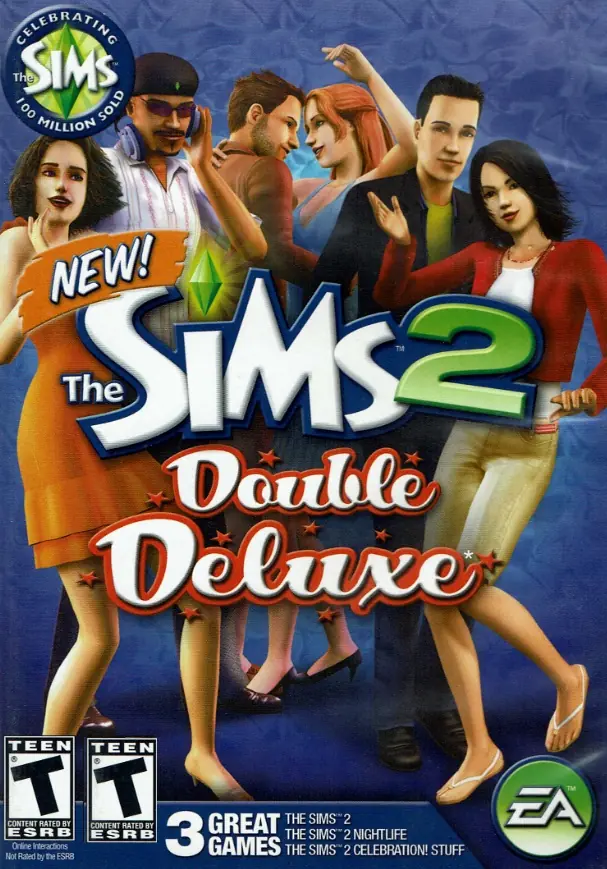






Step 1: Download the rar file, wait for it to download.
Step 2: Make sure you have WinRAR in order to extract the folder to access the setup of the game.
Step 3: Install the latest version of DirectX
Step 5: Download the Graphics Rules Maker in order fix your sims 2 game graphics.
Step 6: Download and apply the 4GB Patch for the game
Does anyone know why this happens and if it is easy to fix?
To fix it download this copy of the IKEA Pack: https://drive.google.com/file/d/1sRuDl5ujHJrFLVcUbOabYKoXqKszvJo5/view
Once you downloaded it, open it and copy the files then replace them with the broken ones in The Sims 2 Ultimate Collection > The Sims 2 IKEA Home Stuff
I also suggest to download the 4GB Patch:
https://ntcore.com/?page_id=371
Once you downloaded it, run it and select executable in The Sims 2 Ultimate Collection > The Sims 2 Mansion and Garden Stuff Pack > TSBin > Sims2EP9.exe
I hope this helped.
There are no « Download » file where I used to install mods. Is it possible to install mods in this version ?