Home » Games » The Sims 2: Ultimate Collection

The Sims 2: Ultimate Collection

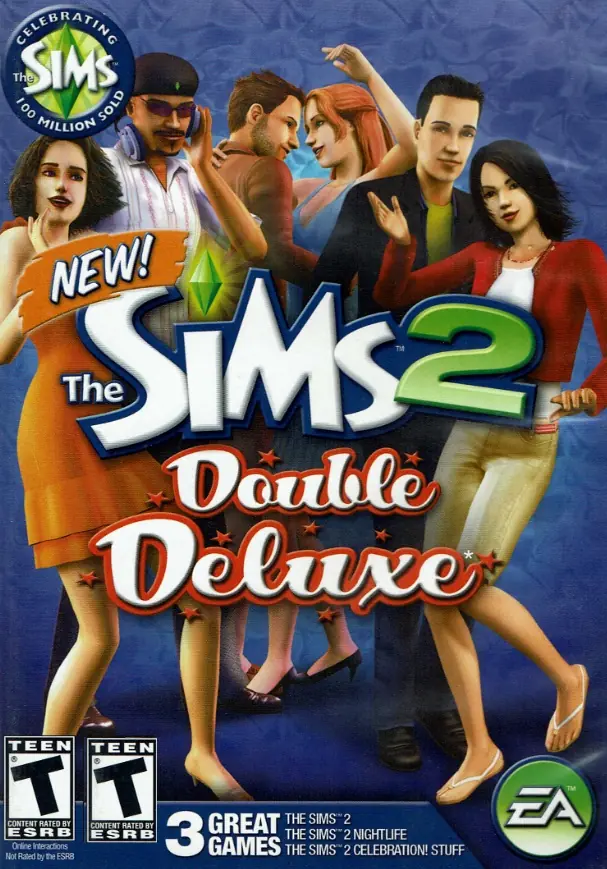
The Sims 2: Ultimate Collection Game Cover
4.6/5 - 4,843 votes

The Sims 2: Ultimate Collection includes the original game along with all expansion and stuff packs.
Genres
Publishers
Developers
Released
Purchase

Screenshots

Windows

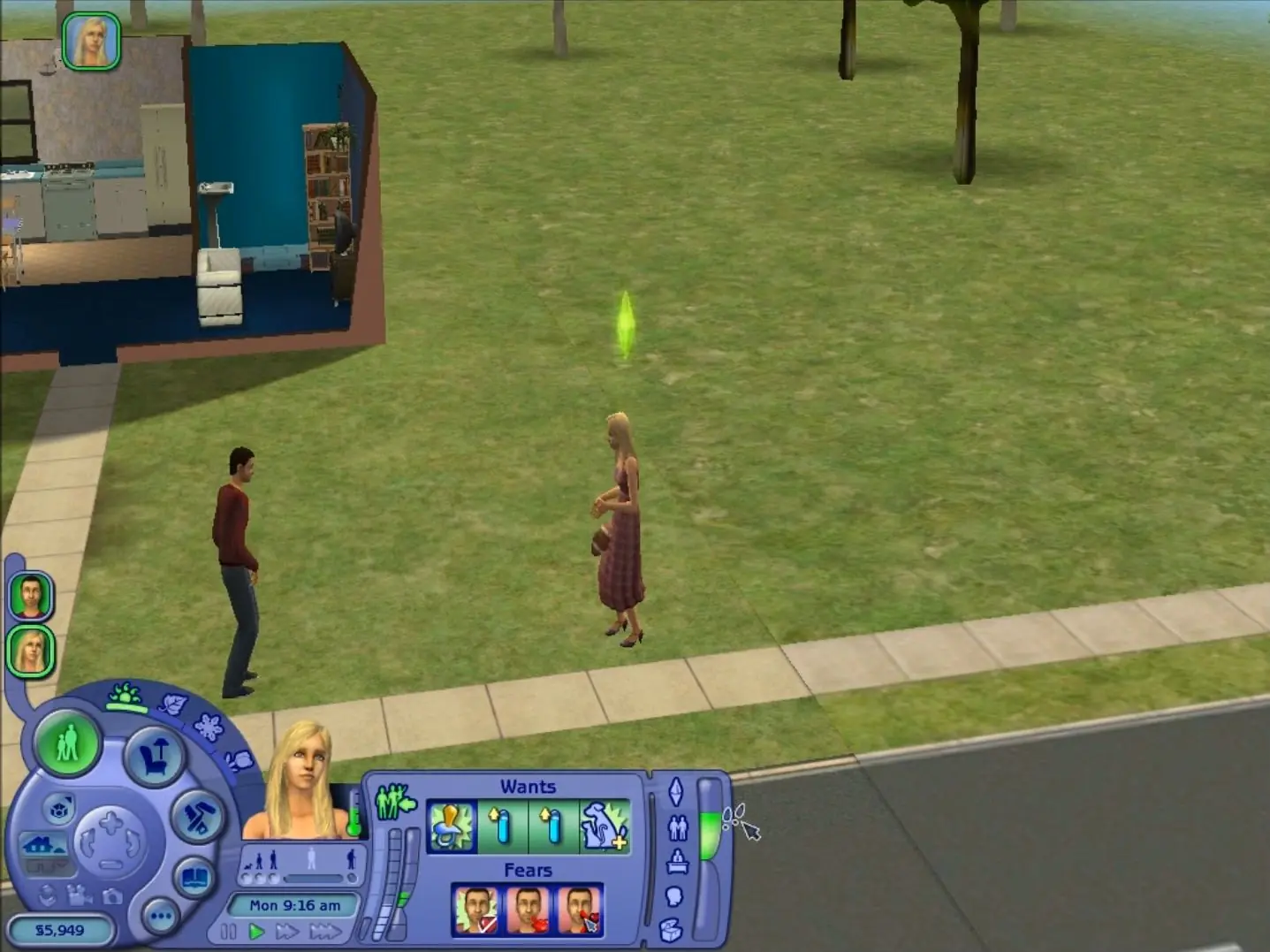
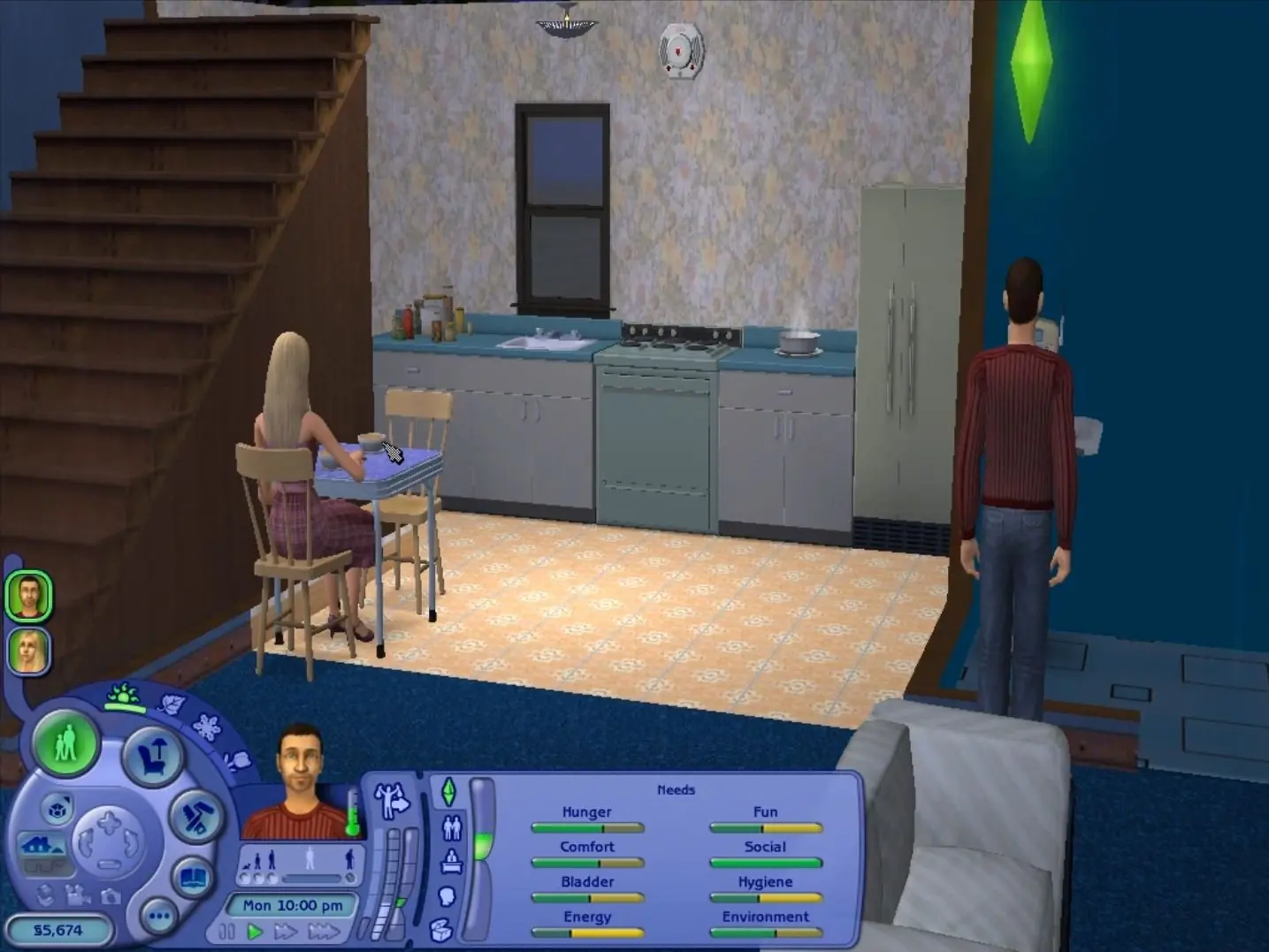
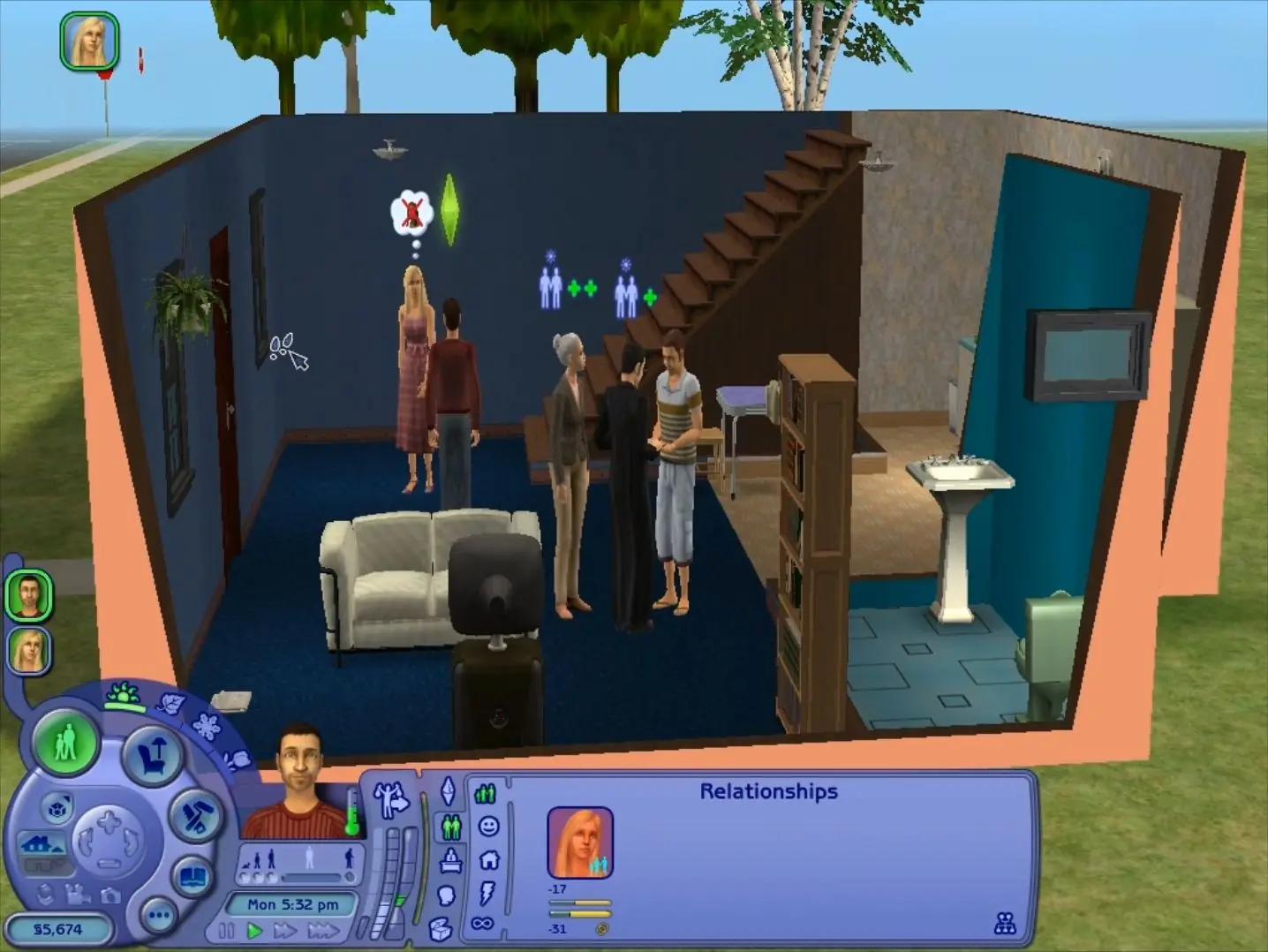
The Sims 2: Ultimate Collection — Windows screenshot 1The Sims 2: Ultimate Collection — Windows screenshot 2The Sims 2: Ultimate Collection — Windows screenshot 3

Download The Sims 2: Ultimate Collection

The Sims 2: Ultimate Collection was re-released and is no longer abandonware. You can purchase the game from:

* We may earn a commission if you buy through these links.

Comments

3,215 thoughts on “The Sims 2: Ultimate Collection”

  1. ▲0▼
    look for the folder named ‘EA games’ not electronic arts. there should be a folder named sims 2 click tht and the downloads folder should be there if not you will need to just create a new one in that folder
    Reply
  2. ▲0▼
    Failed to find any DirectX 9.0c Copatible Graphics adapters in this system, i already run and install “dxwebsetup.exe”

    ¿What can i do to play?

    Reply
  3. ▲0▼
    I keep receiving an error when trying to install, it is as follows:
    “An error occurred while unpacking: Unable to write data to disk! Unarc.dll returned error code: -11 ERROR: file write operation failed:
    Any help?
    Reply
  4. ▲0▼
    game downloads fine but how do i put it into windowed mode? also the pictures on the wall dont show anything and when i try creating a family i just see a black outline on my characters instead of the character
    Reply
    • ▲0▼
      You should be able to modify config.ini file of the game for windowed mode and about the black outlines you should try other graphic options mostly shadows.
      Reply
  5. ▲0▼
    I can’t find out how to fix the resolution. I tried my best to follow the notepad but there is no “‘The Sims 2 Mansion and Garden Stuff’ folder present'” For me to click. I checked the files and i can’t find it, if someone can please help me fix the resolution that would be incredibly helpful!!
    Reply
  6. ▲0▼
    thanks you so much at first thought that its was just mansion and garden stuff but in the end MY FAVORITE PACKS WERE IN THE GAME
    Reply
  7. ▲0▼
    I keep getting an error stating I do not have Direct X9.0c or any other compatible adaptors on my system. I tried installing it from the internet but it still remains an issue. Please help me 🙂
    Reply
  8. ▲0▼
    Do anyone know how to remove lag in the sims 2 i have a
    AMD Radeon graphics card the latest one and think for your help
    Reply
  9. ▲0▼
    Hey there, I keep trying to play but it says either sims 2 isn’t installed or that garden mansions isn’t installed properly. Any idea what the issue could be?
    Reply
    • ▲0▼
      j’ai le même problème que toi. Lorsque j’installe le jeu et que je regarde son emplacement, il le lance via la servion mansion and garden , donc ça ne se lance pas. Possible d’avoir une solution?
      Reply
  10. ▲0▼
    Does anyone know where to put the “Downloads” folder in this version?
    I have watched a lot of tutorials but it didn’t work for me, maybe it could be in a diferent folder in this version?
    Reply

Similar games