The Sims 2: Ultimate Collection

The Sims 2: Ultimate Collection includes the original game along with all expansion and stuff packs.
The Sims 2: Ultimate Collection includes the original game along with all expansion and stuff packs.
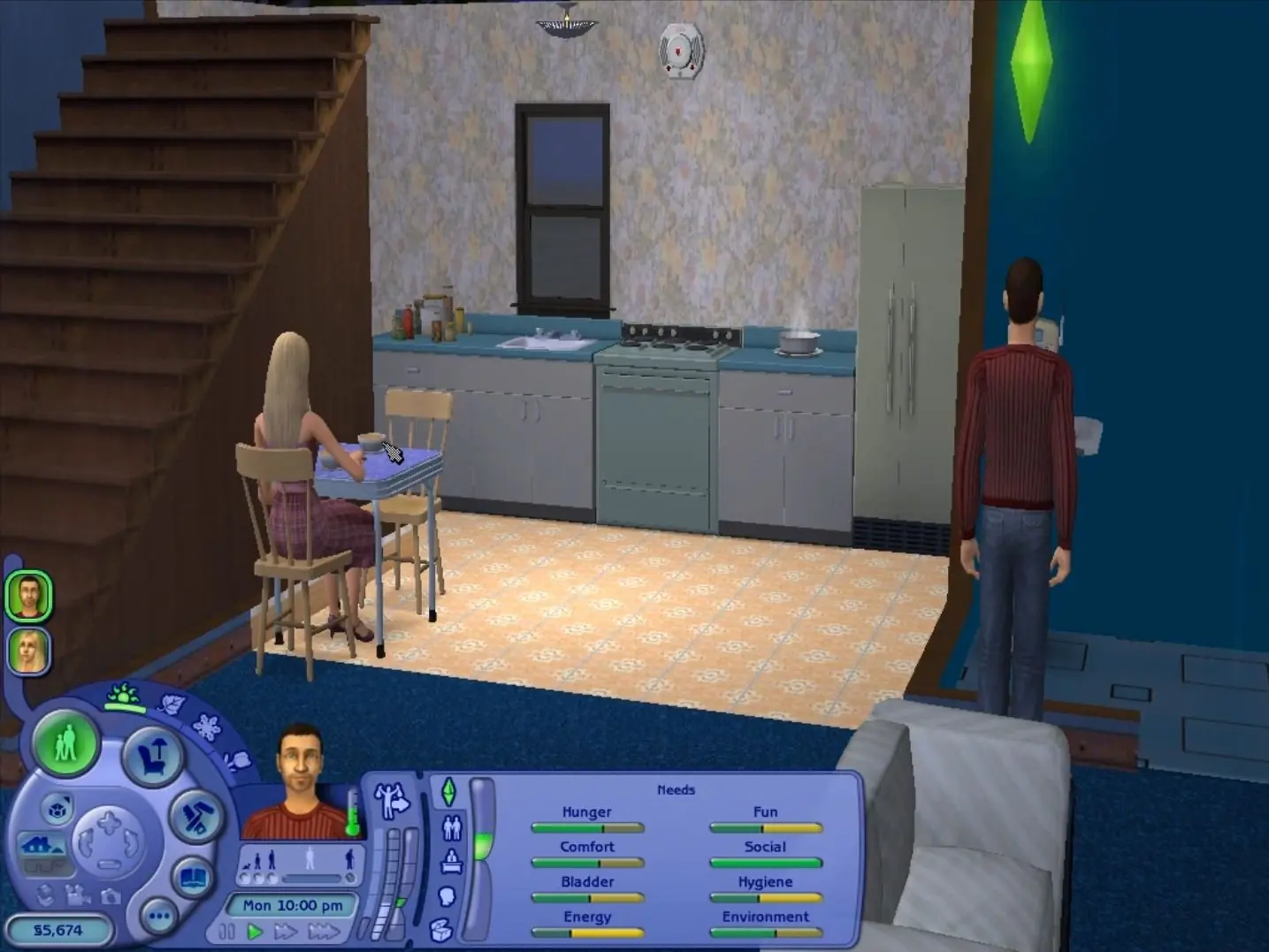
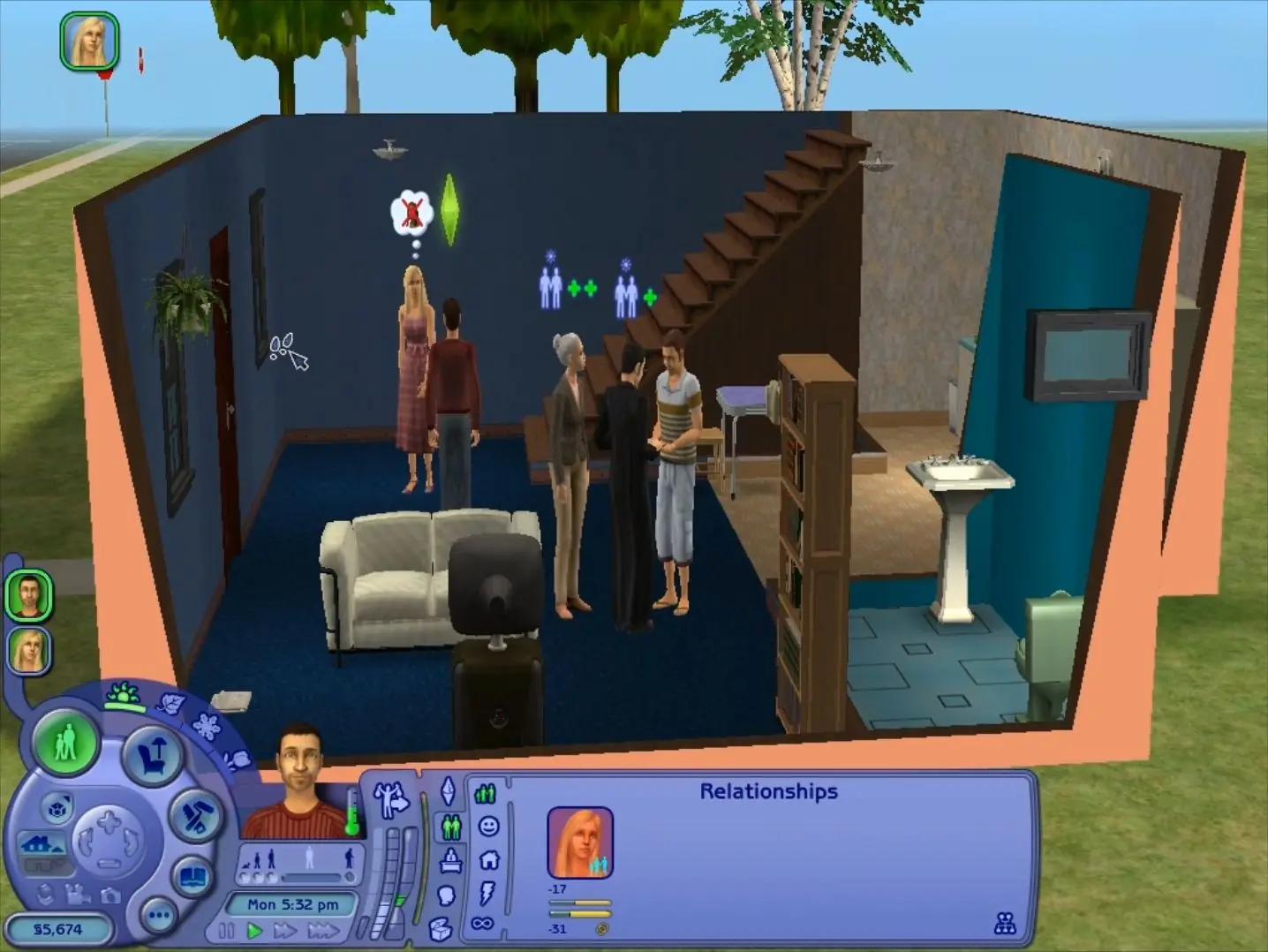
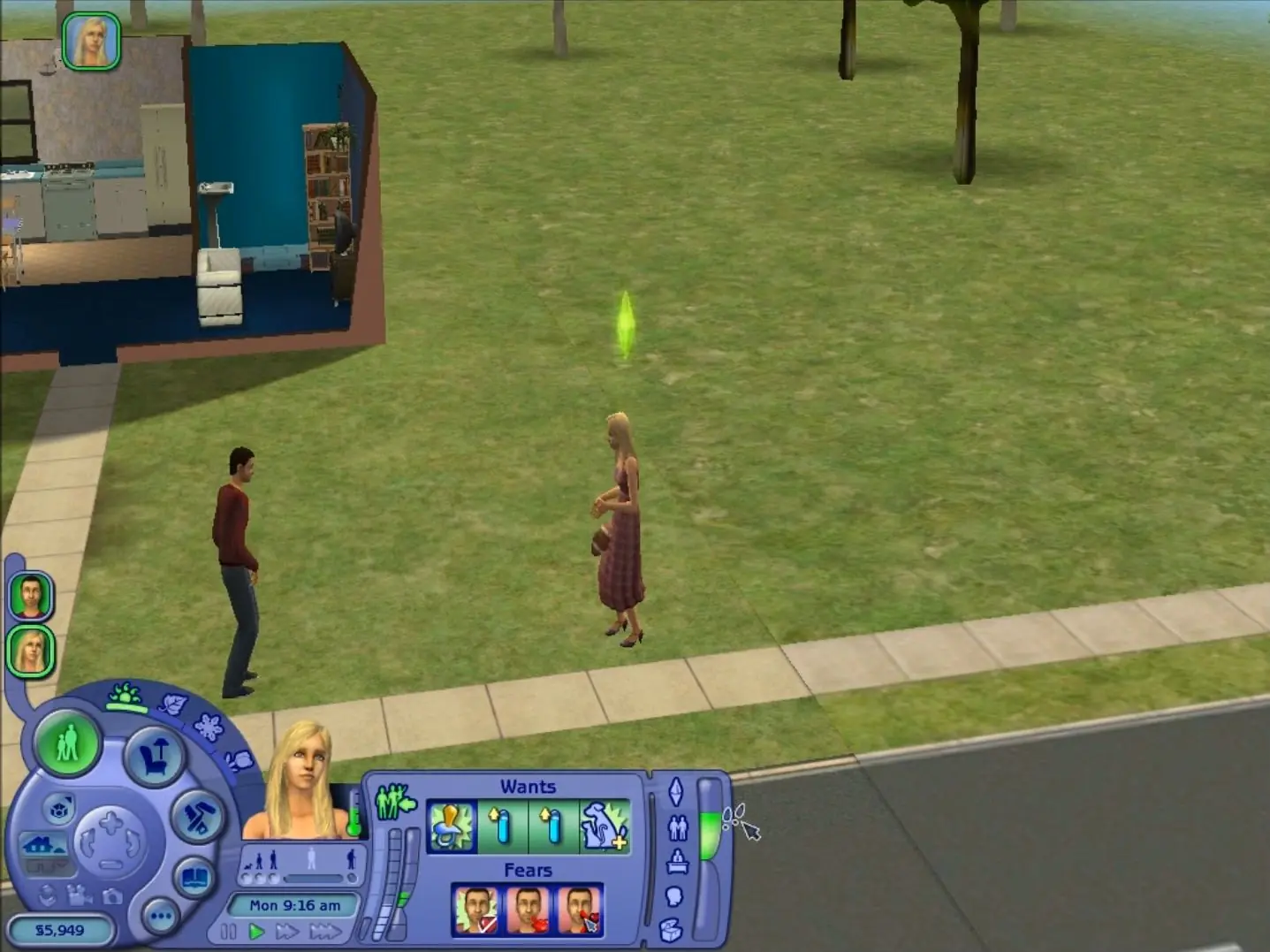
The Sims 2: Ultimate Collection was re-released and is no longer abandonware. You can purchase the game from:
* We may earn a commission if you buy through these links.




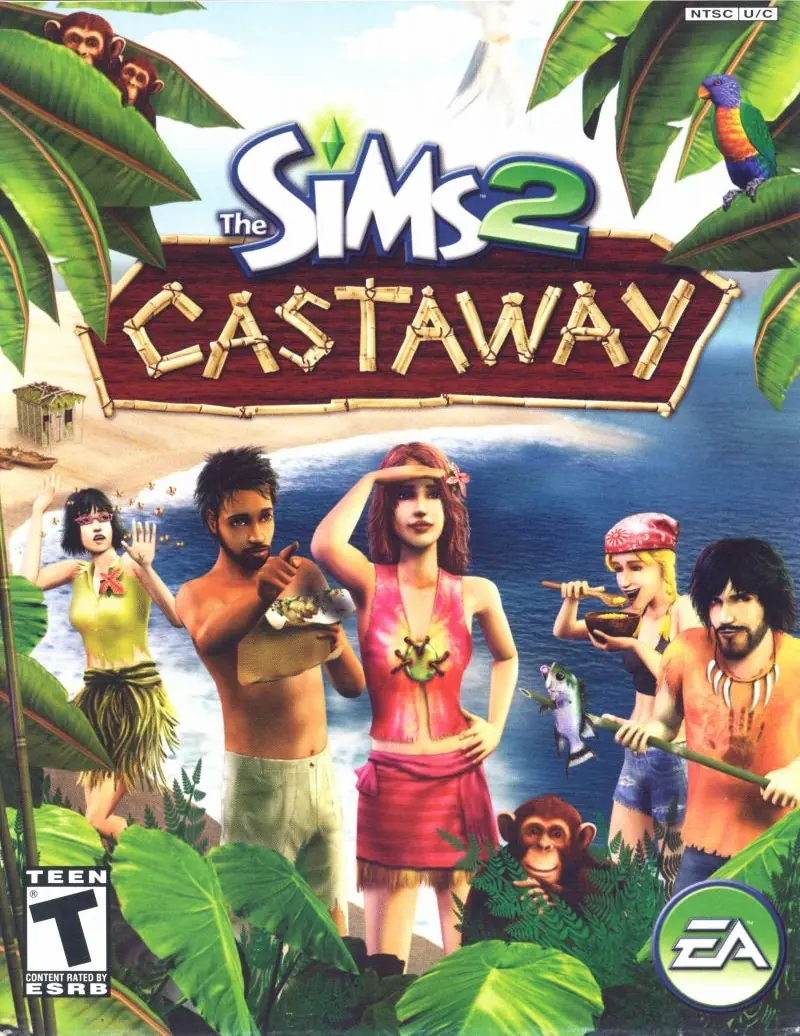






only crashed once when that humble guy came and gave me a computer but other than that its perfect <3
Everything is fine besides, that i cant change the free will of the Sims and cant use personified settings( its grayed out). Also i have a graphical breaks when I move around. Anybody that have a solution? Much appreciated 😉
if you’re confused about how to use it, there are many videos on yt about it!
there are some patches that can also help! such as the 4gb patch or the shadows fix.
-the instructions to allow the resolution to change are like this:
“Open the folder where u have installed Sims 2 Ultimate Collection. Open ‘The Sims 2 Mansion and Garden Stuff’ folder present in it. Open ‘TSData’ present in it. Open ‘Res’ folder present in it. Open ‘Config’ folder present in it. Open ‘Graphics Rules.sgr’ using notepad.”
I do not have ‘the sims 2 mansion and garden stuff’ folder and nothing called ‘tsdata’ or ‘res.’ There is a ‘config’ folder but nothing called ‘graphics rules.sgr’ in it. Anyone else in this situation?
I also don’t have the option to change shadows – the options are grayed out. So I’m stuck with the black box underneath.
I tried installing the 4gb patch, but it hasn’t helped yet. Anyone know any solutions?
Error popping like other people here “Garden and Stuff” there’s nothing inside the pop-up, I edit graphics file but still nothing…