Home » Games » The Sims 2: Ultimate Collection

The Sims 2: Ultimate Collection

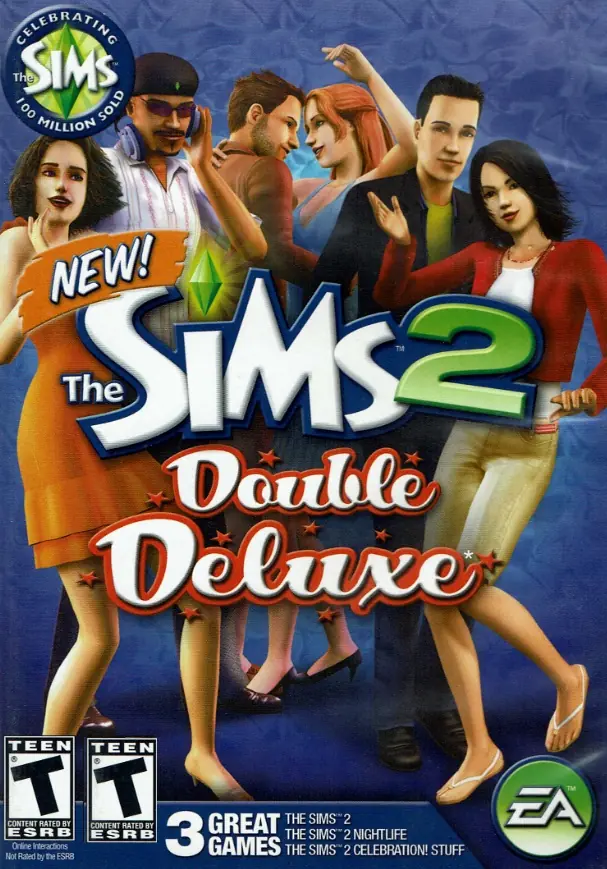
The Sims 2: Ultimate Collection Game Cover
4.6/5 - 4,843 votes

The Sims 2: Ultimate Collection includes the original game along with all expansion and stuff packs.
Genres
Publishers
Developers
Released
Purchase

Screenshots

Windows

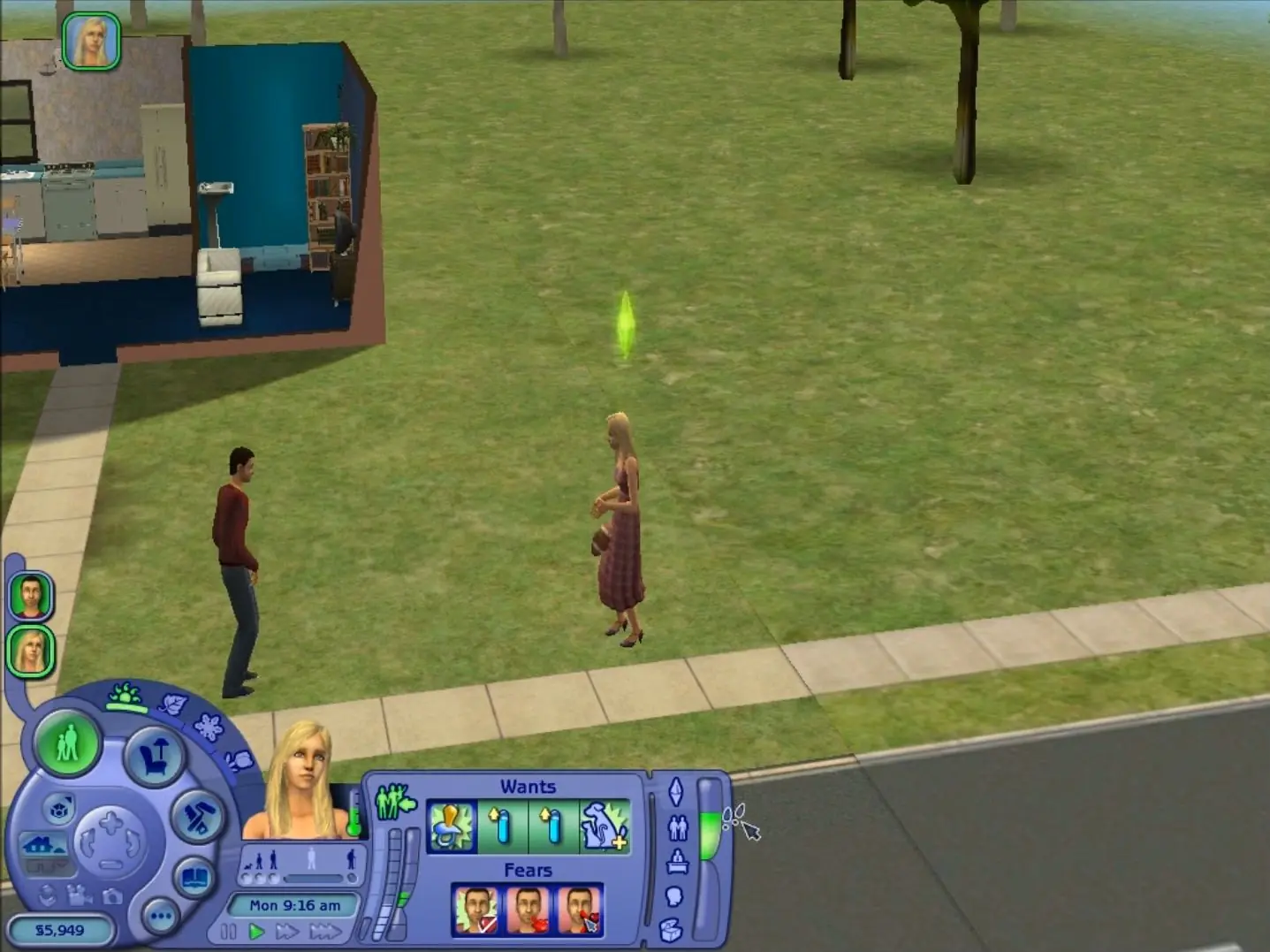
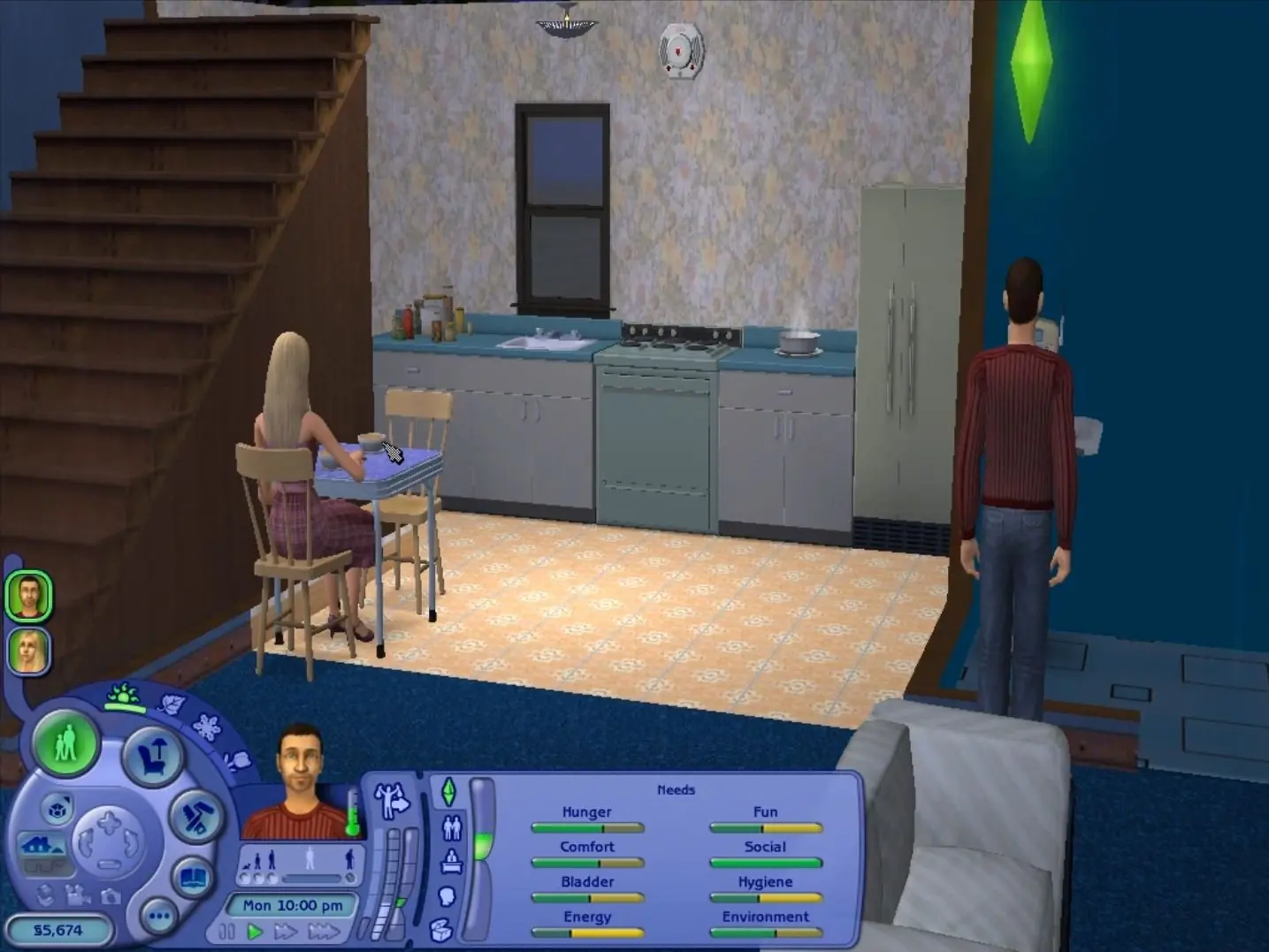
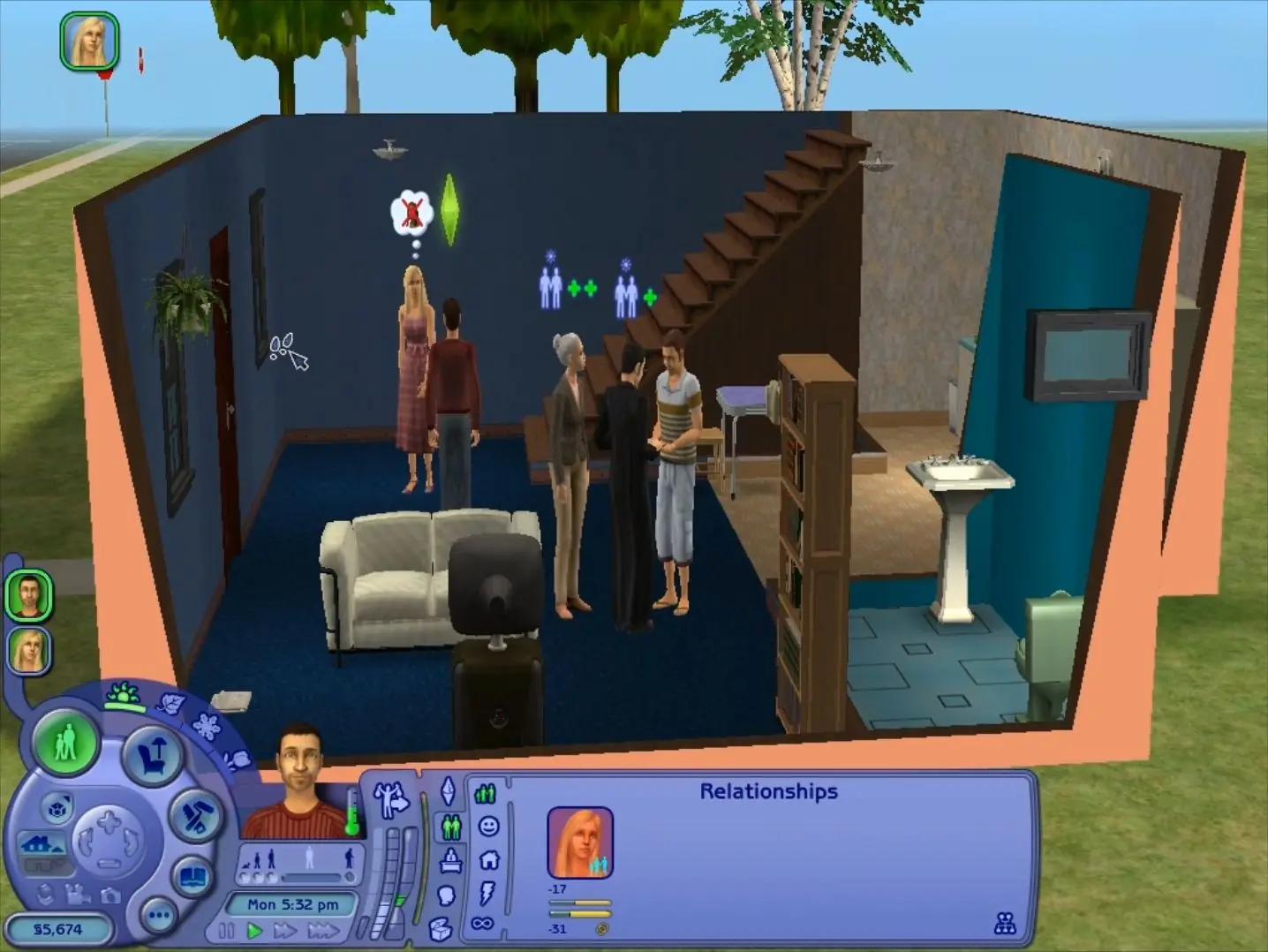
The Sims 2: Ultimate Collection — Windows screenshot 1The Sims 2: Ultimate Collection — Windows screenshot 2The Sims 2: Ultimate Collection — Windows screenshot 3

Download The Sims 2: Ultimate Collection

The Sims 2: Ultimate Collection was re-released and is no longer abandonware. You can purchase the game from:

* We may earn a commission if you buy through these links.

Comments

3,215 thoughts on “The Sims 2: Ultimate Collection”

  1. ▲0▼
    Gets to loading screen and then crashes unfortunately. Am running on Windows 11, already adjusted the resolution settings in the respective folder.
    Reply
  2. ▲0▼
    How and where to add cc (custom content) to the game? I’ve downloaded it and it runs well but want to add cc
    Reply
  3. ▲0▼
    I cant seem to get past the loading screen, its plays for abit then just closes the game? Can anyone help me resolve this please?
    Reply
  4. ▲0▼
    Hey Guys ! I downld the game, but I can’t make it work ! It crashes everytime when there is the “garden stuff” loading page. I tried to find the problem, but idk… Can anyone help me please ?
    Reply
  5. ▲0▼
    Hey! After installing the game I have little disk space. I would like to install mods but with 18 GB I don’t know if that’s a good idea. Before I had 51 GB. Can anyone help me?
    Reply
  6. ▲0▼
    Hi! After installing the game I have little disk space. I would like to install mods but with 18 GB I don’t know if that’s a good idea. Before I had 51 GB. Can anyone help me?
    Reply
  7. ▲0▼
    Hey, thank you so much for all the work you put, the game runs pretty good. Only issue i’ve met so far, crashes once i visit a community lot. I don’t have any CC. I’m kinda stuck, any ideas on how i can fix it?
    Reply
  8. ▲0▼
    Help!! Not sure what has happened to my game but my sims memories have been wiped and now everytime o try to play the game it keeps on saying ObjectError, if anyone knows why this is happening or can help with fixing it please help!!!
    Reply
  9. ▲0▼
    Just installed it, following the instructions. Everything works! 😀 The Windows 11 compatibility mode turns on automatically in my case and it might help with some additional problems running the game 🙂
    Reply

Similar games