Home » Games » The Sims Pet Stories

The Sims Pet Stories

The Sims Pet Stories Game Cover
4.6/5 - 97 votes

The Sims Pet Stories is the second game released in The Sims Stories series. Following The Sims Life Stories, The Sims Pet Stories was released on June 19, 2007.

Other Titles

The Sims: Pet StoriesDe Sims DierenverhalenLes Sims : Histoires d'animauxLos Sims historias de mascotasThe Sims Historie: Ze świata zwierzątThe Sims Historier om husdjurداستان‌های حیوانات خانگی سیمز

Genres
Developers
Released
Platforms
Download

About The Sims Pet Stories

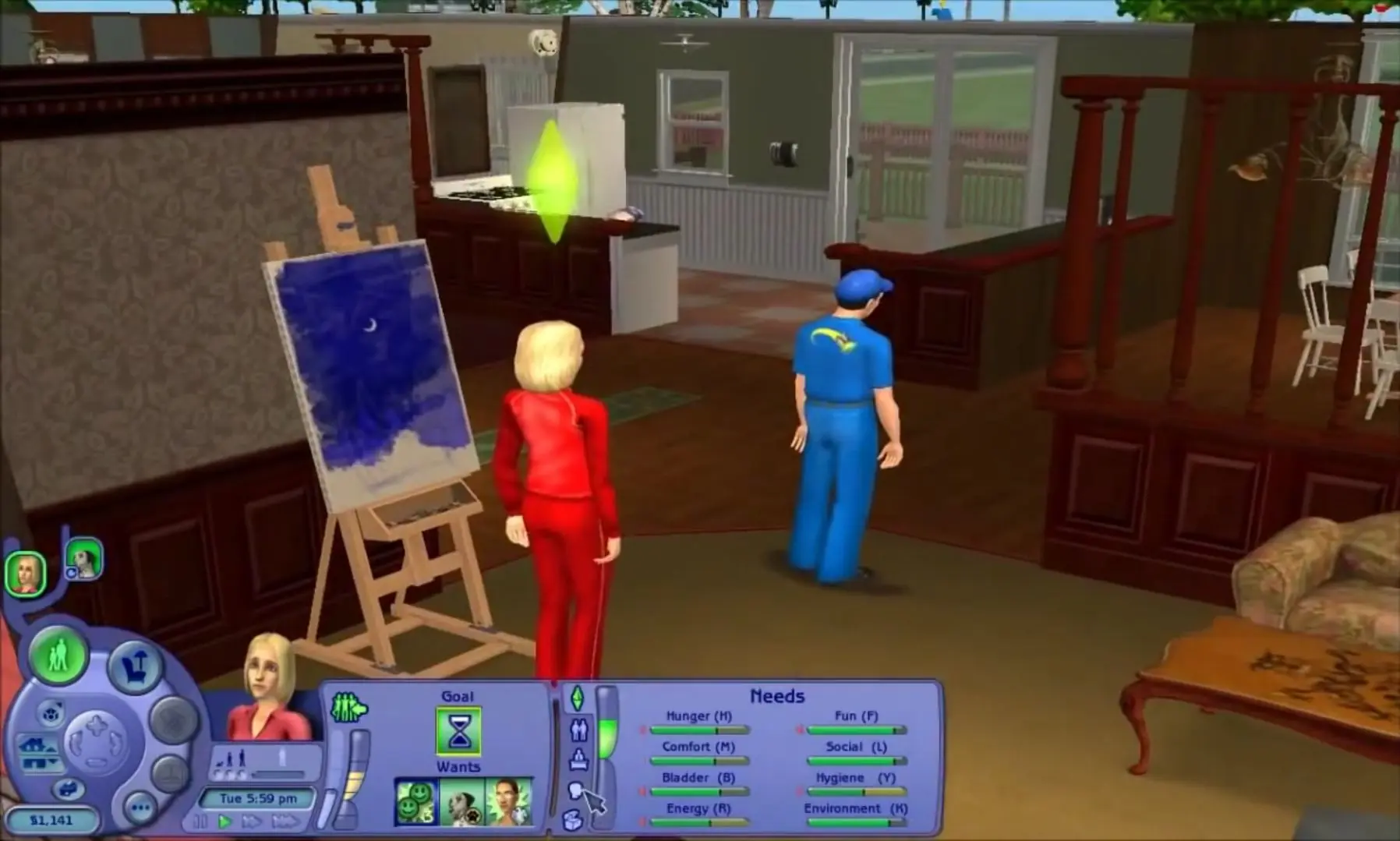
Pet Stories challenges Sims to care for and train pets, similar to The Sims 2: Pets. Much like its predecessor, this game is optimized for laptops and features both story and free play modes. Players can also raise and train pets in the game like The Sims 2.

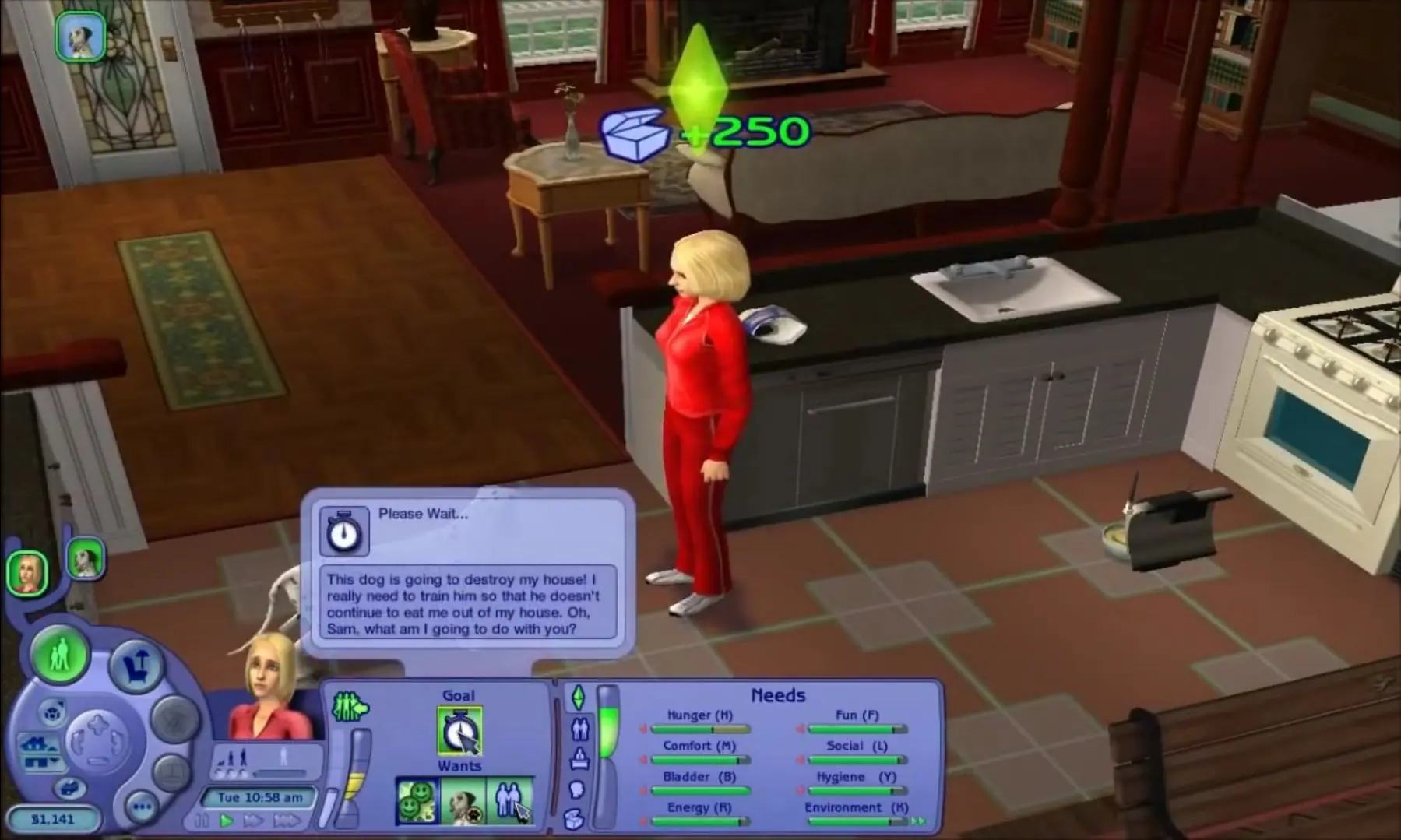
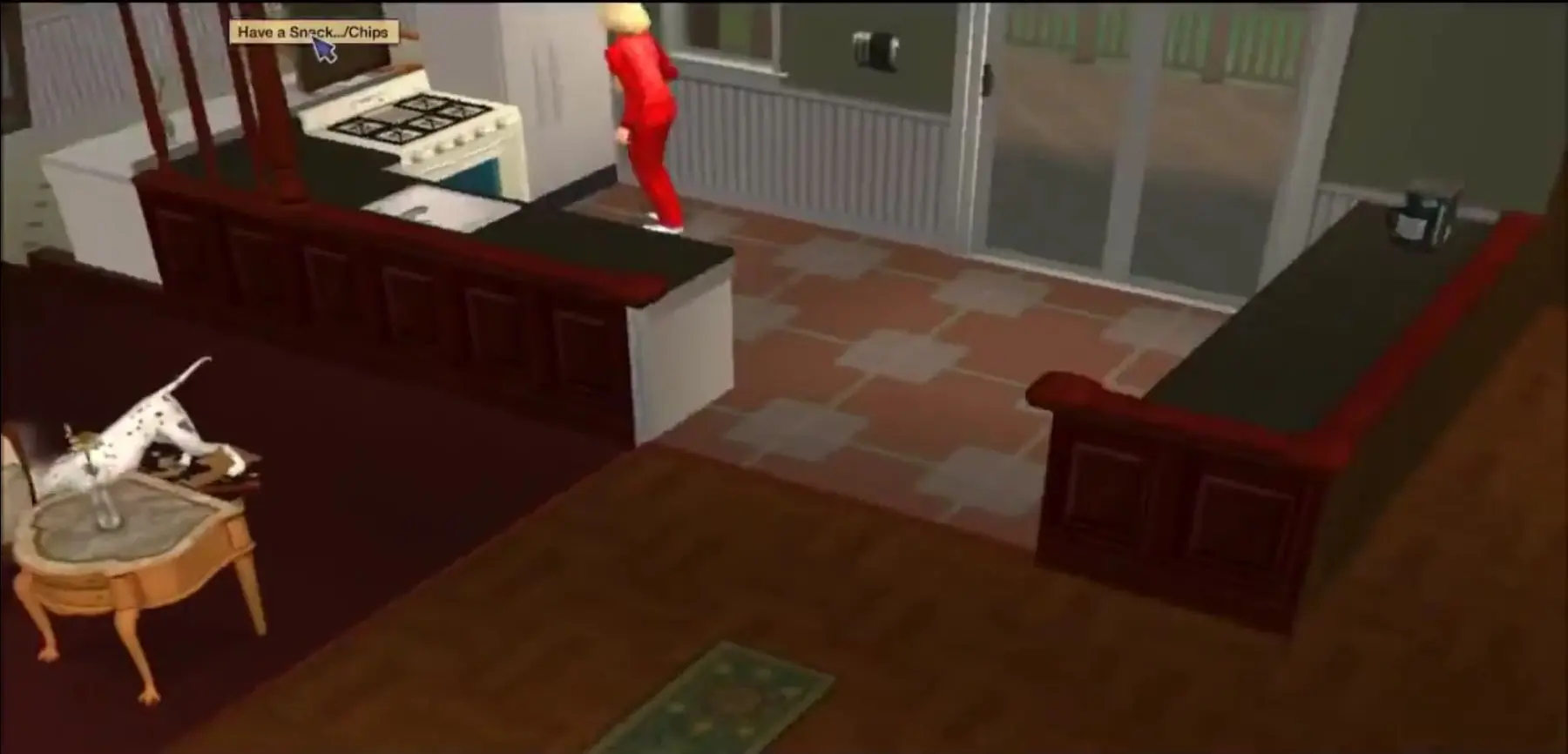
In this game, two new stories are introduced, Best in Show and Midnight Masquerade. The first story features Alice, a woman who faces financial problems and is about to lose her home. So she enters her pet Dalmatian into a local dog show to try to earn enough money to save her house. The second story is about a successful executive chef named Stephen, whose world is turned upside down when an obnoxious cat comes to live with him.

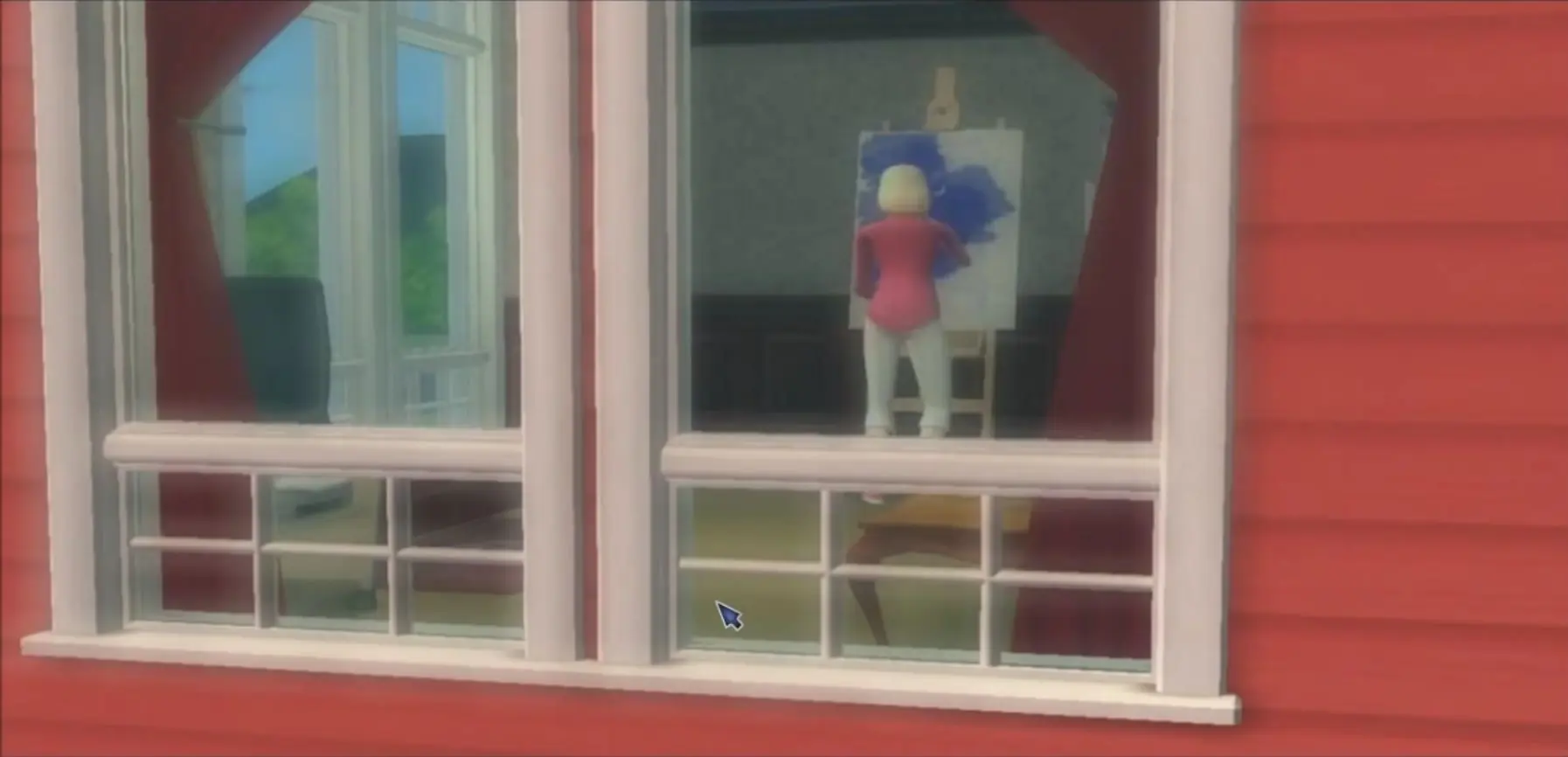
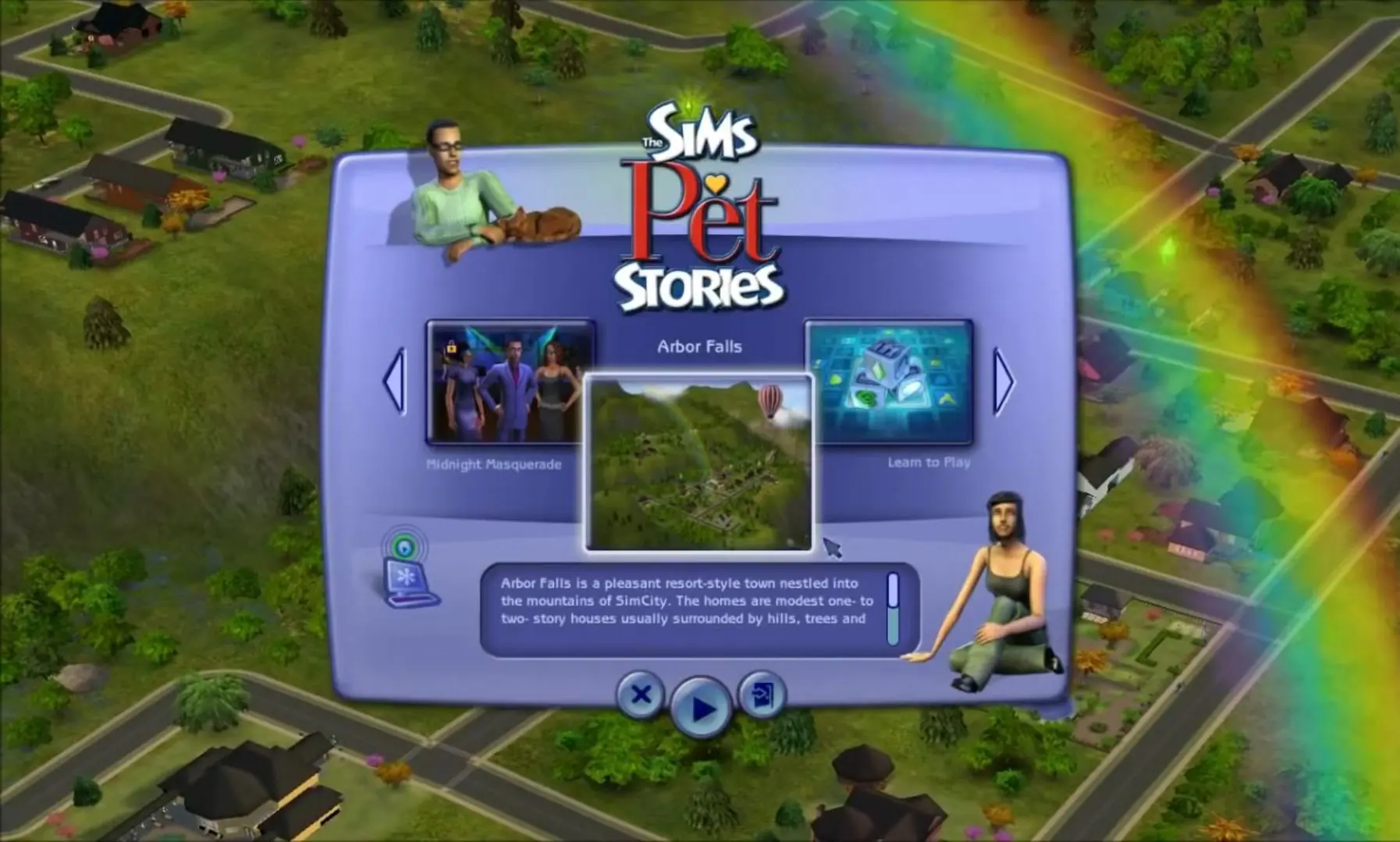
There is a neutral town titled Arbor Falls, where the player can play in Free Mode and does not have to follow a story line. Free Mode is similar to the regular The Sims 2, allowing players to raise a family, buy pets, go out, and date, which was previously a feature in The Sims 2: Nightlife. Pet Stories also introduced new objects, such as games for pets and musical instruments, and building opportunities including new paintings and floor patterns.

Screenshots

Windows

The Sims Pet Stories — Windows screenshot 1The Sims Pet Stories — Windows screenshot 2The Sims Pet Stories — Windows screenshot 3The Sims Pet Stories — Windows screenshot 4The Sims Pet Stories — Windows screenshot 5

Download The Sims Pet Stories

The Sims Pet Stories is abandonware and no longer sold or supported by its publishers. Files are archived here for these platforms:

Windows (2007)

  • The_Sims_Pet_Stories_Win_Setup_EN.7zEN2.1 GB
  • Instructions The_Sims_Pet_Stories_Win_Setup_EN.7z

    How to play on Windows

    1. Download and Extract The_Sims_Pet_Stories_Win_Setup_EN.7z
    2. Open the "Game Files" folder
    3. Double click on Autorun.exe to install the game. When prompted to enter a CD-key, use:
      8VDD-2TCR-17ML-C7F4-IVTY
    4. When the installation is finished, open the "Crack" folder and copy-paste the "SimsPS.exe" file into the game installation directory (where you installed the game). By default, this is:
      C:\Program Files (x86)\Electronic Arts\The Sims Pet Stories\TSBin
    5. When prompted, confirm that you want to replace the file in the destination
    6. Play the game!

Comments

40 thoughts on “The Sims Pet Stories”

  1. 0
    Once I downloaded it. No file popped up at all. No cracked folder nothing. There is literally no way to install the game. This was a waste of my time. Fix your stuff please. You have so many people saying that it’s not working. Yet the owner of this website is too lazy to fix anything. DO YOUR JOB!
    Reply
  2. 0
    Installed it as instructed (have installed games here before without issues) It plays the intro video, starts loading and then crashes with zero explanation.
    Reply
  3. 0
    Guys it kept asking for a dvd like 4 times and I kept uninstalling it and installing it again, but FINALLY I figured that if you just run the game from the “crack” folder it works just fine
    I copied the game from the “crack” folder into my desktop and it’s working perfectly, hope this helps
    *also the sims life stories did the same thing, it kept asking for a cd, I just ran it from the “crack” folder as well
    Reply
    • 0
      oiii, fiz isso e deu certo, abriu a tela do jogo, porém depois de alguns minutos ele fechou do nada. Você sabe o que pode ser?
      Reply
  4. 0
    It just says No DVD-ROM drive found in every sims stories for me I did every step right. Need to update these games for windows 11.
    Reply
  5. 0
    Can anyone help me! The game downloaded fine and I can get through to the load screen (in windowed mode) but when I try and enter the first story/neighbourhood the whole screen goes black. When it happens I can’t open any other window on the PC including task manager so have so force a shut down. I’ve tried lots of troubleshooting but can’t seem to solve the issue. Any help appreciated!
    Reply
  6. 0
    Try to open program but doesn’t load. Shows “the application has crashed. The application will now terminate.” anyone know how to fix?
    Reply
  7. 0
    Hello, I kinda have the problem that the only mode i can choose is the “Learn To Play” mode but no matter which one I pick, the game crashes when the loading screen starts. does anyone knows how to fix that?
    Reply
  8. 0
    The game won’t install for me. After displaying the “please wait” page, my laptop freezes. Strangely, my laptop is also freezing when trying to delete the files. Has anyone encountered this issue before and found a solution?
    Reply

Similar games