Home » Games » The Spiderwick Chronicles
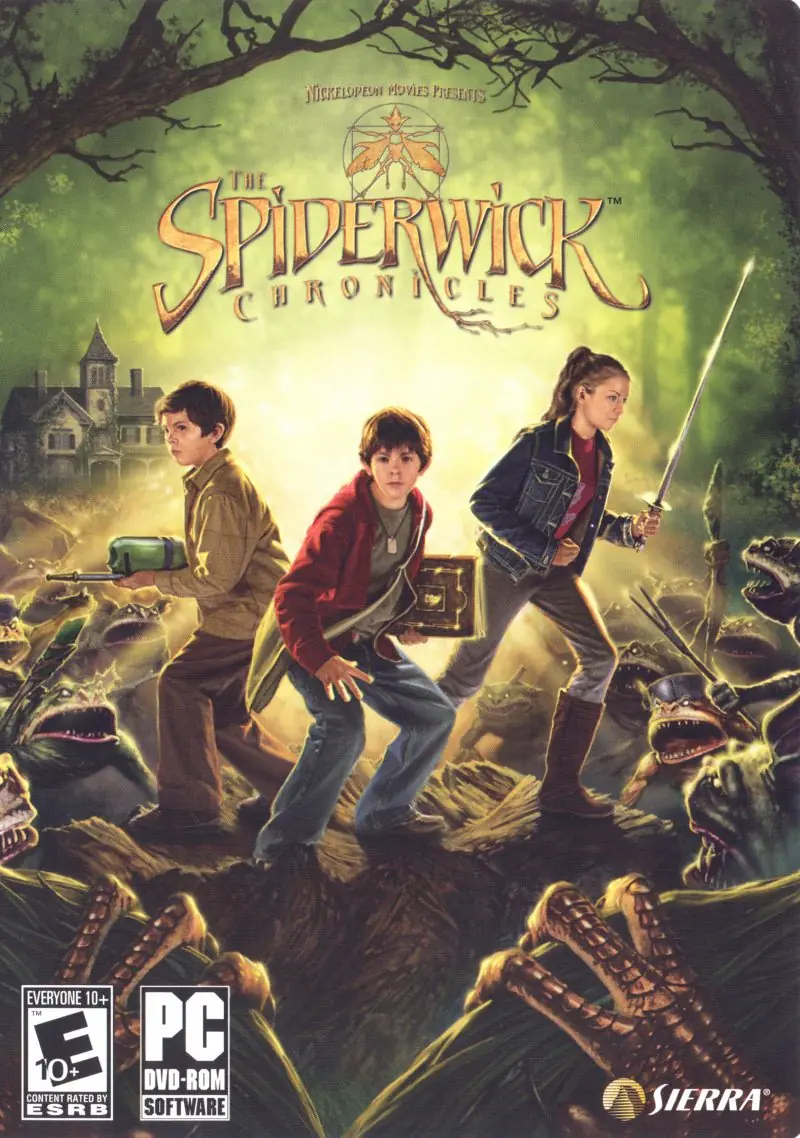
The Spiderwick Chronicles

The Spiderwick Chronicles Game Cover
4.6/5 - 68 votes

Capture fantastical creatures and solve puzzles as you explore the Spiderwick estate.

Other Titles

Спайдервик. ХроникиA Spiderwick KrónikákAs Crônicas de SpiderwickDe Spiderwick KroniekenDie Geheimnisse der SpiderwicksKronika rodu SpiderwickůKroniki SpiderwickLas Crónicas de SpiderwickLes Chroniques De SpiderwickOgreSpiderwick: Le Cronacheث سپيديرويك تشرونيكليس

Genres
,
Publishers
Developers
Released
Download

About The Spiderwick Chronicles

Unlock and explore the hidden world of the seen and unseen from the Spiderwick Chronicles movie. Battle strange and enchanted creatures in this spellbound world of eerie adventures, as you fight to stop a rising evil.
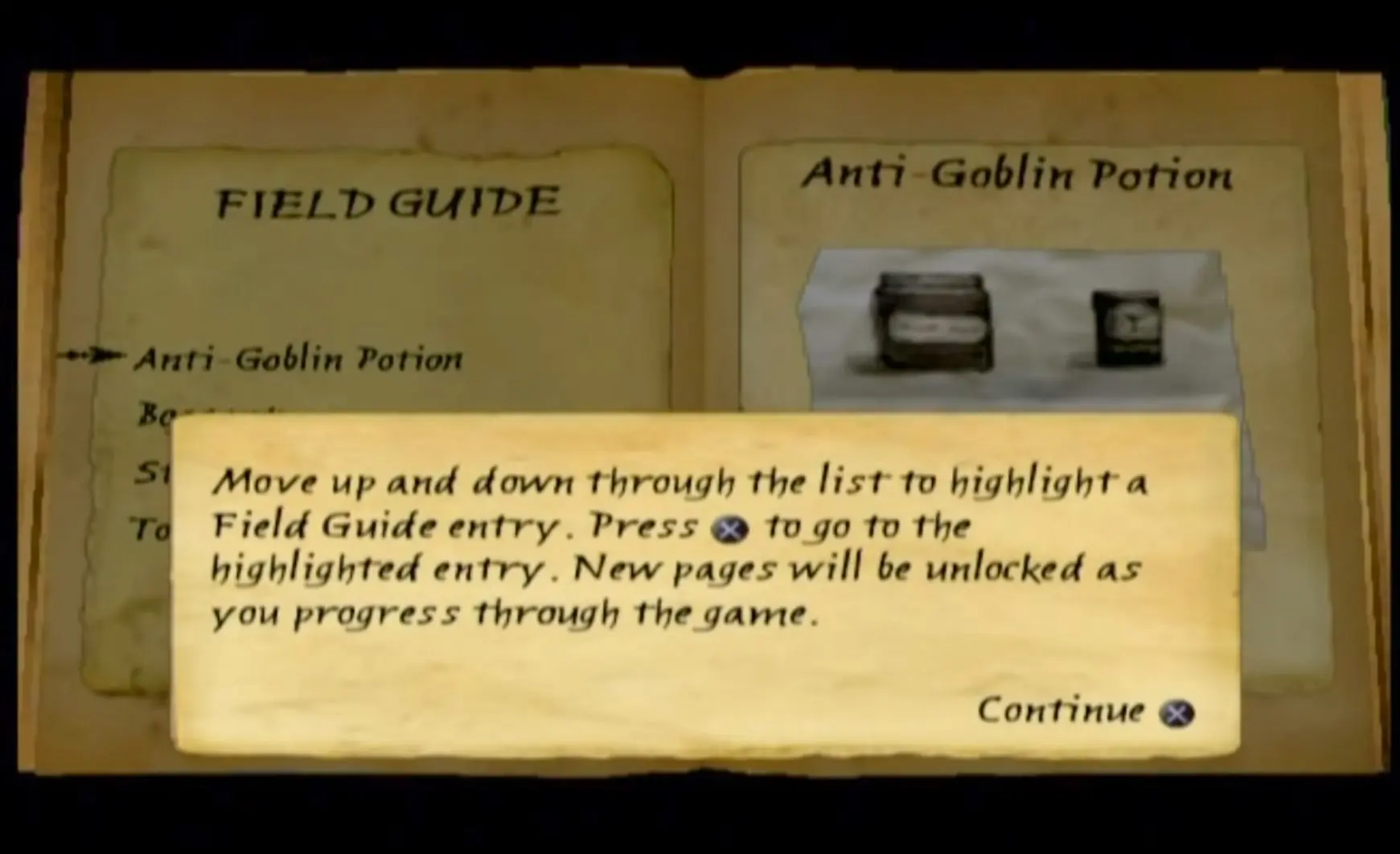
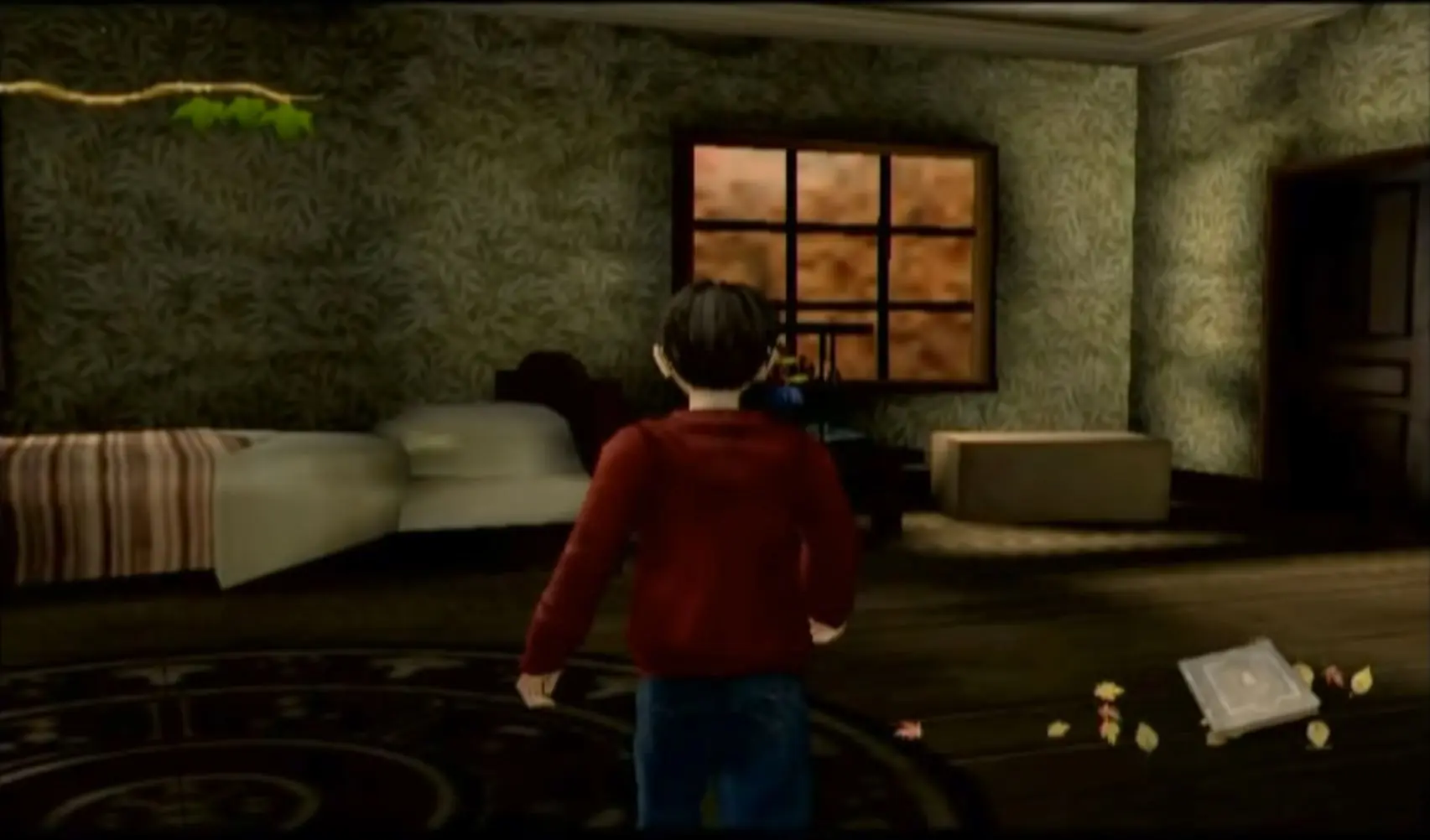
Screenshots

PlayStation 2

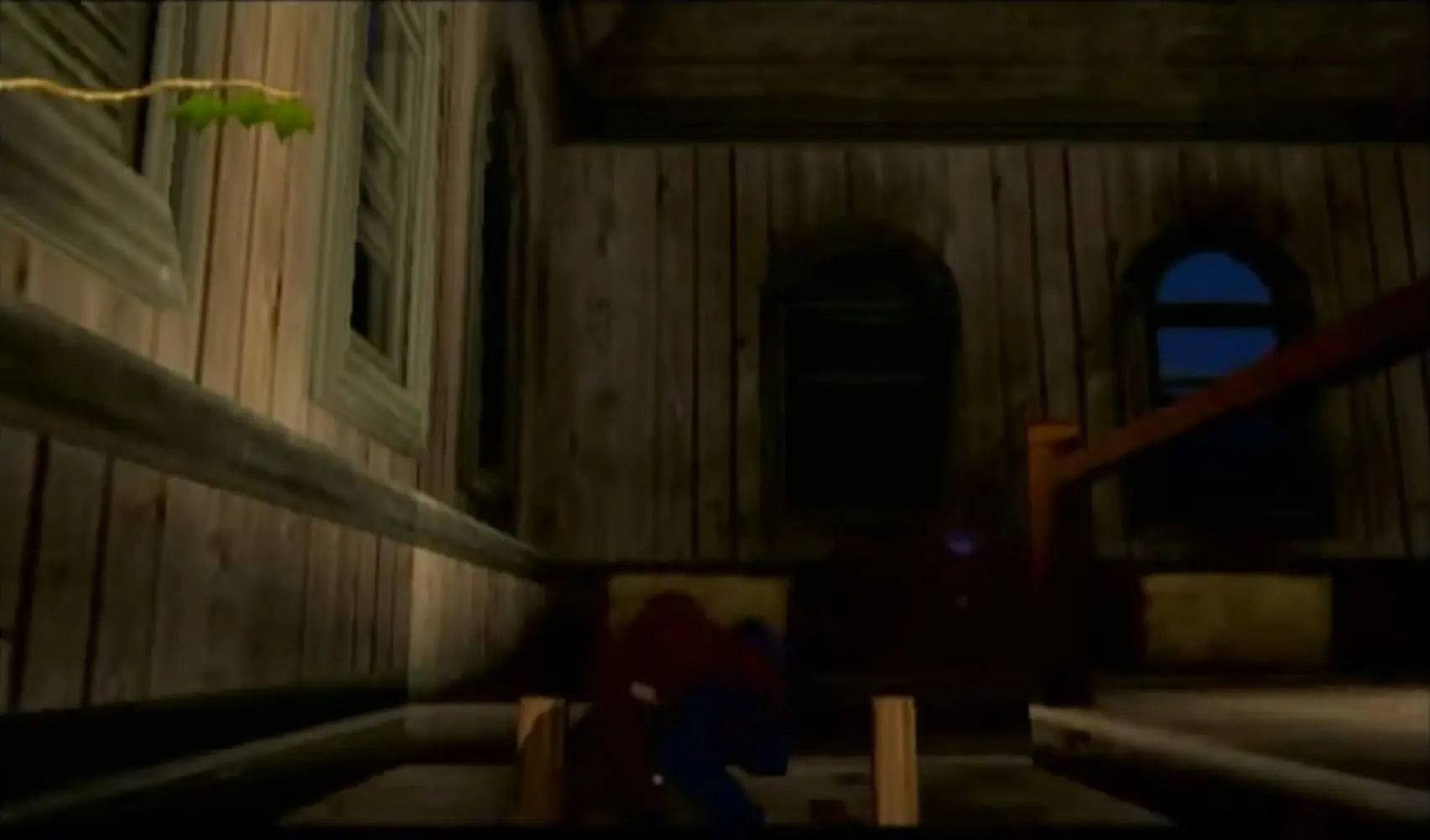
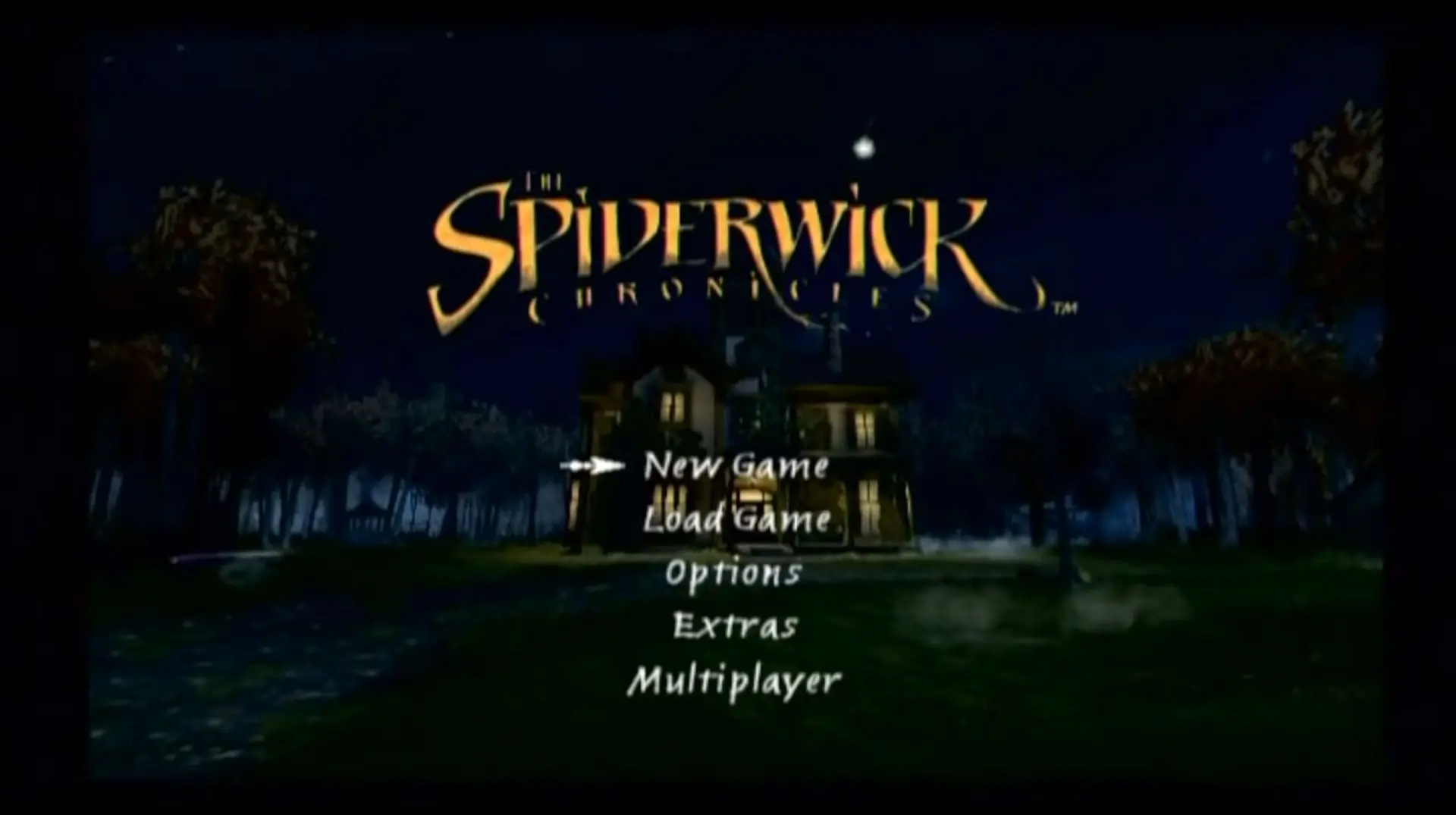
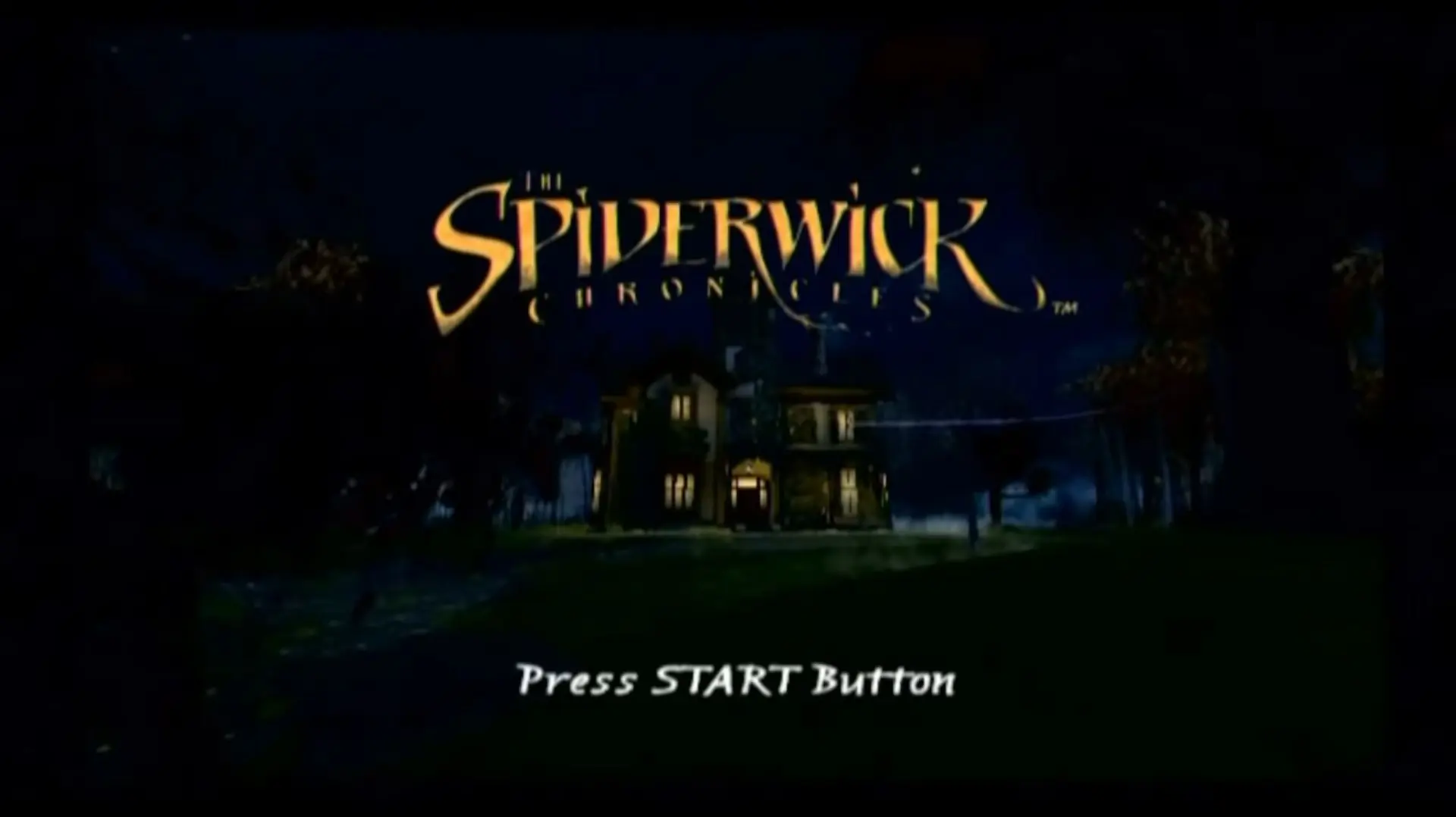
The Spiderwick Chronicles — PlayStation 2 screenshot 1The Spiderwick Chronicles — PlayStation 2 screenshot 2The Spiderwick Chronicles — PlayStation 2 screenshot 3The Spiderwick Chronicles — PlayStation 2 screenshot 4The Spiderwick Chronicles — PlayStation 2 screenshot 5

Download The Spiderwick Chronicles

The Spiderwick Chronicles is abandonware and no longer sold or supported by its publishers. Files are archived here for these platforms:

PlayStation 2 (2008)

Tutorial: How to play PlayStation 2 games on Windows

Windows (2008)

  • The_Spiderwick_Chronicles_Win_Preinstalled_EN.zipEN2.58 GB
  • Instructions The_Spiderwick_Chronicles_Win_Preinstalled_EN.zip

    How to play on Windows (Preinstalled)

    1. Download and Extract The_Spiderwick_Chronicles_Win_Preinstalled_EN.zip
    2. Open the "Game Files" folder and then run "Spiderwick.exe"
    3. Play the game

    Note: When you close out of the game, it might cause your computer to crash (this appears to be a glitch from the game itself) so please make sure you don't have anything important open when launchng the game.

  • The_Spiderwick_Chronicles_Win_Setup_EN.RU.zipENRU2.75 GB
  • Instructions The_Spiderwick_Chronicles_Win_Setup_EN.RU.zip

    How to play on Windows (Have to install)
    1. Download and Extract The_Spiderwick_Chronicles_Win_Setup_EN.RU.zip
    2. Open the "Game Files" folder and then run "setup.exe".
    3. The installer will be in Russian so click on "Next" one time. You can choose the folder you want to install the game in the next window - you can just keep this at default, so select "Next" once more.
    4. On this Windows, you want to click on the dropdown menu and select "English".
    5. Keep clicking on the "Next>" button until installation begins.
    6. Once installation is complete, go into the "NOCD" folder and copy paste "Spiderwick.exe" into the game installation directory (folder you installed the game to). Confirm you want to replace the files in the destination
    7. Play the game by launching "Spiderwick.exe"

Comments

23 thoughts on “The Spiderwick Chronicles”

  1. 0
    Im kinda stuck in the part where u have to escape the troll in the tunnel,
    the troll animation makes it go too fast and not hitting stuff so i cant go past that, i think its a bug.
    Reply
    • 0
      It’s a framerate issue. If the framerate is higher than 60fps, it will cause animations, both gameplay and in cutscenes, to move faster than normal. I figured this out, through experimenting as well as trial and error.
      Reply
  2. 0
    timbletack no jump fix / its not that hard to fix it just dont download this copie and go to this video named (how to download The Spiderwick Chronicles (Rus – Eng) pc game with crack fix) on youtube or here is the link (https://www.youtube.com/watch?v=qxGW2AuEuv4&t=193s) then follow the step on how to download then heres the hard part you are sitll downloading this one but theres a crack fix. go to the Comments and look for my man named AkosiUriel he is a hero because alan kurdi the creator of the video explained it really hard to understand
    Reply
  3. 0
    I could not jump as timbletack or Jared After the timbletack part I was stuck since you are required to use the bat and to jump but jumping was not working. I fixed it by just restarting the game multiple times. My bat was missing I could not hit or equip the Bat I only had the net. How do you even manage to break the game like this?
    Reply