Home » Games » Transformers: The Game
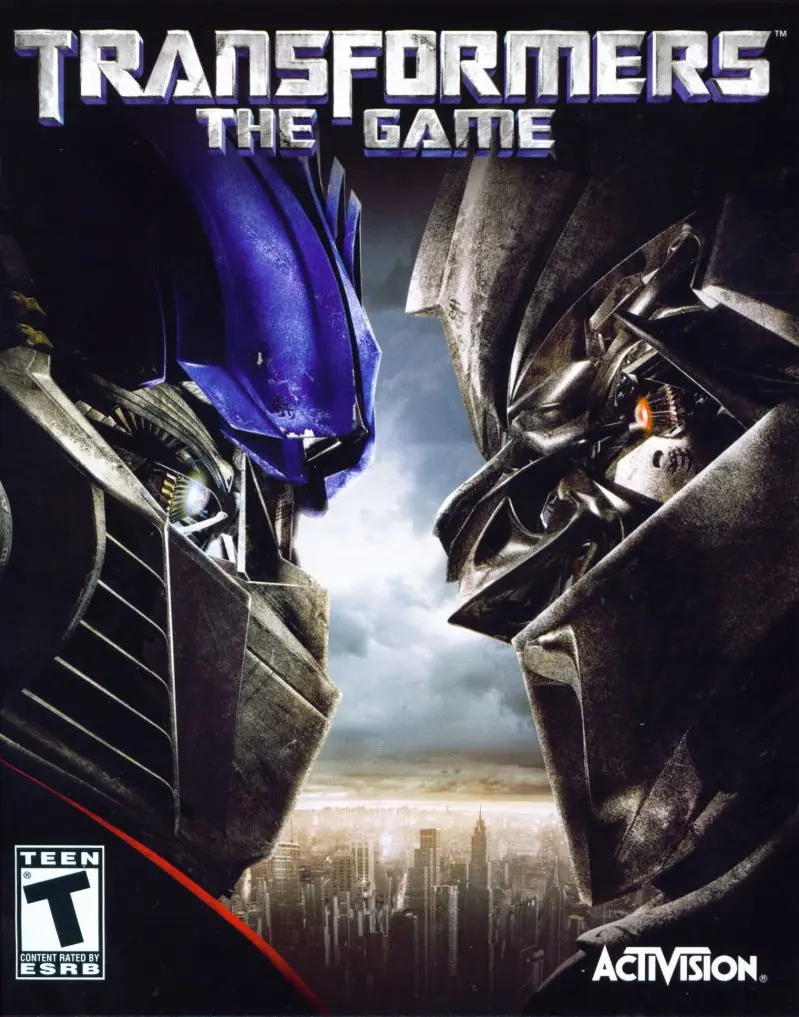
Transformers: The Game

Transformers: The Game Cover
4.6/5 - 608 votes

Transformers: The Game is a 2007 shooter game developed by Savage Entertainment and published by Activision.

Other Titles

Transformers le jeuTransformers: Centrum Zabawyトランスフォーマー The GameTransformers, le jeu트랜스포머: 더 게임

Genres
Publishers
Released
Platforms
Download

About Transformers: The Game

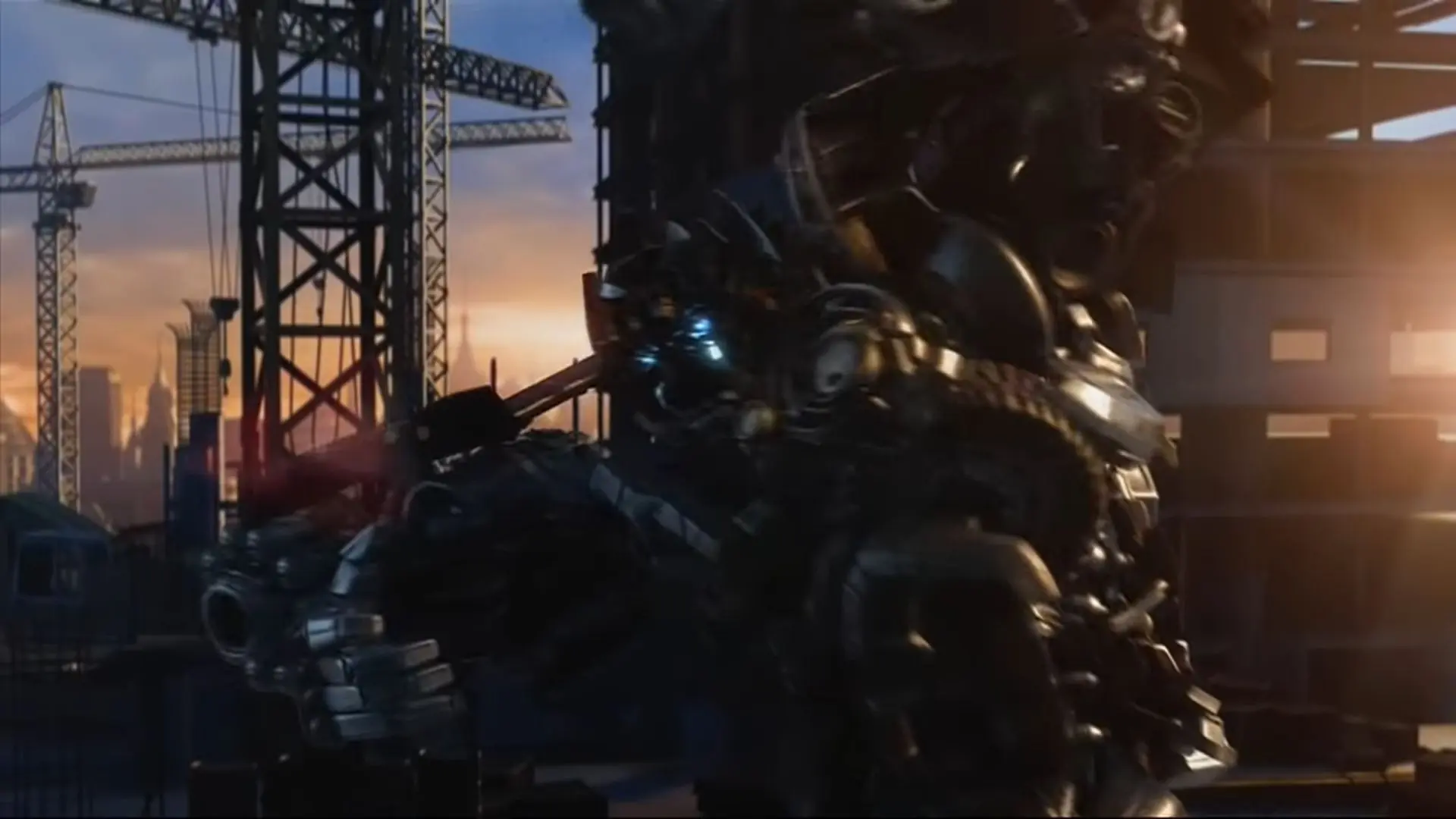
Based on the 2007 film, Transformers invites gamers into a world of mechanized shape-shifters called the Autobots and the Decepticons. By selecting an alliance, gamers will work their way through one of two campaigns and ultimately decide to defend Earth or watch it burn. As a robot, players experience combat in seven fully destructible environments as they attempt to complete objectives and missions including destroying drones. When gamers are in car form, they can compete in a variety of point-to-point races. Optimus Prime, Megatron, Starscream, and Ironhide make a return in the game, and players can shift from vehicle to robot on the fly.
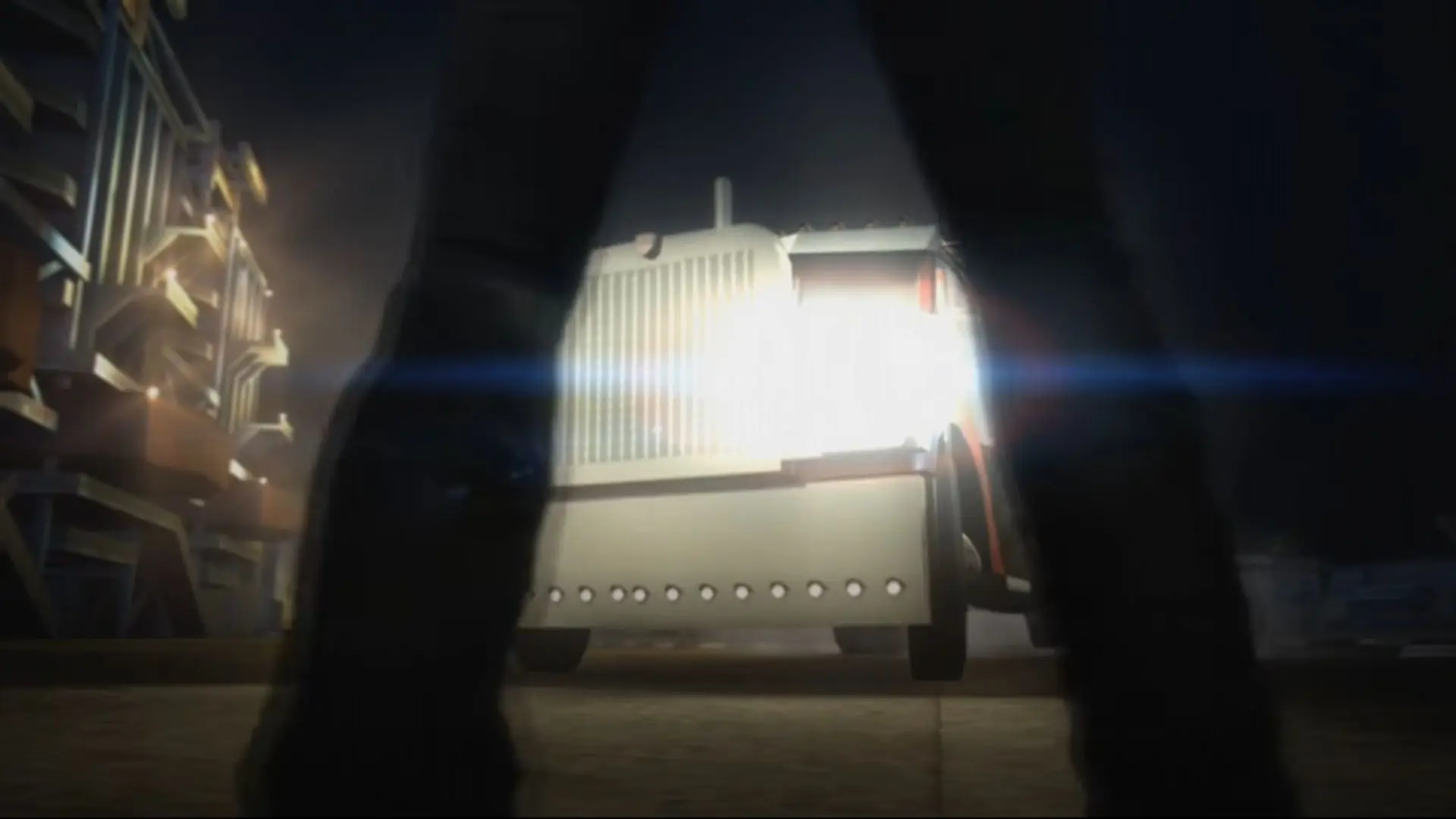
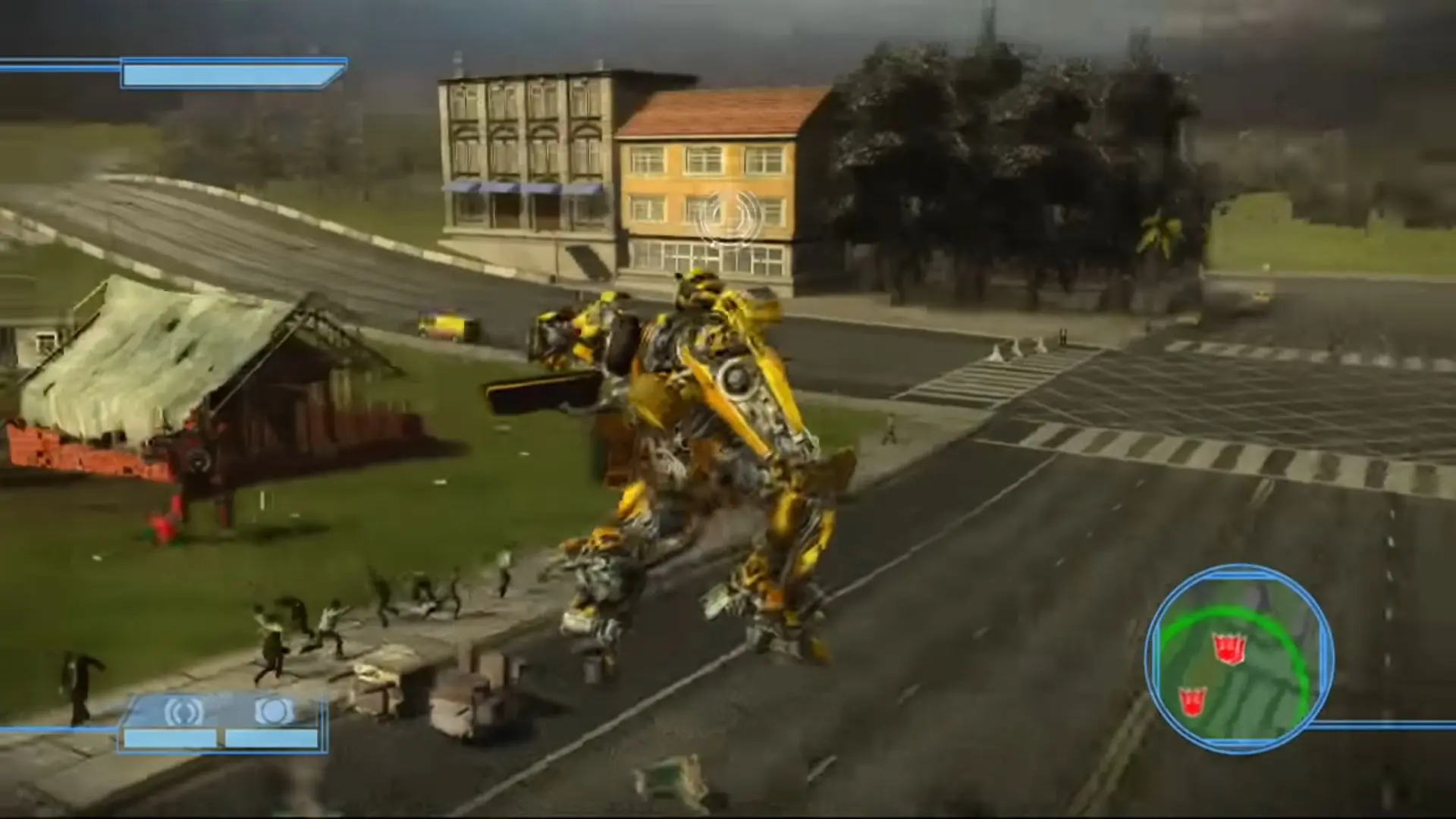
Screenshots

Windows

Transformers: The Game — Windows screenshot 1Transformers: The Game — Windows screenshot 2Transformers: The Game — Windows screenshot 3Transformers: The Game — Windows screenshot 4

Download Transformers: The Game

Transformers: The Game is abandonware and no longer sold or supported by its publishers. Files are archived here for these platforms:

Windows (2007)

  • Transformers_The_Game_Win_ISO_EN.zipEN3.71 GB
  • Instructions Transformers_The_Game_Win_ISO_EN.zip

    How to play on Windows

    1. Download and Extract Transformers_The_Game_Win_ISO_EN.zip
    2. Mount OGD.Transformers.The.Game.ISO and run setup.exe
    3. Follow on-screen instructions to install the game
    4. Open the "NOCD" file and copy-paste "Transformers.exe" into the game installation directory - replace the files in the destination
    5. Play the game

Comments

77 thoughts on “Transformers: The Game”

  1. -1
    For anyone who facing the crashing problem on Decepticons mission 3 in Qatar, you could try navigate to your game directory, then get inside audio/_Dialogue. Now you should see the folder named “USA”. What you have to do is try to change the name into “ENG”. When you play the game you will find that you can’t hear the dialogue, but the crashing is now gone. Finally, once you finished that mission just change it back to “USA” to get the audio back. (Or vice-versa if the audible version for you is “ENG”)

    This approach works well for me, wish you could fix it too.

    Reply

Similar games