Home » Games » Universe at War: Earth Assault

Universe at War: Earth Assault

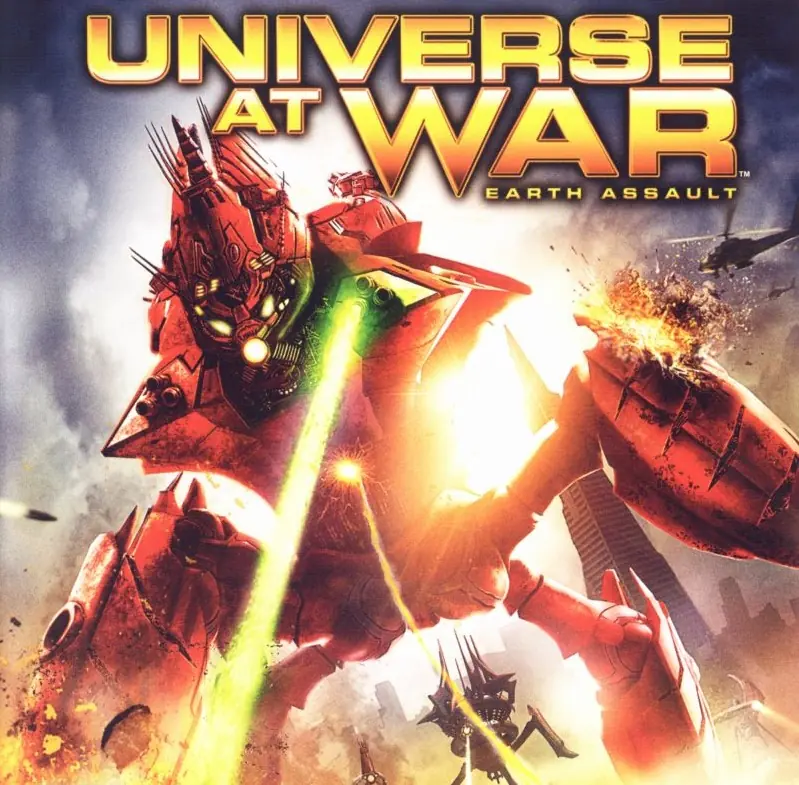
Universe at War: Earth Assault Game Cover
4.8/5 - 59 votes

Dual-layered gameplay featuring intense tactical battles and a strategic global mode where players manage resources, consolidate territories, and maneuver armies.

Other Titles

UaWUniverse at War: Angriffsziel ErdeUAW:EAانيڤيرس ات وار: ايرث اساولت

Genres
Publishers
Developers
Released
Platforms
Download

About Universe at War: Earth Assault

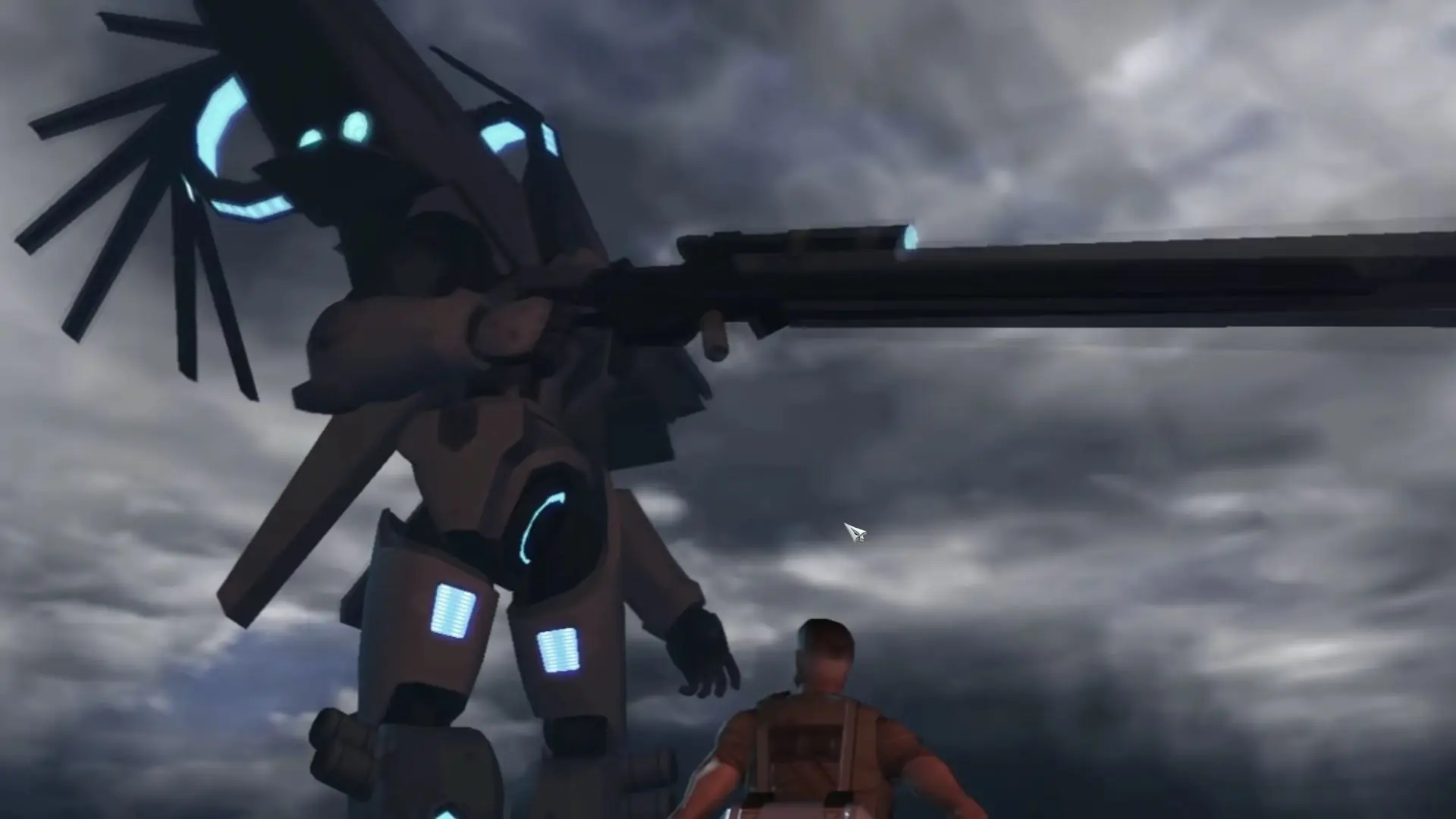
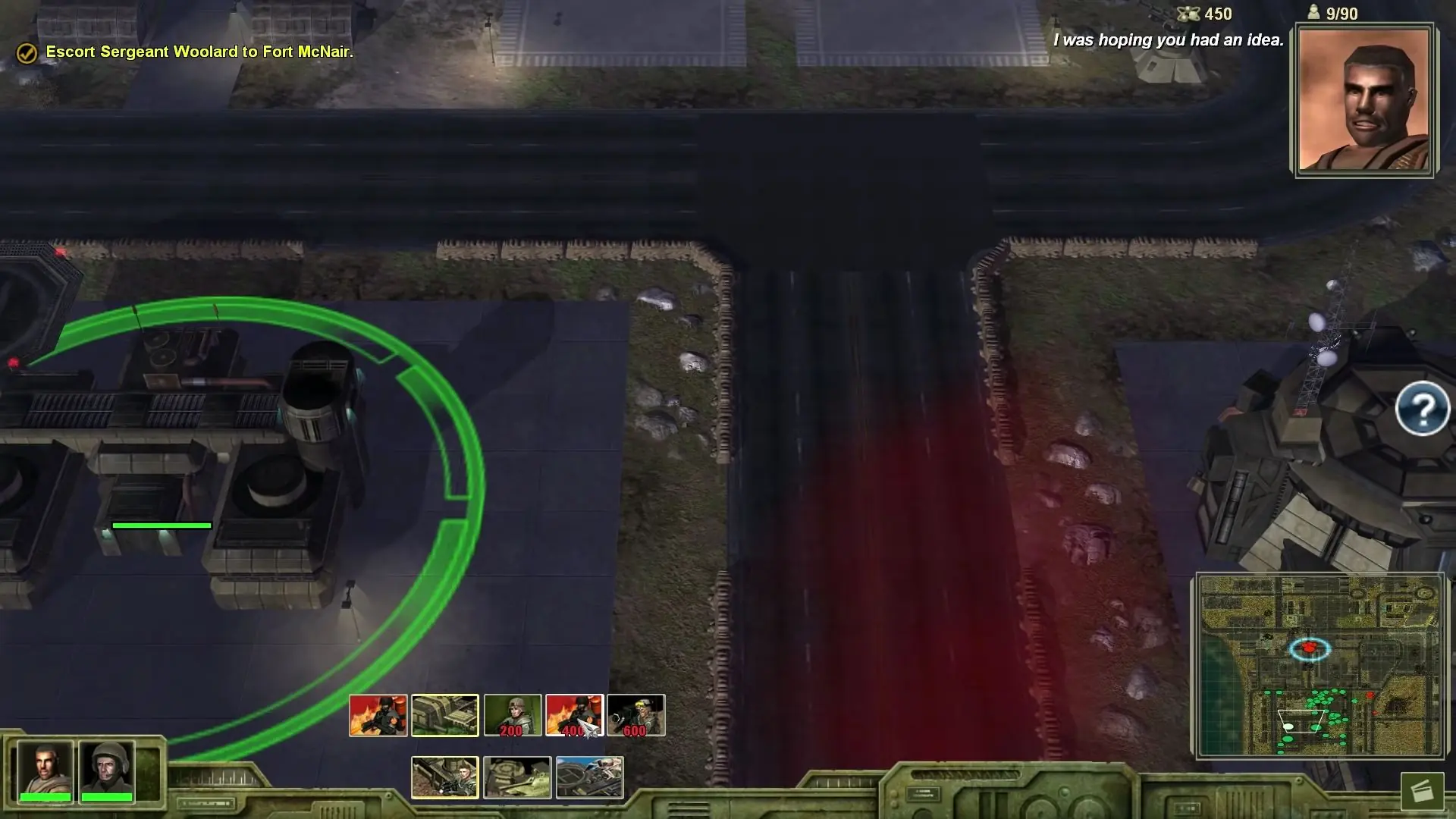
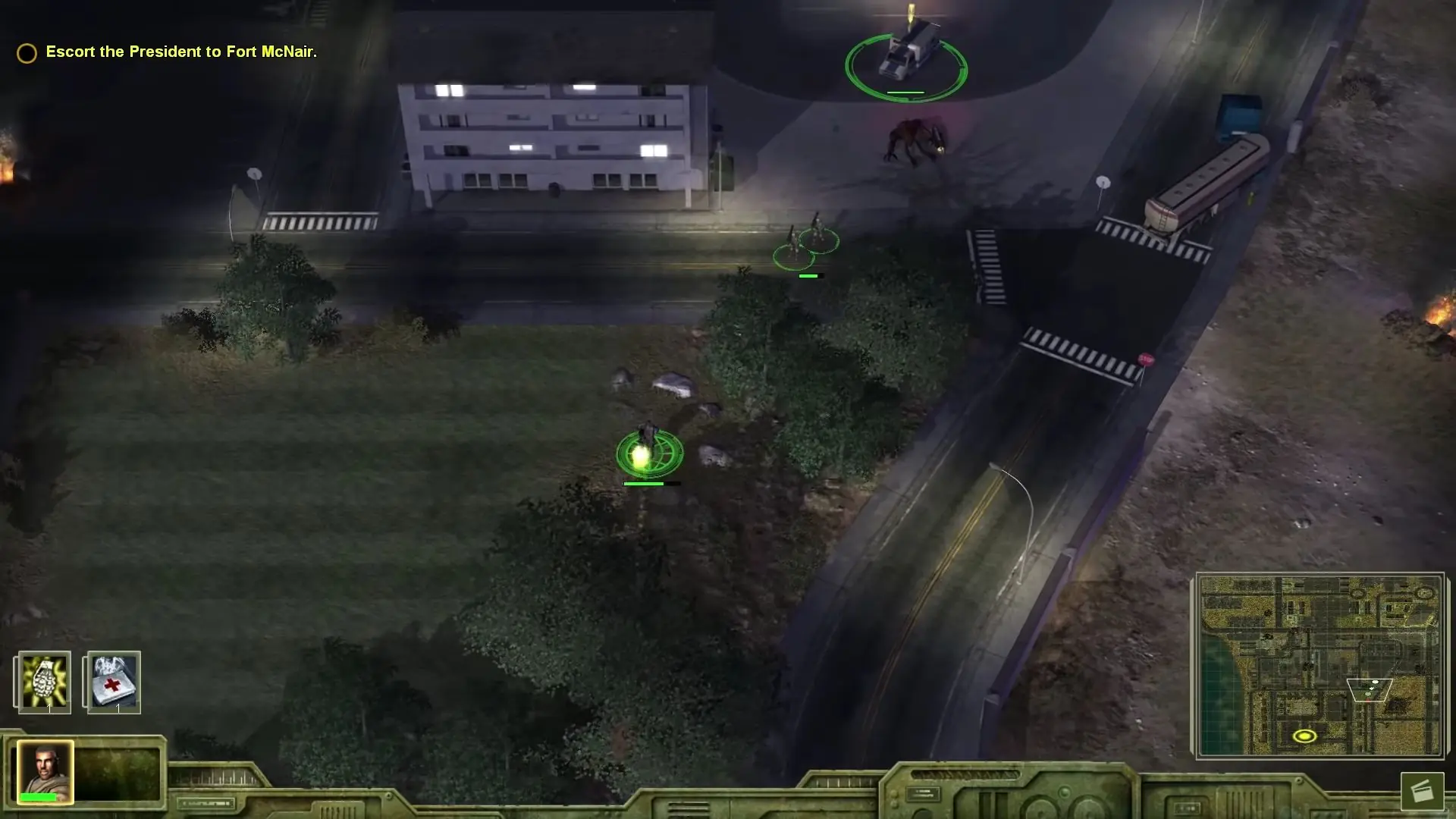
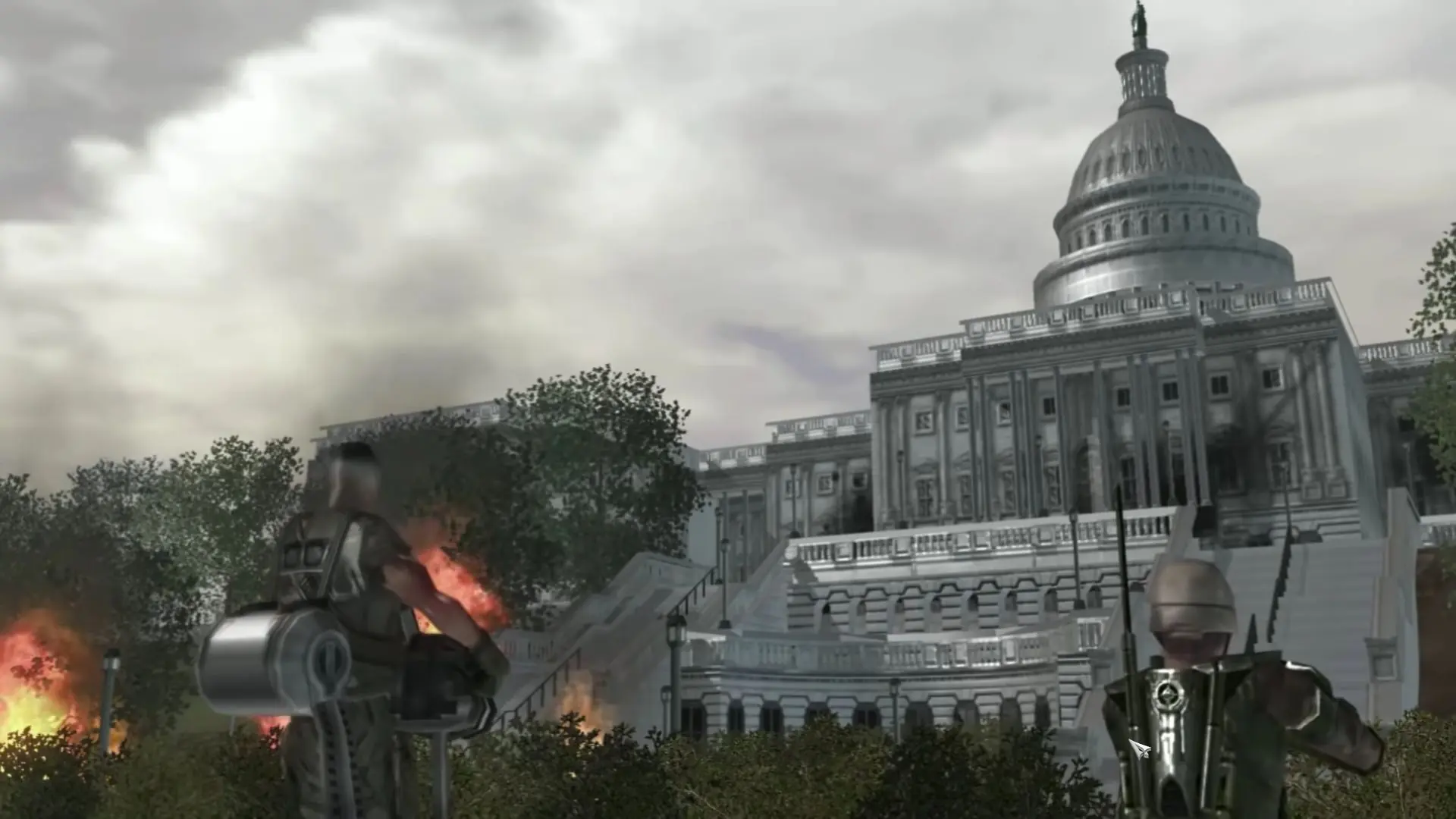
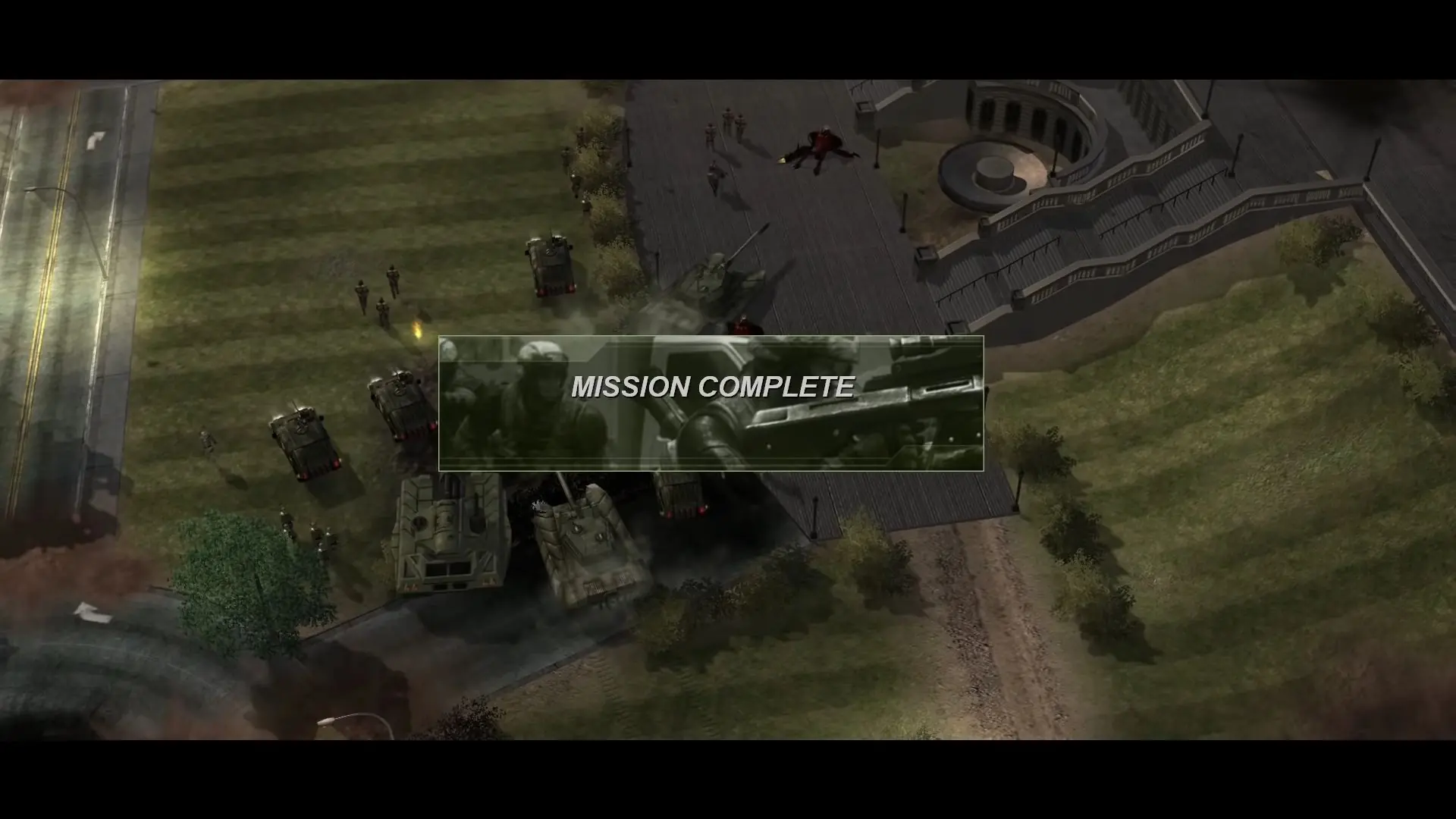
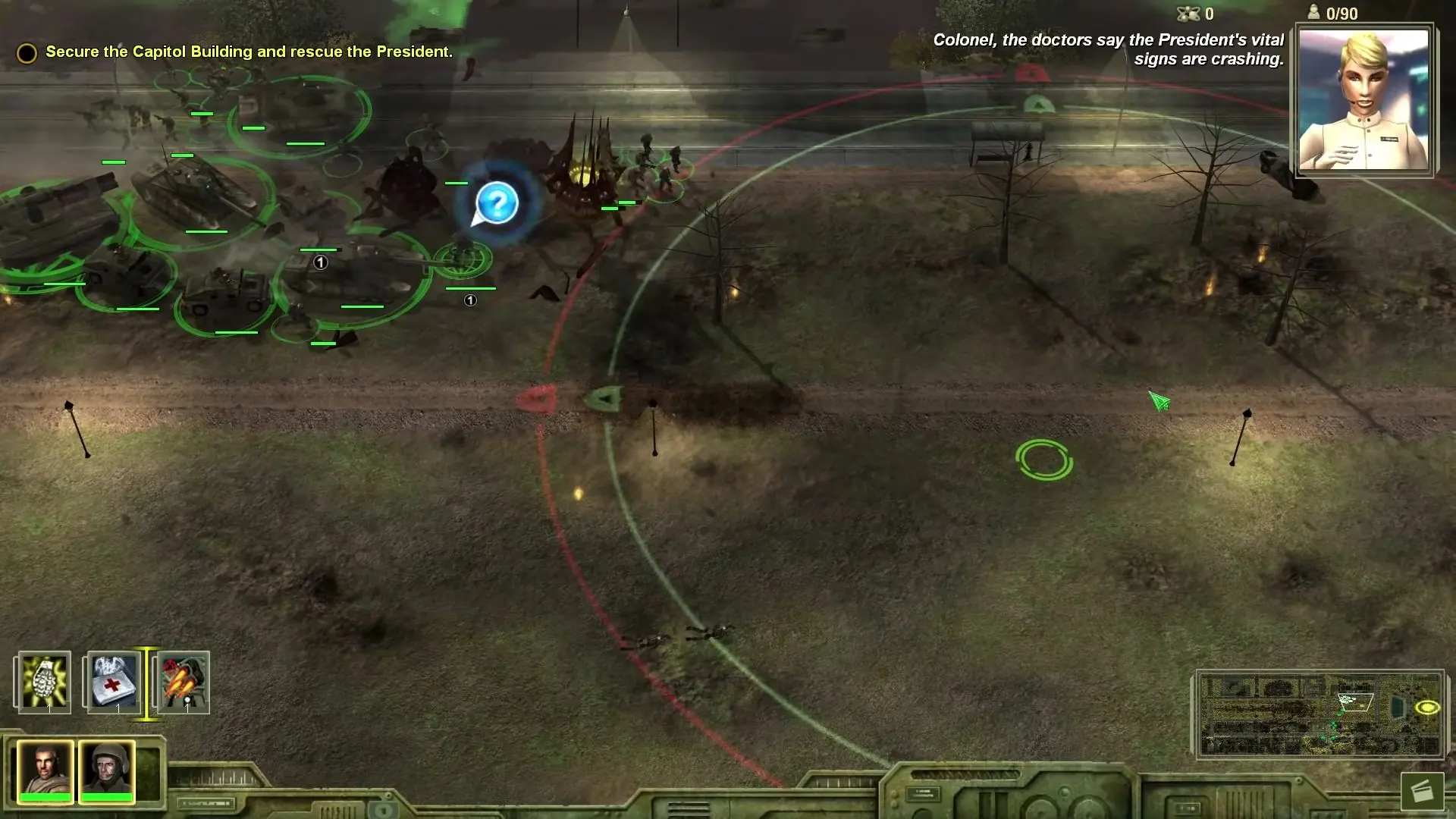
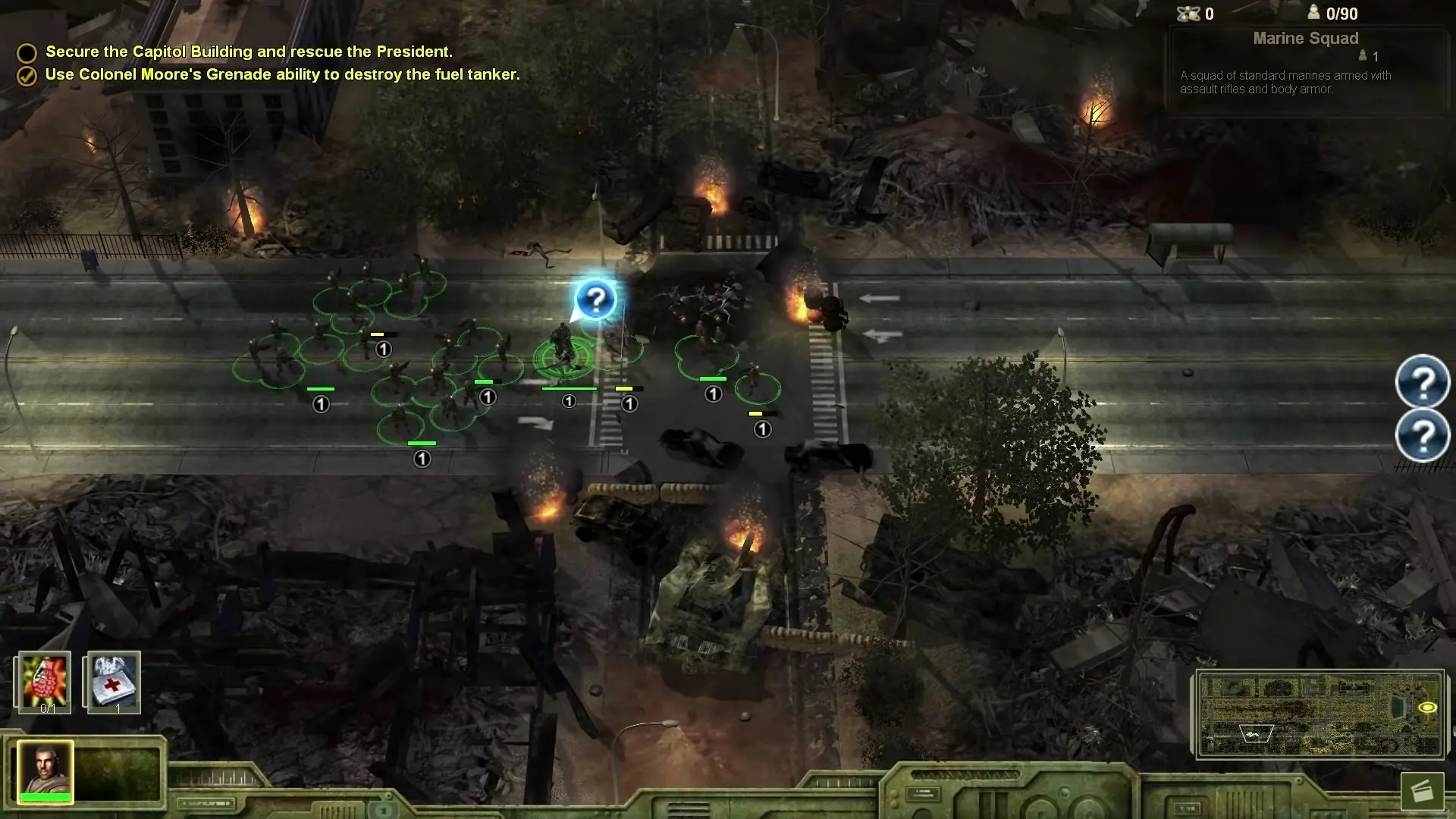
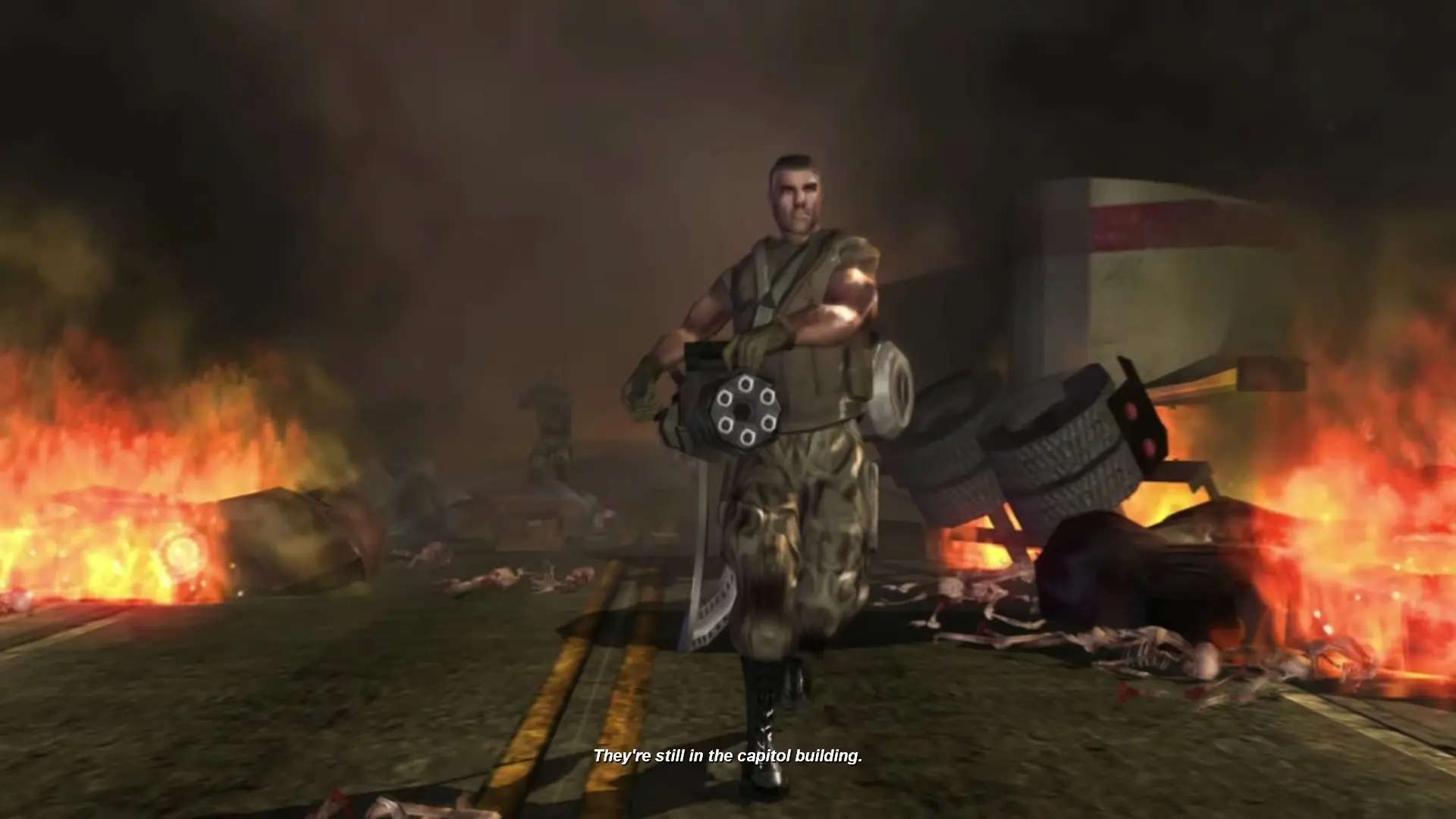
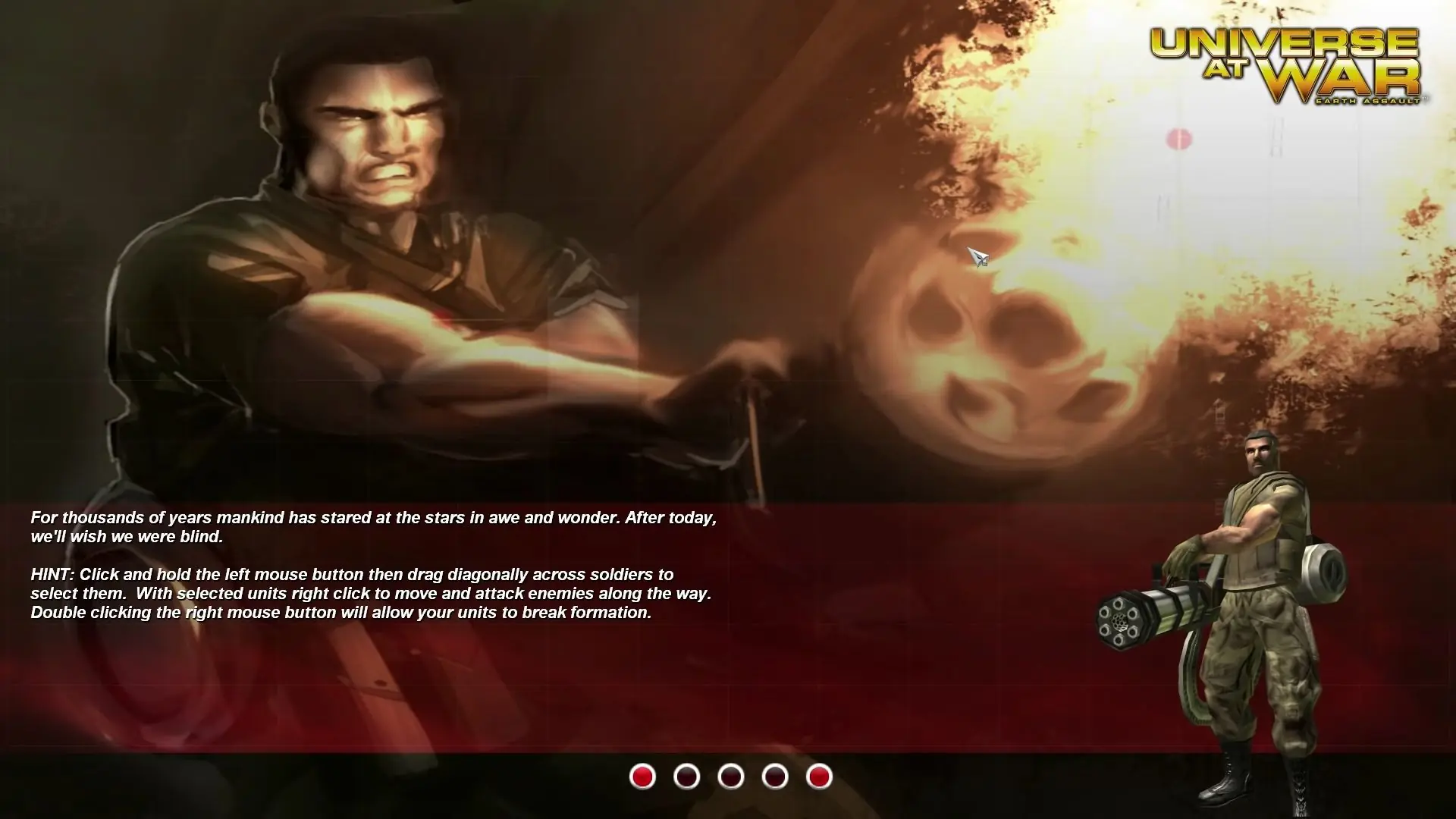
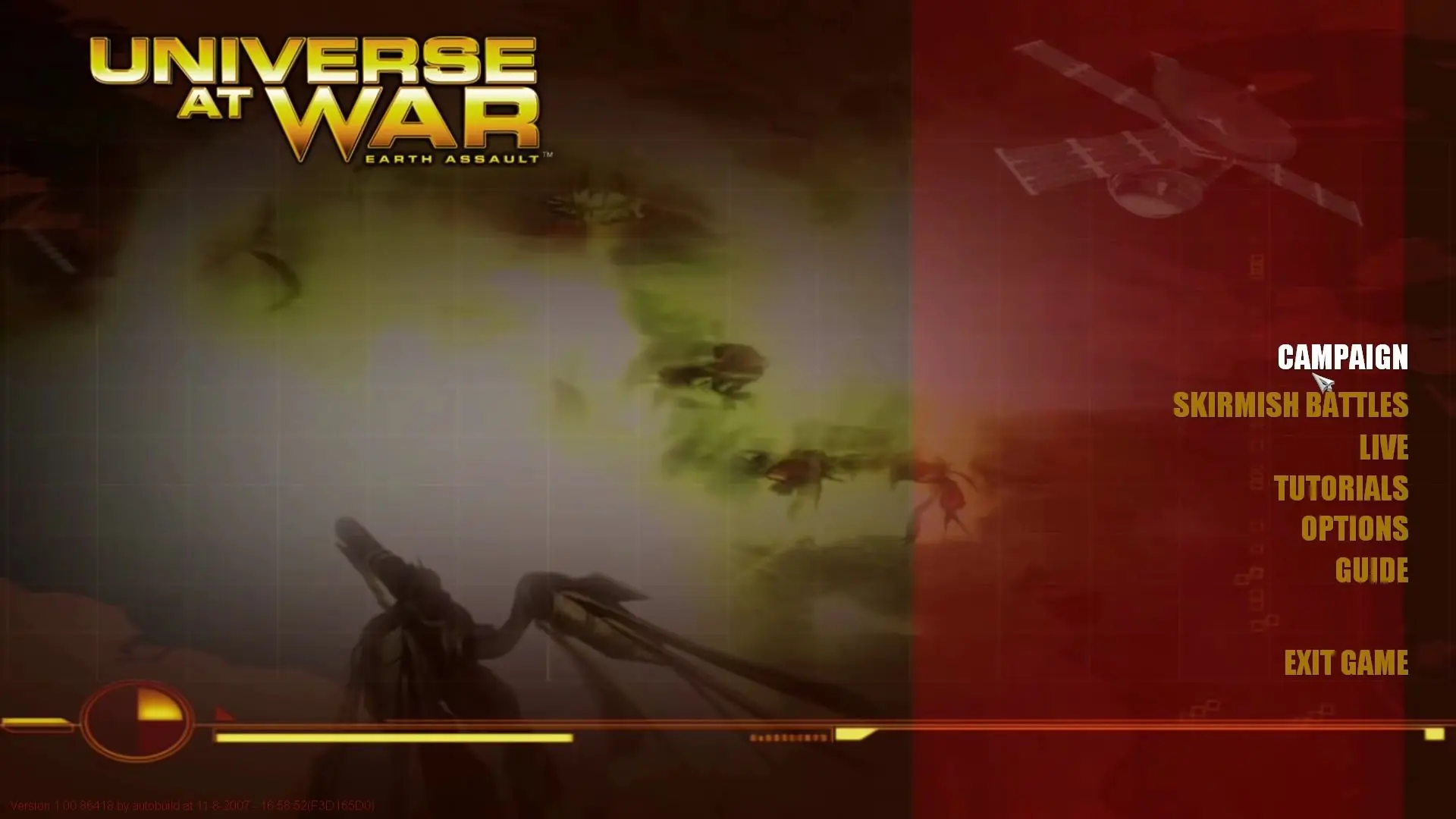
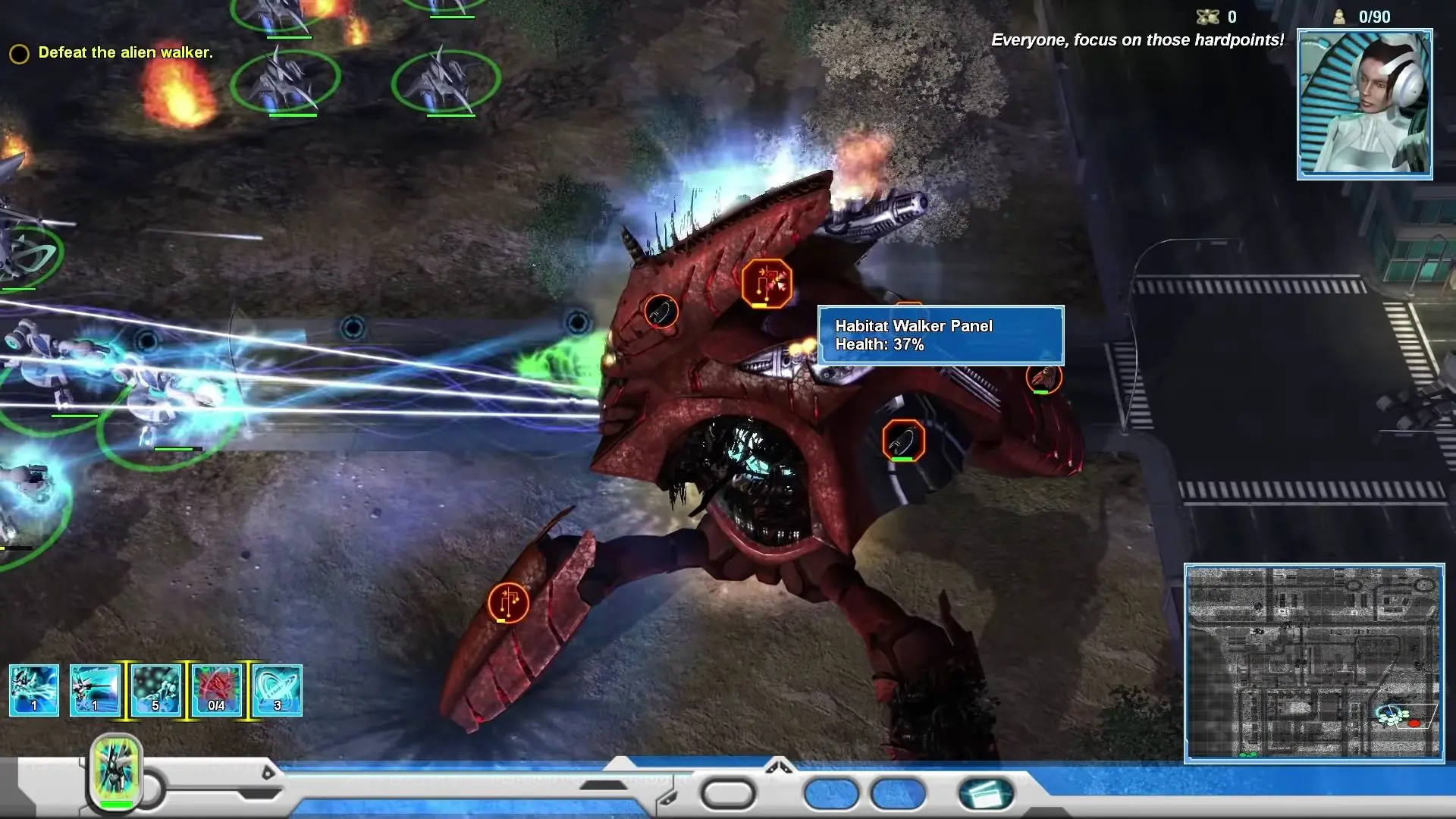
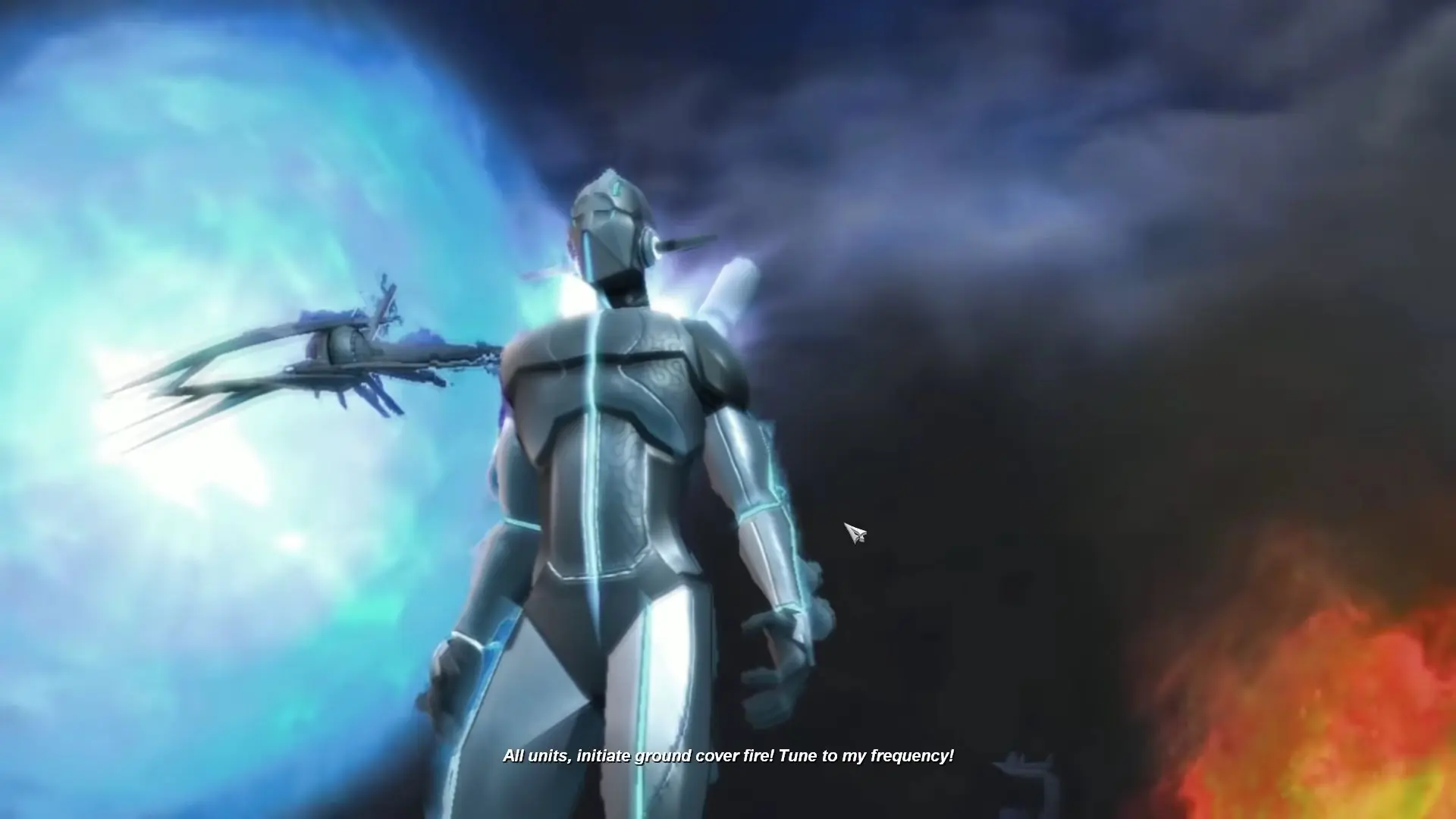
Universe at War: Earth Assault is the next sci-fi real-time strategy game from Petroglyph, the award-winning studio comprised of team members that developed the original Command & Conquer and C&C: Red Alert. The latest strategy game from these RTS pioneers features unprecedented levels of customization and an epic storyline set on near-future Earth. Powerful forces from across the universe have brought war to our planet. In Universe at War, you take command of several unique factions with awesome powers and spectacular units. Control massive-scale alien war machines that are fully customizable. With "Tactical Dynamics," Universe at War's on-the-fly customization system, you can dynamically swap out weaponry, rework your tech tree, and retrain units in the middle of combat to thwart your foe and seize the advantage. Universe at War features large-scale environmental destruction in a persistent world - level a city and when you come back, the area will still be a smoking ruin. Here, though, the environments you fight for are close to home, as you wage war across familiar Earth cities and landmarks. Universe at War also introduces numerous innovative new multiplayer features inspired by today's top MMOs and competitive online games, giving players achievements, rewards, and medals in a balanced environment with intelligent matchmaking.
Screenshots

Windows

Universe at War: Earth Assault — Windows screenshot 1Universe at War: Earth Assault — Windows screenshot 2Universe at War: Earth Assault — Windows screenshot 3Universe at War: Earth Assault — Windows screenshot 4Universe at War: Earth Assault — Windows screenshot 5Universe at War: Earth Assault — Windows screenshot 6Universe at War: Earth Assault — Windows screenshot 7Universe at War: Earth Assault — Windows screenshot 8Universe at War: Earth Assault — Windows screenshot 9Universe at War: Earth Assault — Windows screenshot 10Universe at War: Earth Assault — Windows screenshot 11Universe at War: Earth Assault — Windows screenshot 12

Download Universe at War: Earth Assault

Universe at War: Earth Assault is abandonware and no longer sold or supported by its publishers. Files are archived here for these platforms:

Windows (2007)

  • Universe_at_War_Earth_Assault_Win_ISO_EN.7zEN3.91 GB
  • Instructions Universe_at_War_Earth_Assault_Win_ISO_EN.7z

    How to play on Windows

    1. Download and Extract Universe_at_War_Earth_Assault_Win_ISO_EN.7z
    2. Open the "Game Files" folder and then mount the file "OGD.Universe.At.The.Earth.Assault.iso"
    3. Open the "Install" folder and then run "setup.exe" to install the game.
    4. When the game setup is completed, copy and paste "LaunchUAW.exe" from the Crack folder and paste the file into the game's installation directory
    5. Play the game

Comments

36 thoughts on “Universe at War: Earth Assault”

  1. 0
    This game is awesome when it comes to a theme. But, Holly… this game is stressing (unless you’re against Easy AI). How does Normal AI too hard and Easy AI too easy?! There’s no in-between. Maybe i’m just having skill issue or something, idk.
    Reply
  2. 0
    Okay i did all what Razerscale did and it works without online obz but i need it to be change to 1080p and i can’t do it as the mouse is not where it is on the game so i can’t change it in game any help?
    Reply
  3. 0
    Okay So to anyone still looking at this I figured it out. So when you download follow steps 1 and 2. after you have mounted open it and go to the install folder and run the setup file as an admin. when you get to the part in the setup where it ask if you want a custom or default install click custom. When you need to put in a code put in this code from the comments (D4658-1319D-1A439-5876D-968E3)
    Make a new folder in you local disk drive in the same space as your “program files” file. At the end of the setup you will have 2 checked downloads, click the one labeled game and change its install folder to the one you created in your local drive. this will auto change the other one to. After it finishes the install go to version you mounted and copy the cracked launcher and paste it into the new folder you created in your drive (which should now have game files) and hit replace to replace the original launcher with the cracked one. now the game should run and it will give you an error saying you cant use multiplayer but will then launch with single player.
    Reply
  4. 0
    May just be a simple issue to bypass but as I try to get setup.exe running it gives me a message saying, “error reading initialization setup file”. I don’t want to post this before I may find there might be a simple solution, but I’d like help for this.
    Reply