Home » Games » Worms 3D

Worms 3D

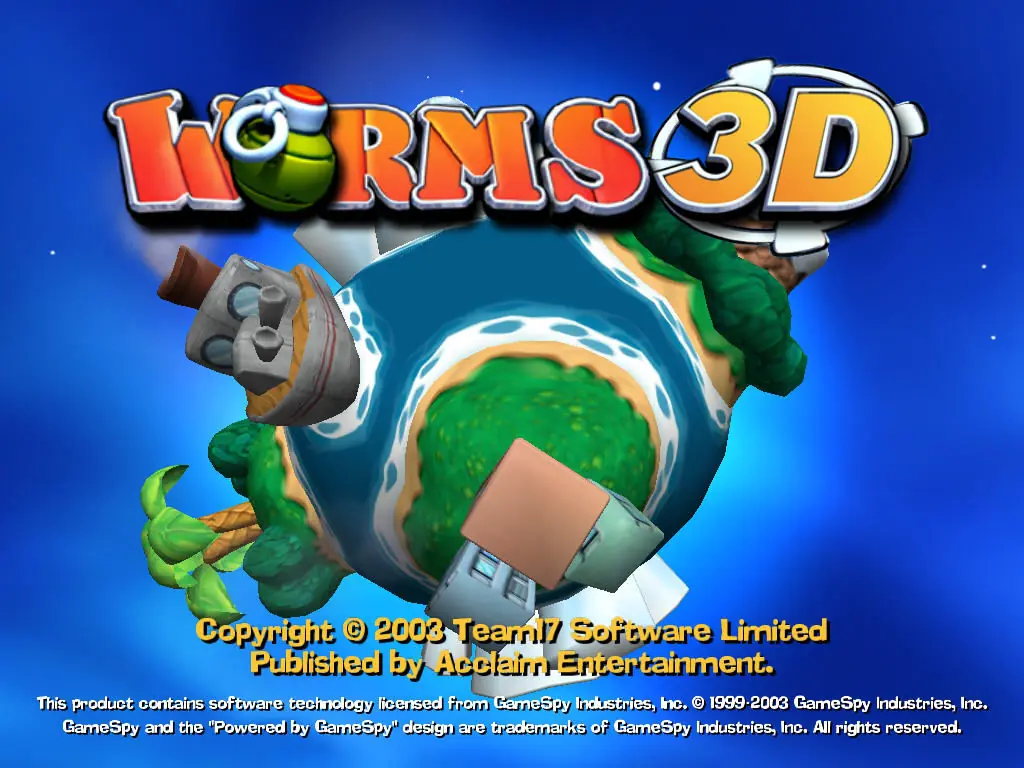
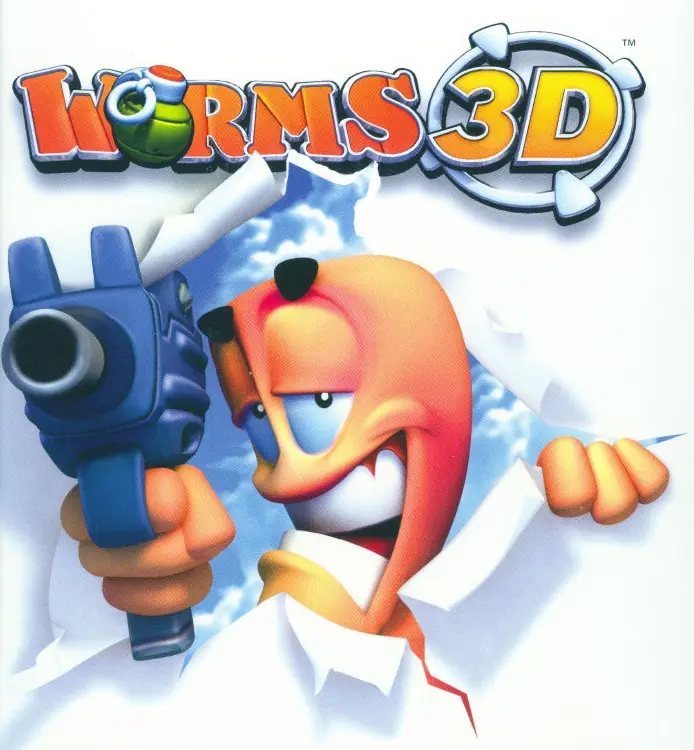
Worms 3D Game Cover
4.8/5 - 95 votes

Worms 3D is a turn-based 3D artillery game developed by Team17. It was the series' first 3D entry and added new weapons with behavior that differs from earlier Worms titles.

Other Titles

百战天虫3DBaizhan Tianchong 3DWorms 3D: Special EditionWorms3ورمز 3دىورمز 3ديکرم‌ها ۳ بعدی

Genres
Developers
Released
Platforms
Download

About Worms 3D

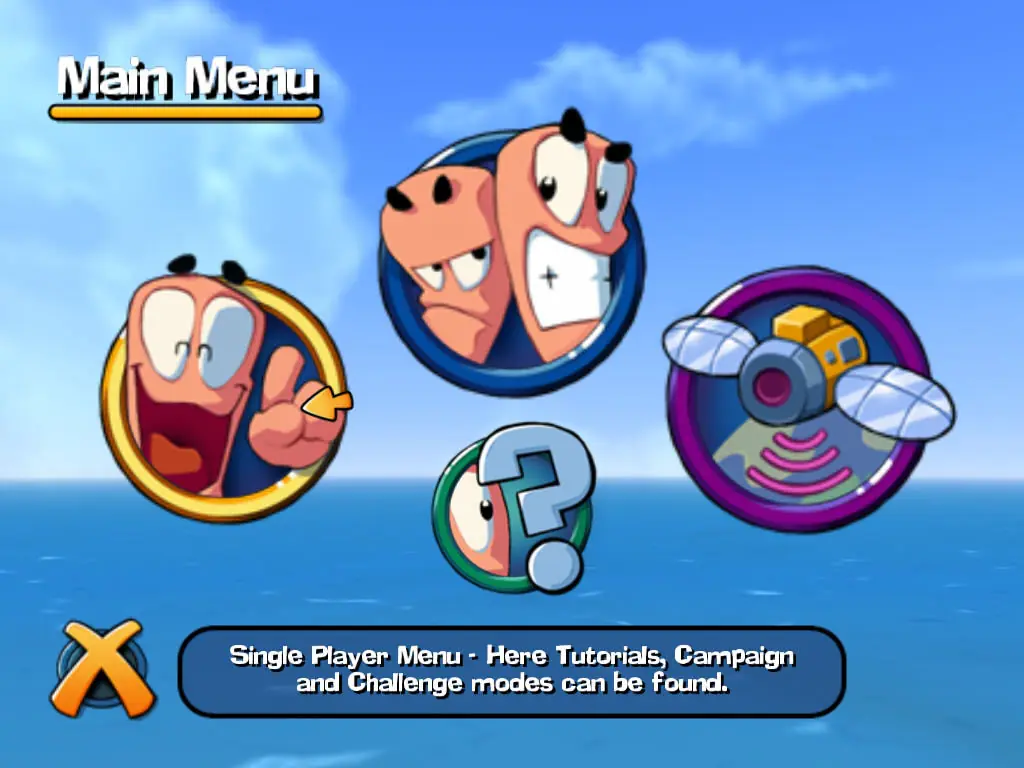
The gameplay itself is mostly unchanged from its predecessors, with the exception of the three-dimensional view, which allows the player more freedom, and more possibilities, to complete the task at hand. Modes such as Campaign and Quick Match return from previous versions. The game also features a multiplayer feature, as well as the ability to edit and create teams. The objective of most of the matches is to eliminate the opposing forces' worms, whereas the Campaign mode gives the player sets of specific goals which they need to complete. The Campaign consists of 35 small missions in which the player has to utilise their worms to complete a certain task, like destroy enemy worms, collect a certain crate, or even unique missions, such as having to detonate 16 hidden landmines in a certain time. All of the missions give awards depending on how well the player does. Gold medals usually unlock bonuses as for example maps, challenge missions, information about weapons, or voice banks.

As in Worms 3D's predecessors, the worms continue to fight using a wide range of conventional or droll weapons, including rockets, explosives, firearms, and air strikes, whilst also traversing the island using utilities when those items are available. The entire inventory is derivative of the game's immediate predecessors, but is noticeably simplified and lacks certain previously existed items, including digging tools such as the blowtorch.

In the Challenge missions, the player has to use a weapon/utility to collect targets that add to their timebank, which increases steadily. Getting a gold medal here unlocks maps or locked weapons.
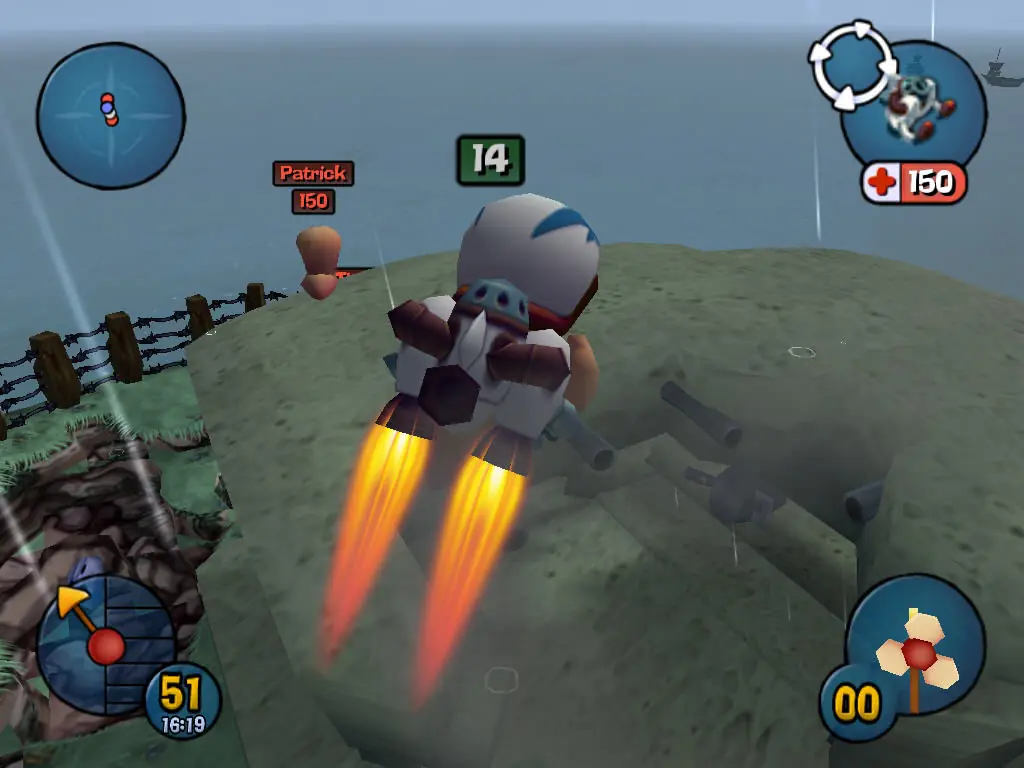
Screenshots

Windows

Worms 3D — Windows screenshot 1Worms 3D — Windows screenshot 2Worms 3D — Windows screenshot 3

Download Worms 3D

Worms 3D is abandonware and no longer sold or supported by its publishers. Files are archived here for these platforms:

Windows (2003)

  • Worms_3D_Win_ISO_EN.zipEN1.1 GB
  • Instructions Worms_3D_Win_ISO_EN.zip

    How to play on Windows

    1. Download and Extract Worms_3D_Win_ISO_EN.zip
    2. Open the "Game Files" folder and mount CD1 and CD2 (you will have to mount the iso files). If you don't know how to mount files, refer to this article: https://oldgamesdownload.com/wiki/install-games-on-windows/
    3. Go to the mounted file and run "setup.exe".
    4. When the installation is completed, go to the "NoCD" folder and copy paste "Launcher.exe" into the game installation directory
    5. Play the game

Other resources

Comments

31 thoughts on “Worms 3D”

  1. 0
    i imported the launcher into my game directory where i downloaded the cd launcher but when i try to use it nothing happens
    Reply
  2. 0
    ive gotten to the very last step and for 2 days ive been trying to start it, but it continuously asks me to insert disk 1. and when i try to start with launcher.exe, it gives me this message ” the code execution cannot proceed because MSVCR71.dll not found. reinstalling the program may fix this problem”
    Reply
  3. -3
    Hi. could you add the resolution option for launcher.exe. It too small when i start the game or could you give me some trick to extend the window? thanks so much
    Reply
  4. 1
    it work thanks so much. but could you help me how to extend the window. it too small when I play game and hard to see the map. could you fix or add the resolution option please?
    Reply