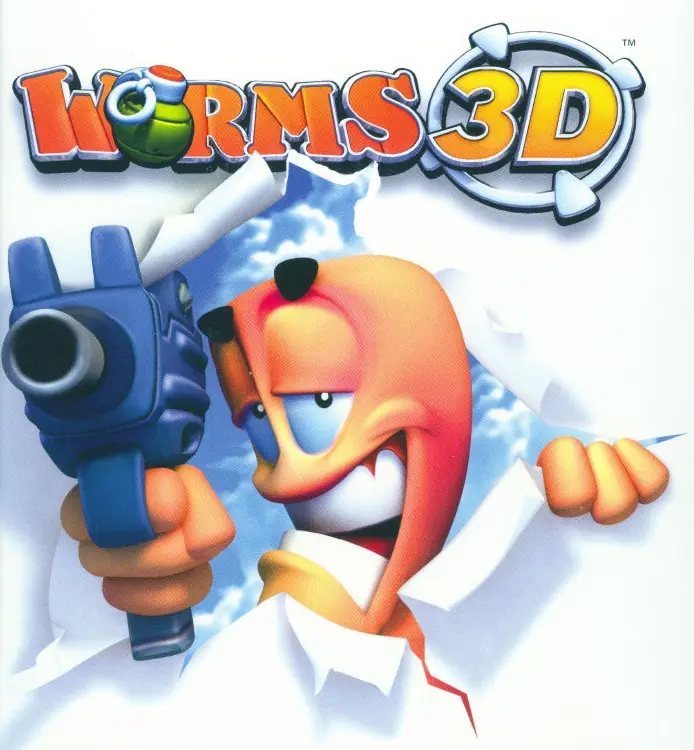
About Worms 3D
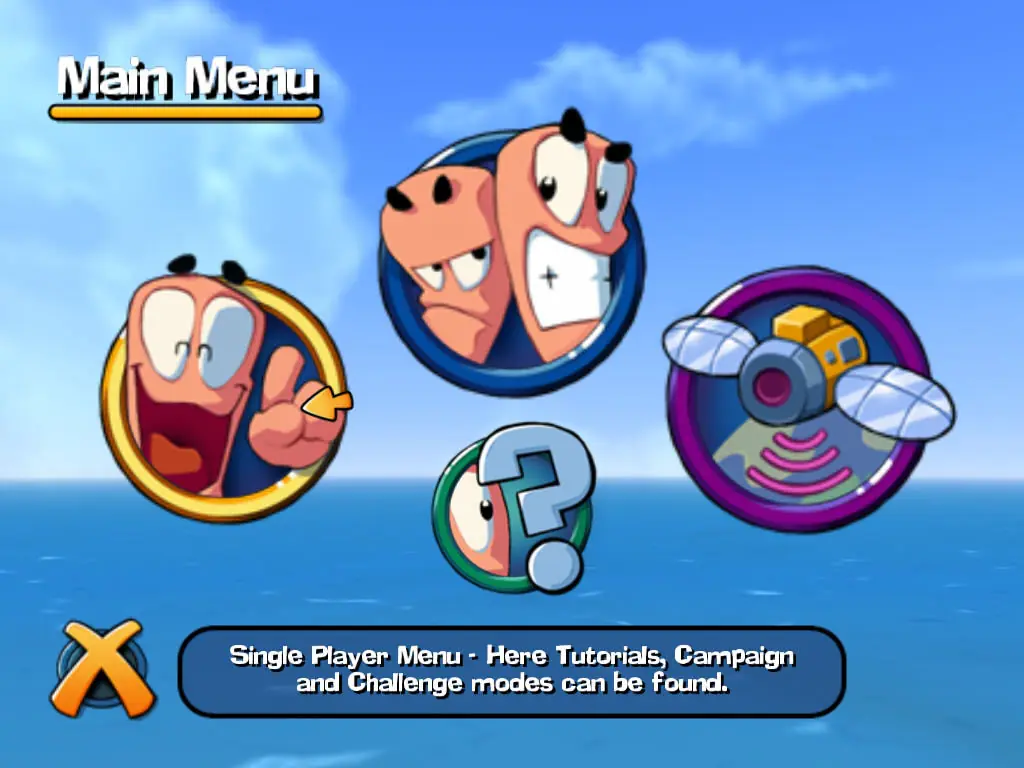
The gameplay itself is mostly unchanged from its predecessors, with the exception of the three-dimensional view, which allows the player more freedom, and more possibilities, to complete the task at hand. Modes such as Campaign and Quick Match return from previous versions. The game also features a multiplayer feature, as well as the ability to edit and create teams. The objective of most of the matches is to eliminate the opposing forces' worms, whereas the Campaign mode gives the player sets of specific goals which they need to complete. The Campaign consists of 35 small missions in which the player has to utilise their worms to complete a certain task, like destroy enemy worms, collect a certain crate, or even unique missions, such as having to detonate 16 hidden landmines in a certain time. All of the missions give awards depending on how well the player does. Gold medals usually unlock bonuses as for example maps, challenge missions, information about weapons, or voice banks.
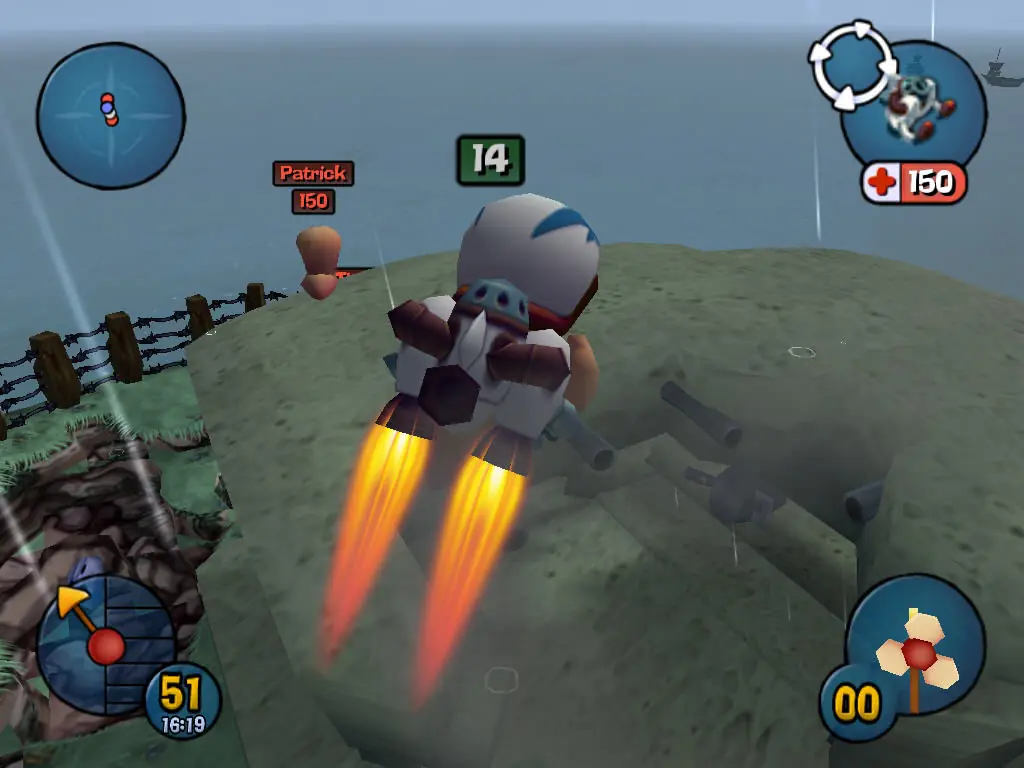
As in Worms 3D's predecessors, the worms continue to fight using a wide range of conventional or droll weapons, including rockets, explosives, firearms, and air strikes, whilst also traversing the island using utilities when those items are available. The entire inventory is derivative of the game's immediate predecessors, but is noticeably simplified and lacks certain previously existed items, including digging tools such as the blowtorch.
In the Challenge missions, the player has to use a weapon/utility to collect targets that add to their timebank, which increases steadily. Getting a gold medal here unlocks maps or locked weapons.










You will need to run the Launcher.exe with the command line from windows and add a few arguments.
If you have installed the game at the default location the following should work:
1. Open windows explorer and go into the folder your worms3d has been installed.
Default should be: C:\Team17\Worms 3D
2. Then from there shift + right click on empy space (not a file) and click on “Open command window here”
3. There we are gonna type in the following:
.\Launcher.exe /FS /W 1920 /H 1080
FYI: If youre screen is an other resolution than 1920×1080 you can put other numbers in that place.
4. Press enter and the game should launch in fullscreen with the specified resolution.
edit:i reinstalled it and there is folders this time(it was disks before)… and i have to mount disk 1, but…
i have original worms 3d that (i think) don’t work, but…
i don’t have any disk readers!
https://uploads.disquscdn.com/images/07832d6a6a2a6d73f801bcc1e29208bed4269ec2496fb8aed8e2816c3f924ab2.png