Home » Games » Volfied

Volfied

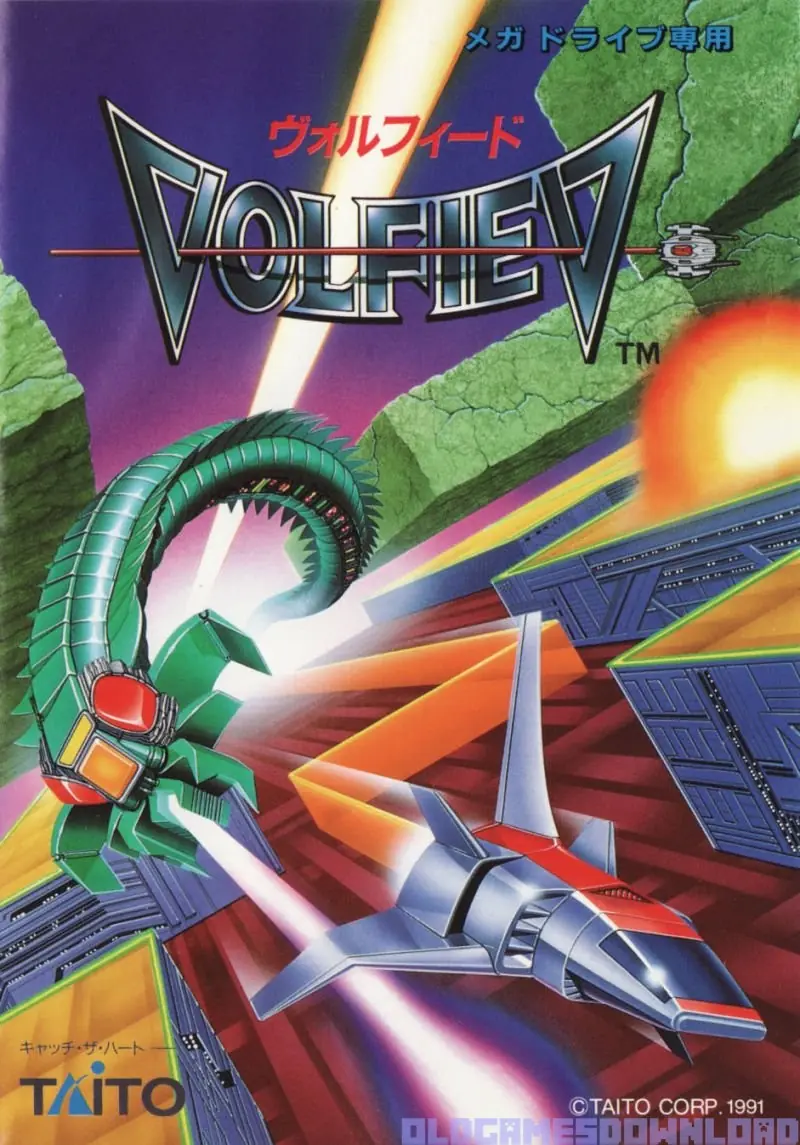
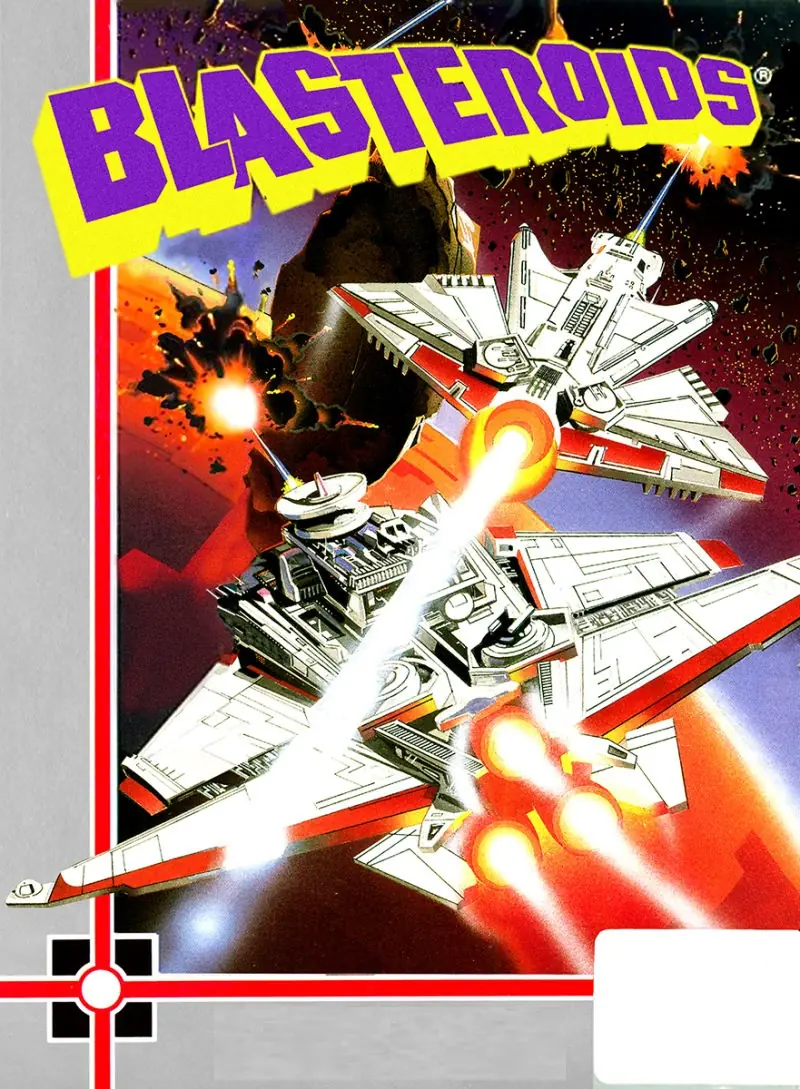
Volfied Game Cover
4.8/5 - 5 votes

Volfied is a 1989 action game developed and published by Taito.

Other Titles

ヴォルフィードUltimate QixQIX Neo地面大作戰

Genres
Publishers
Developers
Released
Platforms
Download

About Volfied

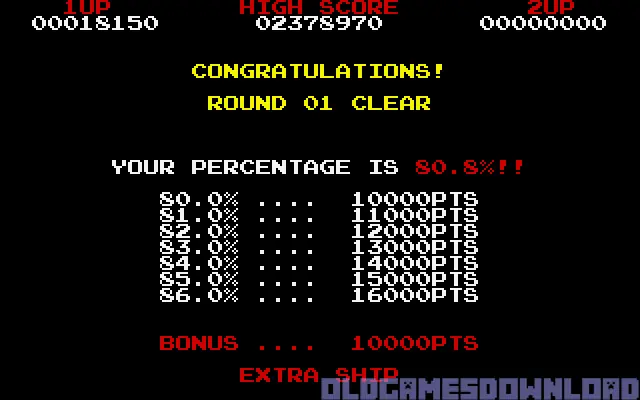
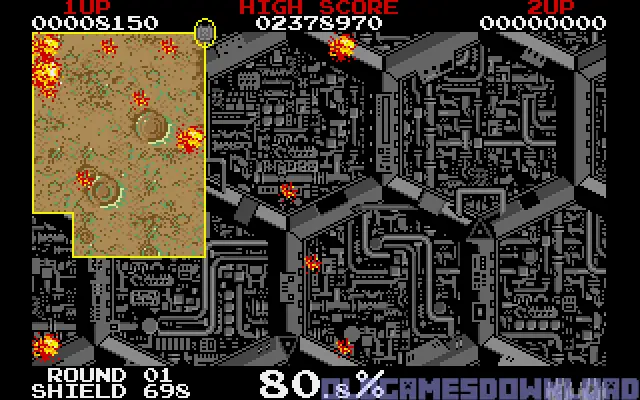
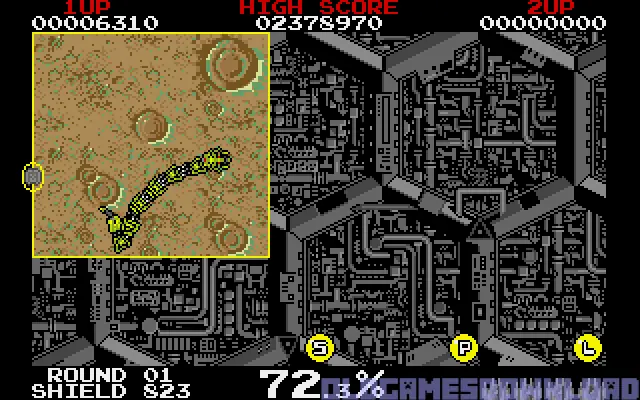
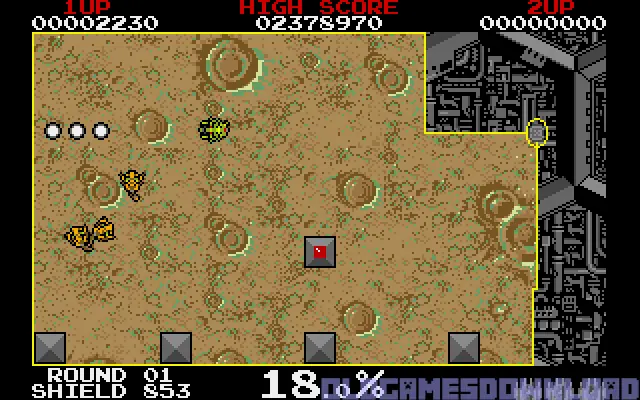
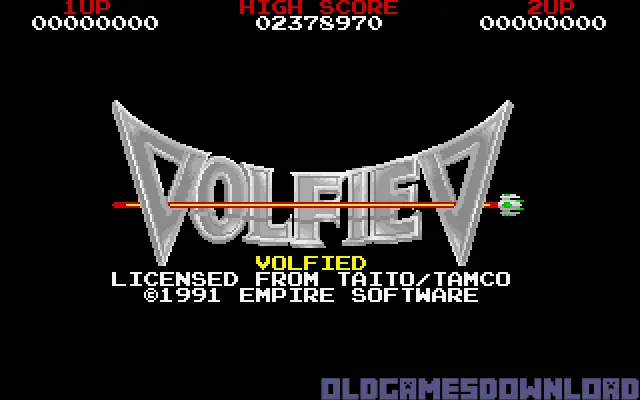
Volfied (ヴォルフィード Vorufīdo) (also known as Ultimate Qix on the Sega Mega Drive/Genesis or Qix Neo on PlayStation) is an arcade game released by Taito in 1989. A port for MS-DOS has been developed by Empire Interactive and published by Taito in 1991.

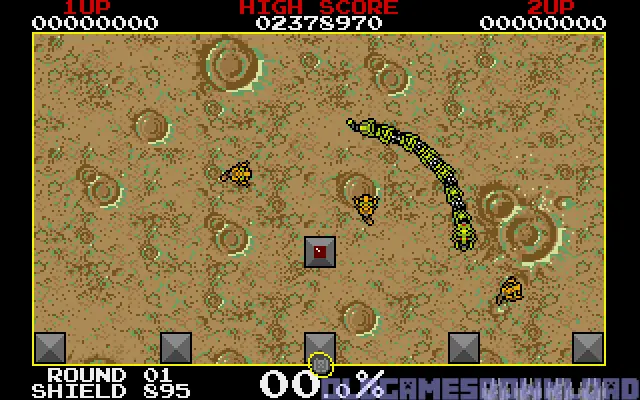
The game is an updated version of Qix, with extra features and a futuristic science fiction aesthetic, rather than Qix's abstract geometry style. The player pilots a small spaceship named "monotros" instead of a simple dot and the enemies come in the form of various aliens.

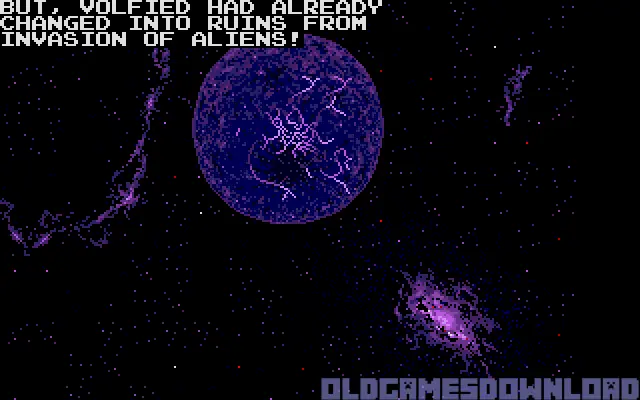
Taking place in another galaxy, a space pilot is returning to his home world of Volfied, only to discover that it is under attack by an unknown alien force. The few remaining Volfied inhabitants are in an underground location of the planet and signal the pilot for aid. The pilot flies to Volfied using his ship's defensive weapons in order to eliminate the alien threat and save his people.
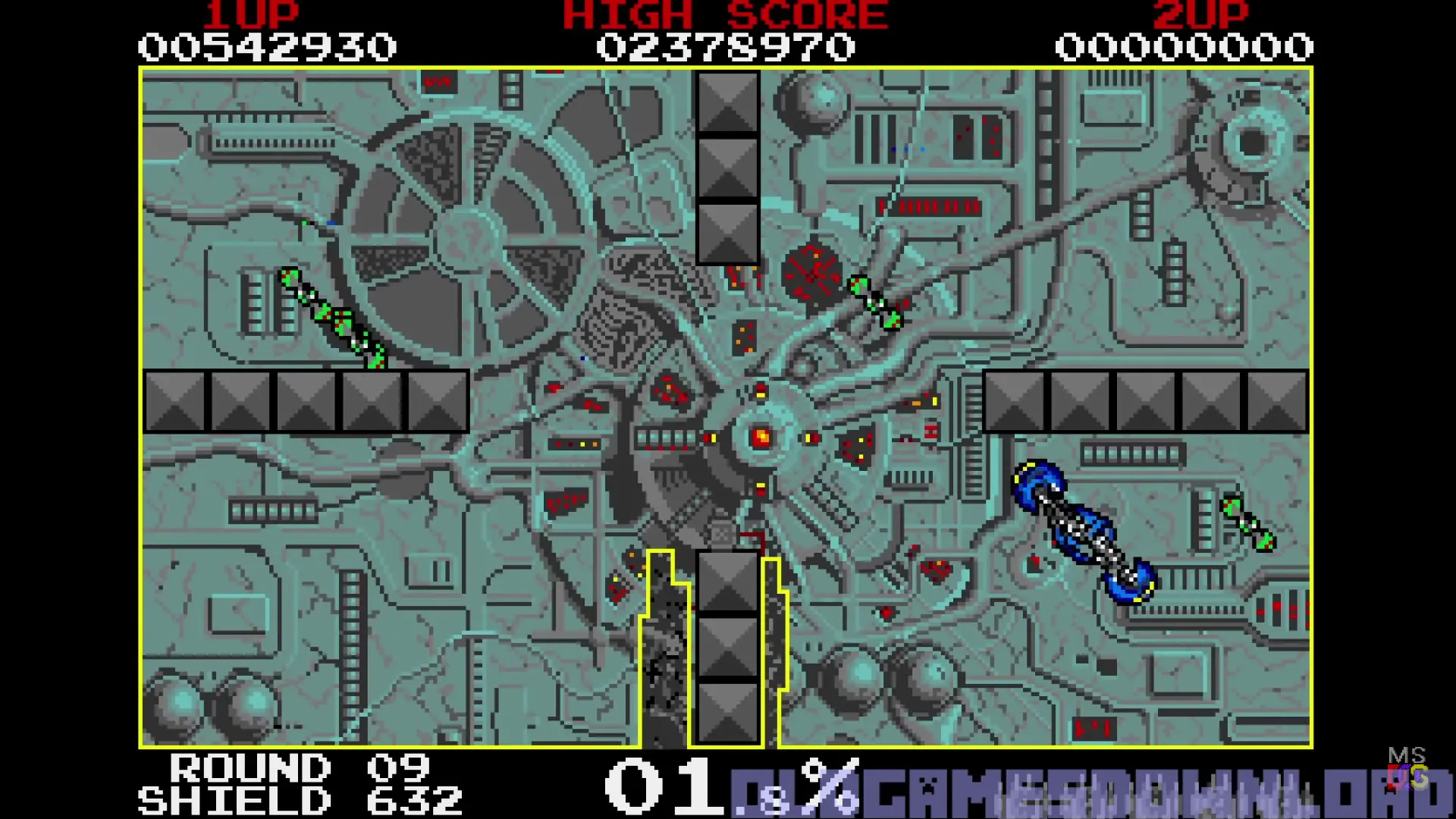
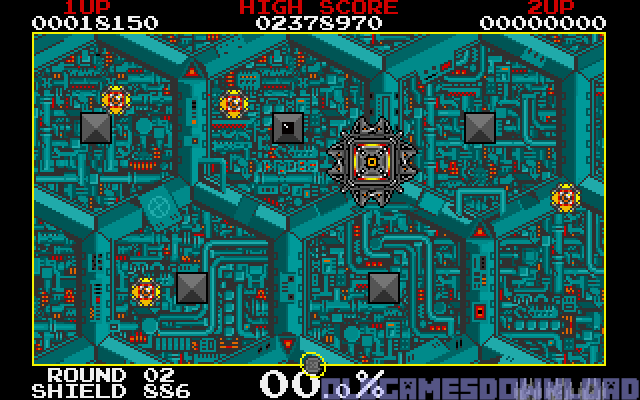
Screenshots

DOS

Volfied — DOS screenshot 1Volfied — DOS screenshot 2Volfied — DOS screenshot 3Volfied — DOS screenshot 4Volfied — DOS screenshot 5Volfied — DOS screenshot 6Volfied — DOS screenshot 7Volfied — DOS screenshot 8Volfied — DOS screenshot 9Volfied — DOS screenshot 10Volfied — DOS screenshot 11

Download Volfied

Volfied is abandonware and no longer sold or supported by its publishers. Files are archived here for these platforms:

DOS (1989)

  • Volfied_DOS_Files_EN.zipEN447.1 KB
  • Instructions Volfied_DOS_Files_EN.zip

    How to play on Windows

    1. Extract the folder to your desktop. You will need a software such as WinRAR to do this.
    2. Download DOSBox and put a shortcut for DOSBox onto your desktop.
    3. Open the "Volfied" folder and then open the "Game Files" folder.
    4. Drag the file called "volfied" on top of the DOSBox icon and the game should now launch in DOSBox.
    5. Enjoy the game!

Manuals and readmes

Tutorial: How to play DOS games on Windows

Comments